Learn how to fix the multi-layered depth effect not working on your iPhone or iPad’s Lock Screen wallpaper.
Fix wallpaper Depth Effect not working on iOS Lock Screen
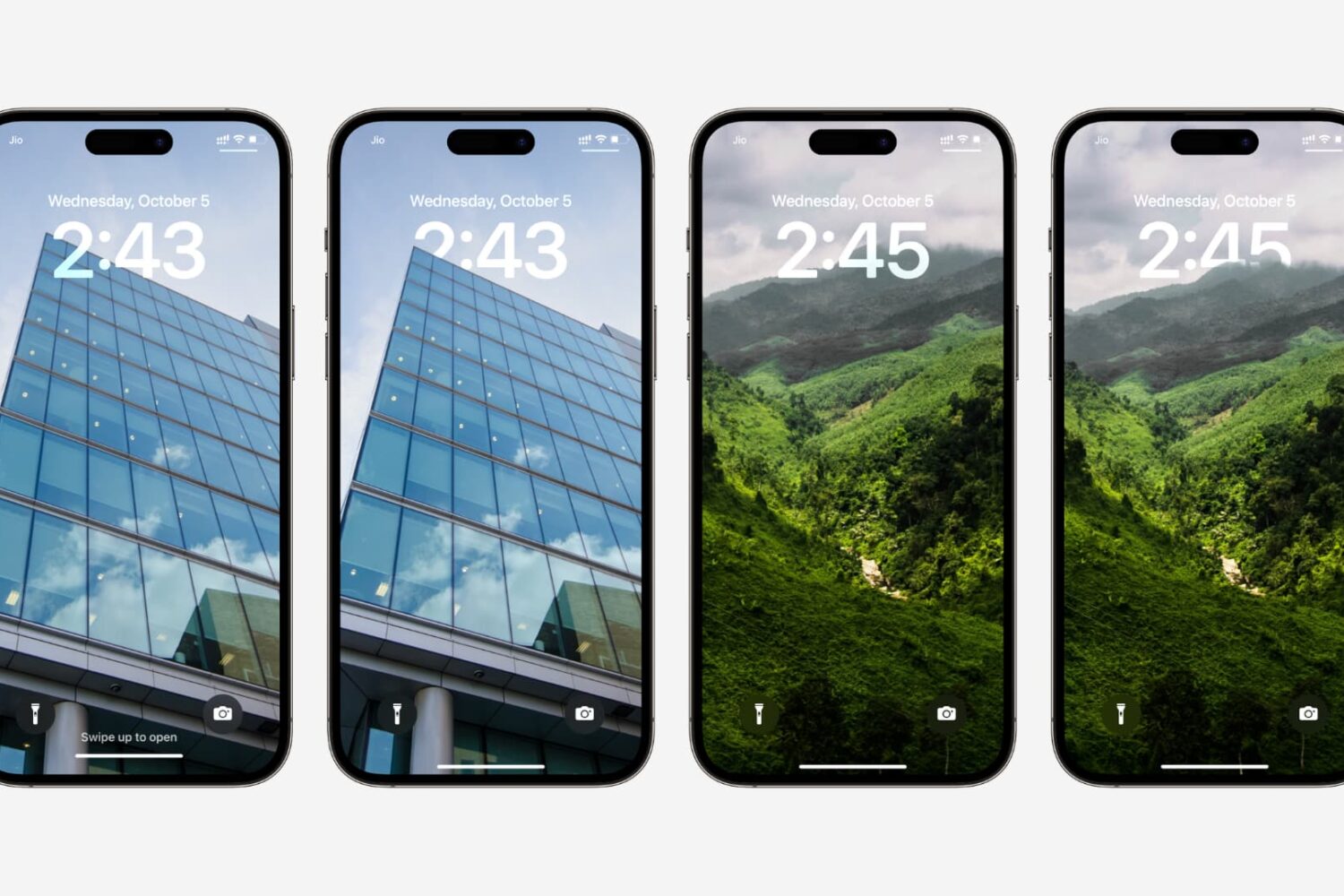
Learn how to fix the multi-layered depth effect not working on your iPhone or iPad’s Lock Screen wallpaper.
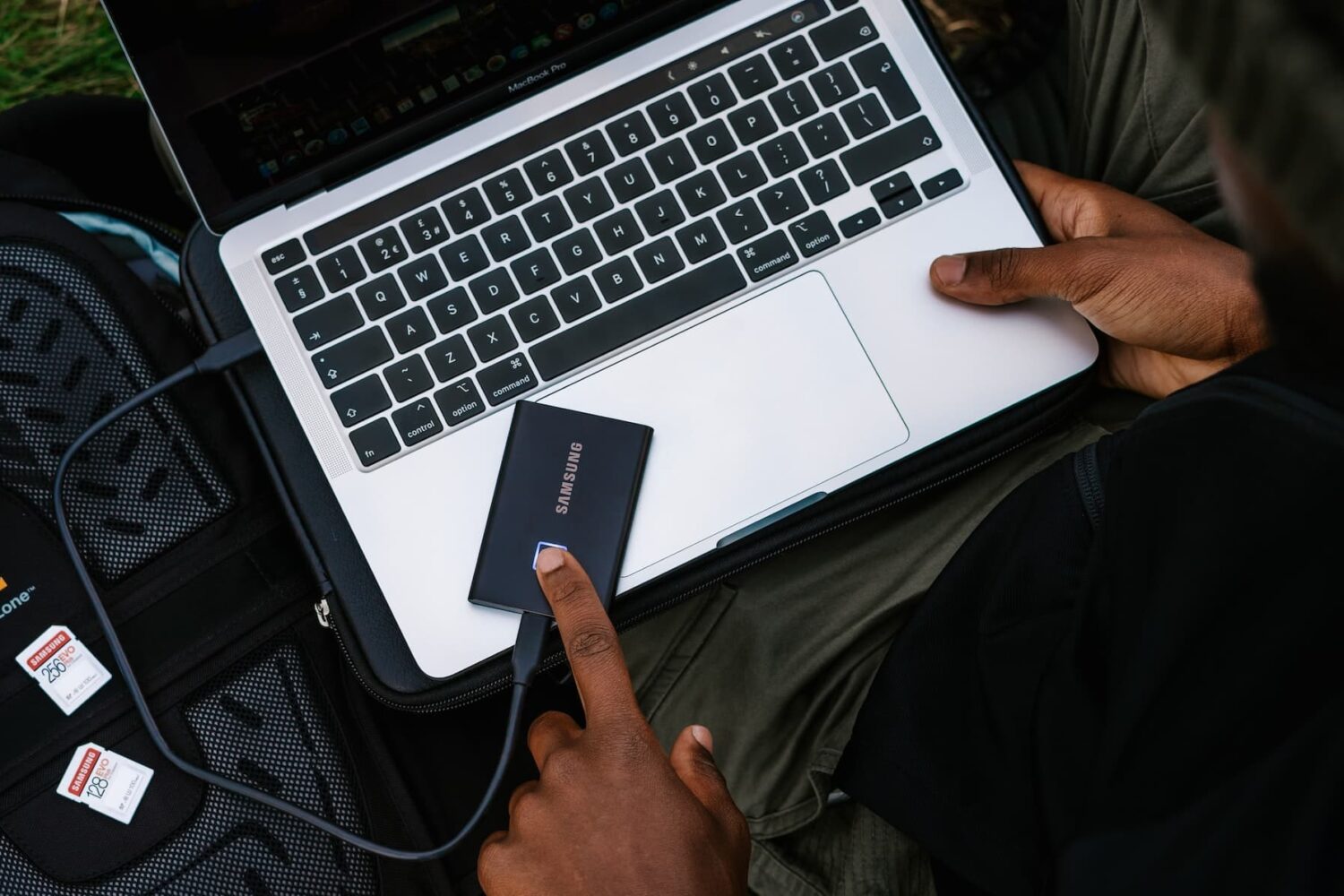
Learn what to do if your external hard disk, SSD, thumb drive, or other USB device is not connecting to your Mac and you can’t use it as expected.
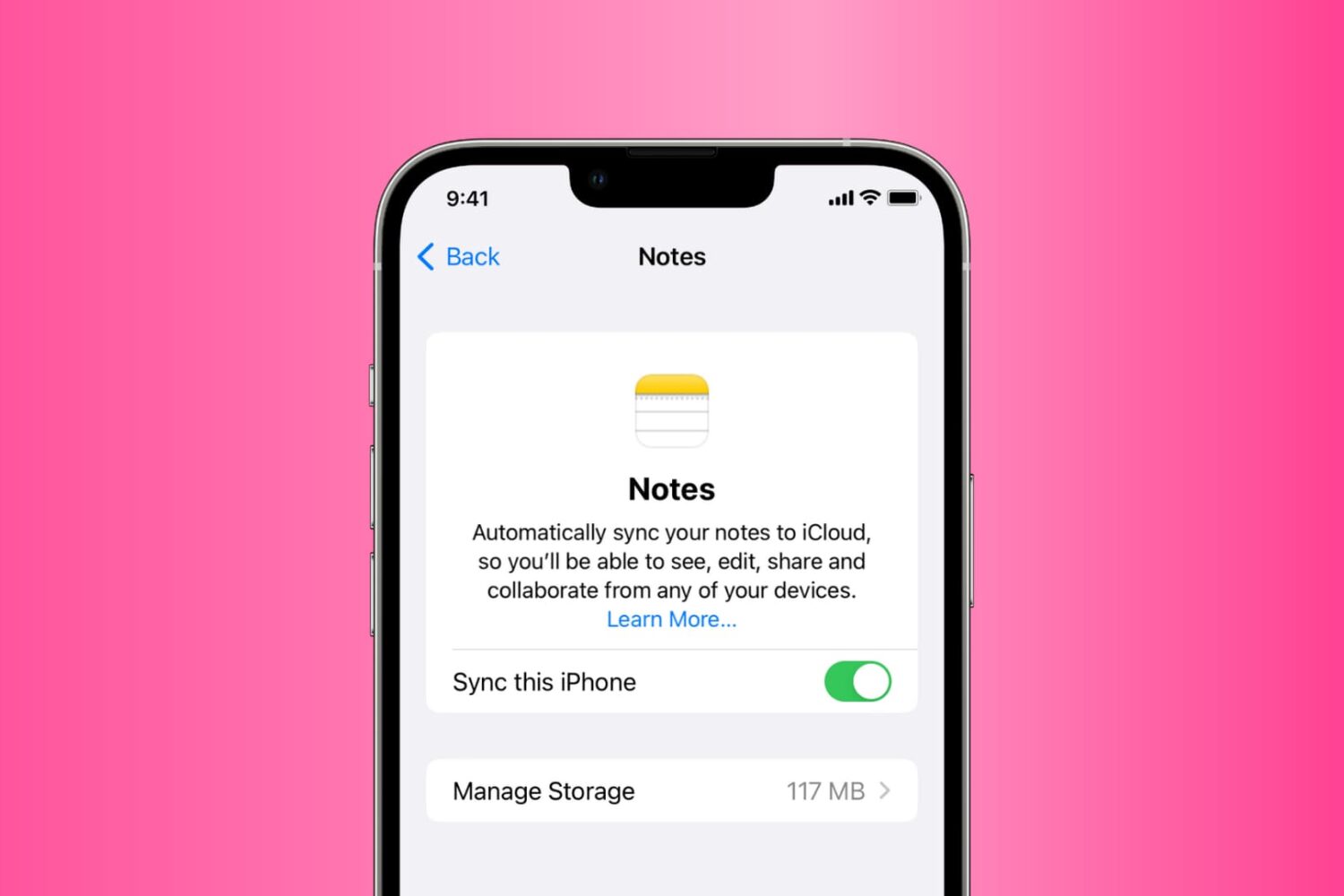
Go through these solutions to fix the Notes app not working, opening, freezing, crashing, or not displaying your notes on iPhone, iPad, and Mac.
Learn what to do if your iPhone’s 5G connection doesn’t work the way it should, leaving you stuck with a slower 4G/LTE service.
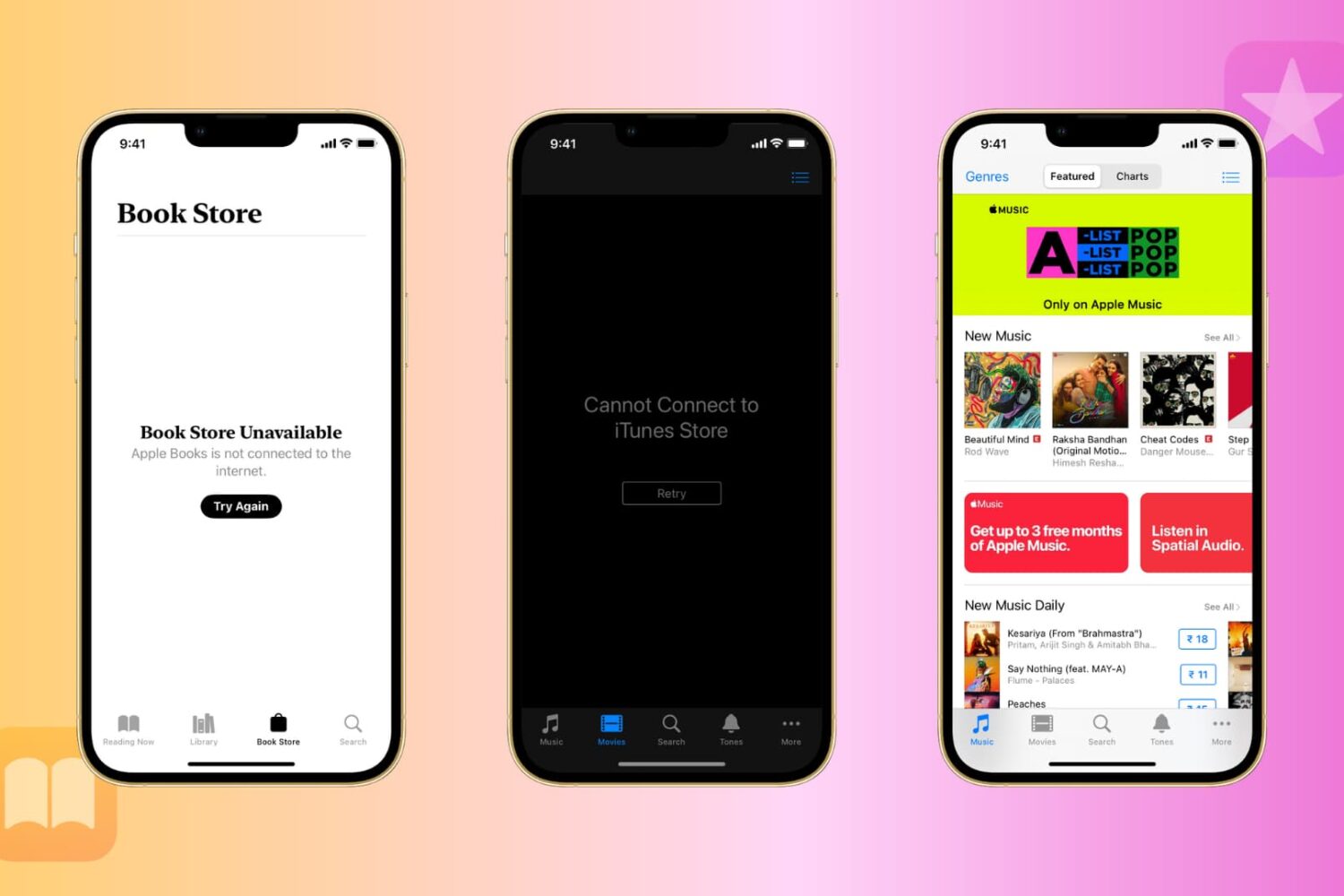
Learn what to do if you can’t use the iTunes Store or Book Store on your iPhone, iPad, Mac, or Windows PC and get errors like Cannot Connect to iTunes Store or Book Store Unavailable.
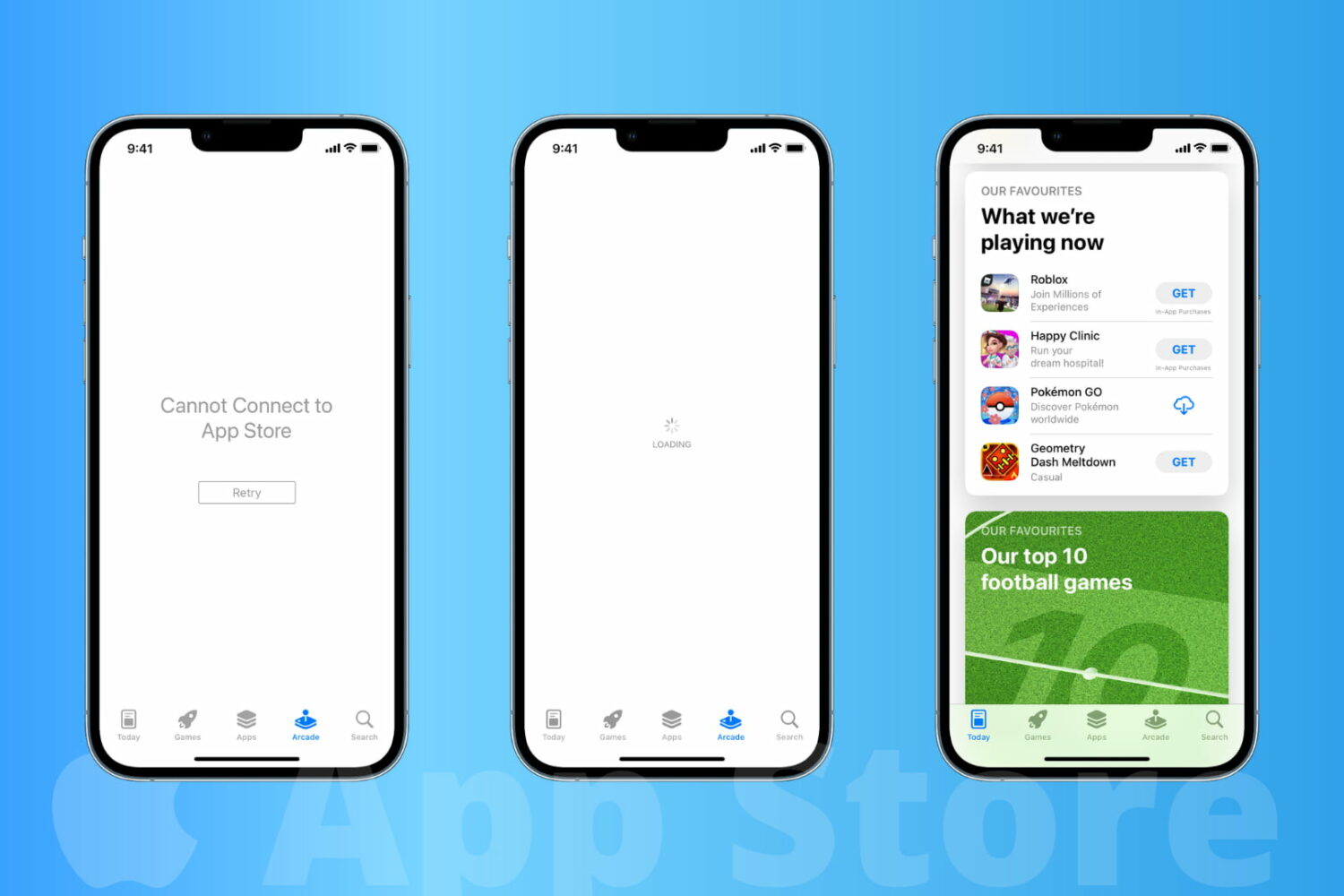
Learn how to fix the App Store not working on your iPhone or iPad, and solve the “Cannot Connect to App Store” error.
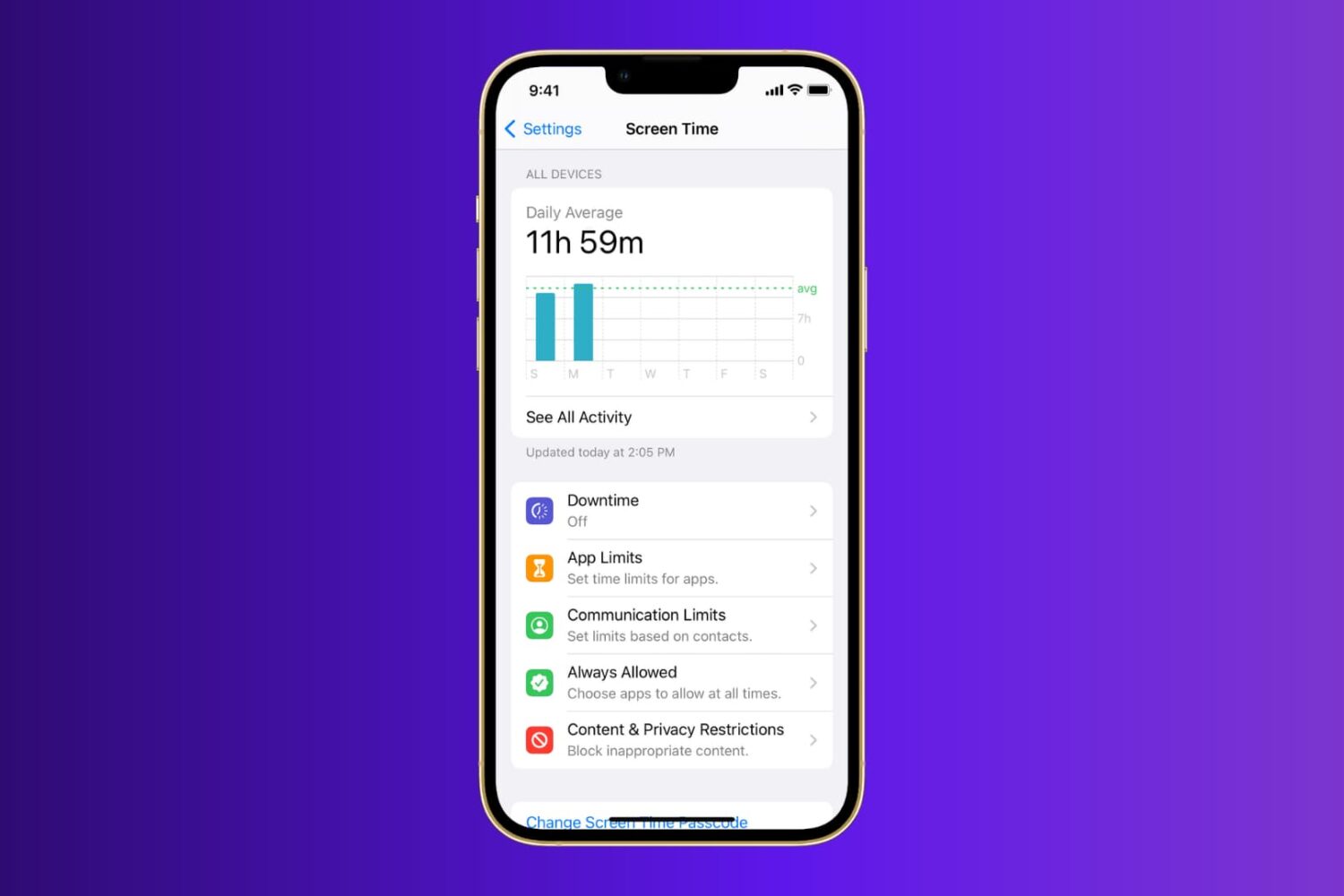
Learn what to do when Screen Time is not working properly on your iPhone or iPad running a recent version of iOS or iPadOS.
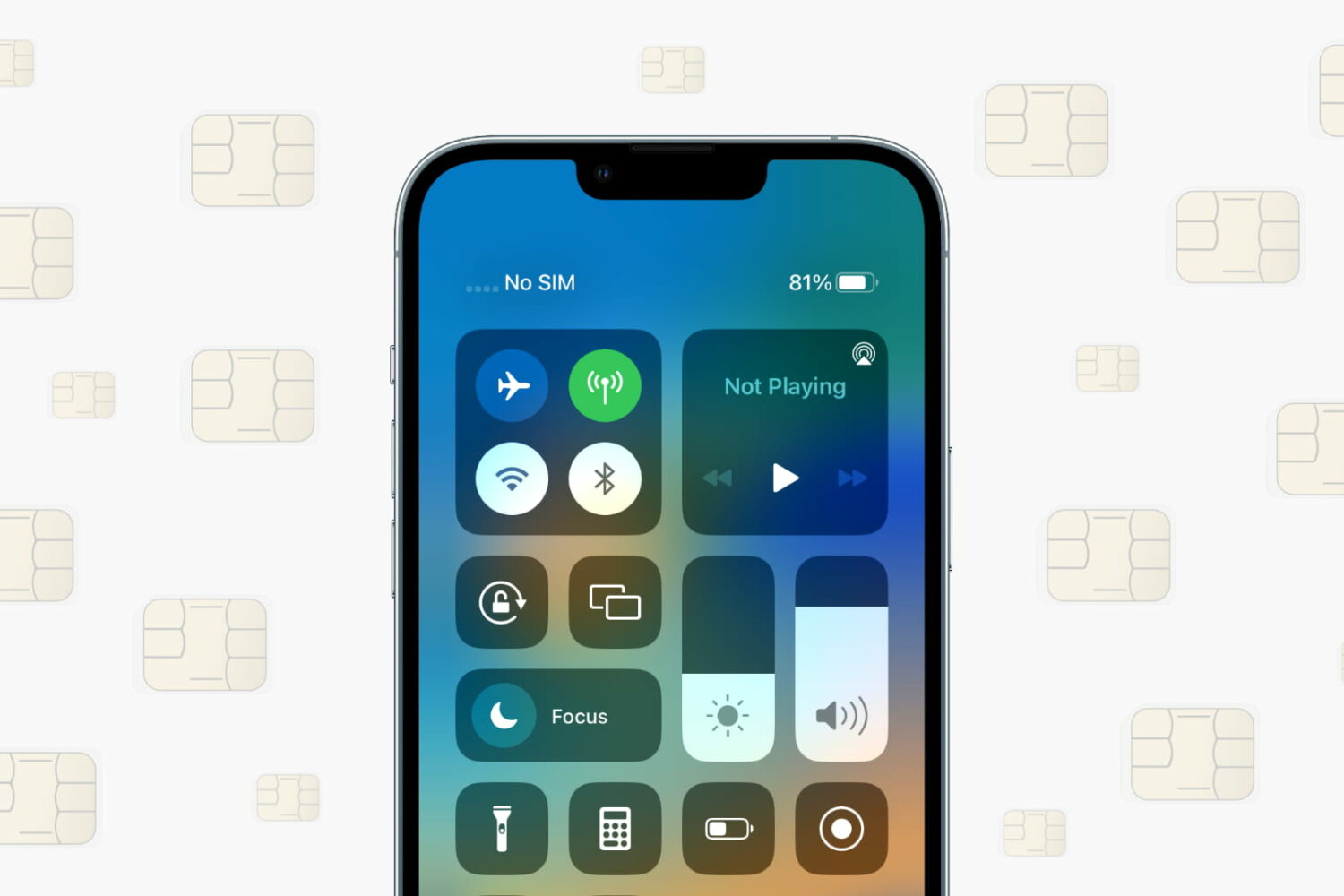
Learn what to do if your iPhone or cellular iPad isn’t recognizing the SIM card and shows “No SIM,” “SIM Not Valid,” or other SIM-related errors.
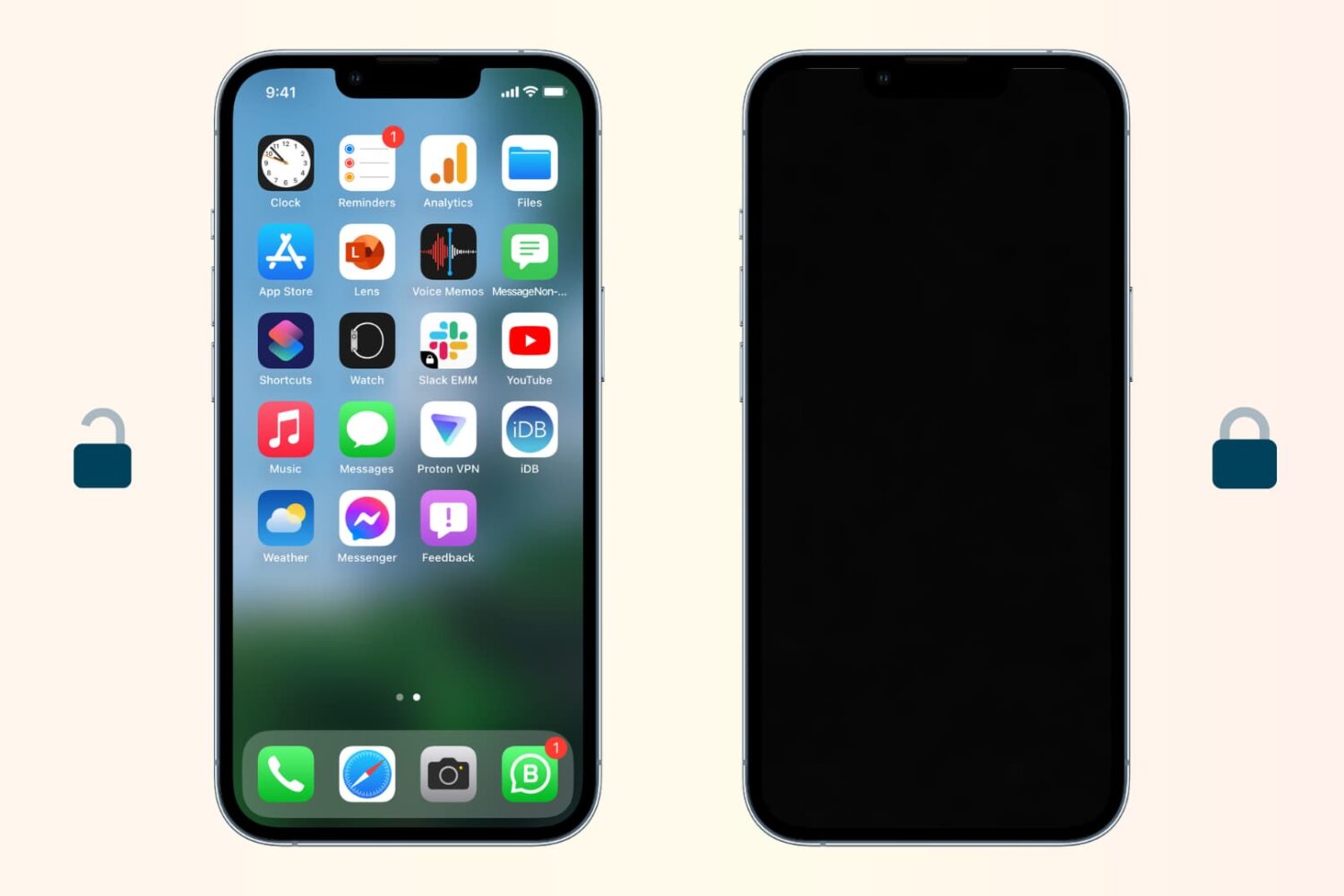
Follow these steps if your iPhone is not locking and going to sleep automatically after a period of inactivity.
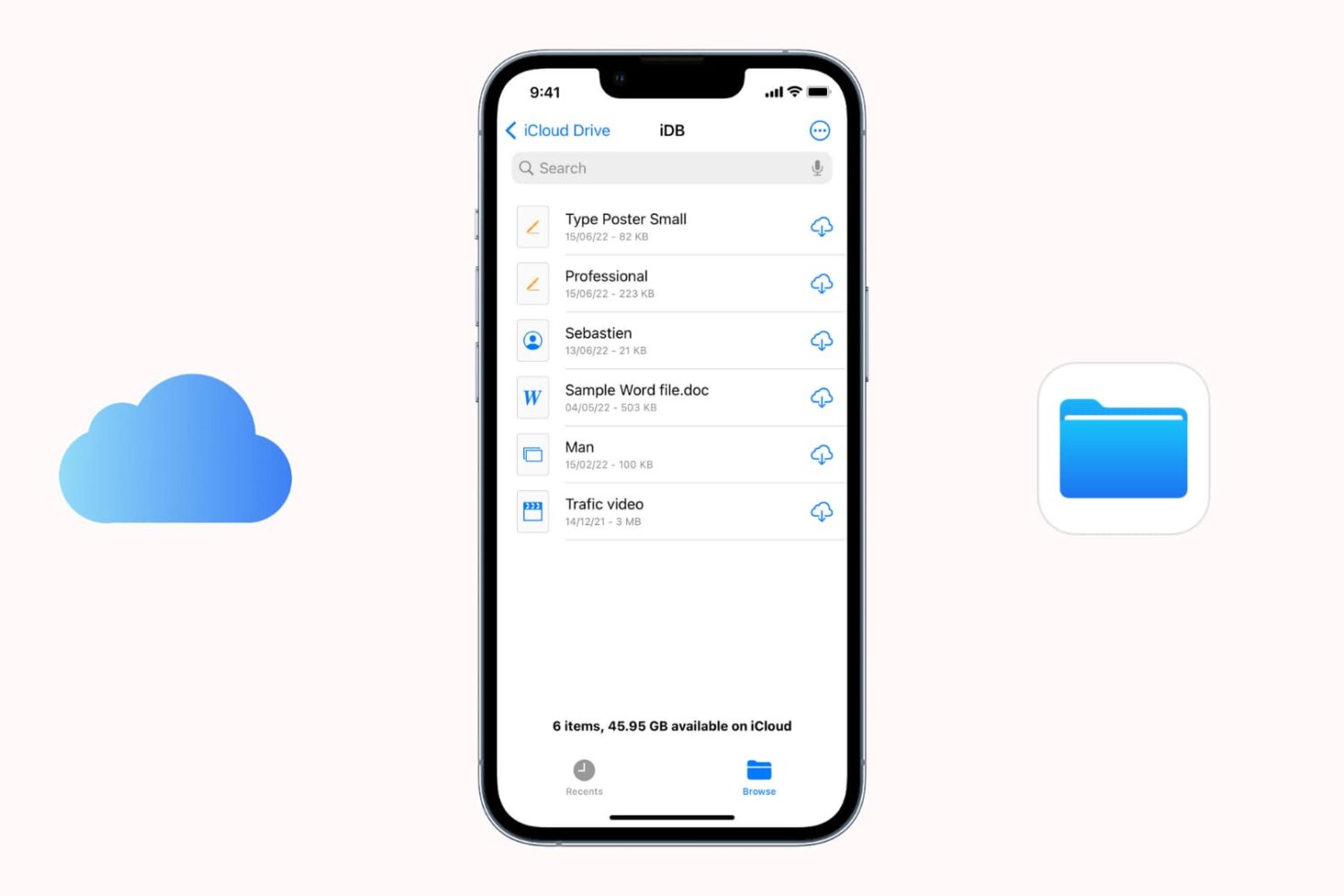
Find out what to do if files aren’t downloading from iCloud onto your iPhone or iPad.
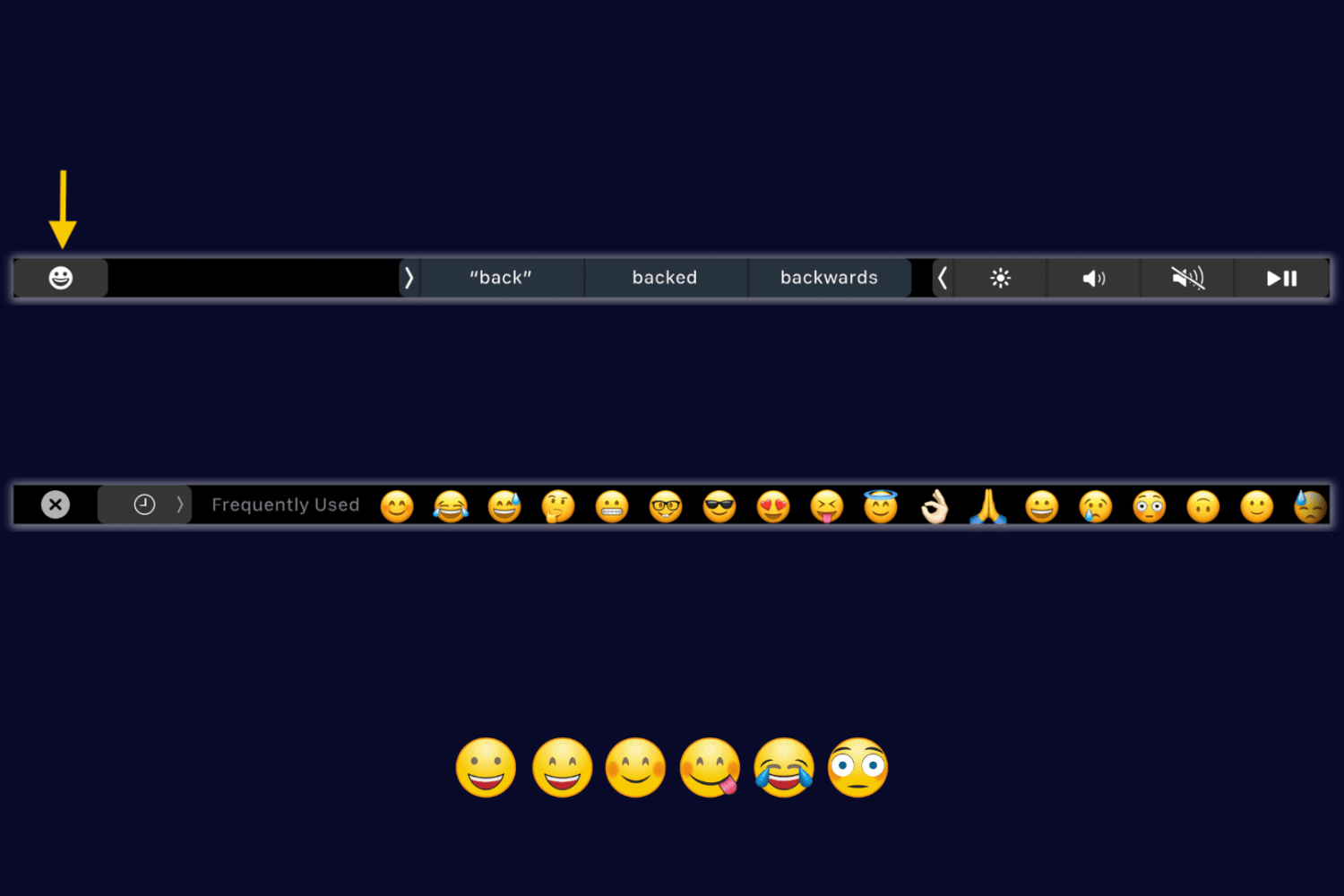
Learn how to get back the missing emoji button on your MacBook Pro's Touch Bar if it doesn't appear when you're typing in Notes or other apps.
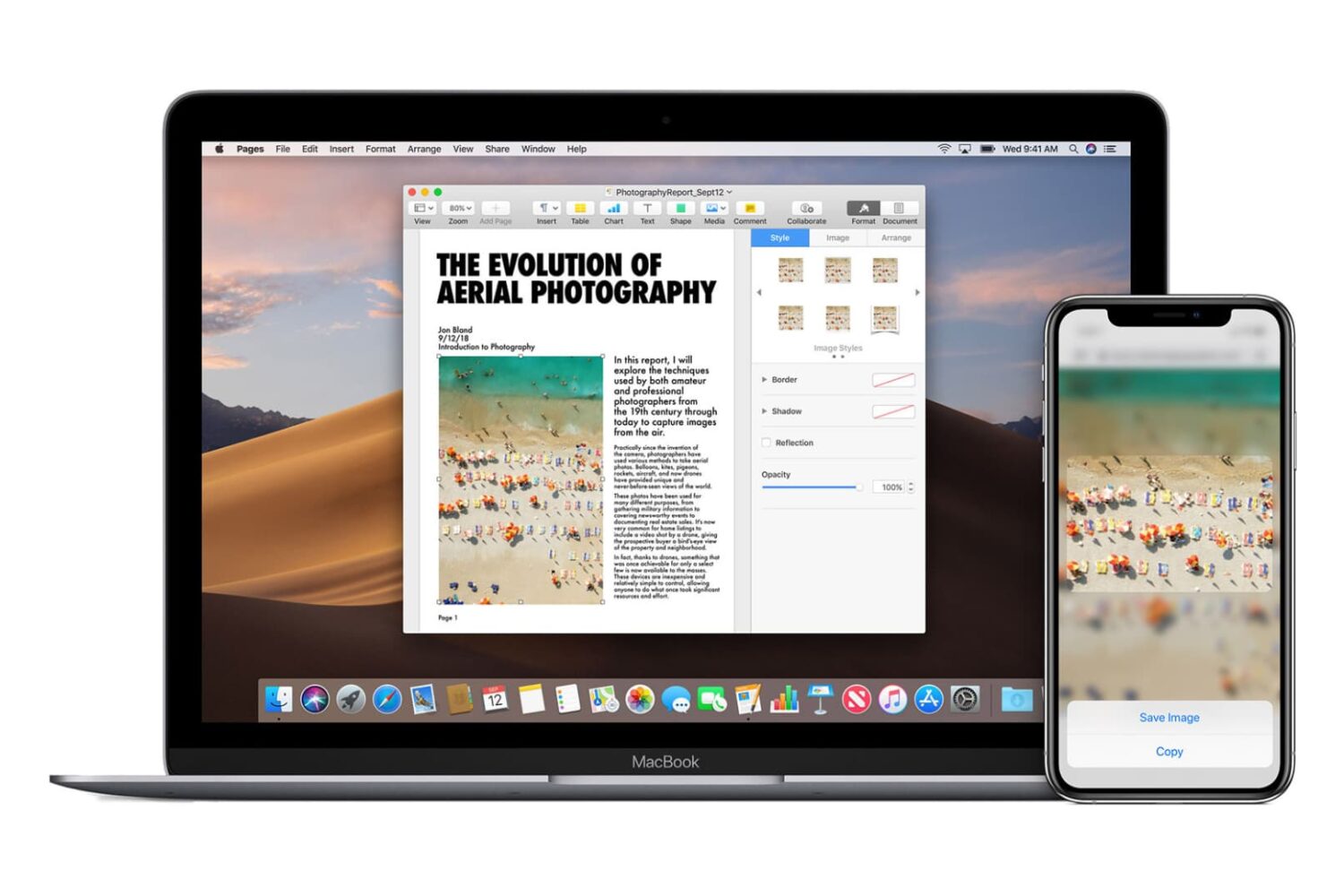
Go through these easy fixes if you cannot copy and paste text, photos, and videos between your iPhone, iPad, Mac, and Apple Vision Pro.