Learn how to customize group chats with images in Apple's built-in Messages app on your iPhone, iPad, and Mac to distinguish them in the conversation list.
How to customize group chats with photos, Memoji, and more in the Apple Messages app
Learn how to customize group chats with images in Apple's built-in Messages app on your iPhone, iPad, and Mac to distinguish them in the conversation list.
You can easily put a face mask over your Memojis, and in this tutorial, we'll show you how to do that on your iPhone, iPad, or Mac.
Learn how to personalize the desktop of your Mac with a custom icon for internal and external hard disks, USB thumb drives, and other attached storage devices.
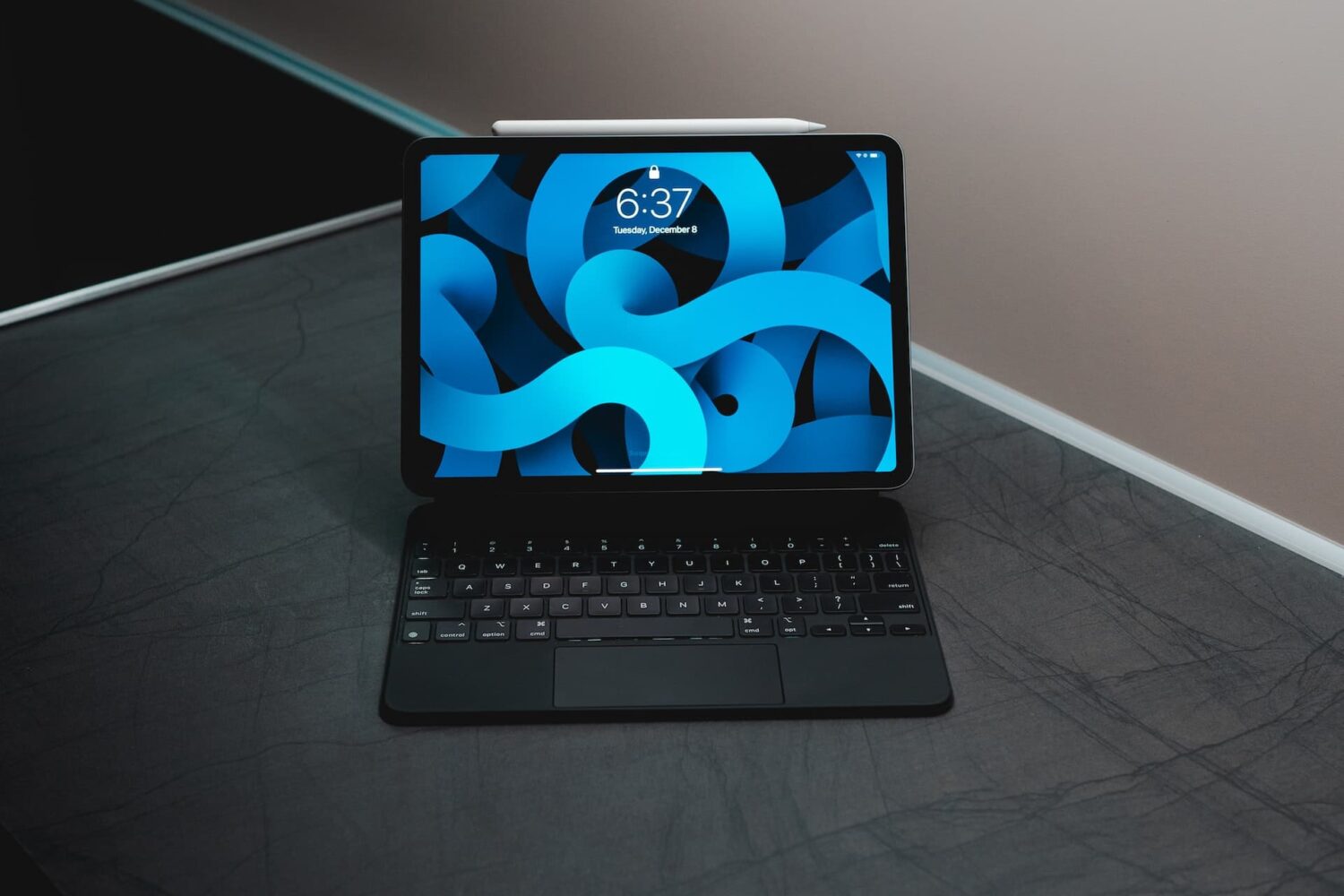
Learn how to disable iPad trackpad inertia to have the onscreen pointer stop moving immediately after you lift your finger from the trackpad.
Are you trying to add a shortcut on your iPhone or iPad but can't proceed as your device is blocking unknown shortcuts? Here's how you can easily flip a switch and allow untrusted shortcuts on your iPhone. After this, you can use non-Apple curated shortcuts from elsewhere, like a website, shared via services like iMessage, received from AirDrop, and more.
From creating stations and custom playlists to organizing your favorite music systematically and saving power while on the go, here are the top ten Apple Music tips you should know about.
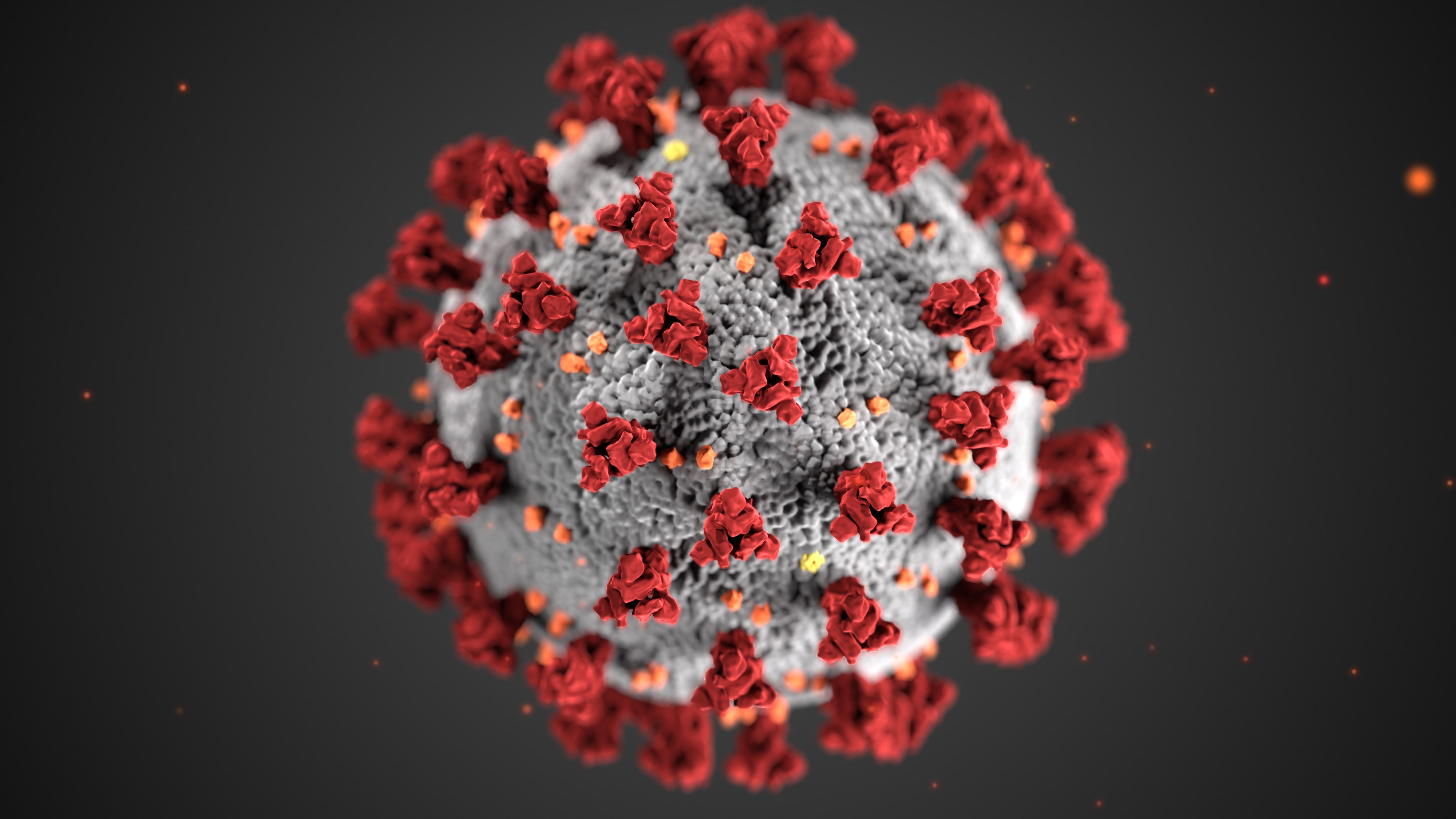
The Apple Card COVID-19 Customer Assistance Program helps those who have been impacted by the novel coronavirus by letting them skip their monthly payment during the time of crisis. Here's how to enroll in Apple's COVID-19 Customer Assistance Program for Apple Card.
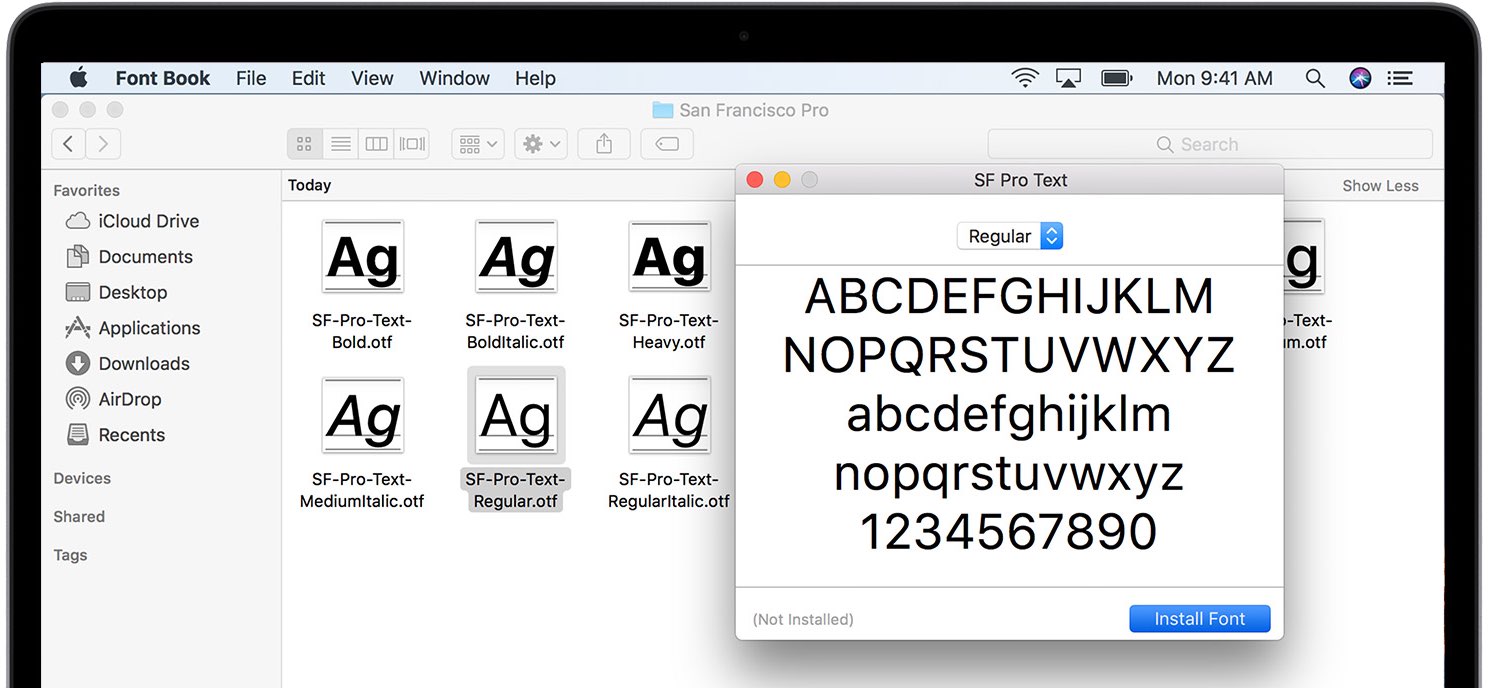
macOS Catalina packs in many licensed fonts and they're beautiful. The vast majority of fonts in Catalina are available out of the box while some must be downloaded. Here's the complete list of all the macOS Catalina fonts, including built-in and downloadable typefaces.
Has it been quite some time since you moved onto jailbreaking and stayed in there for a while? If so, you may want to consider pwning your iPhone again because iOS 13.5 has been successfully jailbroken and there still exist at least a dozen very compelling reasons to jailbreak.
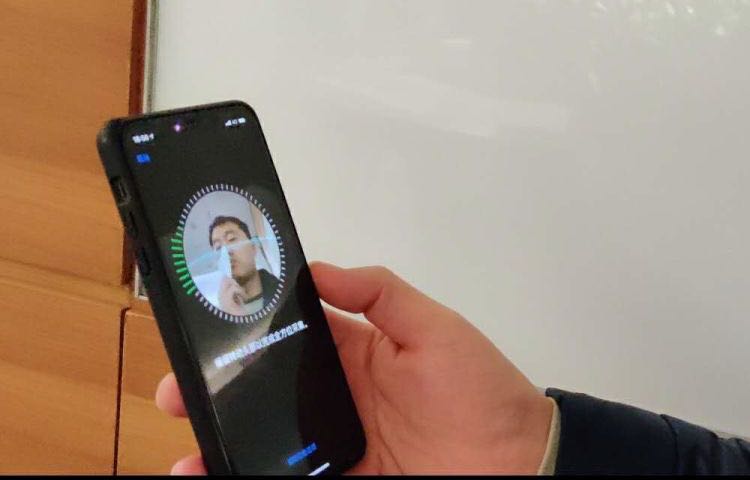
Apple on May 20, 2020 released iOS 13.5 for the iPhone and iPod touch devices and the iPadOS 13.5 update for compatible iPads. With those updates come several new features worth mentioning, including a new COVID-19 exposure notification system, Face ID improvements for mask wearers, disabling moving faces in FaceTime, Apple Music sharing to Instagram and Facebook Stories and more. Follow along with our quick tutorial explaining how to use everything new in iOS and iPadOS 13.5.
Learn how to have your iPhone and Apple Watch automatically share your Medical ID with emergency services, giving them useful information about you to ensure better and speedier help.
iPad scrolling speed can be adjusted to your liking when using a trackpad or mouse with your tablet. By adjusting the iPad trackpad scroll speed value to your liking, you can make Safari webpages, Office documents, your Photos library, and other scrollable content move faster or slower than the default value. Follow along with us to learn how to adjust the iPad scrolling speed for the connected trackpad and/or mouse to your liking with just a few taps.