Tricks

How to disable COVID-19 exposure notification and logging on your iPhone

The COVID-19 exposure notification in iOS 13.5 informs you whether you may have contracted the coronavirus by coming into contact with someone who's been diagnosed with COVID-19. This secure, private contact-tracing technology works in tandem with apps from public health authority developers that are installed on your device. If you'd rather opt-out, however, follow along with our step-by-step tutorial that teaches you how to disable the COVID-19 exposure notification at the system level to stop exposure logging and contact-tracing via Bluetooth.

Tip: avoid Face ID mask issues by jumping to the passcode entry screen immediately

Face ID is awesome, but it only works reliably when your eyes, nose and mouth are fully visible to the TrueDepth camera, according to Apple's support document. That's hardly the case when you're wearing a mask, like those medical masks that people have been wearing during the COVID-19 crisis to protect themselves, and others, from exposure to the coronavirus. Instead of taking your mask off to unlock your iPhone, or waiting until Face ID fails, save yourself both time and frustration by skipping right to the passcode prompt with this super handy tip.

10 tips and tricks for new iPhone SE owners
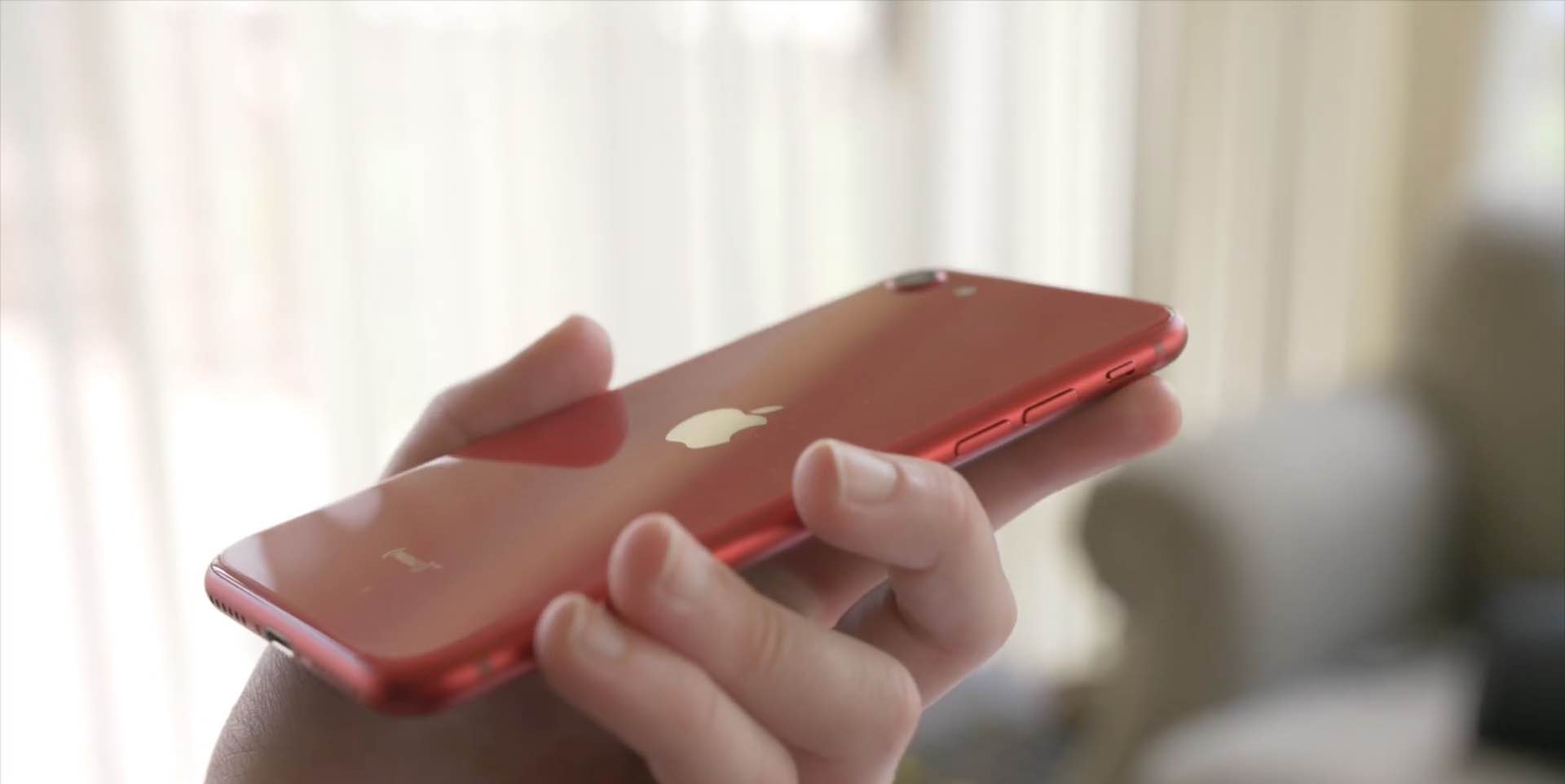
With the new iPhone SE a reality, folks who haven't owned an iPhone in years are sharing their tips for using the handset. We've rounded up a few common tips we think new iPhone SE customers will love. Watch our hands-in video walkthrough and learn something new today!

How to switch between software and hardware iOS keyboard like Magic Keyboard on on the fly

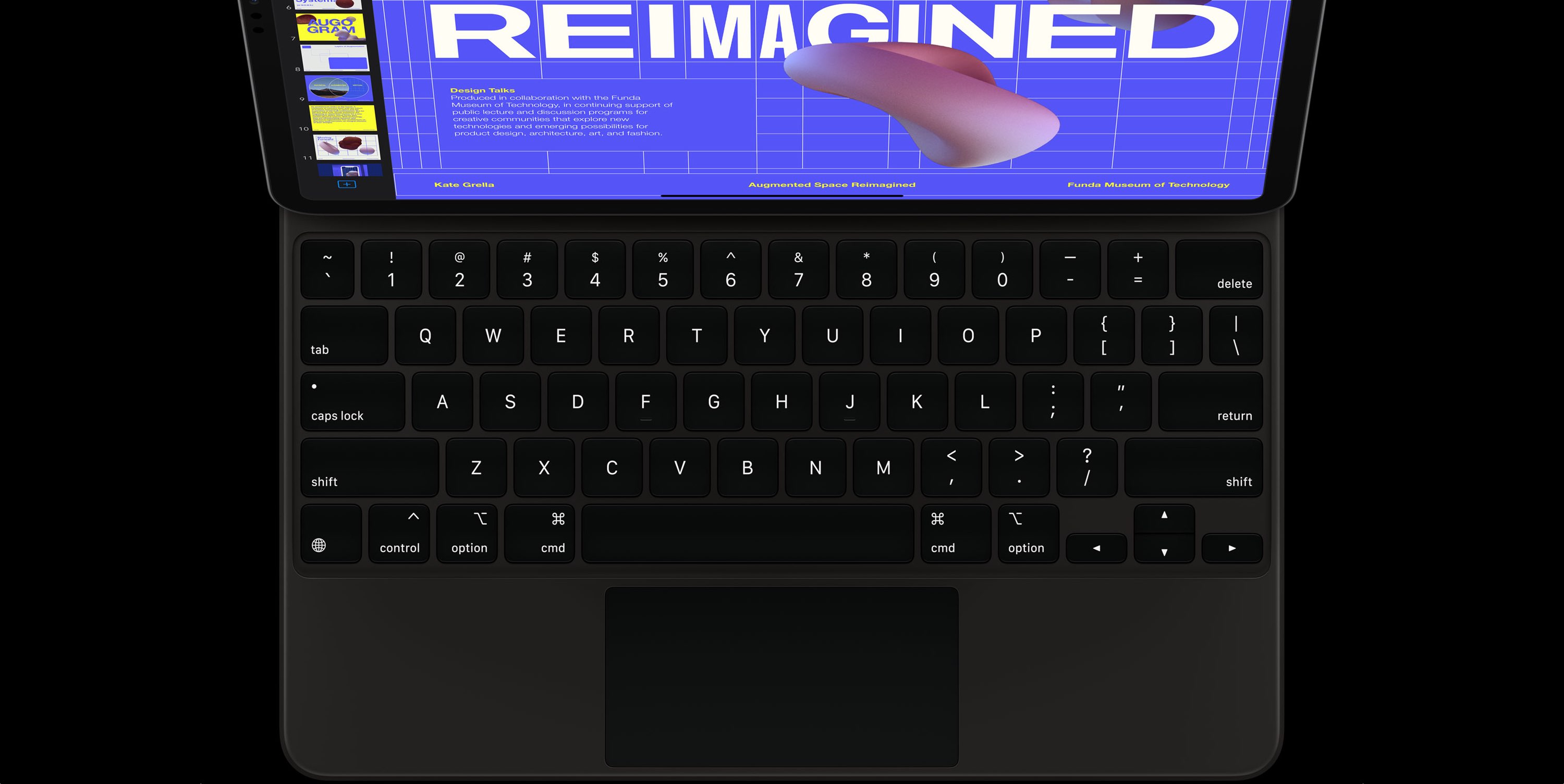
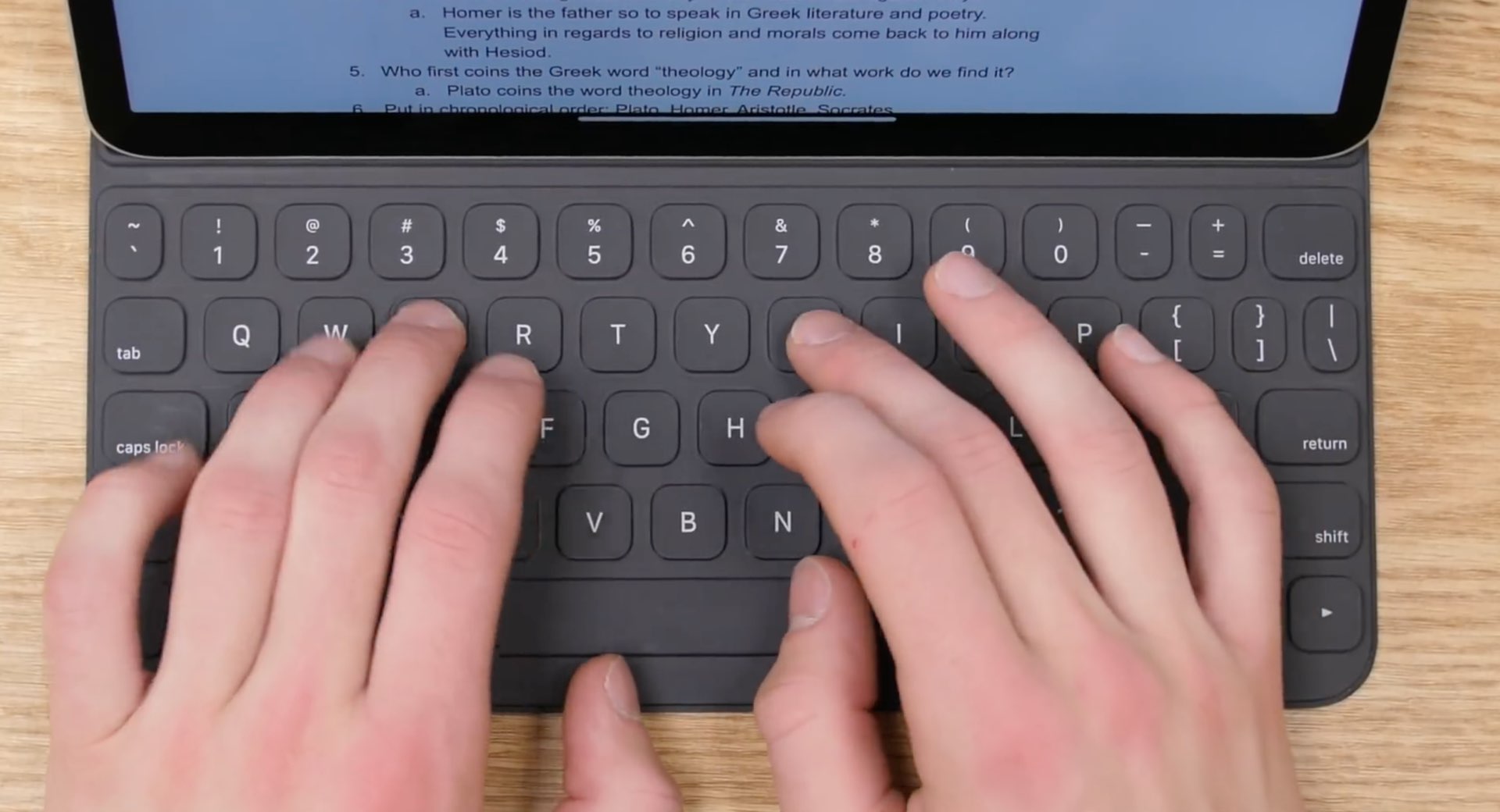
With an external (hardware) keyboard like the Magic Keyboard connected to your iPad, the onscreen (software) keyboard doesn’t appear. Apple in its wisdom does allow you to switch between the hardware and software keyboard, but it could have definitely done a better job surfacing that feature for average users who may be unaware it even exists in the firsts place. Follow along with our step-by-step tutorial to learn how to quickly switch your iPad keyboard between the stock iOS keyboard and your Magic Keyboard or any other physical iPad keyboard.

How to adjust the backlight key brightness on your Magic Keyboard for iPad Pro

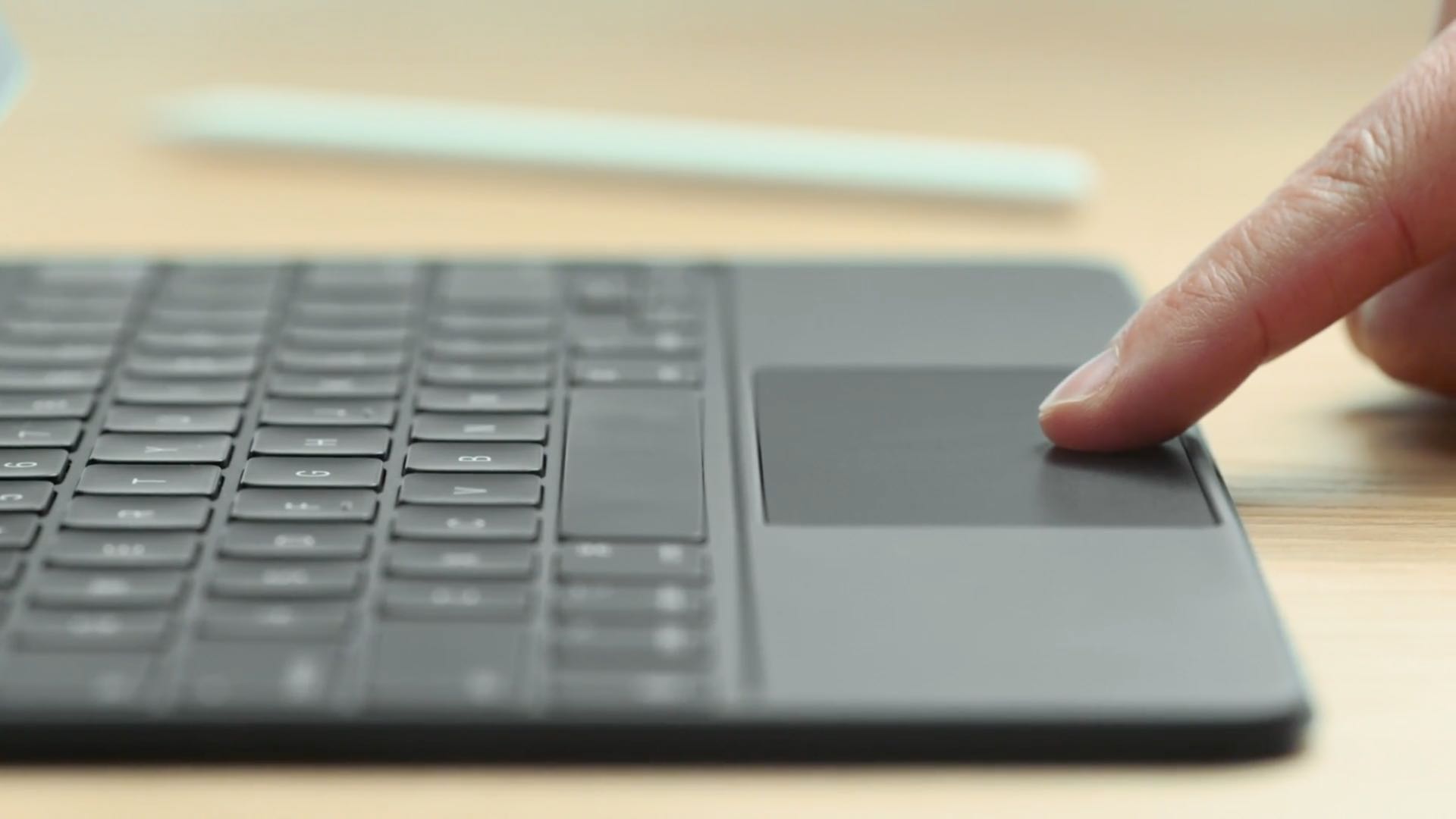
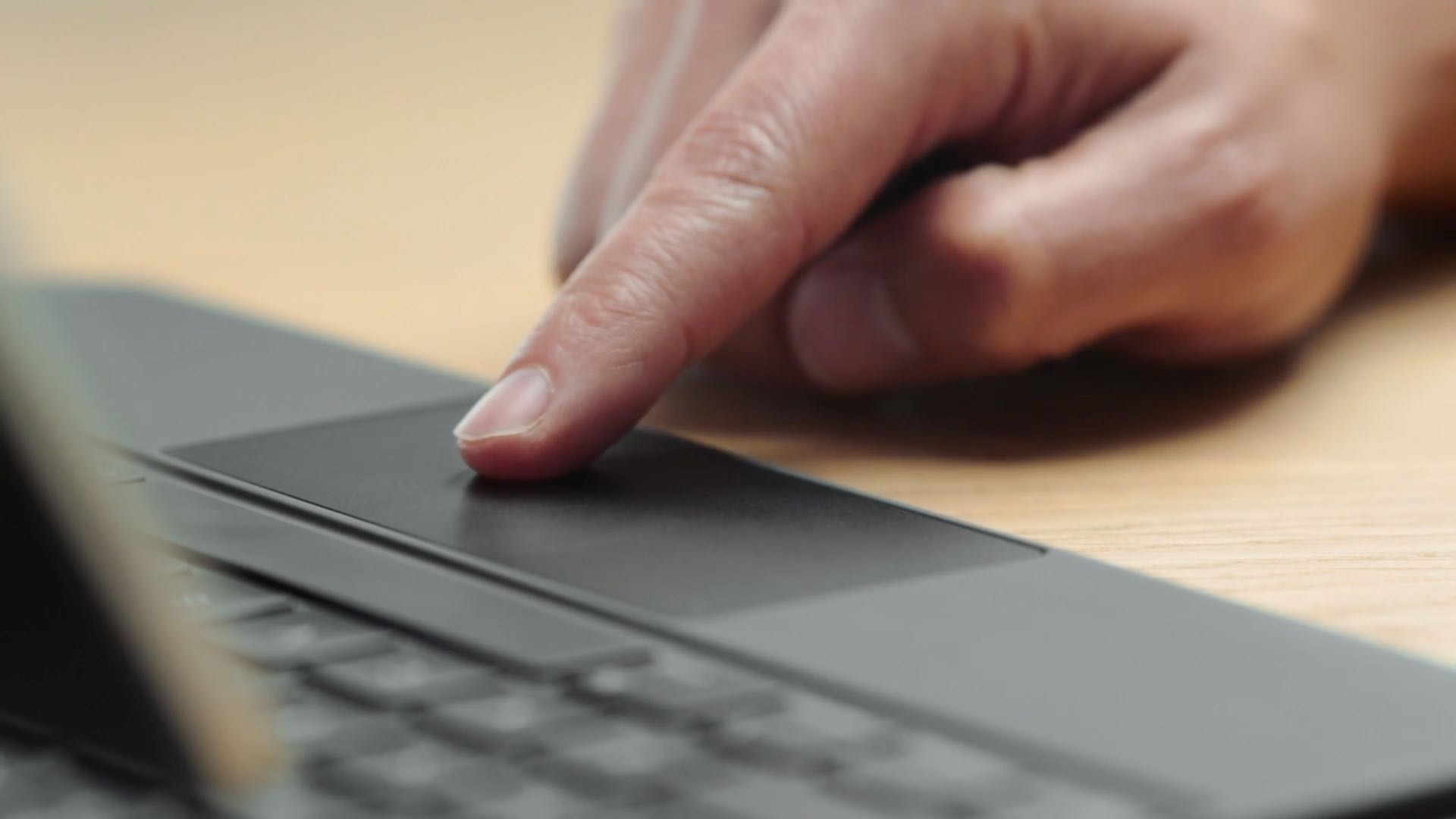
The Magic Keyboard for iPad Pro features backlit keys that make it a lot easier to type in the dark. The Magic Keyboard brightness can be changed manually or automatically, based on the ambient lighting conditions. But sometimes you want to watch a movie in the dark, or perhaps read a long article or a book without the keyboard backlighting interfering. To help with that, our tutorial will teach you how to adjust the Magic Keyboard brightness to your liking.

How to see which watchOS apps you have downloaded feature Apple Watch complications

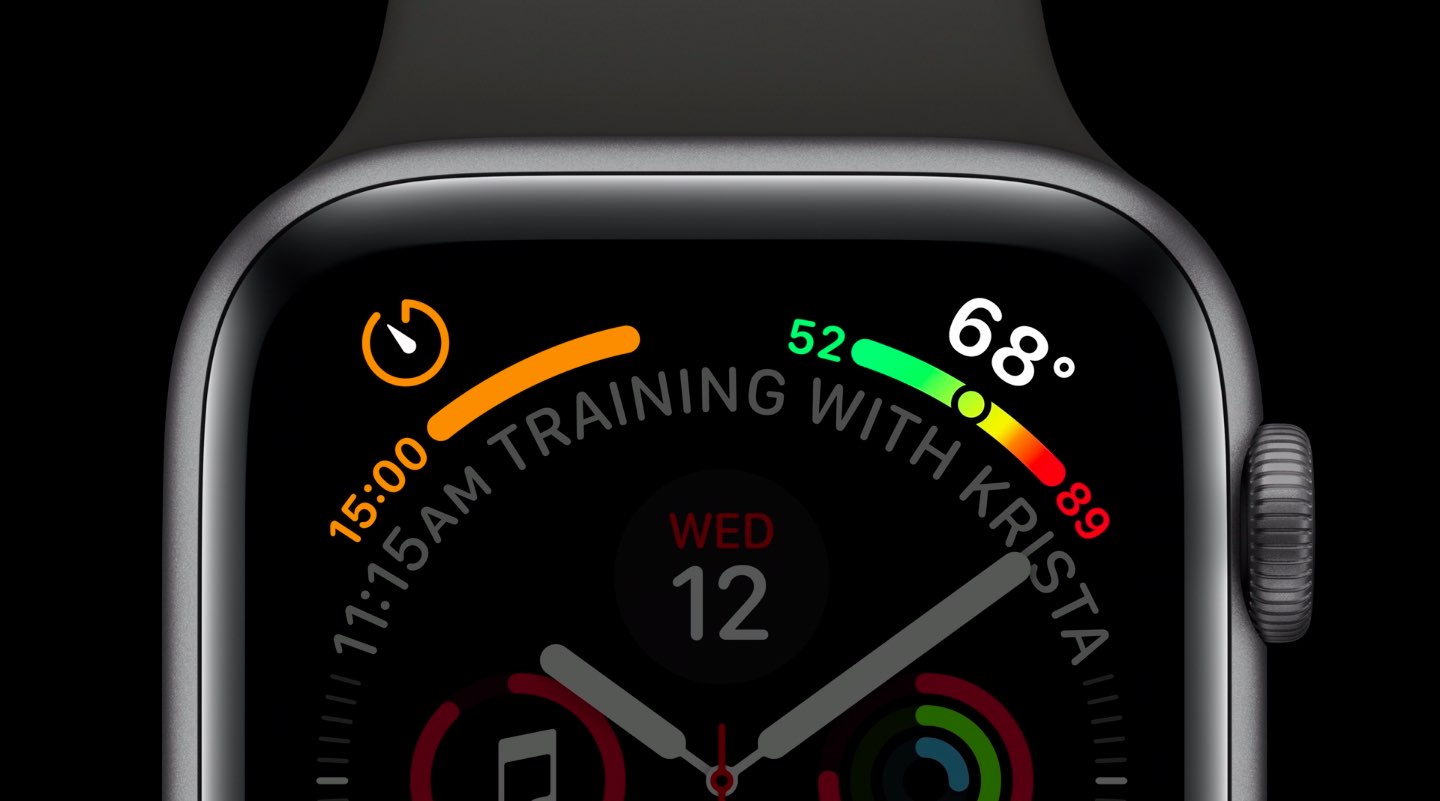
Apple Watch complications are special features that can be assigned to their predetermined slots on some watch faces. These small elements typically display essential information right on the watch face, such as stock prices, the weather, your heart rate, activity tracking and so forth. Apple Watch complications get their information from watchOS apps you've installed. Finding available complications is easier said than done so be sure to following along with iDB as we show you how to see which apps have Apple Watch complications.