The iconic Mac startup chime played when you power up your computer had been around since 1998, but Apple disabled it in 2016 beginning with that year's MacBook Pro refresh. Thanks to a newly discovered Terminal command, you can re-enable the Mac startup chord sound on macOS Catalina and earlier, and our step-by-step tutorial shows you how.
Tricks
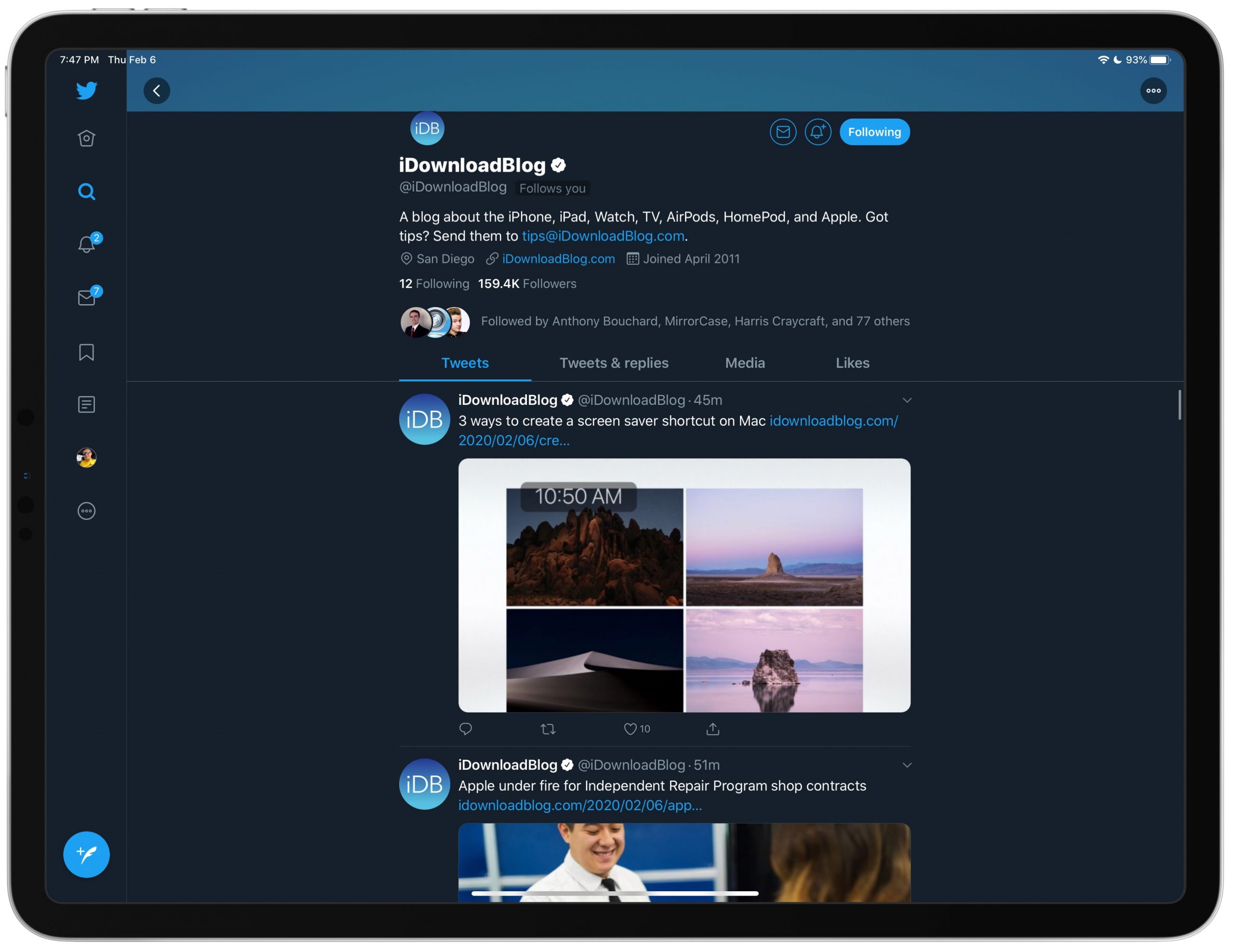
How to get rid of Twitter’s trending sidebar on iPad
Find out how to disable the search column on the right side of the Twitter app on your iPad if you do not like staring at trending topics and world news while using the app.
How to export and download your Apple Card monthly transactions to a CSV spreadsheet
Follow this brief step-by-step tutorial to learn how to export Apple Card monthly statements as a CSV spreadsheet that can be loaded into financial planning apps such as Mint or Quicken.
How to use Apple Watch with gym equipment
Learn how to use your Apple Watch with gym equipment like treadmills, elliptical machines, indoor bikes, stair steppers, and more to get accurate workout metrics such as speed and elevation.
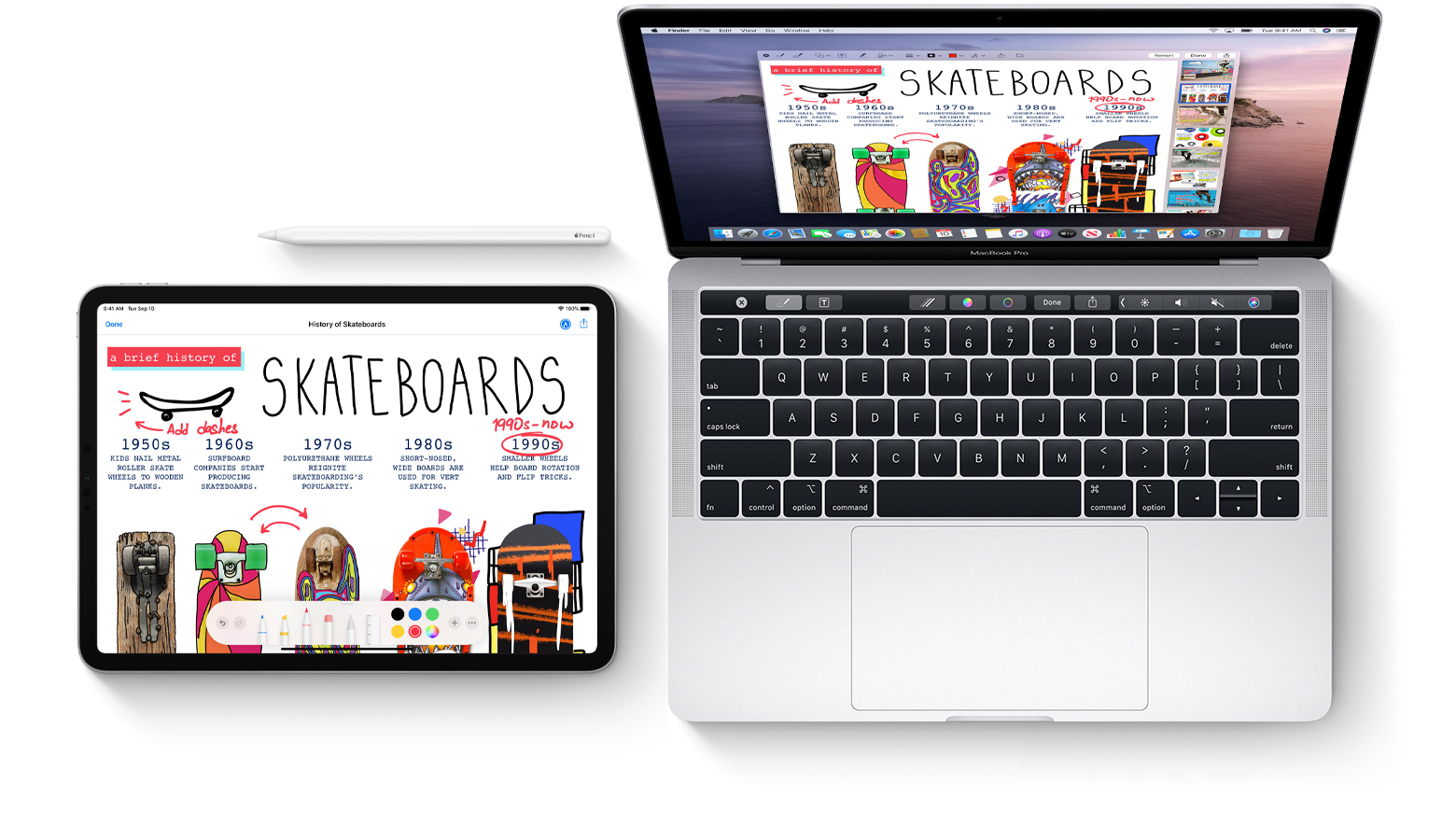
How to use your iPhone or iPad to sketch in Mac documents
Learn how to sketch in Mac documents with Apple Pencil or your finger by using the Continuity Sketch feature on your iPad or iPhone.
How to preview items in iOS Files app on iPhone and iPad
Learn how to preview files and documents in the iOS Files app on your iPhone and iPad to streamline navigation and file management.
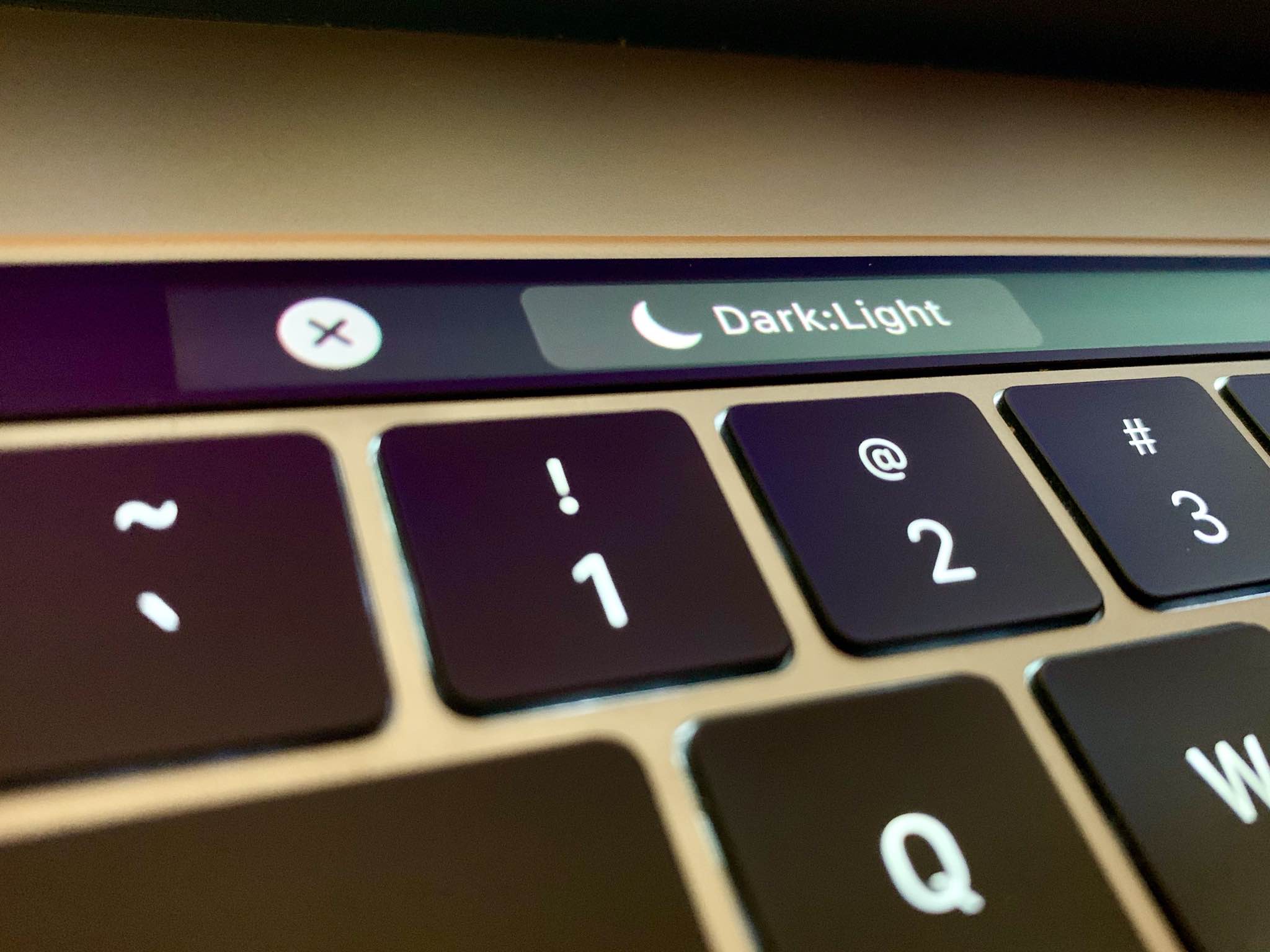
How to toggle macOS Catalina’s Dark Mode with a custom Touch Bar shortcut
Follow this step-by-step tutorial to learn how to quickly switch between macOS's dark and light themes by adding a dedicated toggle for Dark Mode to the Touch Bar of your Mac.
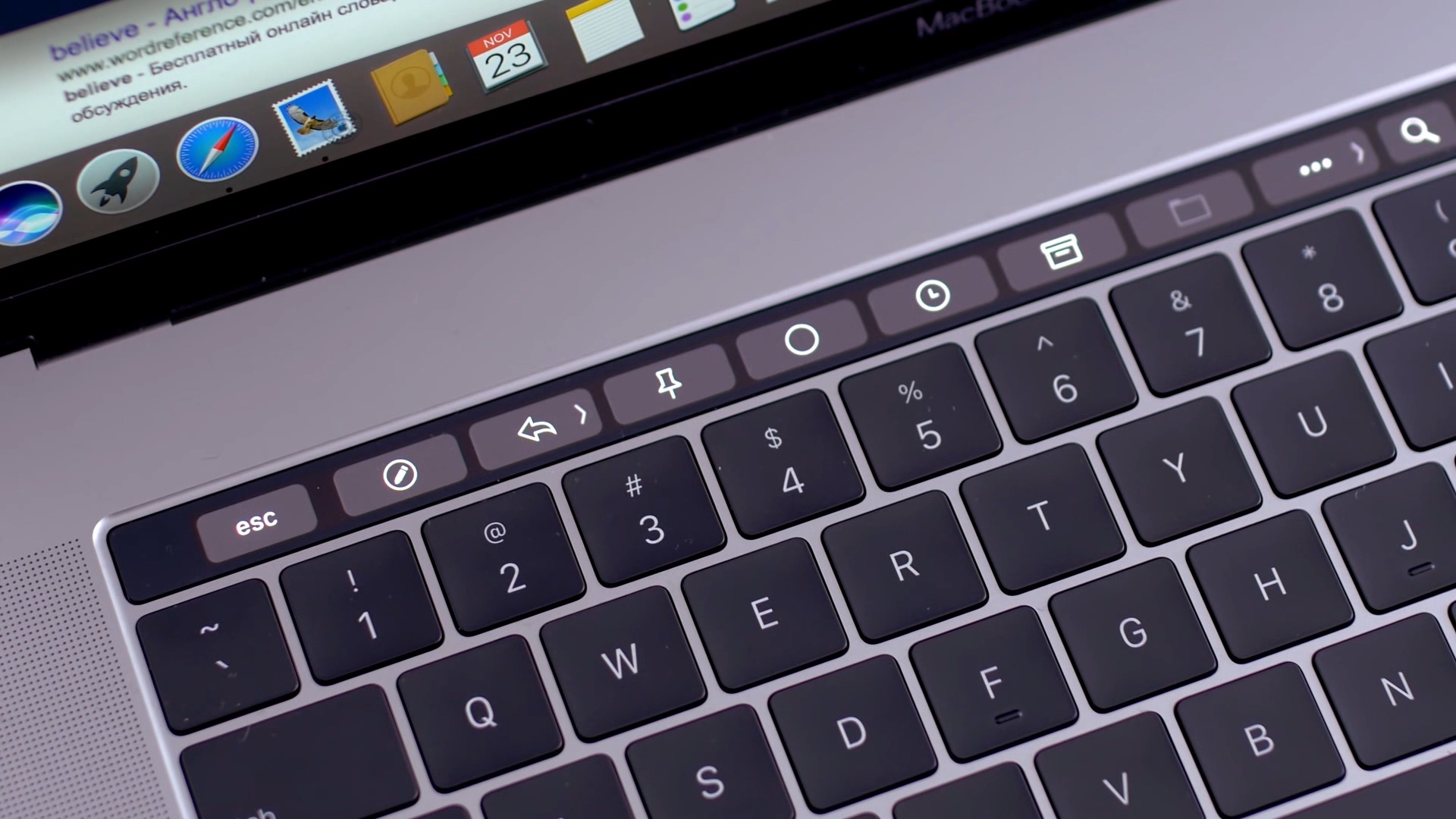
How to run Quick Action workflows from your Mac’s Touch Bar
Learn how to add Automator workflows that are saved as Quick Actions to the Touch Bar of your Mac. Doing so will let you easily run your favorite macOS automation shortcuts at any time because they’ll be just two taps away.
How to restart a frozen Touch Bar on your Mac
The software that makes your Mac's Touch Bar work can also crash, become unresponsive, or misbehave to prevent you from using your favorite Touch Bar shortcuts. Should that ever happen, you can easily fix a frozen Touch Bar on your MacBook Pro, and we will show you how.
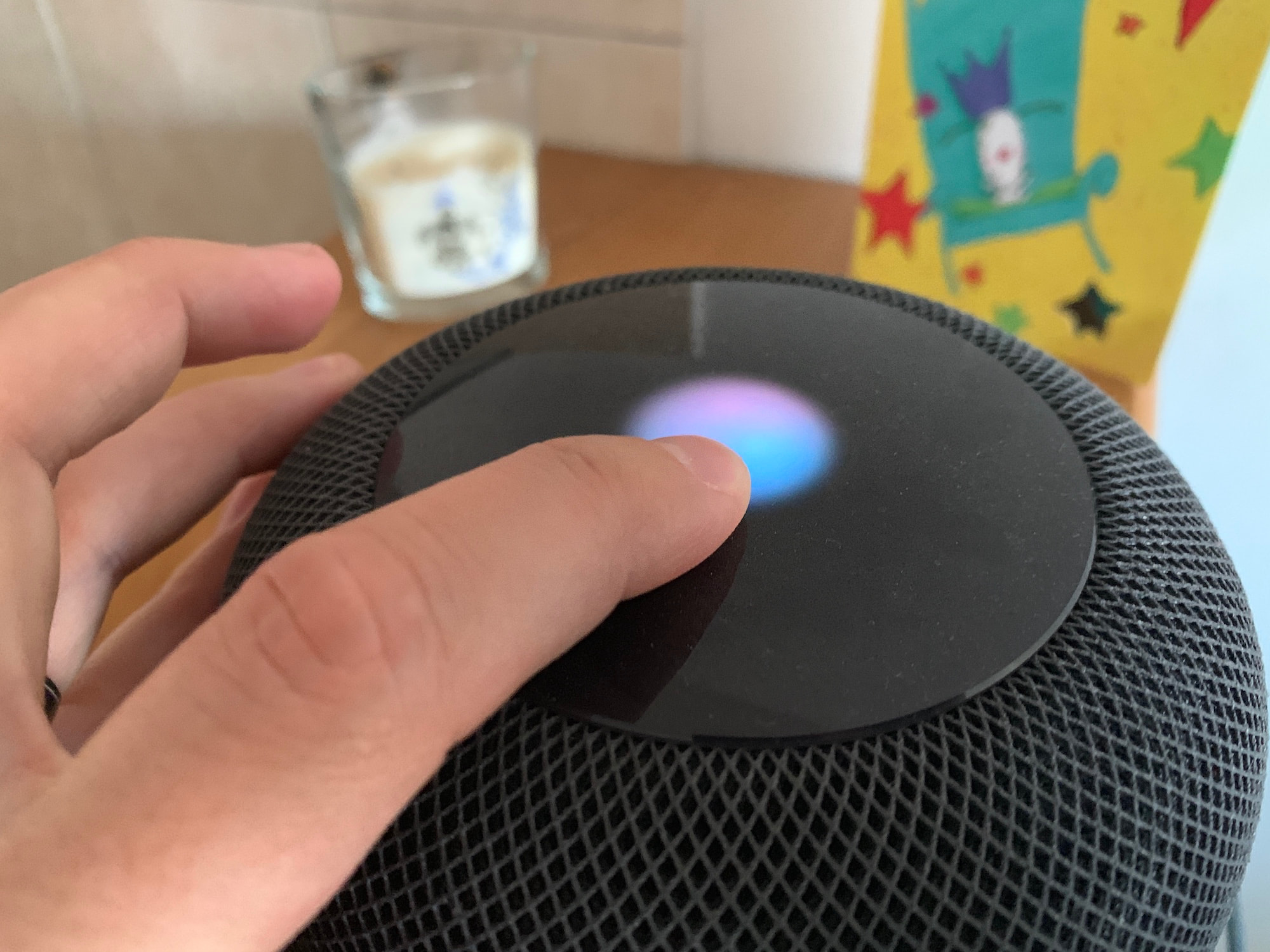
How to set up multiuser on HomePod so Siri can recognize different voices from other users
With HomePod multiuser support, Siri on your speaker can recognize different voices. This lets Siri on your HomePod use other people's personal information. Follow along with us as we lay out how to set up HomePod multiuser support with different voices.
How to get 12 months of Apple Arcade for the price of 10
If you're paying for your Apple Arcade subscription month to month, it might be a good idea to switch to the annual subscription and save money by getting twelve months of access for the price of ten, provided you pay upfront. Follow our quick tutorial to learn how you can switch from the $5 per month subscription to its $50 per year annual counterpart.
Stop scrolljacking: How to remove scroll hijacking from Apple.com and other websites
Websites that control how you scroll are a usability nightmare. Instead of scrolling as you normally would, those offenders take advantage of scrolljacking to alter the way your favorite web browser interprets scrolling commands just to run some fancy animation instead of scrolling down a page, which can be both disjointing and frustrating. On a brighter note, this unwanted behavior can easily be stopped. Follow along with iDownloadBlog's step-by-step tutorial to learn how to remove scrolljacking from Apple.com and other websites you frequent.