Learn how to use the hidden QuickTake feature in the iPhone's built-in Camera app to record video without switching out of Photo mode and never miss a moment.
How to record video with your iPhone camera without switching out of Photo mode
Learn how to use the hidden QuickTake feature in the iPhone's built-in Camera app to record video without switching out of Photo mode and never miss a moment.
iOS 14, iPadOS 14 and macOS Big Sur intercept traffic from websites, with Safari opening Apple News+ links in the News app. As a result, Apple News+ subscribers avoid paywalls on the web. Thankfully, you can change that behavior at will. This tutorial will show you how to have the links to stories included in your Apple News+ subscription open on the web instead of in News.
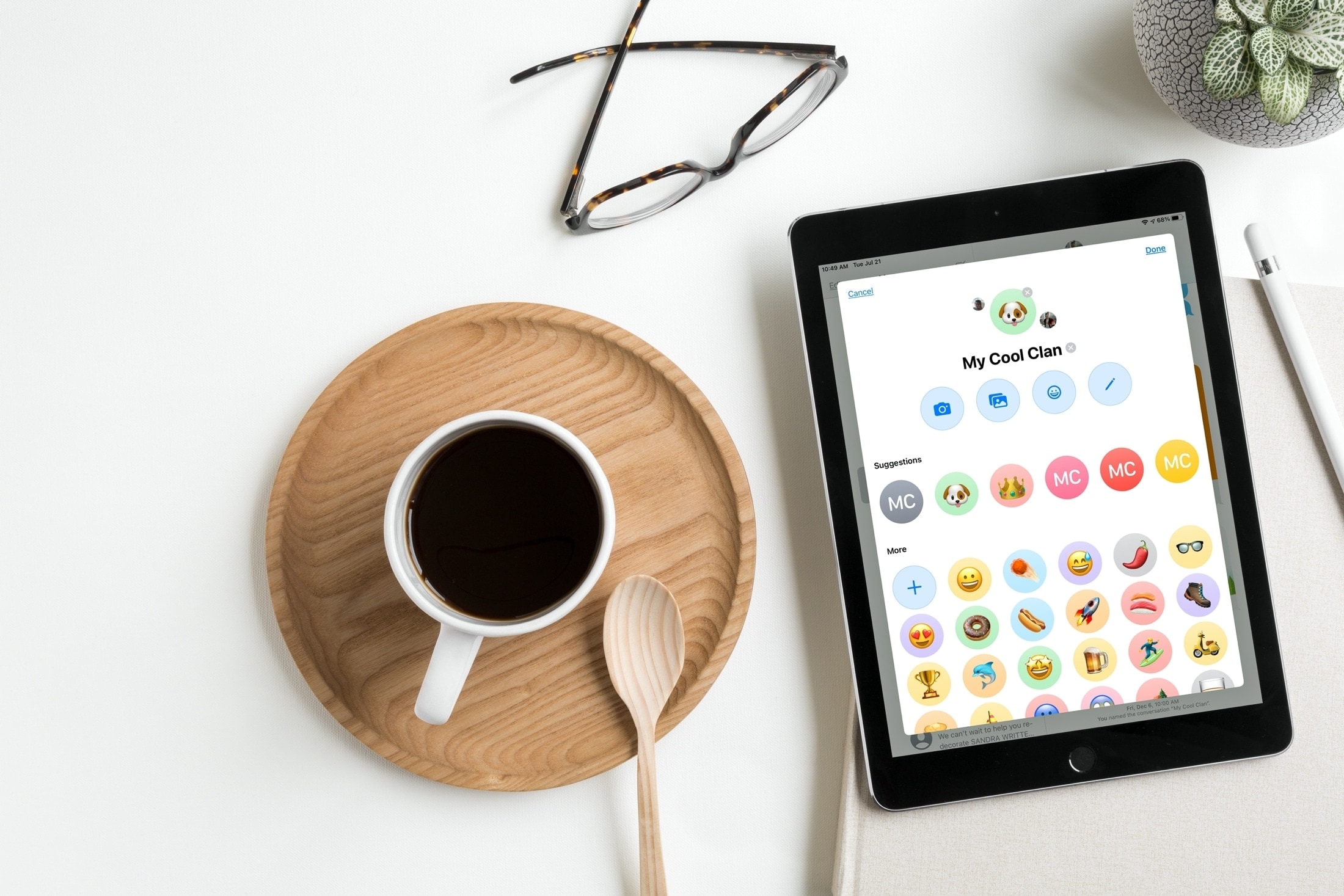
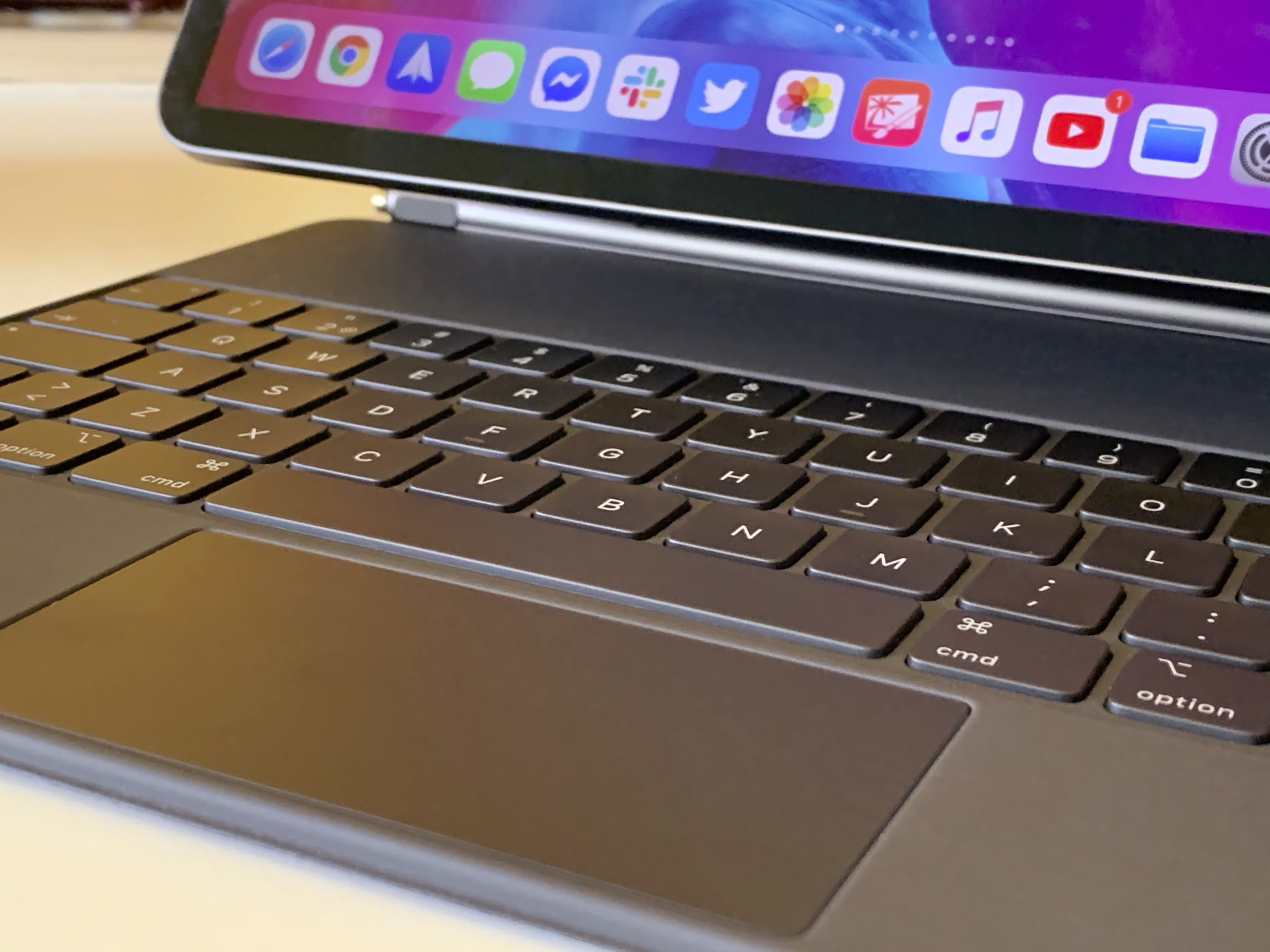
In this tutorial, we'll show you how to quickly find and insert emojis when you're using a hardware keyboard with your iPad.
Check out this quick tip to improve your iPhone camera’s performance by enabling faster shooting when you tap the shutter button quickly.
The dramatic Dark Mode look arrived to the Mac with the October 2017 release of the macOS 10.14 Yosemite software update. Fast forward three years and users can now force Dark Mode to become a bit darker thanks to a new setting in macOS 11.0 Big Sur. Follow along with our tutorial for step-by-step instructions for how to to make Dark Mode even darker on your Mac.
Wouldn't it be great if you could see upcoming games that will launch soon on Apple Arcade, the iPhone maker's game-subscription service? With the new App Store features available on iOS 14, iPadOS 14 and macOS 11 Big Sur, you can do just that. Follow along with our quick tutorial as we show you how to get a sneak peek at upcoming Apple Arcade games.
If anything, the US elections and the coronavirus crisis have reminded us yet again how rapidly misinformation can spread through social media and messaging platforms. To help with that, you now have the ability to fact-check forwarded WhatsApp messages, and we show you how.
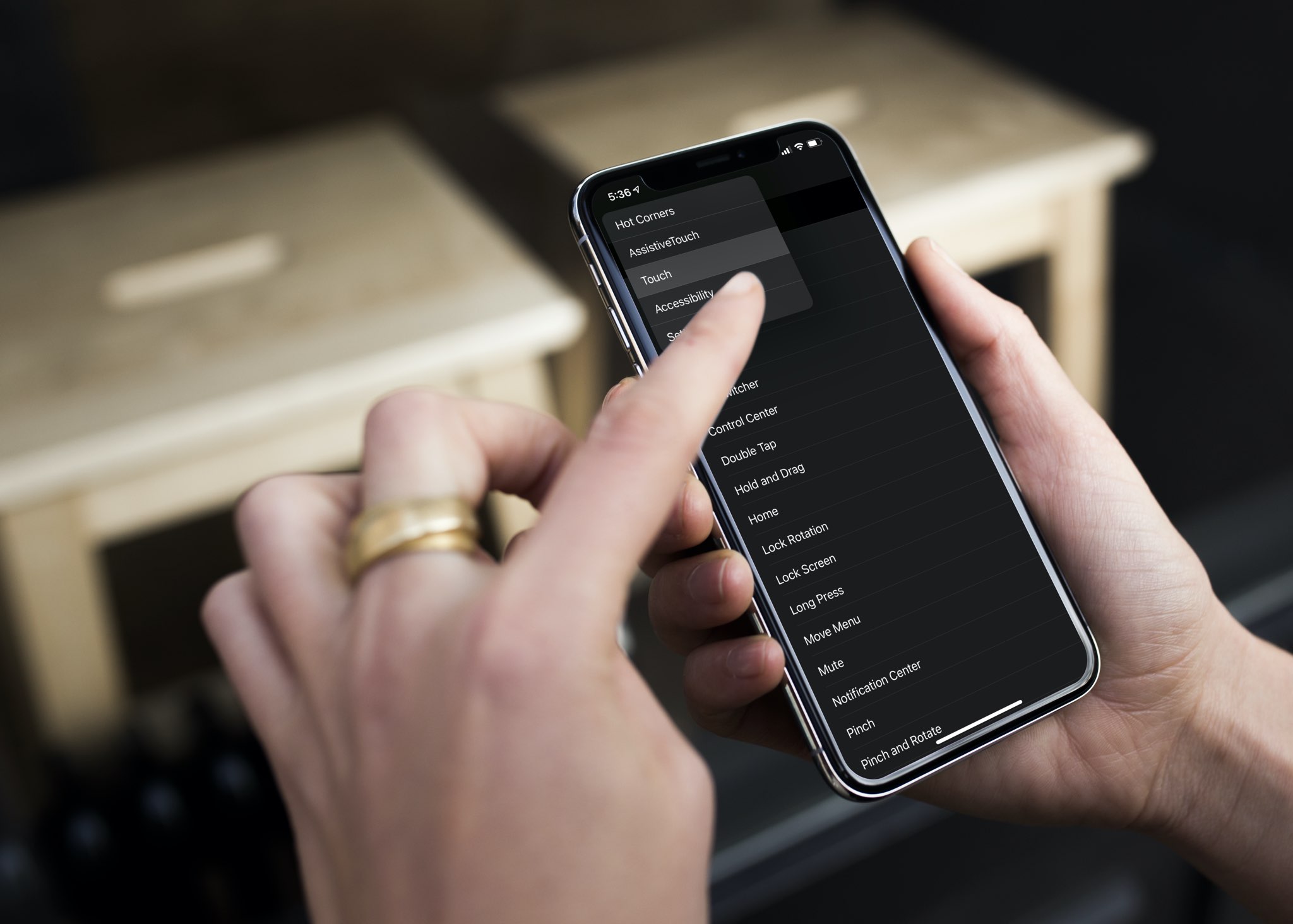
Check out this pro tip to navigate Settings and System Settings on your iPhone, iPad, and Mac faster using the hidden navigation menu.
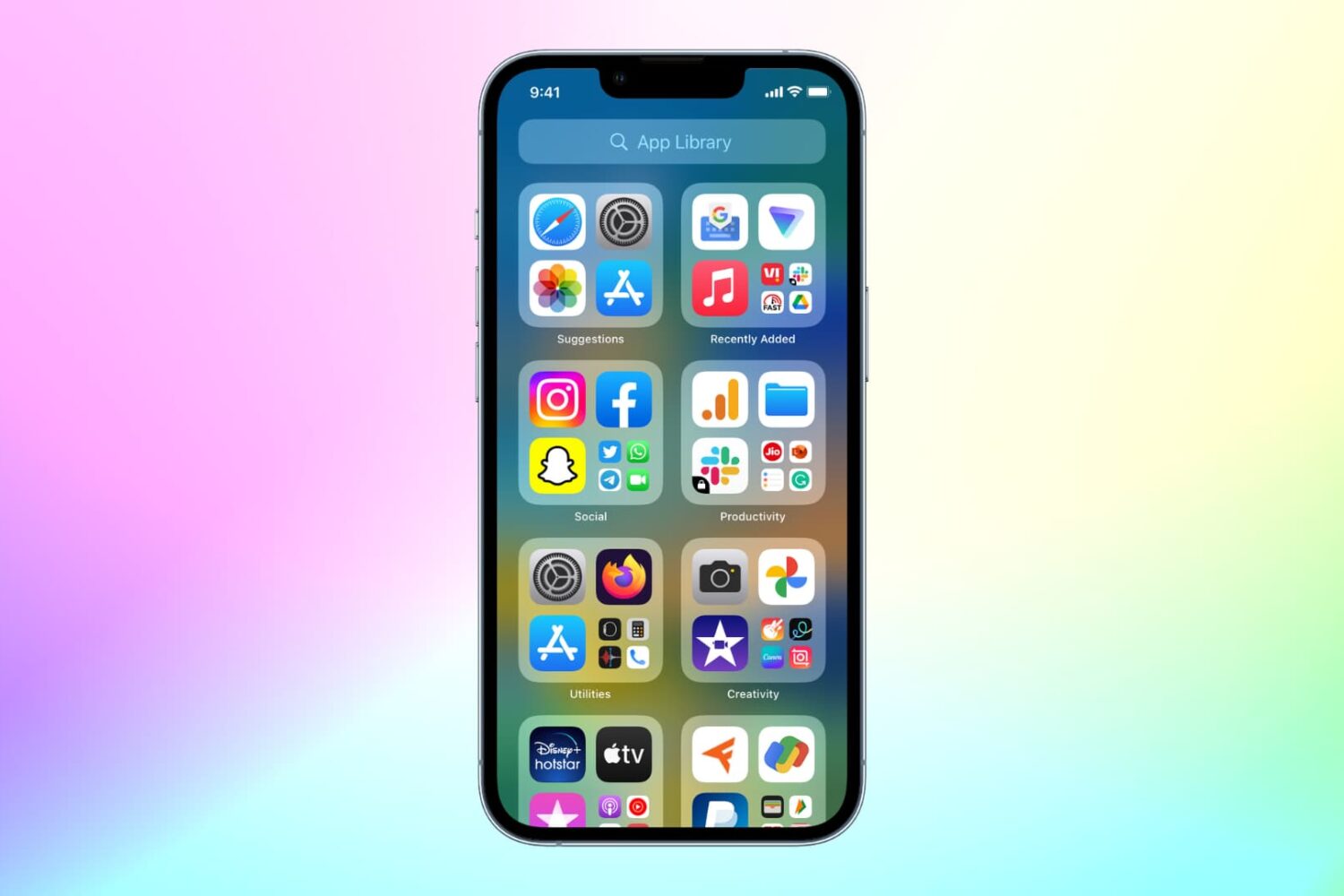
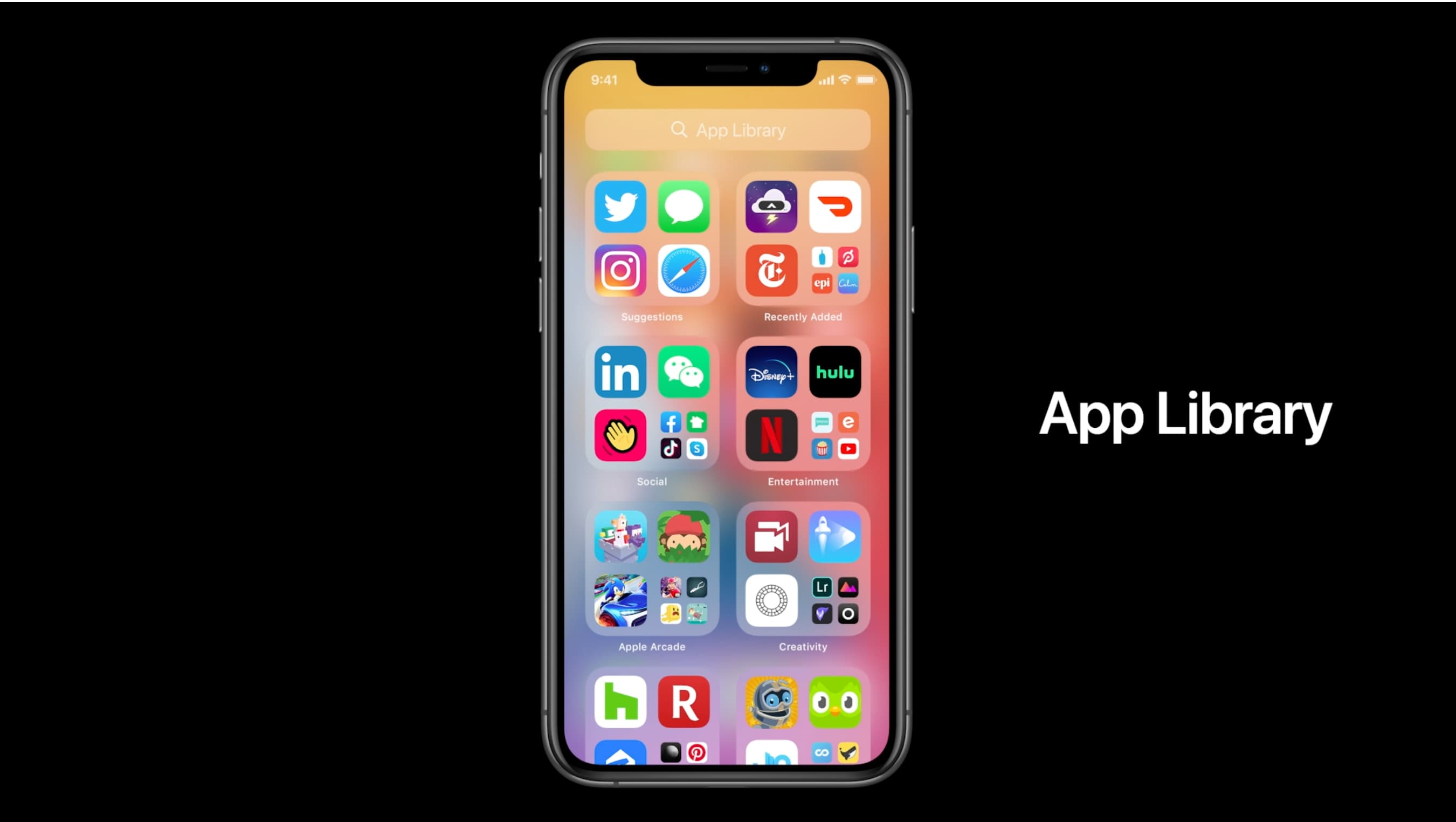
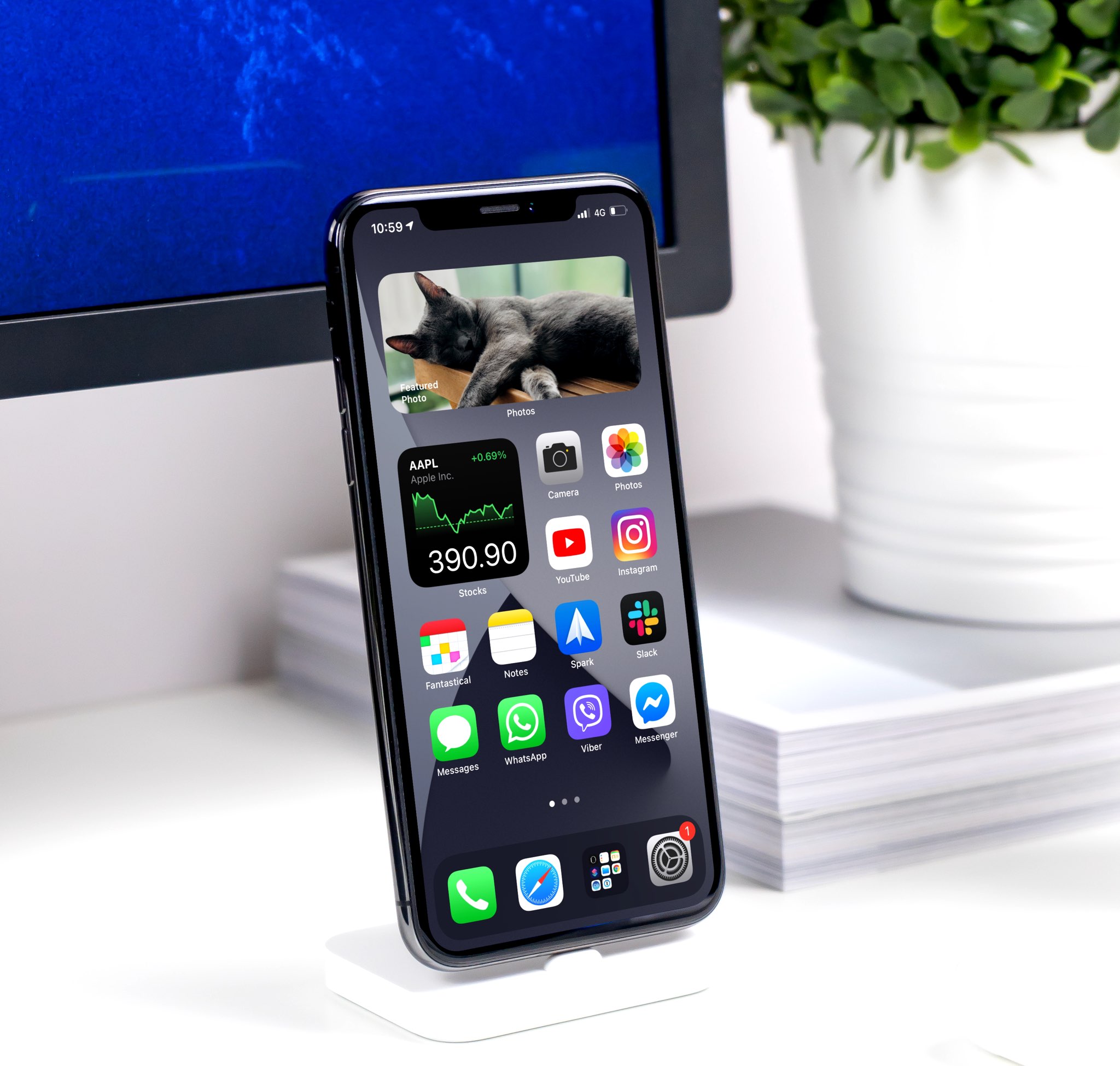
With the App Library feature on iOS 14 and later, your most-used apps are always just one tap away in a central place at the end of your Home Screen pages. And thanks to Siri intelligence, you can quickly launch apps you’re likely to be looking for. Follow along with us as we show you how to get to your recently installed iPhone apps or Siri-suggested apps via the App Library.
The App Library displays badges on app icons to denote unread notifications, but you can disable them if seeing those red circles is ticking you off. Follow along with our tutorial as we show you how to hide notification badges in the App Library on iPhone and iPad.
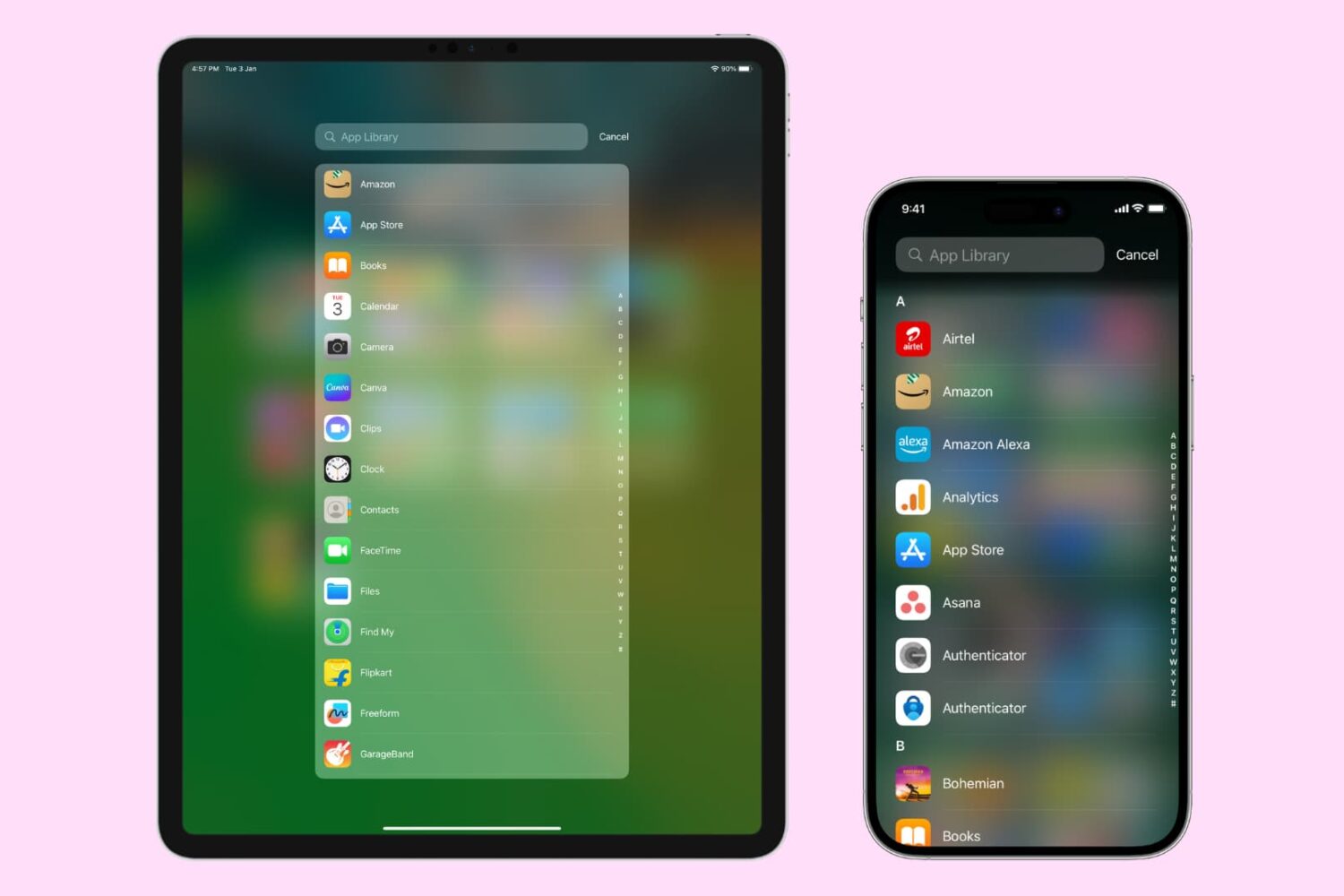
The App Library on your iPhone and iPad automatically organizes your apps, including a handy list view that alphabetically displays all the installed apps.
Follow along with our step-by-step tutorial detailing how to browse iOS and iPadOS apps in alphabetical order.
Learn how to add the Smart Stack widget to your iPhone or iPad Home Screen so Siri intelligence surfaces the right widget at the right time, showing you relevant information throughout the day.