Learn how to quickly close unneeded apps on your iPad using the Command + Q keyboard shortcut for efficient multitasking.
How to close apps on iPad with a keyboard shortcut
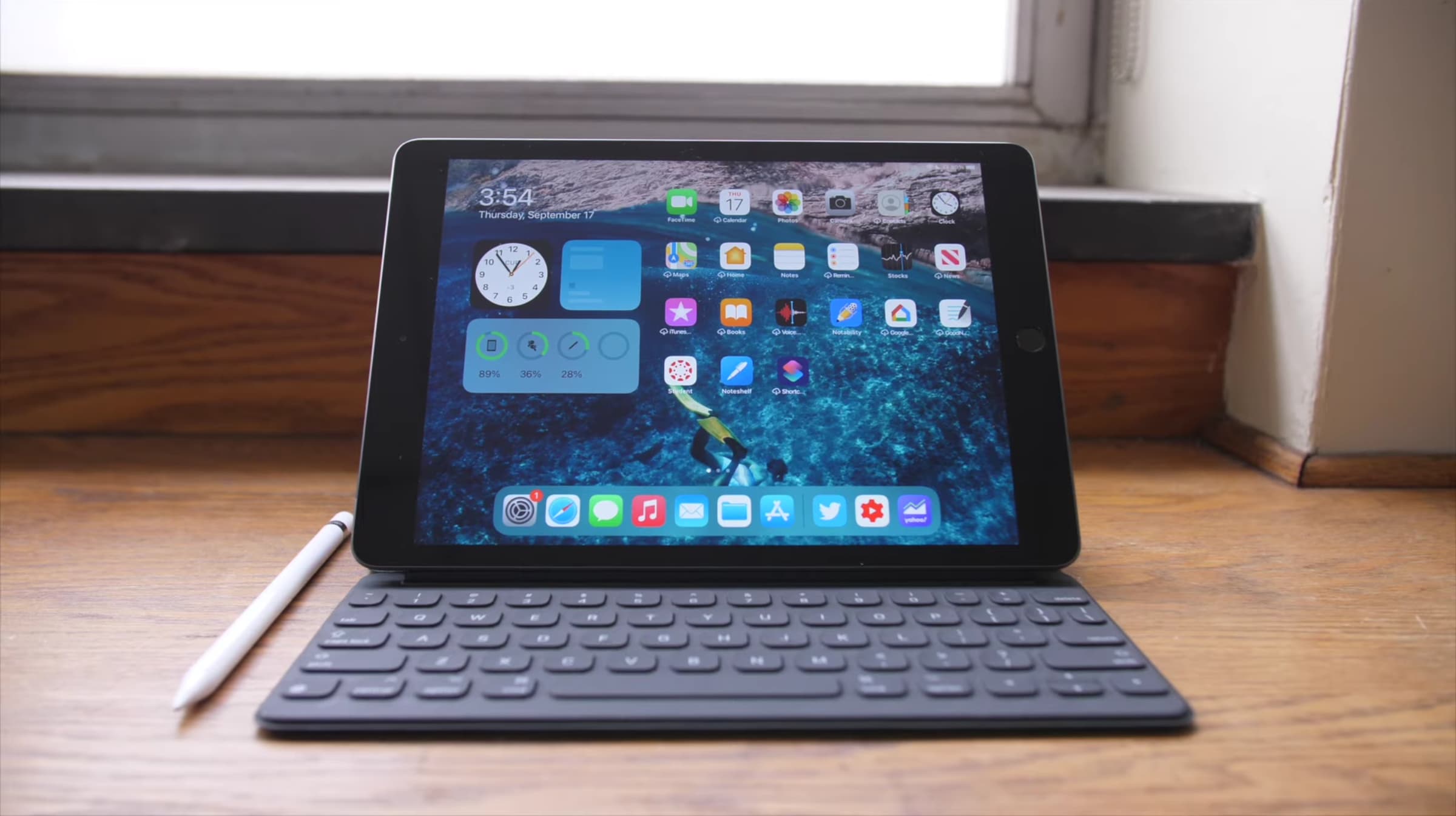
Learn how to quickly close unneeded apps on your iPad using the Command + Q keyboard shortcut for efficient multitasking.
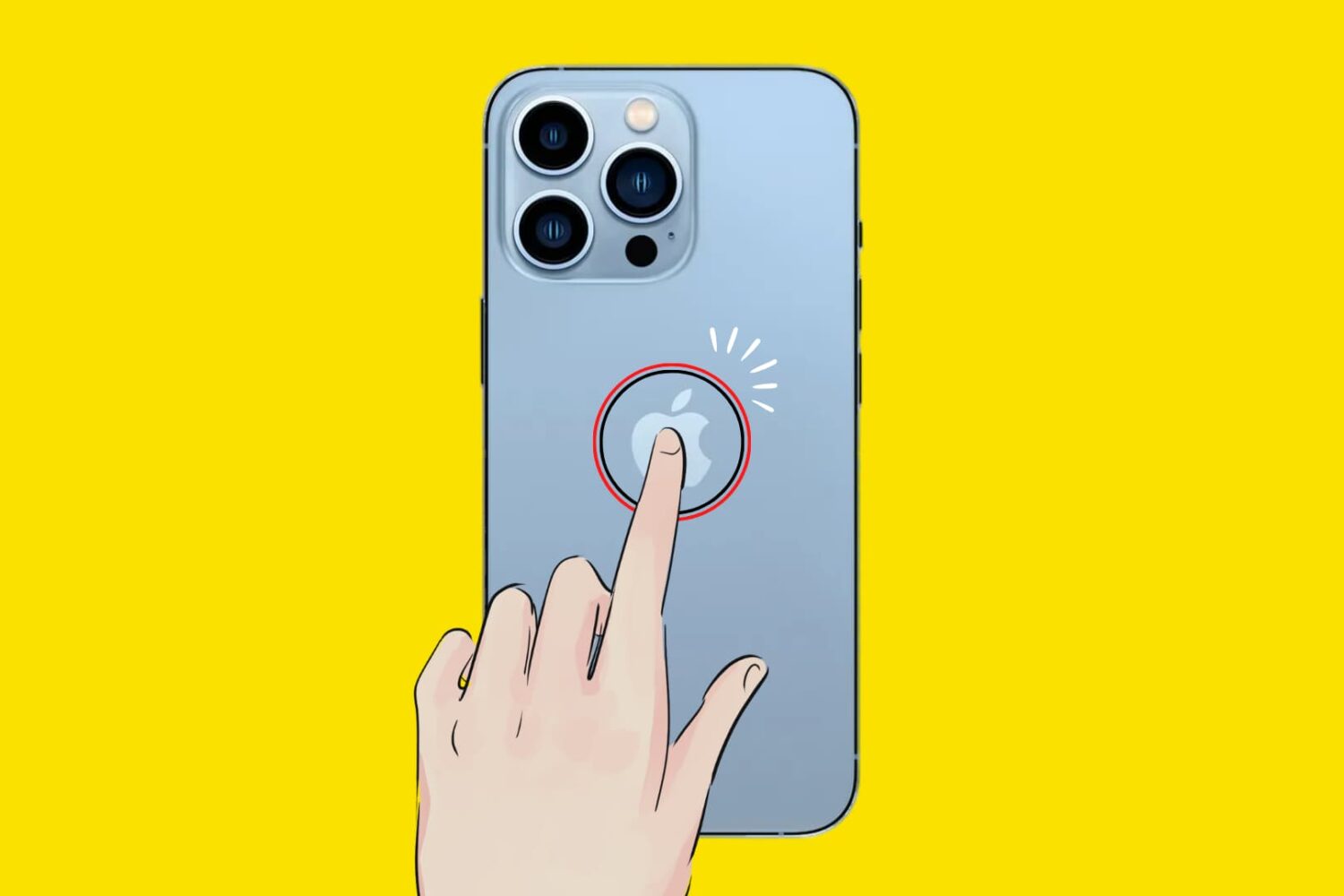
In this tutorial, we’ll show you how to trigger specific actions by tapping twice or thrice on the back of your iPhone. It works even with a case, cover, or skin!

With iOS 13.7, iPhone owners can use COVID-19 contact tracing to receive exposure alerts if they're near someone with the coronavirus symptoms. Follow along with iDB as we show you how to activate COVID-19 contact tracing on iPhone to receive exposure notifications.

Exposure compensation control allows compatible iPhone cameras to lock exposure independently of focus. If you struggle with balancing exposure and focus, you can lock them both separately. In this tutorial, we show you how it's done, which iPhone models are compatible, and what you need to pay special attention to.
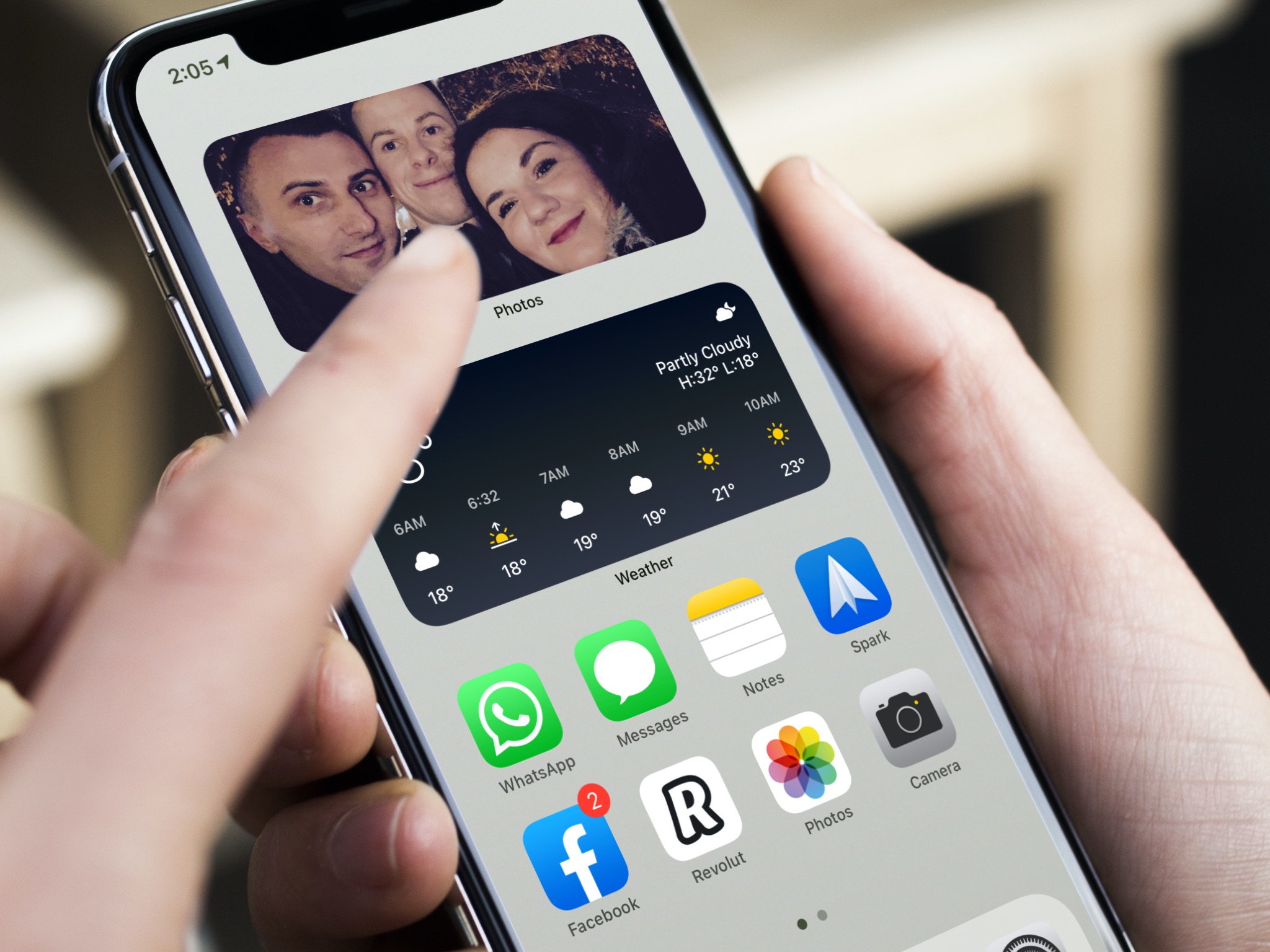
The Photos app widget on your iPhone and iPad Home Screen uses artificial intelligence to surface and rotate images that Siri intelligence thinks you might like. But what if the widget pops up an image you don’t like? In that case, follow our brief tutorial as we walk you through removing a specific featured image from the iOS Photos widget.
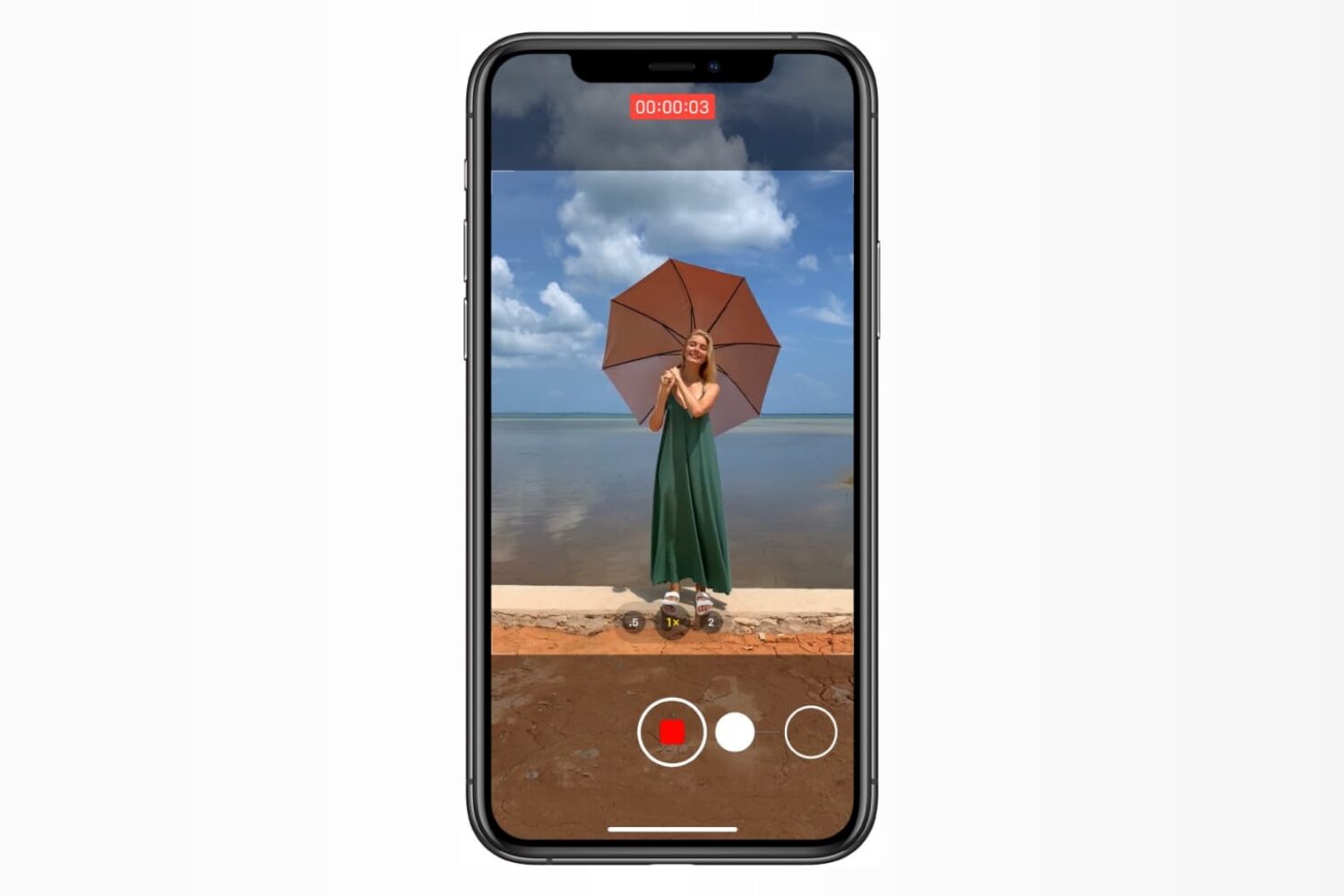
Learn how to use the hidden QuickTake feature in the iPhone Camera app to record video without switching out of Photo mode and never miss a moment.

iOS 14, iPadOS 14 and macOS Big Sur intercept traffic from websites, with Safari opening Apple News+ links in the News app. As a result, Apple News+ subscribers avoid paywalls on the web. Thankfully, you can change that behavior at will. This tutorial will show you how to have the links to stories included in your Apple News+ subscription open on the web instead of in News.
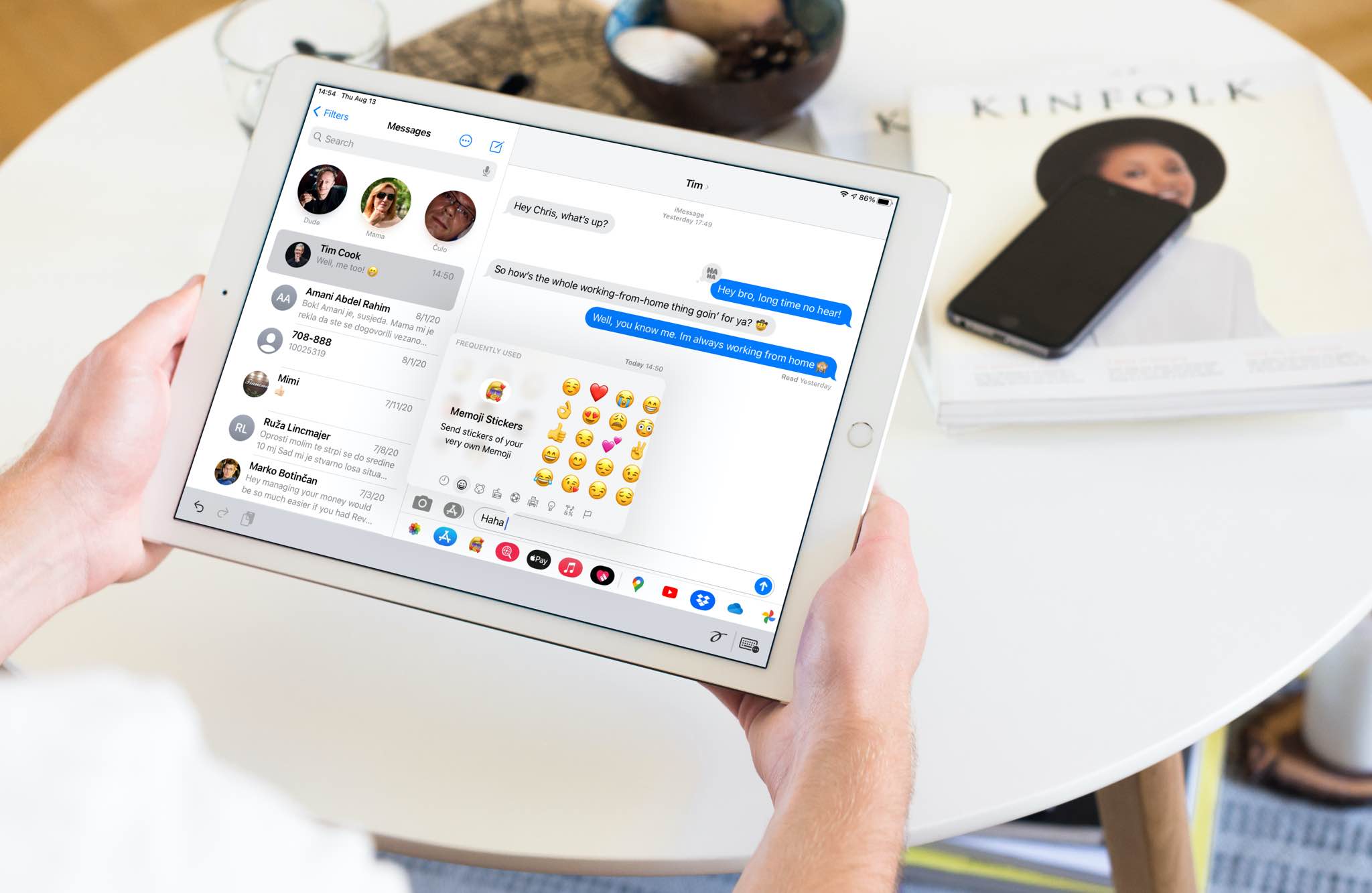
In this tutorial, we'll show you how to quickly find and insert emojis when you're using a hardware keyboard with your iPad.
Check out this quick tip to improve your iPhone camera’s performance by enabling faster shooting when you tap the shutter button quickly.
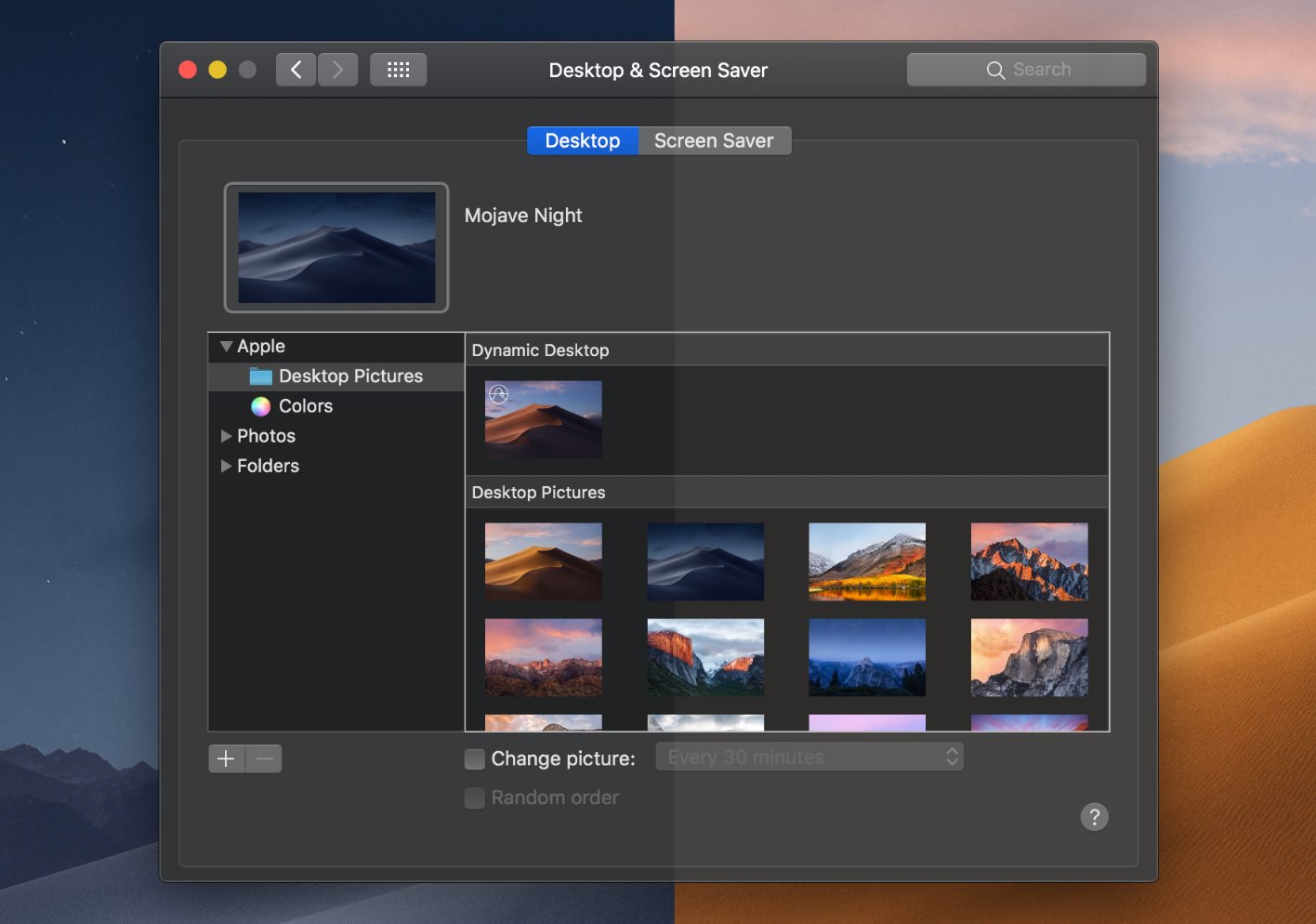
The dramatic Dark Mode look arrived to the Mac with the October 2017 release of the macOS 10.14 Yosemite software update. Fast forward three years and users can now force Dark Mode to become a bit darker thanks to a new setting in macOS 11.0 Big Sur. Follow along with our tutorial for step-by-step instructions for how to to make Dark Mode even darker on your Mac.

Wouldn't it be great if you could see upcoming games that will launch soon on Apple Arcade, the iPhone maker's game-subscription service? With the new App Store features available on iOS 14, iPadOS 14 and macOS 11 Big Sur, you can do just that. Follow along with our quick tutorial as we show you how to get a sneak peek at upcoming Apple Arcade games.