Tips

25 tips & tricks for the MacBook Pro Touch Bar

Touch Bar is a versatile OLED bar at the top of your keyboard that replaces the function keys with software-based buttons that change based on what app you're in and what you're doing. In this post, we'll mention twenty-five awesome things you can do with the Touch Bar on your MacBook Pro.

How to set up automatic account login on Mac

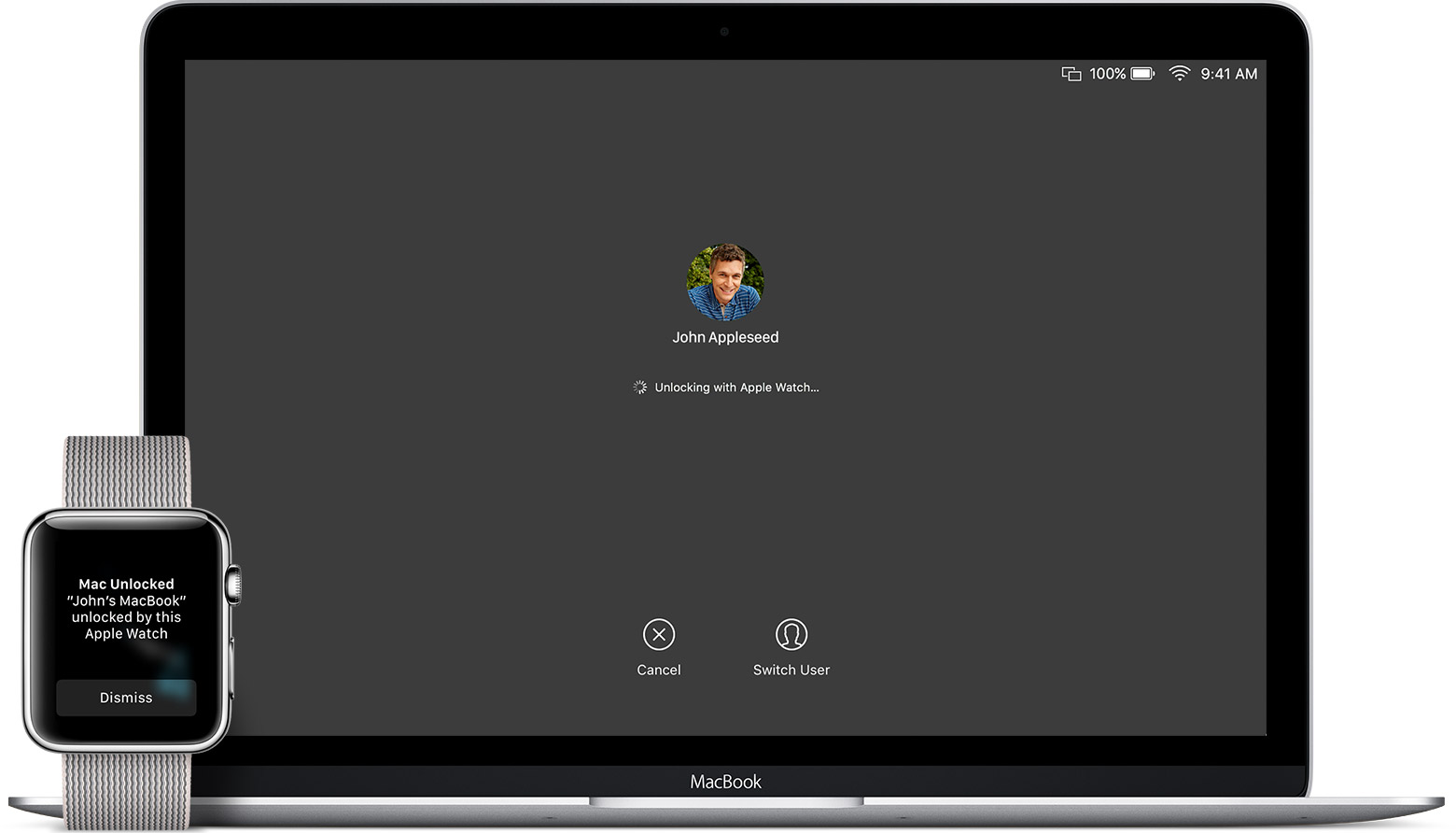
Login screen on MacBook Pro running macOS Sonoma

Wouldn’t it be nice if you could just turn on your Mac and start using it without having to log in to it all the time? If you’re someone who doesn’t need Fort Knox-like security to keep people from getting into your computer, then you can set up your Mac to log in to your account automatically when you turn it on, and we’ll show you how to do that.

Know the Calculator app in iOS 10

Apple’s Calculator app is one of those stock offerings largely flying under the radar for its soberness. It is somewhat overlooked, but then again can be a lifesaver at times. For those who need to crunch numbers on a more regular basis it is presumably nothing but an emergency fill-in, when for the rest of us it definitely more than cuts the mustard for everyday computations.

On the back of such a broad user base with varying skill sets, it goes without saying that there is a large discrepancy in expertise and knowledge about the calculator app itself.

The fact you can still elicit the occasional gasp from an unknowing iPhone user, just by rotating the interface to landscape mode says a lot about the relevance of calculator to many. Yes, it is mostly a plain calculator representation, but Apple did implement more knacks than first meet the eye. Novice or professional, if you are keen to boost your productivity in calculator, continue reading to find out if you are up to speed on the following tricks: