Learn how to disable autoplay in Safari for Mac to stop websites from playing video and audio automatically, creating a calmer, less distracting browsing experience.
How to disable media auto-play for websites in Safari on Mac
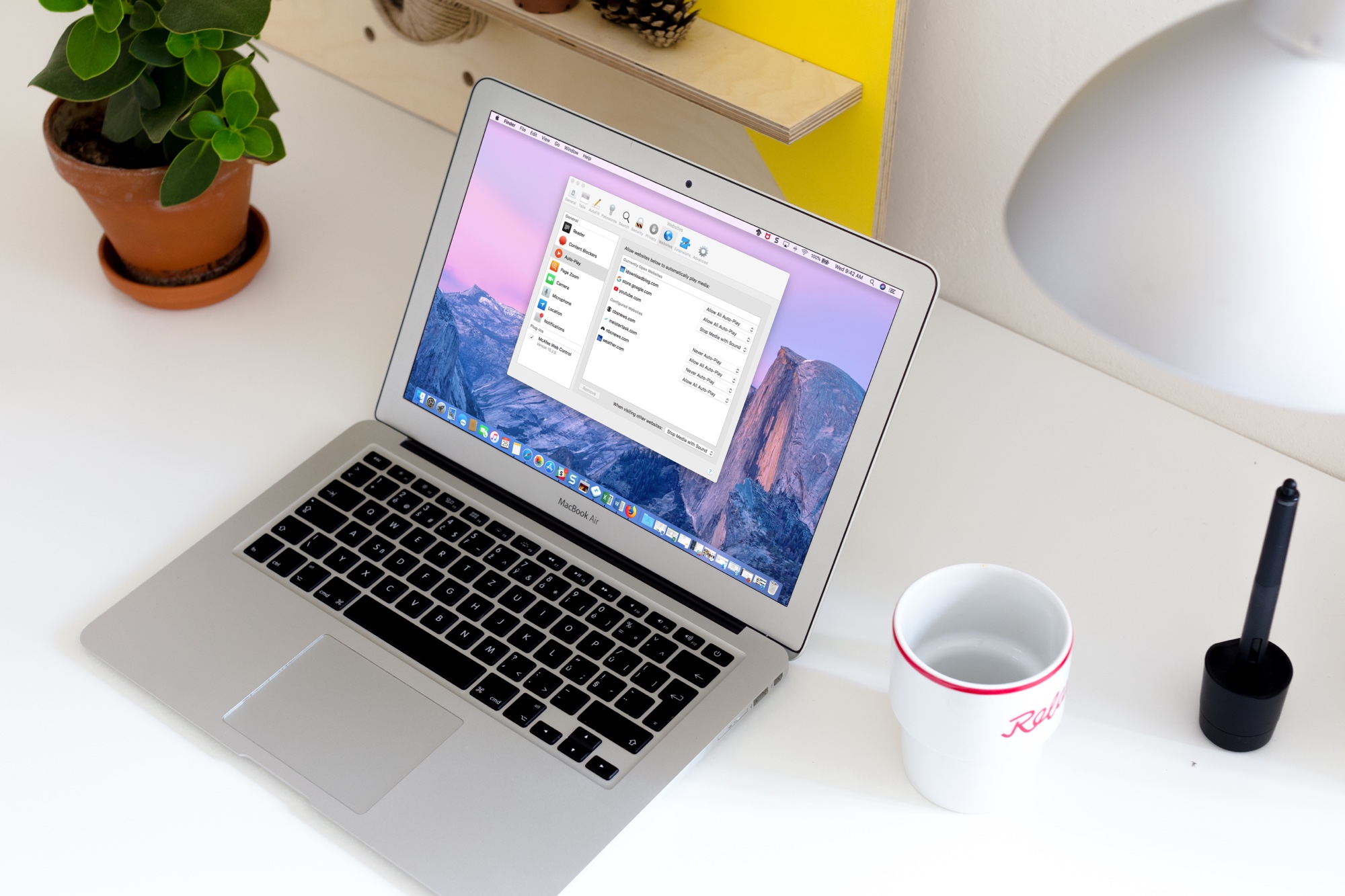
Learn how to disable autoplay in Safari for Mac to stop websites from playing video and audio automatically, creating a calmer, less distracting browsing experience.

Learn some interesting facts about how your iPhone, iPad, or Mac determines the order in which it should automatically join previously saved Wi-Fi networks.

Learn how to always use Outlook in Dark Mode on your iPhone and computer or set it to mimic your device's system-wide Dark and Light Mode settings.

In this tutorial, we will show you how to stop Instagram from letting other people know when you're online, or when you were last active on the platform.
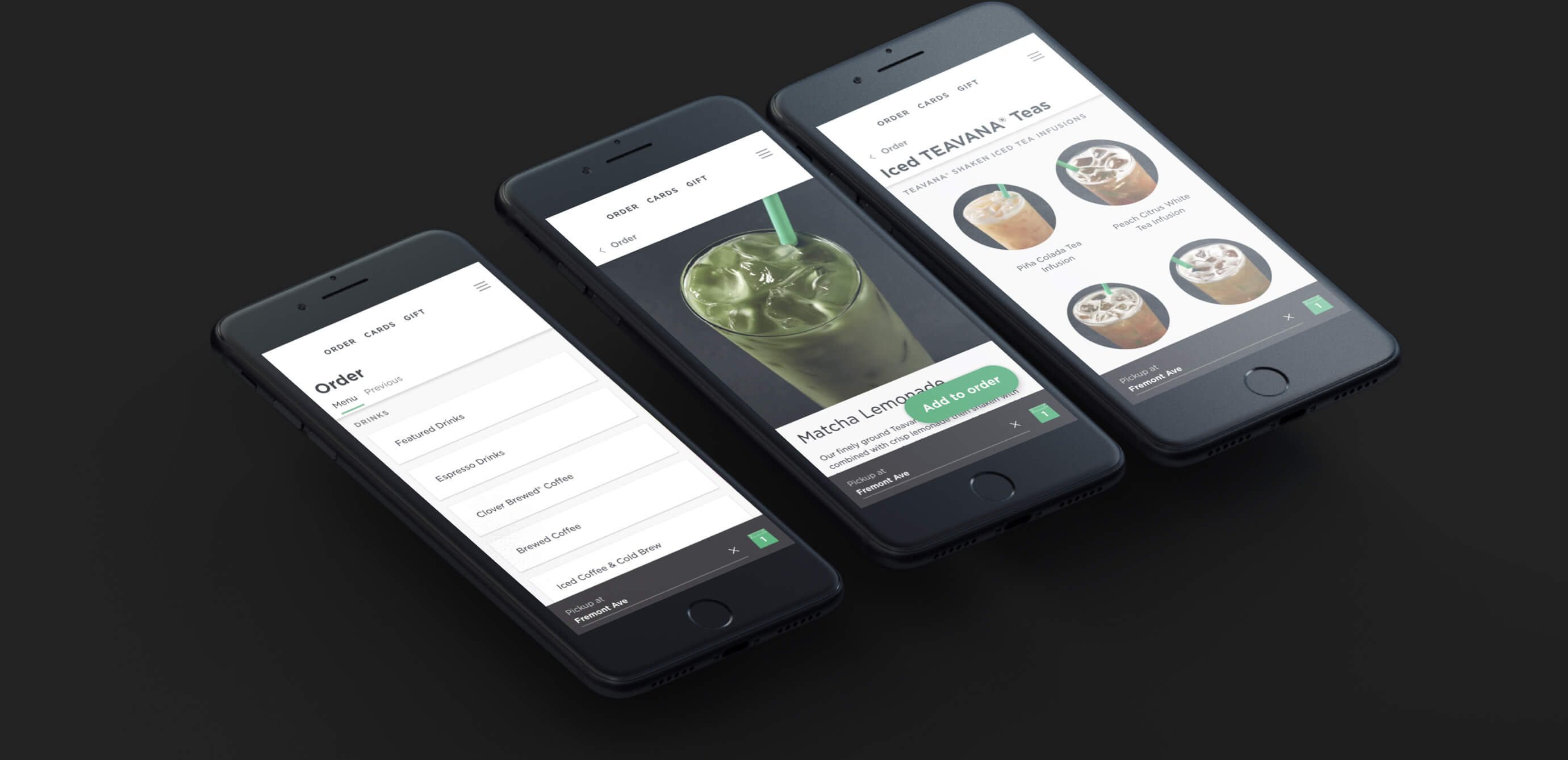
Thanks to modern web technologies like HTML5, Progressive Web Apps (PWA) run in a browser, don't require separate distribution, combine features of native apps with the benefits of a mobile experience and let you keep them on the Home Screen without the hassle of an app store.
In this tutorial, we'll help you install Progressive Web App to your iPhone or iPad Home Screen.

Learn how to take advantage of Apple’s True Tone technology that makes images on your Mac’s Retina display (and even the Touch Bar on supported models) appear more natural.
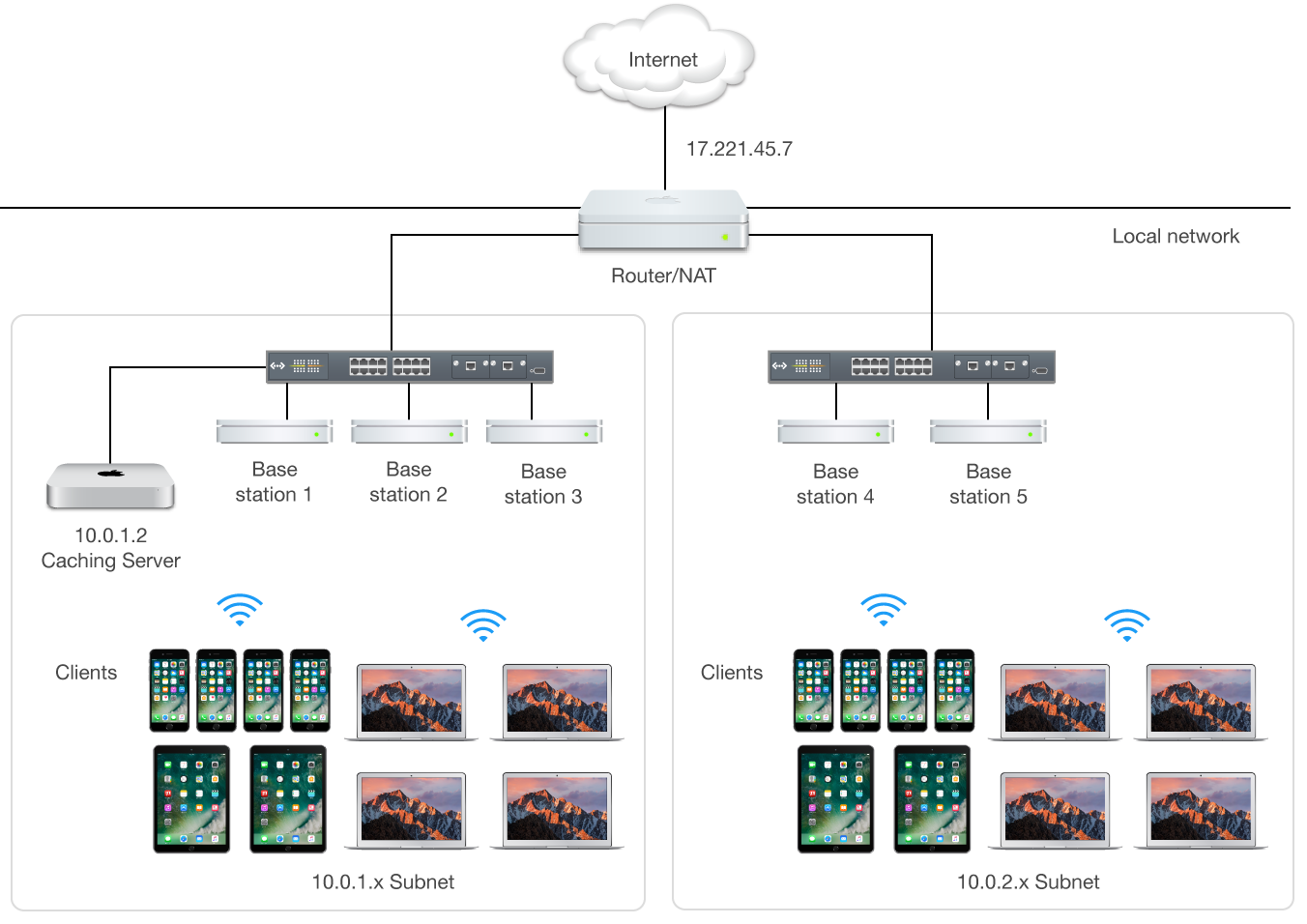
Mac content caching cuts down your Internet data usage and accelerates downloads on iPhone, iPad, Mac, Apple Watch and Apple TV dramatically. Here's how to set up and use this feature to avoid repeated downloads and reduce bandwidth usage.

Discover a quick tip that lets you use the Mac Mail app in split view and work with multiple emails at once for increased productivity.
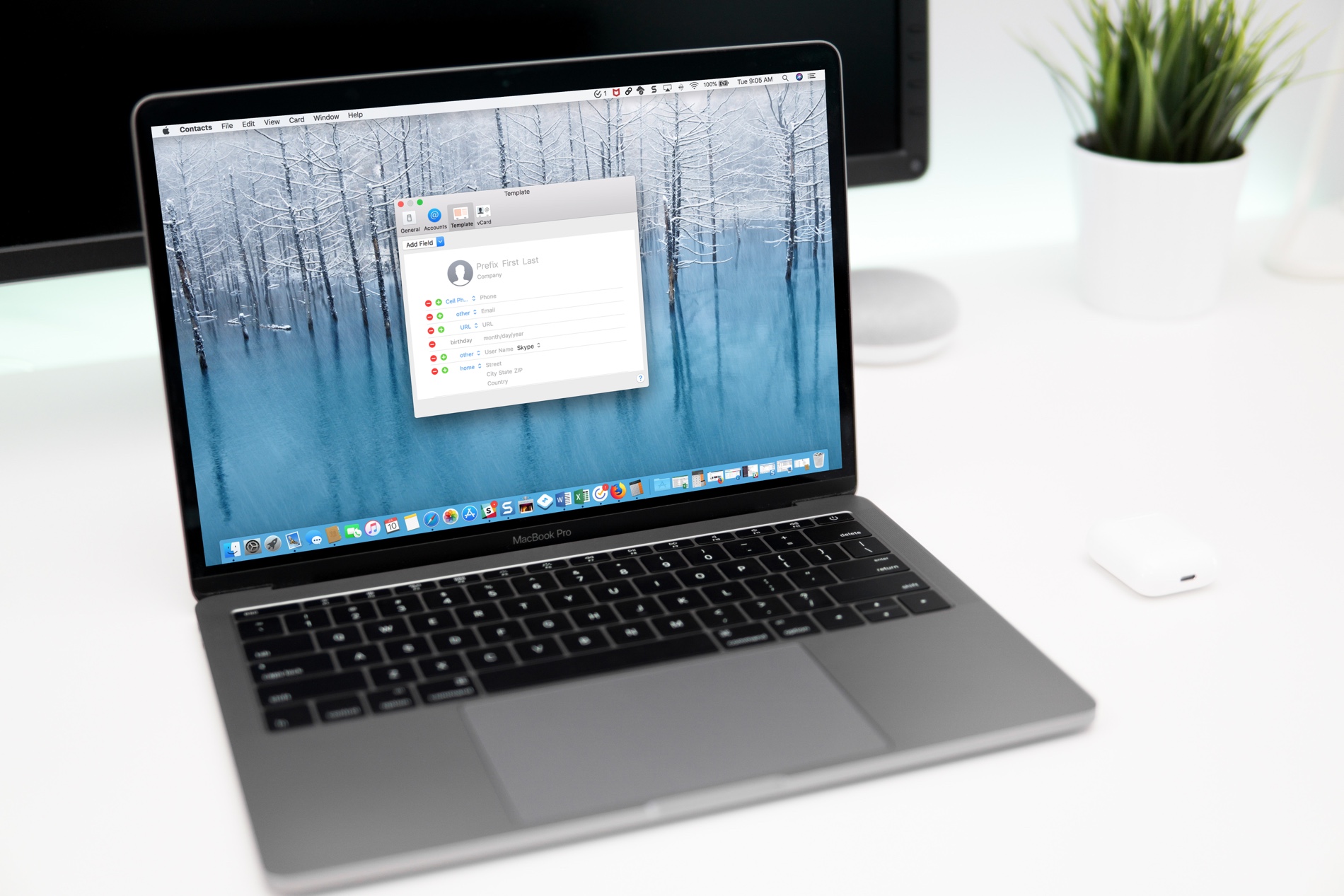
If you use the Contacts app, you’ve likely noticed by now that the cards for your contacts contain certain information by default. Each one has mobile phone, birthday, and a few email fields. But what if you want something different?
You can customize the card template for your Contacts app on Mac to add fields, remove fields, and have just the details you want.
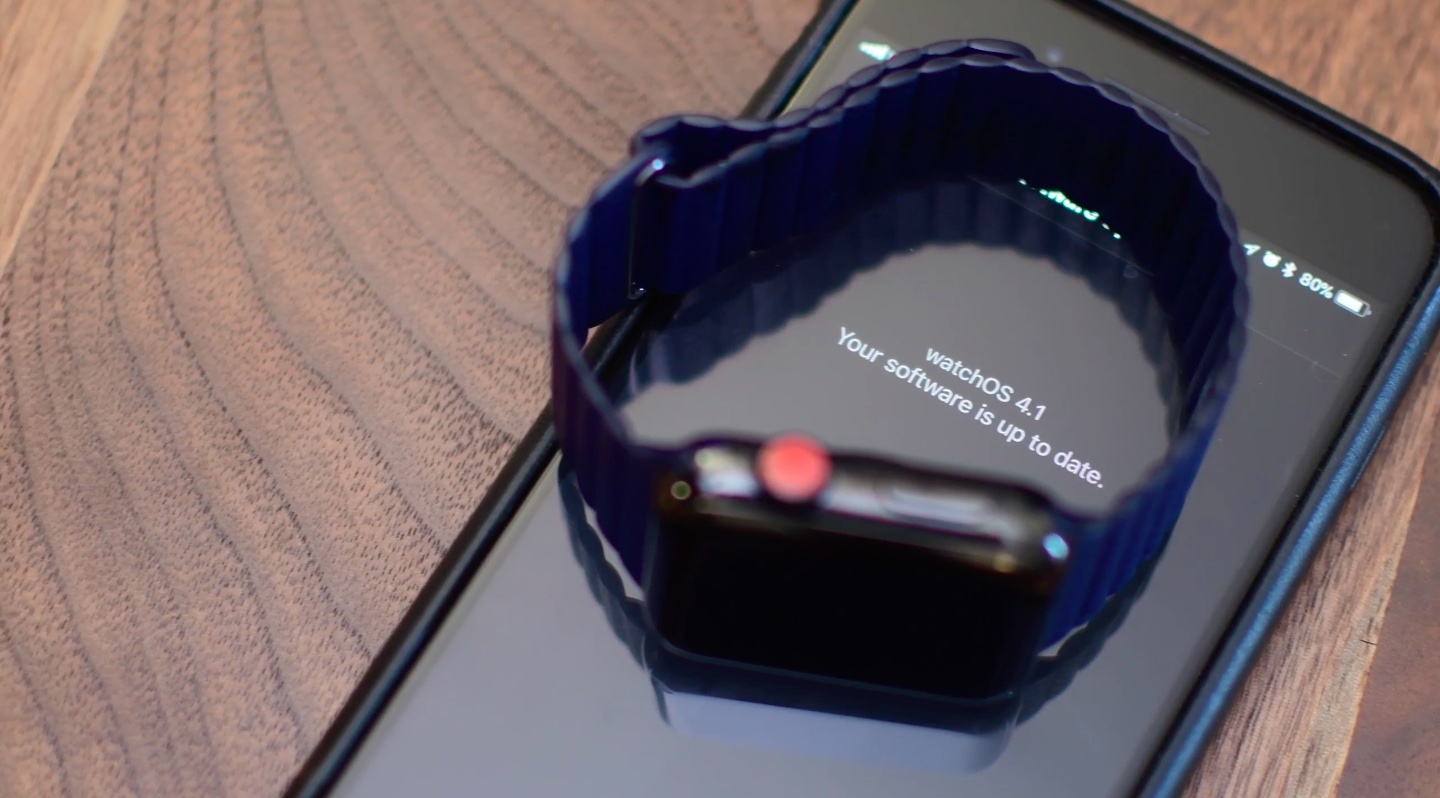
Legacy Apple Watch apps built with outdated watchOS SDKs produce a warning when launched in watchOS 4.3.1. On watchOS 5 and later, legacy apps refuse to open at all.

In this step-by-step tutorial, we will show you how to use the episode chapters feature in the Apple Podcasts app on your iPhone, iPad, and Mac. You can use the chapters to understand what is talked about in the episode and jump to the desired moments.
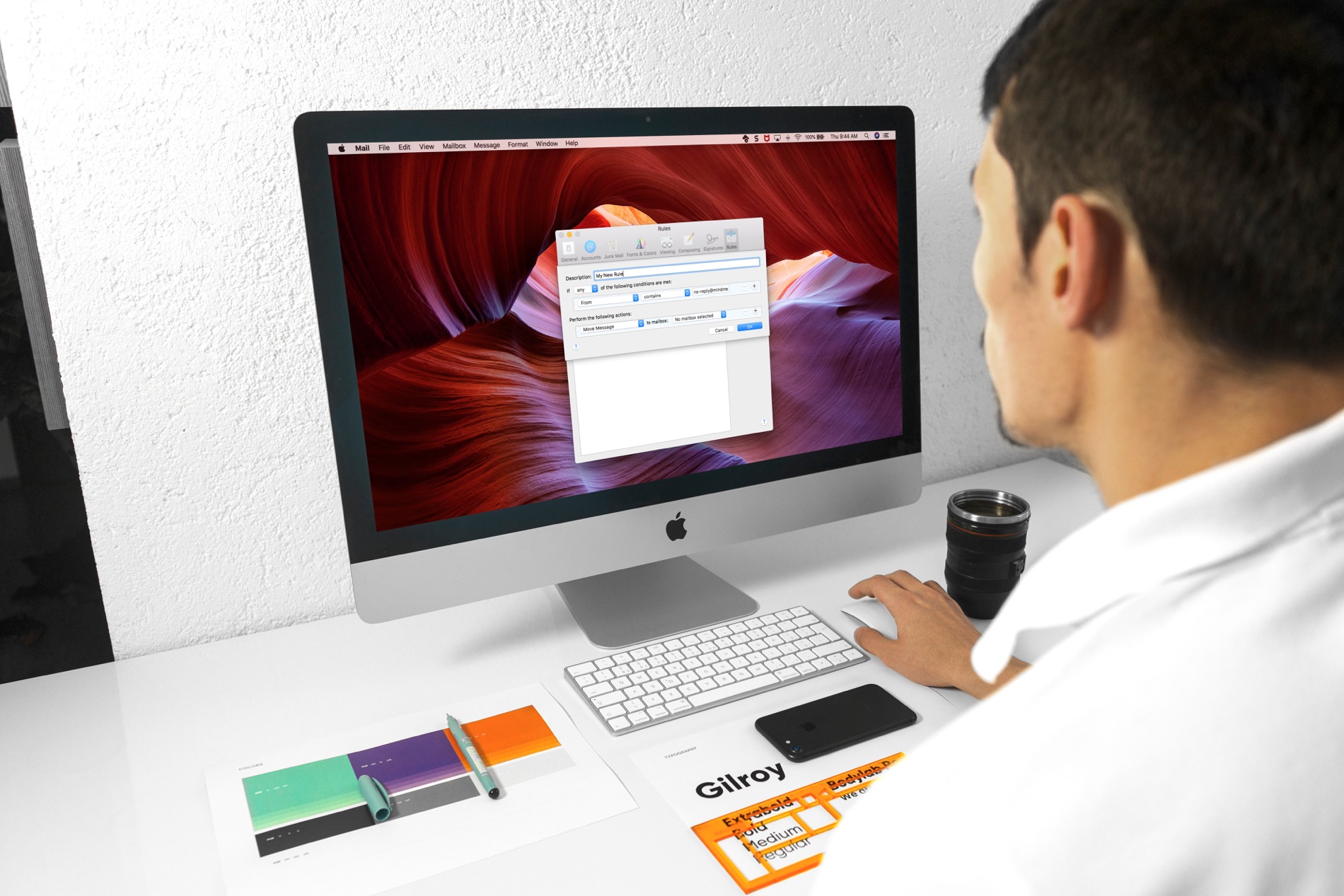
Managing your inbox can be a daunting task these days. From those important emails, you must see to those that just get in the way, it can be tedious to organize it all to see what you want to see.
If you use the Mail app on your Mac, you can set up email rules that help you manage it all. Direct emails as they arrive, mark them, so they’re easier to spot, and clean up your inbox easily; here’s how.