Learn to position the cursor precisely and quickly select text passages by turning your iPhone's stock keyboard into an effortless virtual trackpad.
How to use a secret virtual trackpad on your iPhone to edit text with ease
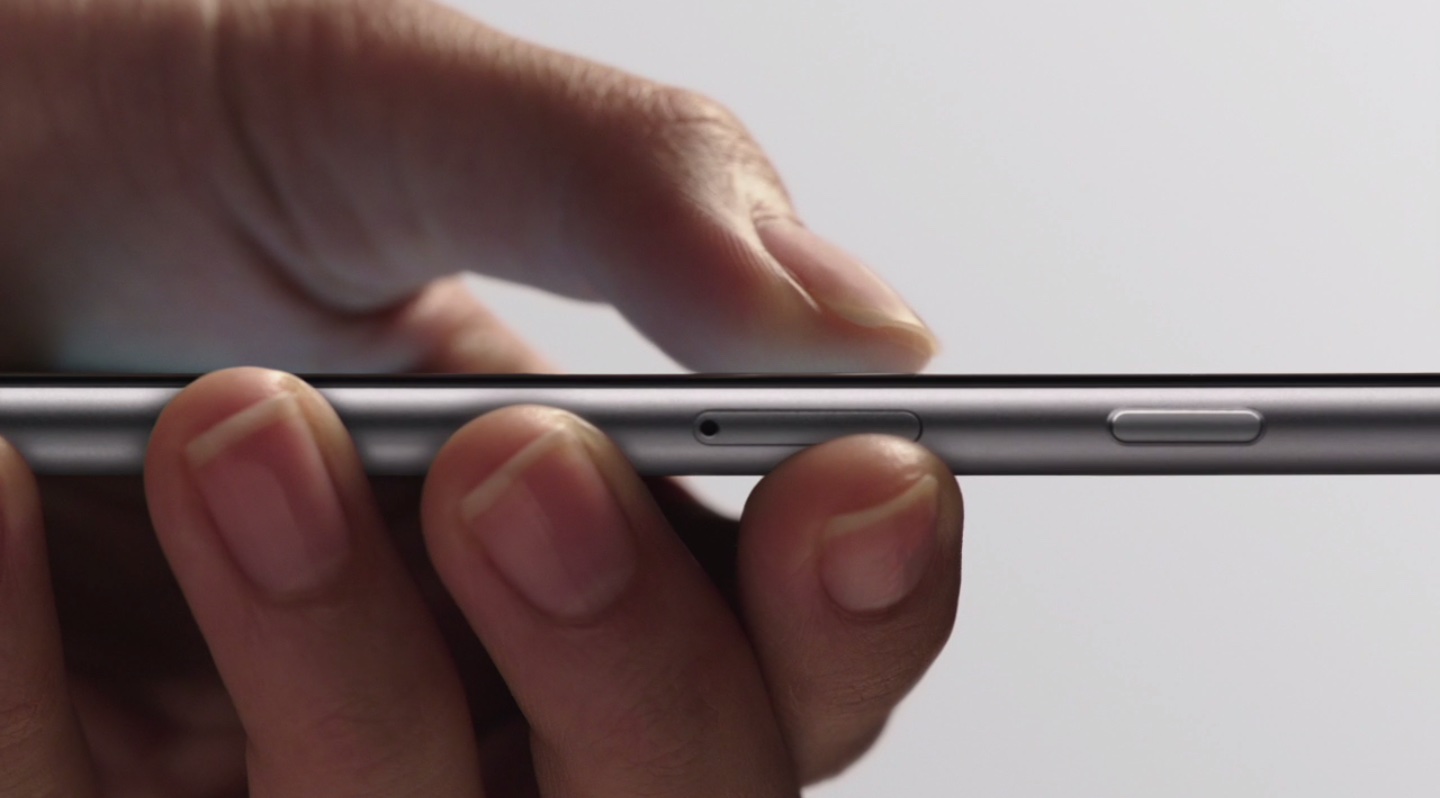
Learn to position the cursor precisely and quickly select text passages by turning your iPhone's stock keyboard into an effortless virtual trackpad.
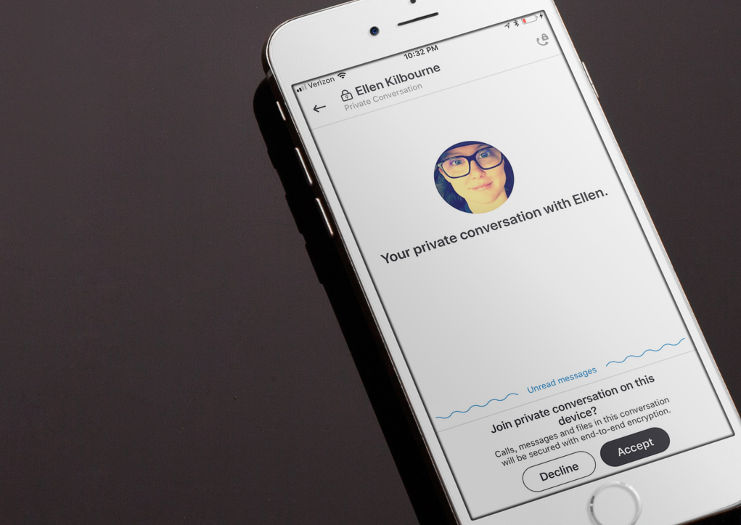
End-to-end encryption protects your sensitive Skype text messages, VoIP calls and more from eavesdropping. Here's what you need to know about setting up and using this optional feature, called Private Conversations, in Skype's iPhone, iPad and Mac app.
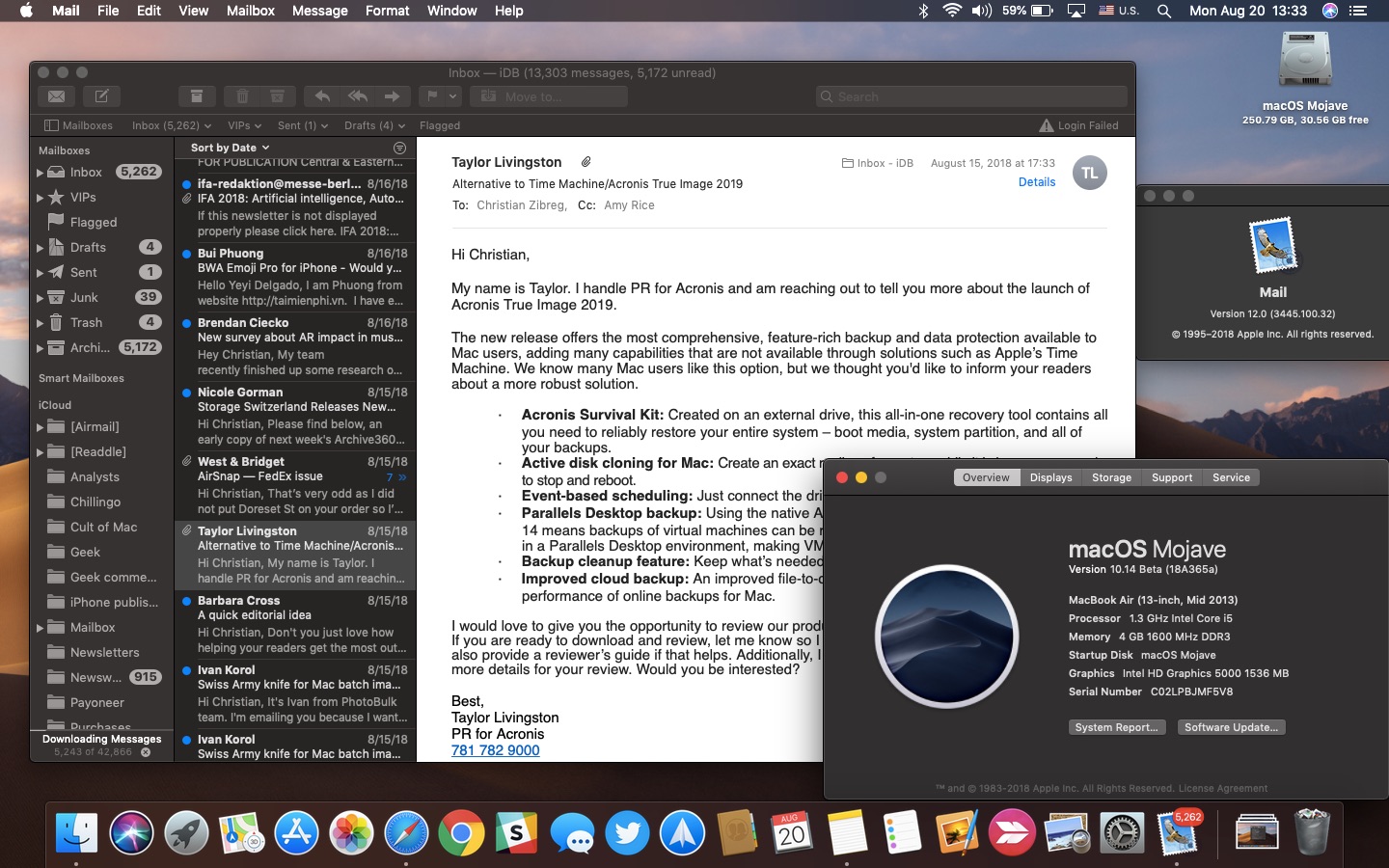
macOS Mojave brings a system-wide Dark Mode for the first time to your Mac. Available in system Apple apps including Finder, Photos and Calendar, Dark Mode will be coming to third-party apps, too, thanks to an Apple-provided API. In Apple Mail, Dark Mode is especially awesome due to a handy option allowing you to permit you to alternate your emails between darker and lighter appearances while having Mojave's Dark Mode turned on at a system level.

In this tutorial, we’ll share how to hide recent and suggested apps from your Mac Dock to make it smaller and less crowded.
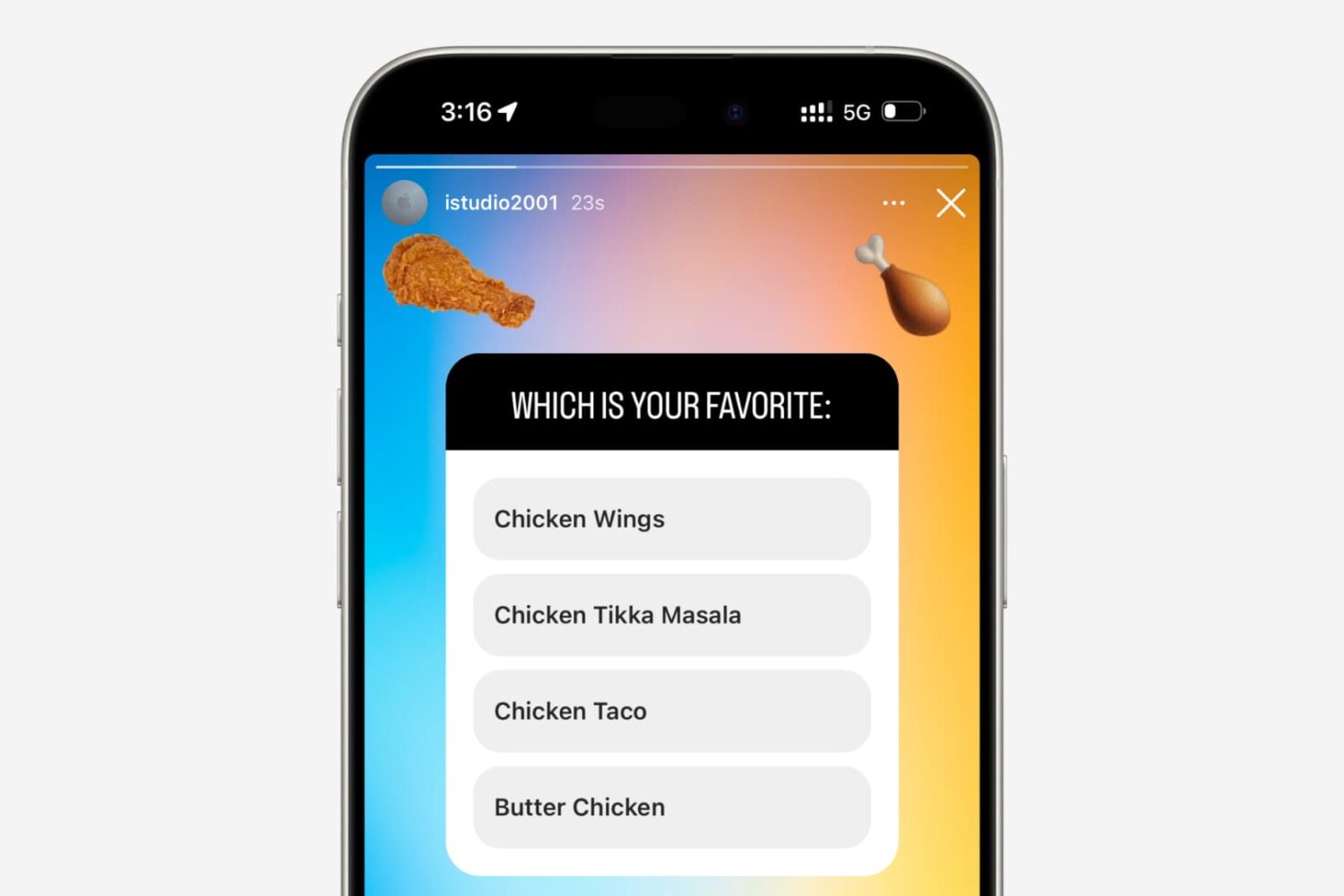
In this tutorial, we will show you how to use polls in your Instagram Stories and group chats to ask questions and see real-time results from your friends and followers as they vote. This guide works for both iPhone and Android users.
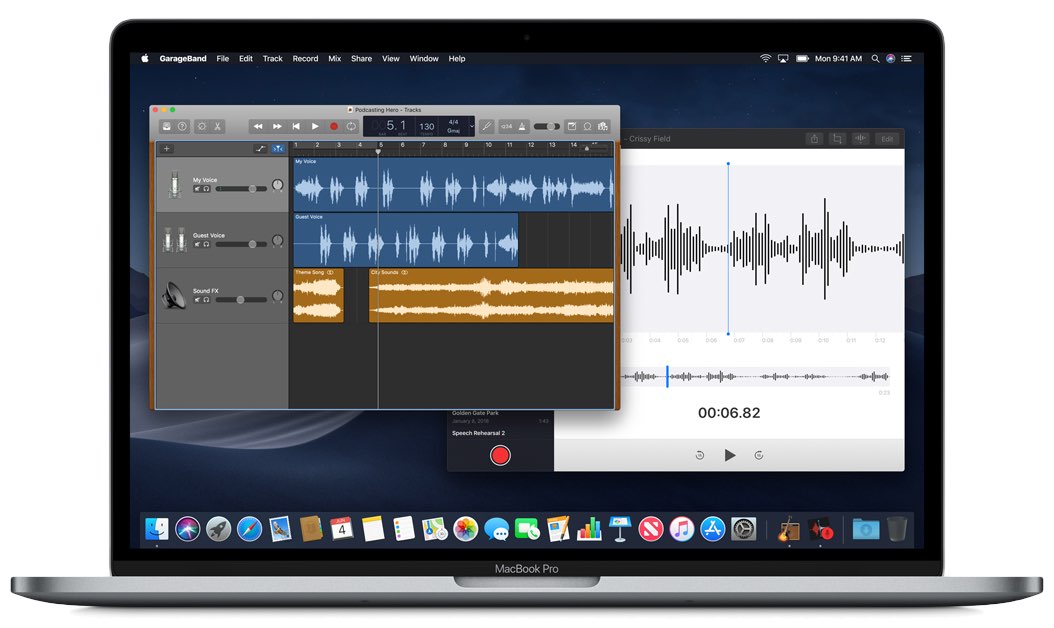
Voice Memos has existed on iPhone since the 2009 iPhone OS 3 software nine years ago. At its annual developer conference in June 2018, Apple announced it would make Voice Memos available for iPad and bring the app to macOS alongside a few other native iOS apps, like Stocks, Home and News.

In this tutorial, we'll show you how to add your favorite Apple Music playlists, albums, or artists to the your iPhone or iPad Home Screen so you can play them directly from there in just one tap.
These will also work if you are not an Apple Music subscriber but have songs saved locally in the iOS Music app.
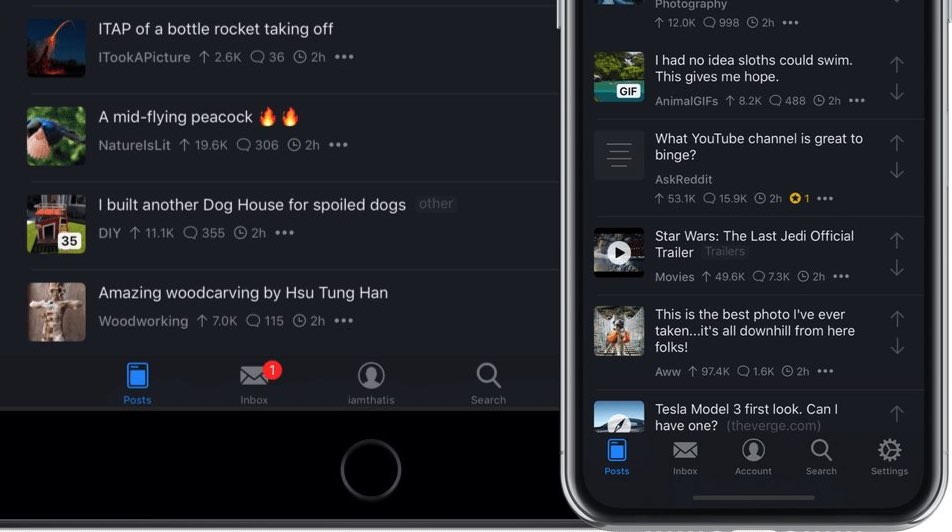
Apollo, a gorgeous Reddit client built for power and speed by former Apple intern Christian Selig, is the only Reddit app you need. And with Apollo's optional dark theme available in two flavors, the usually darkened interface and a power-saving pure black mode.

The Apple Music app has a built-in lyrics search feature. With it, you can find songs even if you don’t know the track’s name, who the artist is, or other such details.
All you need to do is remember a small part of the song’s lyrics, and the Music app will find tracks on Apple Music or in your library that match the typed lyrics.
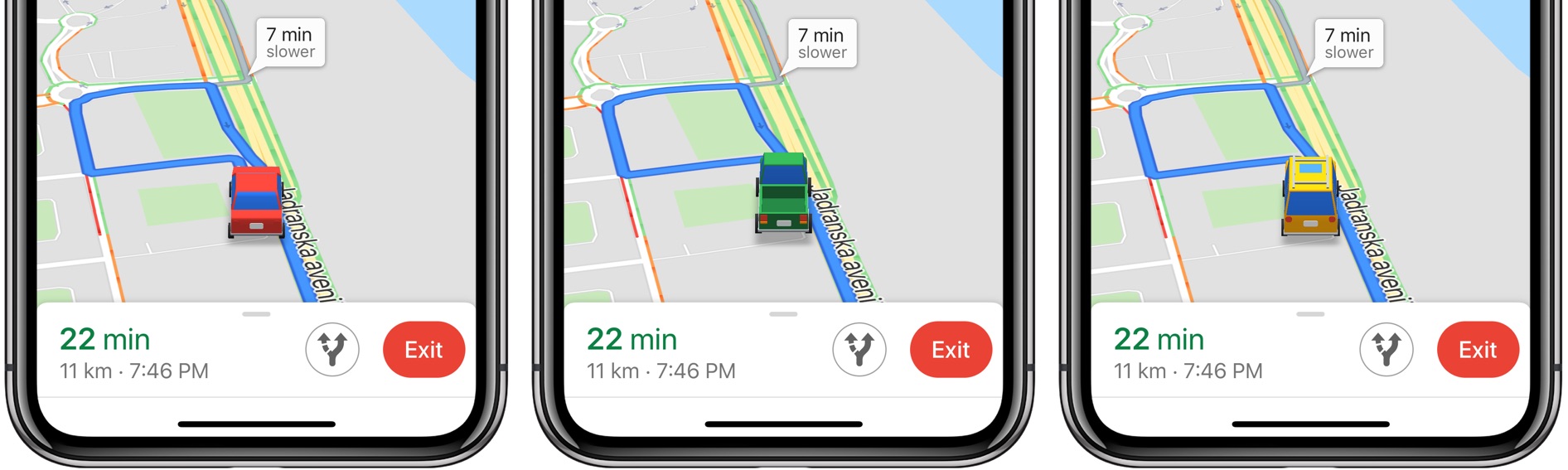
Google Maps for iPhone, iPad and iPod touch makes it easy to customize vehicle icons. You can only spicy up your ride this way when using the app's driving navigation mode.
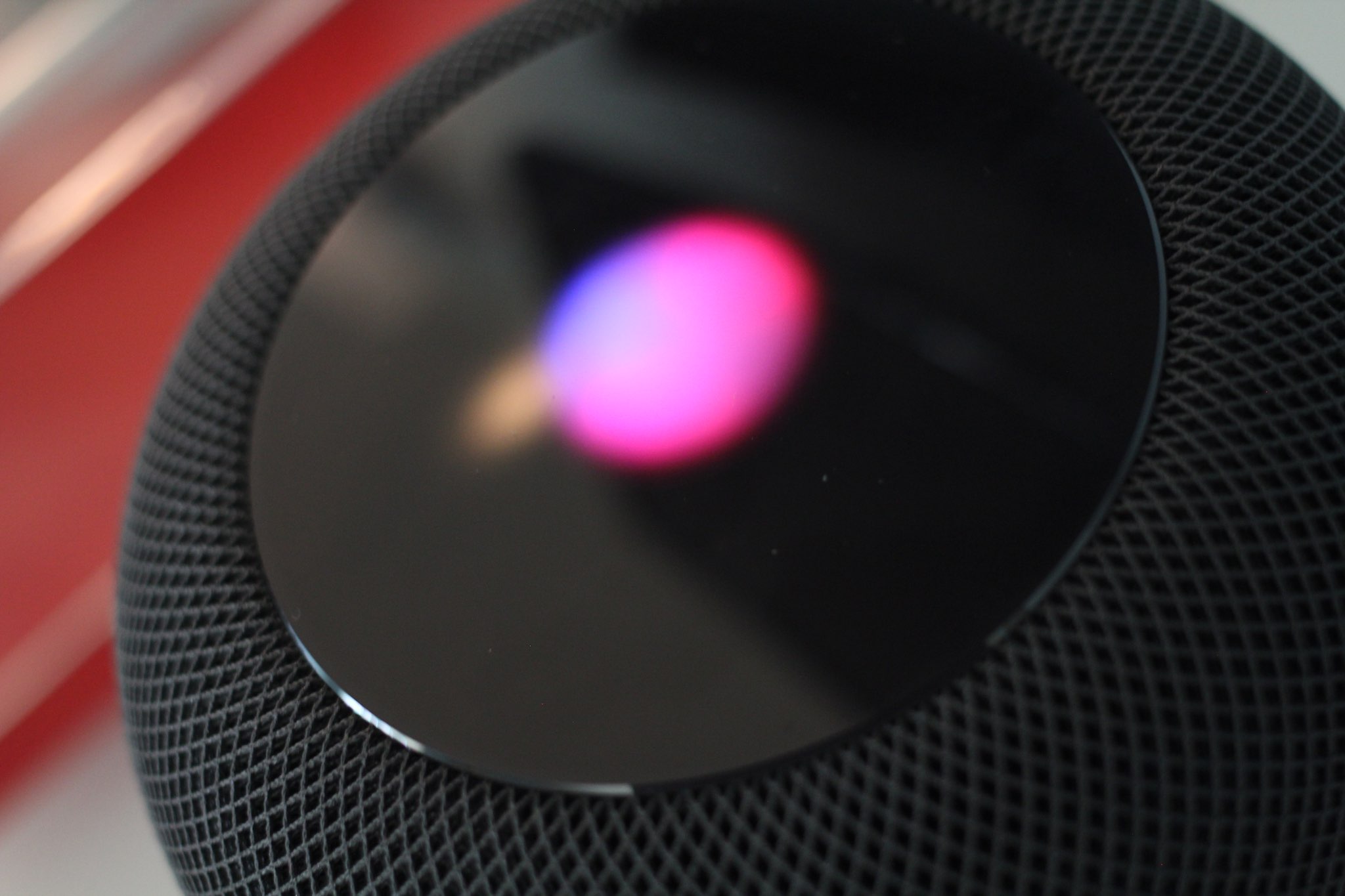
Learn how to properly use the hands-free “Hey Siri” or “Siri” feature in a multi-device environment so that only the right Apple device responds to the wake-up phrase.
Google Chrome 68 for desktop and mobile includes elements of a Material Design refresh that are disabled by default, but can be activated at will by changing hidden settings, here's how.