In this tutorial, we will show you how to measure objects, people's height, areas, and more using the built-in Measure app on your iPhone or iPad.
How to use the Measure app on iPhone and iPad
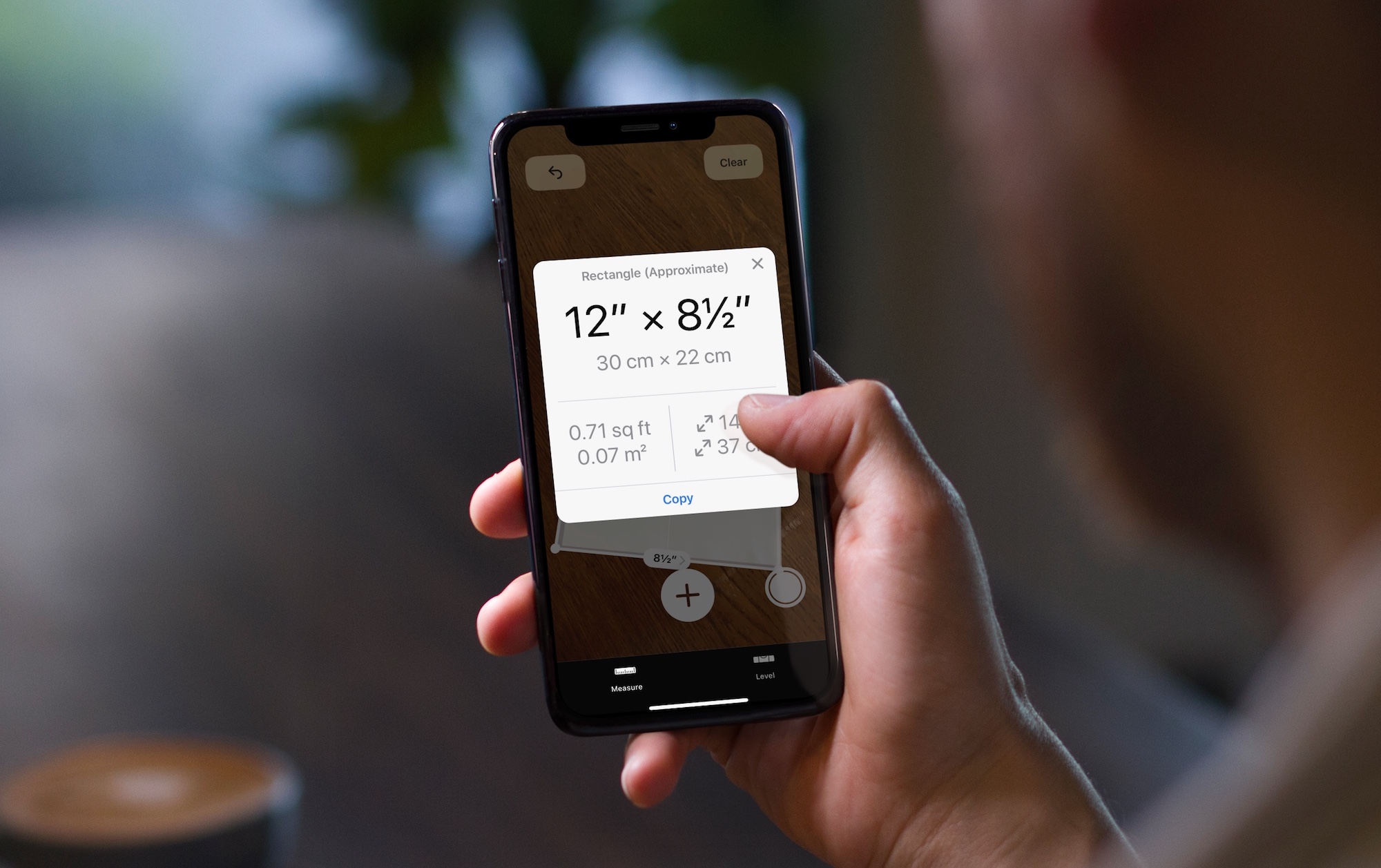
In this tutorial, we will show you how to measure objects, people's height, areas, and more using the built-in Measure app on your iPhone or iPad.
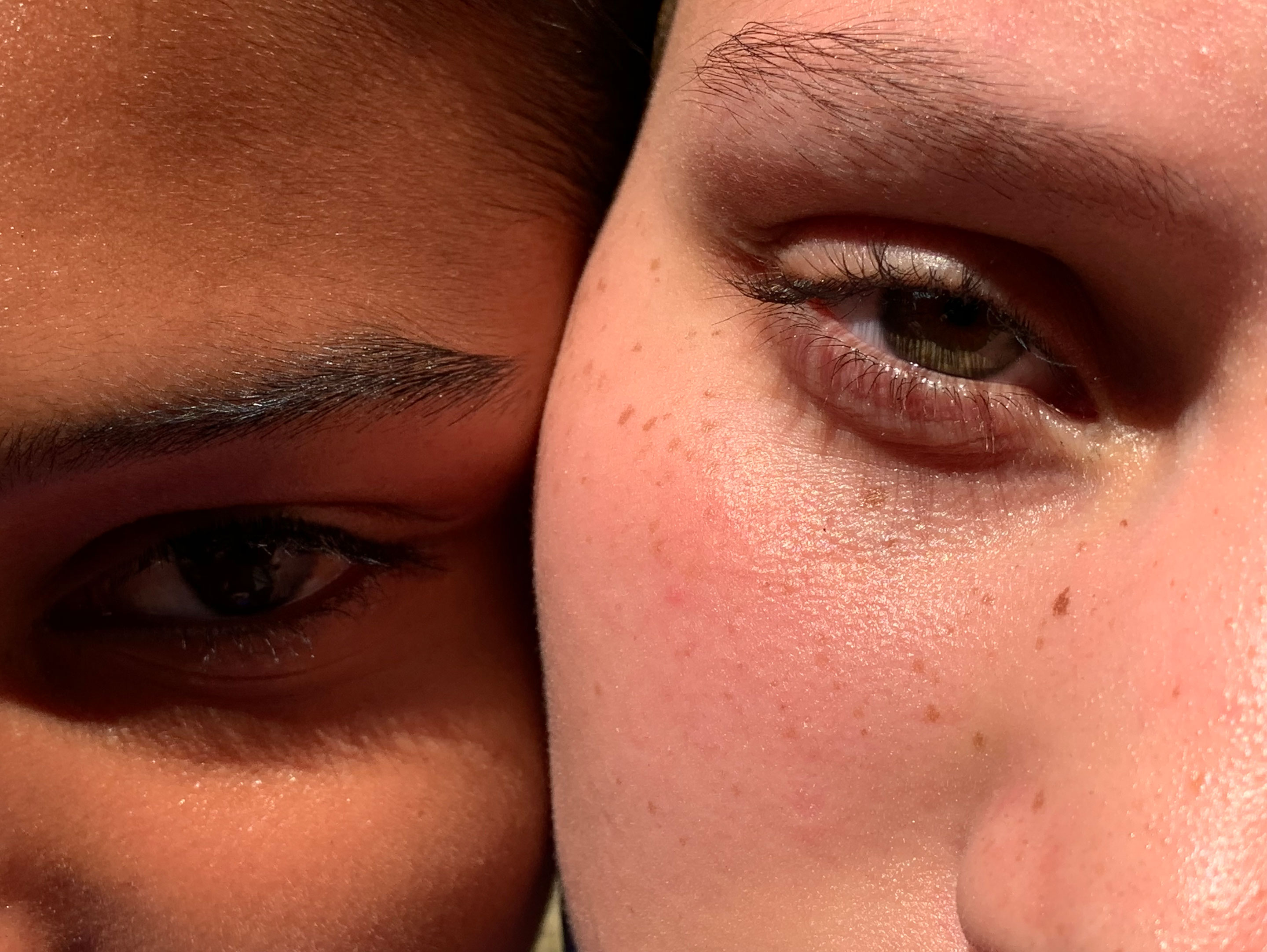
Learn more about the workings of HDR, Auto HDR, and Smart HDR on your iPhone, which lets you capture balanced shots in high-contrast situations.

On Wednesday, Apple will hold its "Gather round" press event from the Steve Jobs Theater on the Apple Park Campus in Cupertino, California. As has become tradition, Apple is once again offering a live stream of the event so anyone can watch. Here's how to find it.

Snapchat makes it a cinch to subscribe to any publisher or creator listed under the Discover tab, while watching their post or video. This handy feature makes it very easy to add creators to your following list on a whim, without having to stop viewing their posts in Discover.
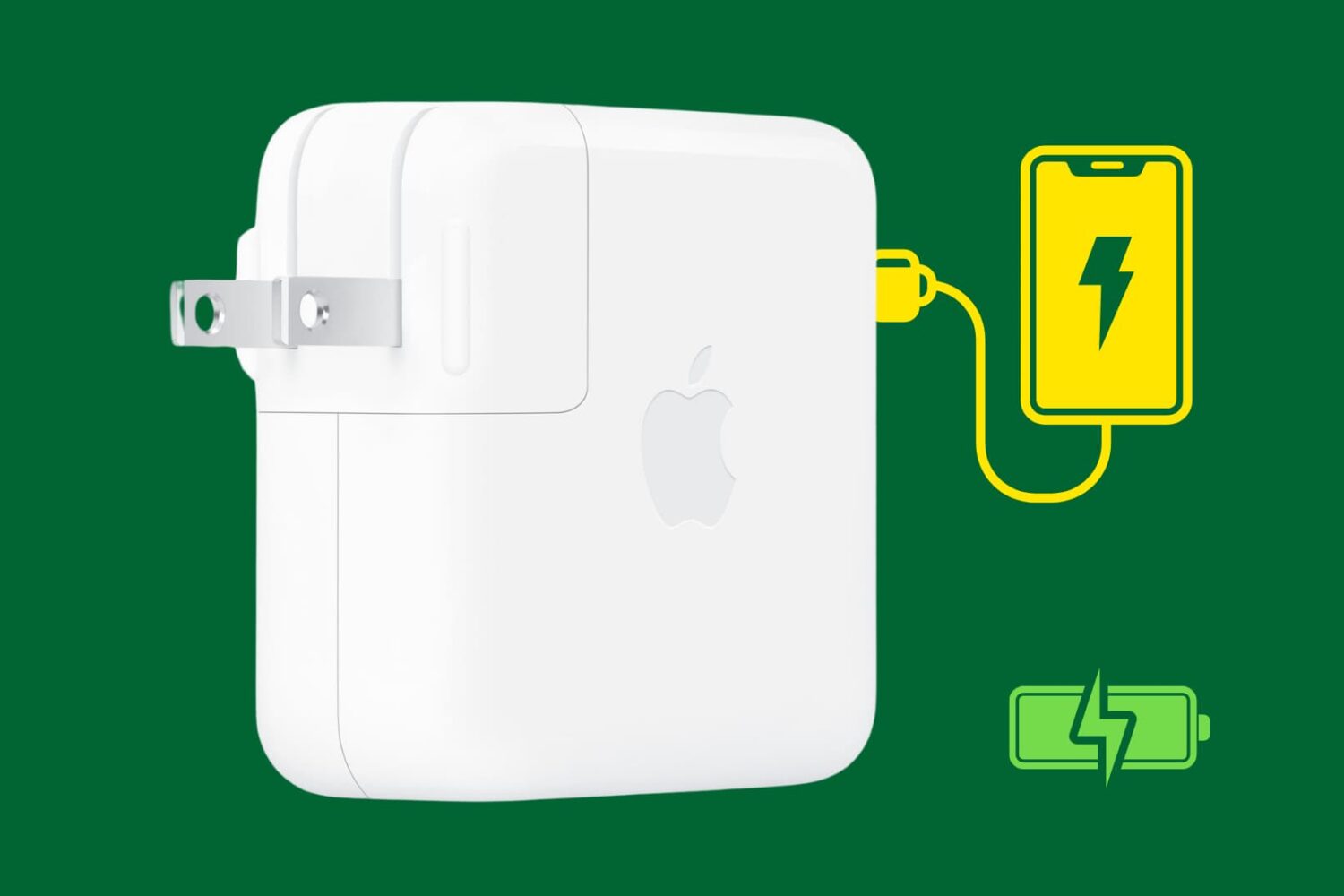
Looking to top up your iPhone's battery quickly? In this guide, we will talk about the right power adapters and cables to use in order to fast charge your iOS device.
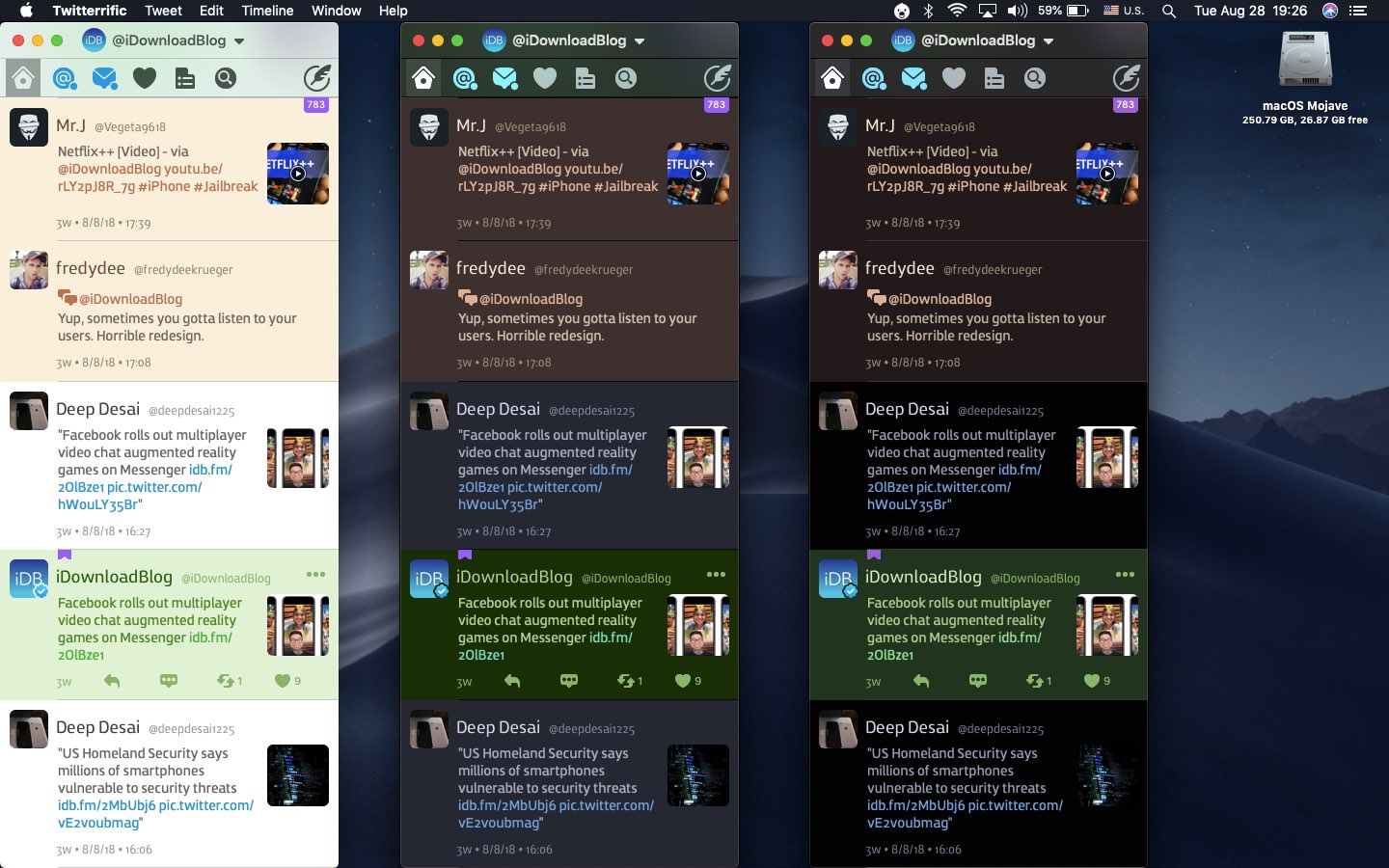
Like many third-party apps, Twitterrific for iPhone, iPad and Mac support interface theming. As of December 2017, the iOS edition has supported a Dark Mode-like theme that developer The Iconfactory says was specifically designed for OLED devices like iPhone X. With Twitterrific Dark Mode, your timeline blends seamlessly into the device to create a stunning reading experience. Here's how to flip on Twitterific Dark Mode in both the iOS and macOS apps.
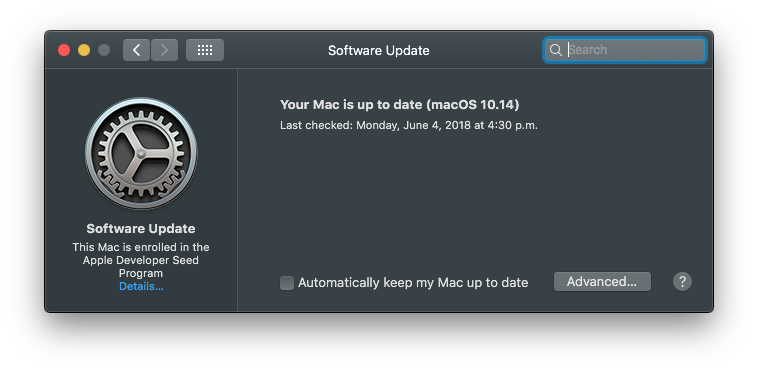
macOS Mojave 10.14 has changed the way customers update the operating system software on their Mac. No longer do new over-the-air updates available for your computer appear listed underneath the Updates tab on Mac App Store. Instead, the Software Update mechanism now lives in its own place as a standalone preferences pane. This step-by-step tutorial will teach you how to update the macOS operating system on your Mac in macOS Mojave.
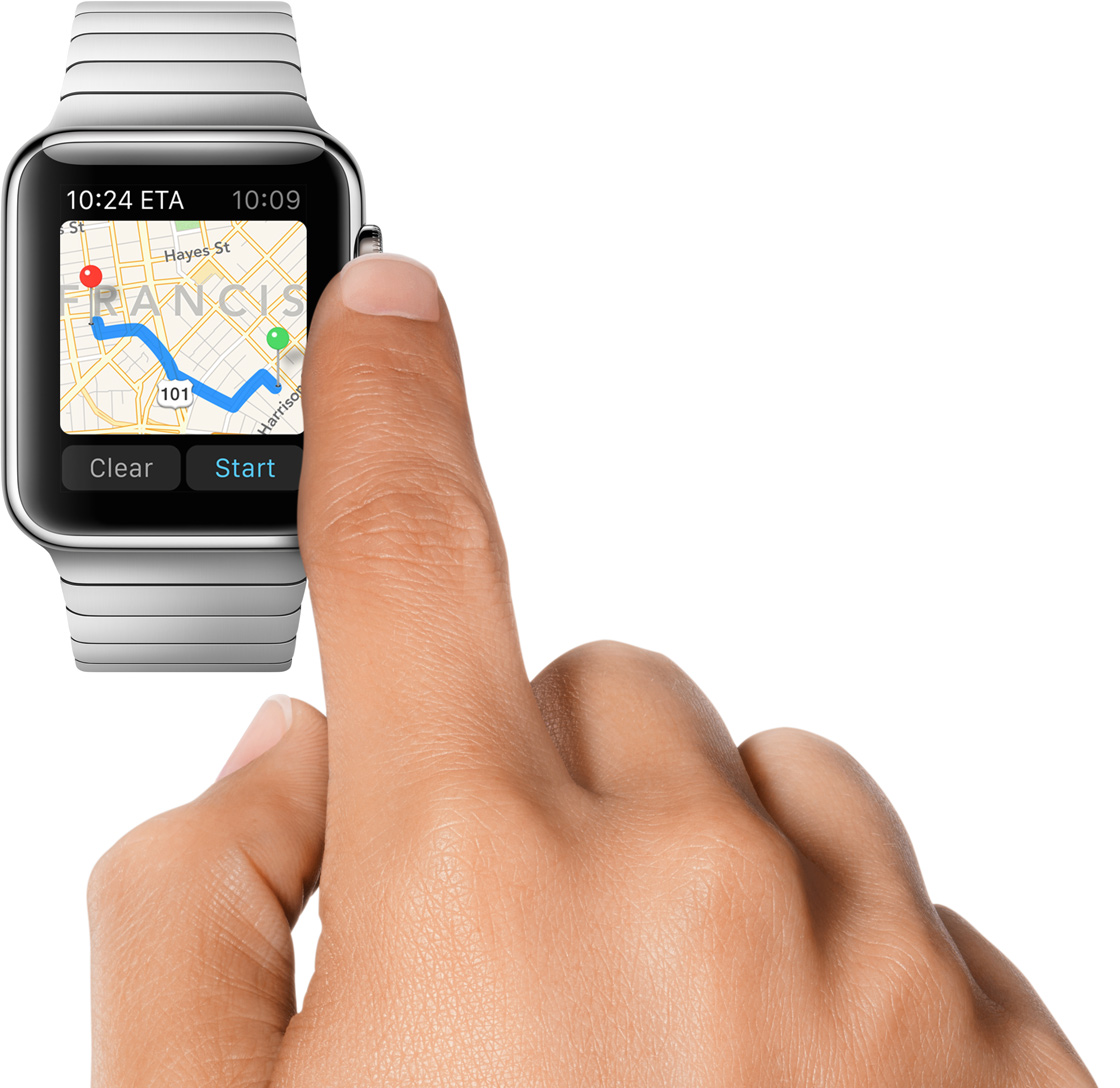
watchOS 5 brings some tweaks to the Maps app on your wrist, like choosing to show or optionally hide Maps when using Apple Watch stepping directions. For those times when you might want to toggle off this feature, follow the instructions in this step-by-step tutorial.

Many developers are seeing sense in adding dark themes to their warez. Not only do darkened interfaces look stunning, they also help conserve power on iPhones that utilize OLED technology. Having previously explained using black themes in desktop and mobile apps like iMazing, Bear, Outlook.com, Mail, YouTube, Apollo and others, this step-by-step tutorial will now teach you to turn on Wikipedia Dark Mode on iPhone and iPad.

If you and your team use Slack to communicate, then you already know that it’s a flexible tool with great features. So, when it comes to customizations, it’s no surprise that you have a variety of options.
From how to view notifications to marking messages as read to the sidebar appearance, here are the customization options for the Slack app on your Mac.
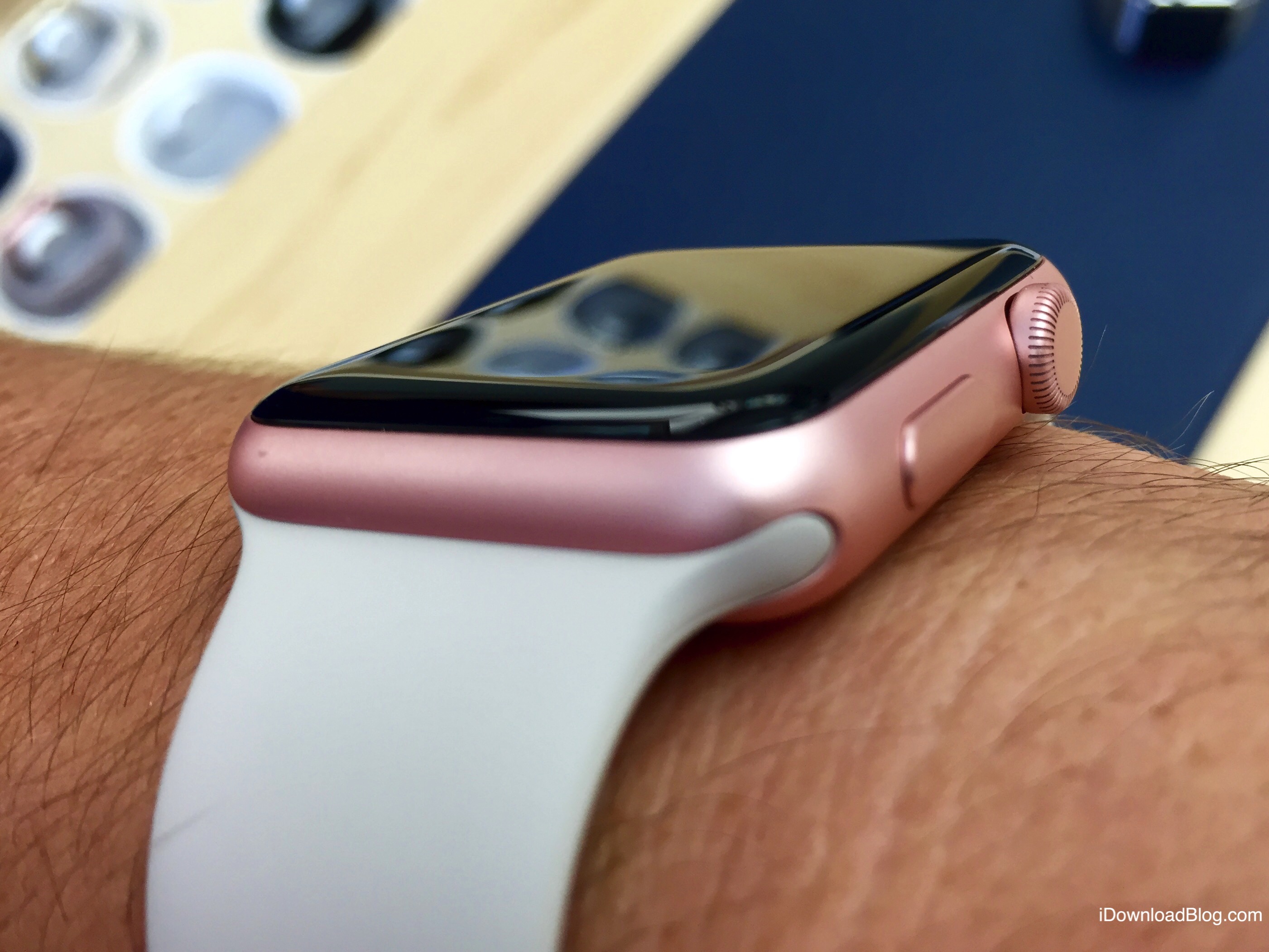
In this tutorial, we will share how you can personalize the Maps app turn-by-turn navigation alerts on your Apple Watch when you're driving, using CarPlay, walking, or cycling.

The freemium Bear app remains one of the most popular writing apps for iOS and macOS thanks to its ease-of-use, customization tools, and flexibility. One of Bear's most impressive features has always been its use and availability of themes, which can change the mood and color of the app's text, styling, and background. In this article, you'll learn how to set Bear's different themes on both iOS and macOS.