Learn how to pin X (formerly called Twitter) conversations to the top of the inbox for quick and convenient access to chats of up to six important people.
How to pin X (Twitter) DM conversations to the top of your Inbox
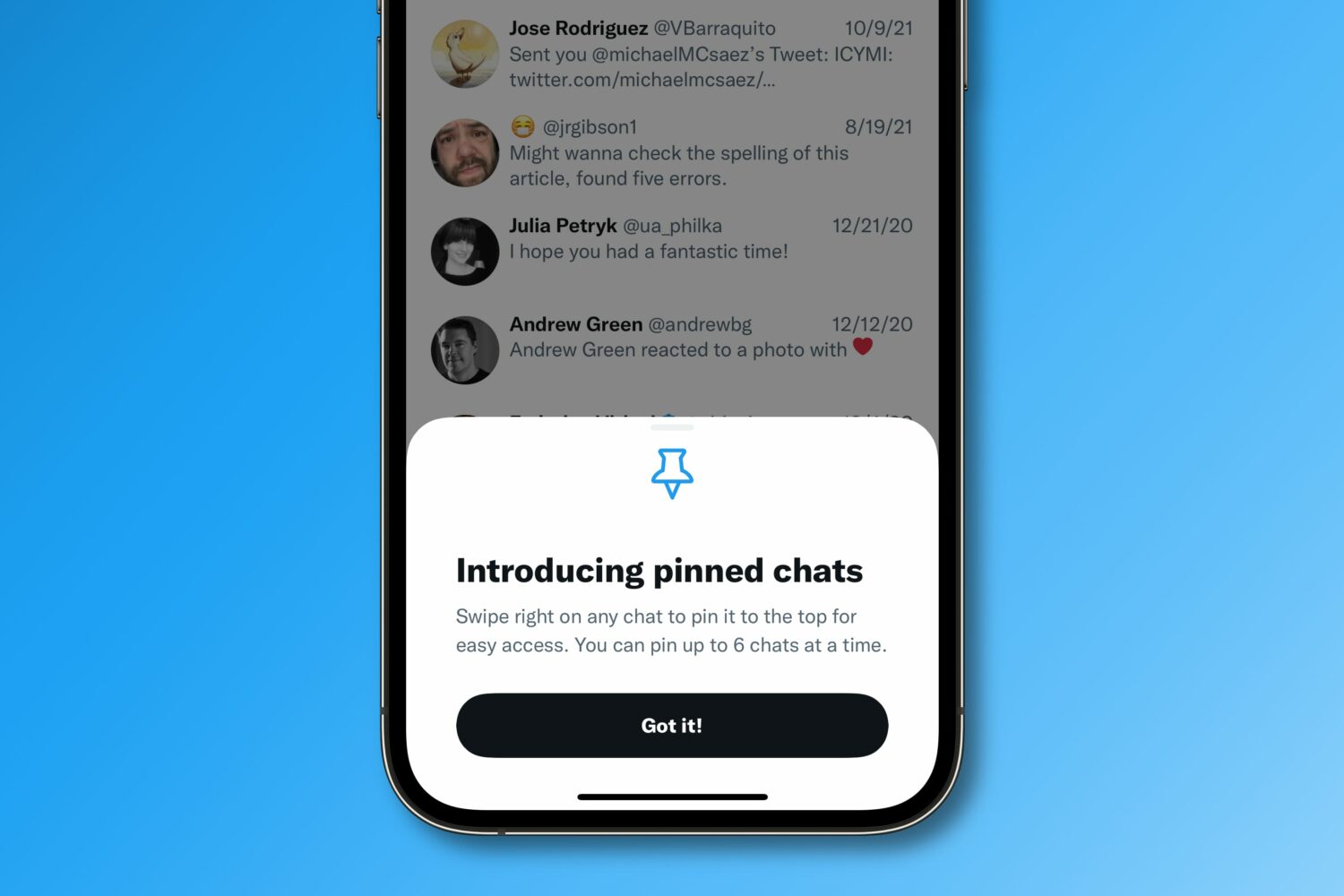
Learn how to pin X (formerly called Twitter) conversations to the top of the inbox for quick and convenient access to chats of up to six important people.
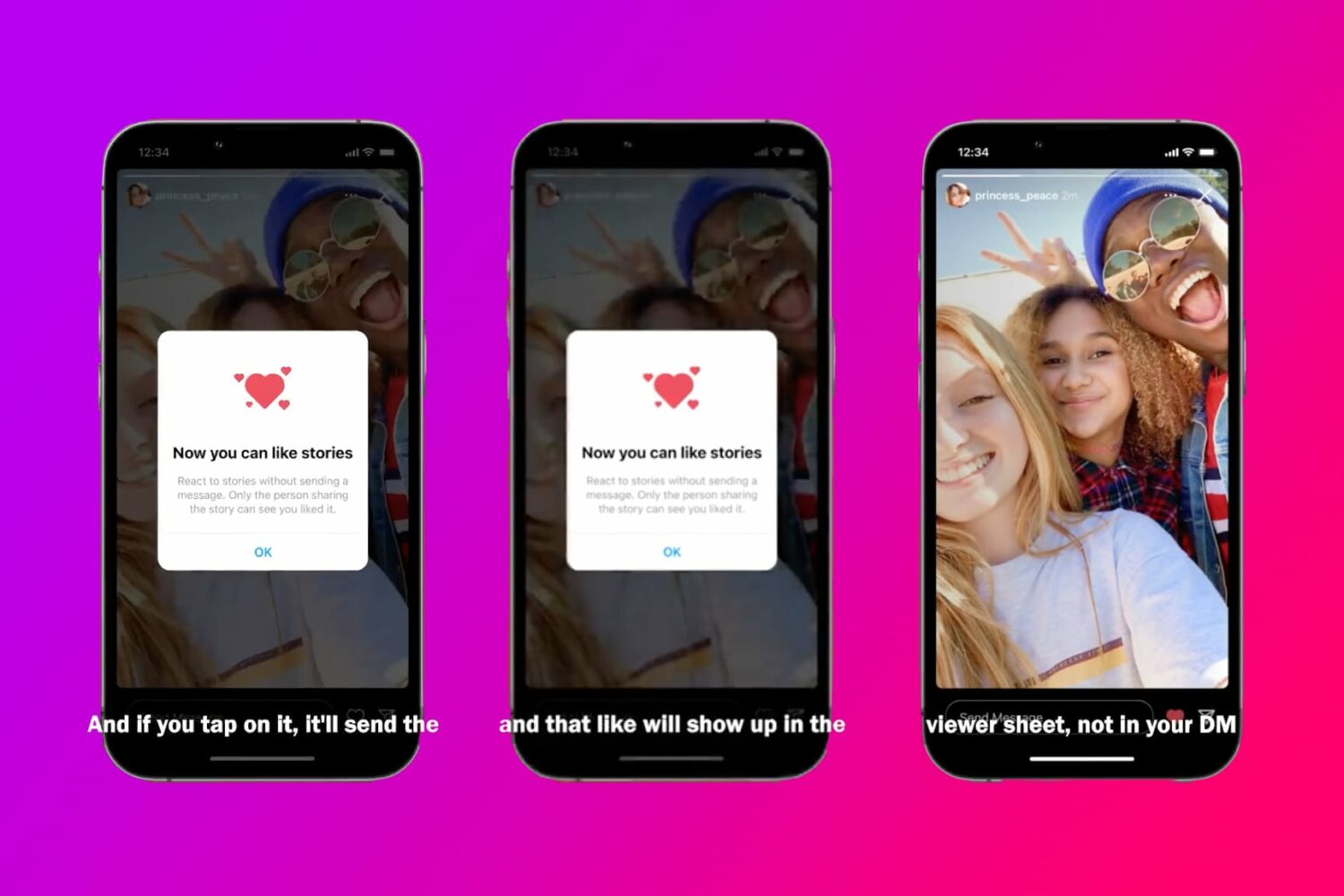
Learn how to privately like someone's Instagram story without sending a DM notification in your inbox to prevent cluttering your messages screen.
Access your Apple Music Replay 2022 playlist with your most played songs for the year and stats such as your most streamed albums and artists, hours listened and more.
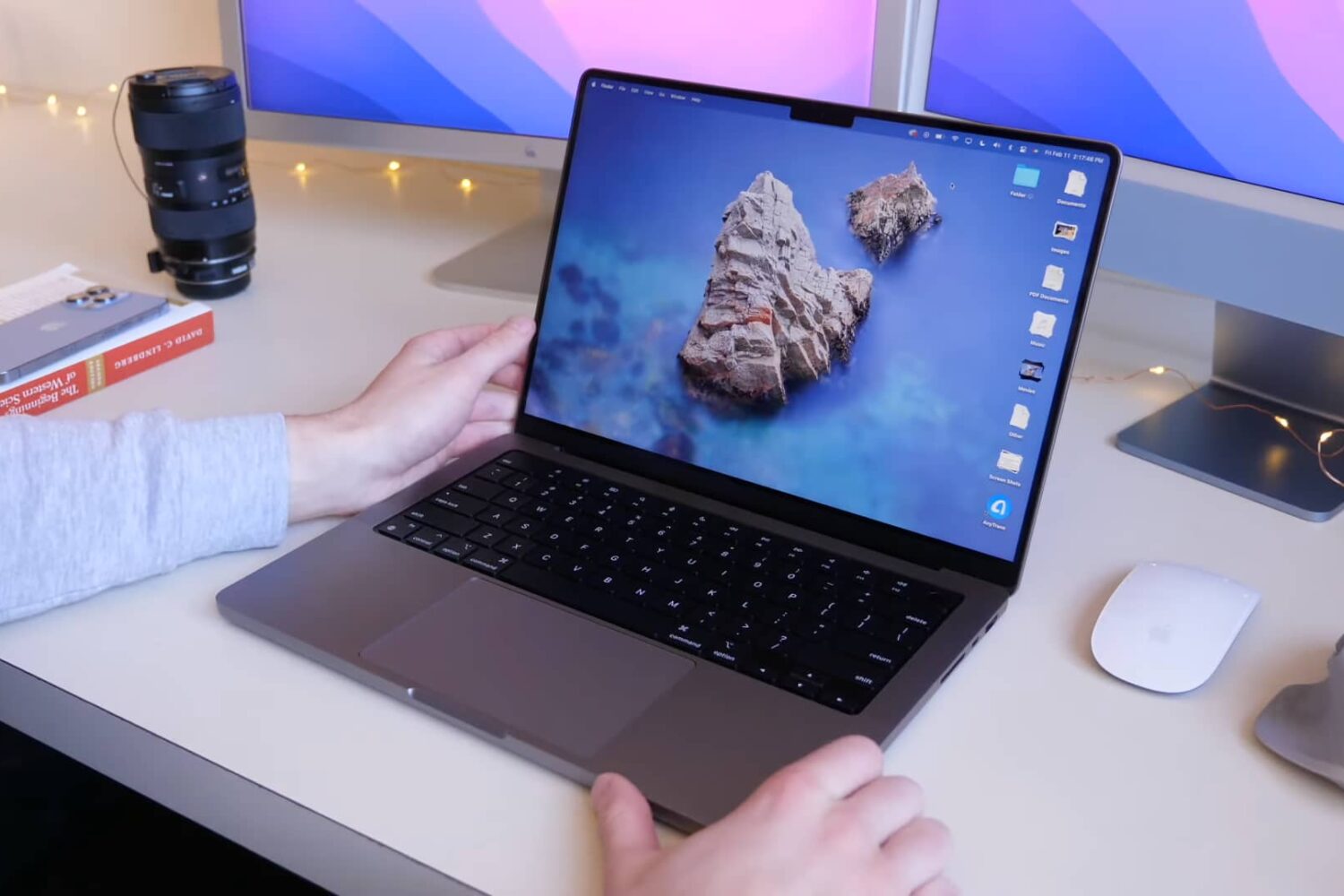
Whether you're upgrading from an old Mac notebook or are new to Apple, be sure to watch these M1 MacBook Pro tips and tricks to get the most out of your notebook.
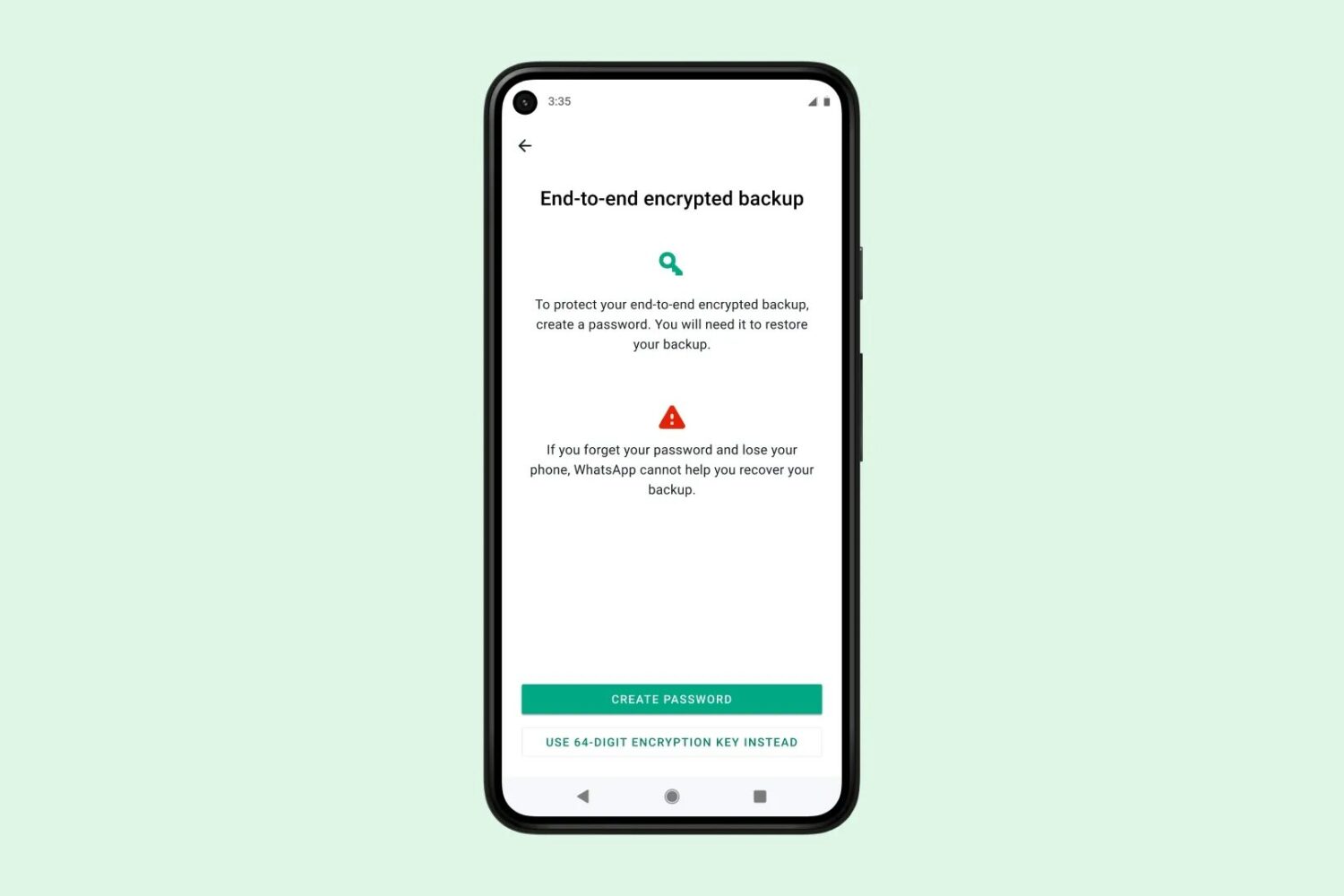
Learn how to enable end-to-end encrypted backups for WhatsApp to boost your security and keep your chat logs and media backups stored privately in the cloud.
In this guide, we’ll walk you through several effective ways to reduce battery drain on your iPhone and make it last longer on a single charge.

Learn how to remove movies and TV shows from your “Continue Watching” list in the Netflix app and website on your iPhone, iPad, Apple TV, Android phone, smart TV, or computer.
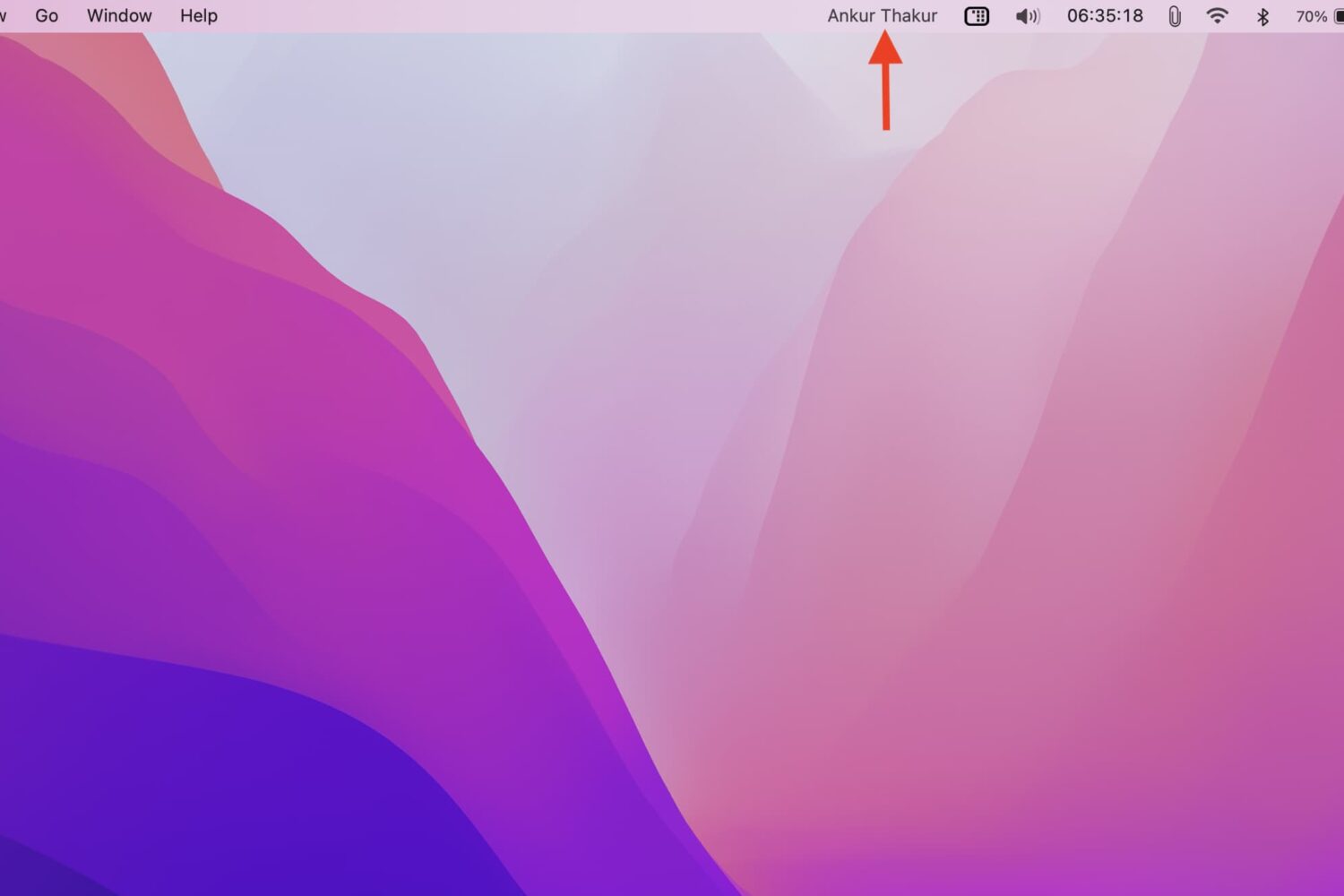
In this tutorial, we will go over the steps you need to take to display your name in your Mac's menu bar, as well as the reasons why you might want to do that. The steps below do not require a third-party app.

Learn how to adjust whether to receive notifications from the App Store on your iPhone, iPad, or iPod touch for new features, app updates, recommendations, and special offers.

Congratulations on buying an Apple Watch! Once you have paired it with your iPhone, here are some things you should do to get the most out of your new wearable and ensure you have a great experience with it.
Learn how to quickly refresh a web page in Apple’s Safari browser, especially when using your iPhone with one hand and with the URL address bar displayed at the bottom.
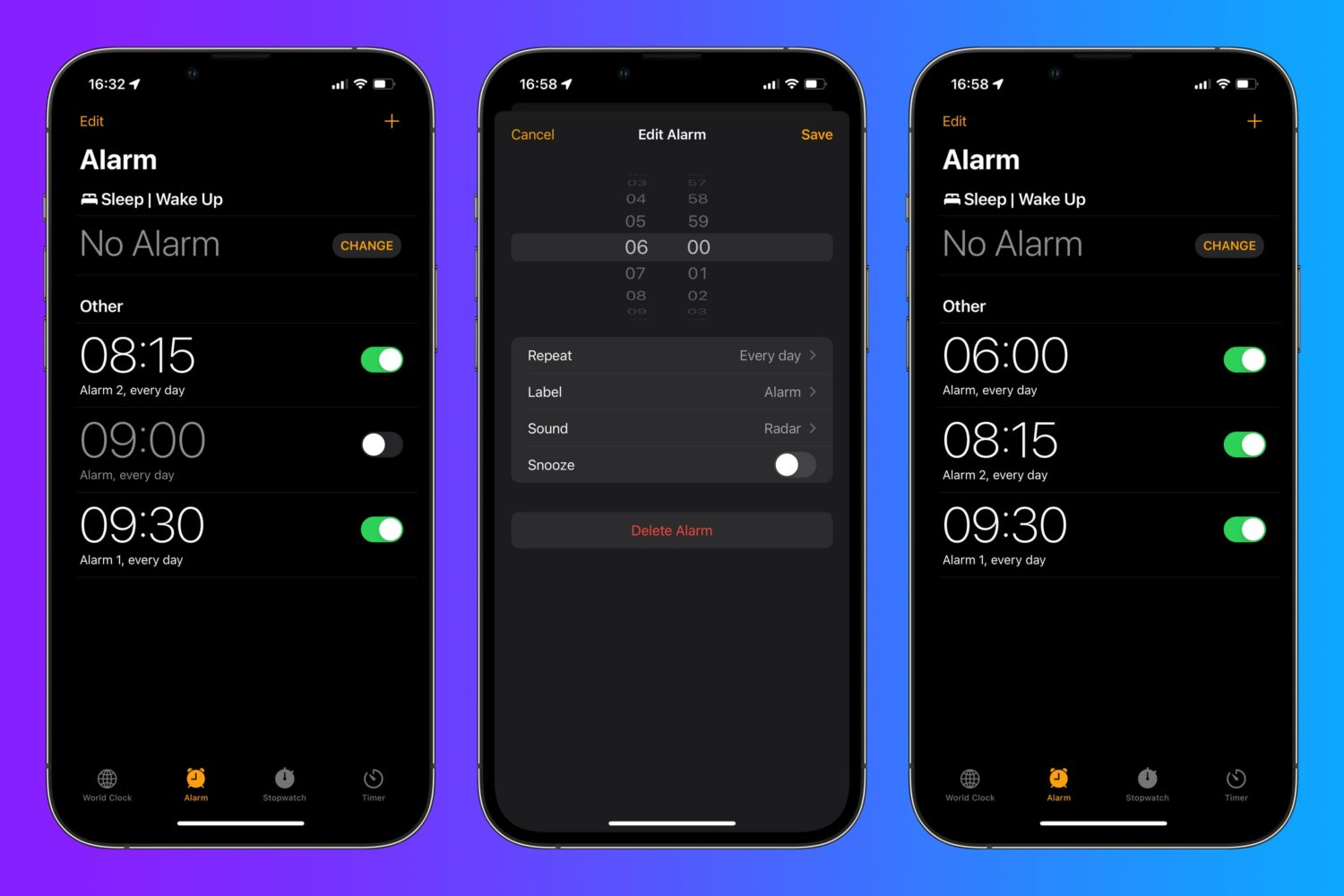
Think twice before concluding there's nothing new to learn about editing iPhone alarms. If you have iOS 15.0 or later on your iPhone, use this handy tip to quickly edit an alarm.