Check out these 15 features you can use from your iPhone or iPad Lock Screen, even when your device is locked.
15 features you can use from iPhone or iPad Lock Screen
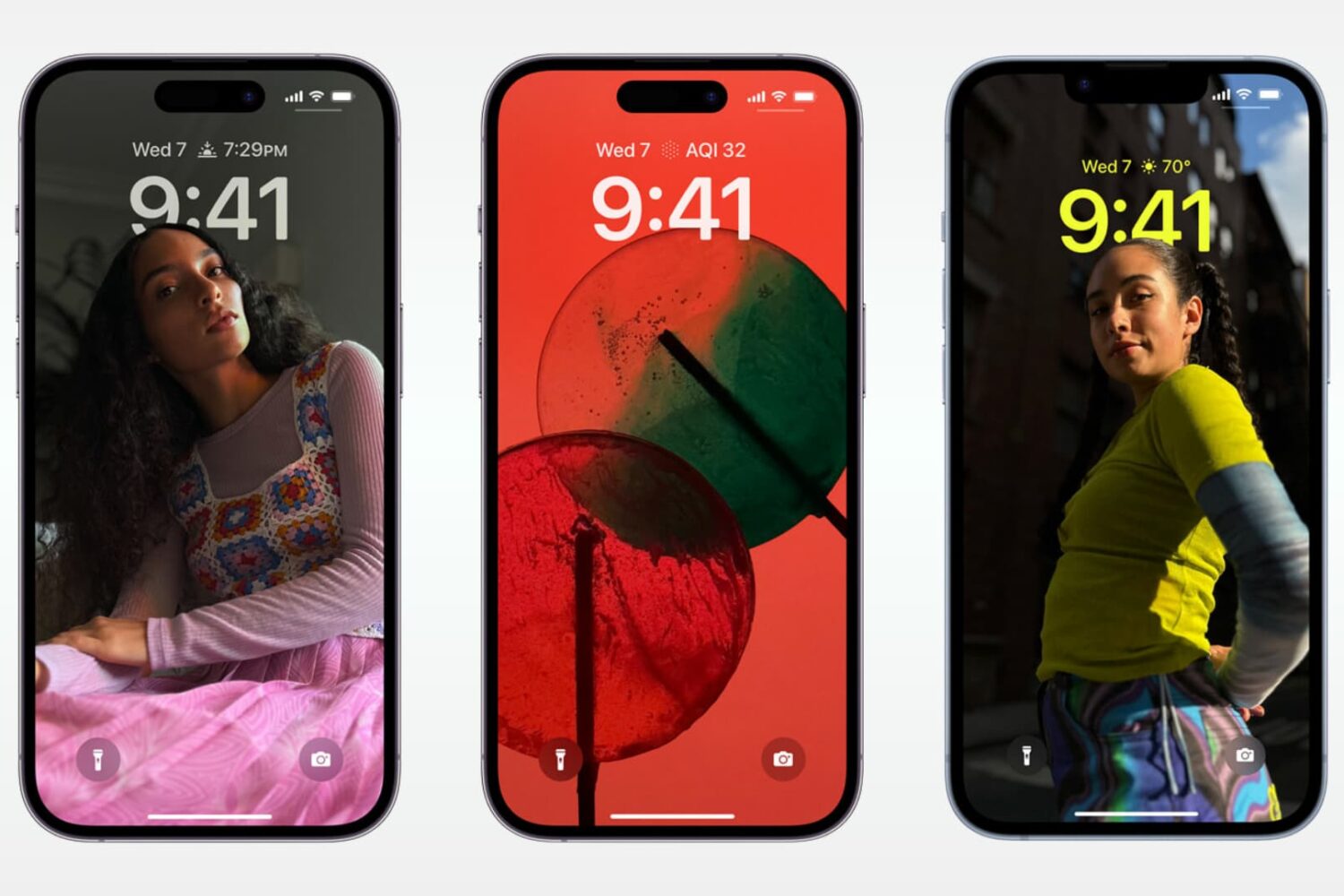
Check out these 15 features you can use from your iPhone or iPad Lock Screen, even when your device is locked.

These tips help ensure a safe experience for both your child and your device when handing over your iPhone or iPad.
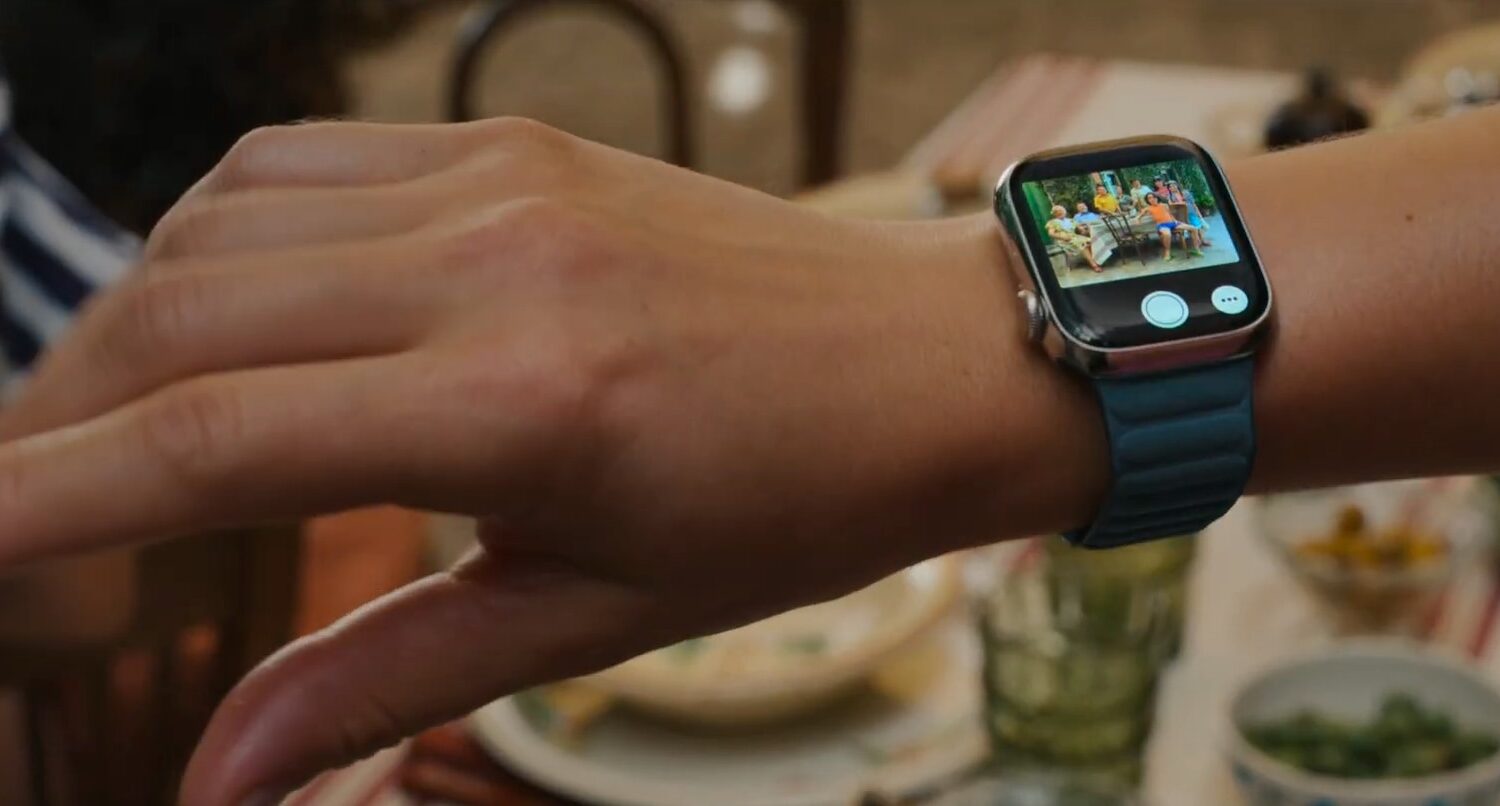
The Apple Watch Series 9 and Apple Watch Ultra 2 bring the double-tap hand gesture to the forefront. Here's how to set up and use this feature on older watches.
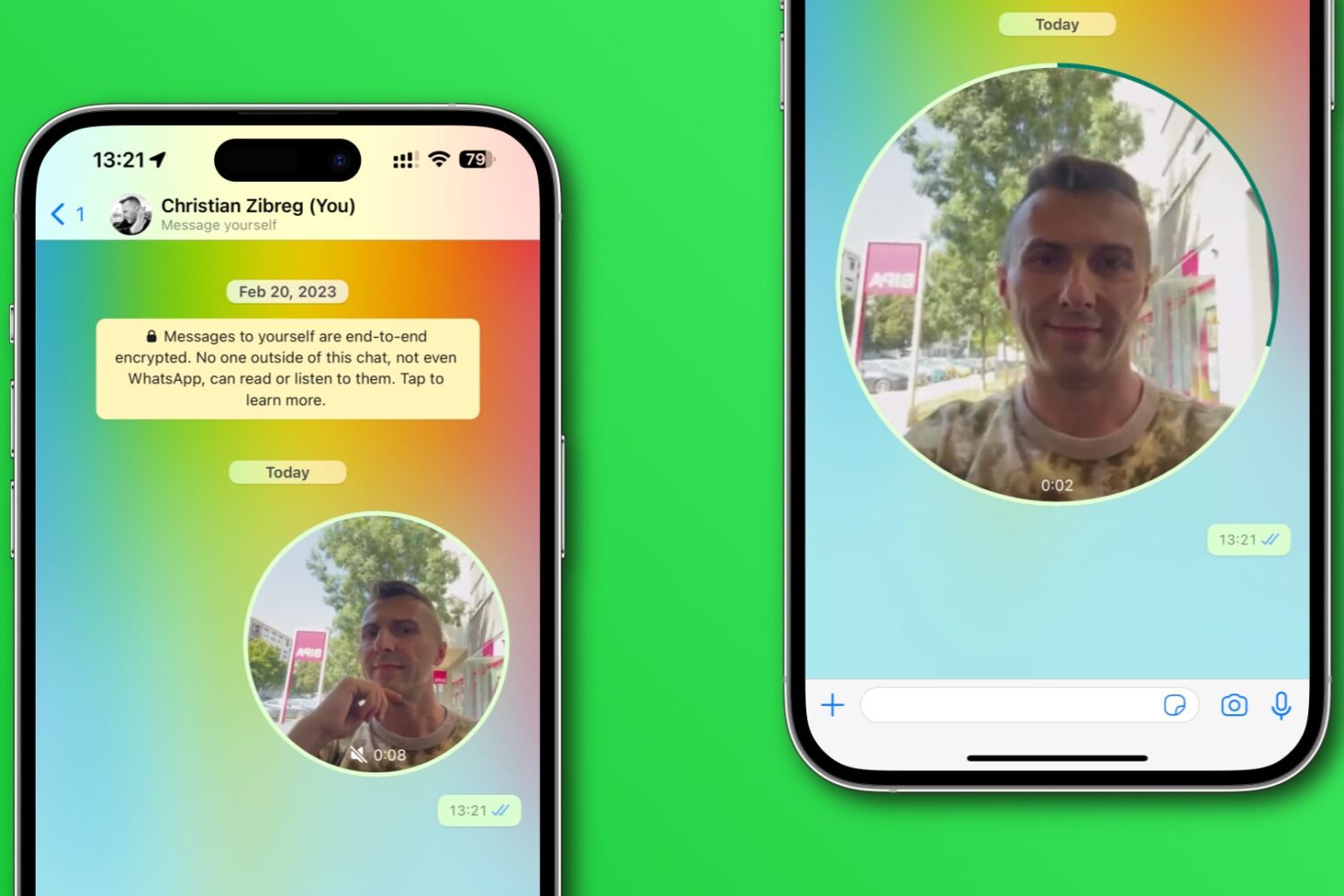
Learn how to disable WhatsApp’s Instant Video Messages feature to stop accidentally sending personal videos in chats instead of voice notes.
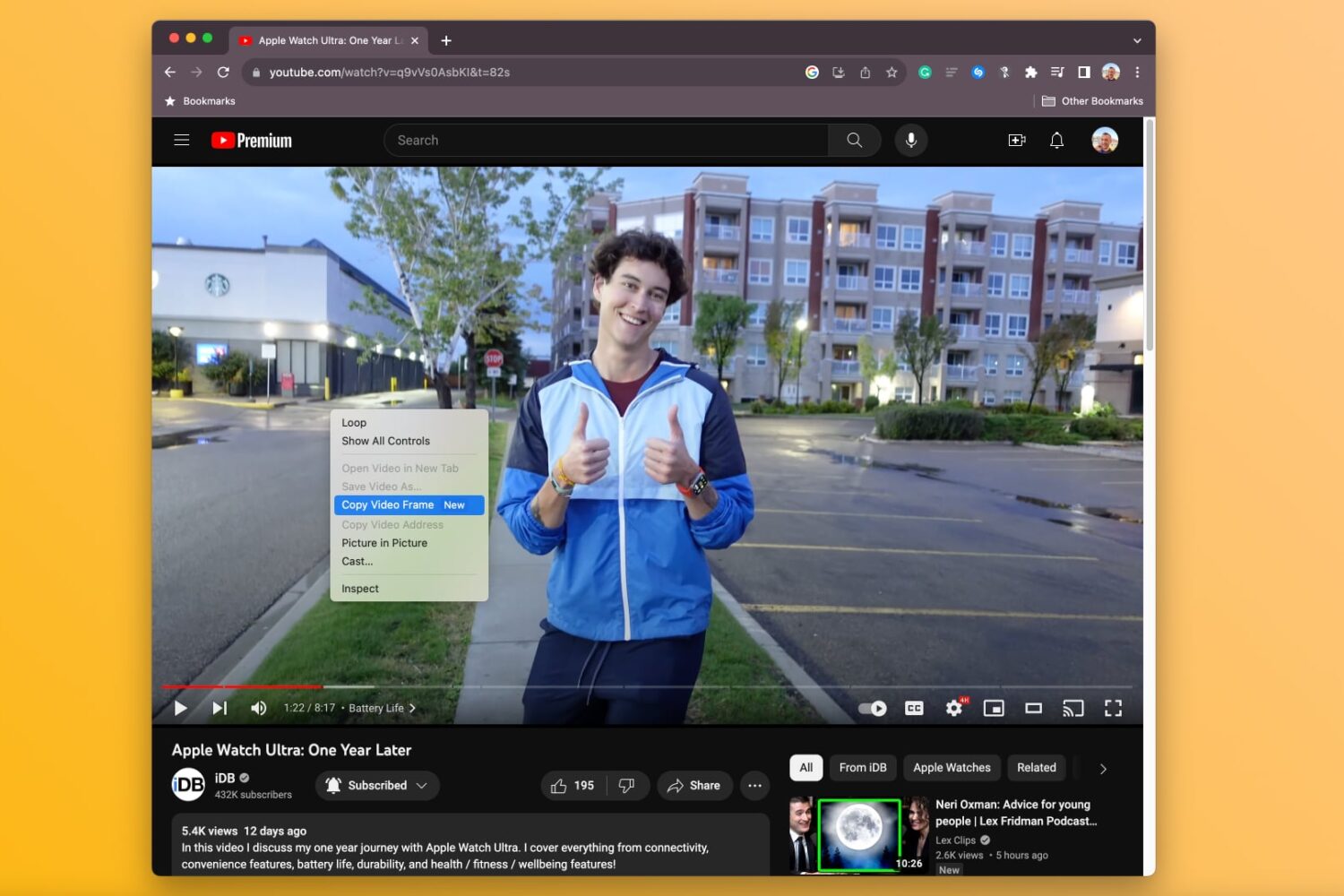
Learn how to copy a full-resolution frame of a video in Google Chrome instead of manually screenshotting it, which results in a lower-quality image.

Learn how to use the Google Photos Locked Folder feature to protect sensitive images and videos with Face ID, Touch ID, or device passcode on iOS and Android.
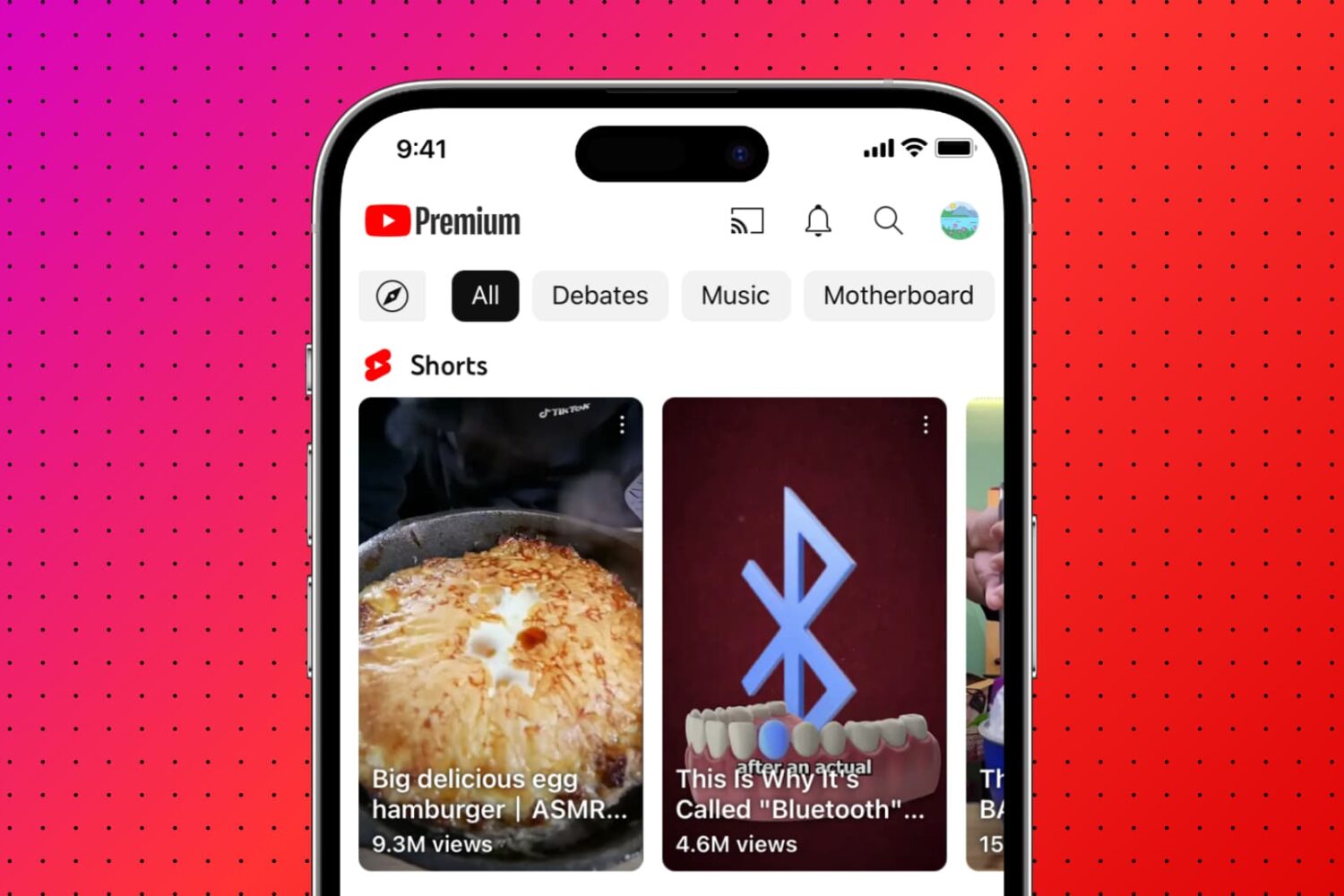
Learn how to remove Shorts from the YouTube interface if you don’t like short-form video and want more room for the content you actually enjoy.
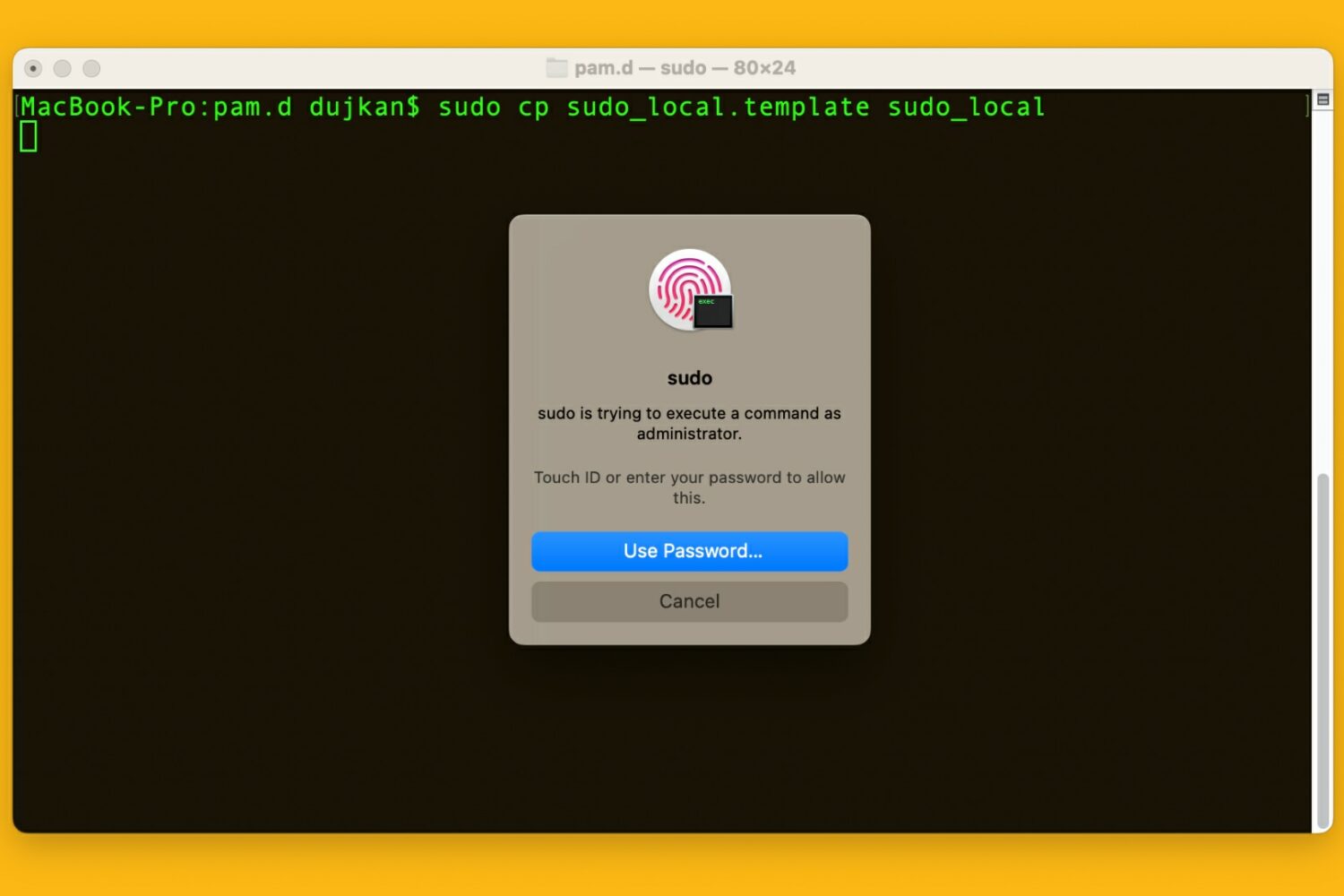
Learn how to use your Mac's Touch ID for the sudo command in the macOS Terminal app to save yourself from typing an administrator password.

Learn how to use the AI-powered Smart Deband feature in Pixelmator Pro and Photomator for Mac to smooth out color banding artifacts in low-quality photos.
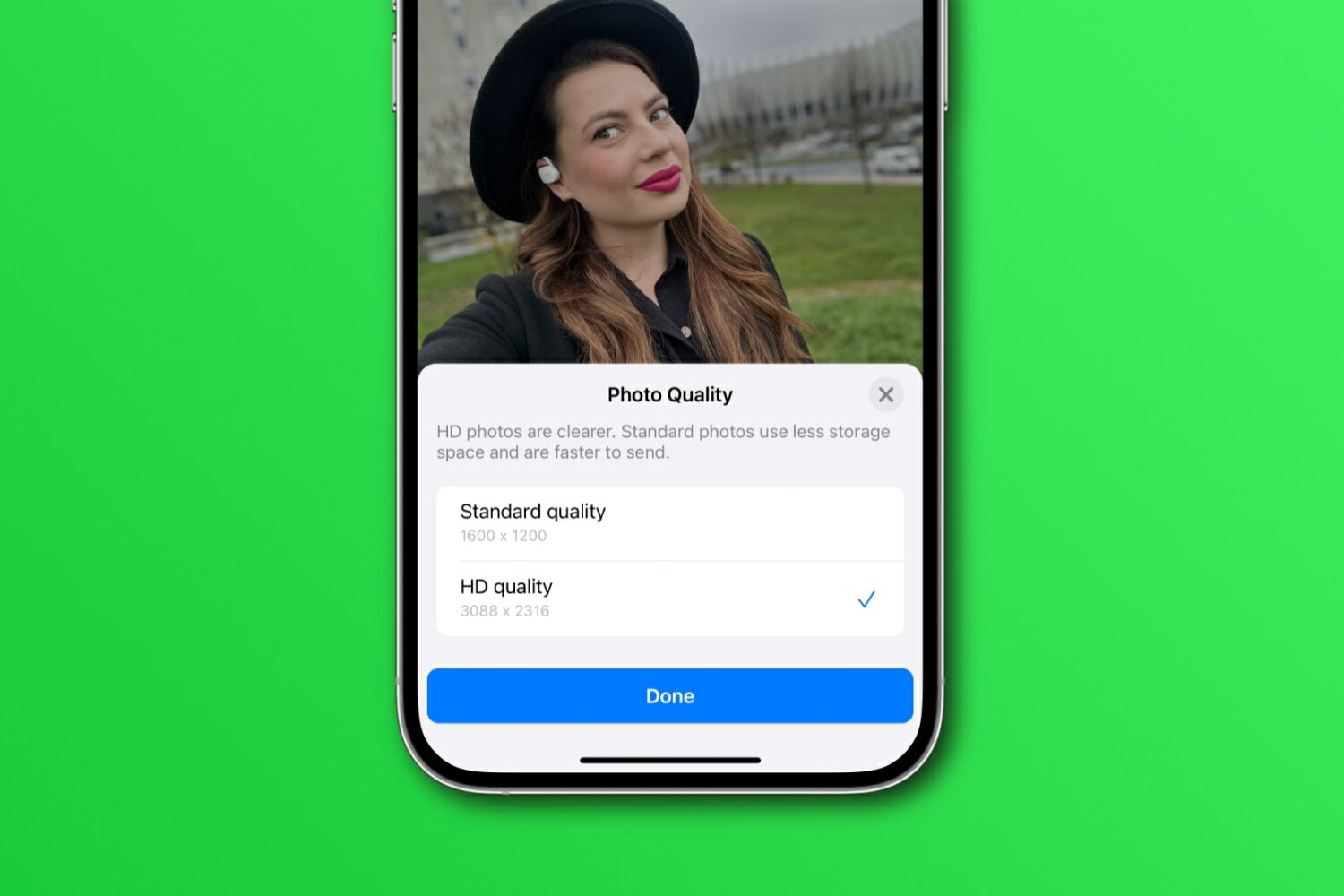
Learn how to share WhatsApp photos and videos in their original resolution instead of compressed, lower-quality versions with fewer details.
Learn how to disable smooth scrolling in the Safari browser to scroll web pages line by line when pressing the arrow keys on your Mac's keyboard.