Got a new iPhone? If so, then be sure to follow these 10 setup tips, tricks and settings for optimal performance and the best experience!
10 iPhone tips, tricks and settings for the best experience
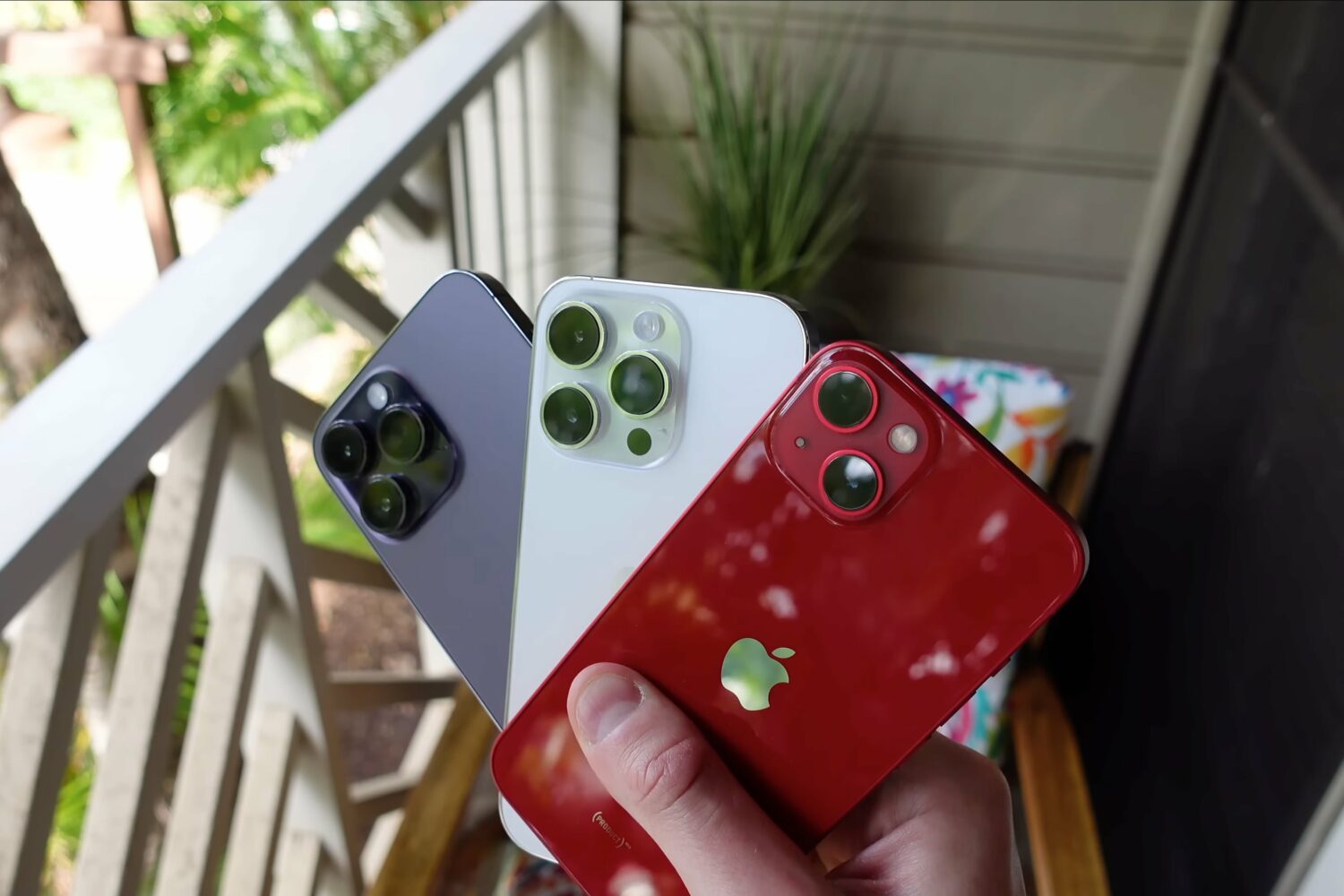
Got a new iPhone? If so, then be sure to follow these 10 setup tips, tricks and settings for optimal performance and the best experience!
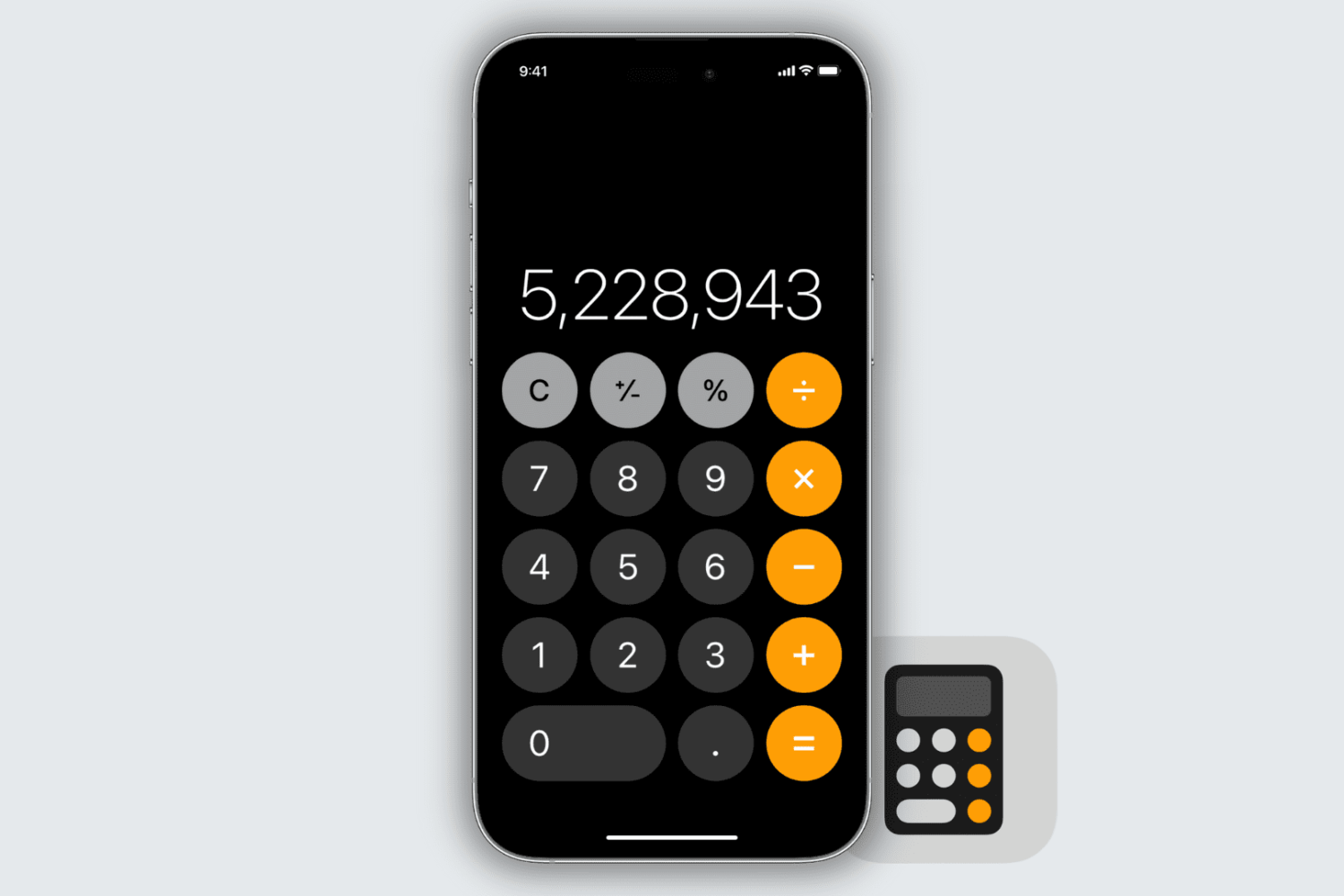
Learn how to delete individual digits in the iPhone and iPad Calculator app without clearing the entire entry.
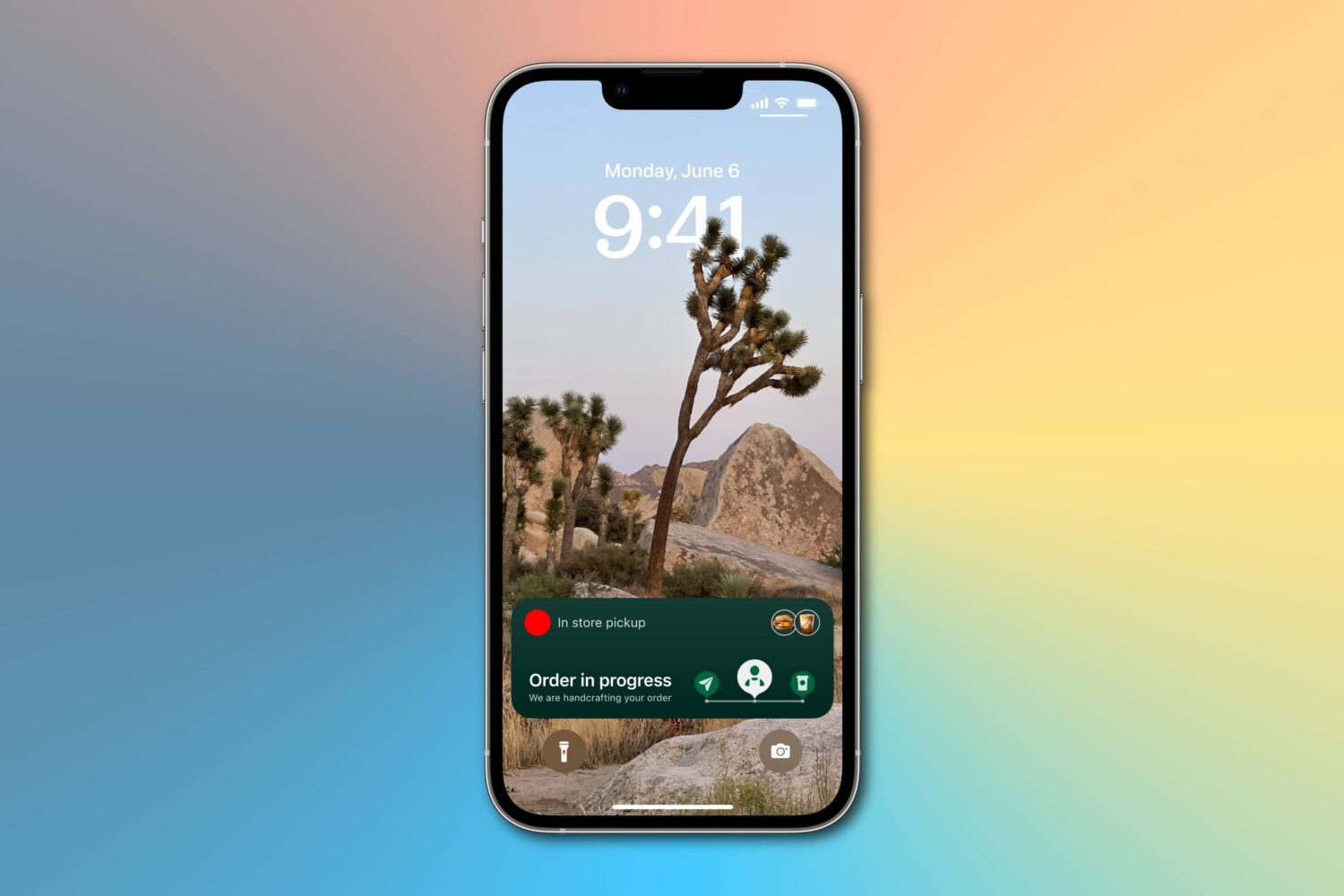
Learn how to enable more frequent Live Activity updates to receive even more timely updates from your favorite food, cab, sports, and other apps on the Lock Screen and Dynamic Island of your iPhone or iPad.
In this guide, we cover 10 hidden iPhone features that you may not know about but should definitely try out as soon as possible!
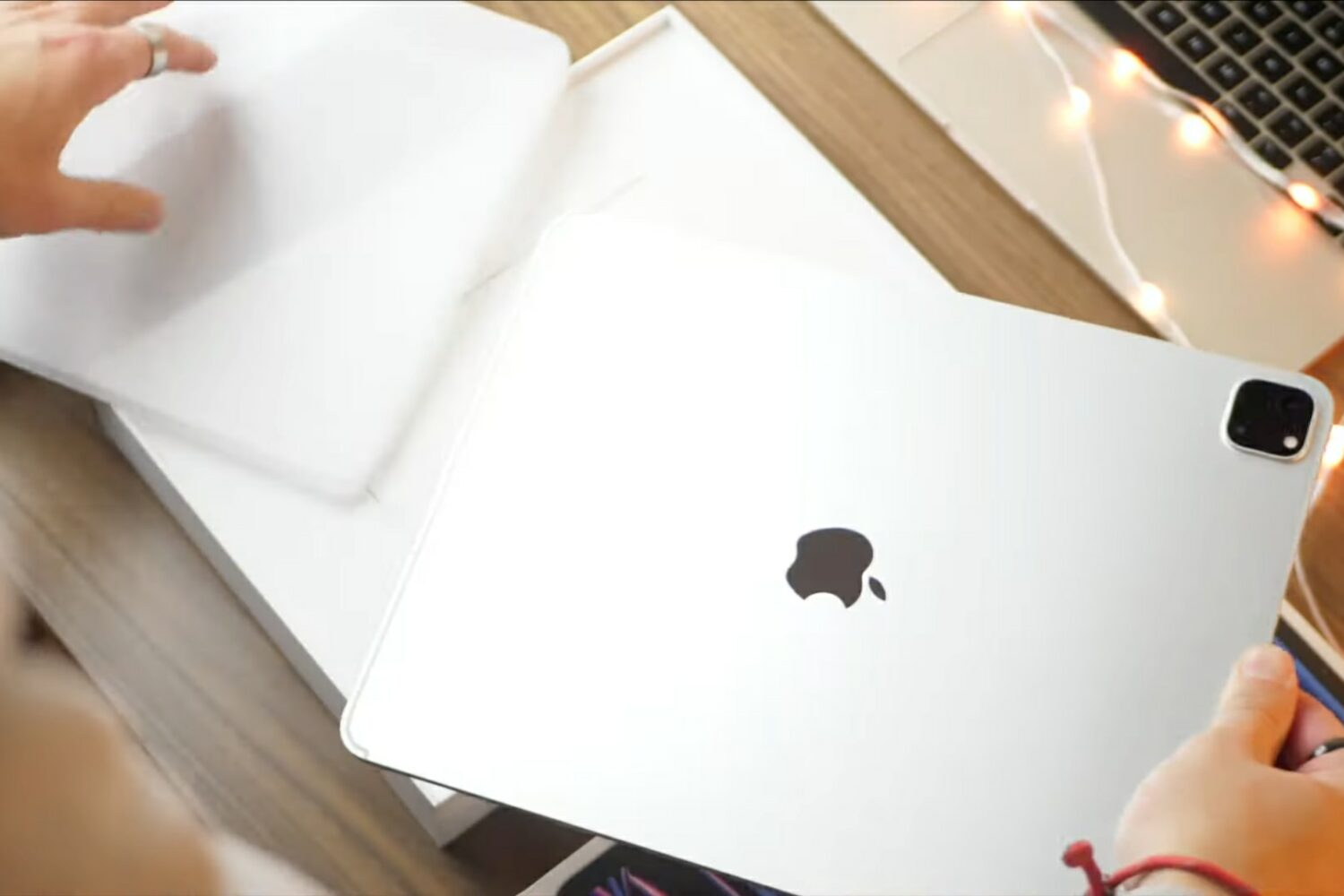
The latest installment of our video tips series covers the basics of the 12.9-inch iPad Pro with M2 such as setup, standard settings, multitasking gestures and more.
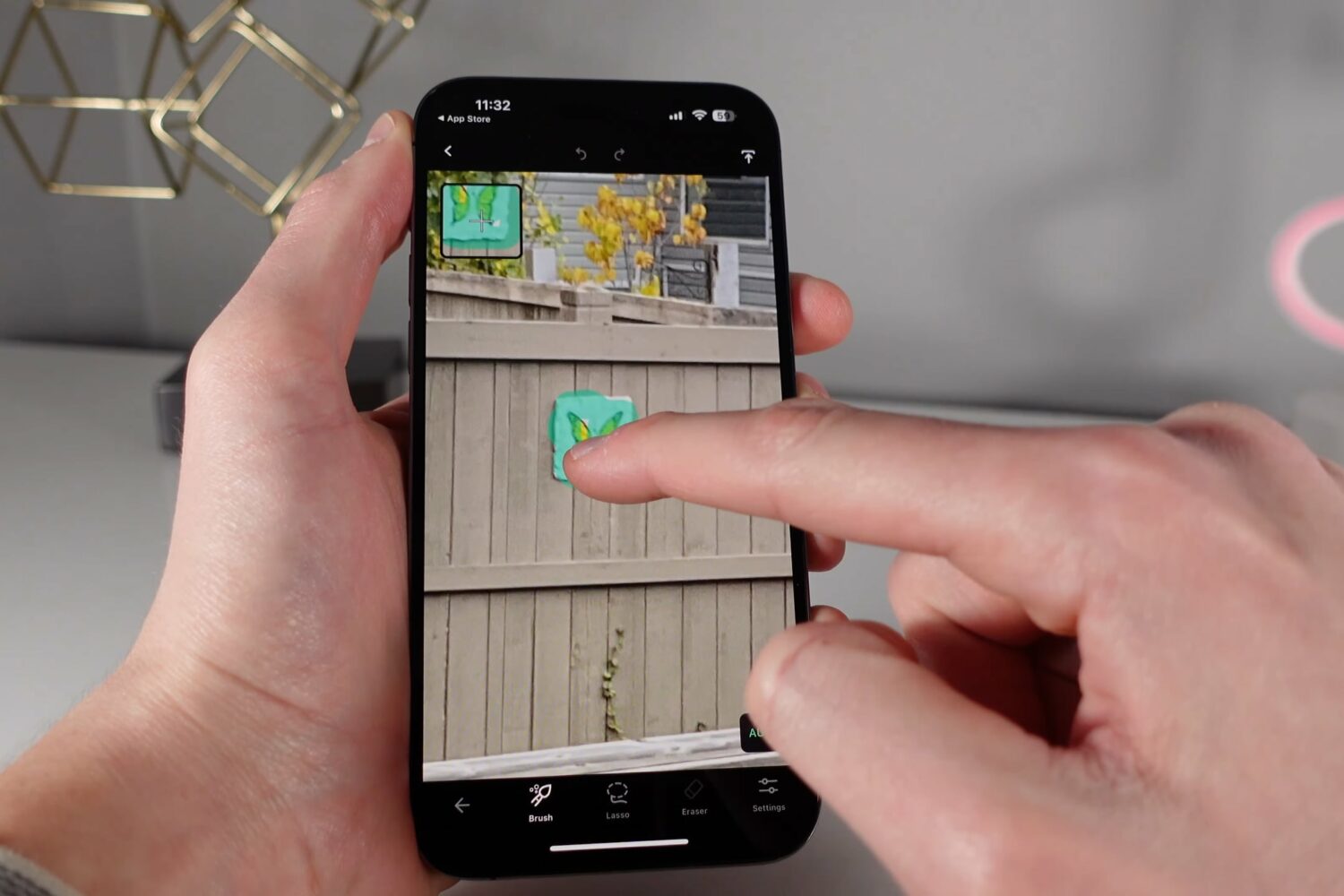
Check out handy tips and third-party apps to edit your photos shot on iPhone, even RAW images, with pretty awesome results.

Learn how to perform an immediate manual update of Google Chrome on your computer instead of waiting for the automatic update feature to swing into action.
Learn how to remotely sign out your Netflix account on unrecognized devices to get rid of freeloaders (like your ex or long-lost friend) without having to change the password.

Until HBO Max permanently fixes “can’t play title” playback errors on Apple TV 4K, this temporary solution might help alleviate the issue.
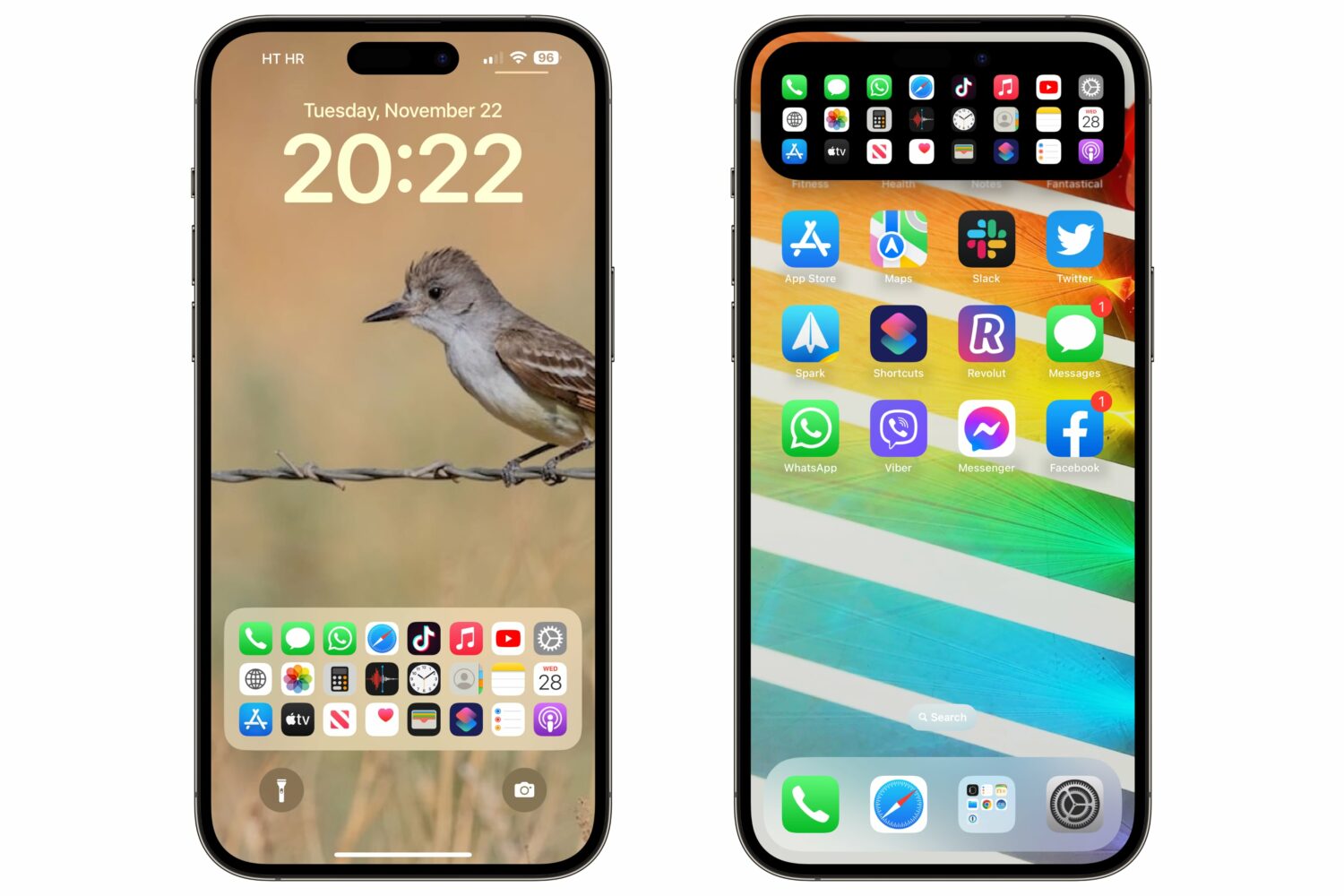
A custom lock screen Dock gives you quick access to up to 24 apps or system services, and it's also reachable via the Dynamic Island on the iPhone 14 Pros.
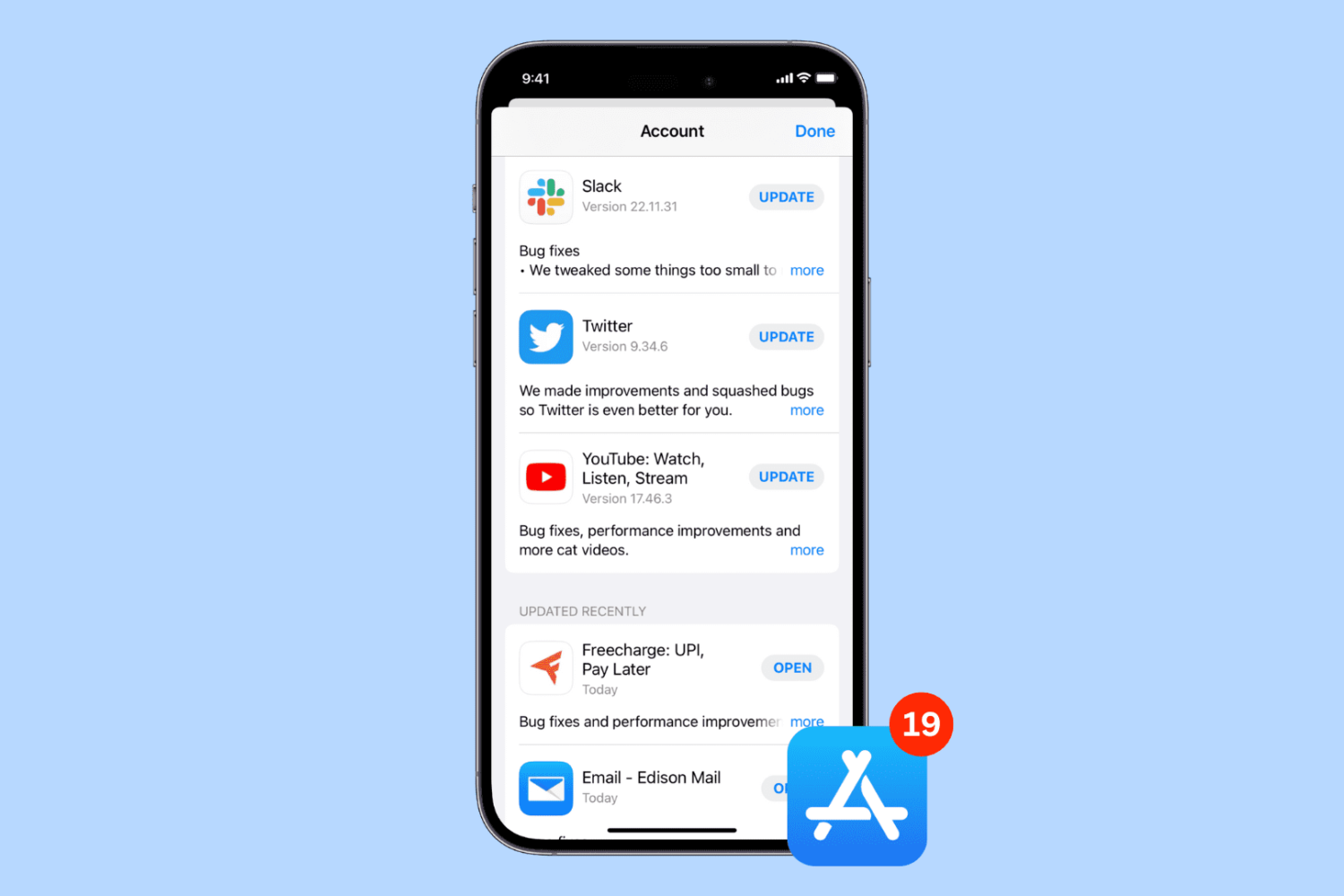
Learn how to cancel an in-progress app update on your iPhone or iPad if you’ve changed your mind and no longer want the new version.
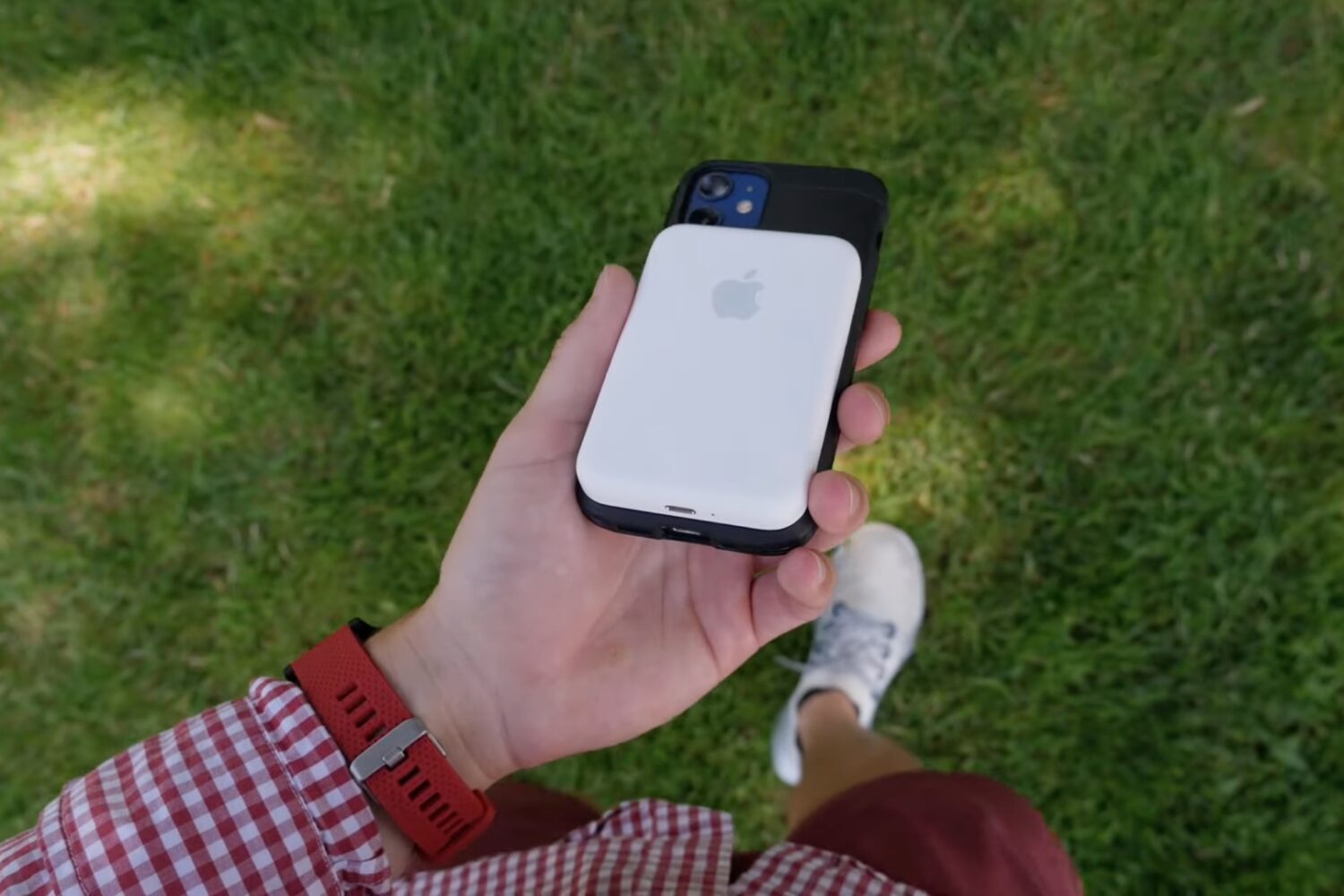
Learn how to update the software powering Apple's MagSafe battery pack for iPhone to ensure you have the latest features and fixes.