Learn how to secure your iPhone and iPad Lock Screen notifications for maximum privacy and security.
12 tips to secure your iPhone Lock Screen notification
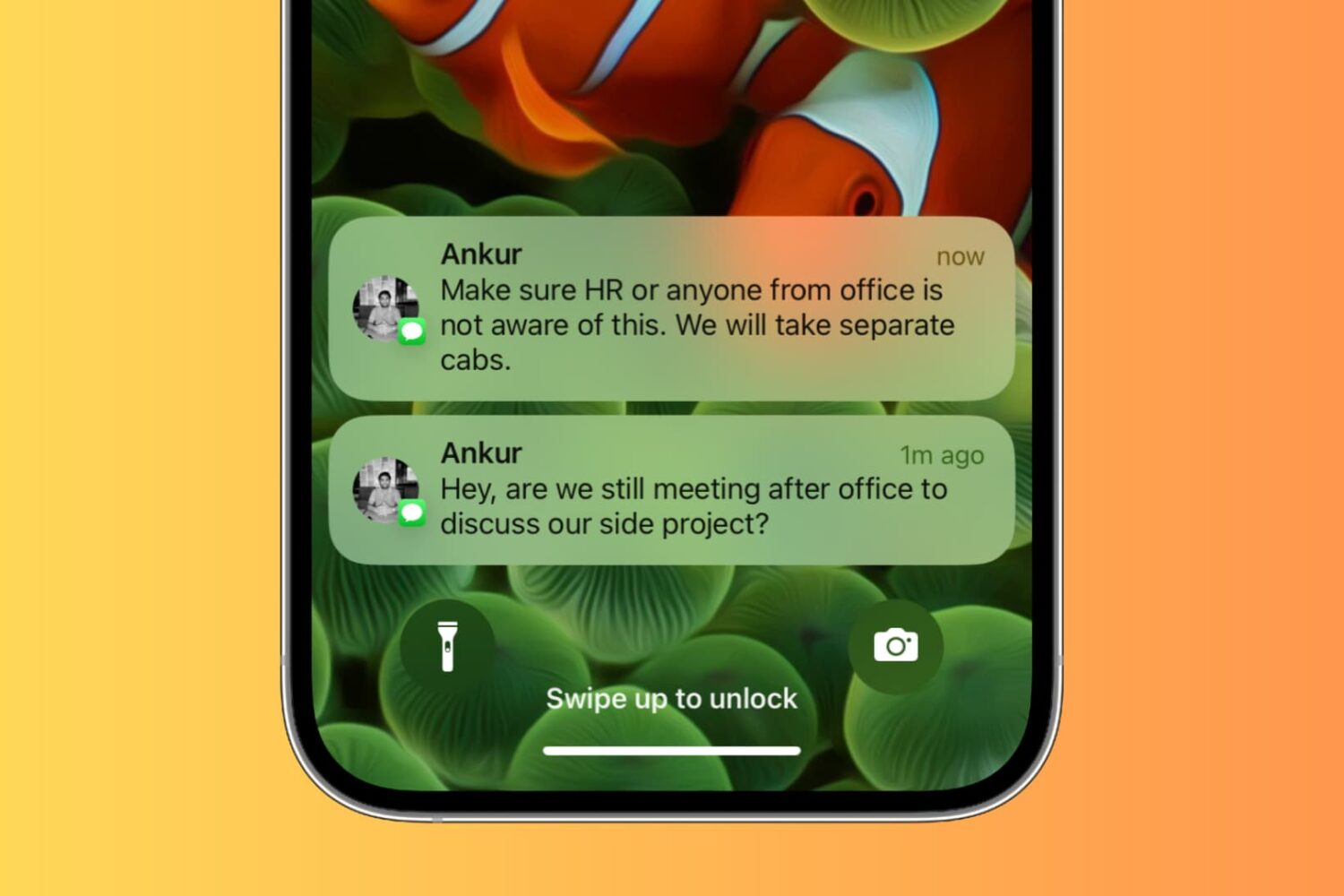
Learn how to secure your iPhone and iPad Lock Screen notifications for maximum privacy and security.

If you’ve decided to remove the palera1n-c jailbreak for any reason after using it, then you’ve come to the right place. We’ll be showing you how you can do exactly that in this step-by-step tutorial.
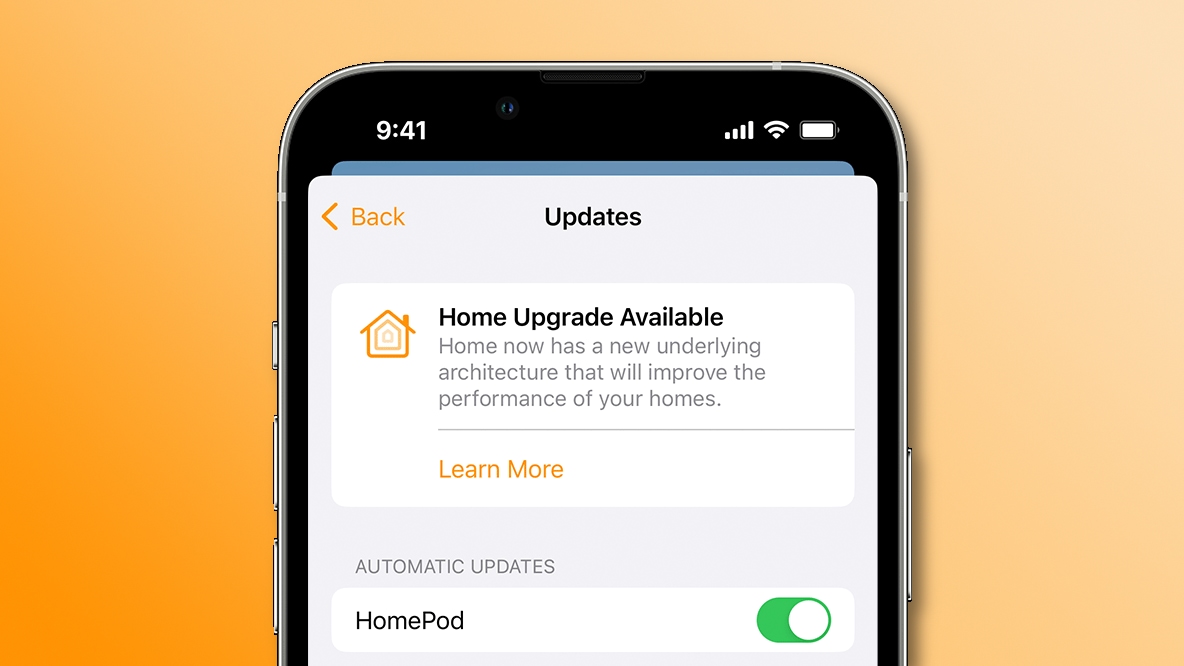
Upgrade to the new smart architecture in Apple's Home app to make your HomeKit appliances perform faster and more reliably than before.
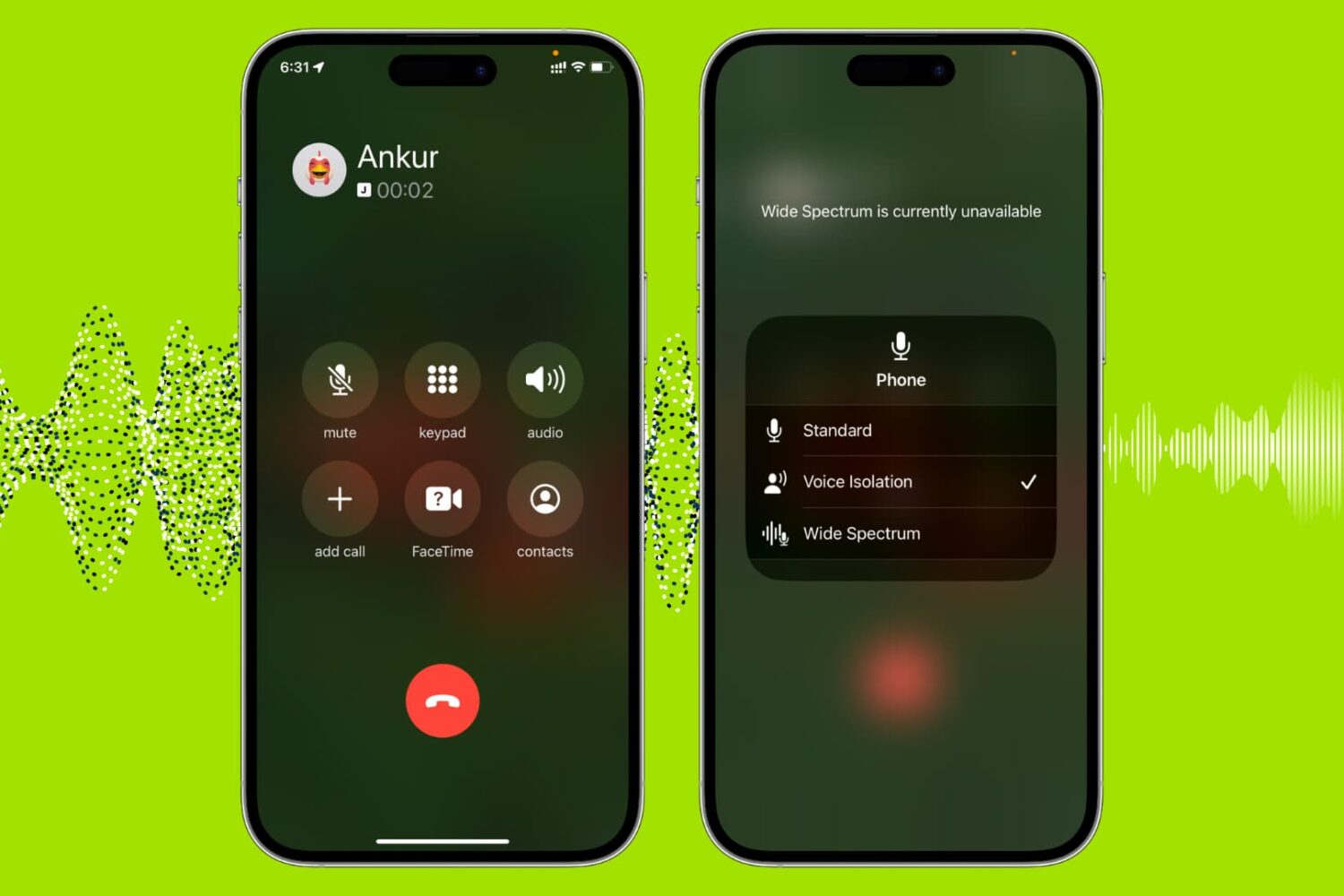
Use the built-in Voice Isolation feature to filter out background noises and make your voice clearer during phone, FaceTime, WhatsApp, and other calls on your iPhone, iPad, and Mac.
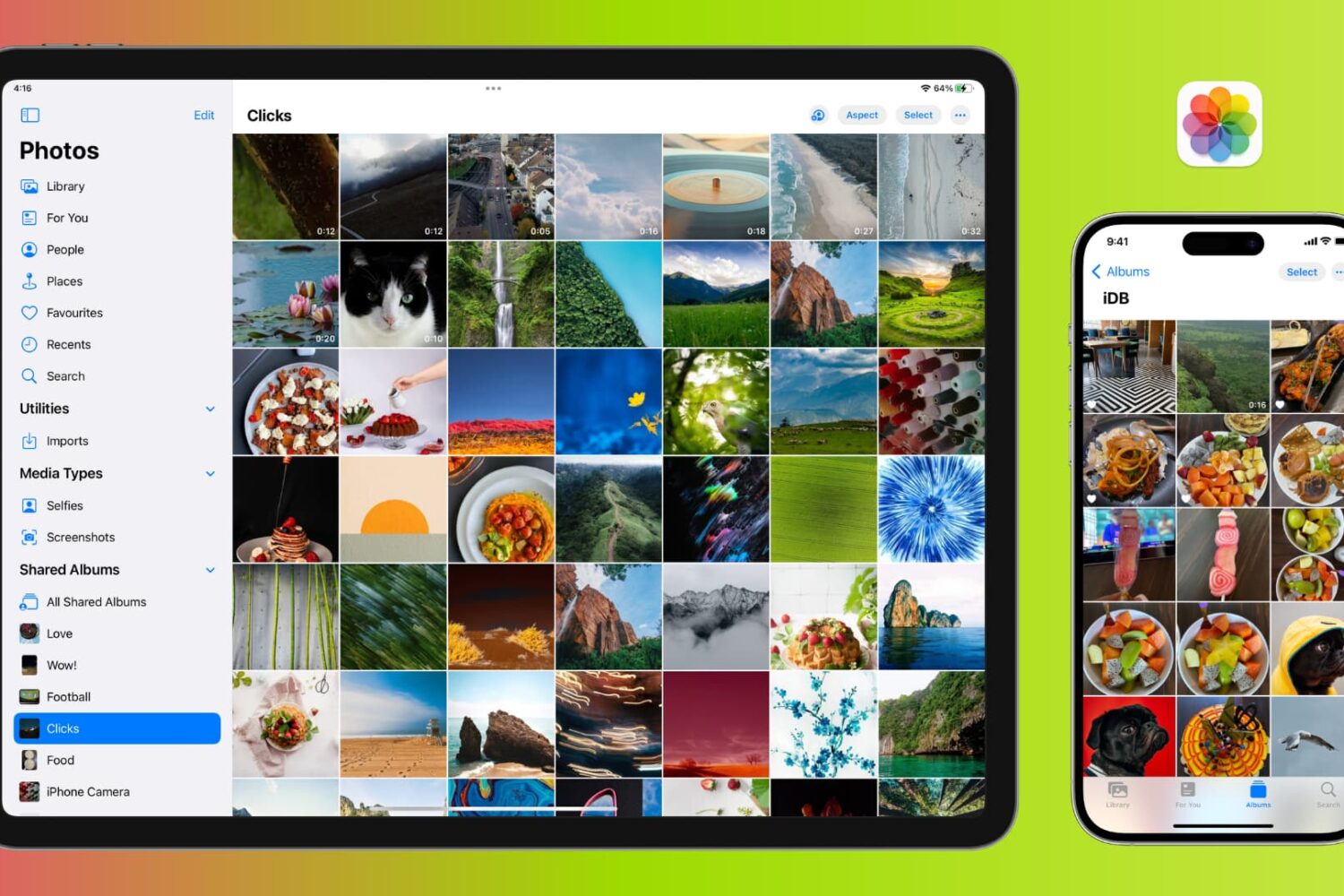
Learn how to manage photos and videos to efficiently optimize your iPhone or iPad's storage and free up valuable space.
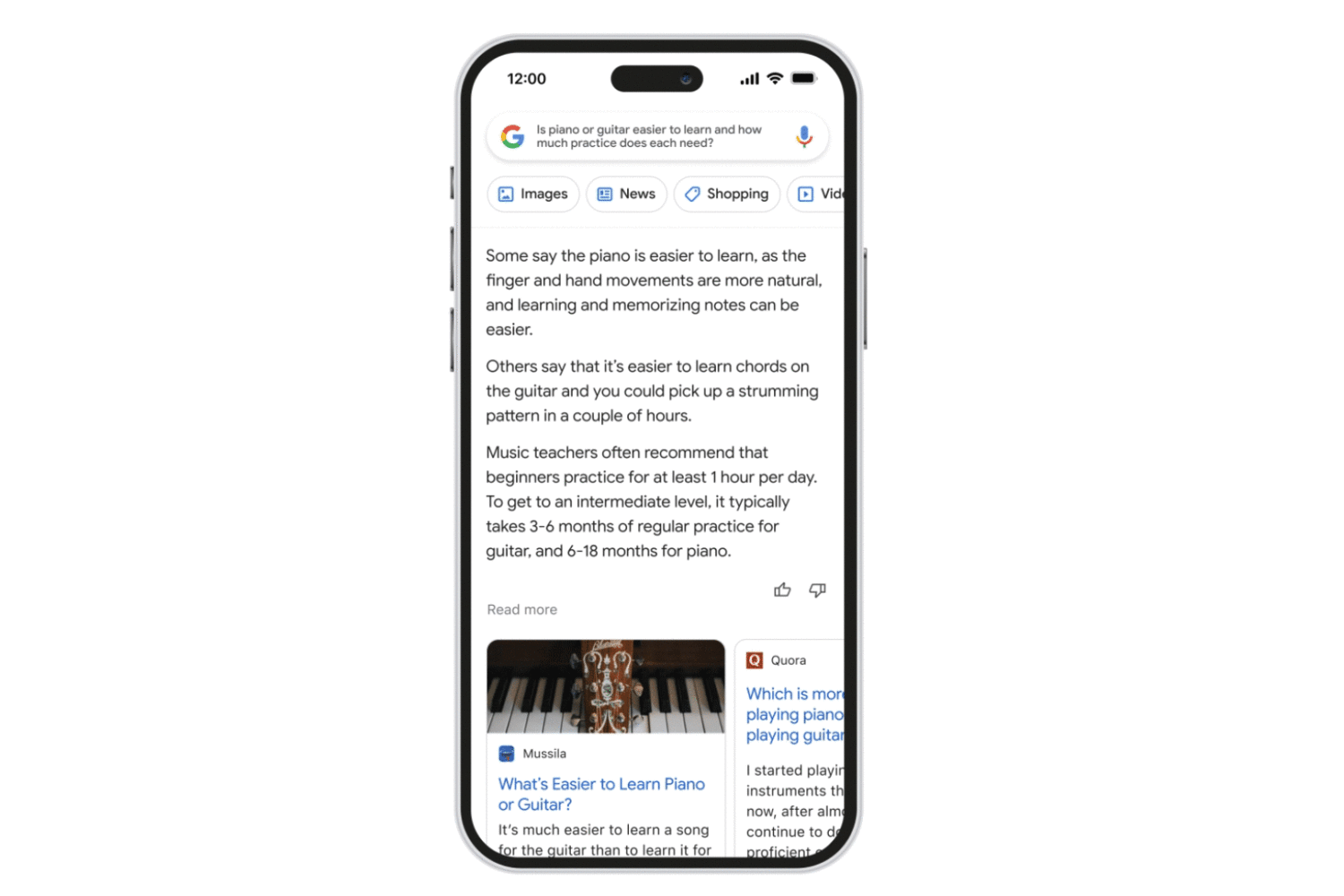
Follow these steps to access the Bard AI chatbot, Google’s ChatGPT rival, using a browser on your iPhone, iPad, Mac or other compatible devices.
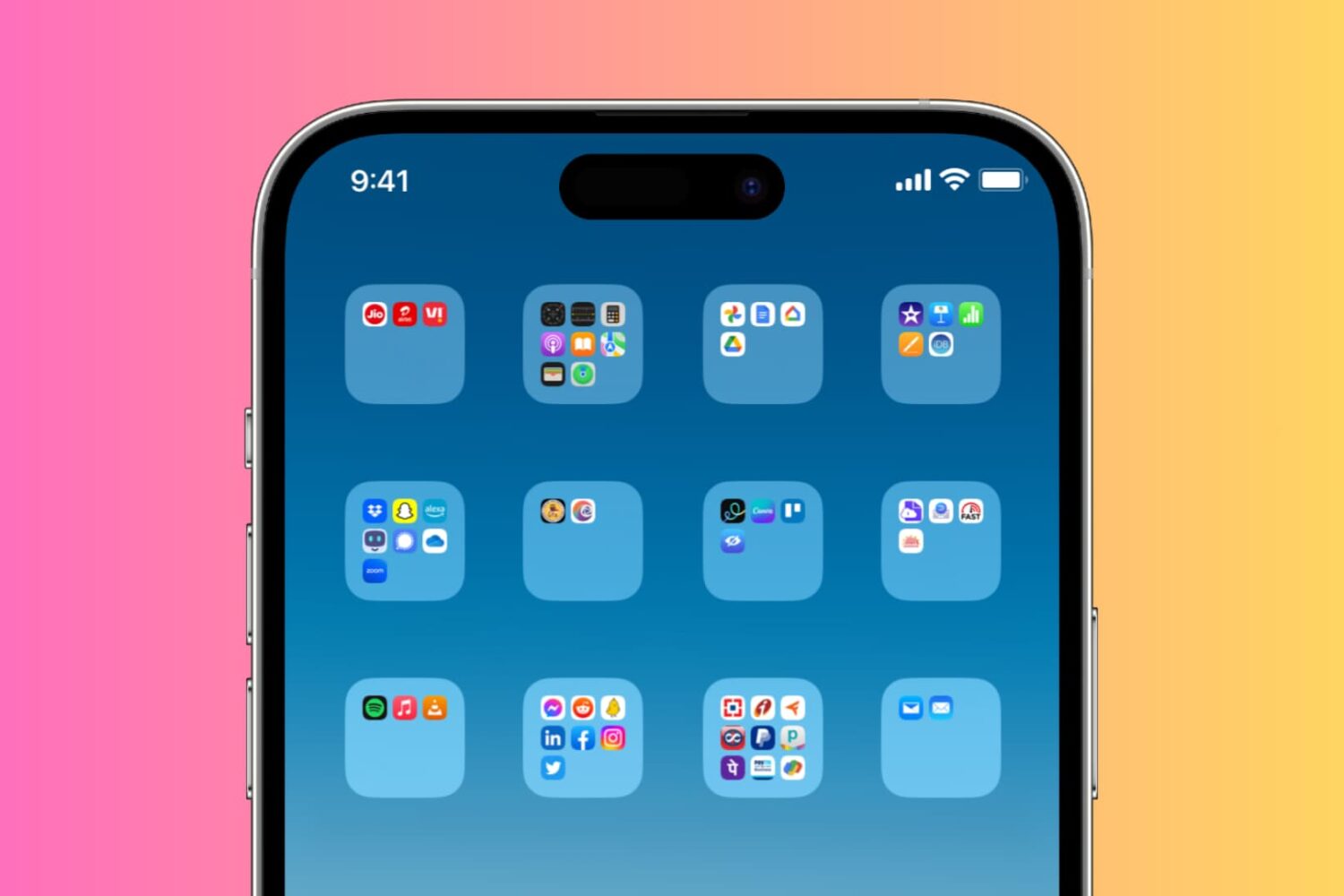
Check out two simple ways to create blank or invisible app folder names on your iPhone or iPad Home Screen, giving it a clean and distinctive appearance.
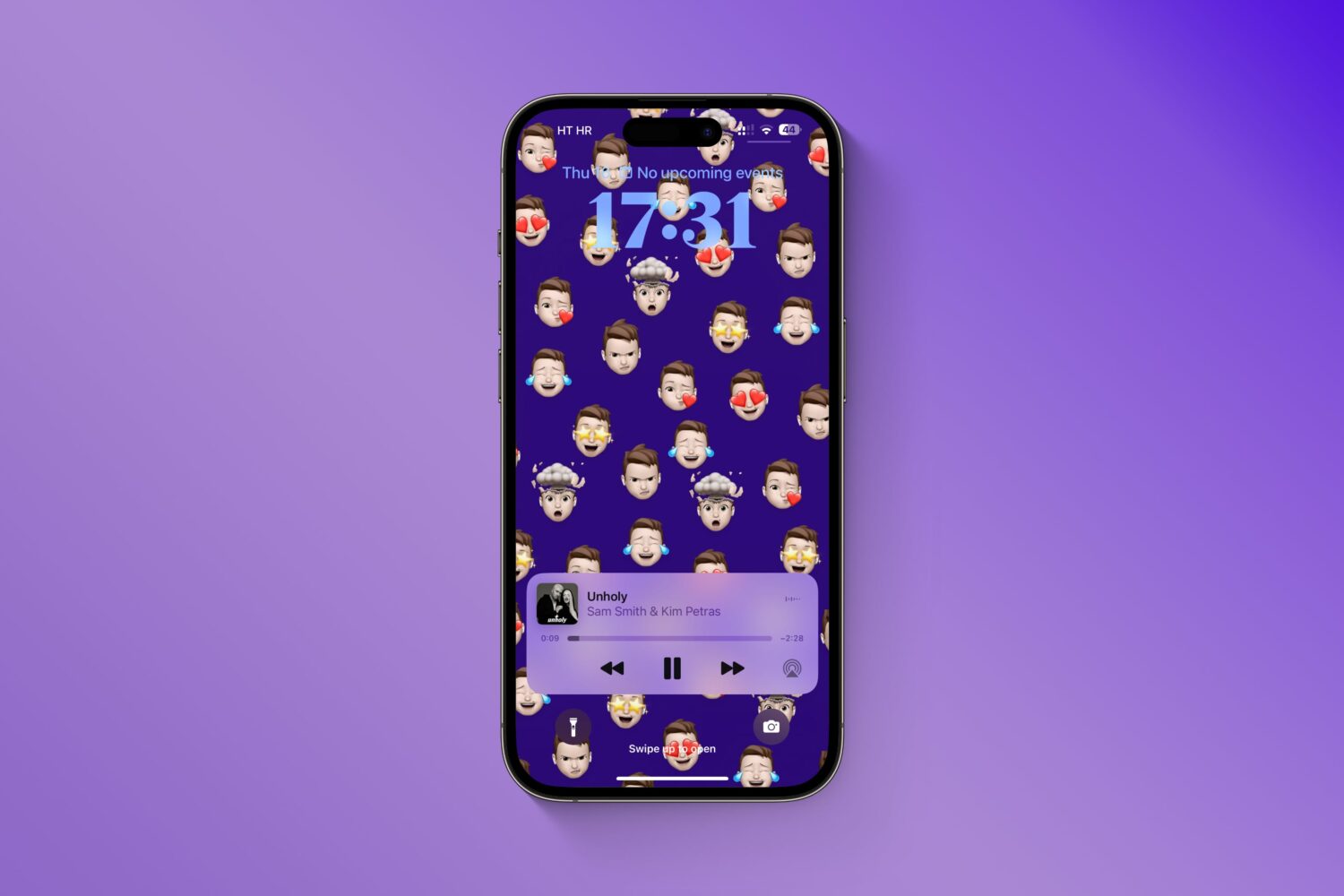
Give your iPhone's Lock Screen and Home Screen a unique look by creating wallpapers from your personalized Memoji, Genmoji, and photo stickers instead of using the same old emoticons.

Learn how to manage and customize Telegram's Power Saving Mode on your Mac, including setting the battery threshold to automate the feature.
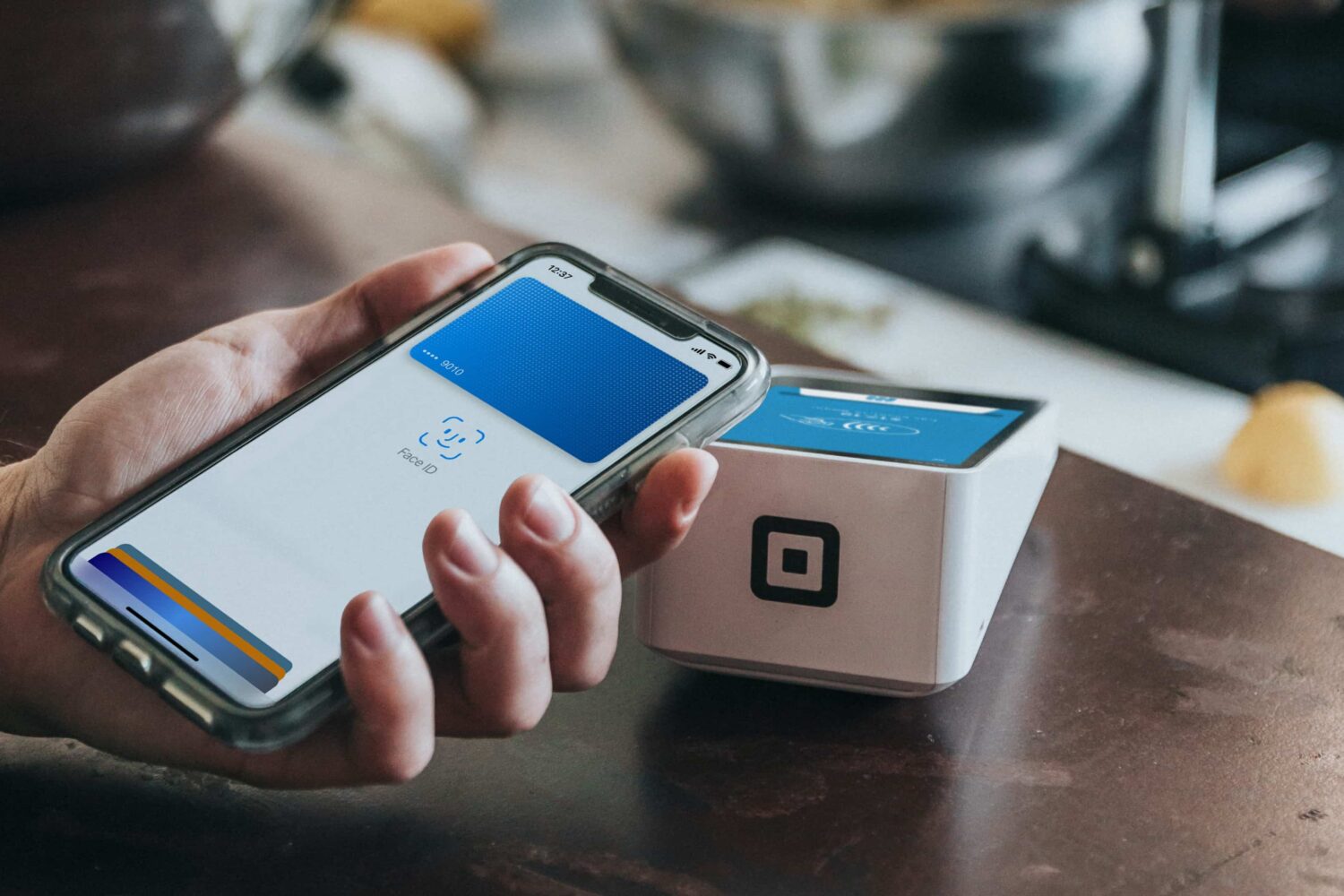
Learn how to get a refund for purchases made with your credit or debit card using Apple Pay, and what to do if a merchant requires additional information.
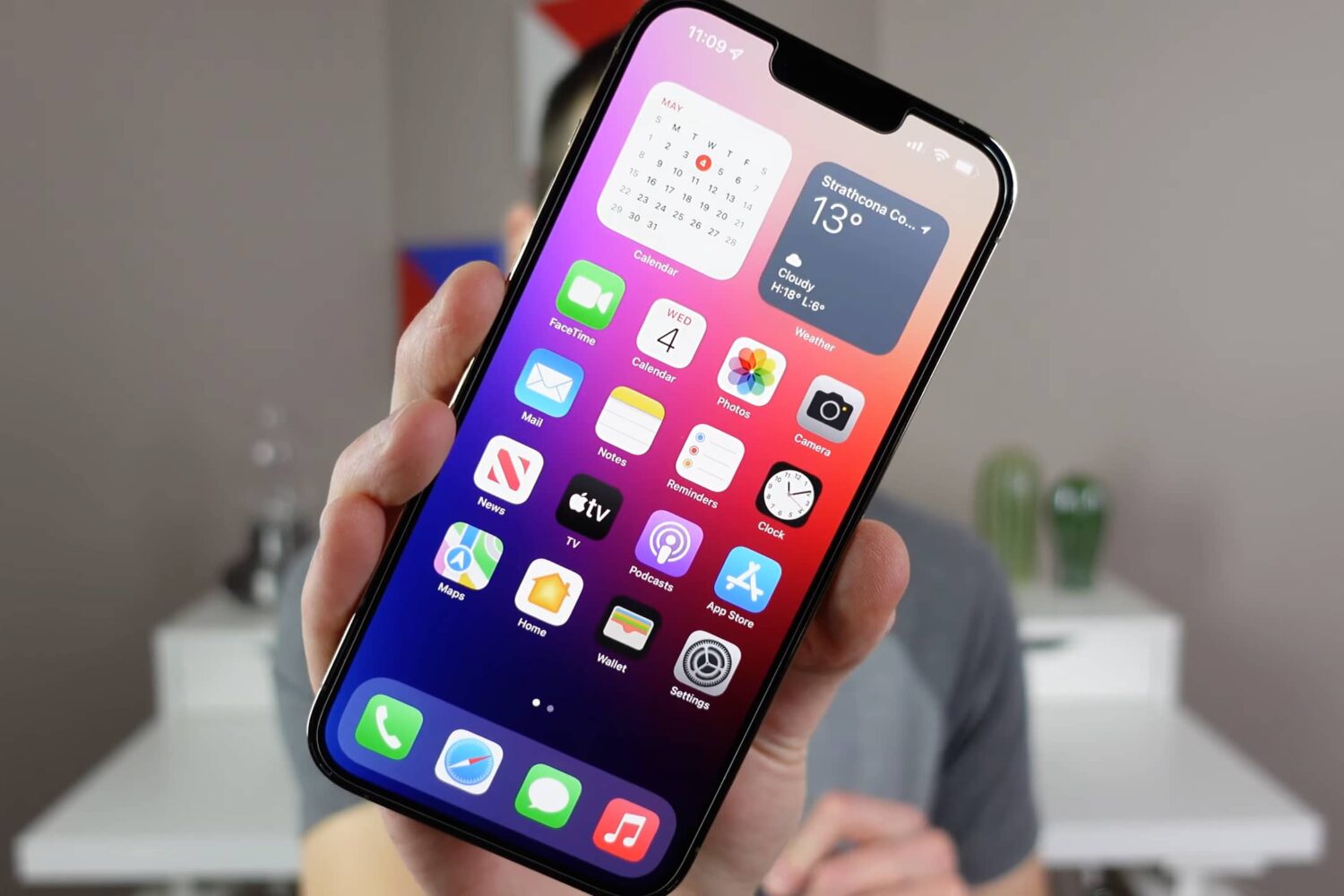
Watch our video walkthrough to learn about cool iPhone tips, tricks, and secret features, such as downloading any video, getting precise battery info, and more.
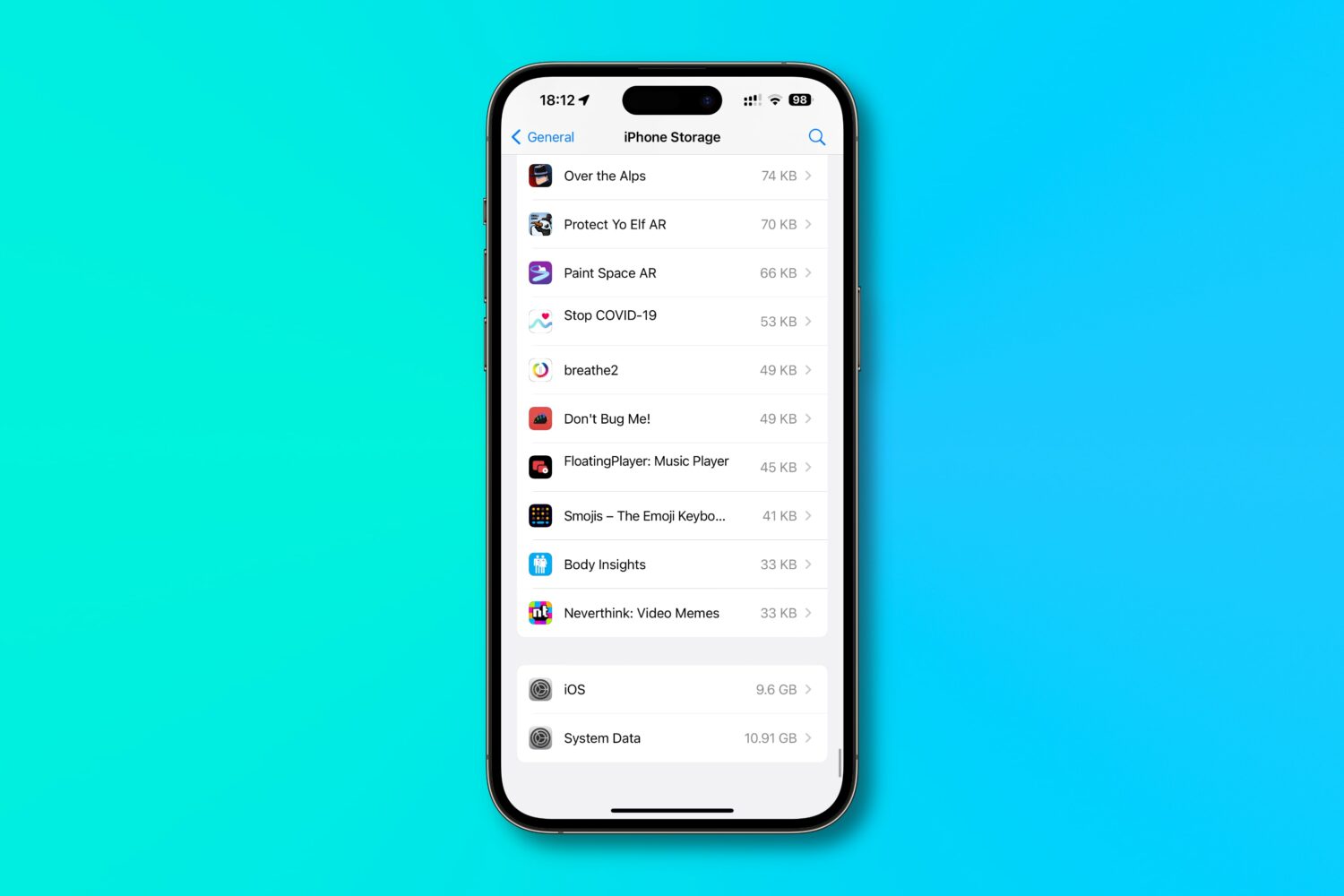
Find out how much of your iPhone’s storage space is lost to system files and how much of it is taken up by the iOS operating system itself, and then follow a quick trick to reclaim some space!