Learn what to do when selling, gifting, recycling, or trading your Apple Watch to ensure your private data stays secure and the new owner can use it properly.
8 things to do before selling or trading your Apple Watch
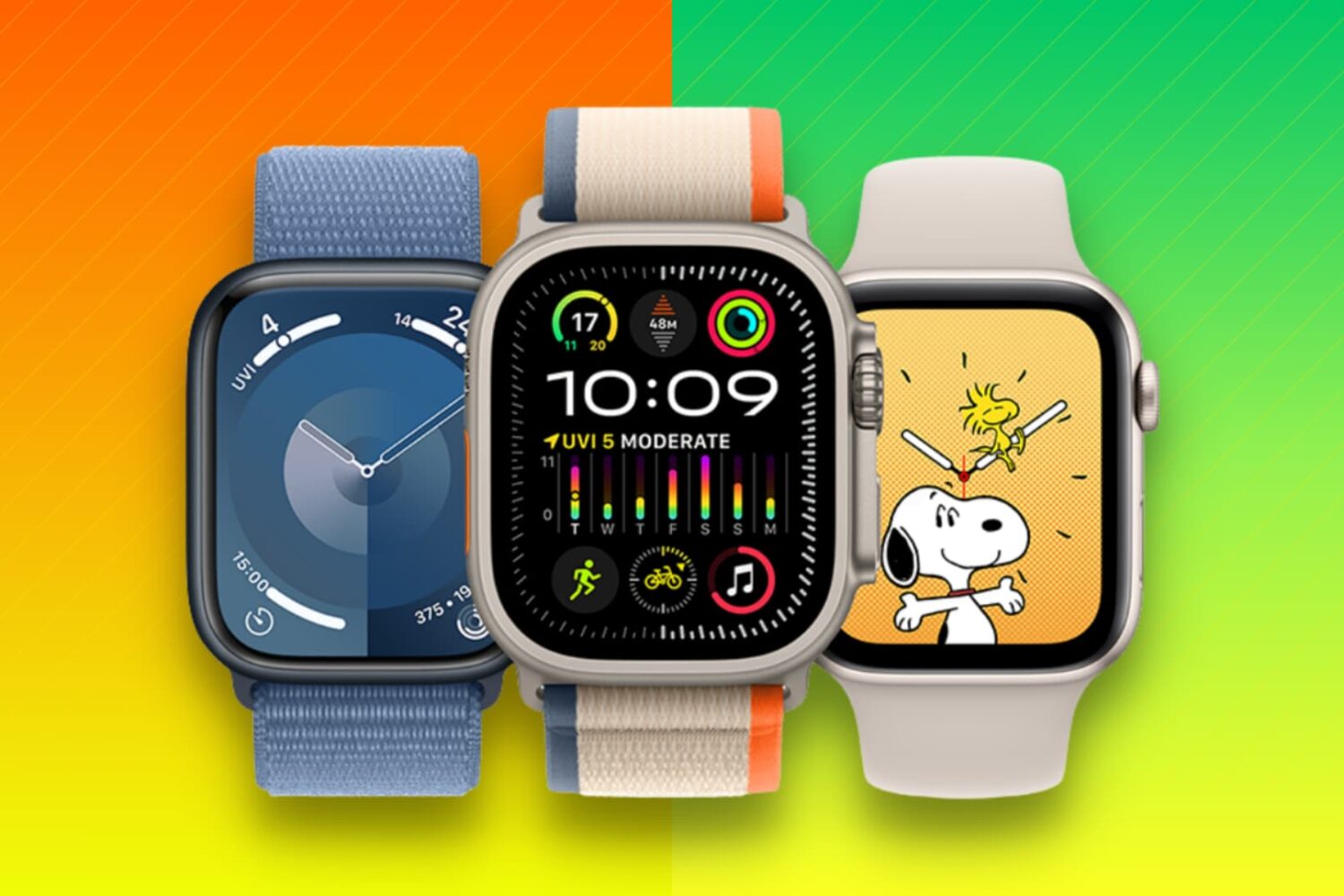
Learn what to do when selling, gifting, recycling, or trading your Apple Watch to ensure your private data stays secure and the new owner can use it properly.
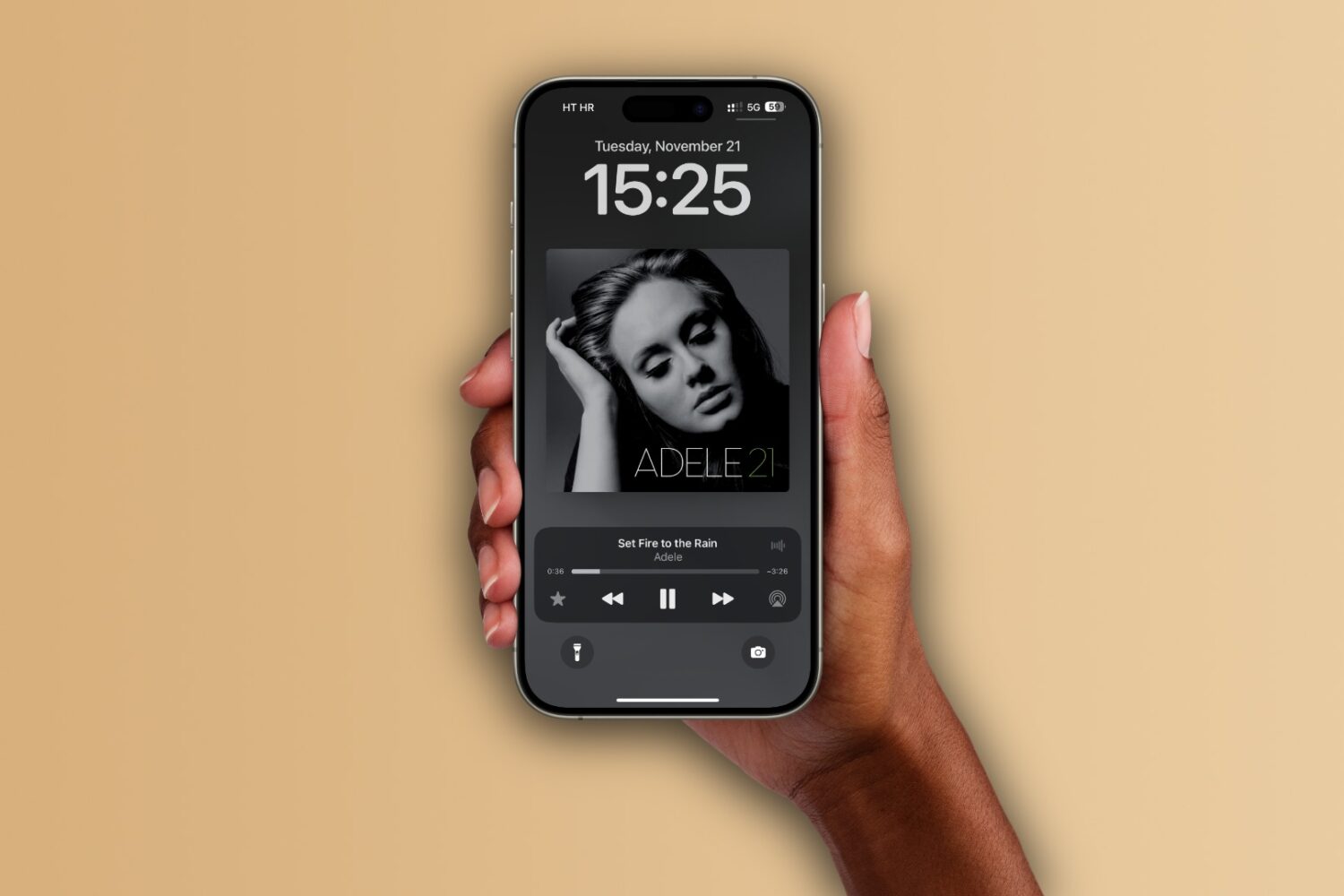
Learn how to set up the Apple Music app on your iPhone, iPad, and Mac to automatically add any songs you’ve marked as your favorite to your music library.

Learn how to turn off inline text predictions on your iPhone, iPad, and Mac without disabling word suggestions that appear above the onscreen keyboard.
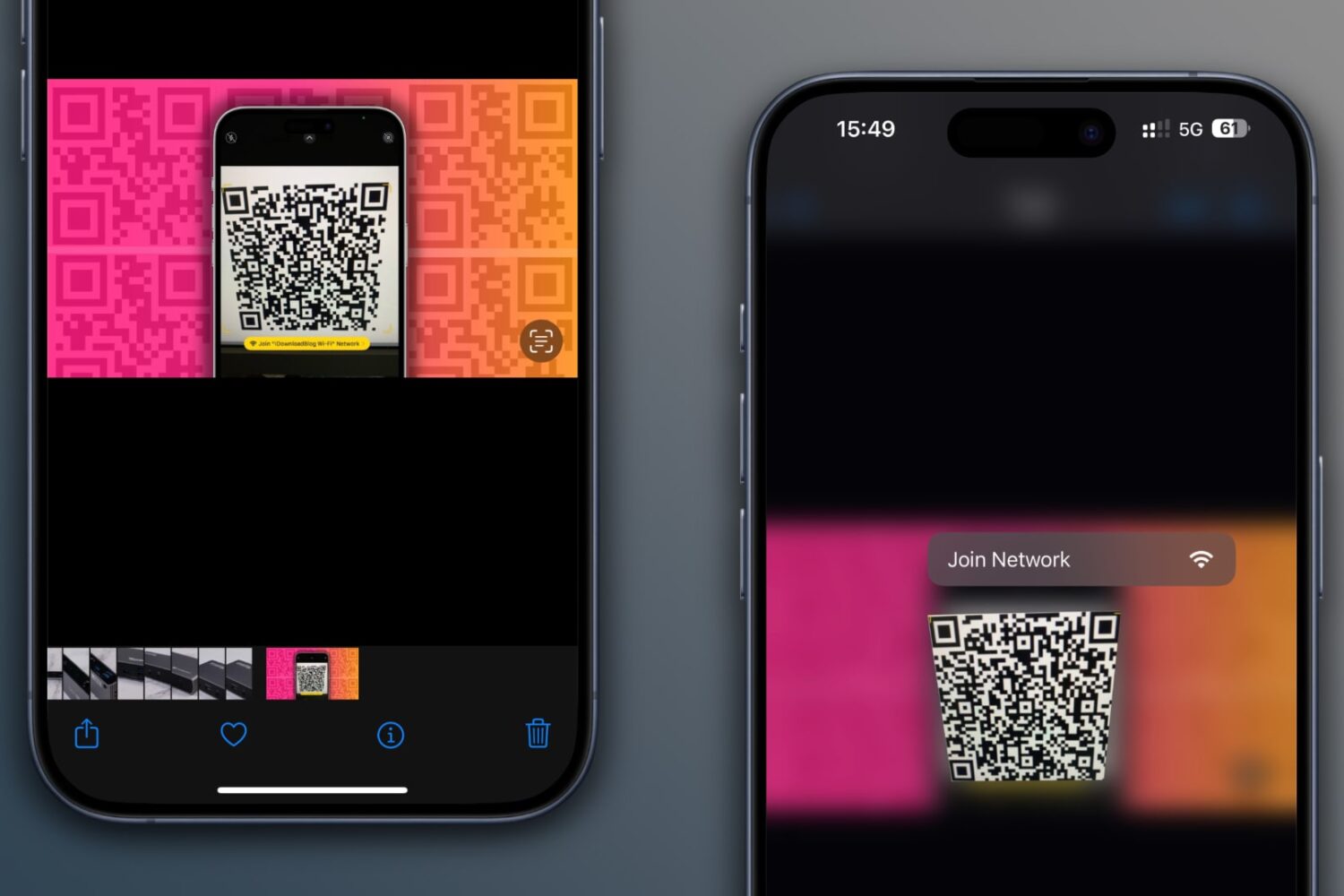
Learn how to scan QR codes on images saved in your iPhone’s Photos app or sent via iMessage or WhatsApp without using another device or printing them out.
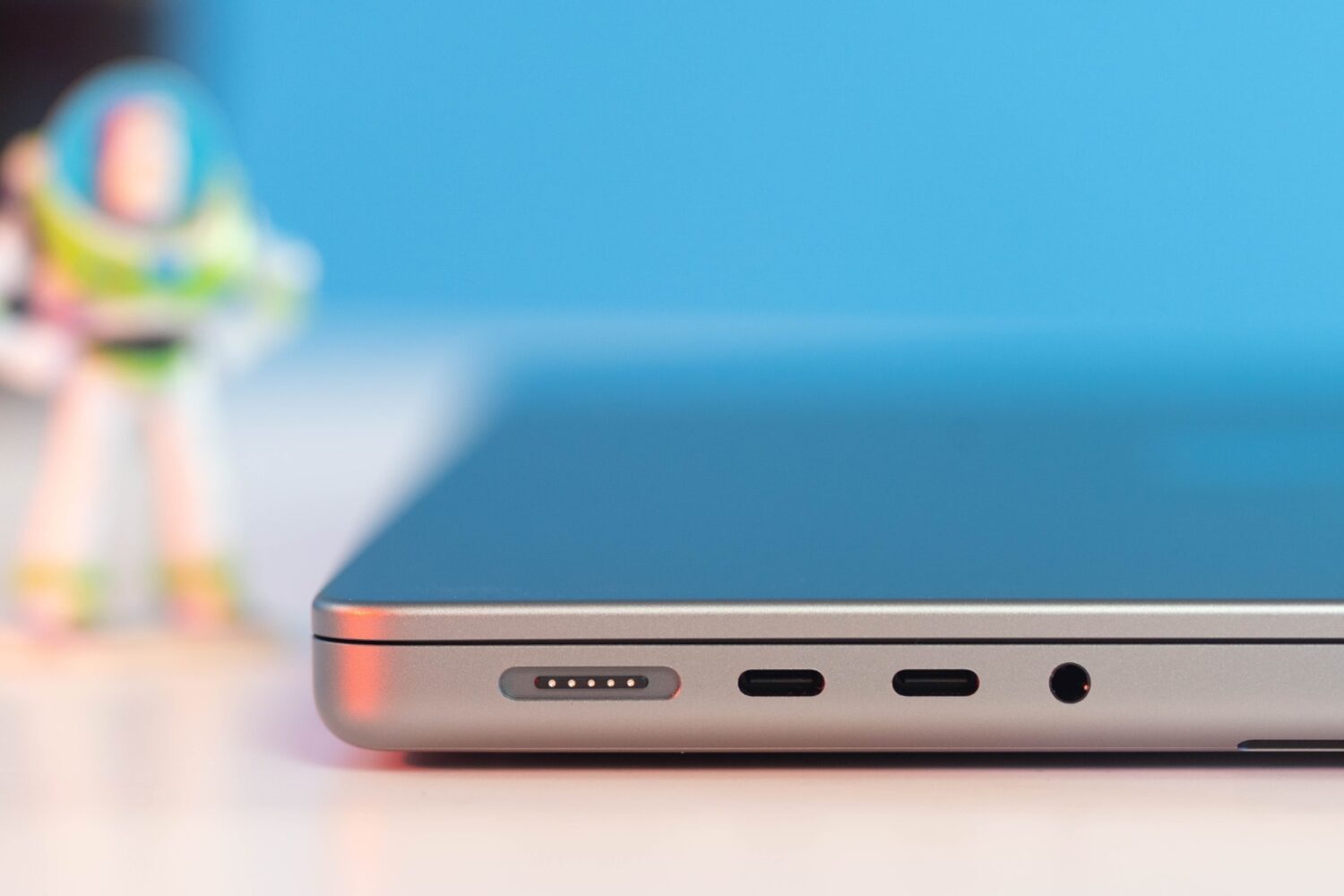
Learn what cables and power adapters you need to fast charge your MacBook Air or MacBook Pro's battery from zero to fifty percent battery in around thirty minutes.
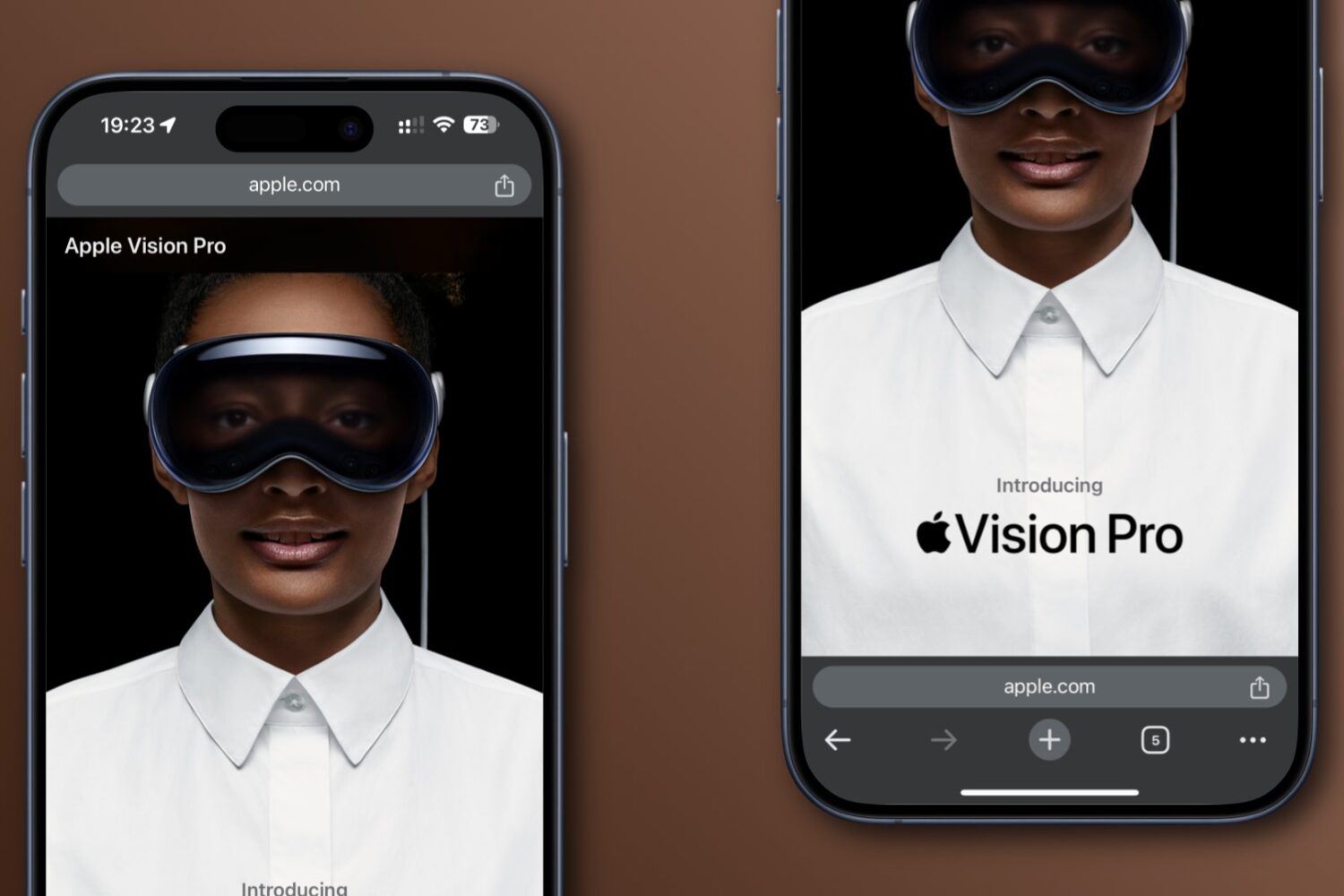
Learn how to move Google Chrome’s address bar from the default top position to the bottom of the screen for easy one-handed use on iPhone and Android.

Learn how to turn off hand gestures that trigger augmented reality reactions in FaceTime and other compatible video calling apps on your iPhone, iPad, and Mac.
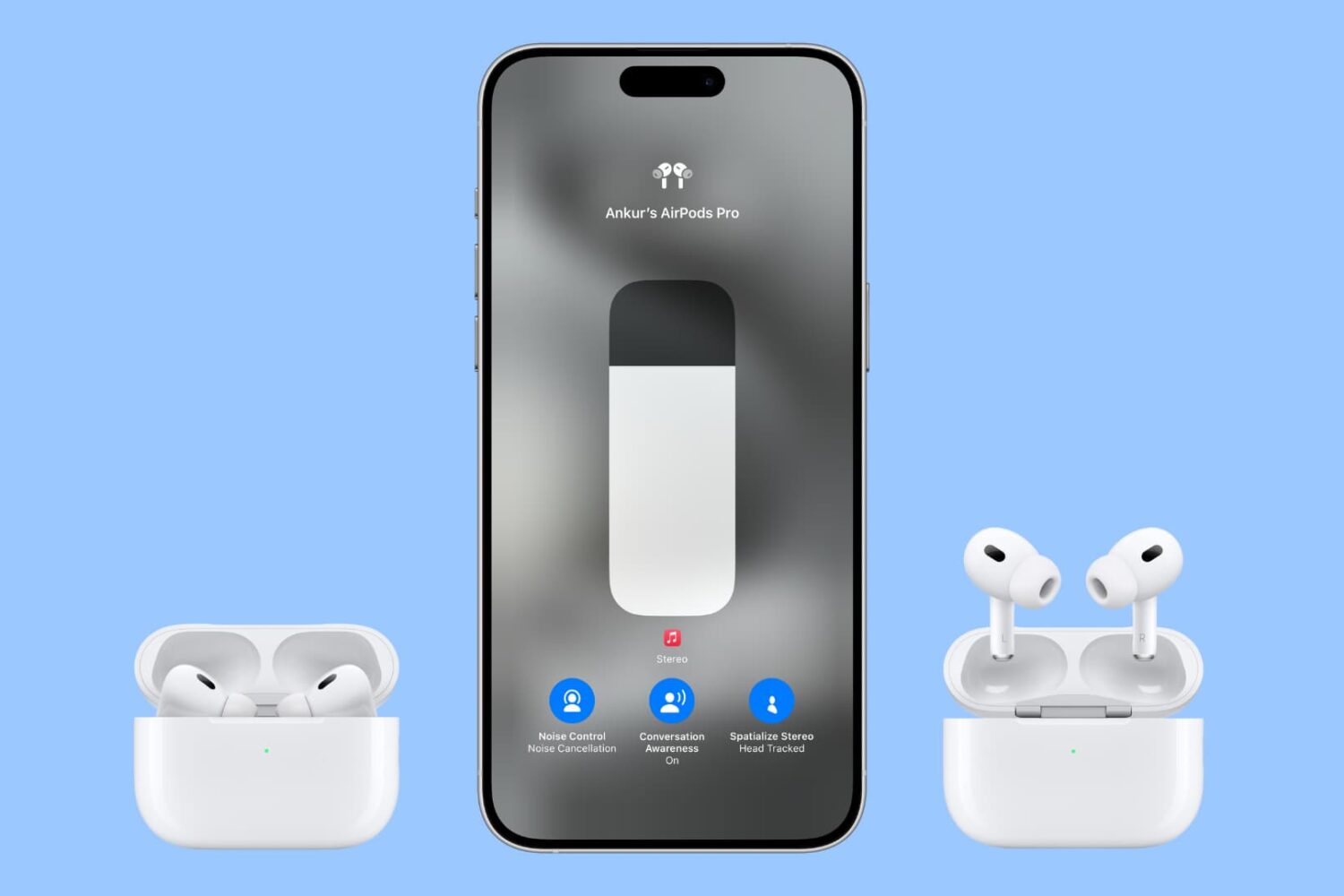
Follow these AirPods Pro tips and tricks to ensure good seal and adjust essential settings like noise control, spatial audio, location tracking, hands-free Siri and more.
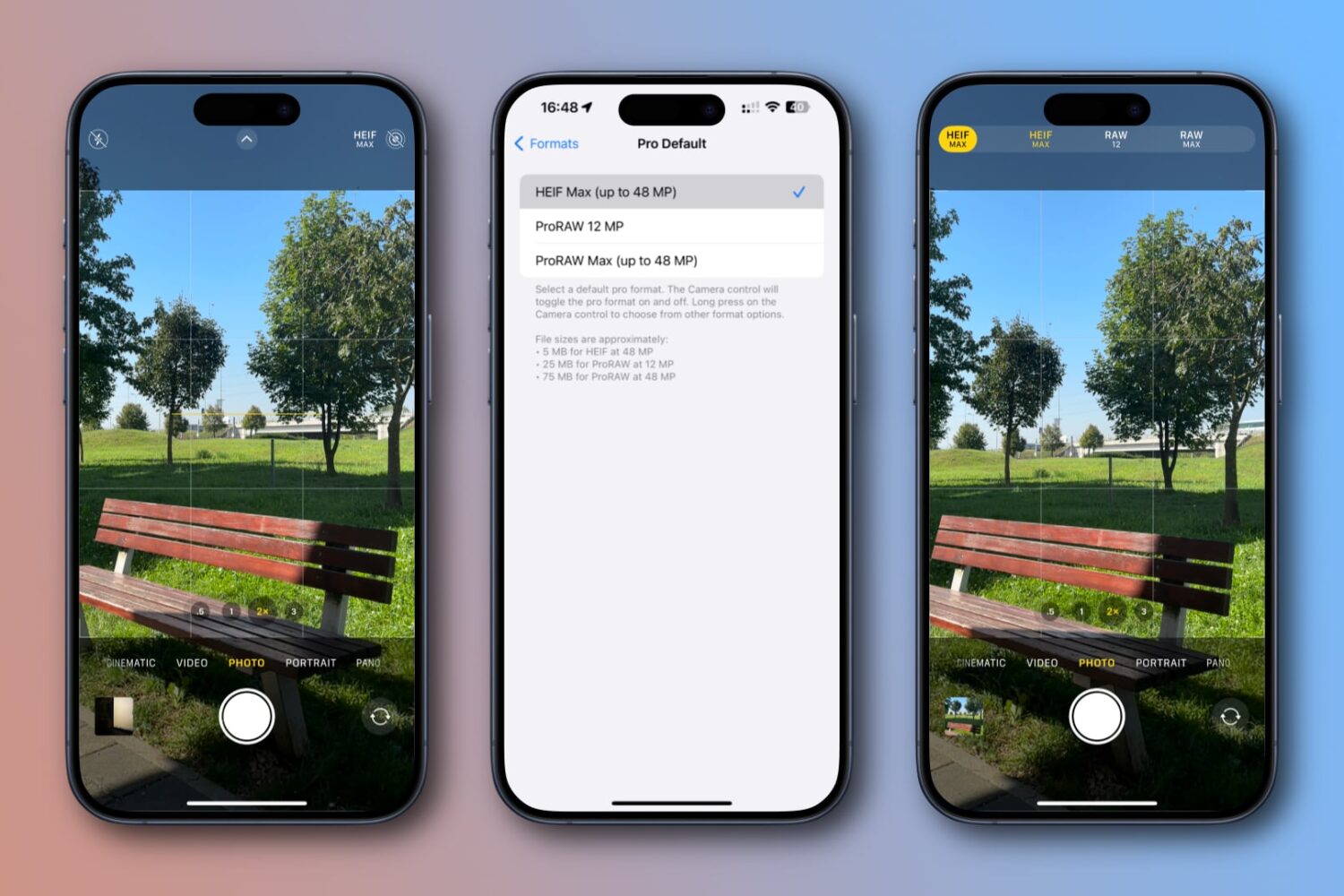
Learn how to set your iPhone's Camera app to capture full 48MP resolution photos in the HEIF or JPEG format instead of 12MP or 24MP ones.
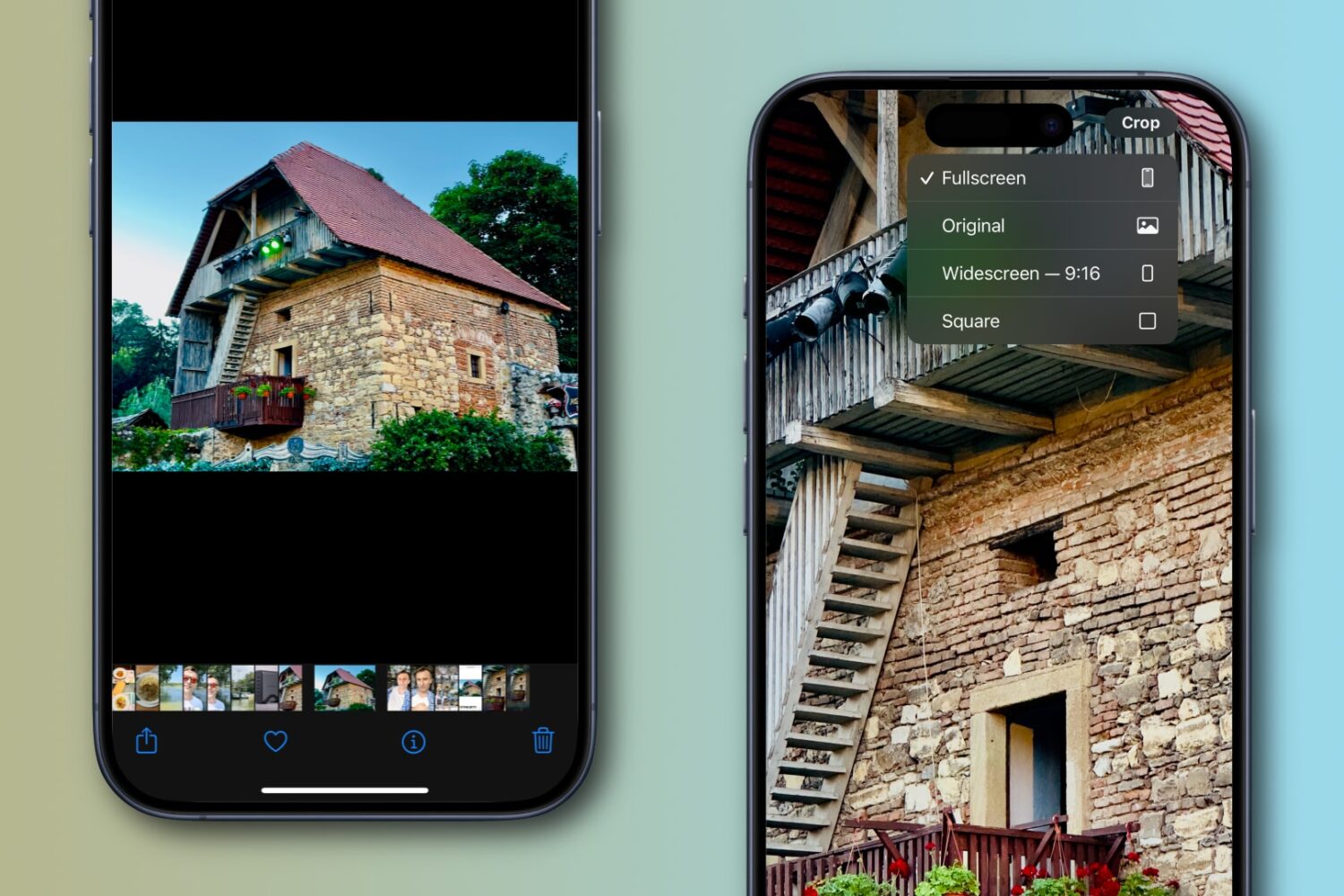
Apple’s Photos app on the iPhone or iPad lets you quickly crop an image while pinch-zooming without entering editing mode first, and we show you how.
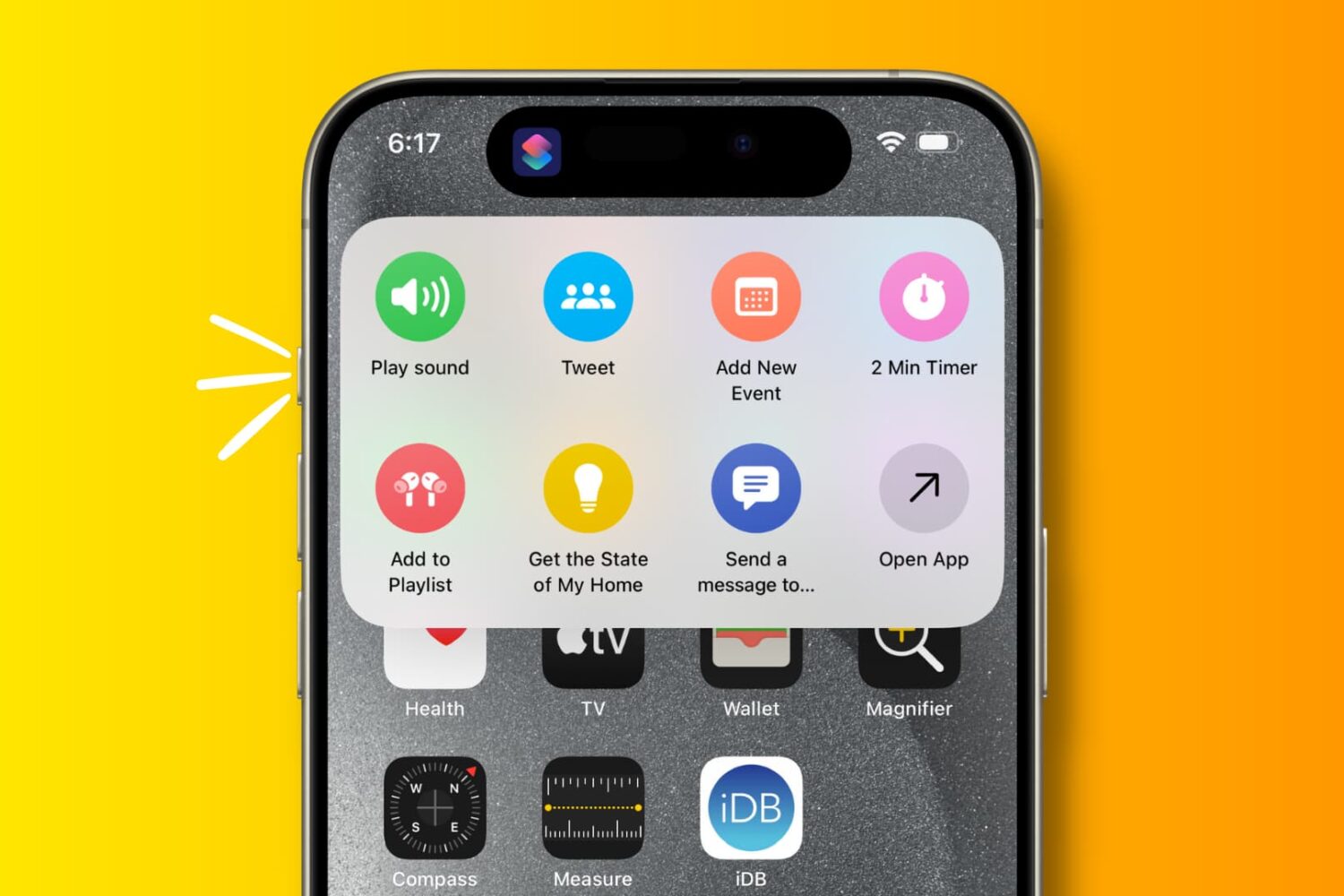
Explore these 29 useful things you can do with the Action button on your iPhone 15 Pro and iPhone 15 Pro Max.