Learn how to have your HomePod recognize your and family member's voices, and answer questions based on who is making that request.
How to enable multi-user voice recognition on HomePod
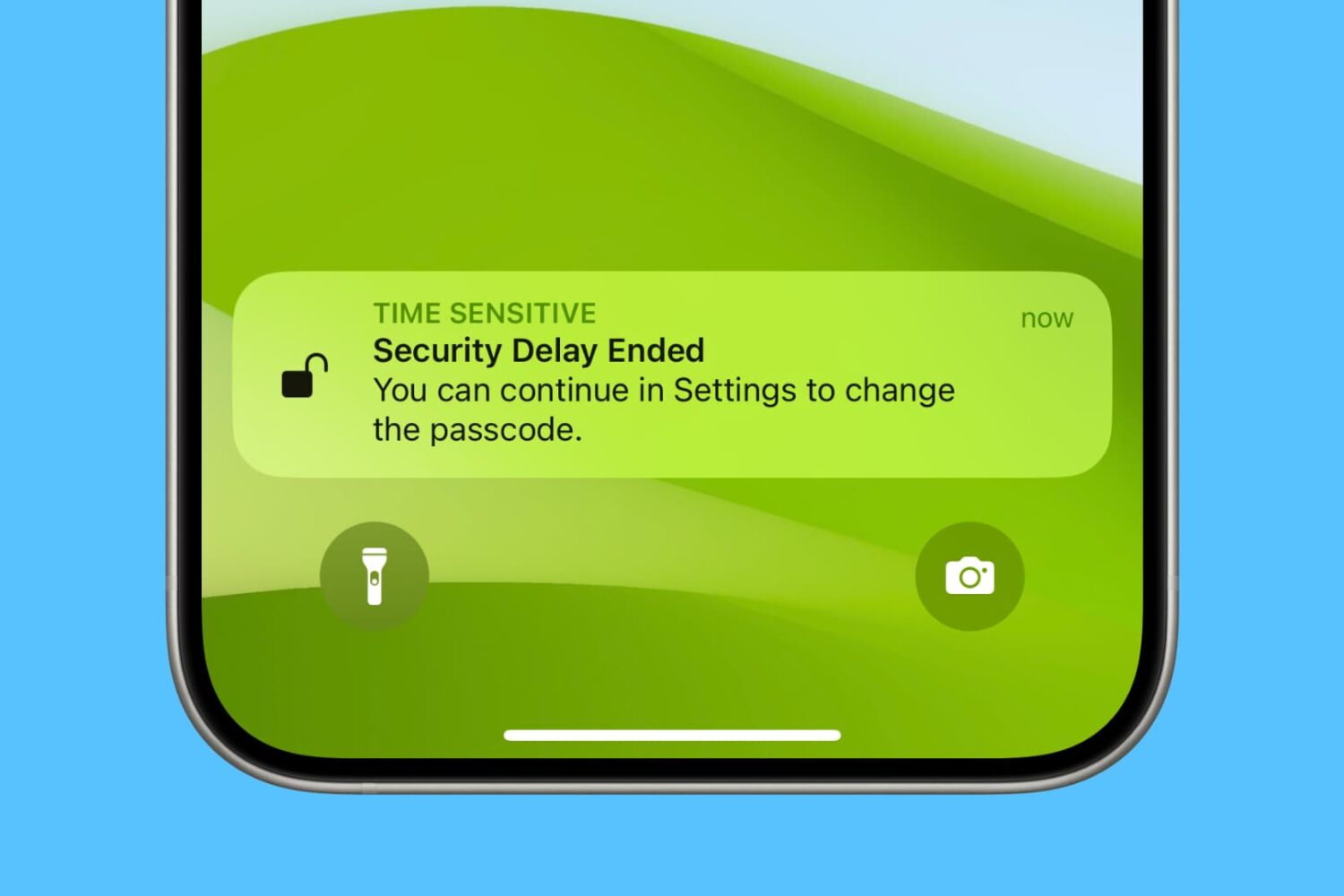
Activate the Stolen Device Protection feature on your iPhone to protect your Apple ID, account passwords, and other critical personal information when your device is stolen or in an unfamiliar location with untrustworthy people who happen to know your iPhone passcode.
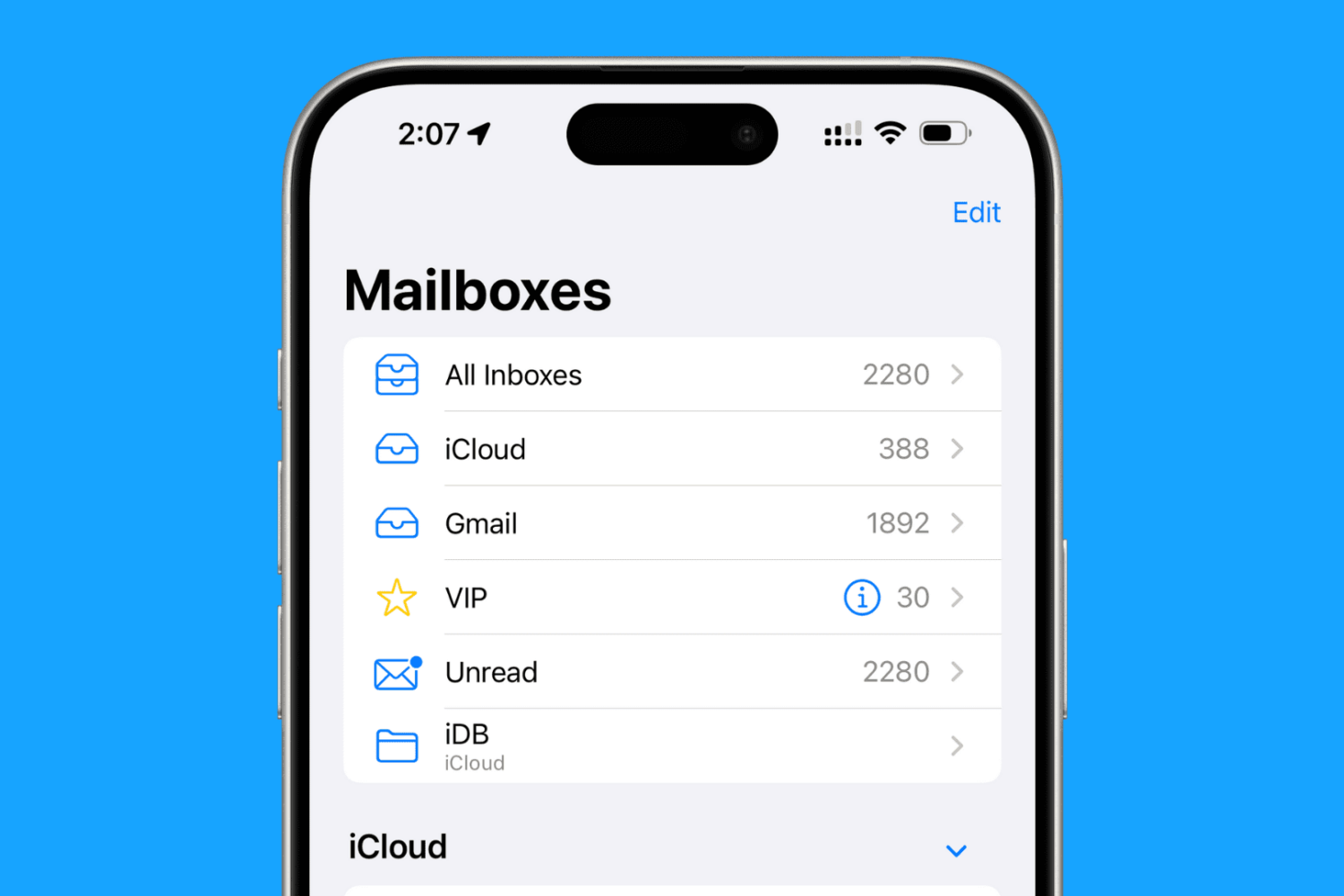
Discover over 40 expert tips to maximize efficiency and productivity in the Mail app across your iPhone, iPad, and Mac devices.
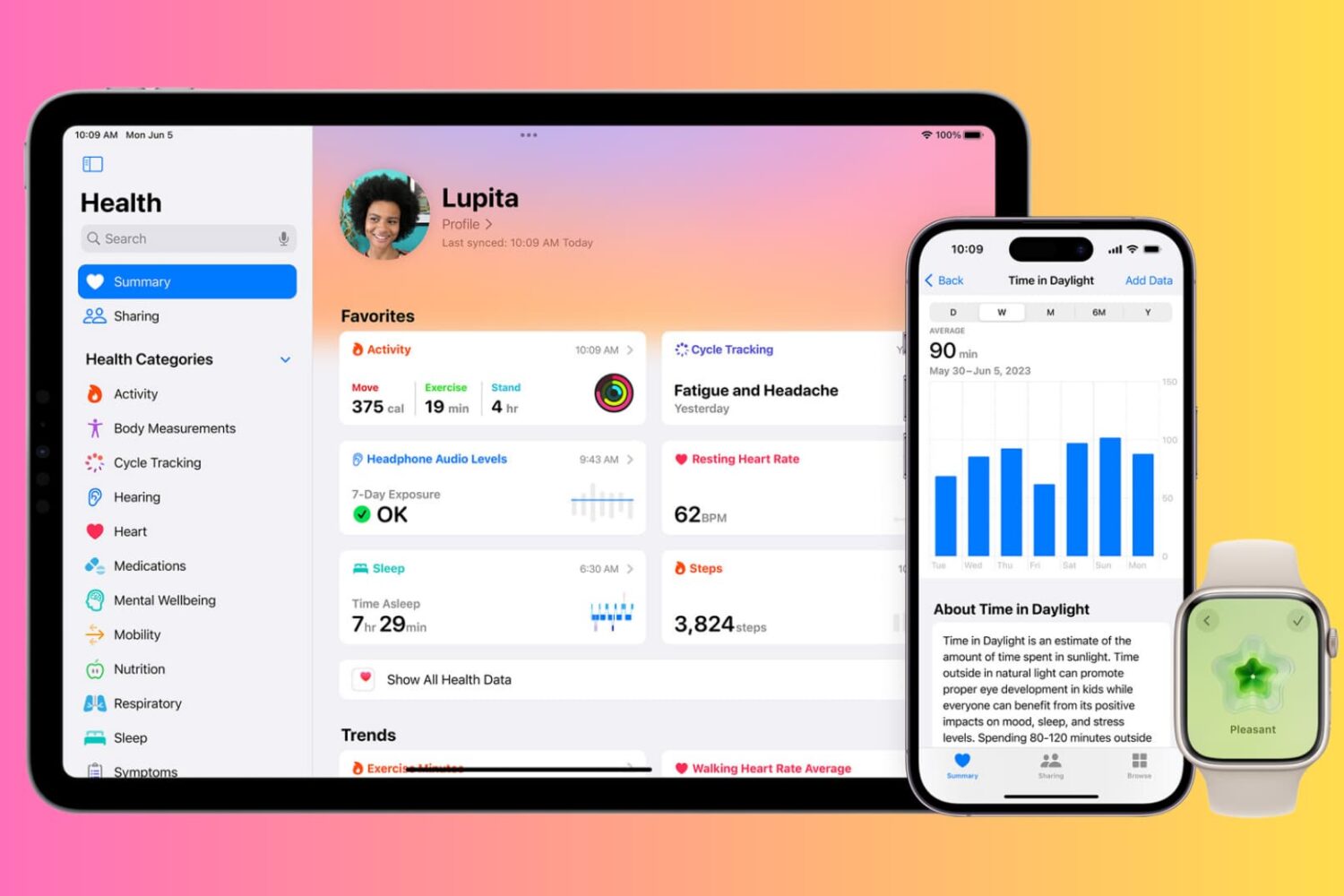
Discover over a dozen thoughtful built-in features on your iPhone, iPad, and Apple Watch that are designed to help you take care of your health and stay fit and active.
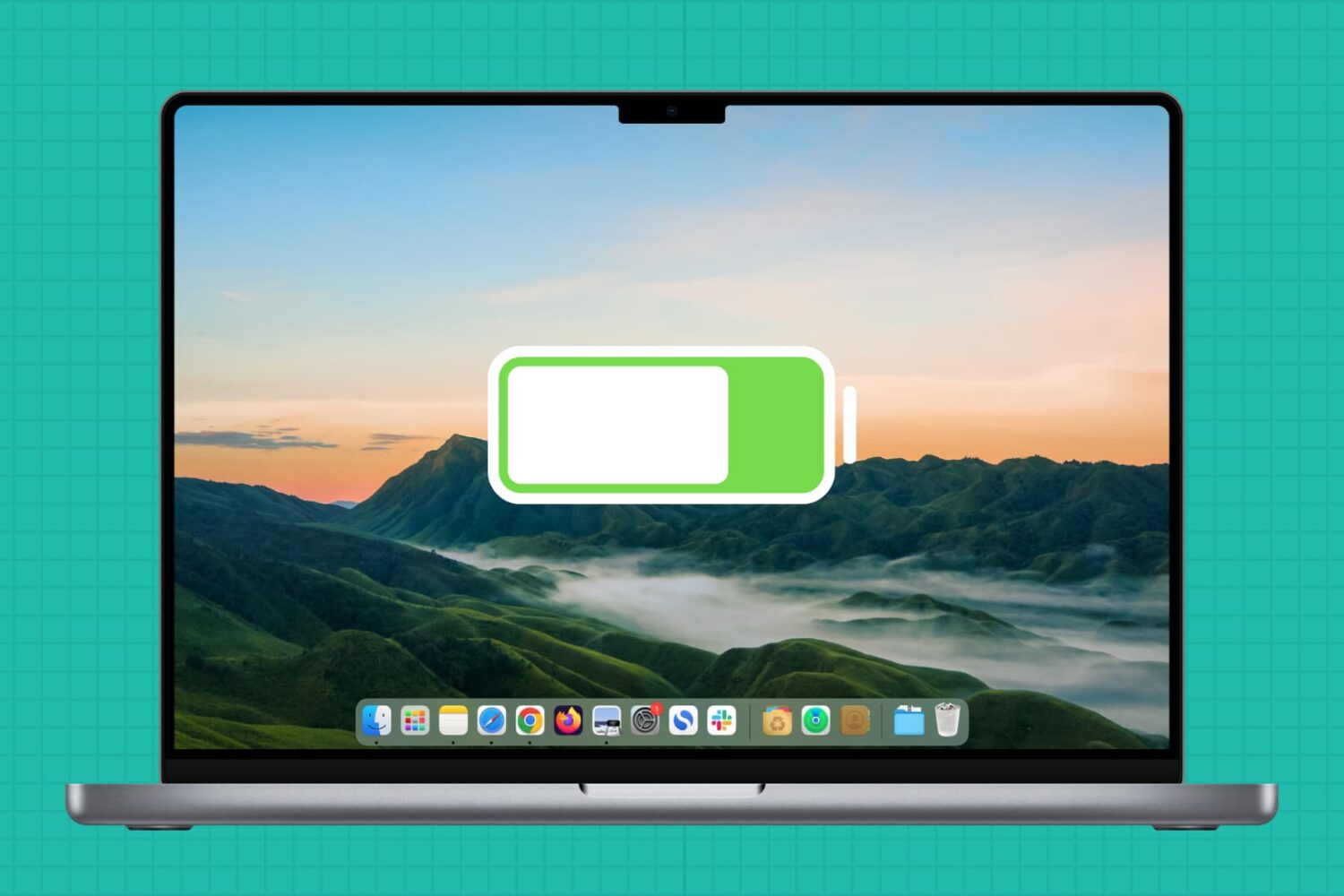
In this guide, we'll share handy tips to ensure your MacBook's battery gives you plenty of use time per charge for many years to come.

In this detailed guide, we will show you how to take the best portrait photos on your iPhone or iPad. We will also help you convert non-portrait images into portrait shots by blurring the background behind the main subject.
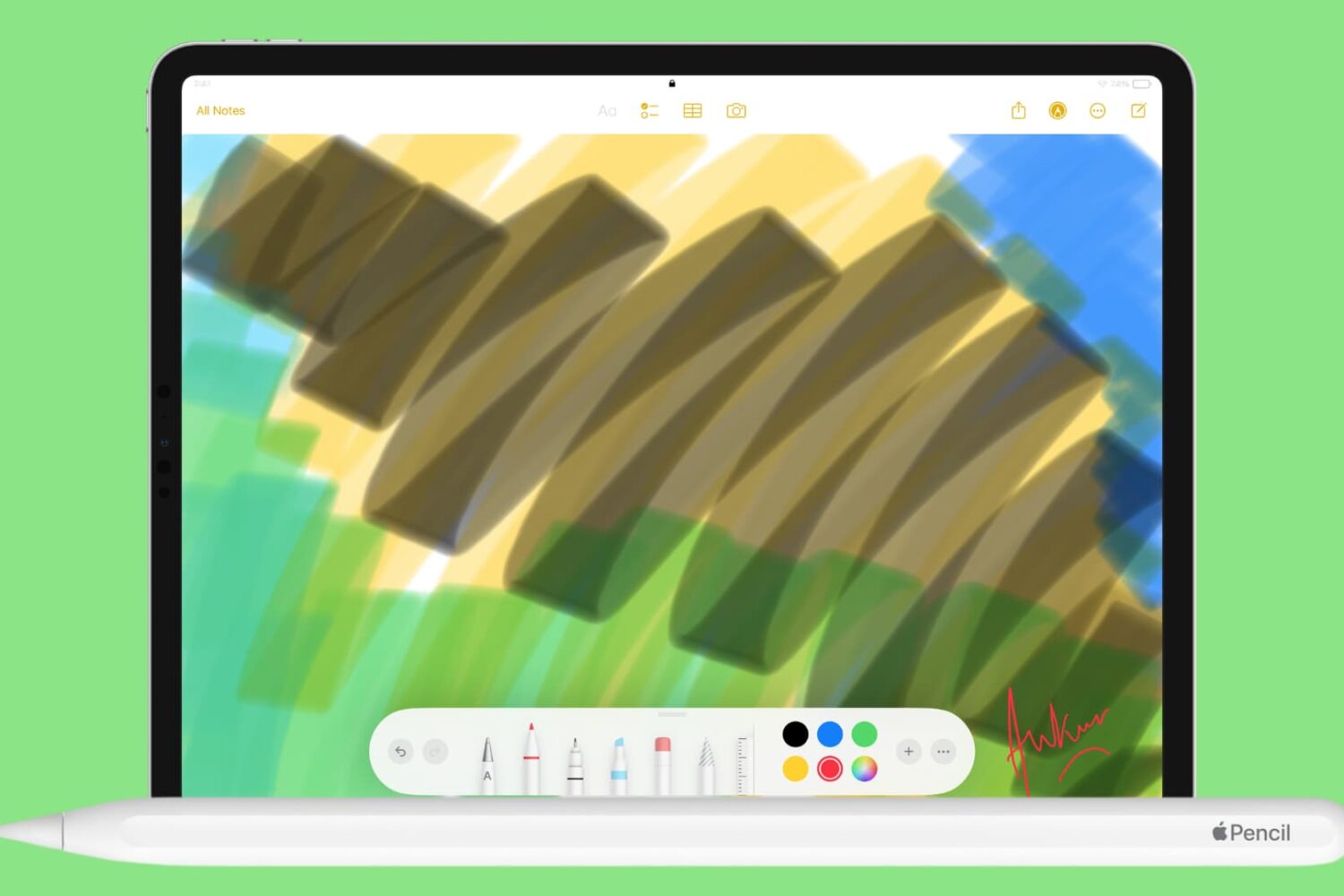
In this guide, we'll go over 25 tips and tricks to use your Apple Pencil like a pro. These will help you make the most of it when working on your iPad.
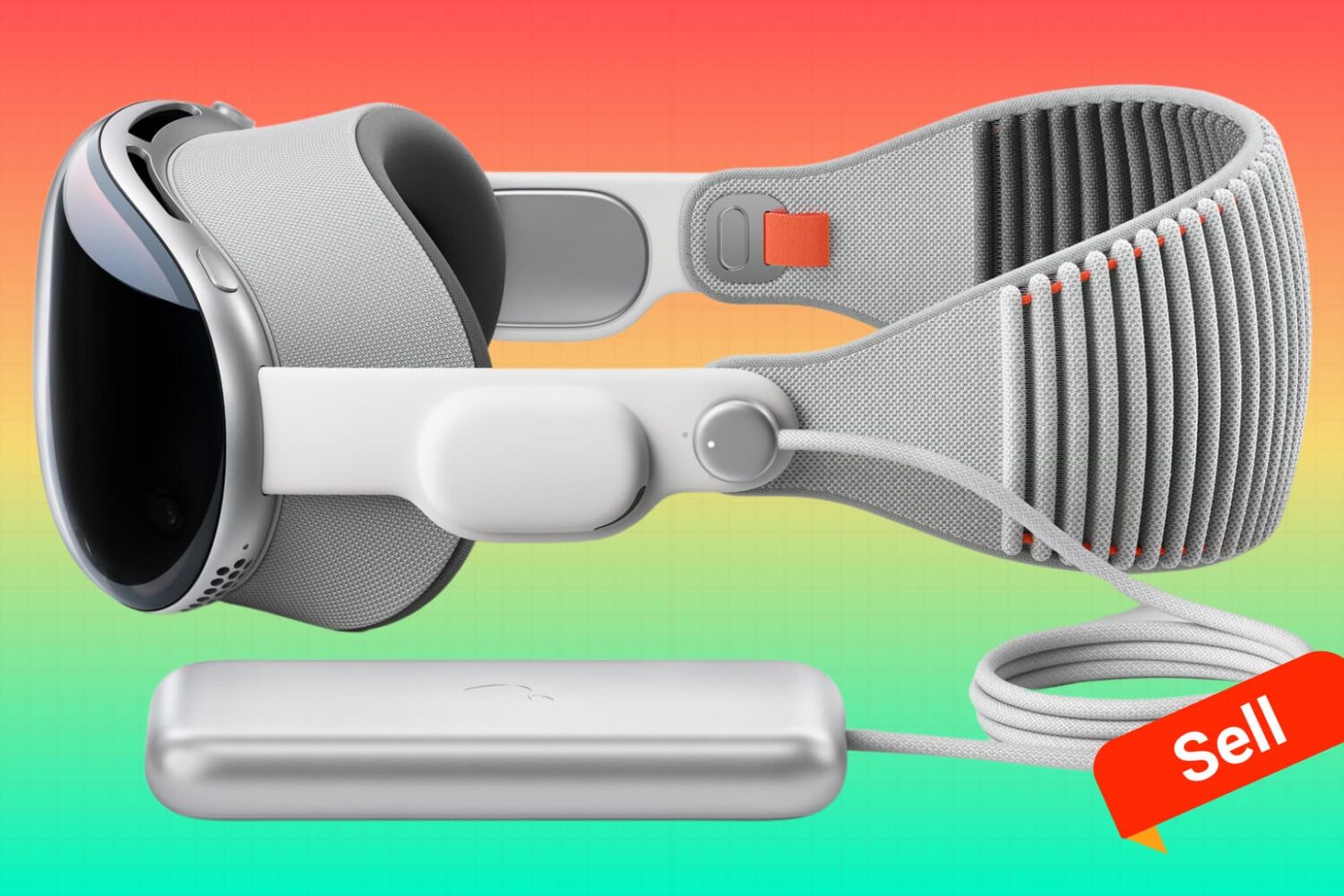
Find out everything you must do if you're planning to sell, give away, trade in, or return your Apple Vision Pro.
These tips will help prevent your personal data from being inadvertently transferred to the next user, and will allow them to easily set up the Vision Pro with their Apple ID without encountering Activation Lock issues.
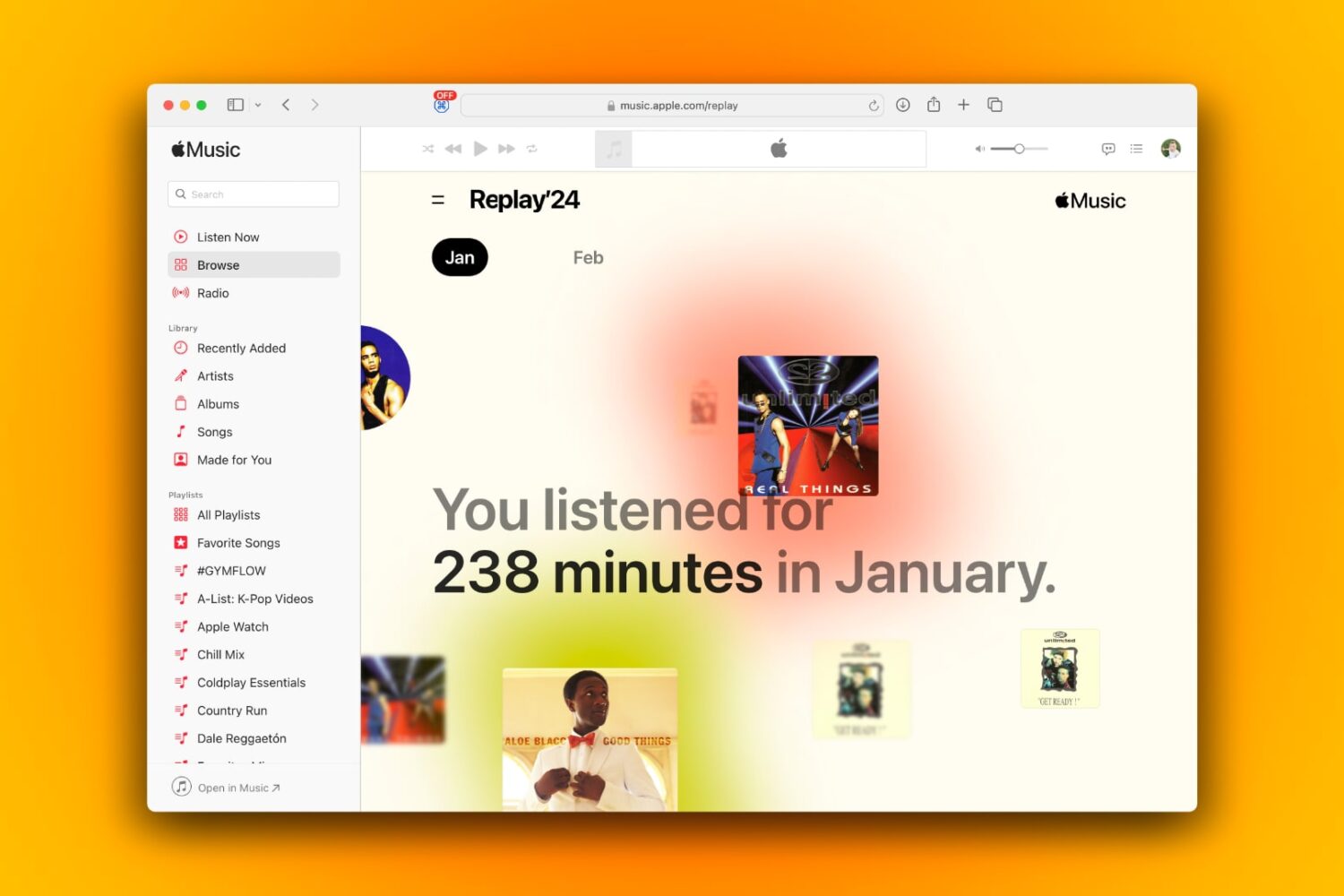
Aside from yearly insights, Apple Music subscribers can also get their listening statistics for any month and revisit their Replays for previous months.
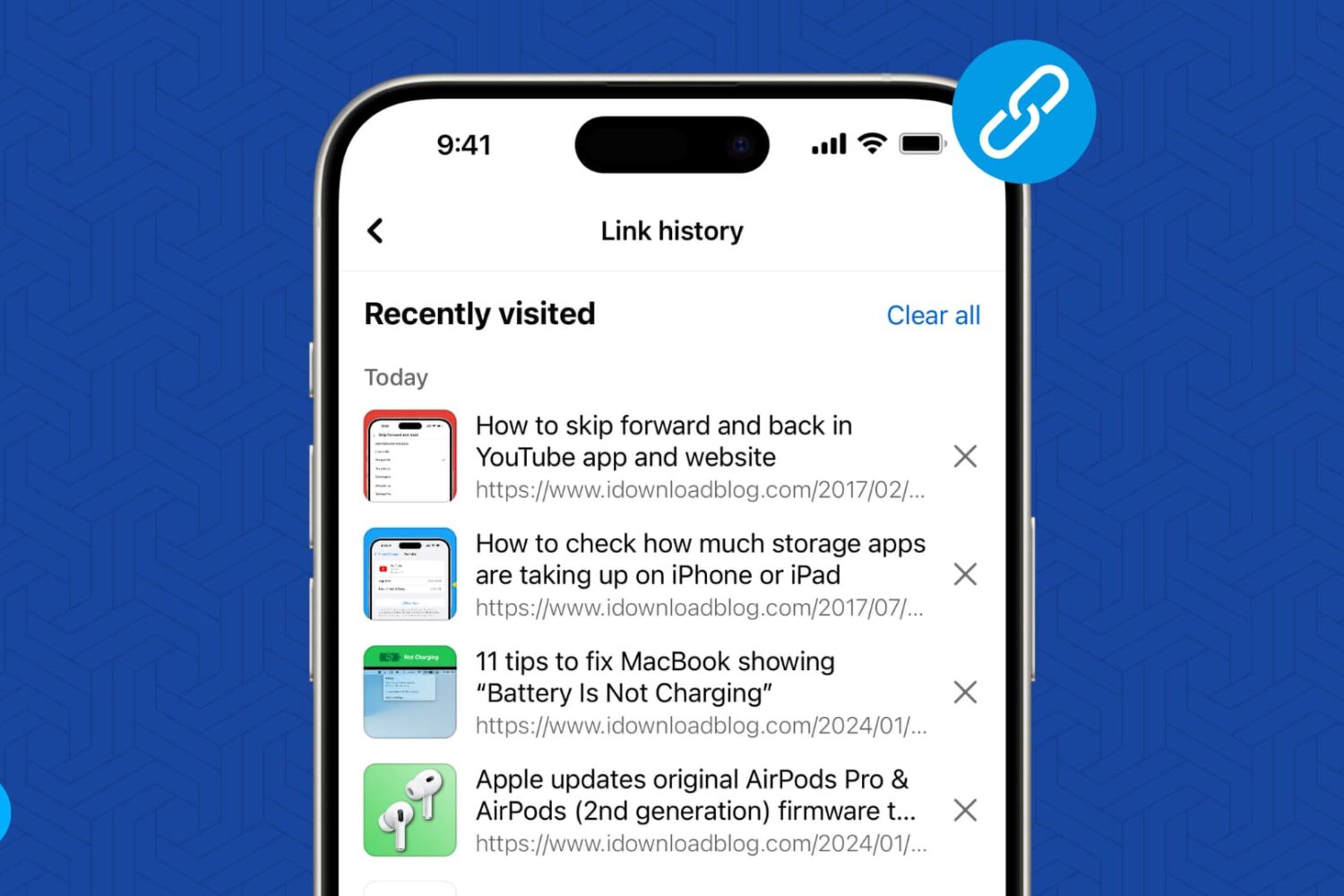
The Facebook app on your iPhone and Android can keep a record of all the website links you visit. In this tutorial, we will show you how to turn on this feature, go through the list of links you have visited in the last 30 days, and turn it off if you don’t find it useful.
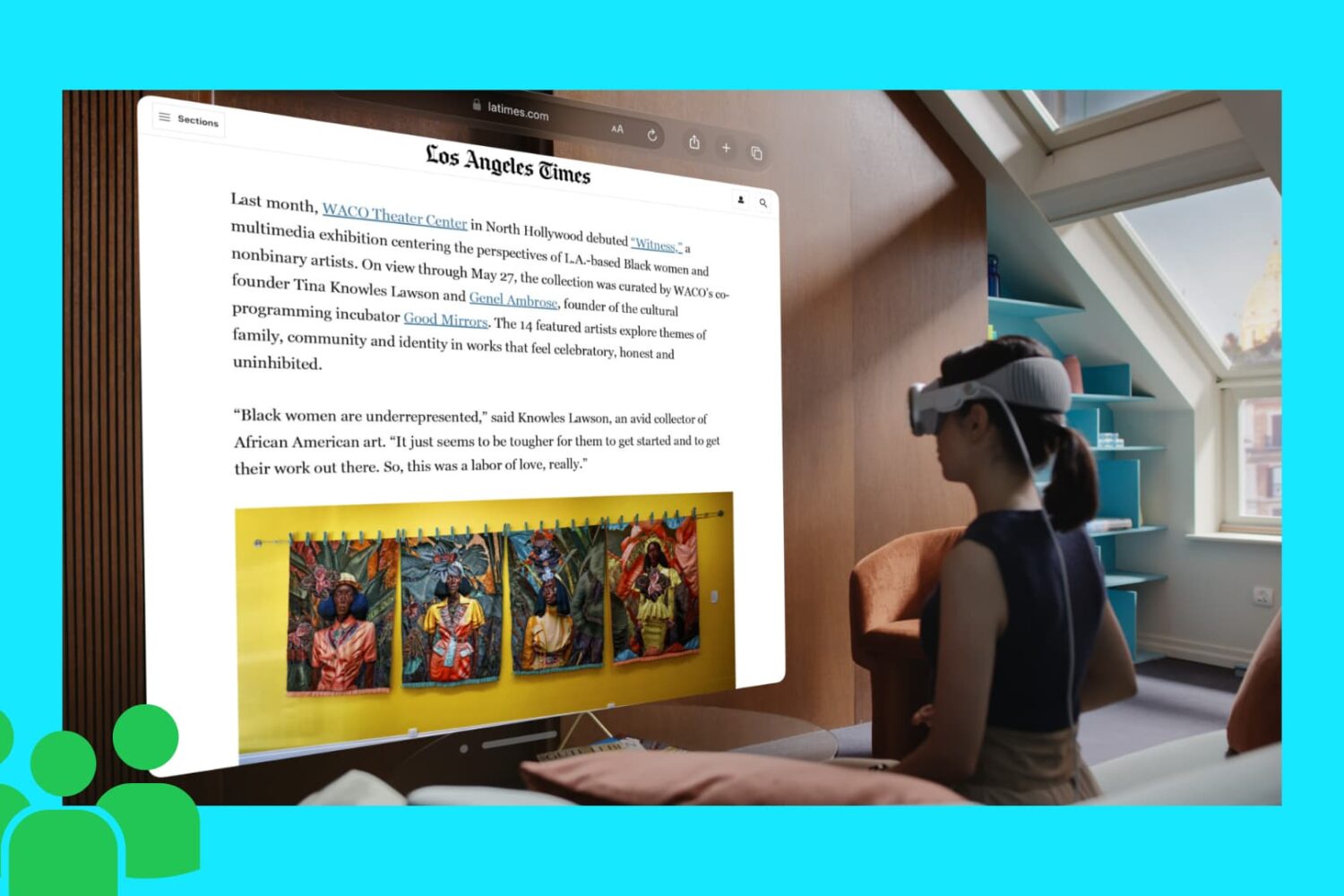
In this tutorial, we will show you how to use Guest User mode to share your Apple Vision Pro headset with your family members, friends, and colleagues. You can choose to let them use all apps or just a few selected ones.
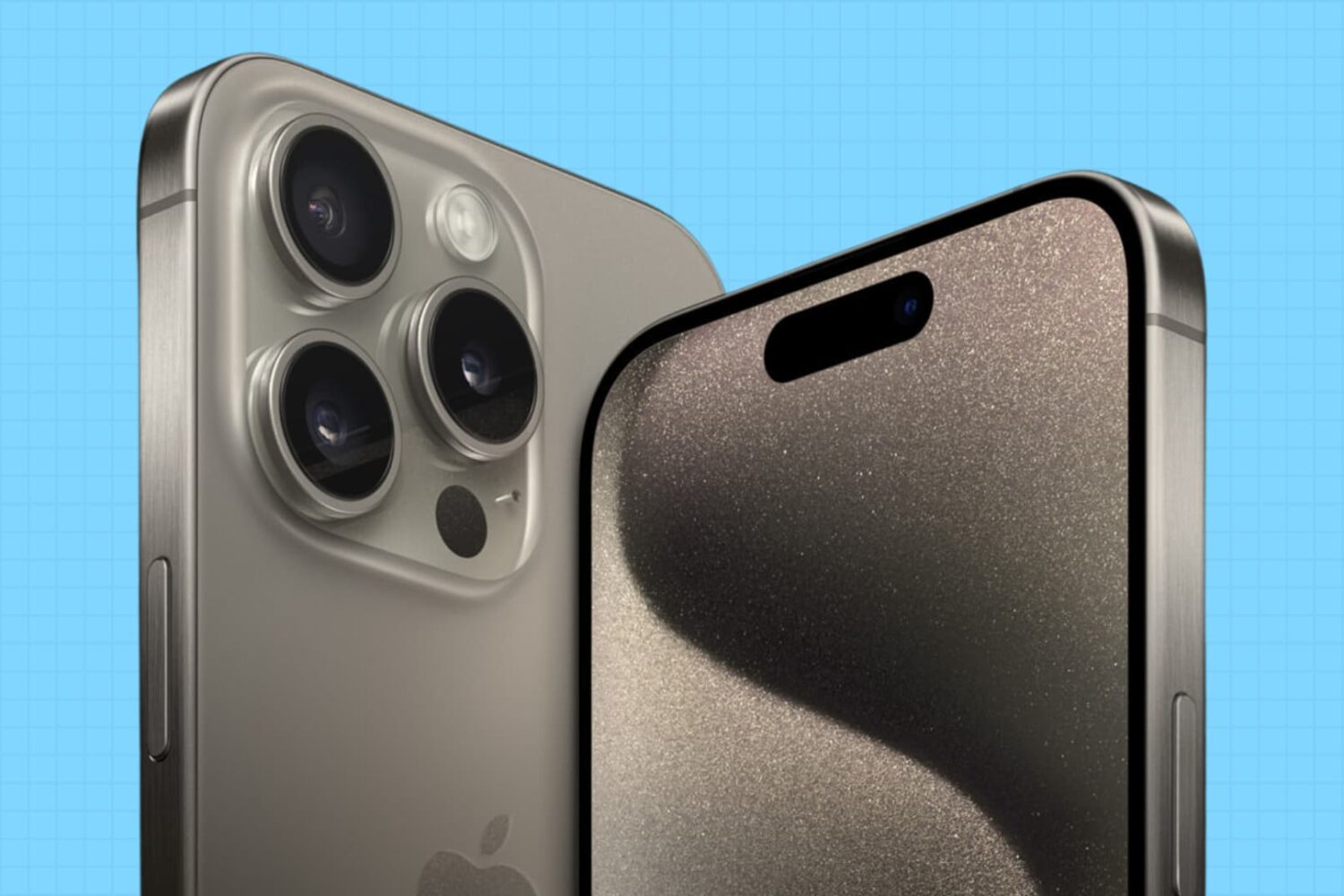
In this tutorial, we will show you how to use free iOS apps to record videos from both the front and back iPhone cameras at the same time.