Check out these free iOS apps that let you turn a portrait image or picture into a sketch, watercolor, oil painting, and more.
How to convert photos to paintings and sketch on iPhone or iPad

Check out these free iOS apps that let you turn a portrait image or picture into a sketch, watercolor, oil painting, and more.

Discover some practical tips to reduce your daily iPhone screen time for a productive yet healthy digital lifestyle.

Learn how to use the built-in editor in Firefox on your Mac or Windows PC to add text, signature, images, and highlights to a PDF file right from your browser.
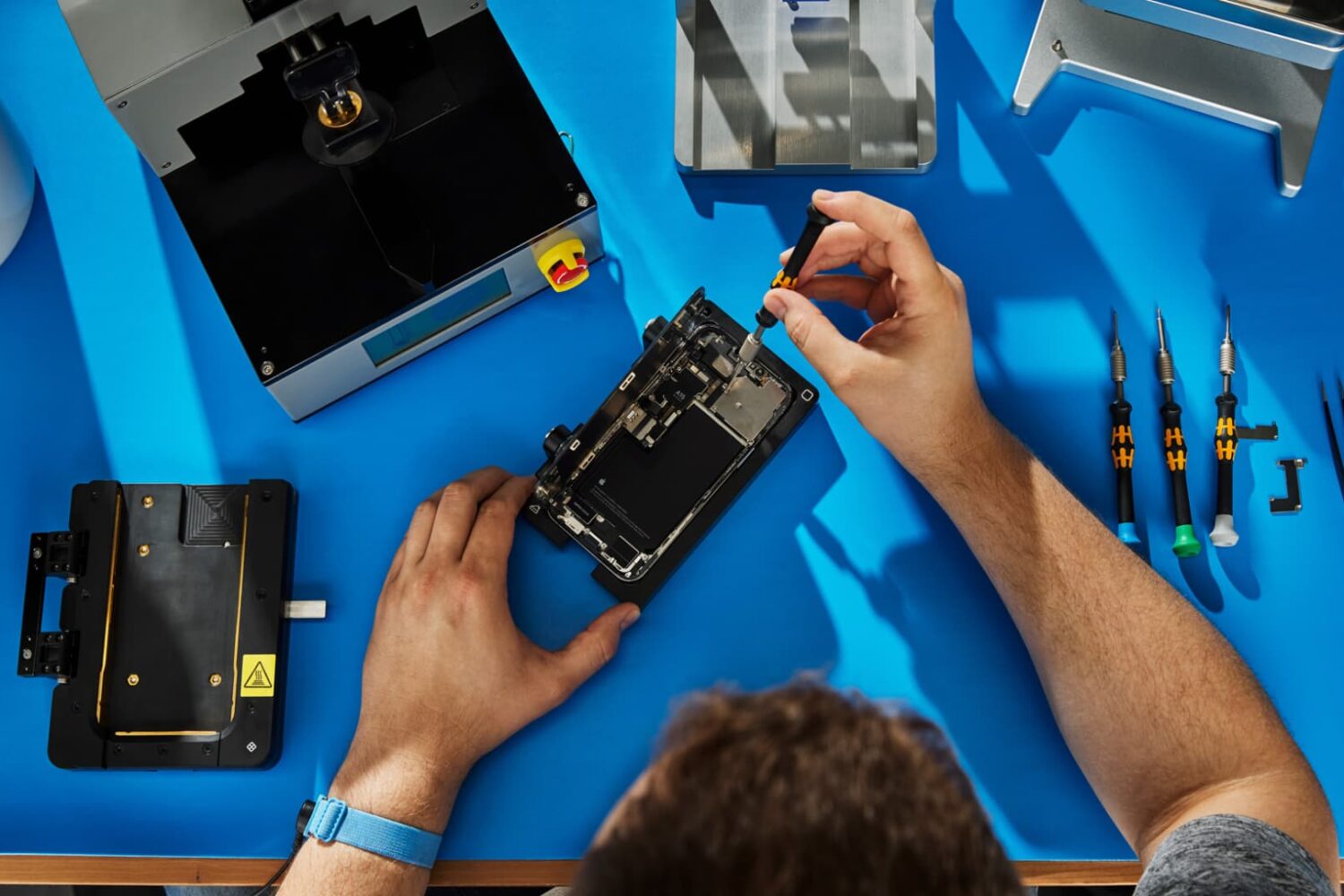
Find out how to check your iPhone repair history to see if genuine Apple parts like battery, camera, or display were used to perform the repair.

Check out these quick ways to view previously deleted posts and comments on Reddit, directly from your iPhone or computer.

You have several options to watch Apple's May 7 "Let Loose" keynote presentation that will announce new iPad Pro, Air and Pencil models.

Check out these important tips if you're planning to sell or give away your HomePod or HomePod mini. These will ensure the next user can set up the speaker with their Apple ID and use it to the fullest.
In this guide, we will go over important tips to help secure your Gmail, YouTube, and other Google accounts, keeping your personal data as safe as possible.

Learn how to create a PlayStation passkey, which allows you to log in to your Sony PlayStation Network account with Face ID and Touch ID instead of the password.

Explore features that promote a healthy balance of safety and parental controls on your child’s iPhone or iPad.
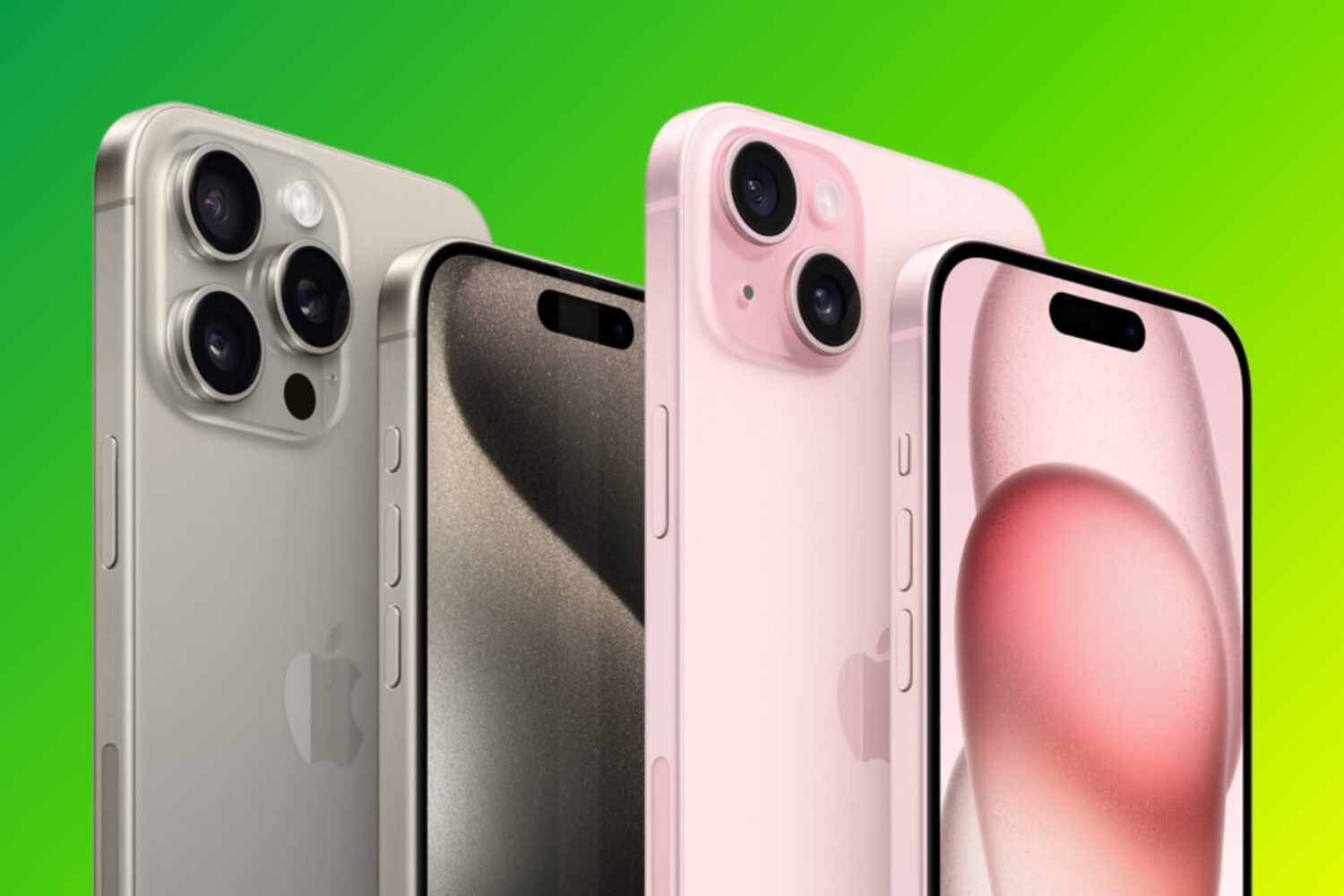
Did you just buy or are about to buy a used iPhone and have concerns about its authenticity? In this guide, we will share twelve expert tips that will allow you to check if your iPhone is genuine or a fake phone with a copied design and an iOS skin on top of Android.
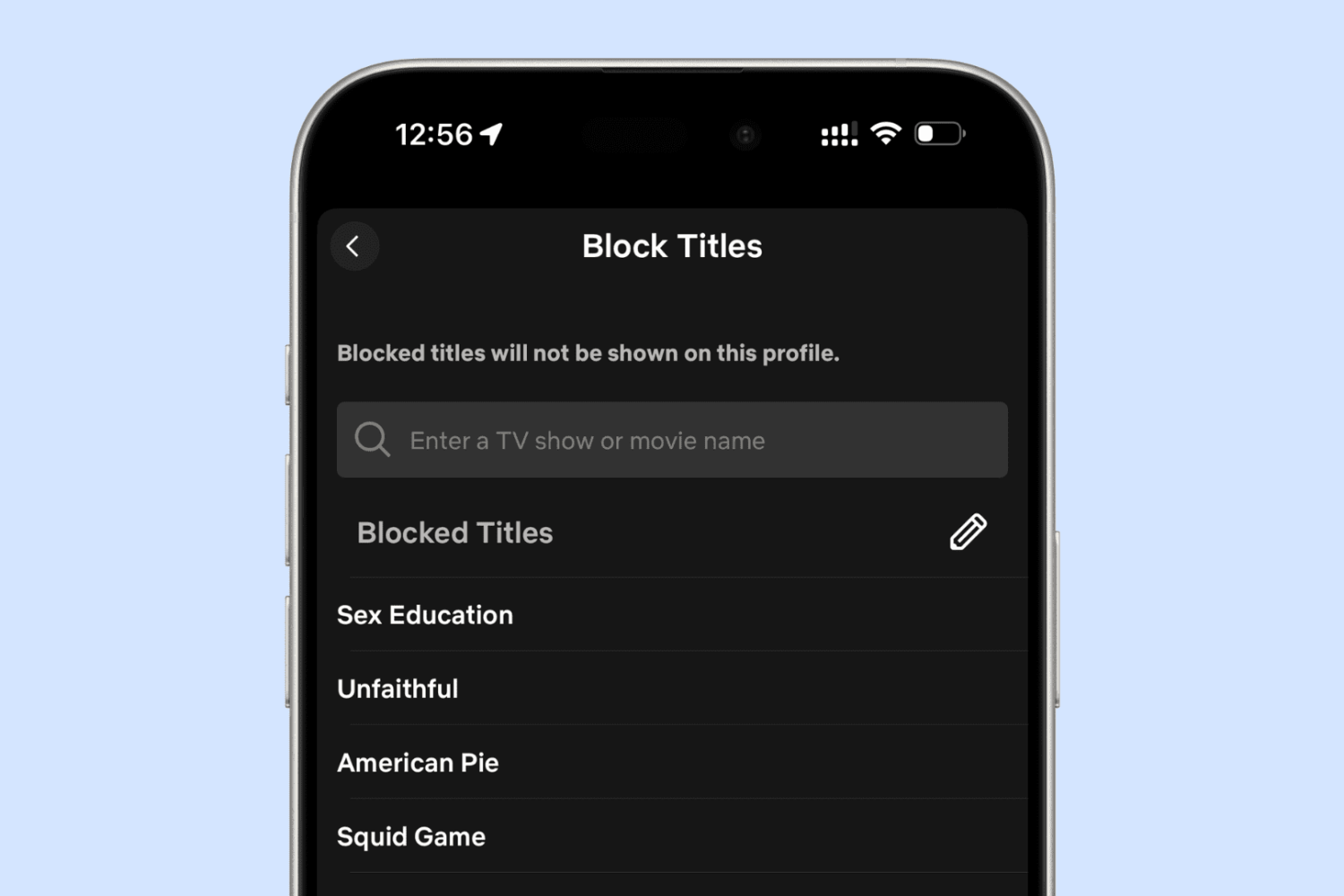
In this guide, we will go over some expert tips to stop popular iOS apps from showing explicit and mature content. This can be particularly helpful if you’re setting up the iPhone or iPad for your kids.