Learn how to use the Apple Magnifier app on your iPhone or iPad to have it detect people and doors to help you maintain physical distance or get a description of things around you.
How to use detection mode in the Magnifier app on iPhone
Learn how to use the Apple Magnifier app on your iPhone or iPad to have it detect people and doors to help you maintain physical distance or get a description of things around you.
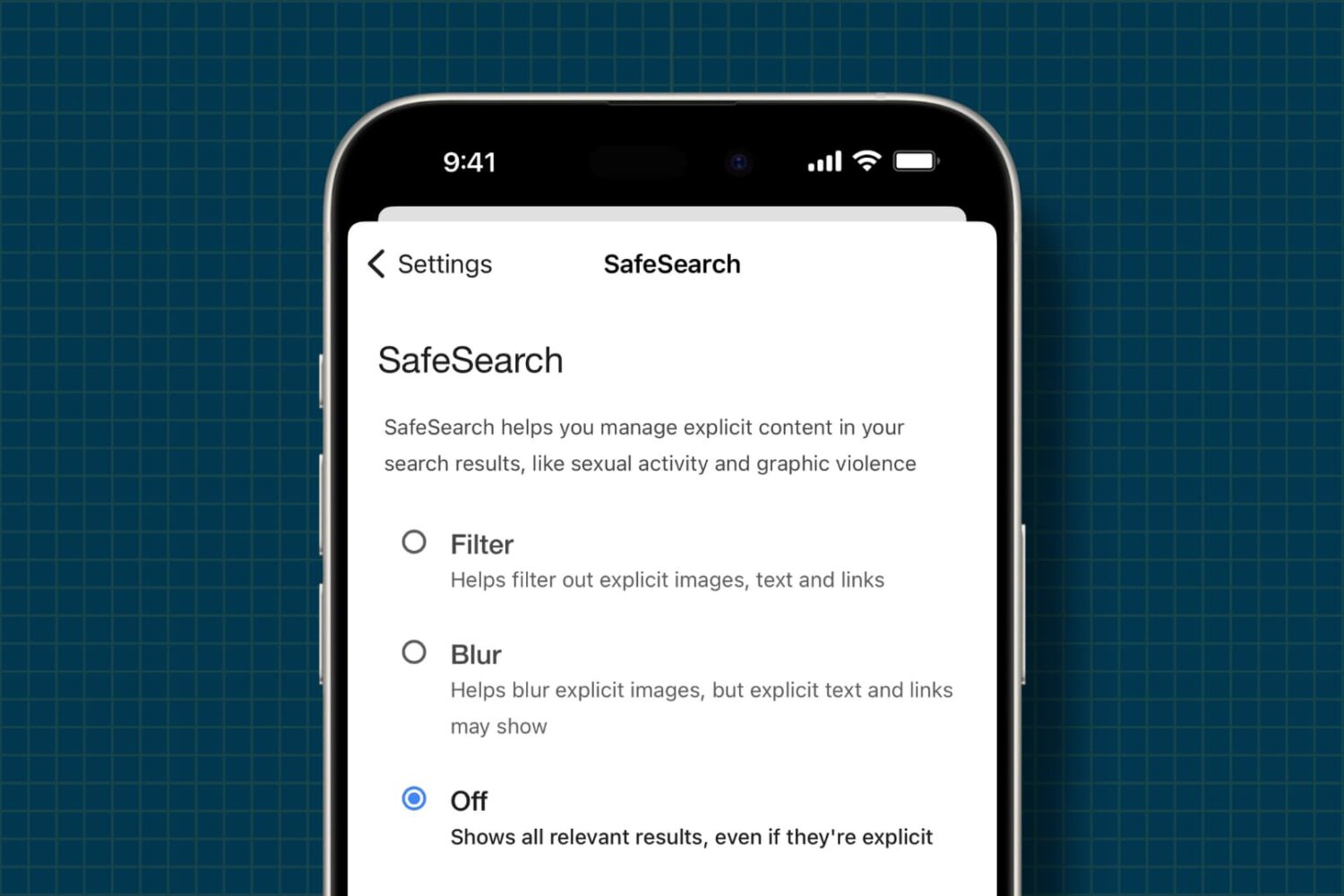
Learn how to allow unrestricted access to unfiltered web content and explicit media by turning off all safe search filters on your iPhone and iPad.

Learn how to pause Apple Music’s listening history during a specific Focus Mode on your iPhone, allowing you to enjoy music without impacting your recommendations.
Learn how to pin individual messages or entire conversations to the top of your WhatsApp chat screen for quick and easy access.
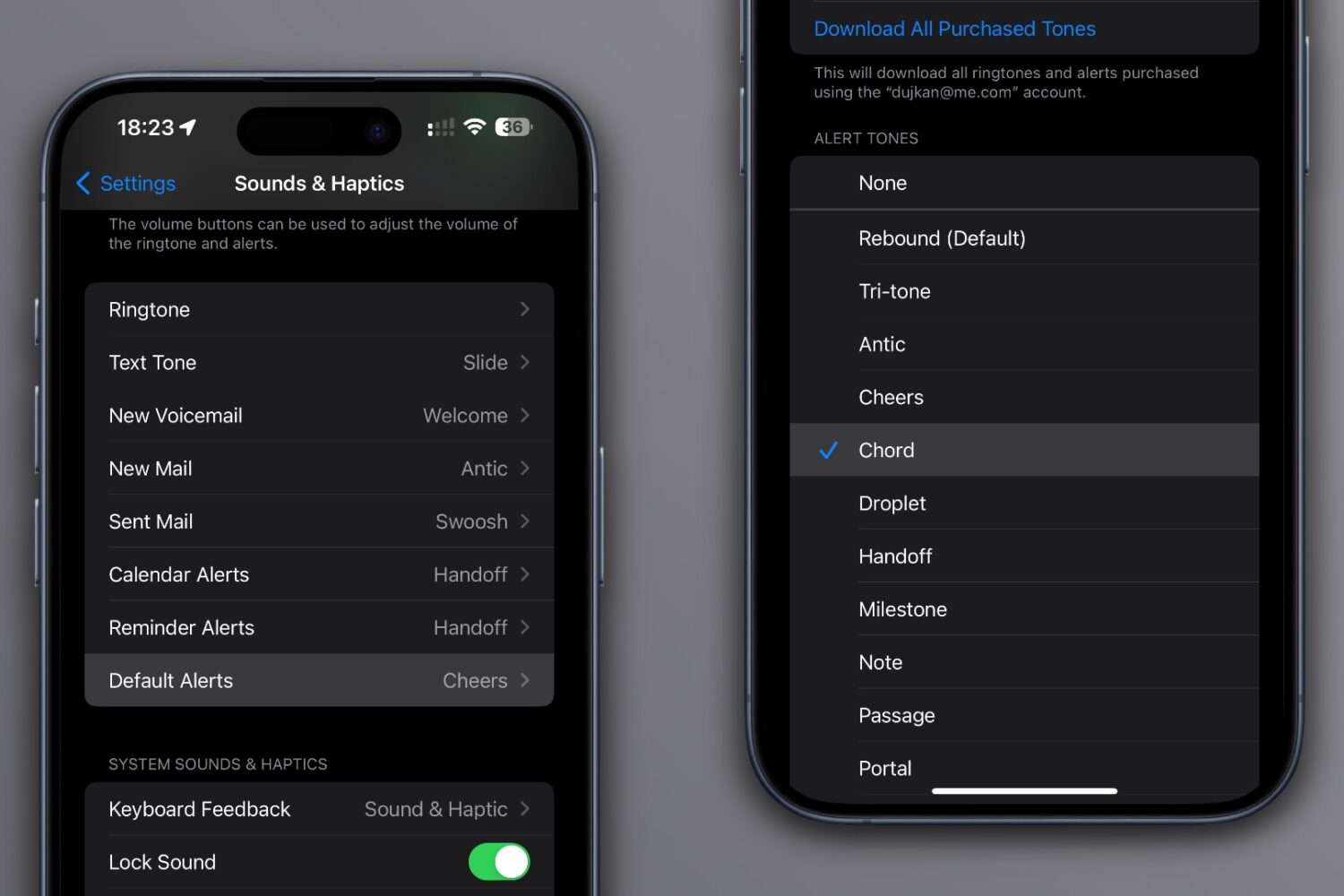
Learn how to change the notification sound on your iPhone or iPad if the default alert tone is too quiet and you often miss important notices.
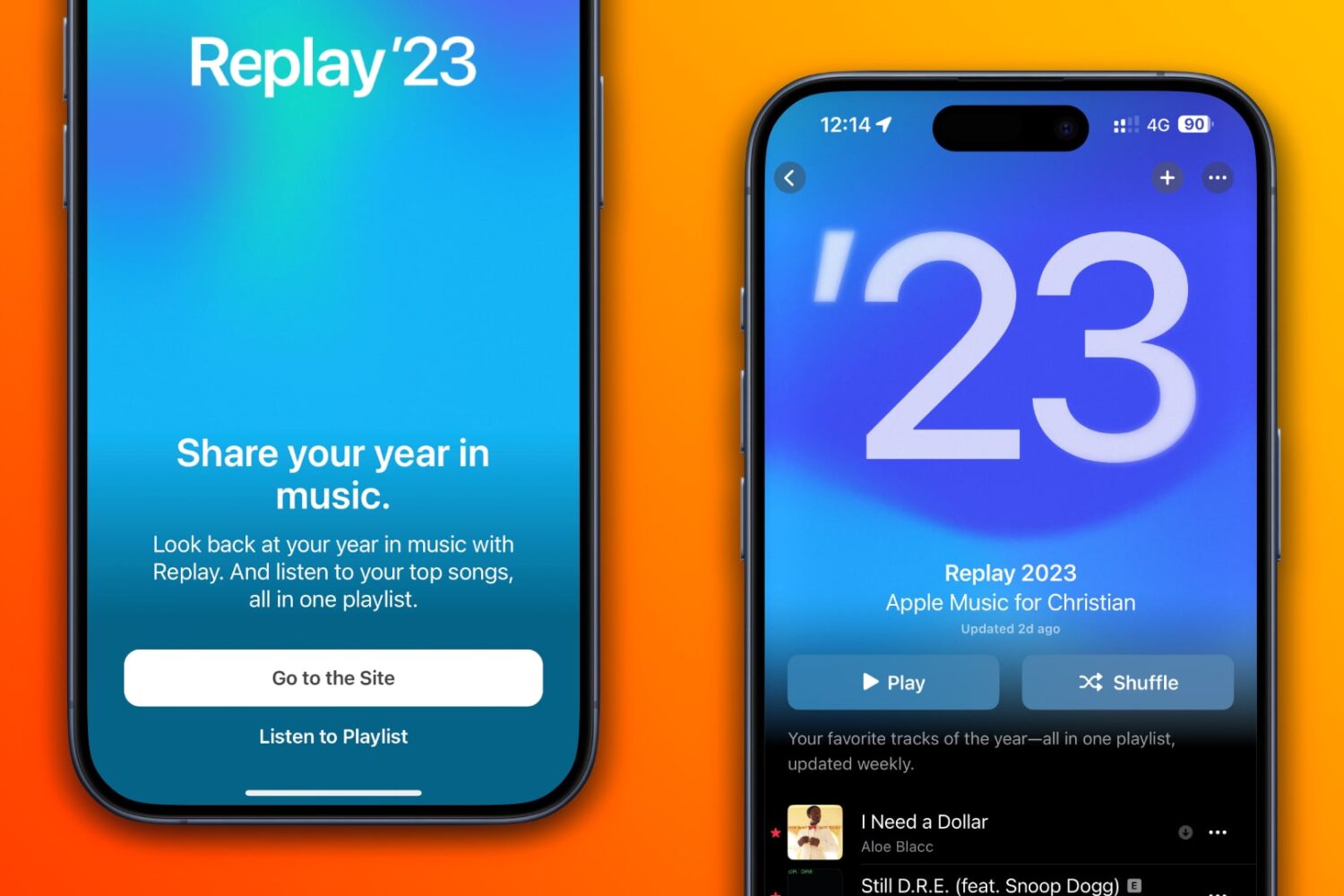
Your Apple Music Replay includes a playlist of your top 100 songs, as well as in-depth highlights and milestones that closed out the year.
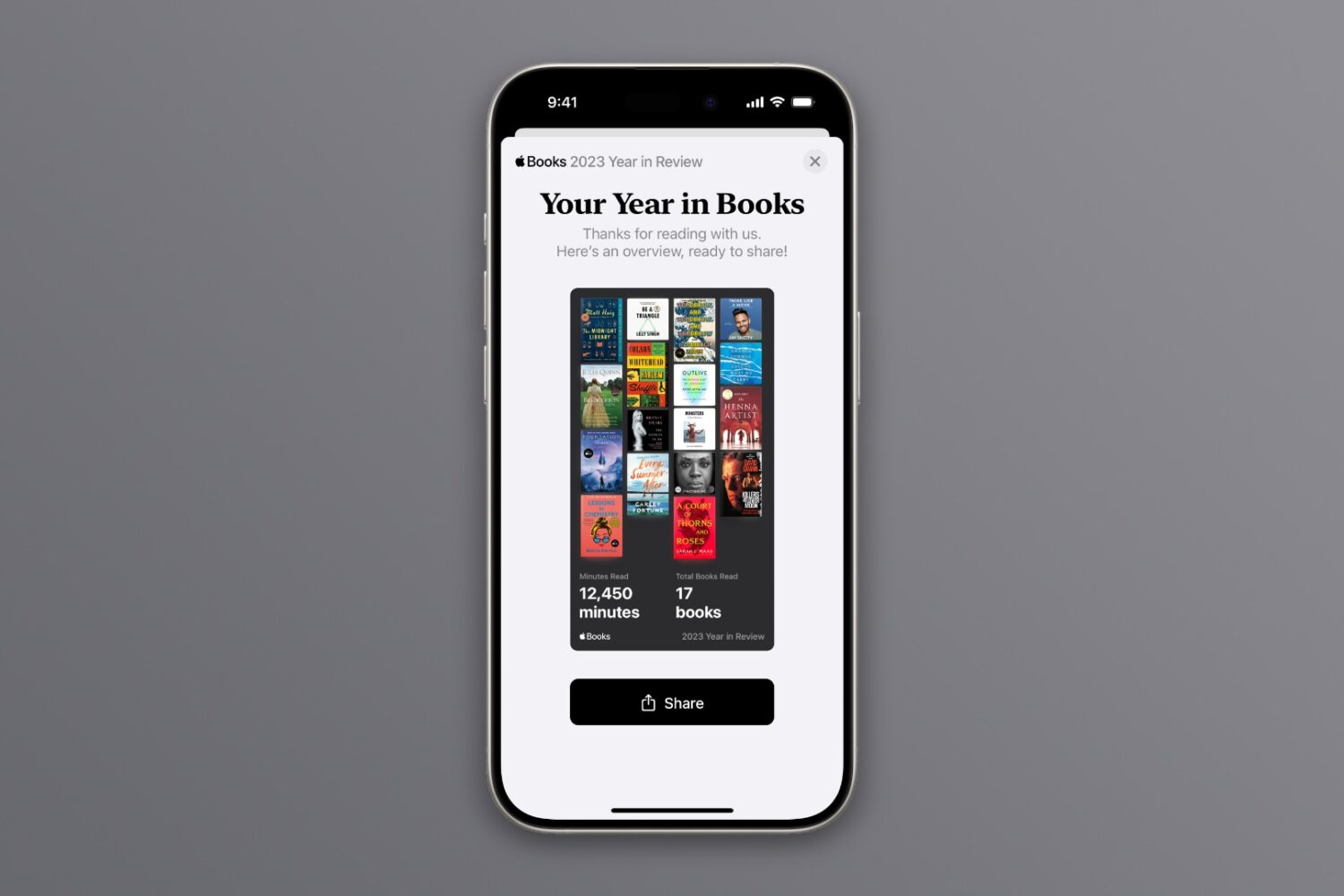
Year in Review is a new feature on Apple Books that brings shareable insights about the reads you've enjoyed the most throughout the year. Here's how to get yours.
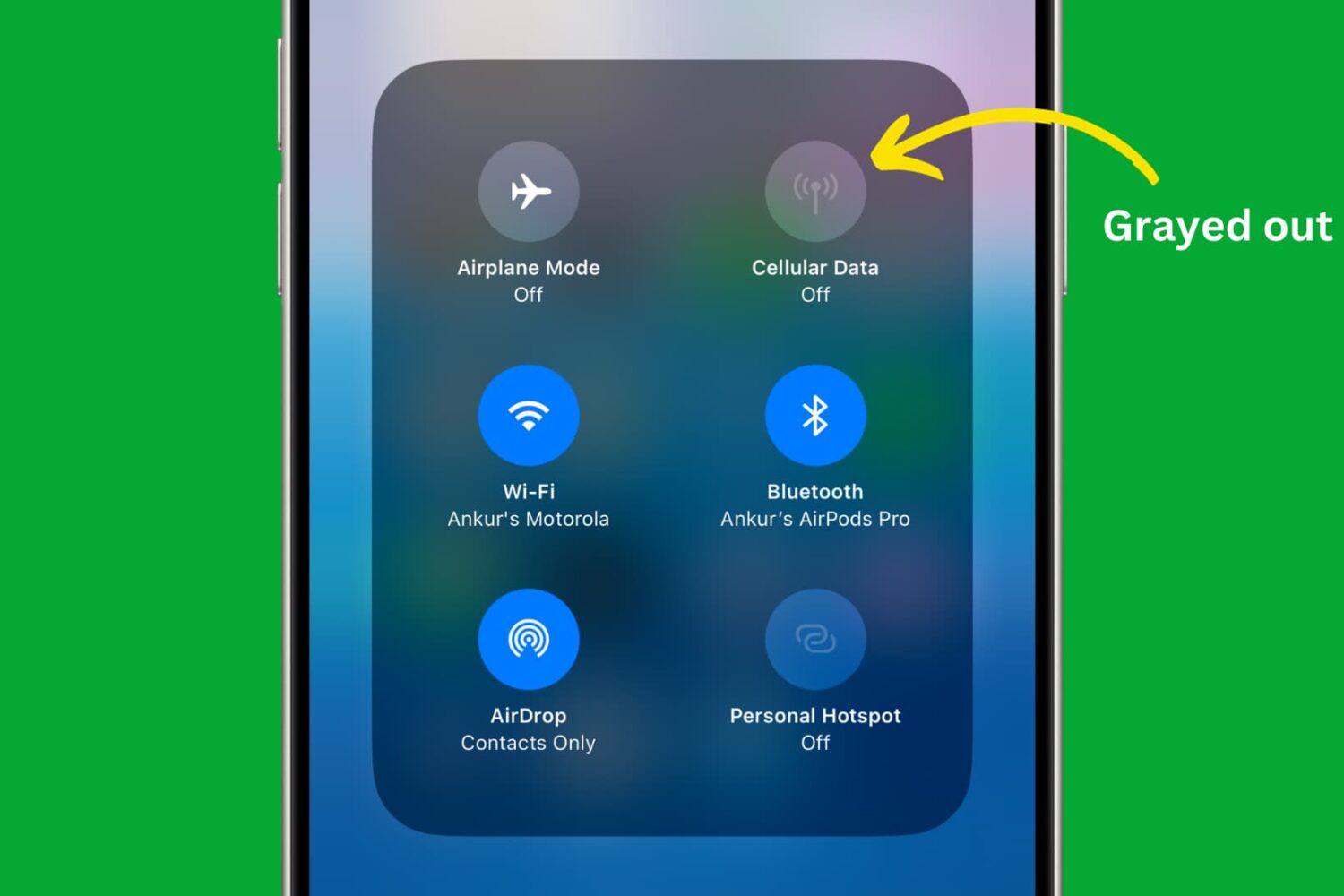
Learn how to use restriction controls on your iPhone or iPad to completely block cellular data usage, avoiding unwanted charges and bill shock.
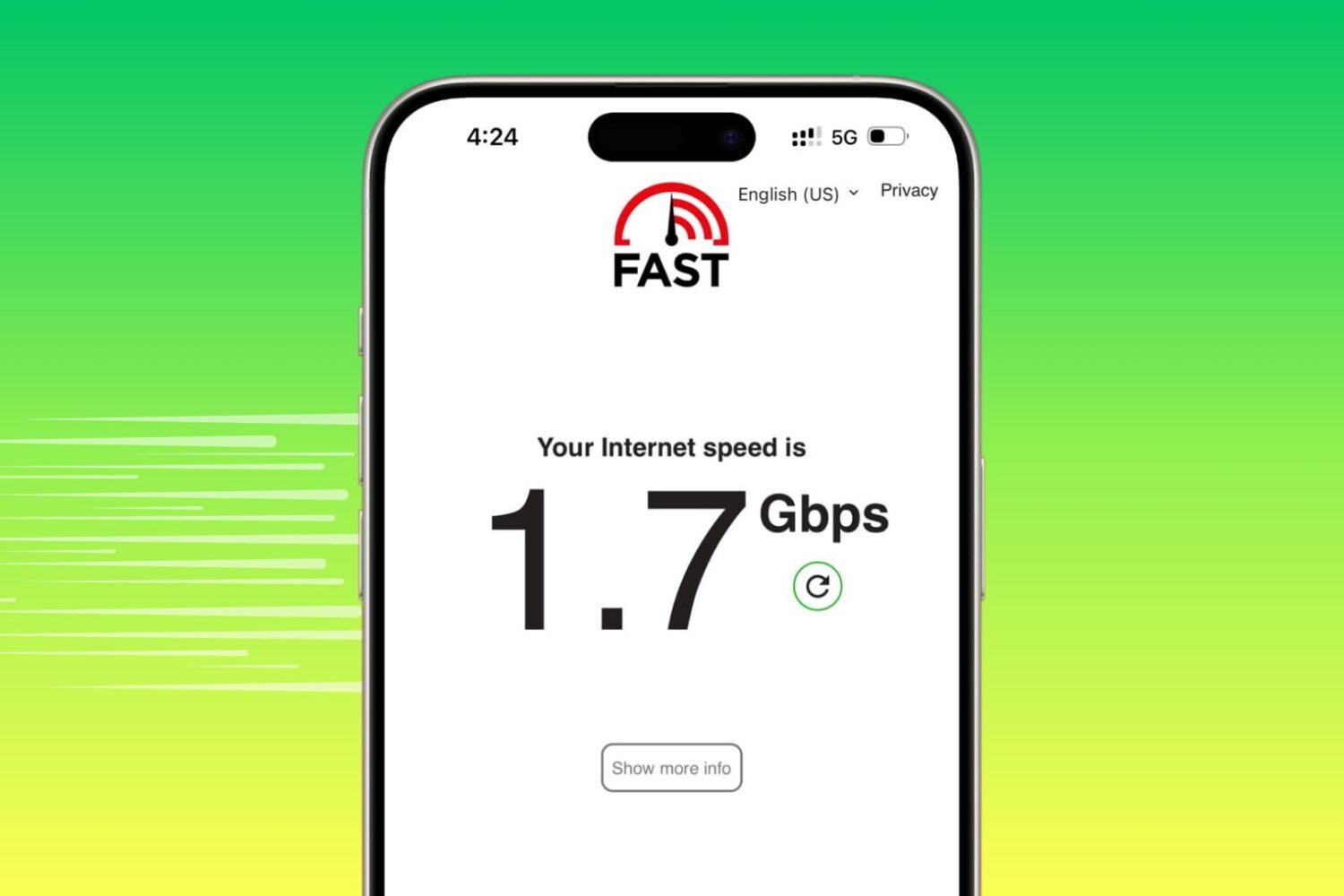
Learn how to turn off data-saving modes on your iPhone to maximize internet speeds and ensure optimal performance.
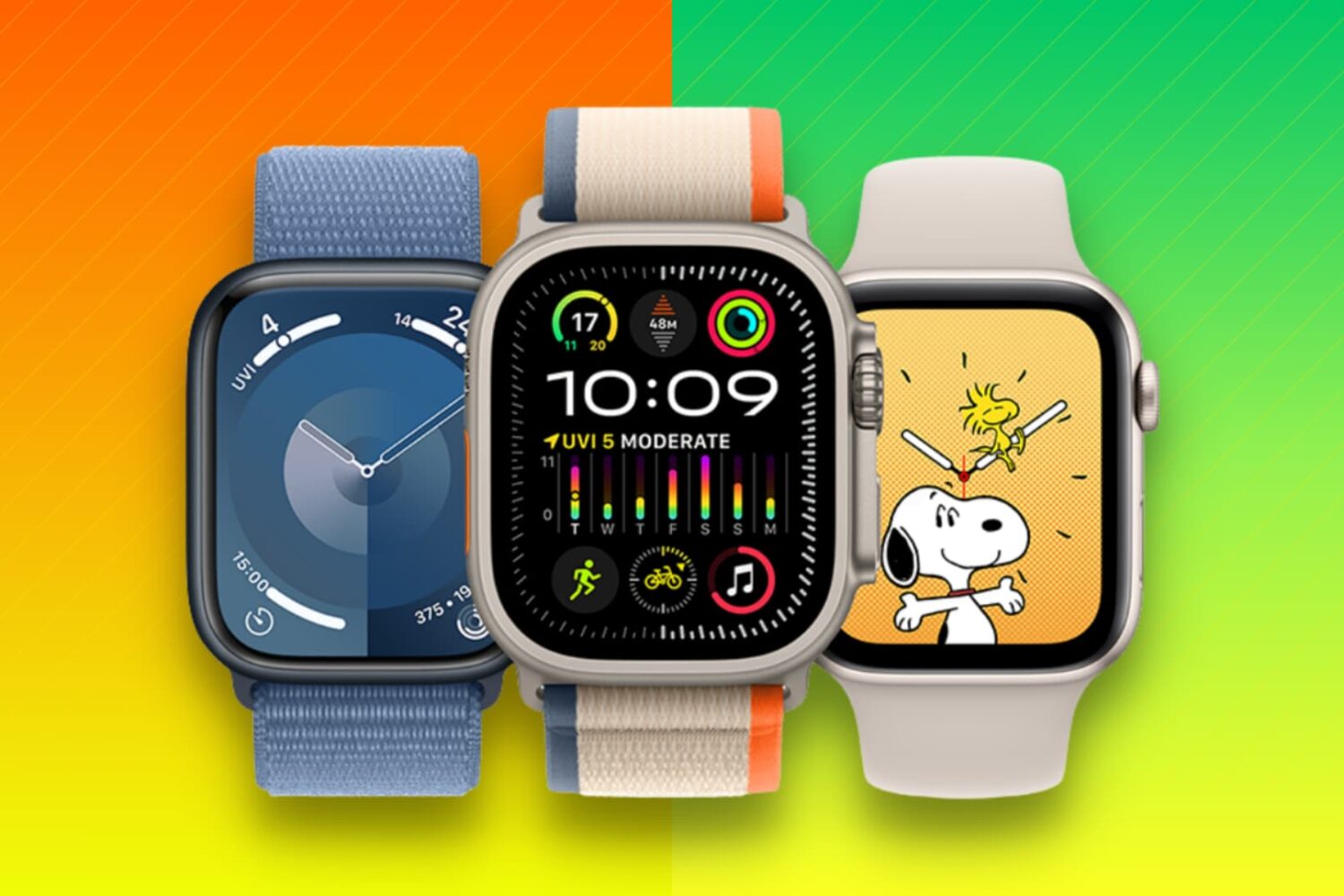
Learn what to do when selling, gifting, recycling, or trading your Apple Watch to ensure your private data stays secure and the new owner can use it properly.
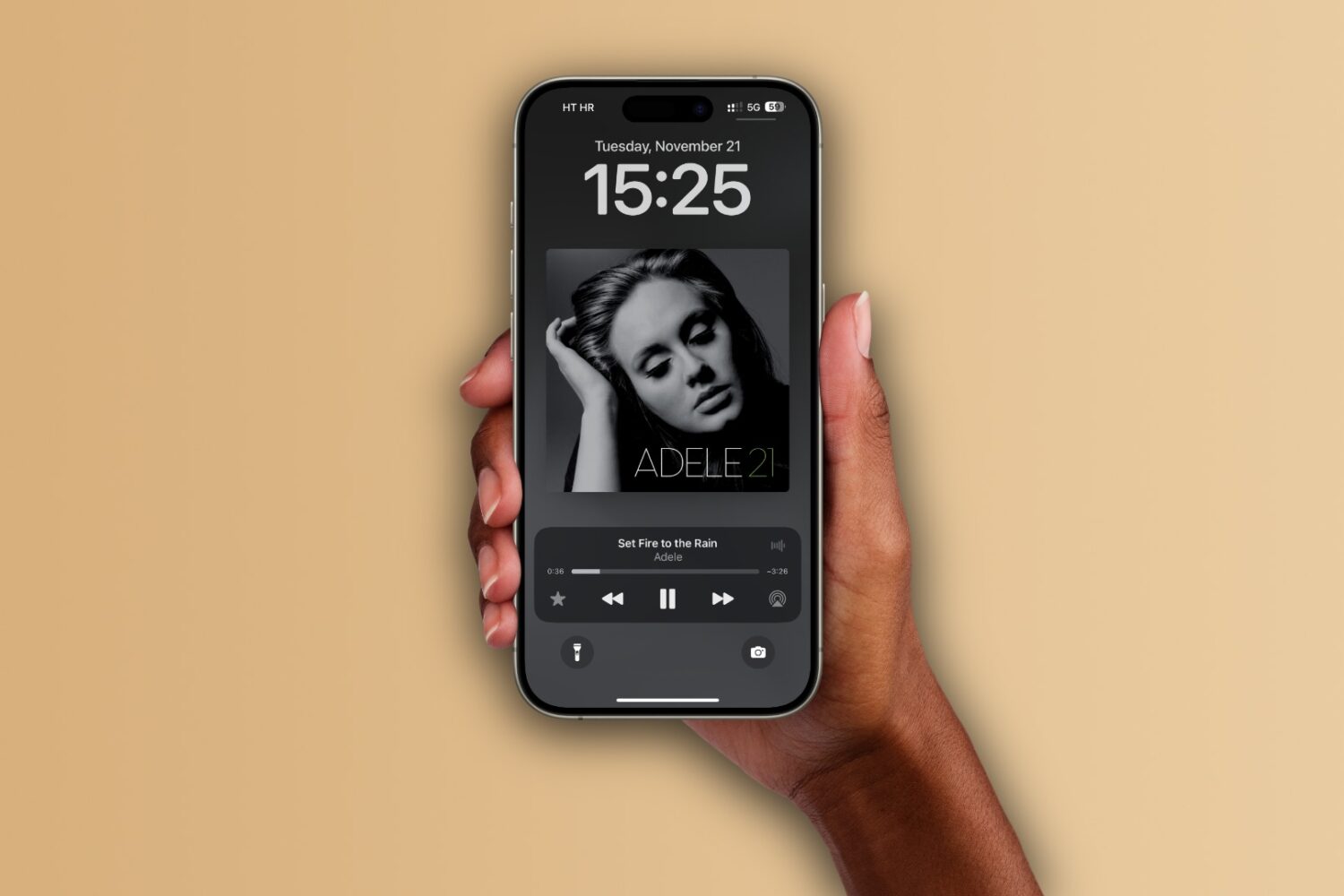
Learn how to set up the Apple Music app on your iPhone, iPad, and Mac to automatically add any songs you’ve marked as your favorite to your music library.
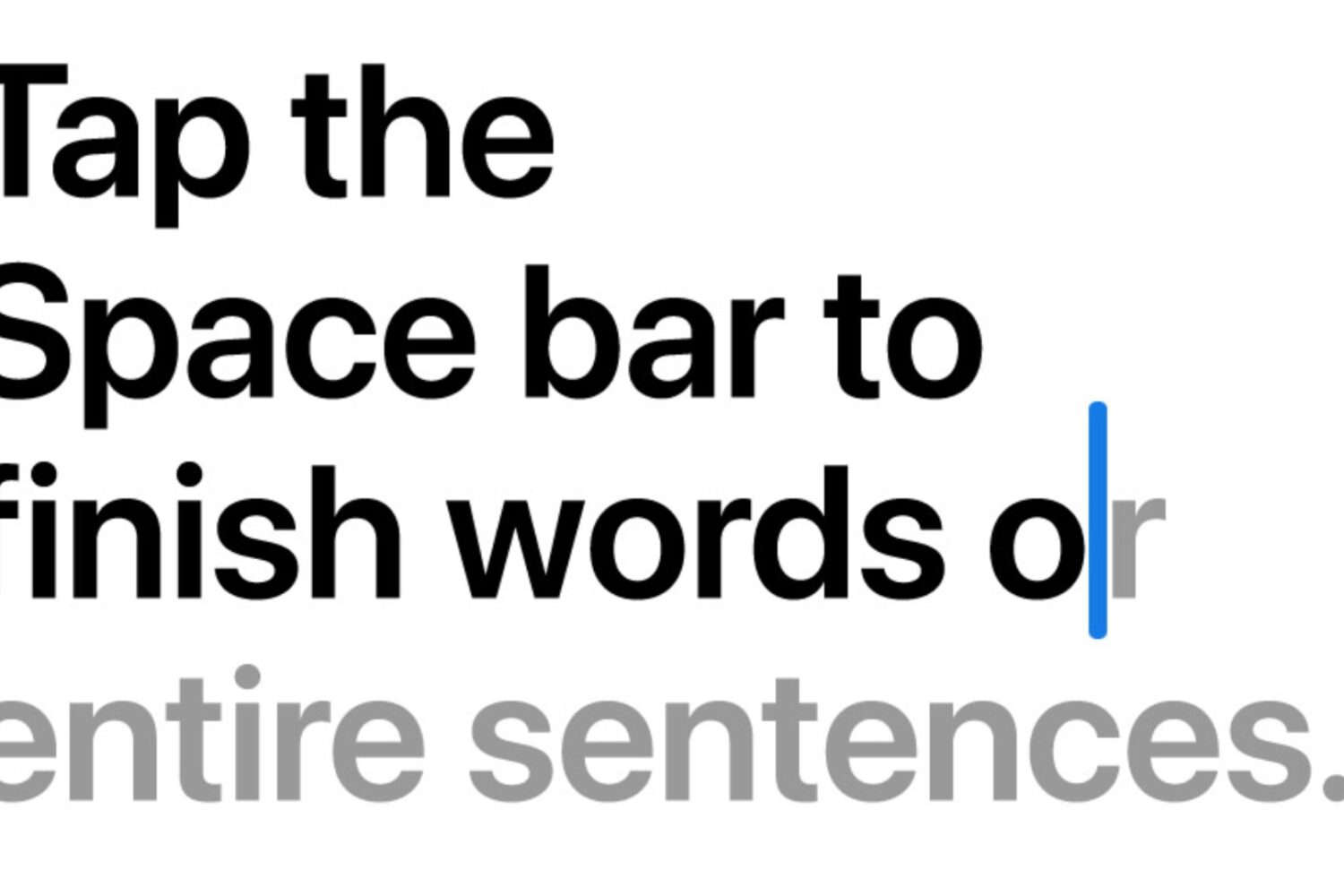
Learn how to turn off inline text predictions on your iPhone, iPad, and Mac without disabling word suggestions that appear above the onscreen keyboard.