In this tutorial, we will show you how to use Siri on your Apple Vision Pro to have it perform various actions just using your voice.
How to set up, activate, and use Siri on Apple Vision Pro
In this tutorial, we will show you how to use Siri on your Apple Vision Pro to have it perform various actions just using your voice.
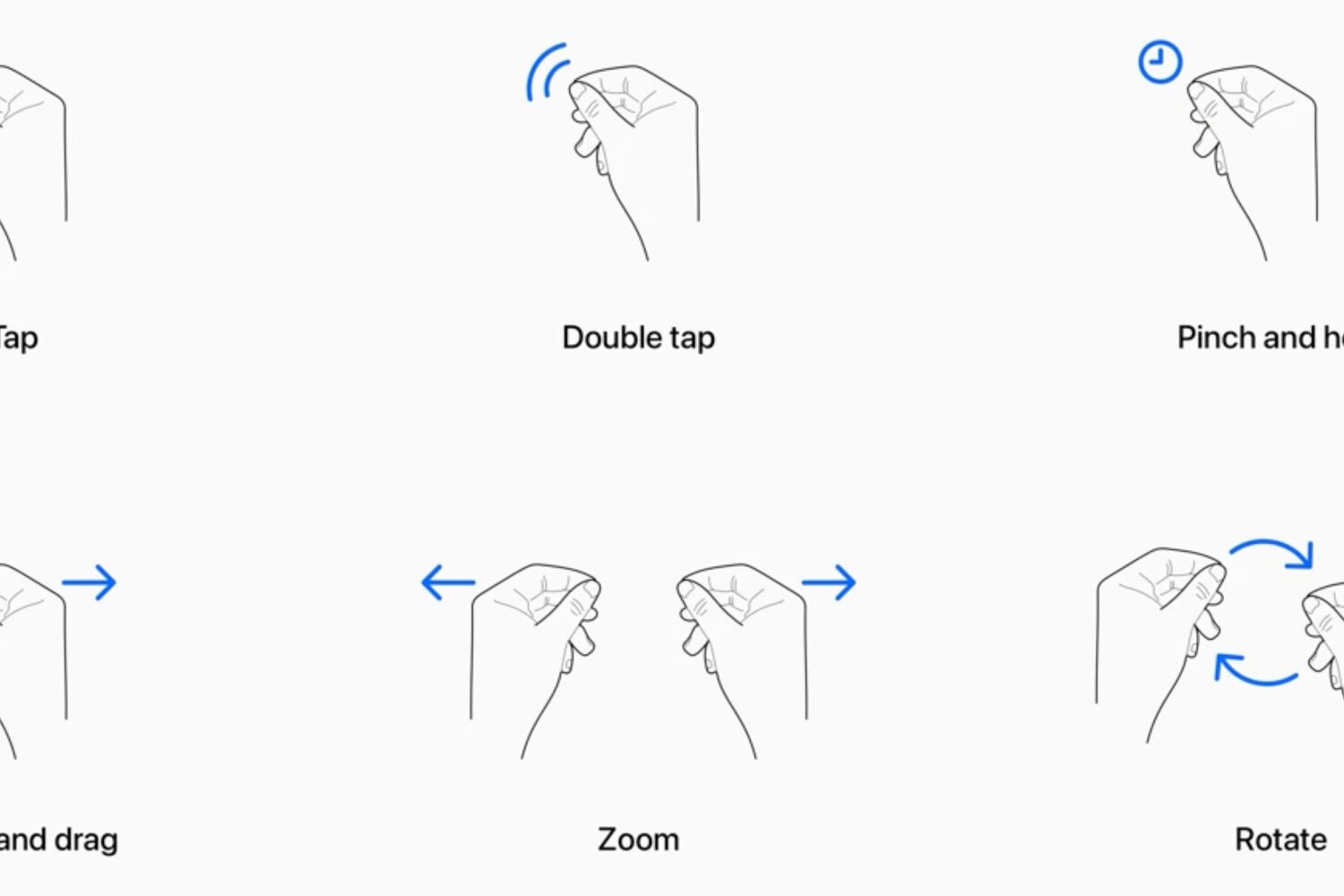
Learn how to use your Apple Vision Pro and work your way around visionOS apps and interfaces using your eyes, fingers, and hands.

Learn how to make a video recording of what’s in the virtual view in front of you when you’re using your Apple Vision Pro headset.
Learn how to close or force quit an application on your Apple Vision Pro if the app has frozen or is not responding.
Is your Apple spatial computer not working correctly or freezing periodically? Find out how to fix such issues by force restarting your Vision Pro.
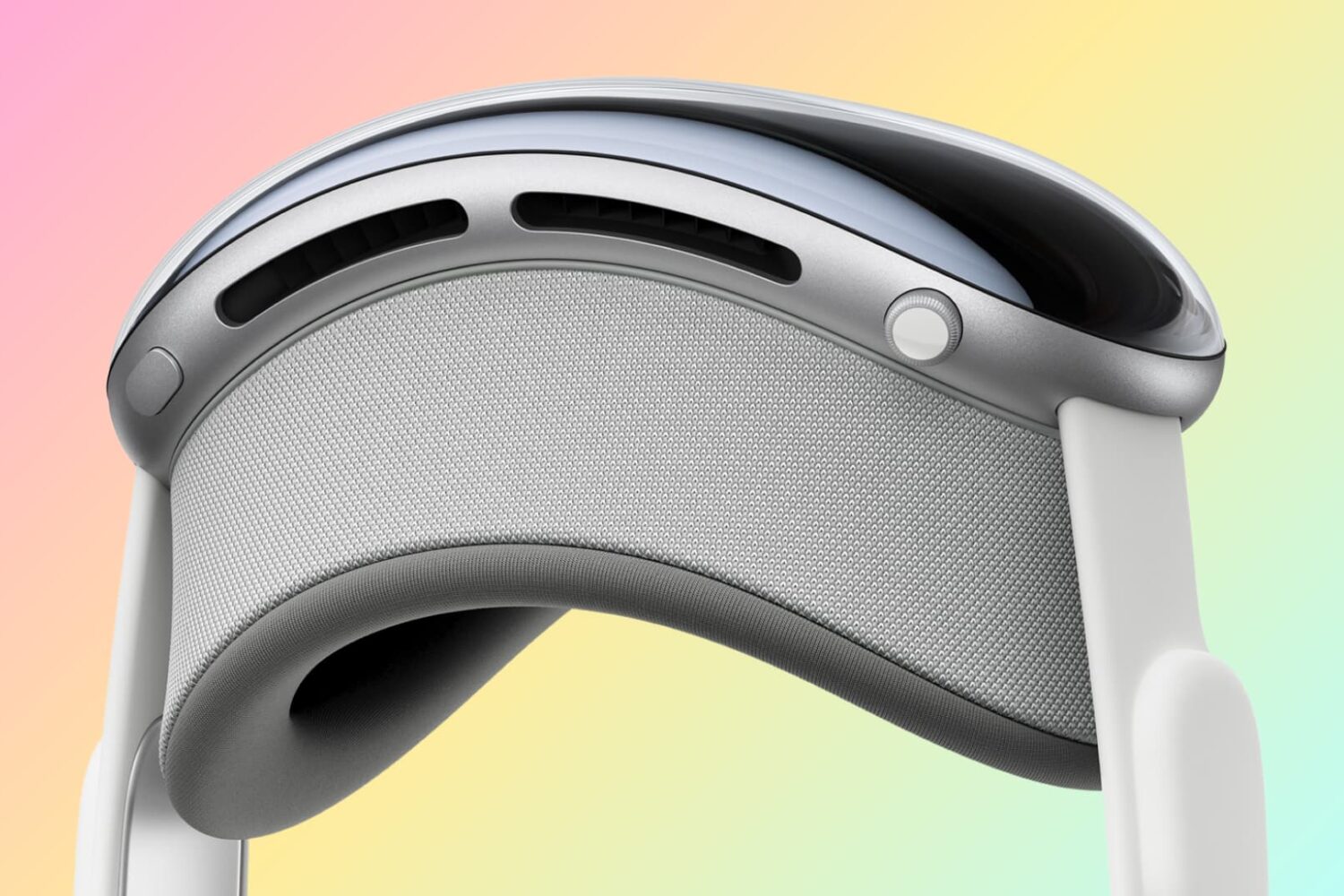
In this tutorial, we will show you how to power on or power off your Apple Vision Pro.

In this tutorial, we will explore some handy tips to organize your iPhone and iPad Photos app. These tips will ensure you do not have to struggle to find the desired pictures at the right time, even if your photo library has thousands of images and videos.
In this tutorial, we will share some tips to keep your Slack status active to ensure your colleagues know you're online and available.
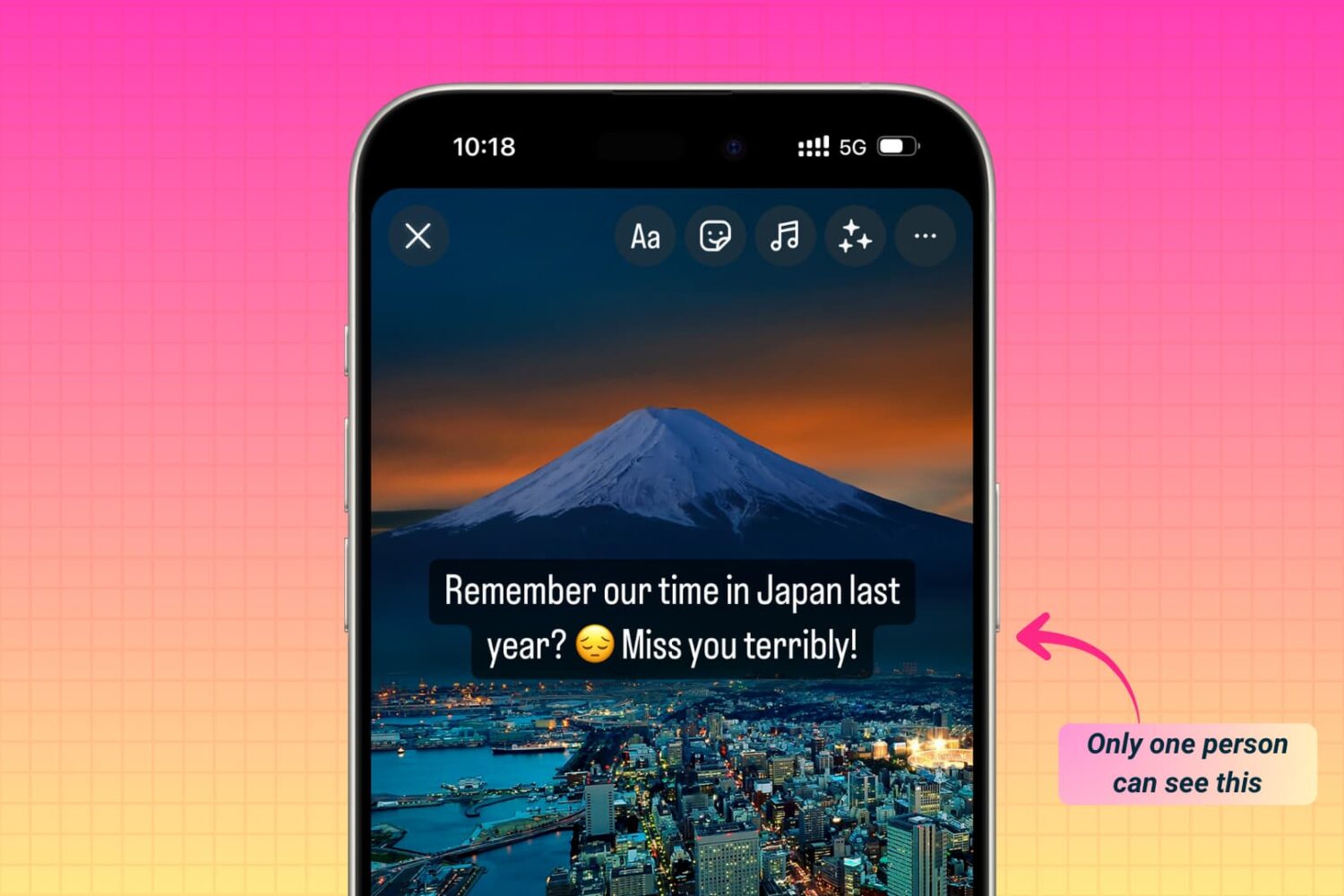
Learn how to share photos, videos, or text to your Instagram story, Reels, or post, but have it visible by just one specific person and not all your followers. Note that with a tiny tweak, these steps will also work if you want to share it with not just one but a handful of close friends.

Did you know that tapping the Wi-Fi and Bluetooth icons in iOS Control Center does not turn off these features entirely? In this tutorial, we’ll share why this happens and show you how to properly switch off these wireless features on your iPhone, iPad, or iPod touch.
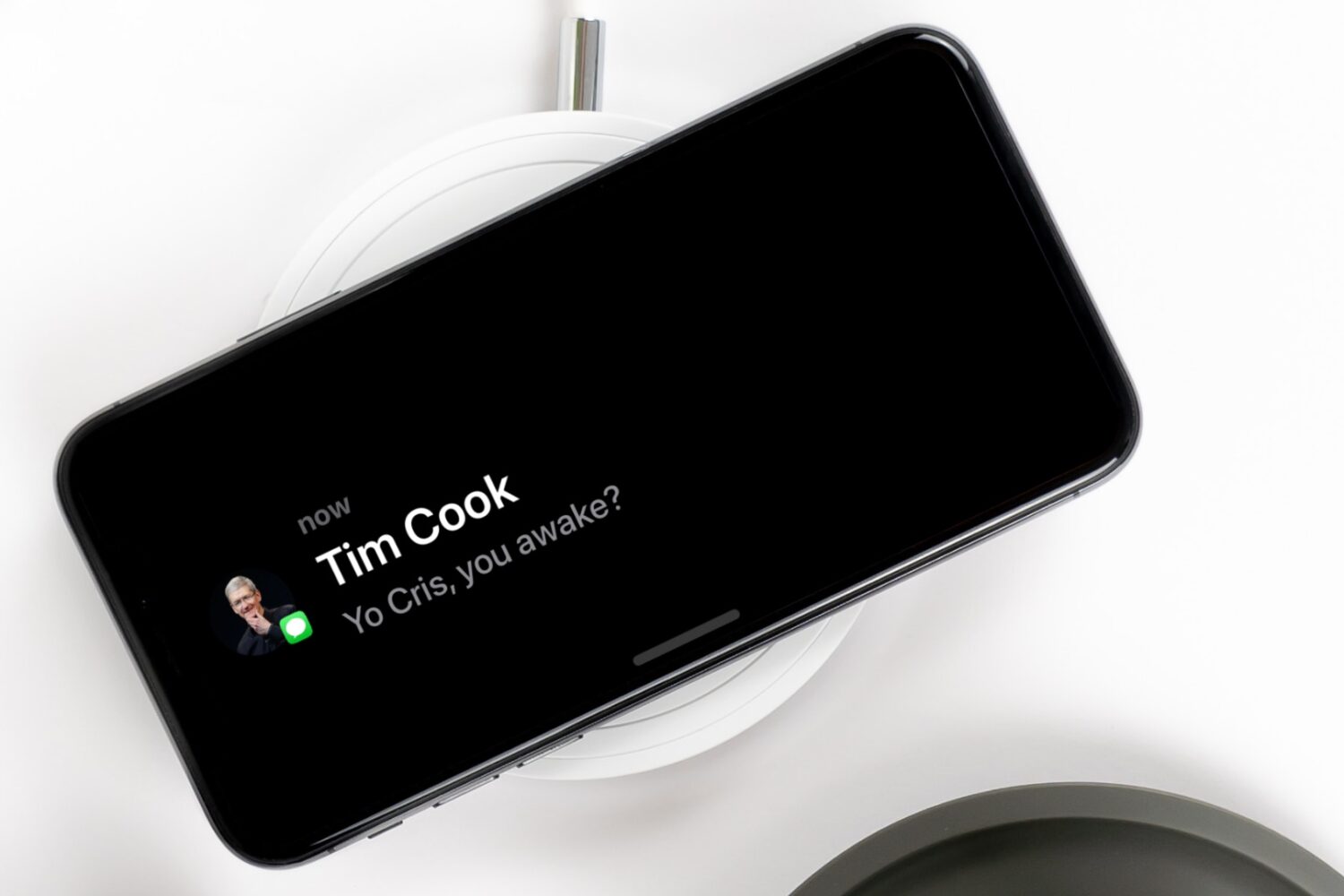
Learn how to make your notifications more private during StandBy Mode by disabling the preview until you tap the iPhone screen.
Find out how to turn on the Local Awareness option to ensure the emergency warning alerts you receive on your iPhone from the government are timely and accurate.