In this quick tutorial, we'll show you how to use Automatic Downloads on your Apple TV so that the universal apps you download on your other devices also download automatically on your TV.
How to enable Automatic Downloads for Apple TV apps
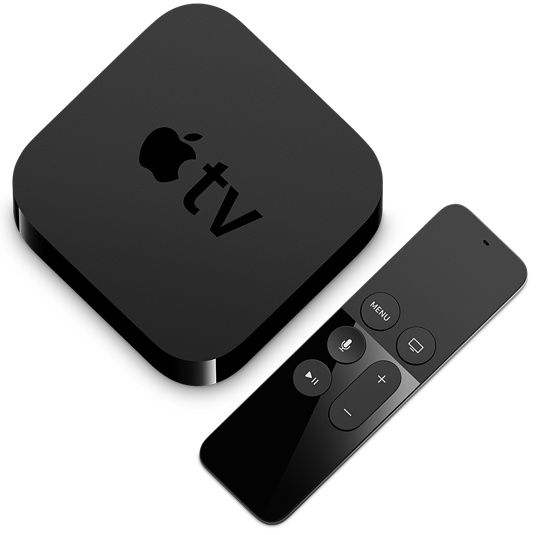
In this quick tutorial, we'll show you how to use Automatic Downloads on your Apple TV so that the universal apps you download on your other devices also download automatically on your TV.
Learn how to configure the Spotify app on your iPhone so you can use it to your liking without blowing through all of your cellular data.
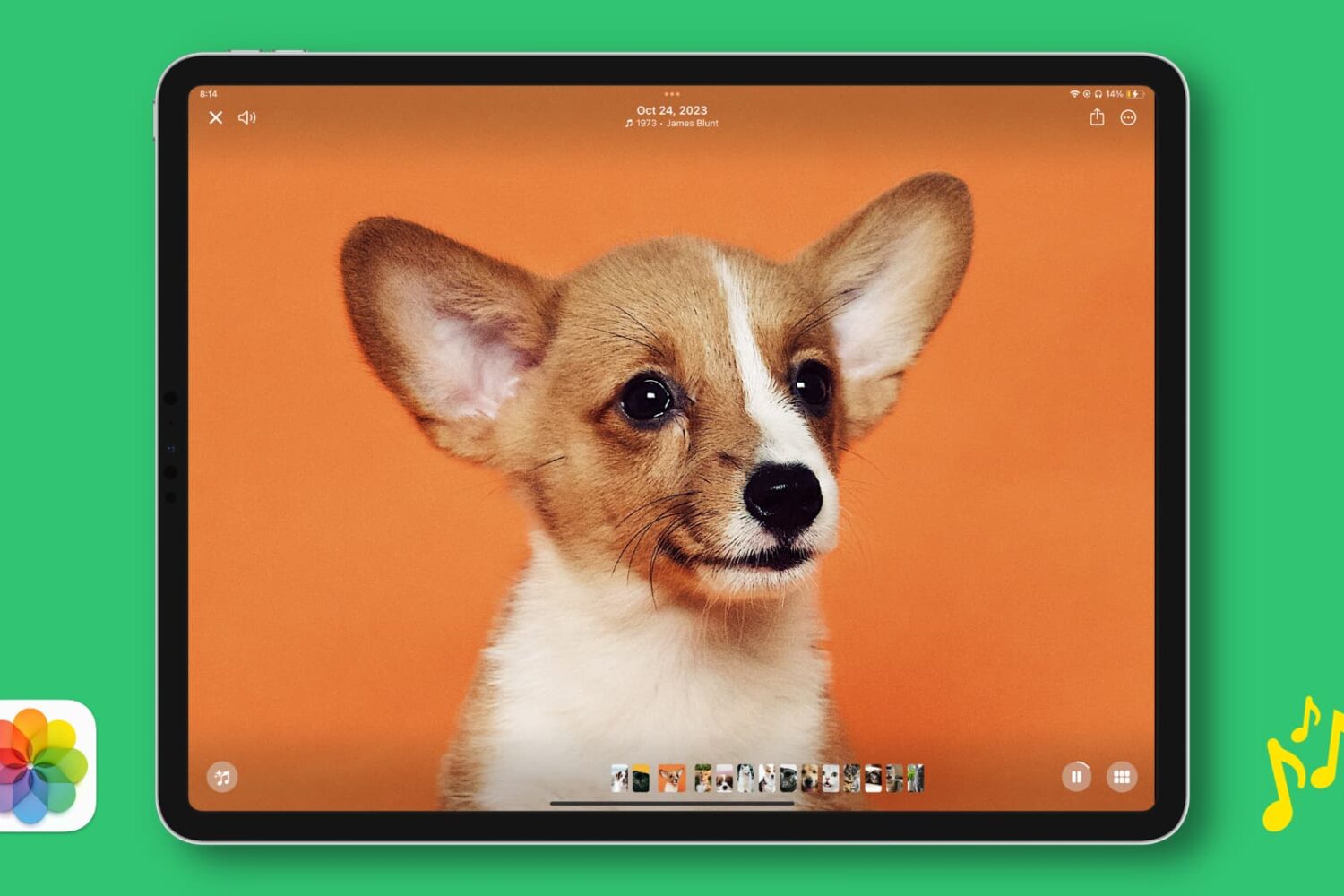
In this tutorial, we will show you how to play, create, edit, and work with Memories in the Apple Photos app on iPhone or iPad to see curated slideshows of memorable pictures and videos of significant people, pets, places, dates, or events in your photo library.
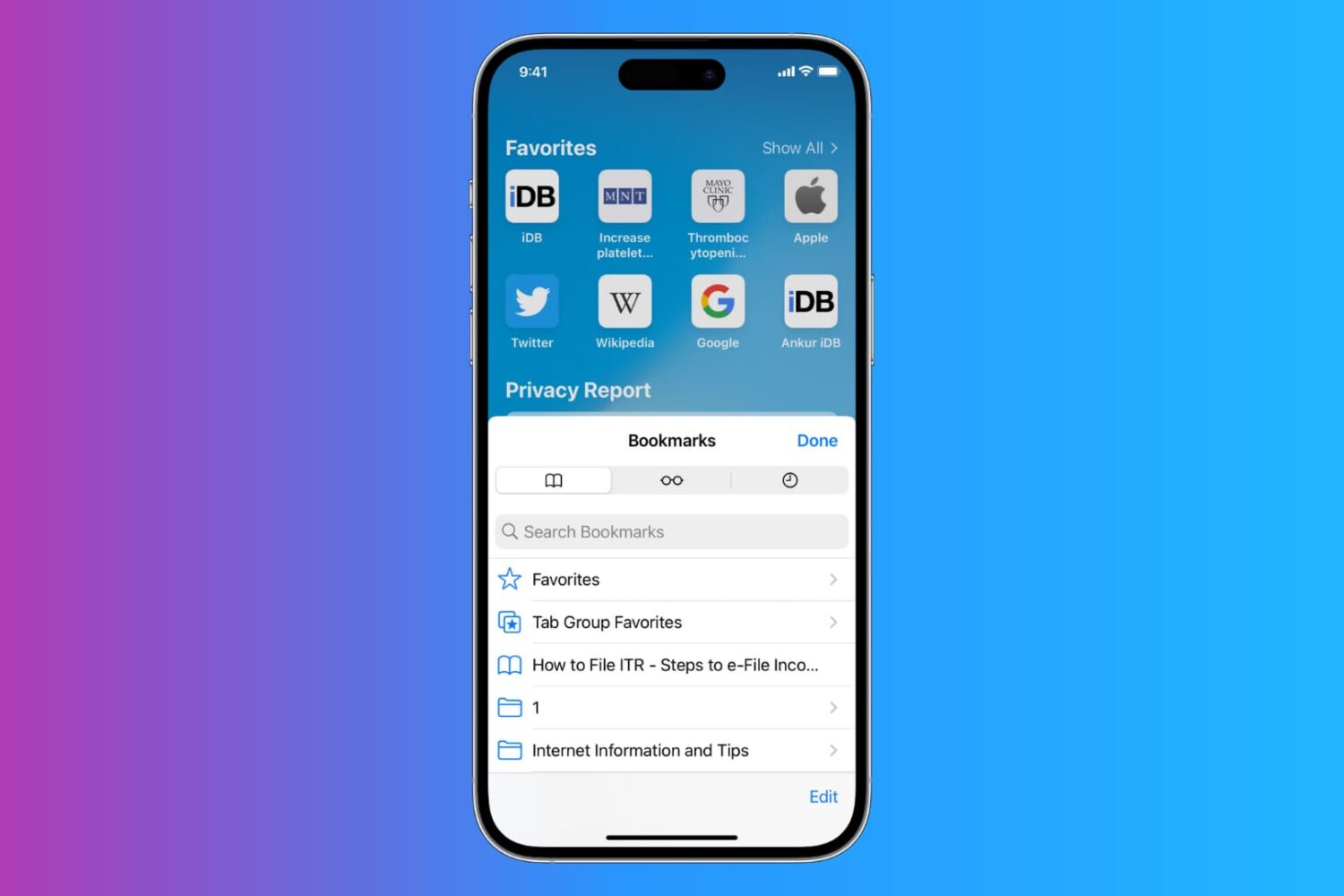
Learn how to export Safari bookmarks from your iPhone or iPad to save as a backup or import into Google Chrome, Firefox, or Safari on a Mac or Windows PC.
Your iPhone’s GPS capabilities can be really useful, whether you’re using them to navigate to a special event, play Pokémon GO, or even to just grant your favorite apps your current location so they can do what they were made to do.
Of course, like all things, GPS can sometimes be flaky and it doesn’t always want to work right, causing headaches for you. Fortunately, there is something you can do about it. There are a number of troubleshooting steps you can take that might help your GPS work properly.
You can only authorize up to five computers with your Apple ID to play your iTunes Store purchases. In this tutorial, we will share how to deauthorize a computer from your Apple ID so you can authorize new Macs or Windows PC.
Learn how to add the Siri icon to your Mac’s Dock and top menu bar for quick access or remove it from these places if you want to declutter that space.
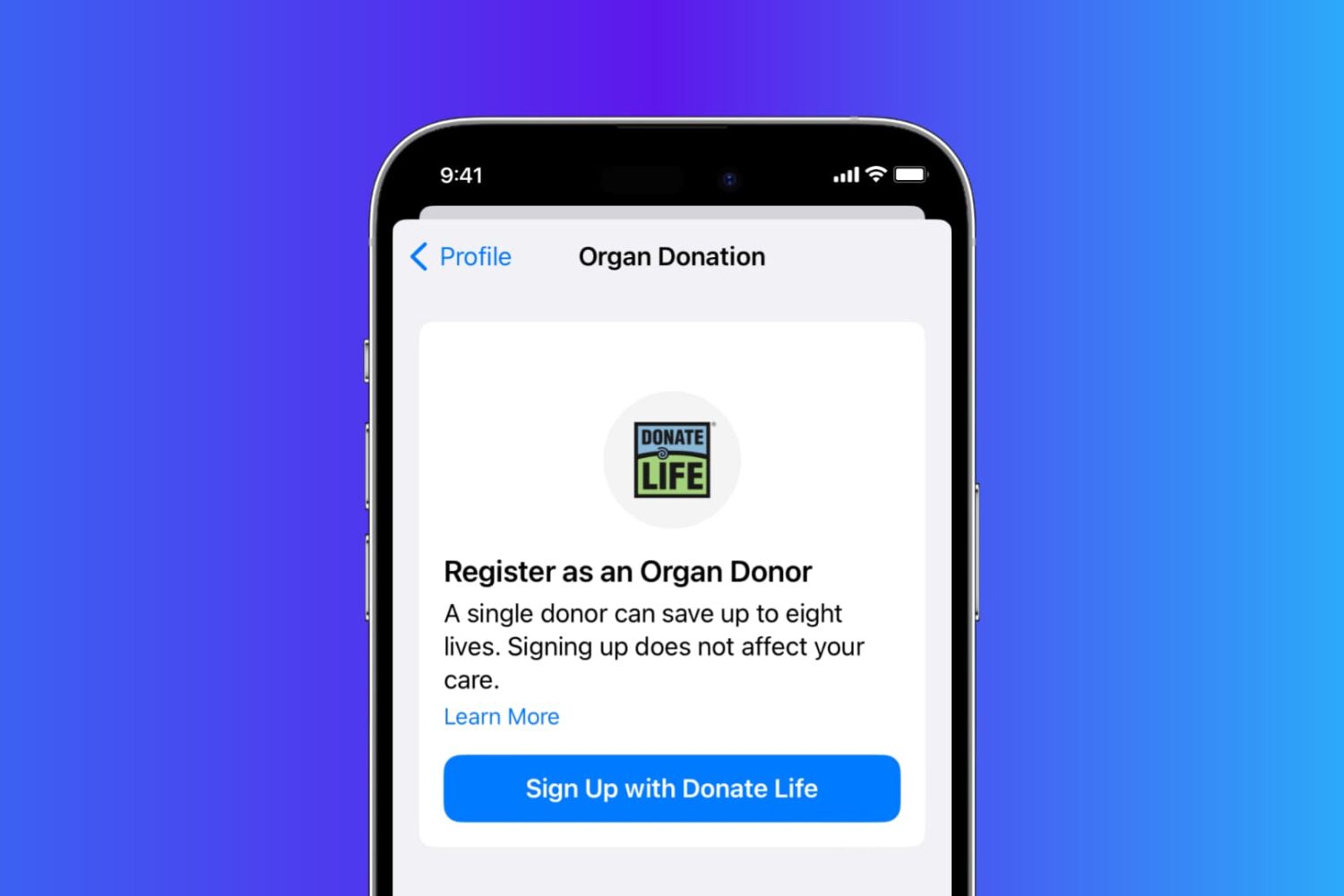
Learn how you can sign up as an organ donor with the Donate Life program straight from your iPhone using the Apple Health app.
It’s easy to lose track of the notifications you’re receiving on your iPhone and end up having dozens of them filling up your Notification Center. Thankfully, you can dismiss all your Notification Center notifications in one fell swoop with a single gesture, making it much quicker than swiping left on each alert and dismissing them individually.
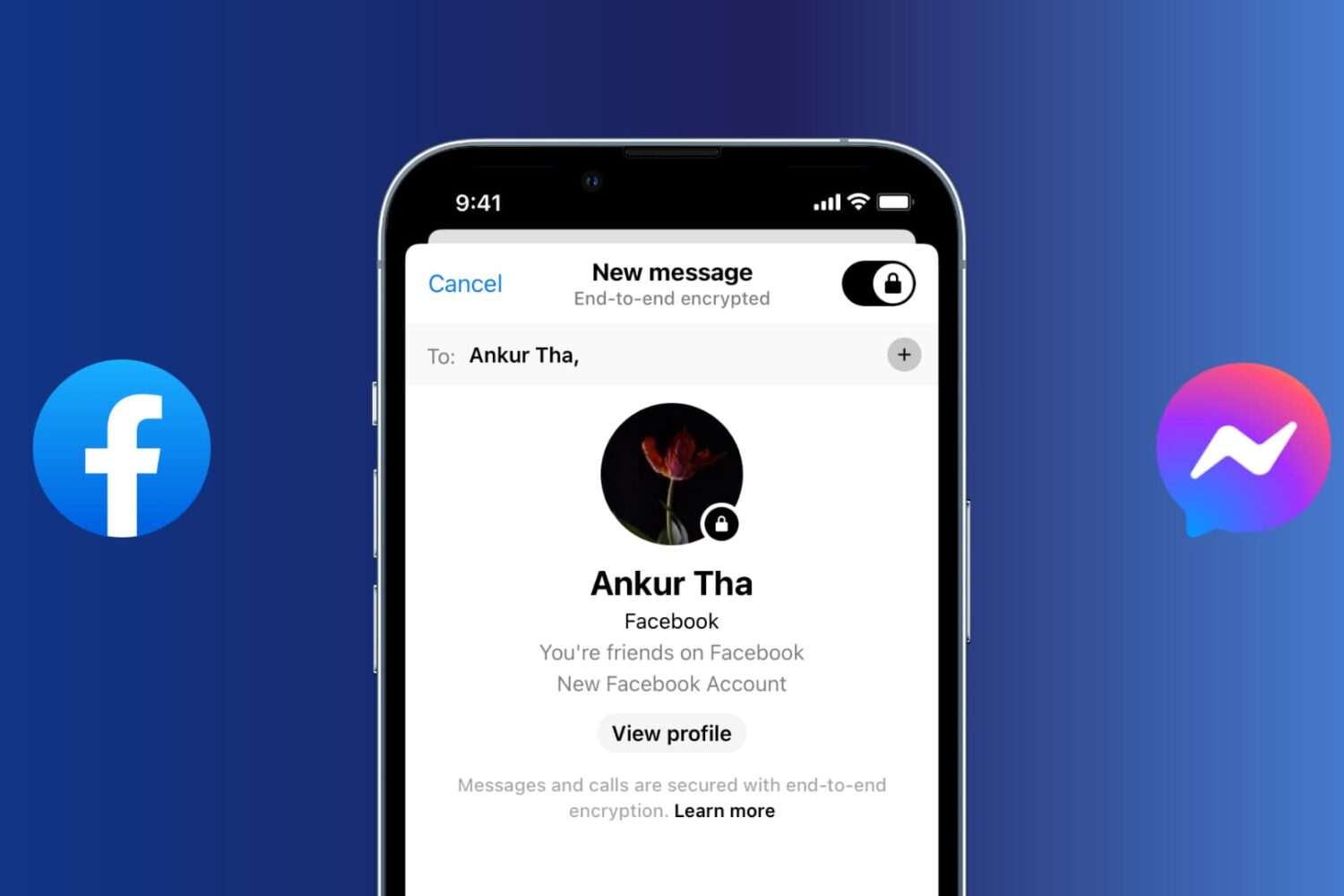
With secret conversations in Messenger, Facebook offers support for end-to-end encryption, giving you peace of mind knowing that a third party cannot decipher any sensitive messages with friends and family. These encrypted chats rely on a device key that ensures only you and the recipient can see the message.
You can verify the device key to confirm that the messages are end-to-end encrypted, set a timer to have secret messages disappear from the conversation, and so forth.
In this article, we show you how to set up and use end-to-end encrypted secret conversations in Facebook Messenger.

MacBook equipped with a Force Touch trackpad produces an audible ‘click’ sound in order to simulate the sound you would hear on a Mac without a Force Touch trackpad. It has no down travel and all you’re hearing is an audible sound when you click it. In this tutorial, we’ll talk about how to disable that fake clicking sound.