Learn how to use Siri to play live content on your Apple TV, like ongoing games on TV+ or ESPN or live news on CBS or CNN.
How to play live news, sports, and more on Apple TV
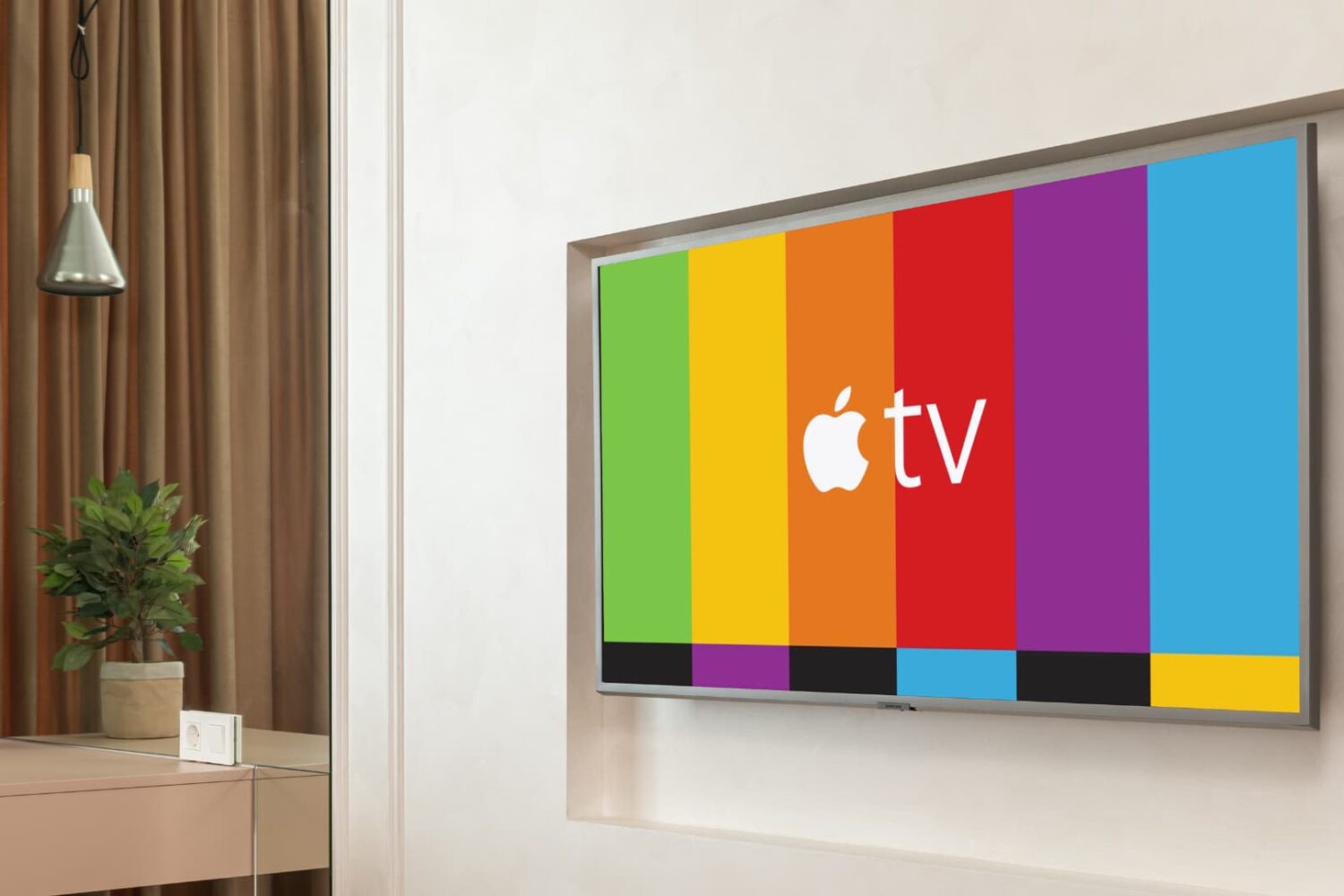
Learn how to use Siri to play live content on your Apple TV, like ongoing games on TV+ or ESPN or live news on CBS or CNN.
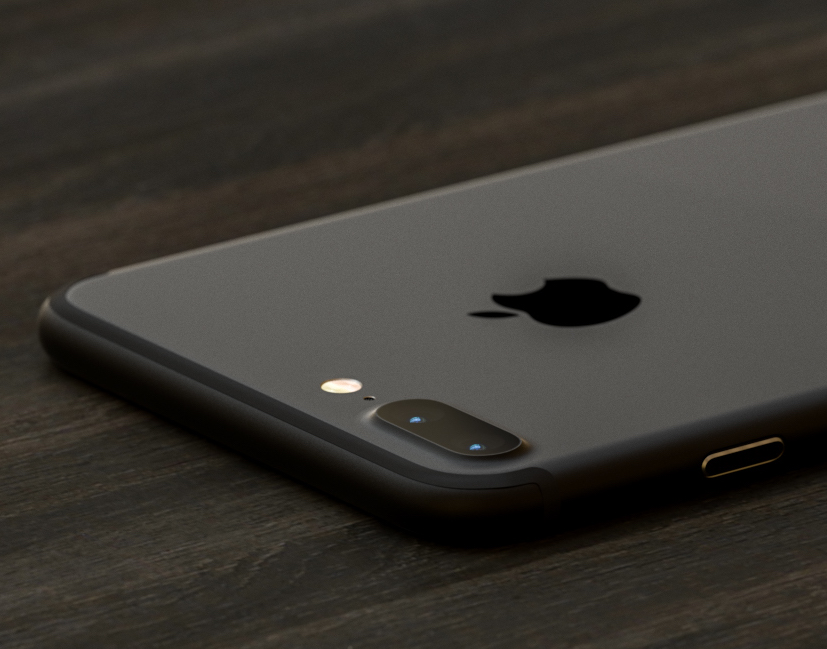
iOS provides a Portrait mode in the stock Camera app to owners of the dual-camera iPhone 7 Plus.
As you know, Portrait mode lets you take dramatic DSLR-like depth of field photographs where the camera automatically creates a beautifully blurred background while keeping the subject in the front sharp and in full focus.
Your iPhone 7 plus defaults to saving both the original twelve-megapixel photo and its depth of field counterpart, effectively doubling storage requirements for Portrait shots.
In this quick tutorial we're going to show you how you can easily disable photo duplicates for depth of field photos with just a few taps.

Are you unable to see some posts on your X timeline as they’re blurred out or behind a safety warning? Find out how to change a setting that gives you unrestricted access to all such sensitive public posts.

Learn how to place a video playing in a floating picture-in-picture window overlay anywhere on your Mac's screen instead of automatically snapping to corners.
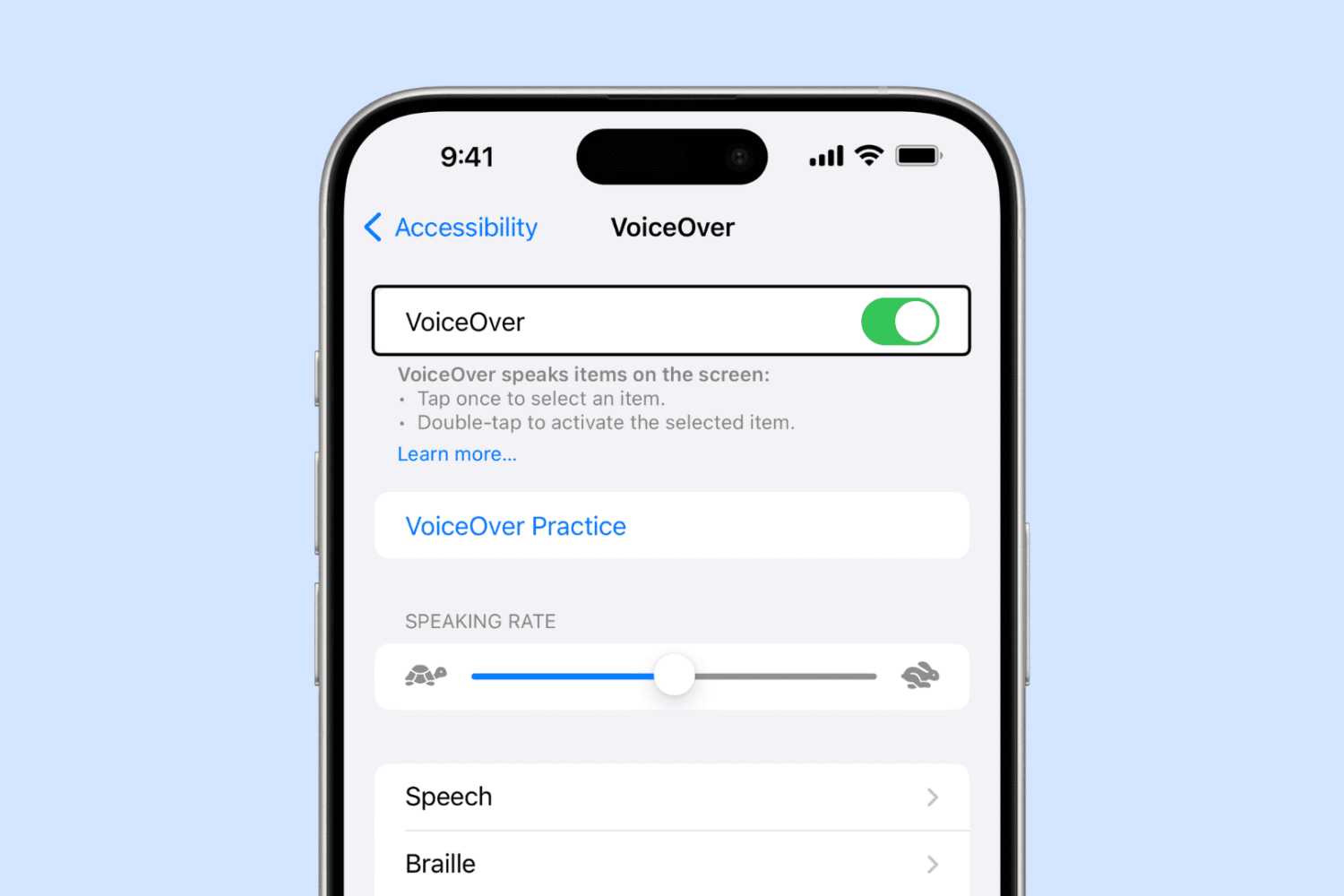
Have you ever enabled VoiceOver on your iPhone or iPad either by accident or out of curiosity, and then couldn't figure out how to disable it? In this tutorial, we’ll show you how to turn VoiceOver off and regain control of your device.
Depending on the model of MacBook Pro you have, you may be able to physically choose whether your computer uses the high-power discreet graphics card for better performance or the low-power integrated graphics chip for better battery life by using an option known as Automatic Graphics Switching.
The feature is only available on MacBook Pros which have two Graphics Processing Units (GPU). The reason it only exists on certain models of the MacBook Pro is not all Macs have dual GPUs. And desktop Macs don’t need this as they don’t rely on batteries and are connected to a power source all the time.
Here's more about Automatic Graphics Switching and how to enable it on your Mac.

I'm a big time YouTube user, and even though I have zippy fiber optic internet, it seems like there are still times when YouTube videos get stuck buffering instead of playing when I want to enjoy HD video streaming.
If you can relate, then you should take a few minutes to read this piece, because we'll be talking about some common remedies for the annoying buffering problem.

In iOS 9, you could organize emails in Apple's stock Mail application by thread but that was pretty much it. iOS 10 introduced a pair of new settings for simplifying inbox management.
The first tells Mail to arrange emails in a thread in the order they were received, with the most recent ones at the top. The other prompts the app to unify threads by including relevant emails from other mailboxes.
In this tutorial, we're going to teach you how to enable and use Conversation View in Mail and leverage the aforesaid toggles to bring some order to your inbox.
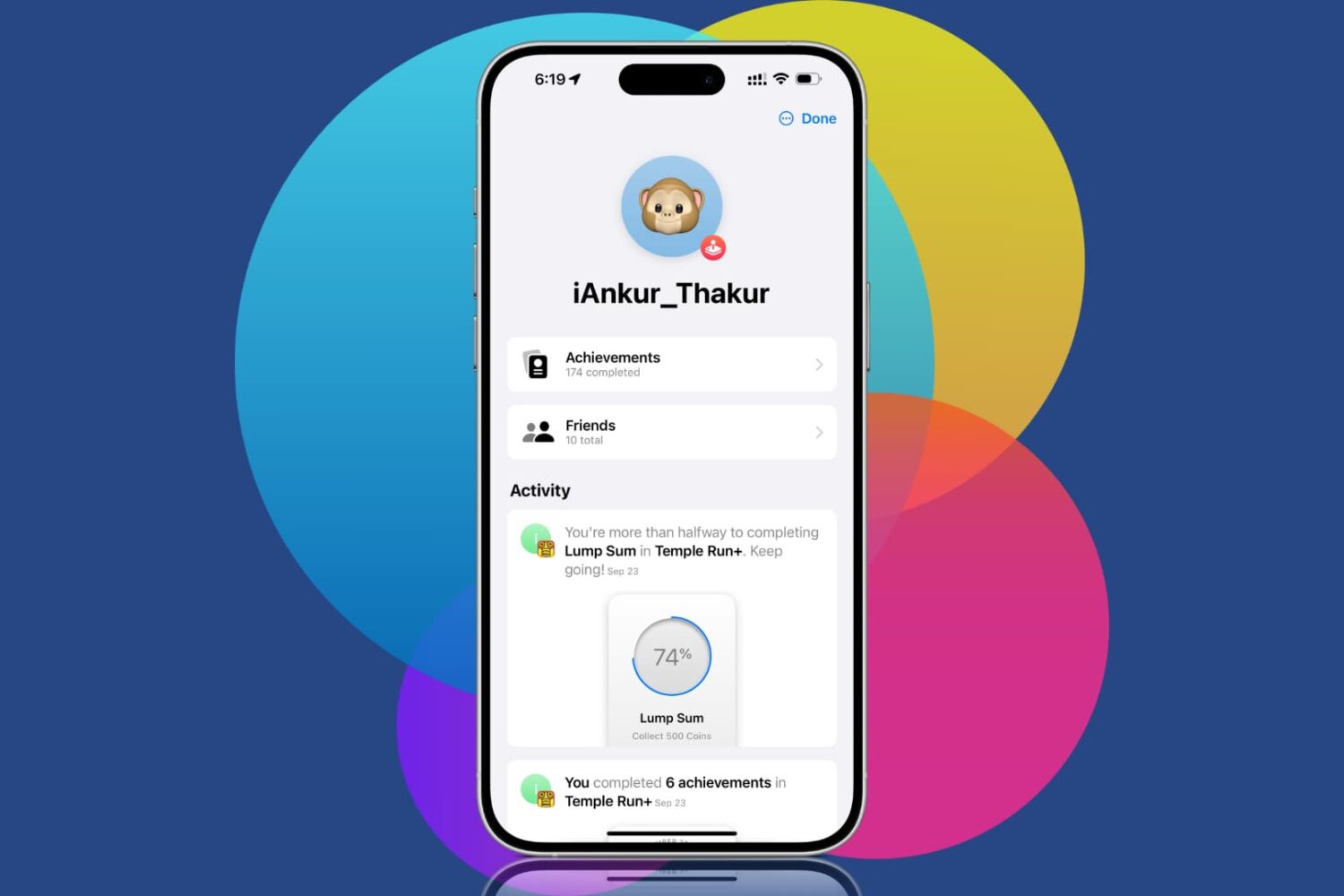
Learn how to remove friends added to your Game Center account if you no longer want to interact with them, see their game achievements, play games with them over FaceTime call, or have apps connect you with that particular friend for an improved multiplayer experience.
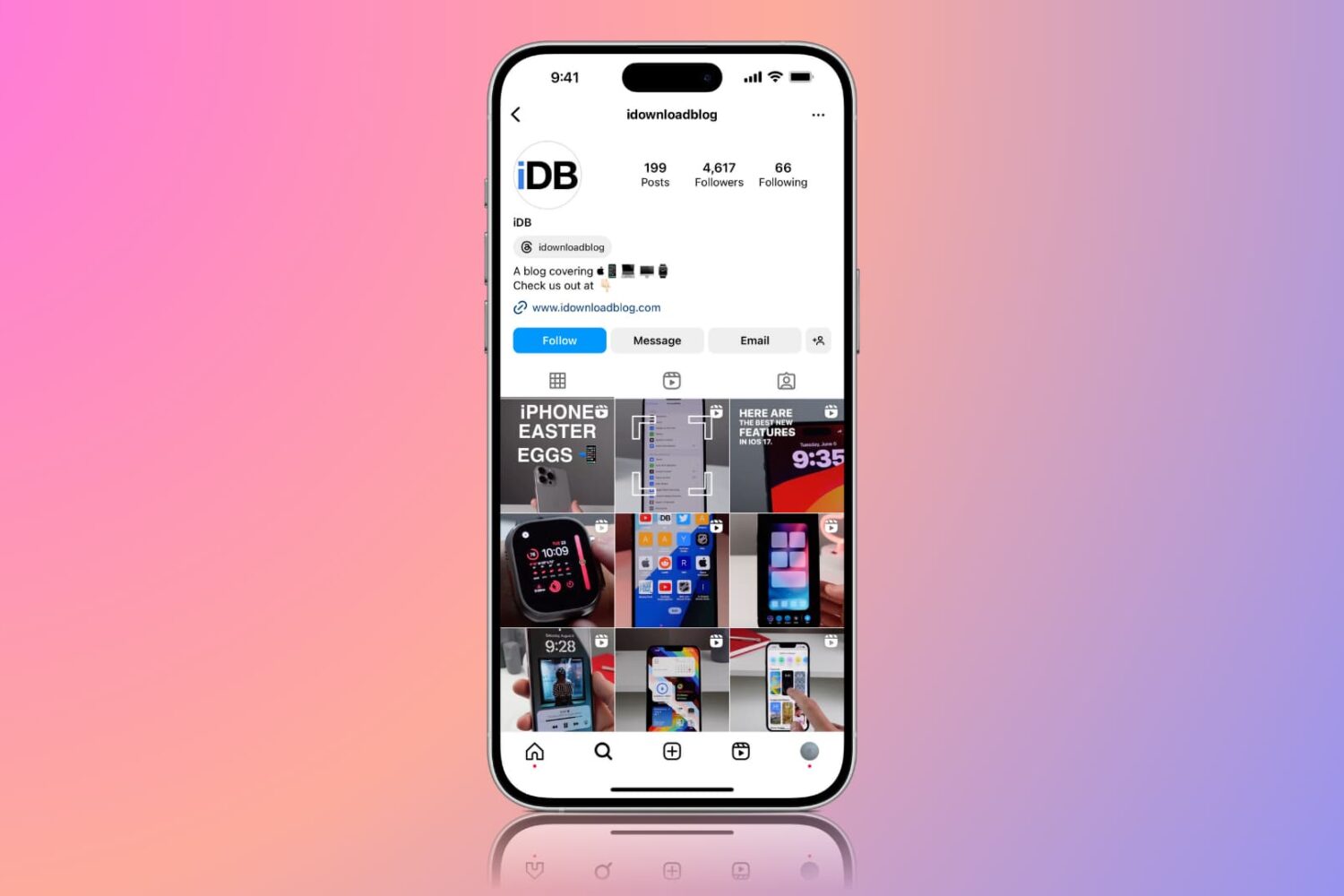
Learn how to configure the Instagram app on your iPhone or Android phone to use less cellular data if you’re on a capped mobile plan or roaming internationally.