In this tutorial, we will share the quick steps to set one or more websites as your Mac's screen saver so you have their latest news or articles displayed constantly on the screen.
How to set a website as your Mac’s screen saver
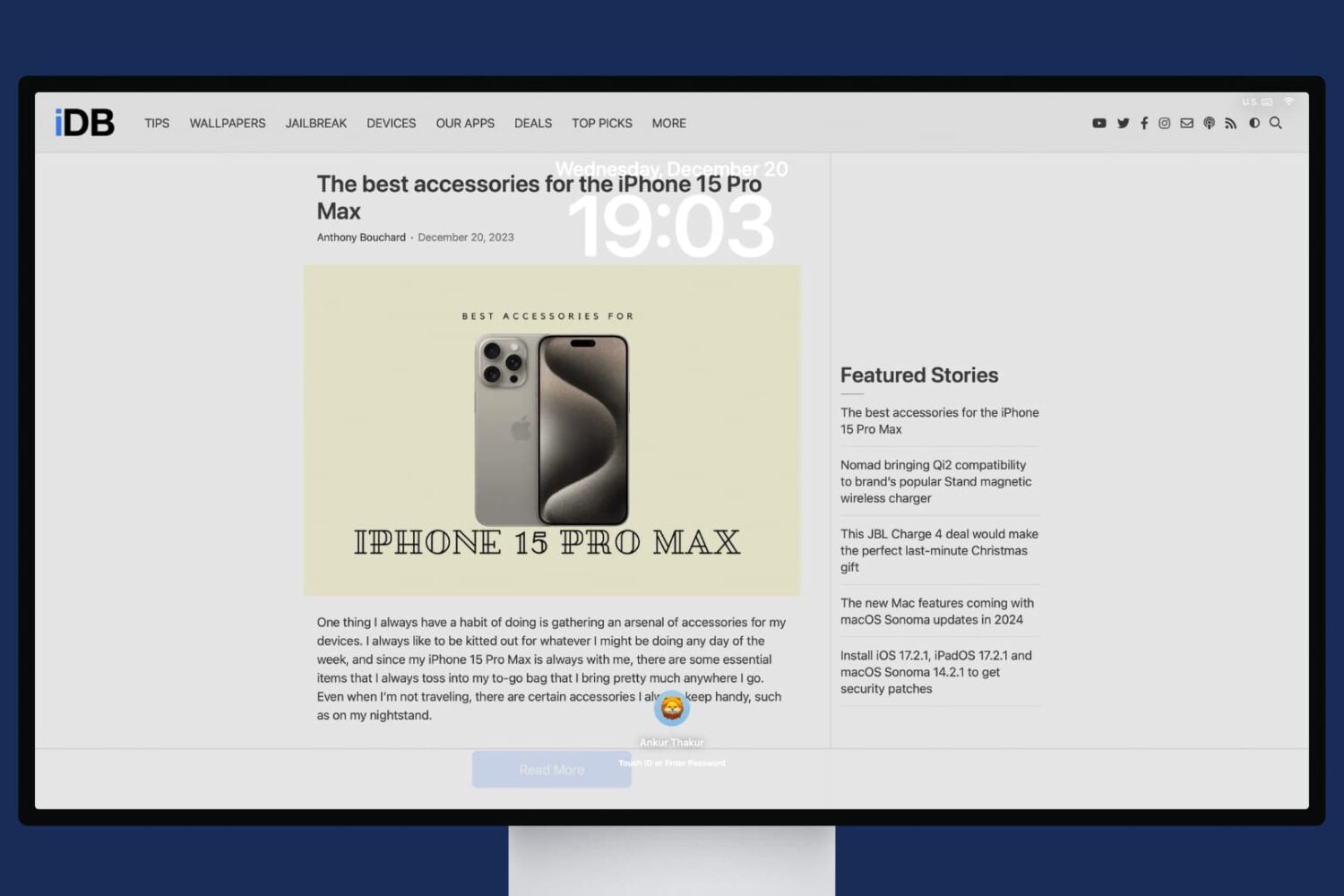
In this tutorial, we will share the quick steps to set one or more websites as your Mac's screen saver so you have their latest news or articles displayed constantly on the screen.
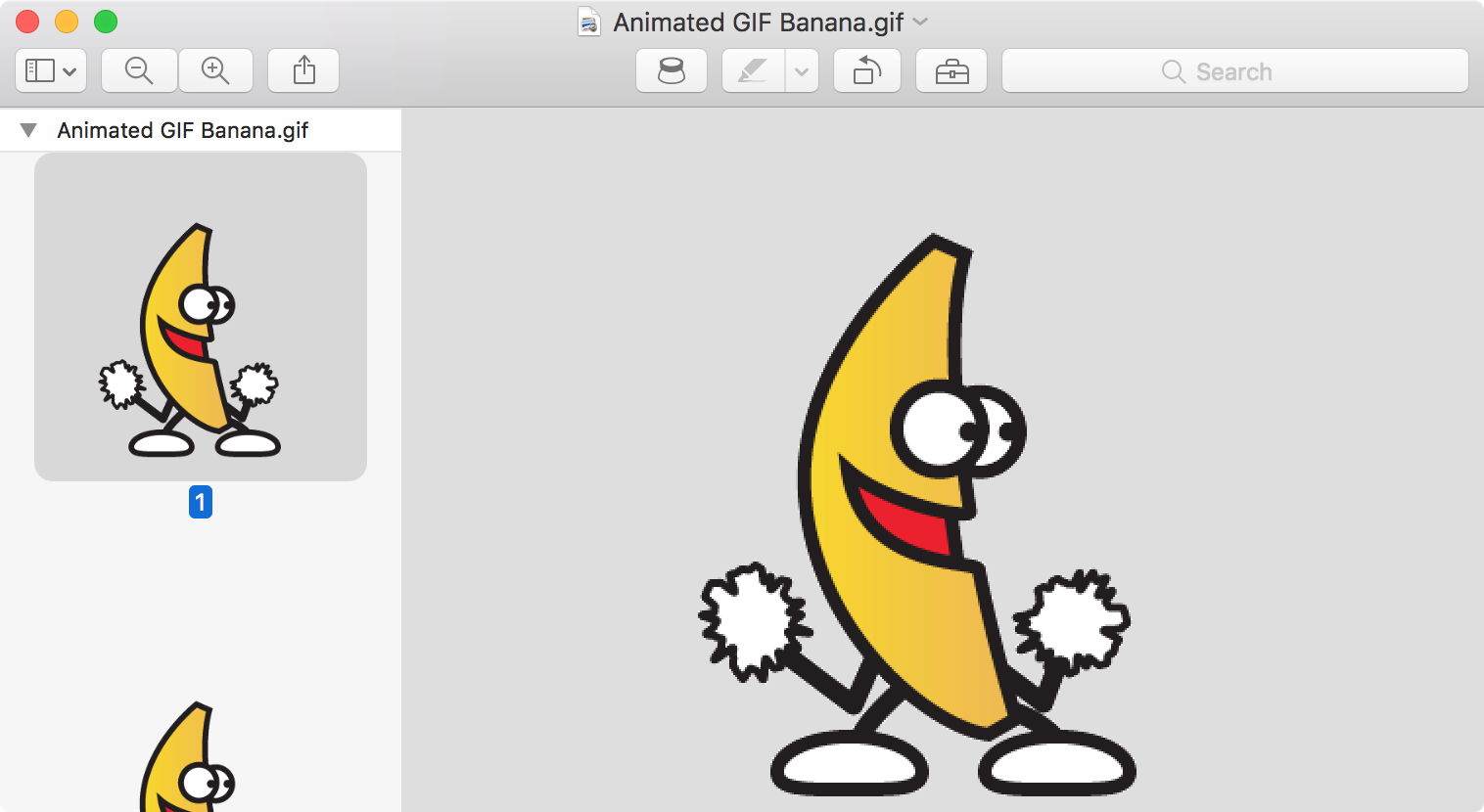
Are GIFs opening as still images or as individual frames on Mac? In this tutorial, we’ll share 3 quick built-in methods to view animated GIFs the right way.
Safari, like just about all other web browsers, lets you set a home page to load every time you open the app. Most people think this feature is limited just to only websites, but that's not the case at all. In this tutorial, we'll show you how to set an image file as your Home page in Safari.
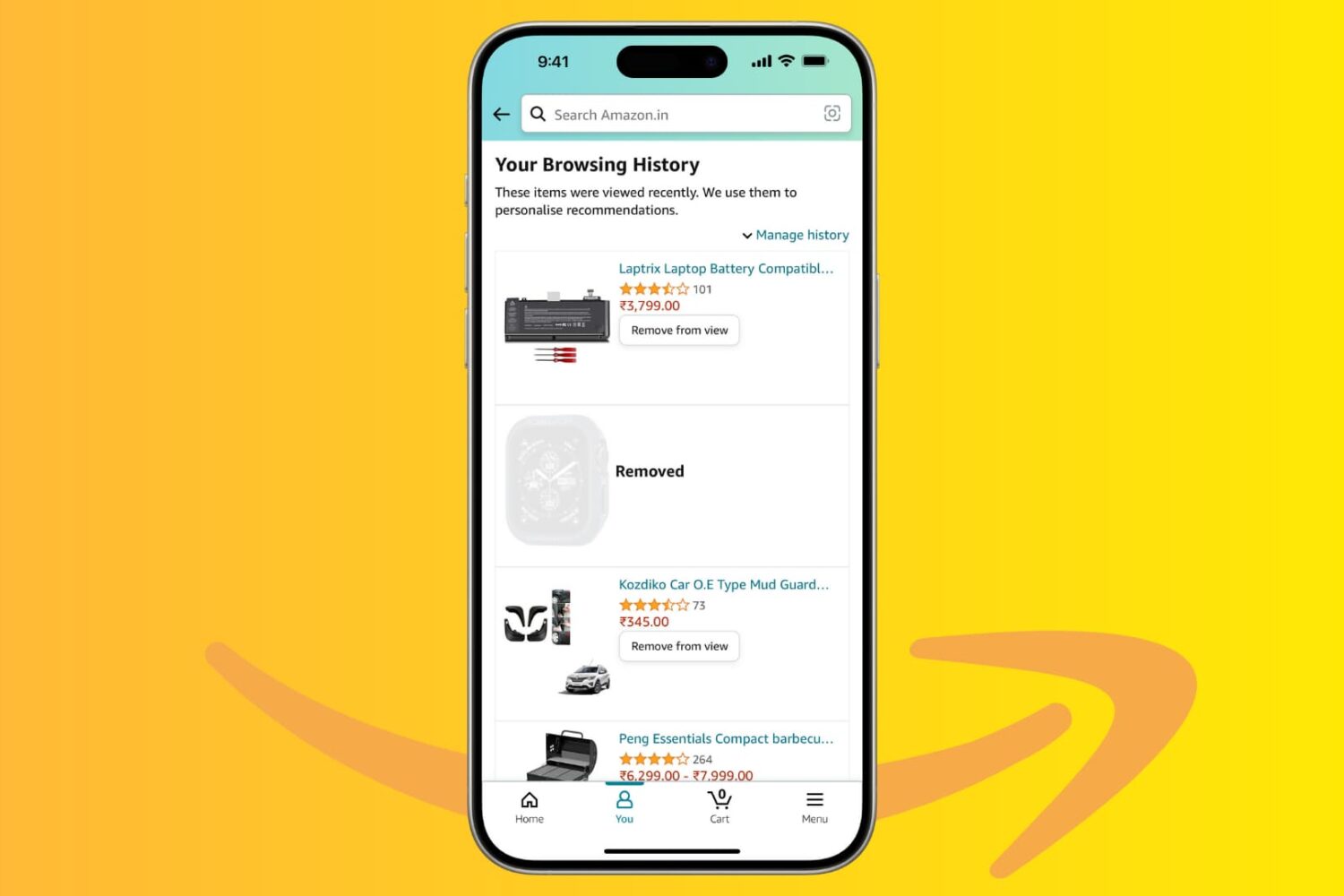
Amazon keeps a history of everything you look at on their platform, and in this tutorial, we’ll show you how you can hide or remove items from your browsing history using the Amazon app or website. We’ll also show you how to stop the shopping giant from saving your browsing history.

iPadOS 26 has removed Slide Over and Split View. So, to view two or more websites at the same time in Safari, you’ll have to use the new Windowed Apps feature or Stage Manager. We’ll explain both below.
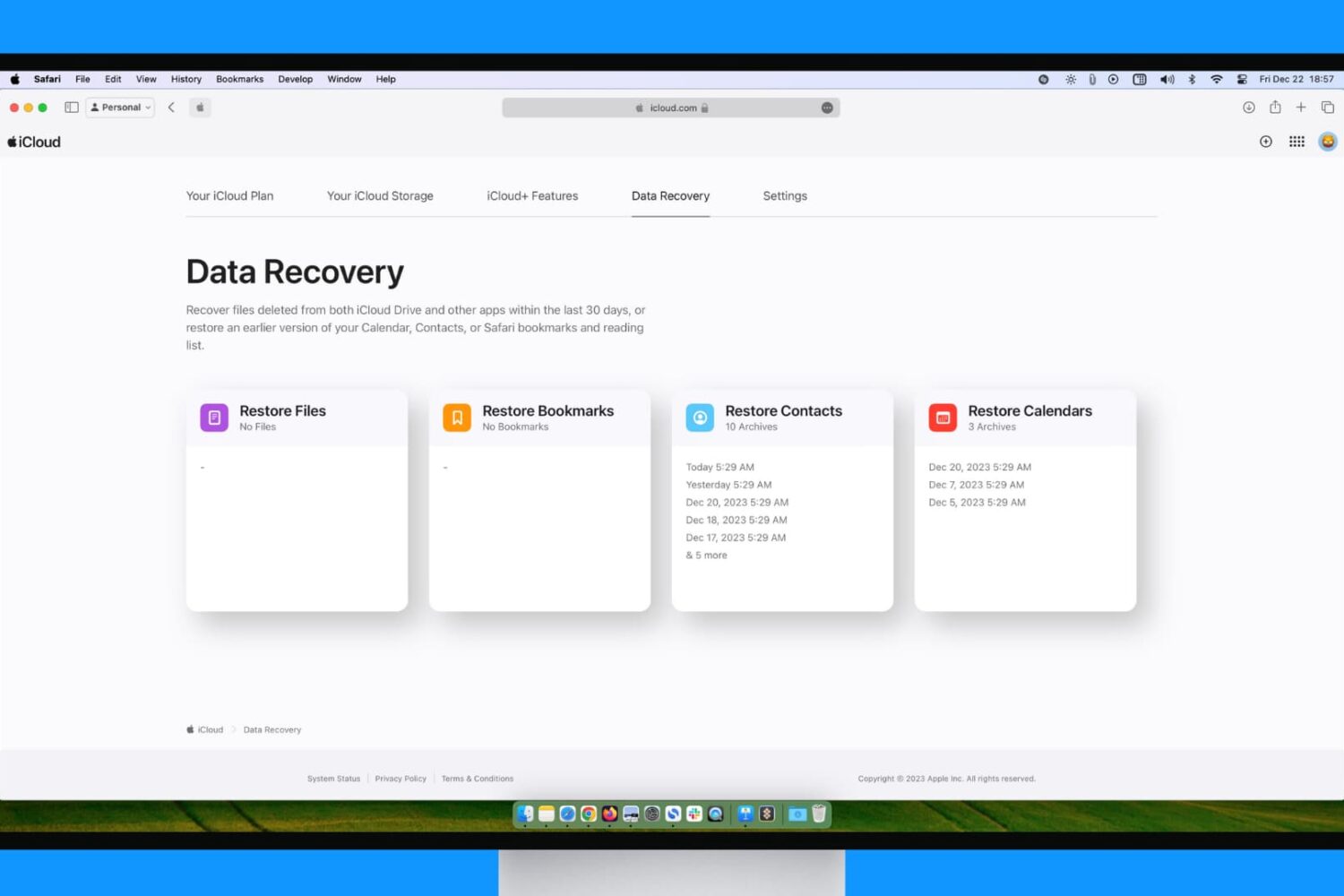
You may have inadvertently deleted data from your iPhone, iPad, and Mac, or even your iCloud account. Fortunately, Apple offers you a way to restore previously lost data, and this tutorial guides you through the process.
In this brief tutorial, we will share how to create email filtering rules on Gmail, which lets you do all sorts of things with your email inbox to customize your experience and maximize your productivity.
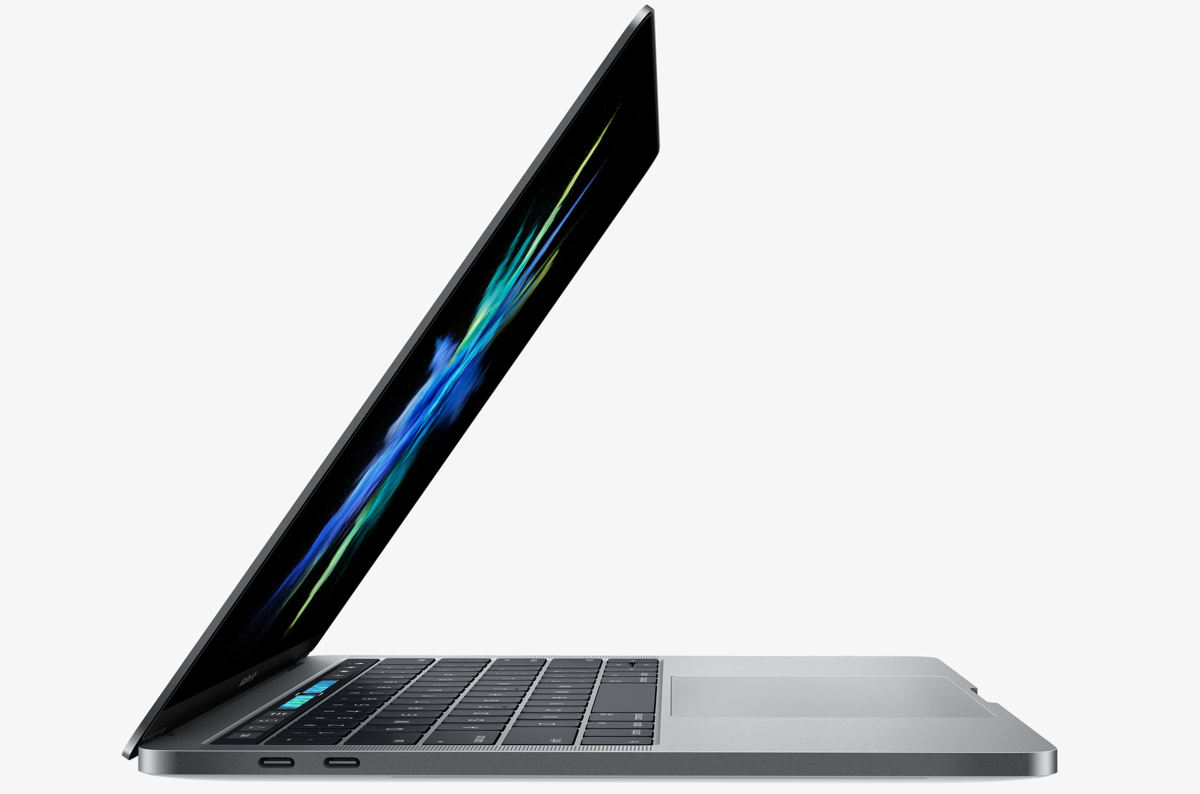
Aside from the marquee Touch Bar feature and other hardware advances, the new MacBook Pro introduces a tweaked boot process where the machine automatically starts up when you open its lid or connect it to power. To avoid forcing users to listen to the startup chime every time they open the lid, Apple's also decided to disable the boot chime on the new notebook by default (you can easily re-enable it).
But what about the mentioned auto-boot features? Unfortunately, Apple does not provide user-facing switches in System Preferences to control the new boot on power and boot on lid capability. With a little help from Terminal and smart folks over at Pingie, you can manually stop the late-2016 MacBook Pro from automatically powering on when you lift the lid or connect it to a power adapter or an external display.

The new MacBook Pro has ditched the iconic boot chime that's been a signature part of the Mac startup process over the last 17 years. Pingie discovered that the sound is not gone entirely. Apple's just disabled it and it's possible to bring it back should you want. In this quick tutorial, we'll show you how to re-enable the boot chime on your late-2016 MacBook Pro with a simple Terminal command.
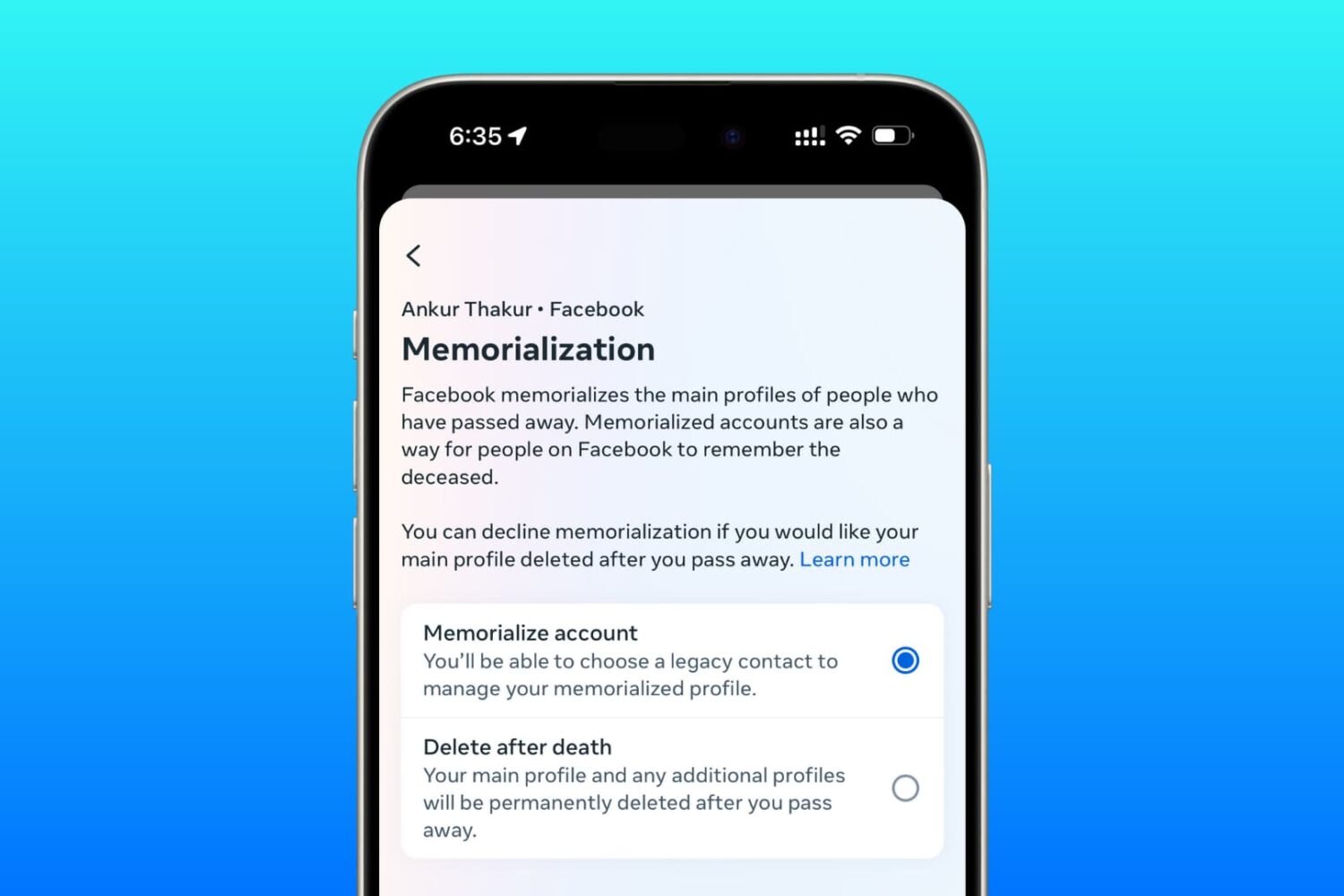
Learn how to set up a trusted family member or friend as a legacy contact for your Facebook account so they can manage it after you pass away.
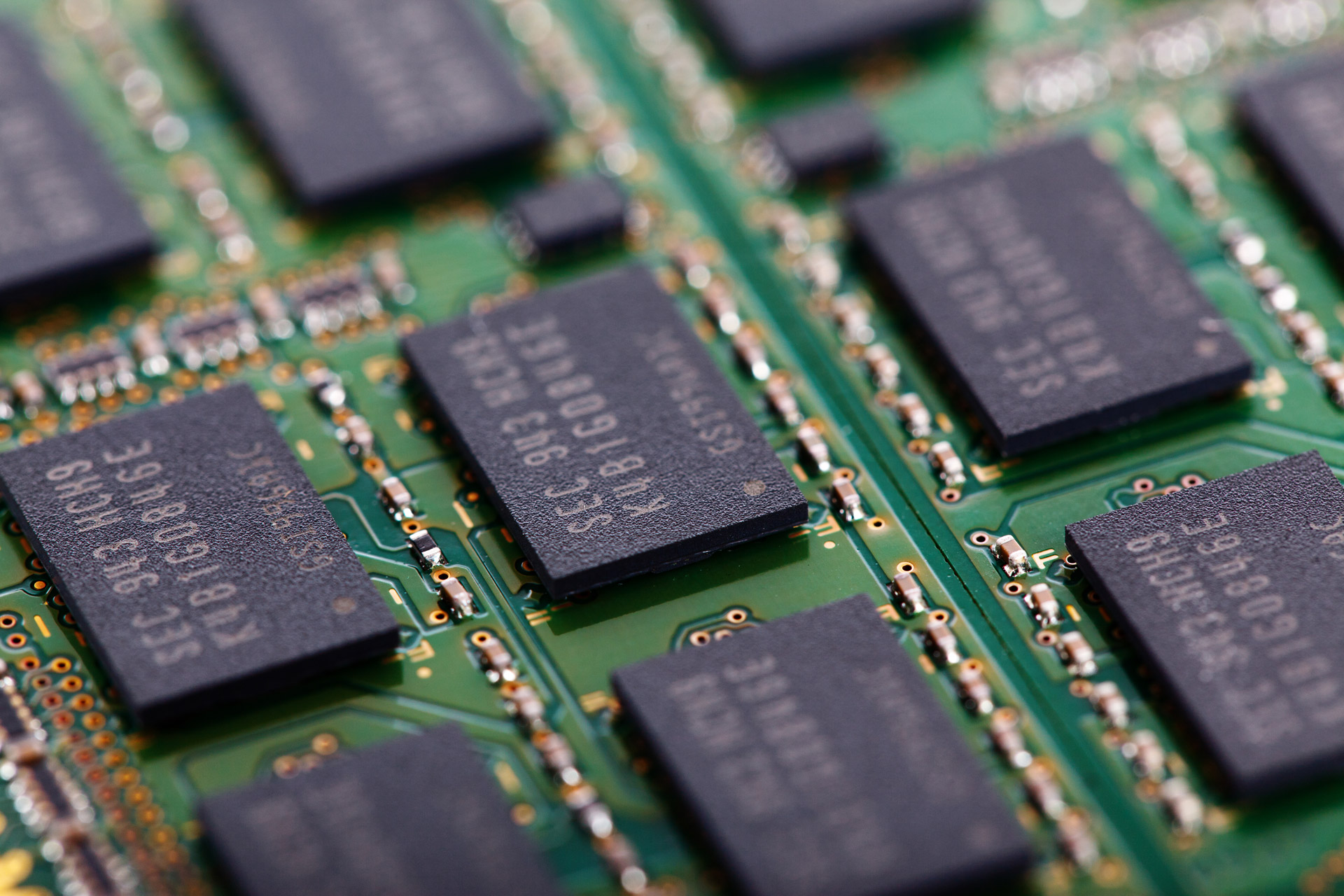
I was recently asked about the difference between active, inactive, and wired memory on computers. Many memory measure tools use these terms to describe your memory usage and doesn't really go into much depth about what they mean.
In this piece, I hope to shed some light on this confusion and explain the differences between these memory states the best I can.
Apple will be streaming its "Hello Again" keynote event from its home campus in Cupertino, California today.
If you want to tune into the event to see everything Apple brings to the table, then this post will have all the information you'll need to learn how to stream the event live.