Is your Apple Watch running low on local storage space? In this tutorial, we’ll share five easy ways to make space on your watch for newer apps, media, and more.
5 ways to free up storage space on your Apple Watch
Is your Apple Watch running low on local storage space? In this tutorial, we’ll share five easy ways to make space on your watch for newer apps, media, and more.
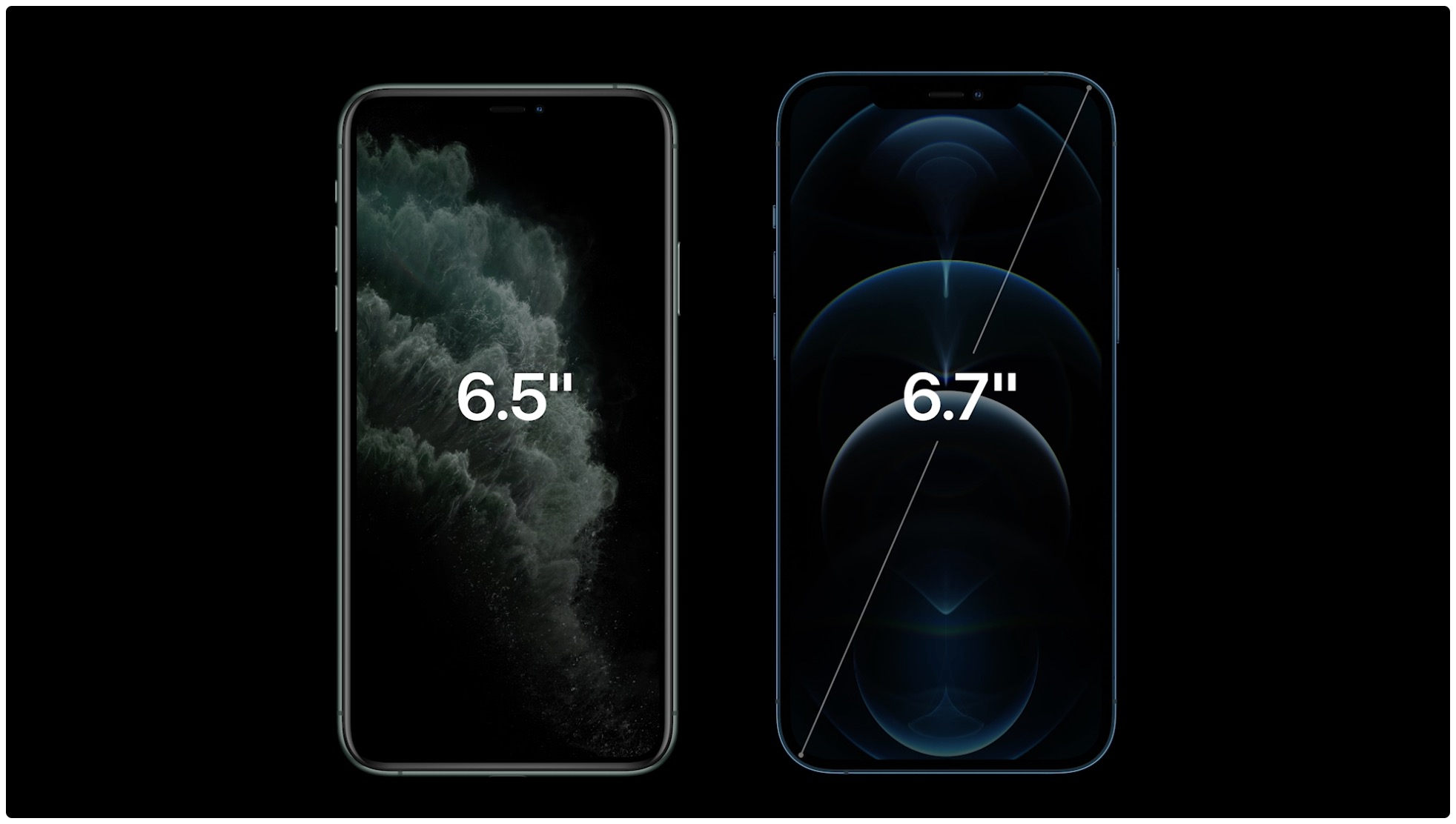
One of the top Apple prognosticators is suggesting that the two Pro models of this year's upcoming iPhone 13 lineup might double maximum storage from 512 gigabytes to a whopping one terabyte. The only other iOS device that offers a 1TB model is the 12.9-inch iPad Pro.
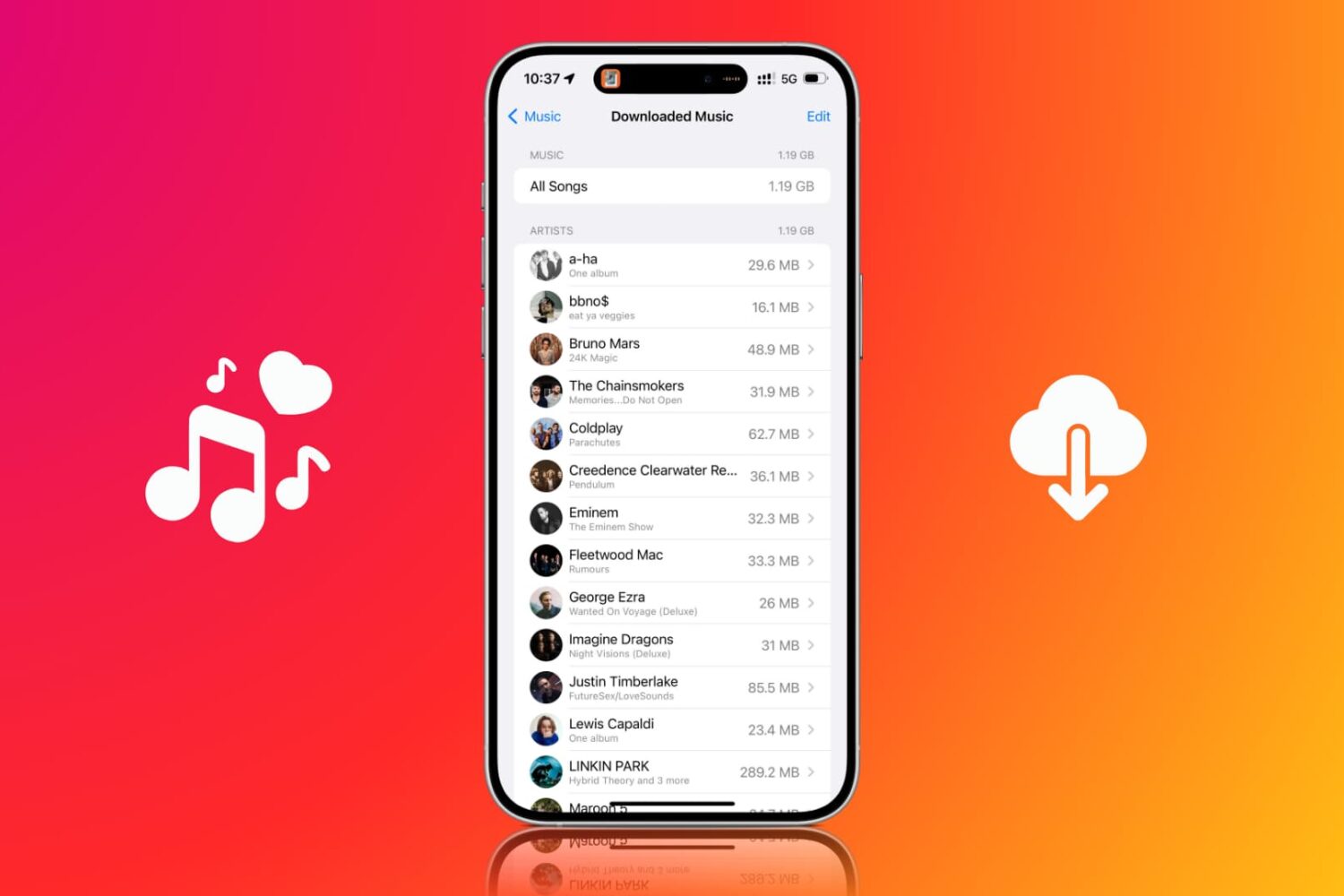
Use the Optimize Storage feature to limit how much space downloaded Apple Music songs take up on your iPhone and iPad.

Learn how to track the amount of iCloud storage each family member is using and keep your digital space in check.
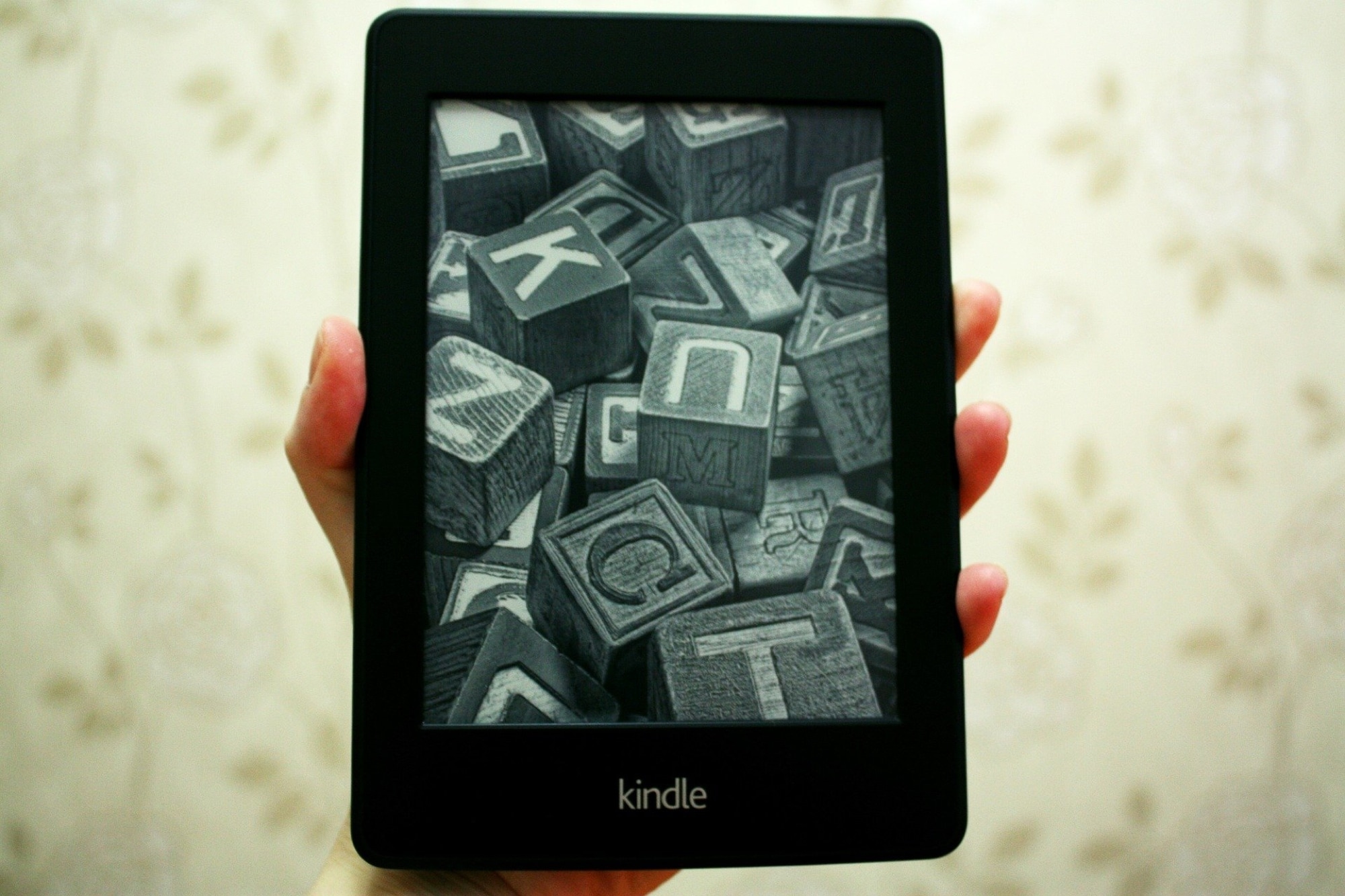
If you own a Kindle Paperwhite, there may come a time when you want information about the device. Whether you need to troubleshoot a problem, want to see if you have the latest firmware, or simply want to know how much space you have left, it’s easier than you might think.
Here, we’ll show you how to find your serial number, firmware version, and available space on Kindle Paperwhite.
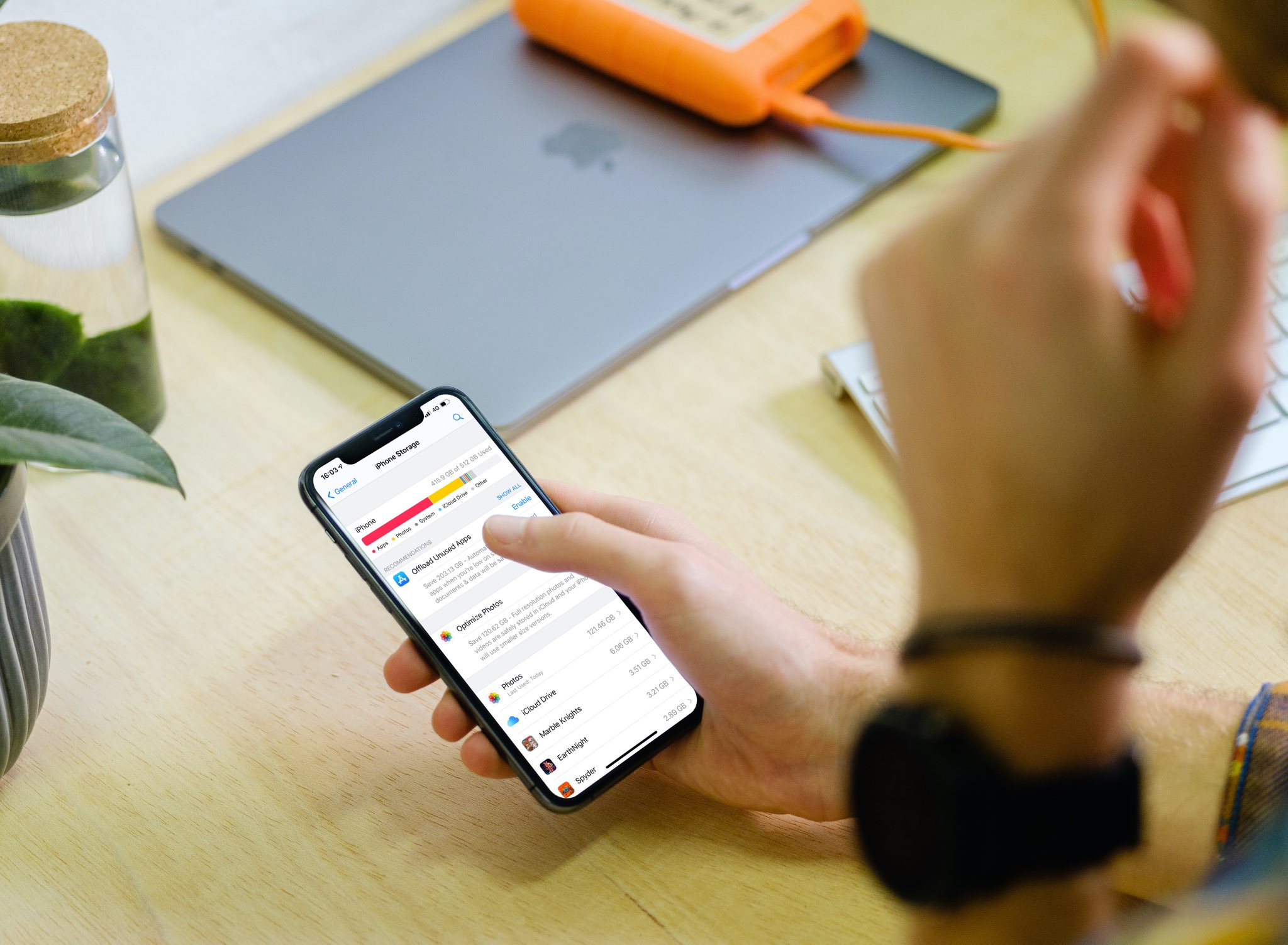
With the iPhone storage search feature, you can quickly find out how much storage space a specific app is taking up on your device without having to scroll through a long list of apps.
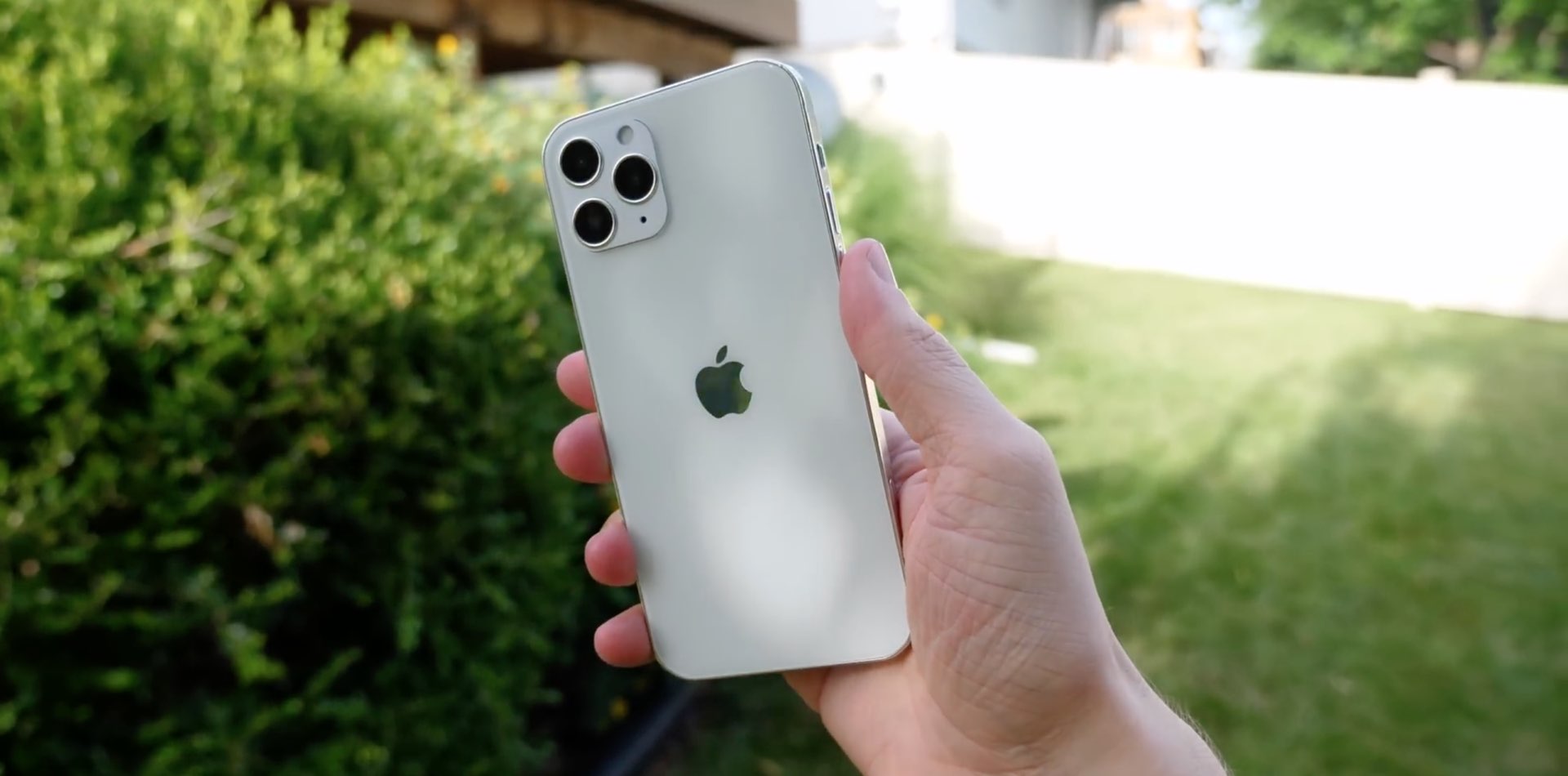
According to a serial leaker, Apple's Pro-branded iPhone 12 models will start at 128 gigabytes of baseline storage while their non-Pro counterparts, including so-called "iPhone 12 mini," are apparently going to start at 64 rather than at 128 gigabytes of storage (as previously rumored).
Facebook-owned WhatsApp for iPhone is testing new tools for storage usage along with a feature that will allow you to clear all messages except starred in one fell swoop.
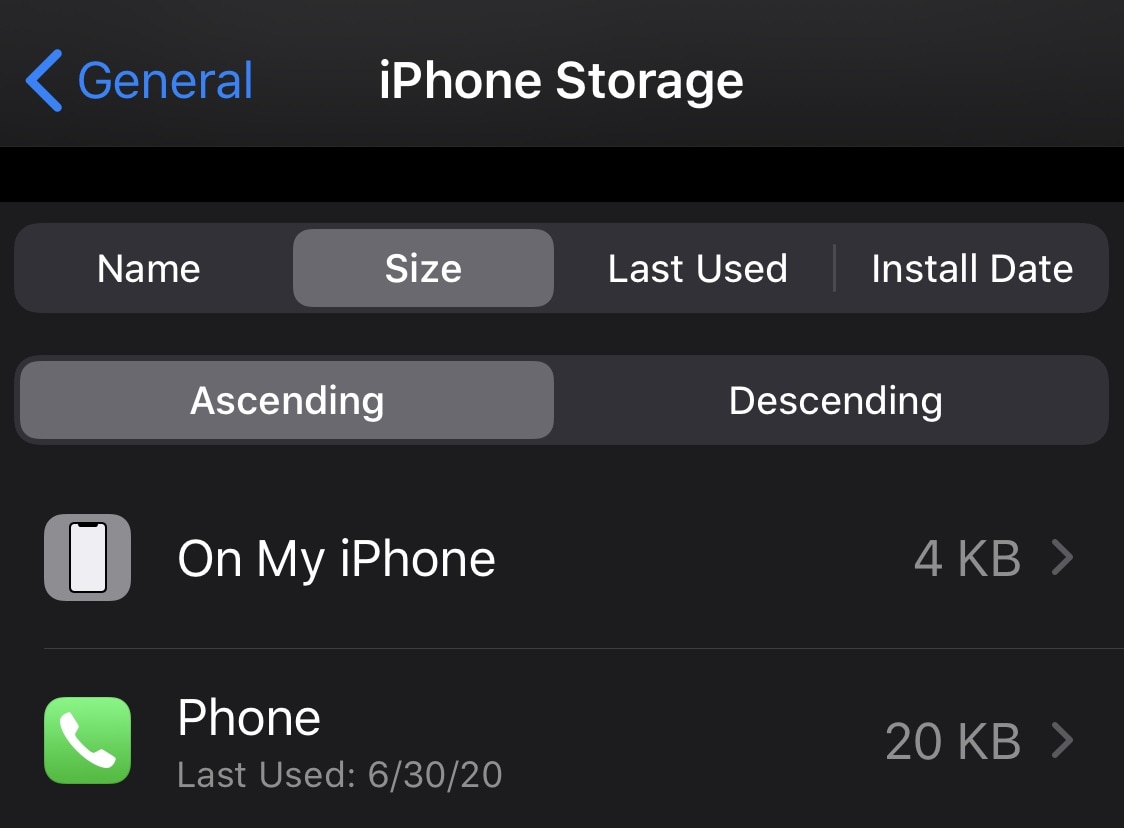
With apps becoming more advanced and powerful with each passing day, an unfortunate side effect is that those same apps grow in size. Consequently, the apps we use every day have a tendency to eat up significant portions of our handsets’ valuable non-upgradeable storage space.
iPhone and iPad users can discern which apps are using the most substantial helpings of your storage by visiting the Settings → General → iPhone/iPad Storage preference pane, but it sure would be nice if Apple provided more sorting options. That’s where a newly released and free jailbreak tweak dubbed StorageByName by iOS developer udevs comes into play.

Wondering how much storage space you have used and have left for your email account? Find out how to see your Quota Limits in the Mail app on Mac.
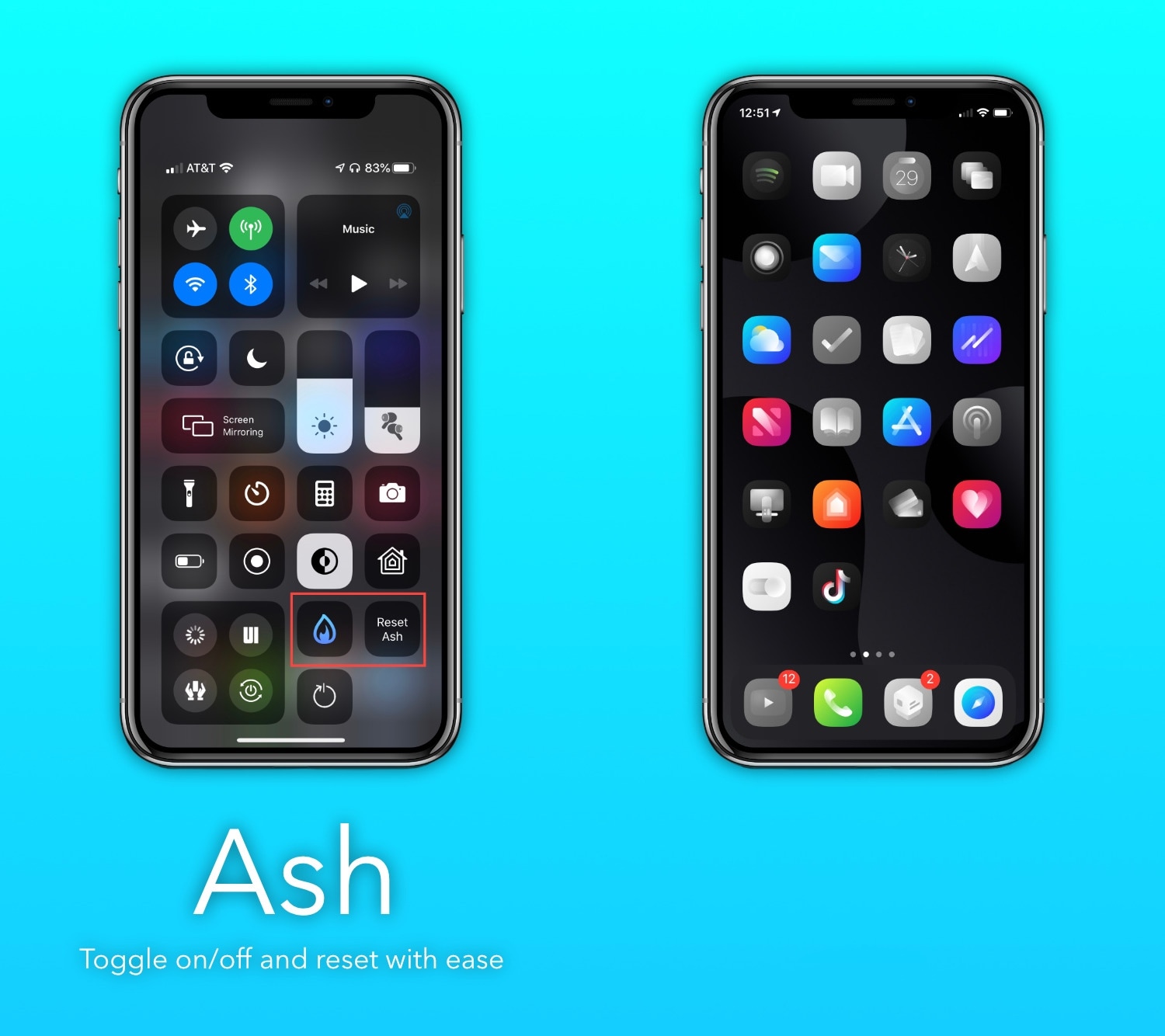
If you’re the type of person who installs tons of apps from the App Store and then only uses a small number of those after installing them, then you just might enjoy a newly released and free jailbreak tweak called Ash by iOS developer burrit0z.
Ash implements an intelligent app icon dimming effect to help jailbreakers keep better track of the apps they use and the apps they don’t use. Never-used app icons appear gray in color when being displayed on the Home Screen, whereas used app icons retain their original color, as depicted in the screenshot examples above.
After successfully releasing unc0ver v5.0.0 Saturday evening with full-fledged support for all devices running iOS/iPadOS 13.5, hacker and unc0ver project lead developer Pwn20wnd has followed up this quiet Sunday evening with a minute update that brings additional improvements to the jailbreak experience.
The update, announced just minutes ago by Pwn20wnd via Twitter, has been dubbed unc0ver v5.0.1 and is now officially available to the masses: