Apple has obtained a temporary restraining order against an alleged San Francisco stalker with the nickname "Rocky" who has been harassing chief executive Tim Cook.
Apple secures a restraining order against a stalker who’s been harassing Tim Cook

Apple has obtained a temporary restraining order against an alleged San Francisco stalker with the nickname "Rocky" who has been harassing chief executive Tim Cook.

Windows giant Microsoft today announced its Defender Advanced Threat Protection (ATP) security platform is coming to mobile devices powered by iOS and Android.
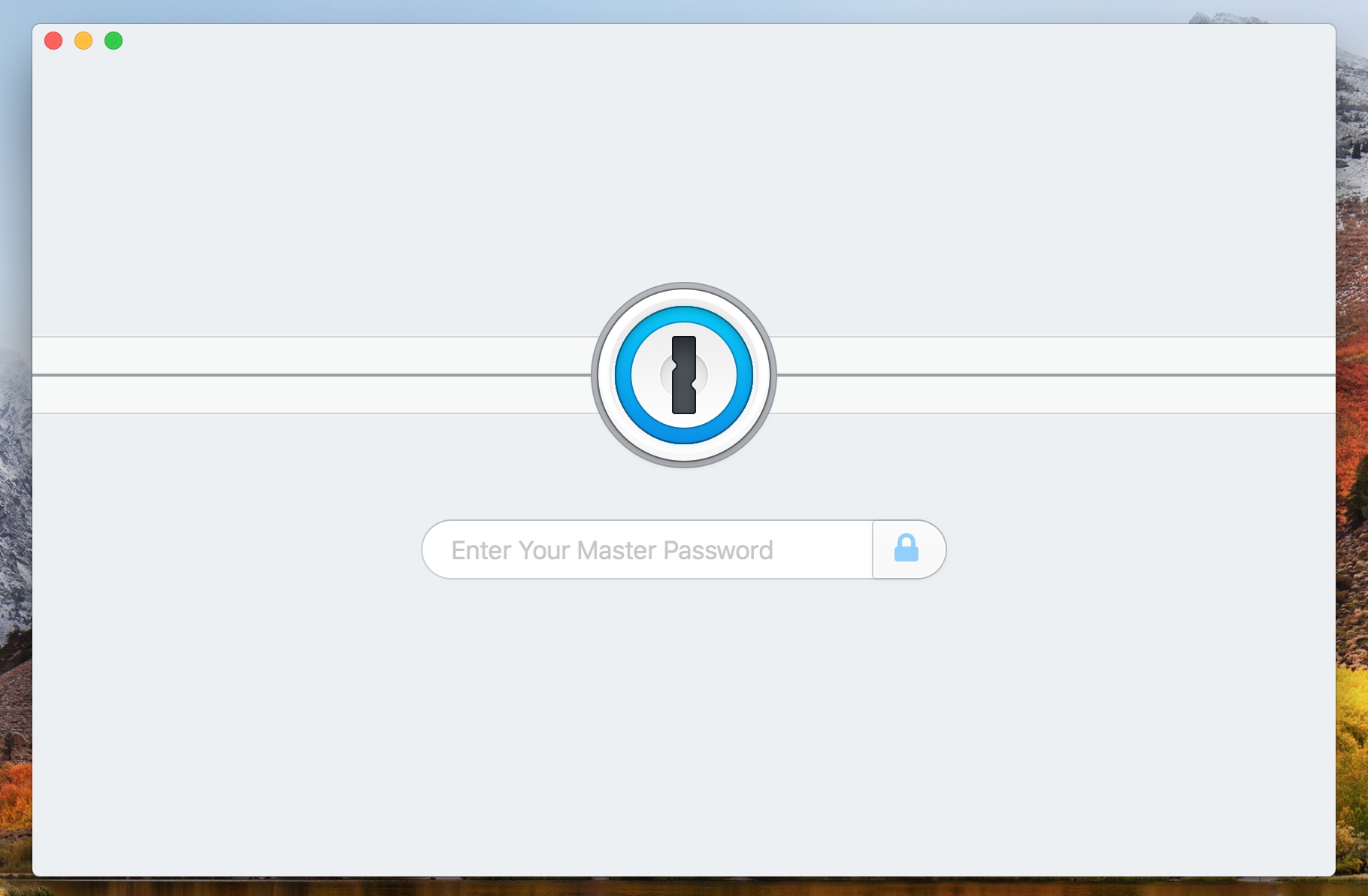
If you have upgraded your security with an NFC-based physical security key from Yubico, you can now use it as a second factor authentication for your 1Password.com account.
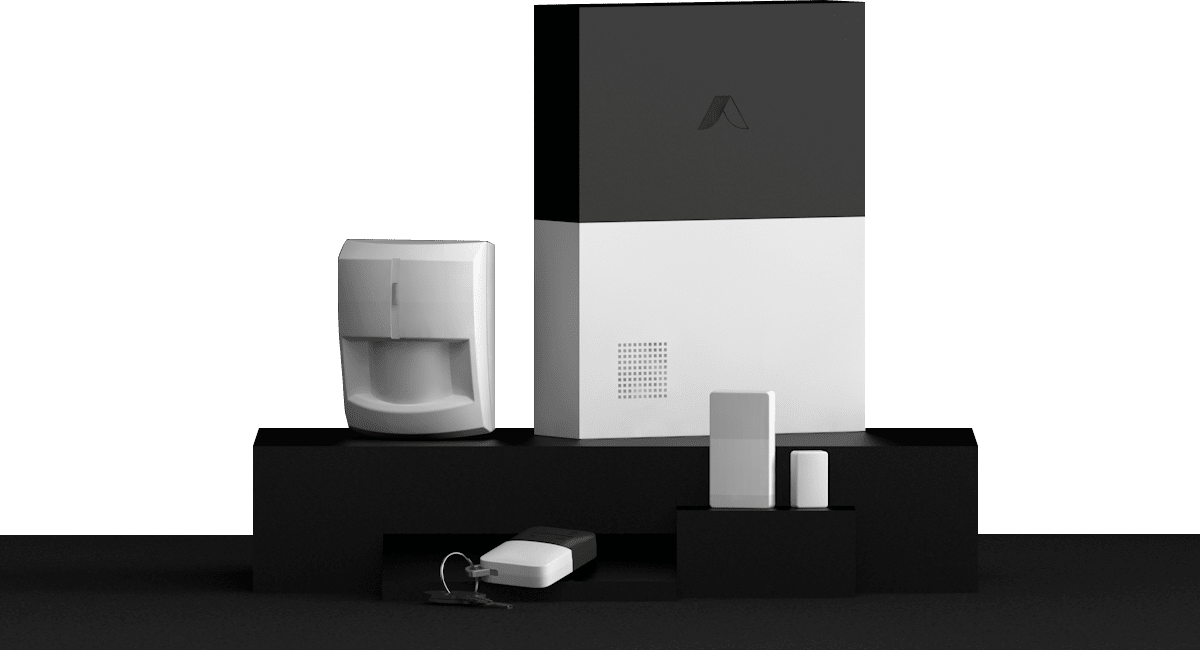
Following on the addition of HomeKit support for another of its DIY security systems before the end of 2019, Abode has brought the feature to another option.
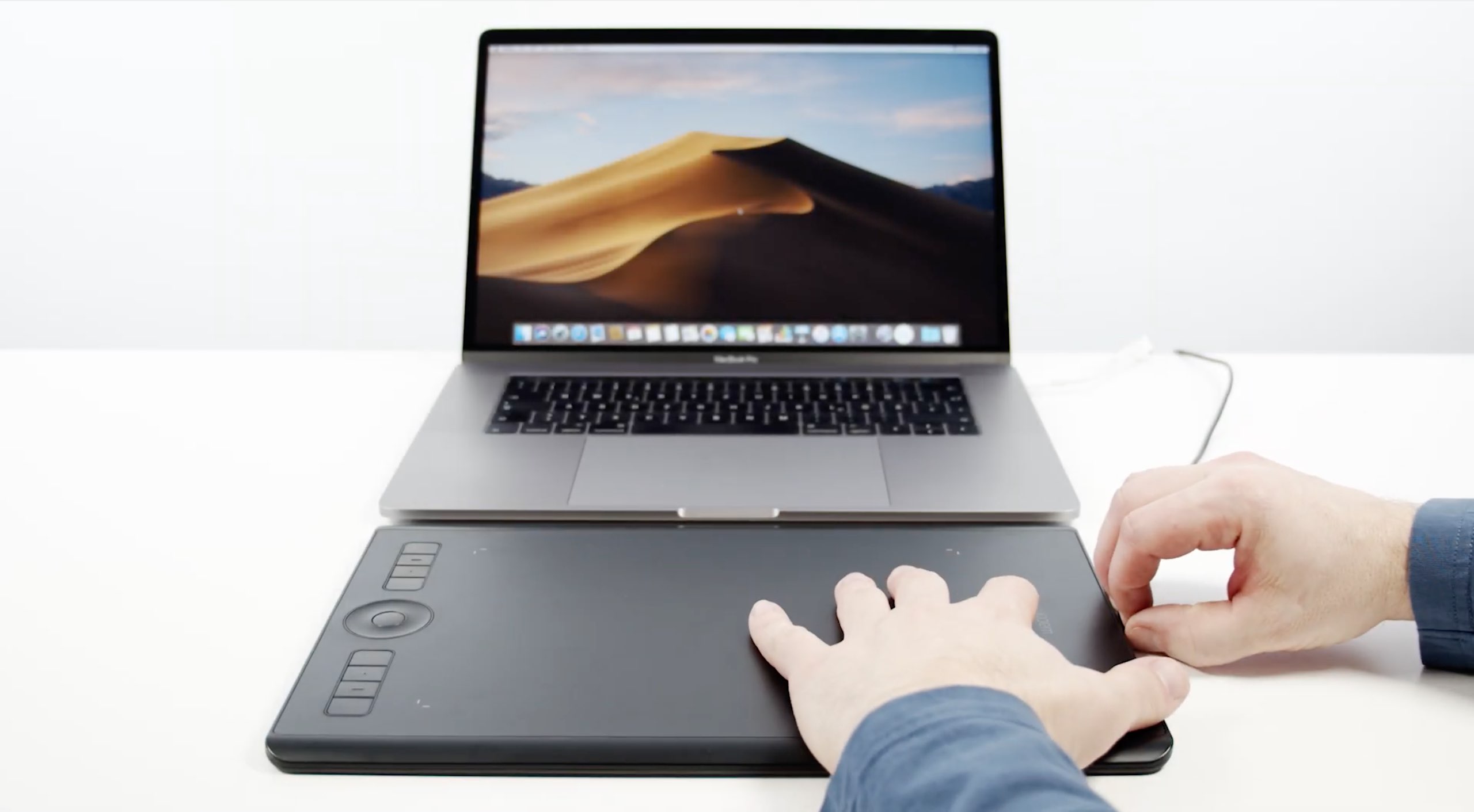
In response to last week's findings by a software developer alleging that Wacom's macOS drivers log every Mac app launched and upload the data to Google Analytics for further analysis, the graphics tablet maker yesterday issued a statement to AppleInsider apologizing for the practice and underscoring that no personal information was harvested from users.
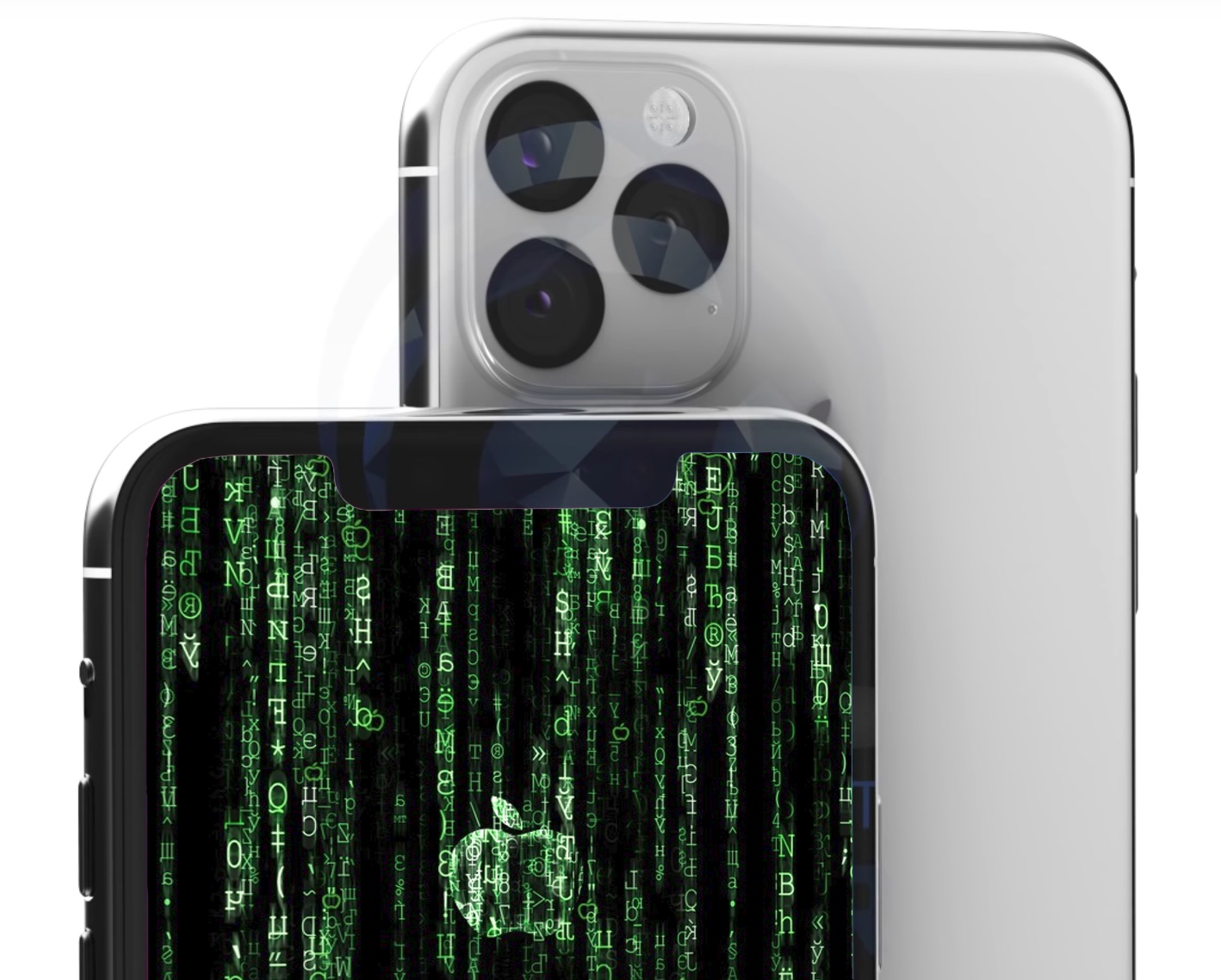
Several days ago, hacker and iOS security researcher Brandon Azad took the jailbreak community by storm when he said he would soon be releasing a new kernel exploit proof-of-concept targeting the iPhone 11 on iOS 13.3. It didn’t take long after that for unc0ver jailbreak lead developer Pwn20wnd to add that unc0ver would likely receive an update incorporating the new exploit.
The teasers have awakened a brand-new audience in the jailbreak community, namely those handling Apple’s latest handsets like the iPhone 11 and variants of the iPhone 11 Pro. But all that hype aside, Azad officially released his new kernel exploit proof of concept Friday afternoon, and he’s calling it OOB Timestamp:
Software engineer Robert Heaton discovered that Wacom's drawing tablets track the name of apps you open on your Mac along with the time and a string that could be used to identify you.

Philips Hue, arguably the most popular smart lighting system for the connected home, suffers from a nasty vulnerability that could permit bad actors to attack your whole home network.
One-time passcodes are a quick and easy way to log in to some accounts, but some Apple engineers believe it should boast a standardized format.
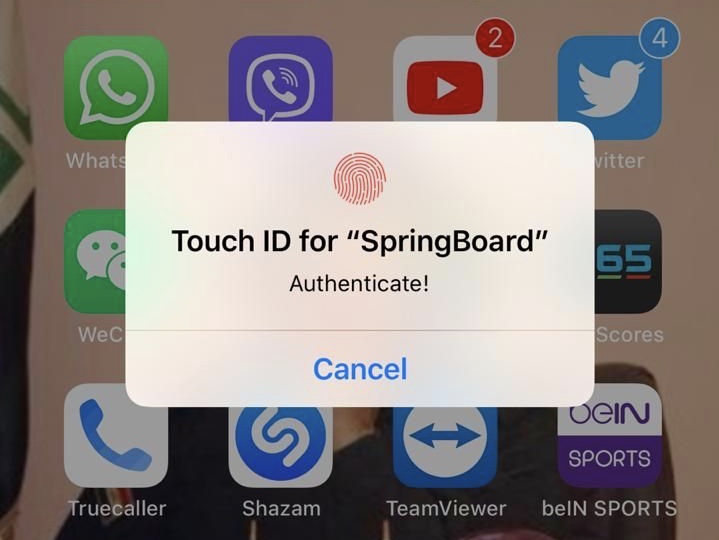
If you’re in need of augmented security for your iPhone’s apps, then a newly released jailbreak tweak dubbed LockApps by iOS developer Azozz ALFiras could be just what you need.
Just as the name implies, LockApps lets users secure apps from their Home screen by requiring some form of biometric authentication to use them. The tweak currently supports both Face ID and Touch ID, depending on what your handset comes from the factory with.
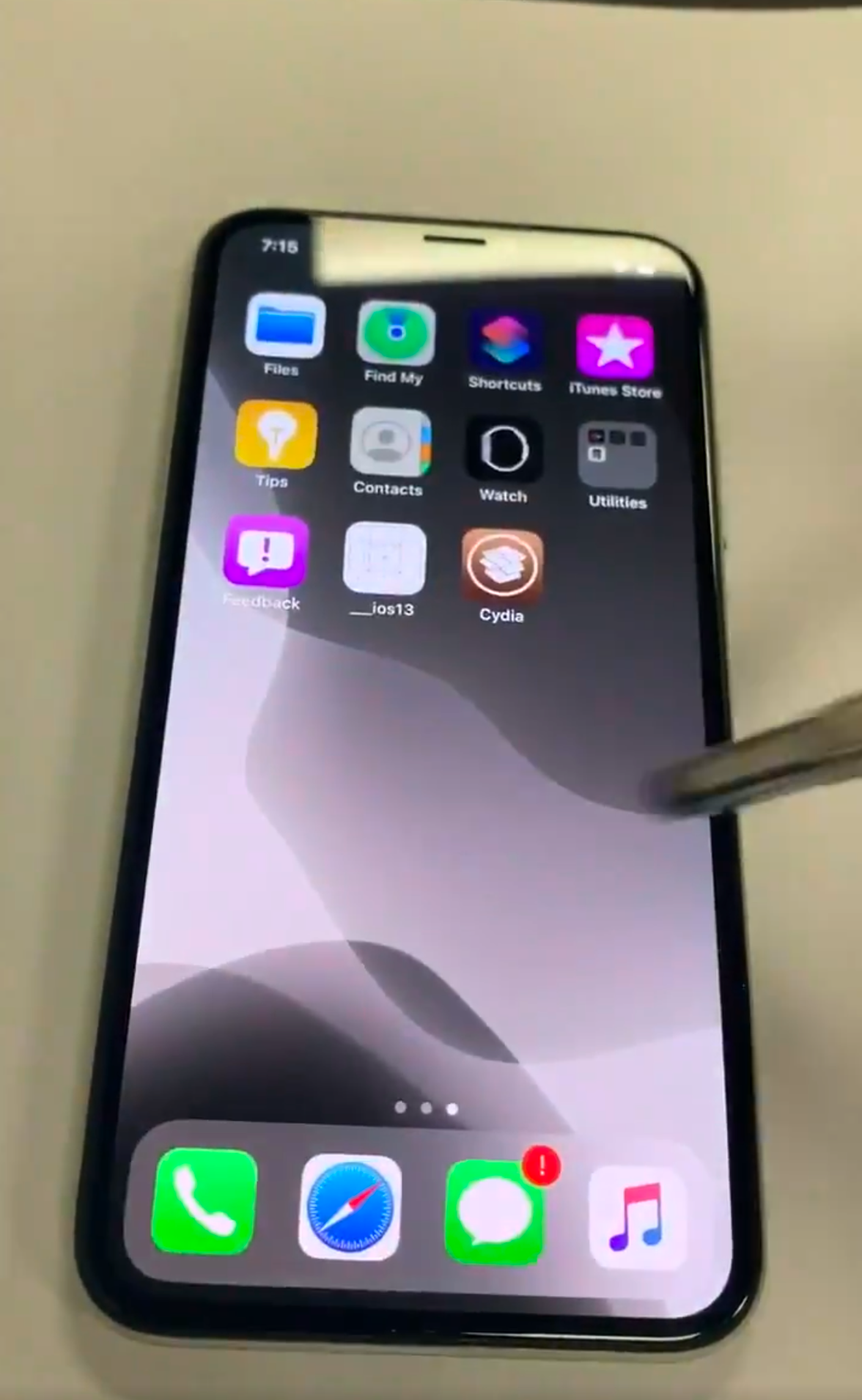
It’s no secret that the checkra1n jailbreak tool the jailbreak community by storm. But despite being unfixable by Apple, it’s still always comforting to see a newfangled jailbreak demonstration, especially when it happens on Apple’s latest firmware and when checkra1n isn’t the method of pwnage.
A Tweet with an embedded video demonstration shared Monday afternoon by Twitter user @08Tc3wBB appears to demonstrate an iPhone X on iOS 13.3.1 beta 3 being jailbroken with the assistance of an unknown side-loaded jailbreak app.
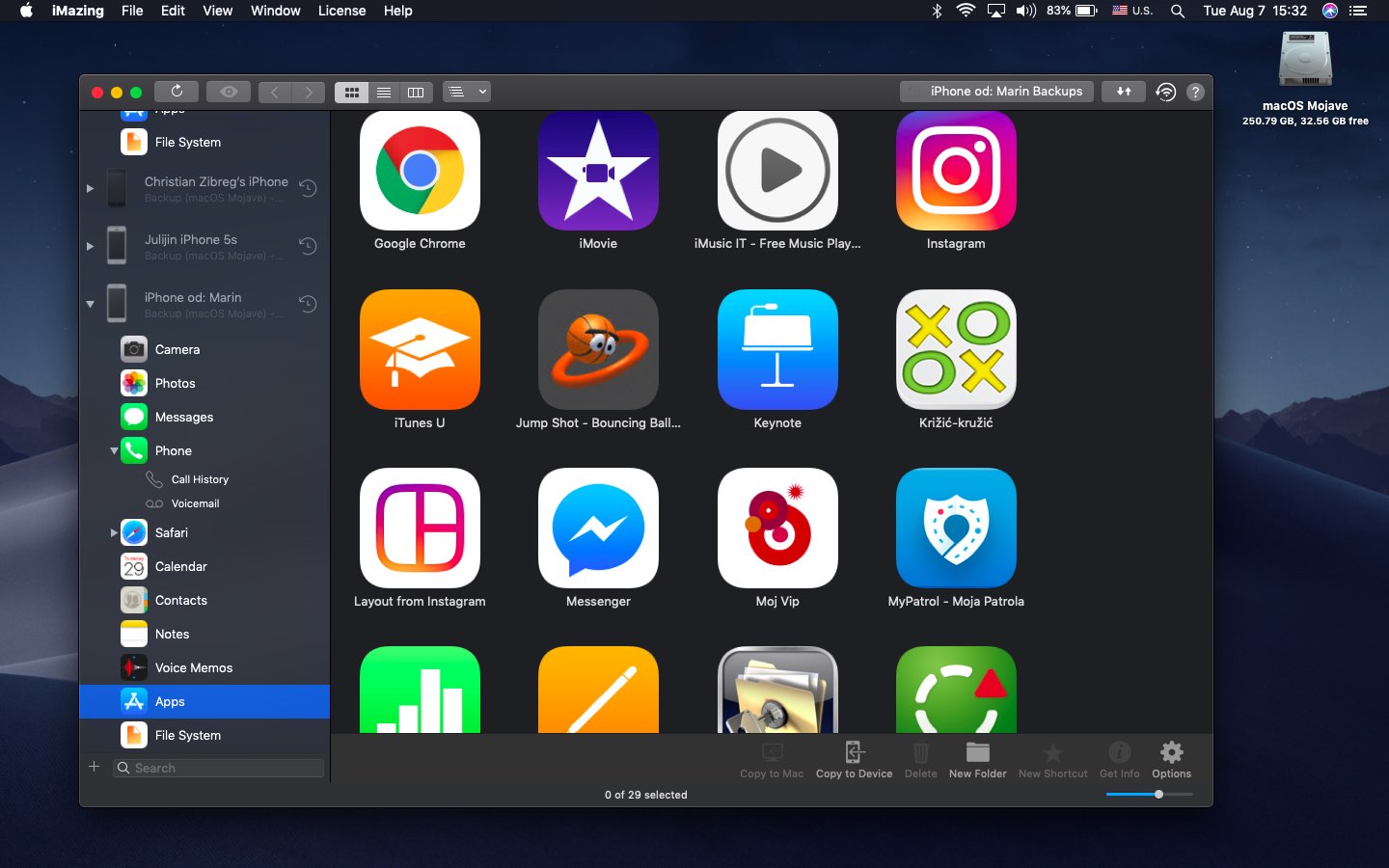
Following the revealing report by Joseph Menn for Reuters alleging that the FBI “about two years ago” pressured Apple not to encrypt iOS device backups in iCloud, many iPhone users seem unhappy with this news. As an alternative, backing up your iOS device locally using iTunes on a Mac or Windows PC (or the Finder in macOS 10.15 Catalina) lets you retain ownership over your data versus having the contents of your device uploaded to iCloud.