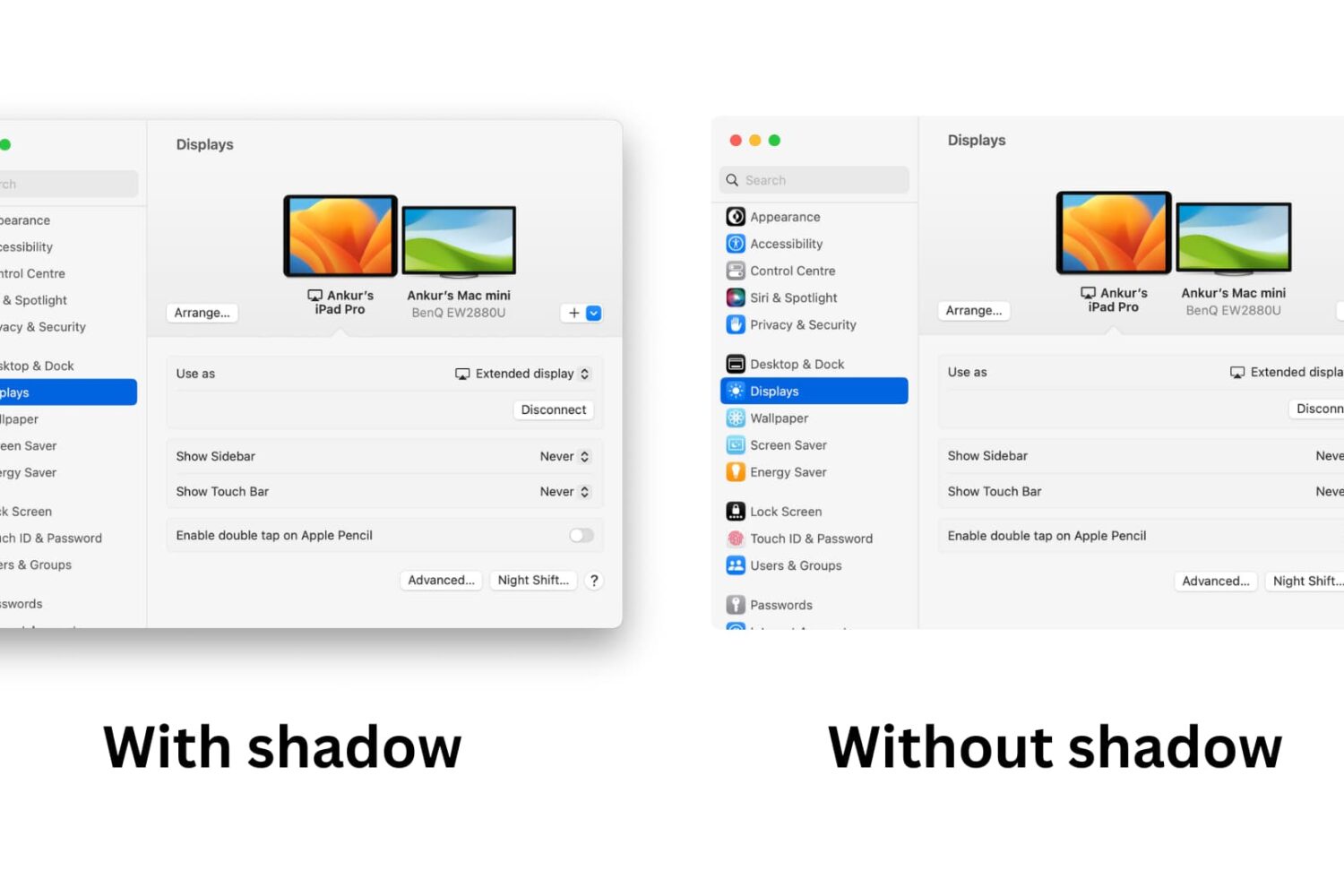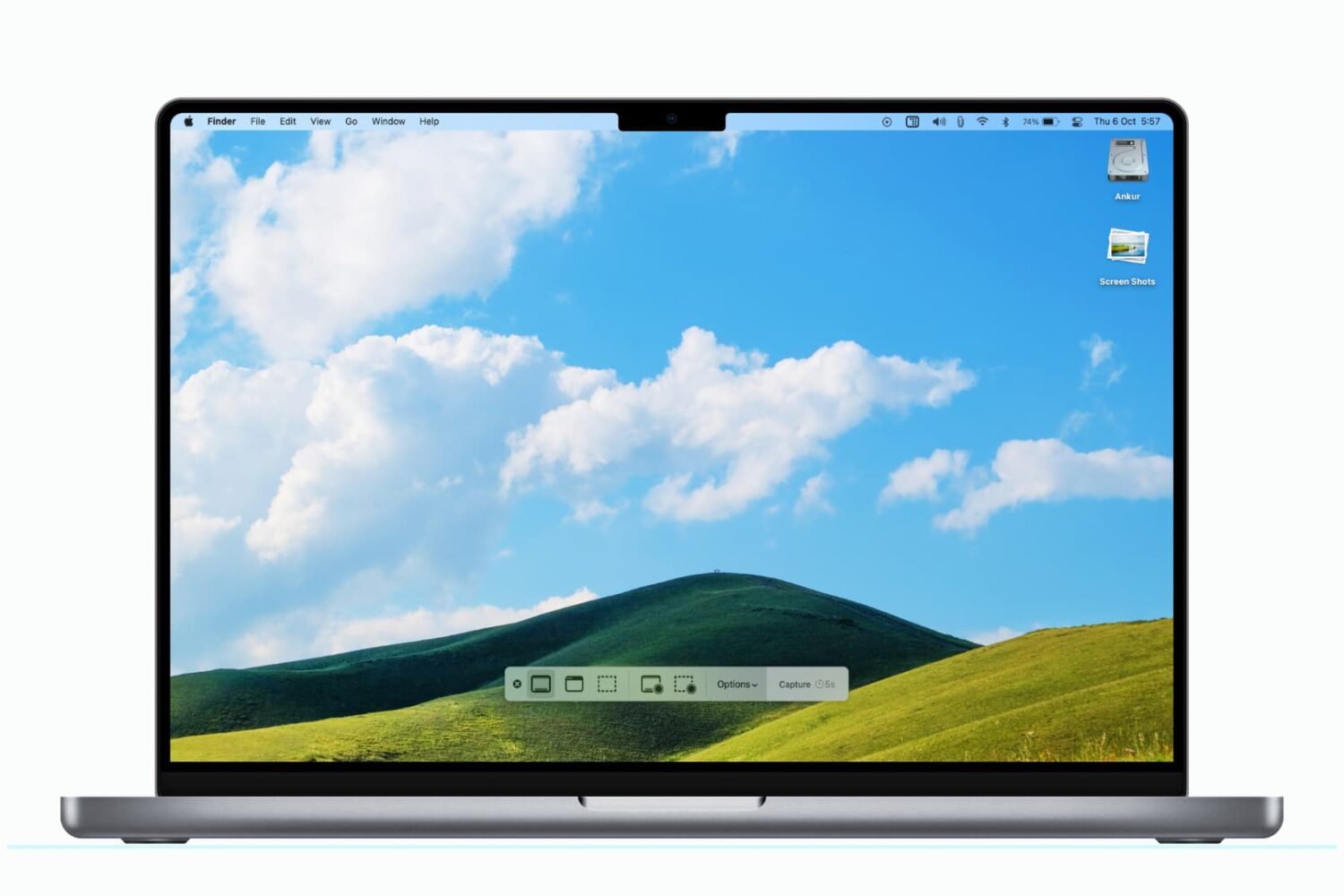
Learn how to take window screenshots on your Mac without the drop shadow effect which creates distracting extra space and white borders, resulting in a cleaner look.
How to remove the shadow effect from screenshots on Mac
Learn how to take window screenshots on your Mac without the drop shadow effect which creates distracting extra space and white borders, resulting in a cleaner look.
Learn how to change the default Mac screenshot file format in macOS from PNG to JPG or similar to save storage space and avoid manual image conversion.
Learn how to change the default location where macOS saves your screenshots to any folder on your Mac instead of piling them up on the desktop.
It’s been nearly a year since we first saw a preview of Gameloft’s Modern Combat 5, and the game has yet to see a release date. In fact, we’ve heard almost nothing about the title in the past 11 months, leading some folks to believe that the project had either been shelved or canceled.
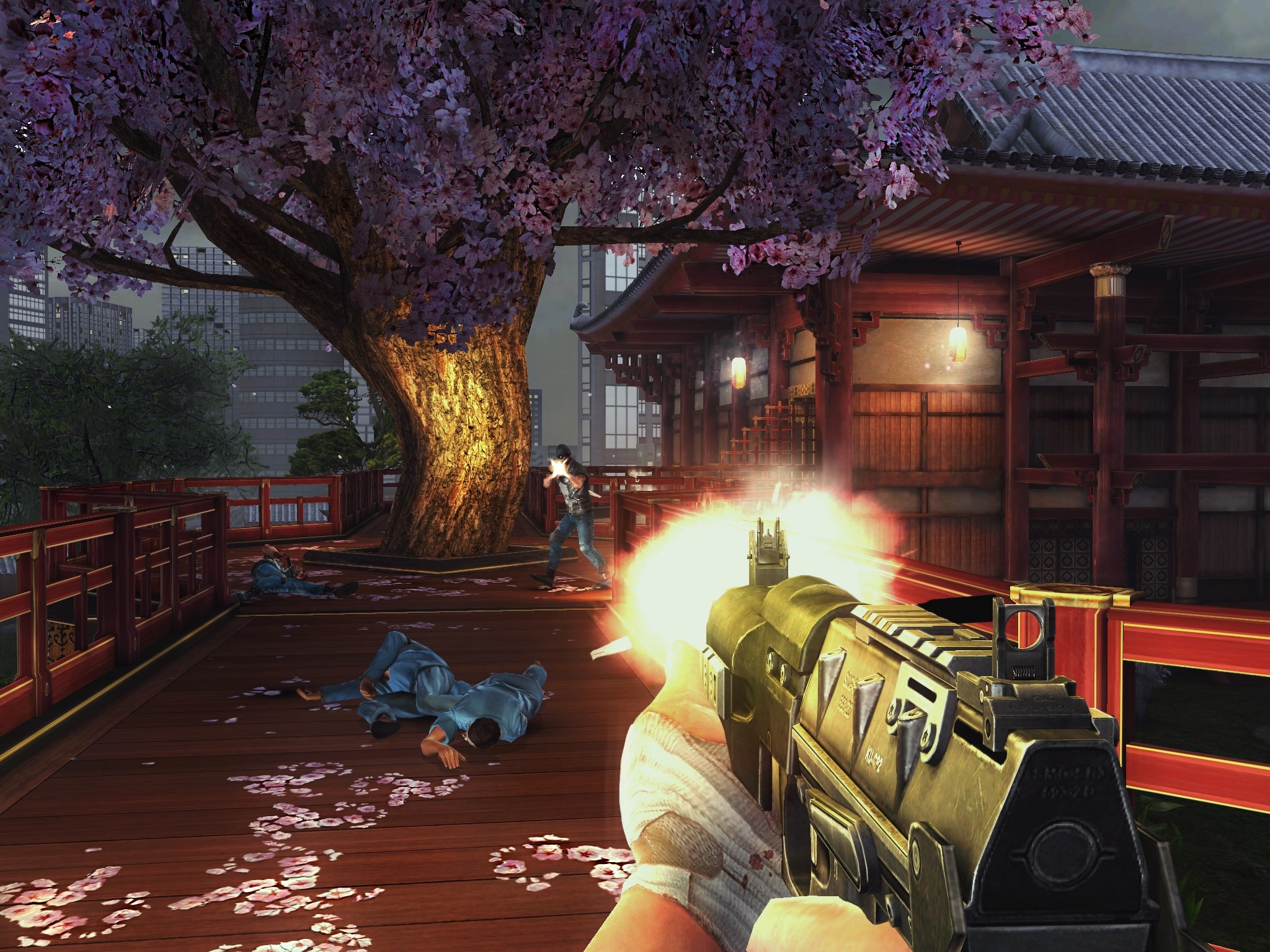
But that has certainly changed in the last few weeks. In late April, Gameloft offered up new details about the game, and a week later it broke down its new unified progression system. And today, it posted a pair of beautiful new screenshots showing Modern Combat 5 in action...
Almpoum is a jailbreak tweak for frequent screenshot takers. As you might have guessed, this is the type of tweak that bloggers, or anyone else that documents aspects of iOS, may find handy.
With Almpoum enabled, users can be prompted whenever a screenshot is attempted. The prompt contains several options—save the shot to the Photo Library, copy it to the clipboard, do both, or outright cancel the screenshot.
We've recorded a video walkthrough to showcase the different facets of Almpoum inside. Take a look after the break for all of the details.
Snapper is a recently released tweak that allows you to manually draw screenshots using your finger. It's a bit difficult to explain without actually seeing it in action, but it allows you to "cut out" screenshots and pin them on the screen as you go about your business on your iPhone.
An Activator gesture needs to be assigned to Snapper in order to invoke the tweak. Once you cut out the screenshot, you can then tap and hold on it to bring up a screenshot management sheet. This sheet allows you to save the screenshot, close the screenshot, copy it, or use a combination of those commands.
To help better explain how Snapper works, we've created a video walkthrough. Have a look inside to learn more.
ScreenshotShareSheet is a brand new jailbreak tweak that allows you to share screenshots using iOS' standard sharing sheet. The tweak also features "Open in" support for opening screenshots within 3rd party applications.
If you're someone like me who takes tons of screenshots on a daily basis, then ScreenshotShareSheet might be a good tweak for you. Have a look at our full video walkthrough inside for all of the details.
ClipShot is a jailbreak tweak that was just released today. It allows you to save screenshots to your iPhone's camera roll, clipboard, or both.
If you're anything like me, and you take tons of screenshots every single day, then ClipShot may be worth investigating. It's not perfect at this point, as it does have some bugs, but it also shows loads of promise. Take a look at our video walkthrough inside for more information.
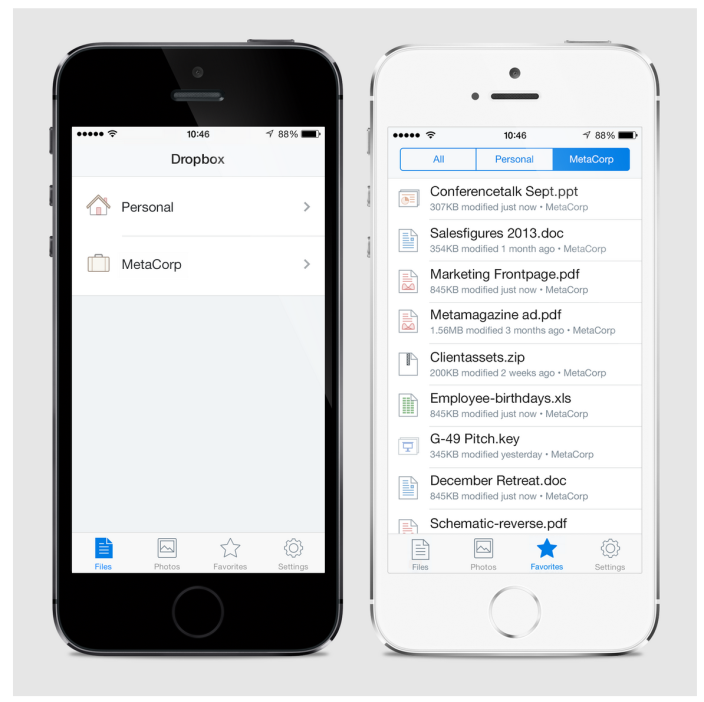
Good news today for all of you Dropbox users. The long-awaited iOS 7 redesign for the storage service's iPhone and iPad client appears to be nearing completion. The company snuck the above screenshots into a new blog post today.
Apparently, there are some big things brewing at Dropbox, including some big upcoming changes for its 'Dropbox for Business' enterprise offering. The service has been completely rebuilt for business. But anyway, about this redesign...
iOS 7 Beta 2 brought with it an unintended consequence of messing up apps like Snapchat.
Specifically, as Snapchat requires a finger on the screen to hold the photo open while viewing it, the program would no longer close the photo viewing screen upon taking a screenshot.
Even worse, Snapchat couldn't actually detect that the user took a screenshot of a sent photo, possibly creating a huge privacy concern.
With today's release of iOS 7 Beta 4, Apple has introduced a brand new API to let third-party apps be notified when the user takes a screenshot, in order to respond accordingly...
There's been a lot of talk over the past 24 hours about the many changes in beta 2 of iOS 7. Apple seeded the update to developers yesterday morning, and there's already been a number of new features and enhancements discovered.
But tonight an alteration was uncovered in the firmware that's been around since the first release. It's not clear yet whether it's by accident or design, but something in iOS 7 has broken the screenshot detection in apps like Snapchat...
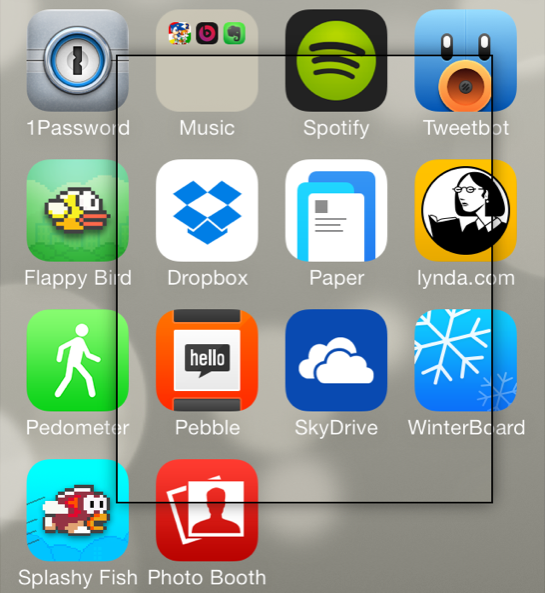
If you're someone who's often taking screenshots on your iOS device, then boy, do I have a new jailbreak tweak for you. ScreenshotPlus is an extremely handy jailbreak tweak that allows end users to pre-crop screenshots prior to taking them.
The tweak is enabled using a standard Activator gesture, which brings up an overlay on the screen. The overlay features drag handles that can be used to adjust the dimensions of the screenshot in question. For those of you who want to get exact dimensions, there's a dimensions readout right below the screenshot area, and next to the button used for taking the screenshot.
Needless to say, this is a tool that can be very time saving if you take a lot of screenshots on your iOS device. Take a look at our video walkthrough inside for more information.