Screenshot

How to have iOS screenshots automagically appear in your Mac’s Finder

I've always loved the simplified iOS approach to screenshot taking just by pressing the power and home button simultaneously. This oft-used feature works in absolutely any app and, as an added bonus, iOS stores my screenies in the Camera Roll as crisp, lossless PNG files.

An indispensable part of my daily blogging workflow, I grab app graphics on a daily basis for use in reviews, news articles and guides such as this one. The old-school approach to syncing iOS screenshots (along with your photos) entails connecting your device to a Mac or PC via USB. But if you're anything like me, you've long cut the cord to enjoy the benefits of wireless sync.

Now, iCloud makes photo sync a no-brainer: that is, unless the very thought of firing up iPhoto or Aperture on your Mac just to access your Photo Stream drives you nuts.

There must be a better way to bypass these resource-intensive apps and have the screenshots taken on your iPhone, iPad or iPod touch automagically appear just a mouse click away in your Mac's Finder. Read on for the full breakdown...

Screenshot Frame Maker makes iOS devices screen grabs easy and pretty

As a blogger, I often use screenshots to show my readers what I am reviewing, seeing, or experiencing. When words cannot accurately portray a picture, or when I don't want to write 1,000 words to describe something, the image is the best way. Taking a screen grab and tossing it into an article is all well and good, but adding the hardware frame around the image adds a nice touch, even a little flare, to the otherwise simple image.

Neoos specializes in mobile information technology with the goal to create simple applications to simplify complex tasks. As a caveat, Neoos is the company behind Doodle.com, a 10 million user per month service to simplify meeting schedules. Their new offering, Screenshot - Frame Maker, is a universal iOS app that simplifies the process implanting a grab into an iDevice hardware frame...

Spiffy up iOS screenshots with Screentaker for Mac

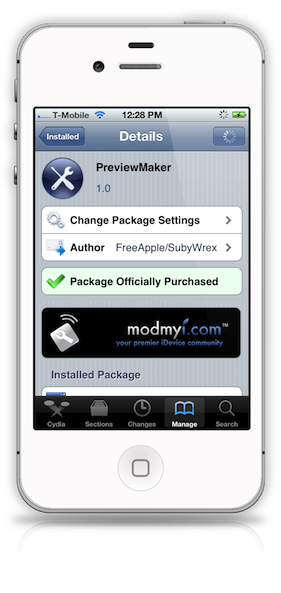
A while back we brought you a look at Preview Maker — a jailbreak app that allows you to doctor up your screenshots with the body of the iPhone.

That app continues to work well, but what if your device isn't jailbroken? Of course, you can always fire up Photoshop, but there is a much faster alternative, and it's dedicated to making your iOS screenshots look better.

Screentaker is the solution to that problem. It's a Mac app that has been available for some time now; perhaps you already use it? At any rate, it continues to be one of the simplest methods for dressing up iOS screenshots, making them look more professional.

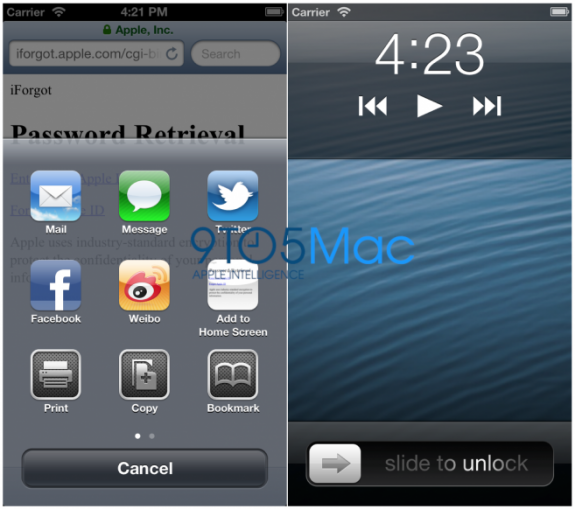
This is what apps will look like on rumored 4-inch iPhone

For months, rumors have been bouncing around that Apple was finally going to give its iPhone a larger display this fall. And these rumors have been all-but-confirmed by industry insiders and claimed leaked components.

Then earlier this week, it was reaffirmed when it was discovered that iOS 6 is capable of running on such a display, at a resolution of 640 x 1136. And we've got some images of what apps will look like if the speculation holds true...

Doctor up screenshots with PreviewMaker

If you're looking to create awesome screenshots of your iPhone, you have a few options. You can either fire up something like Photoshop, or you can use a tool like Screentaker, which allows you to encapsulate your screenshots in an iPhone, or iPad frame.

Screenshots mated with the device from which they were taken, portrays a much more professional look in my opinion, and you'd be hard pressed to find an easier way to do this, than with PreviewMaker...

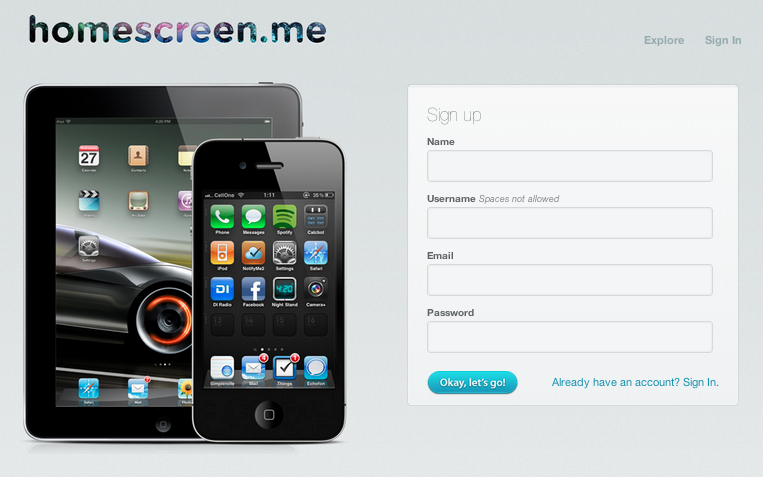
Homescreen.me lets you share your iOS device setup with the world

The stock Home screen in iOS looks pretty boring. Luckily, jailbreaking can change that. It opens the door to a whole world of customization, including tweaks, icon packages and tons of other theming possibilities.

And if you like customizing your device, and want to share your iPad or iPhone setup with the world, there's a new service that lets you do that. Homescreen.me finally came out of private beta this week...

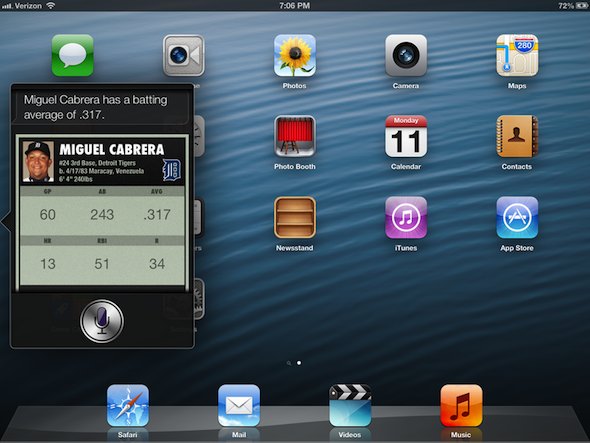
This is what Siri looks like on the new iPad

Since Apple introduced Siri last fall, folks have been going through great lengths to install it on other devices. But Apple has continued to keep the feature exclusive to the iPhone 4S. Until now, that is.

Along with a number of other Siri-related announcements this morning, Apple announced that iOS 6 would be bringing the digital assistant to the latest iPad. So you know iDB had to go hands-on...

Sparrow is Ready to Fly Onto Your iPhone, Here’s a Teaser Image

The folks at Sparrow make one of the slickest email apps for the Mac around. You can buy Sparrow for Gmail in the Mac App Store for $9.99. The app looks and feels a whole lot like the official Twitter app and the deceased Tweetie client.

A report from months agosaid that Sparrow was coming to the iPhone, and the app's developers have posted a teaser image to whet our appetites...

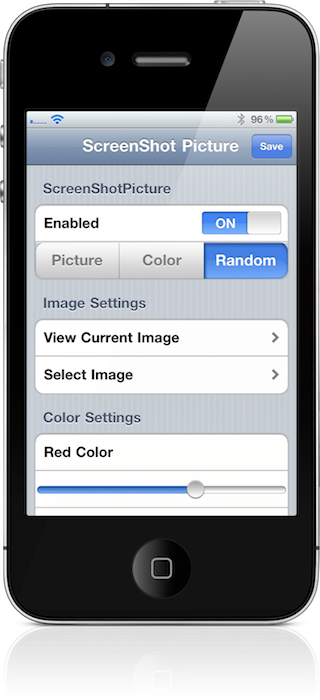
Screenshot Picture: Add Photos to Your iPhone’s Screenshot Flash

You know that boring old white flash that appears on your iPhone's screen when you're taking a screenshot? Wouldn't it be nice if there was an option to spruce that up a bit?

Likely, that's the exact conversation the developer of Screenshot Picture had with himself as he was conceptualizing it.

Inside, you'll find a video walkthrough on this tweak, and learn how to make your screenshot taking experience a tad more interesting...

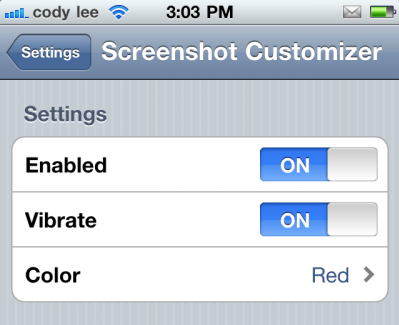
Screenshot Customizer: Add Colors and Patterns to Your Screenshot Flash

Jailbreaking your iDevice gives you the ability to customize it beyond your wildest dreams. Not only are there themes and icon packages that can change the look and feel of iOS, there are also tweaks available.

And if you really have an appetite for customizing, this next utility might just make your day. Now you can personalize something I'm willing to bet you would have never thought of, your screenshots...