Learn how to set any bookmarks folder as the location where Safari saves webpages you have marked as favorites on your iPhone, iPad, or Mac.
How to choose where Favorites are saved in Safari

Learn how to set any bookmarks folder as the location where Safari saves webpages you have marked as favorites on your iPhone, iPad, or Mac.

Safari on the iPhone, iPod touch and iPad allows you to post article links to social media and share them through third-party apps that have implemented support for iOS's multi-purpose Share sheet.
But sharing a link won't cut it were you to send the full text of the article in an email message. Selecting everything on a webpage and pasting into Mail isn't the best of solutions because all of the images and other non-related webpage elements get carried over, resulting in a messy email.
Thankfully, there's a better way to accomplish such a seemingly simple task. In this tutorial, we're going to discuss emailing the full, richly formatted text of an article in Safari, without all the clutter.

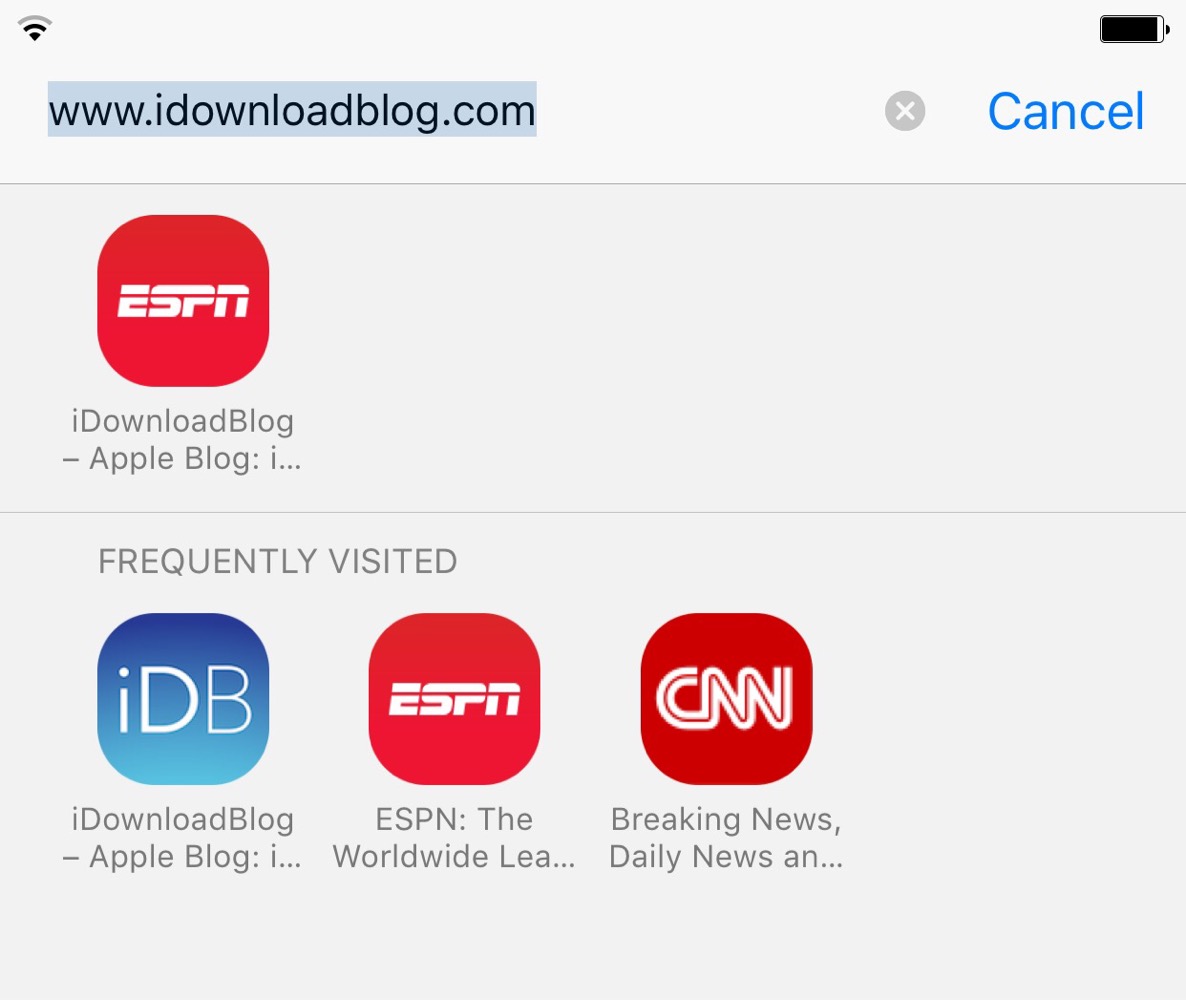
Safari Start Page, which is the first screen you see when you open Apple's web browser, has a section called Frequently Visited. Under this, you'll see websites you often open on your iPhone, iPad, or Mac. However, for privacy and other reasons, you may want to avoid seeing a list of frequently visited websites every time you open Safari or tap the address field.
In this quick tutorial, we'll show you how to stop frequently visited sites from showing up in Safari.
Safari, one of the most popular stock applications on your iPhone, iPod touch and iPad, has gotten some sweet 3D Touch love in iOS.
If you own an iPhone 7 or later, you can Peek and Pop web links, bookmarks, Shared Links and Reading List items, enter Safari's private-browsing mode or open new tabs right from the Home screen, and then some more.
In this post, we'll take you through the nine ways you can use 3D Touch in Safari to browse the web faster and access popular features with fewer taps than without it.
Developer Chikuwa has released several new jailbreak tweaks all squarely aimed at modifying the Safari experience. The first tweak of Chikuwa's we covered was FirstEditBookmark. That's a tweak that allows you to edit bookmarks URLs in Safari as you're adding them.
The remaining three tweaks are more visually-oriented. As such, I thought that it would be appropriate to showcase all three in the post that follows.
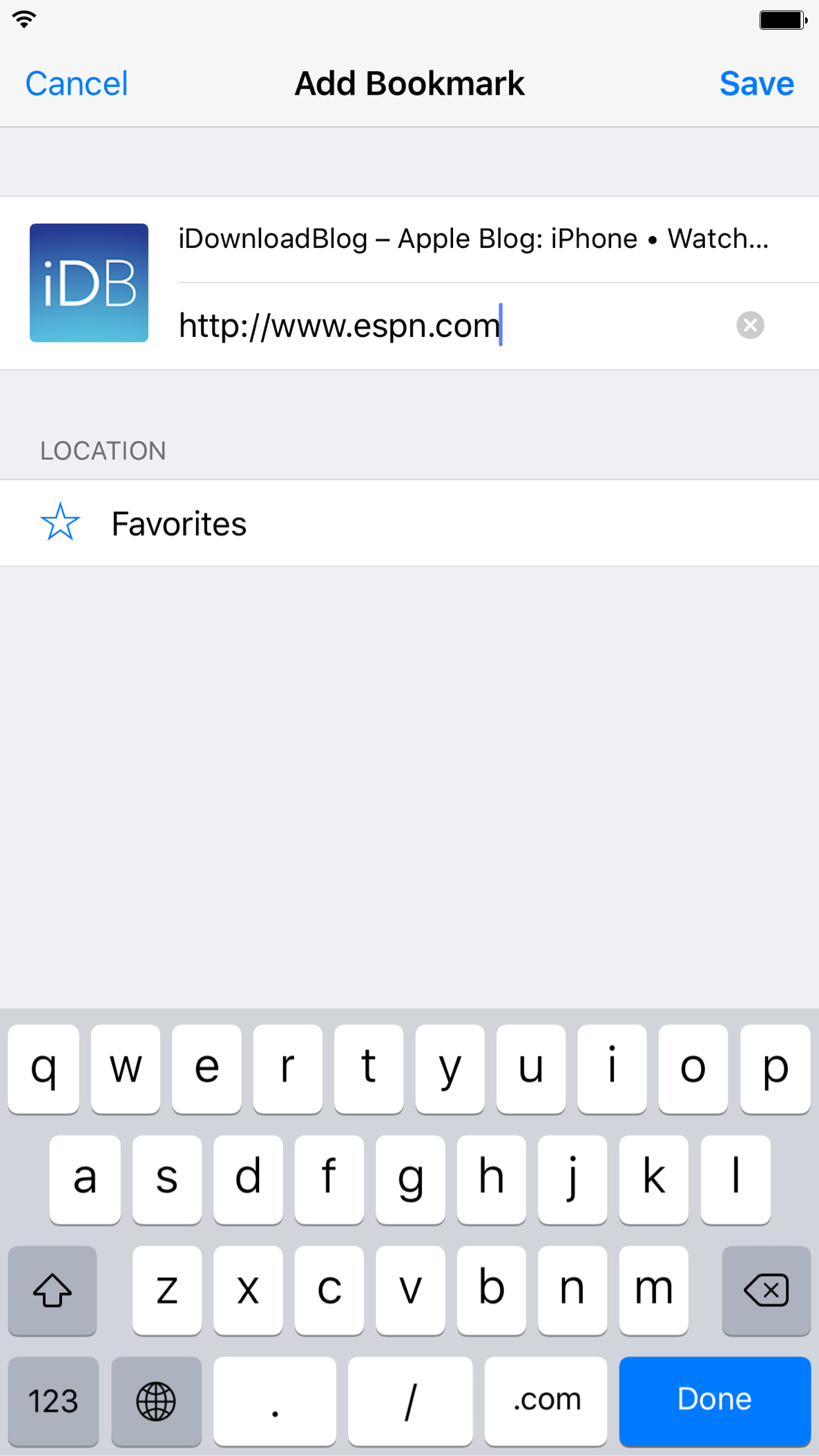
I've always found it to be a bit odd that you have to save a bookmark before you're able to edit its URL. It's odd to me because the URL is displayed as you're adding the bookmark, so it's not like you'd have to jump through extra steps to edit the URL like you might on the desktop version of Safari.
FirstEditBookmark is a new jailbreak tweak that solves this issue. It allows you to edit the URL of a bookmark prior to saving it to your favorites.
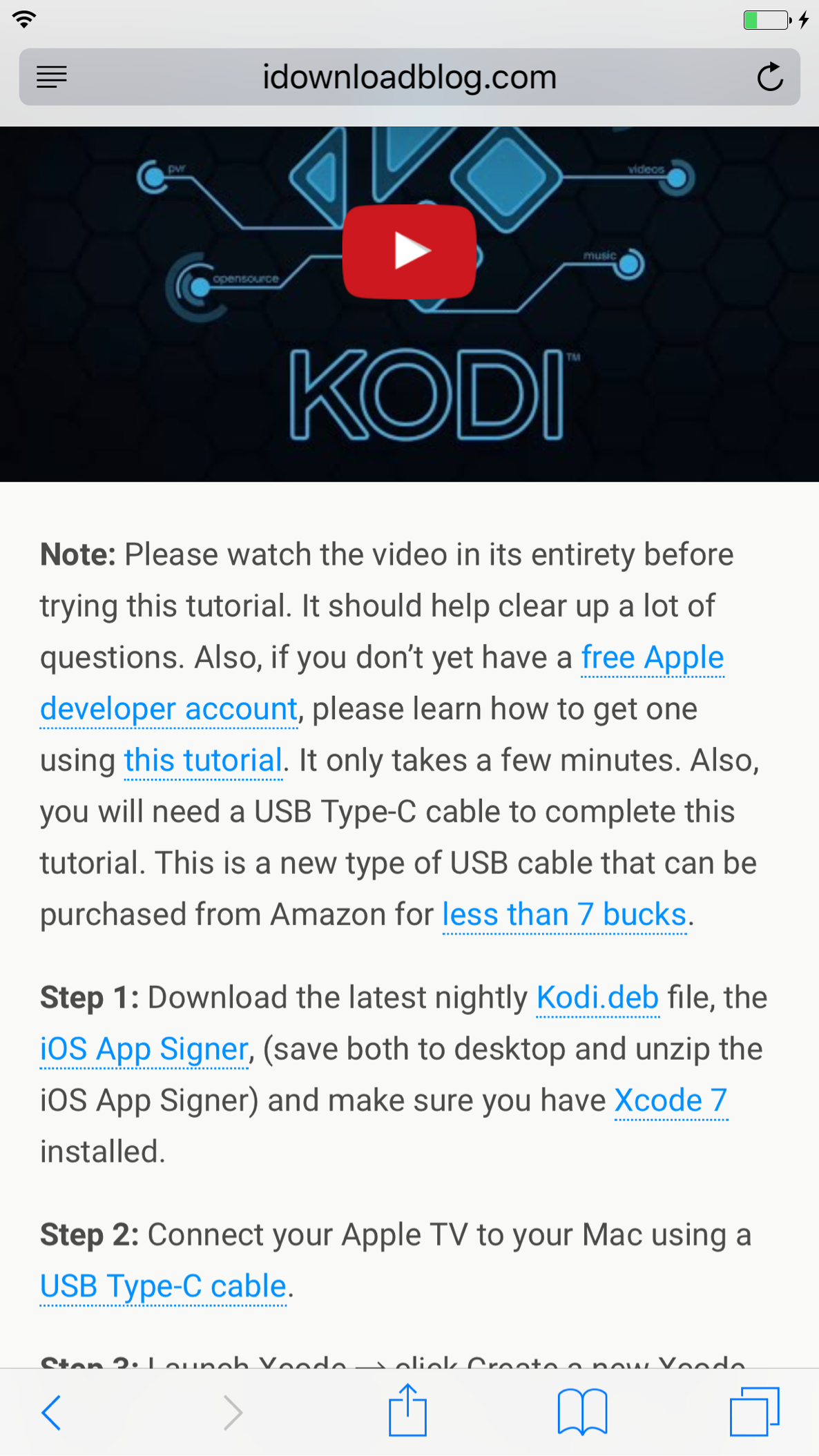
SafariBeBetter might not be a tweak that's big on grammar, but it provides a few subtle changes to the Safari browsing experience in an effort to improve things for the better. The changes won't necessarily be changes that everyone will agree with, but I found the tweak to provide enough thoughtful enhancements to make it worth trying.
In all, SafariBeBetter enables three changes for the stock Safari browser. There's the ability to Autohide bookmarks, show a complete web page URL, and change autohide settings for the address and navigation bars. Check out the rest of this post for a deeper explanation of what makes SafariBeBetter tick.

Sidefari, an app best know for allowing iPad users to view two Safari windows side by side using Split View, has received a noteworthy update that brings the app to the iPhone. Obviously, the iPhone doesn't support Split View, but the update brings on-demand modal Safari View Controller support to the small screen.
What benefit is this? Well, not all apps have built in support for Safari View Controller. Instead, they rely on their own built-in browser for viewing web content. Not only does this result in an inconsistent experience, but app-based browsers lack such features as keychain access, content blocker access, and more.
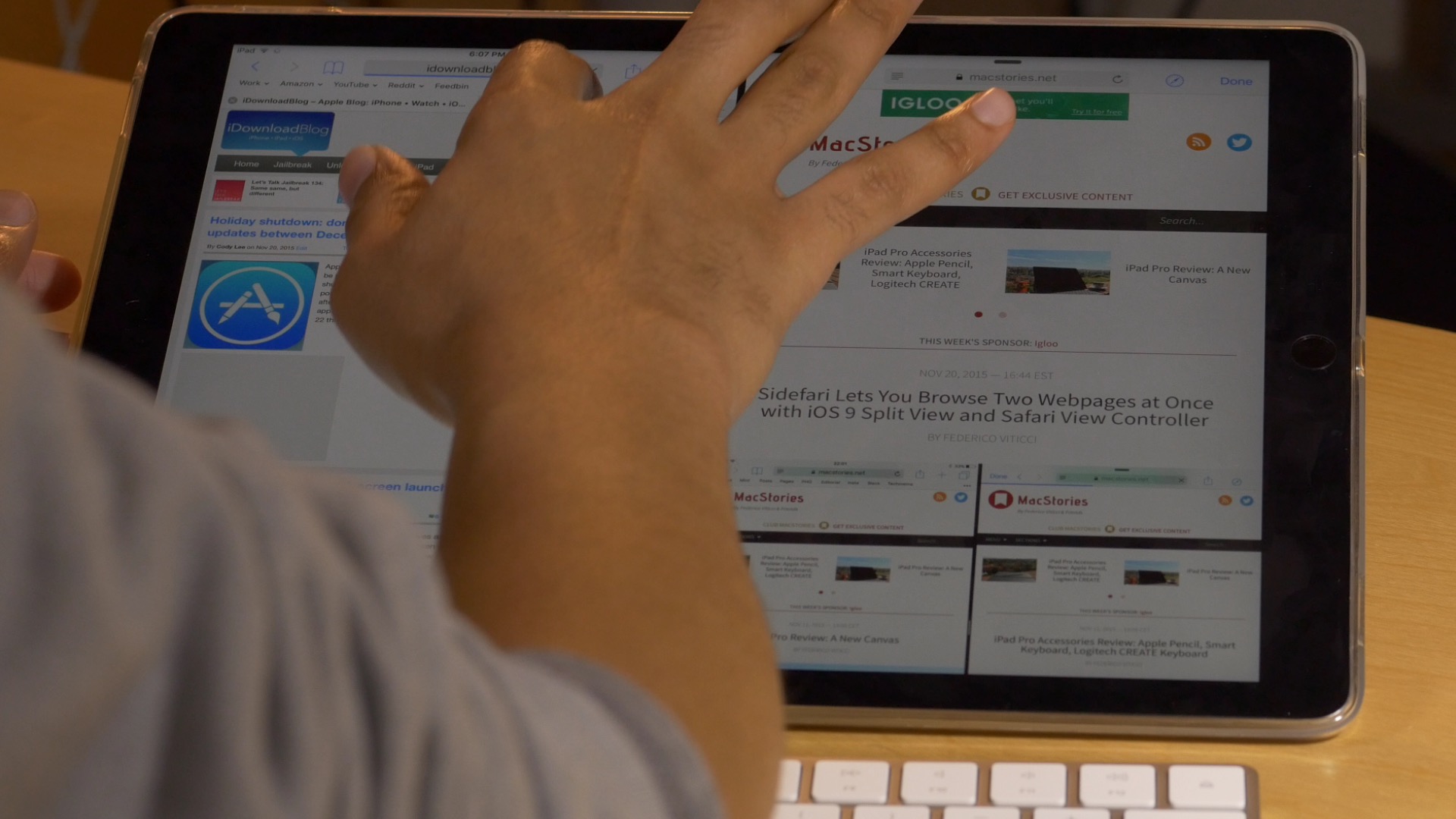
Sidefari, an App Store app first brought to my attention by MacStories, is a release that allows you to view two Safari windows side by side by means of some clever use of iOS 9's Safari View Controller.
The app, which is available for purchase for only $0.99, comes courtesy of developer Franscico Cantu. Just made available today, Sidefari can come in handy for any user with an iPad that's capable of Split View, but will be something that is most appreciated by iPad Pro owners.

BrowserBreadcrumbCleanup is an awkwardly named, but very useful jailbreak tweak that helps you keep your open Safari tabs to a minimum when using back-to-app breadcrumb links.
Normally, when you tap the back-to-app breadcrumb link in the status bar, you're shipped back to the original app, but the Safari tab stays opened. With BrowserBreadcrumbCleanup installed, Safari tabs are automatically closed when venturing back to the original app. Watch our video walkthrough for an explanation.
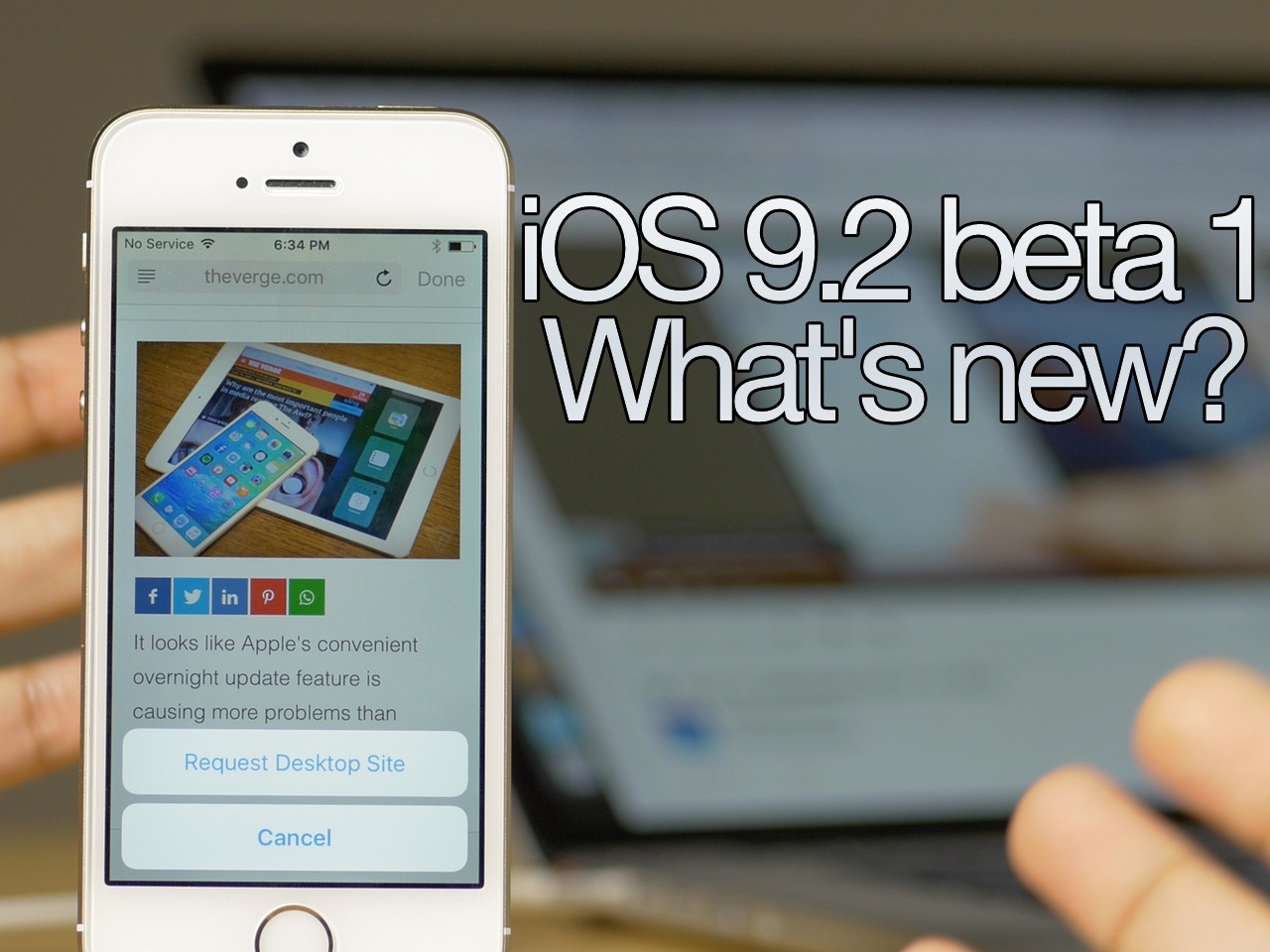
Yesterday, Apple released iOS 9.2 beta 1 to developers. As we explained, the update ushered in a couple of new features to iOS 9's Safari View Controller.
In iOS 9.2 beta 1, Safari View Controller gets a bit more powerful. It now has the ability to request a desktop site directly from the view controller, disable content blockers, and it can interface with Action Extensions, such as the 1Password extension.
In the video that follows, I showcase both new features, and compare them with an older version of iOS 9.

Apple has released the first beta for iOS 9.2. The beta, which is accessible via Apple's developer center, comes in at build 13C5055d.
Unlike some of Apple's more recent beta releases, iOS 9.2 beta 1 includes iOS SDK Release Notes! This beta release is focused primarily on the new iOS 9 technology, Safari View Controller, making it more like standalone Safari. Check out the rest of this post to see what the new beta includes.