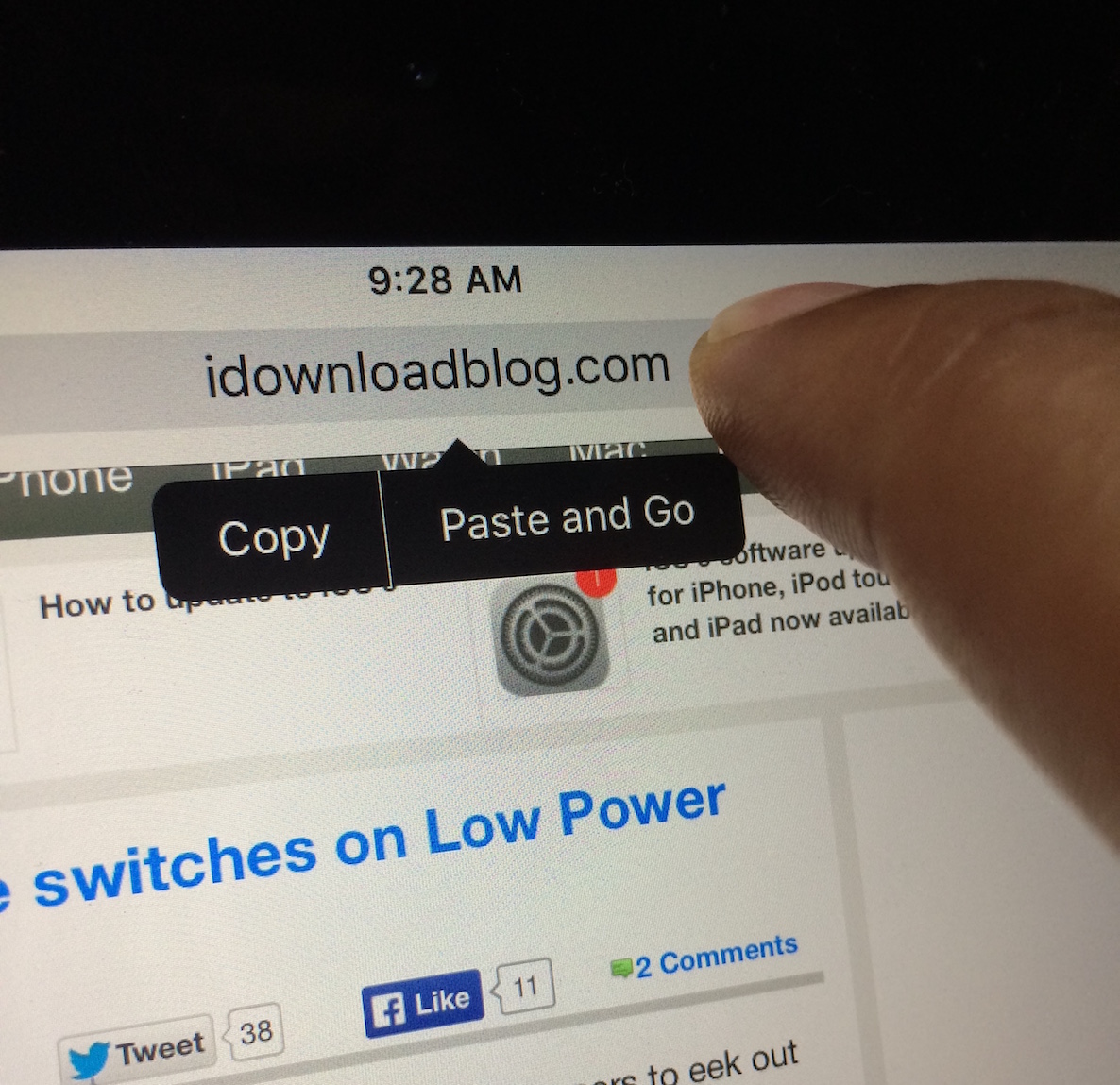
Learn how to load the computer version of a website in Safari on your iPhone or iPad and switch back to mobile view if needed.
How to visit the desktop version of a website in Safari on iPhone
Learn how to load the computer version of a website in Safari on your iPhone or iPad and switch back to mobile view if needed.
BetterTouchTool is a free Mac utility that allows you to supercharge your Mac's trackpad gestures. There are literally hundreds of uses for an app like this, but I'd like to share with you one particular use case scenario that I find extremely useful.
I've set up BetterTouchTool to allow my MacBook's trackpad to quickly cycle through all of my open tabs in Safari using a simple two-finger gesture. Have a look at our full demonstration video and tutorial for all of the details.
Find out how to use your Mac’s trackpad to quickly preview a website link in a small pop-up Safari window.
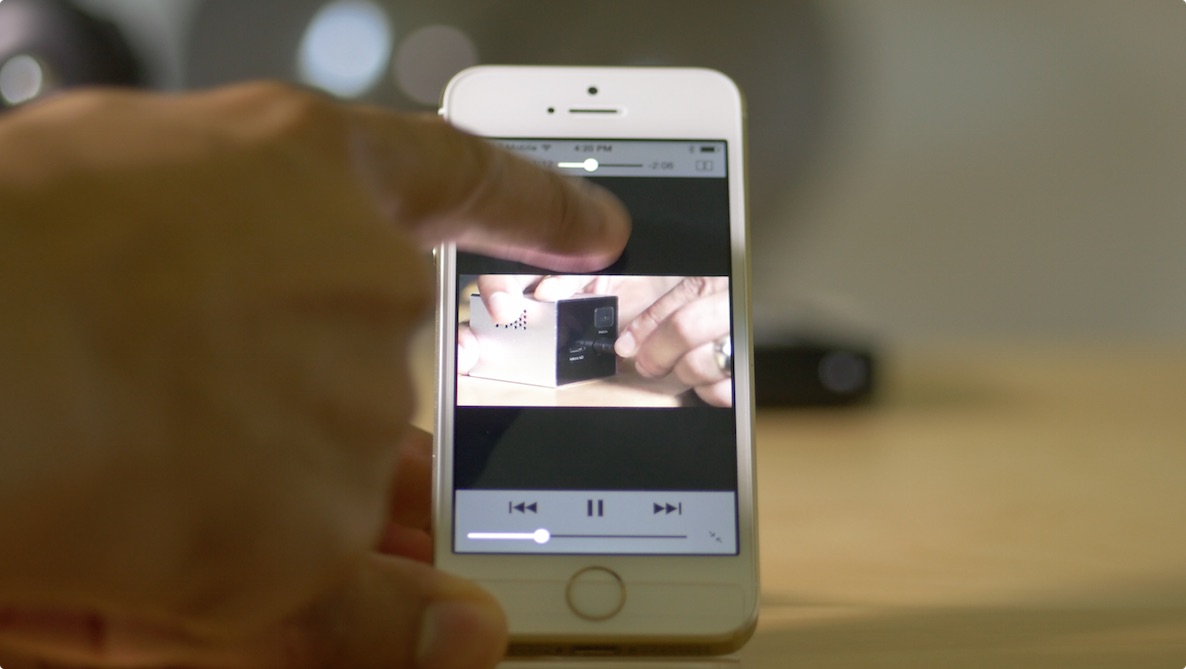
QuickSwipe is a new tweak that brings swipe to dismiss functionality to videos playing in mobile Safari. The tweak is extremely simple and focused, contains no preferences, and is good to go upon installation.
After respring, begin playing a video in Safari and perform a swipe down gesture to dismiss the video and go back to the browser. If you find it annoying to have to tap the "Done" button to close a full screen video, then QuickSwipe is a tweak that you may enjoy using.
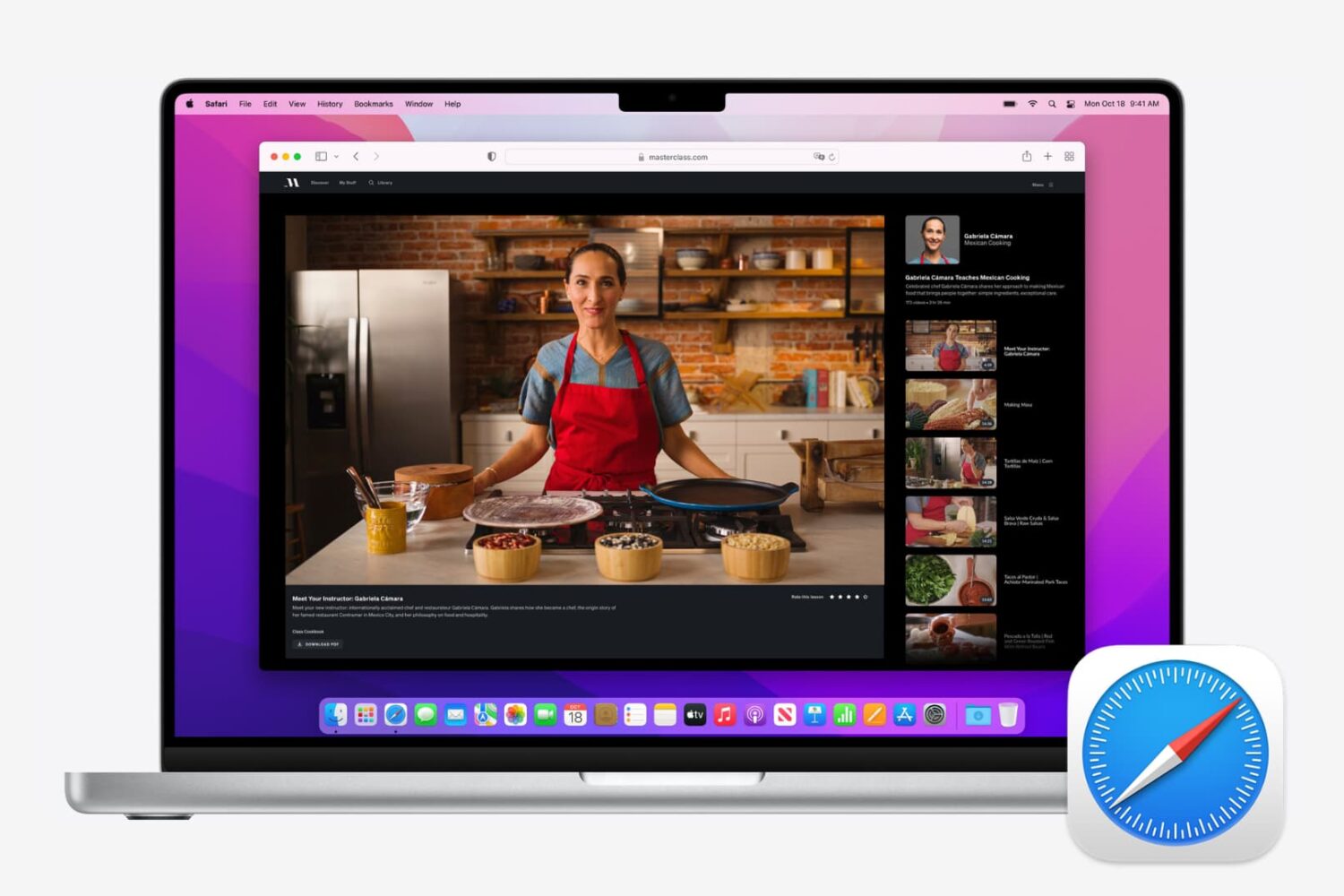
If you use Safari as your full-time browser on Mac, then you should learn some of the most important keyboard shortcuts to supercharge your workflow. In this post, we share a dozen must-have Safari shortcuts to power up your browsing experience.
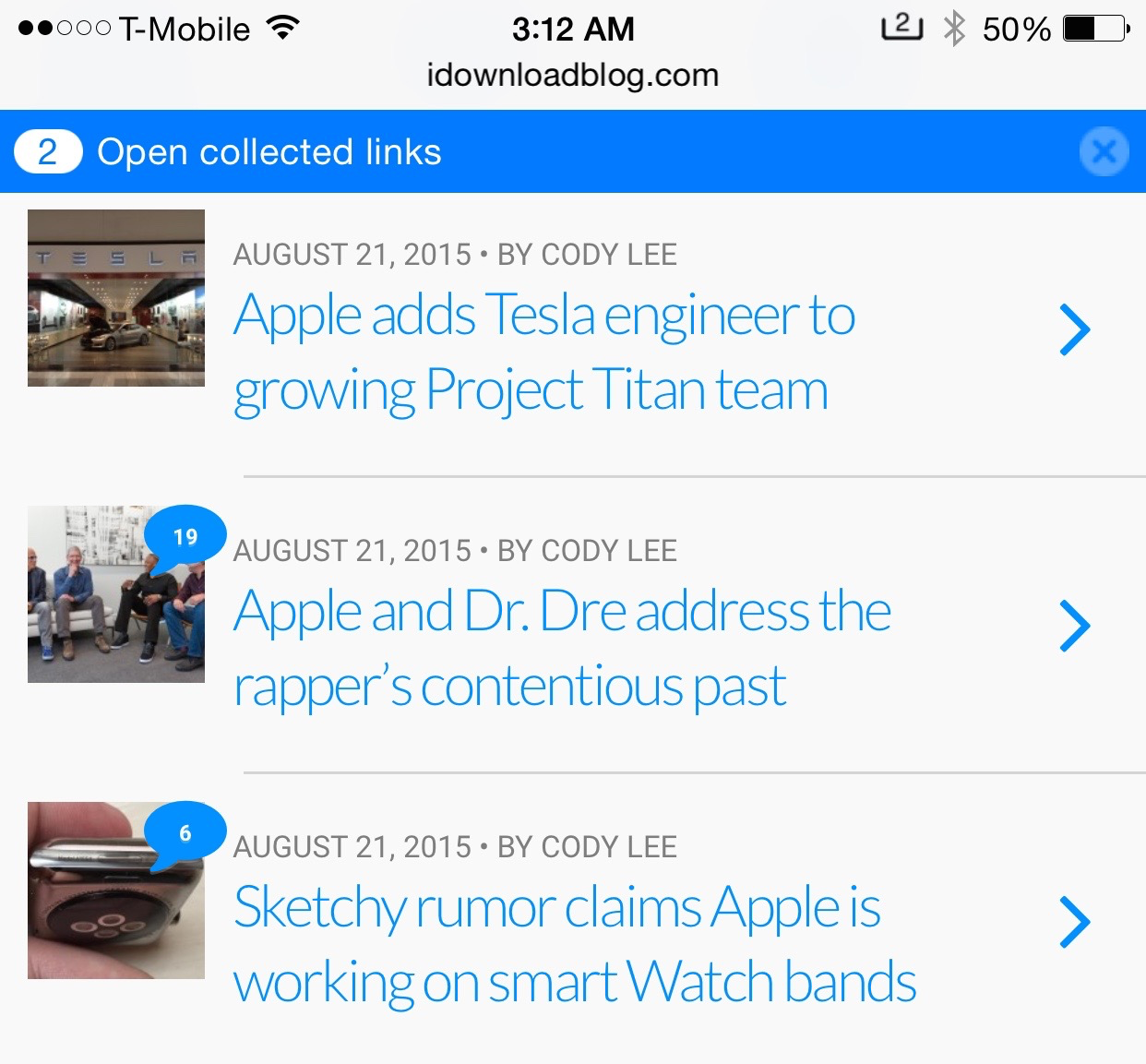
LinkCollector is a brand new jailbreak tweak that allows you to collect multiple links, and open them at your leisure all at once. Instead of opening the links that you collect immediately, you can simply defer them.
When you attempt to open a Safari link from another app, you'll get a banner notification that informs you that a link has been collected. You can tap the banner to open the link immediately, or you can let the banner timeout, and open the link(s) when you visit Safari later.
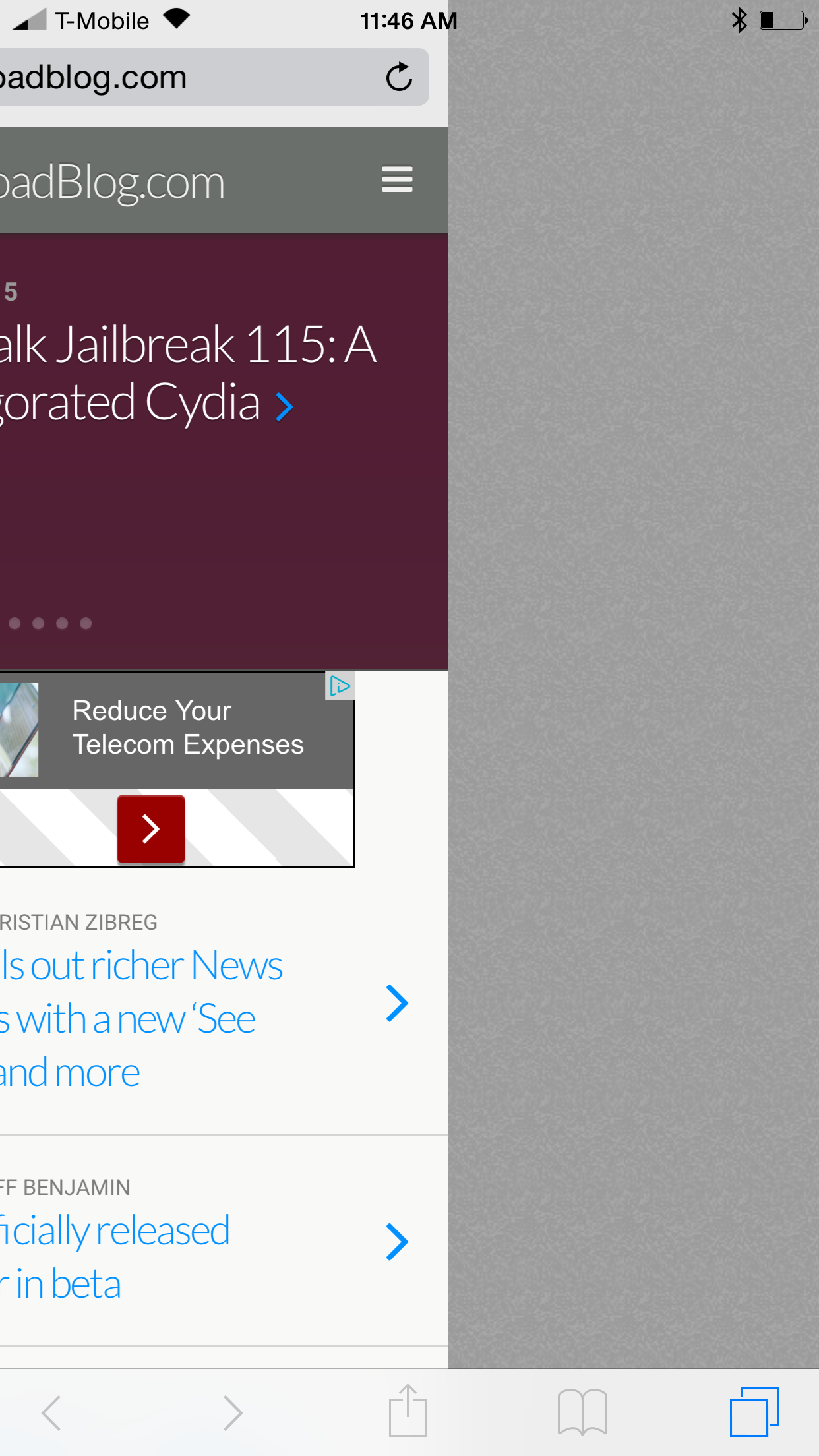
Wouldn't it be nice if you could swipe between Safari tabs like Google Chrome on iOS? SafariSwiper is a new tweak that brings such functionality to reality.
Installable from Cydia's BigBoss repo free of charge, SafariSwiper is a legitimate option for those of you who wish to have a way to navigate between tabs in a faster manner. Watch our brief demo Vine video to see what I mean.
Whenever you see a top jailbreak tweak list, it pretty much goes without saying that Kyle Howells' SwipeSelection will be appearing on said list. SwipeSelection allows you to swipe on the keyboard to move the iOS cursor in a precise location. The tweak was so good that Apple basically took its functionality and baked it into iOS 9.
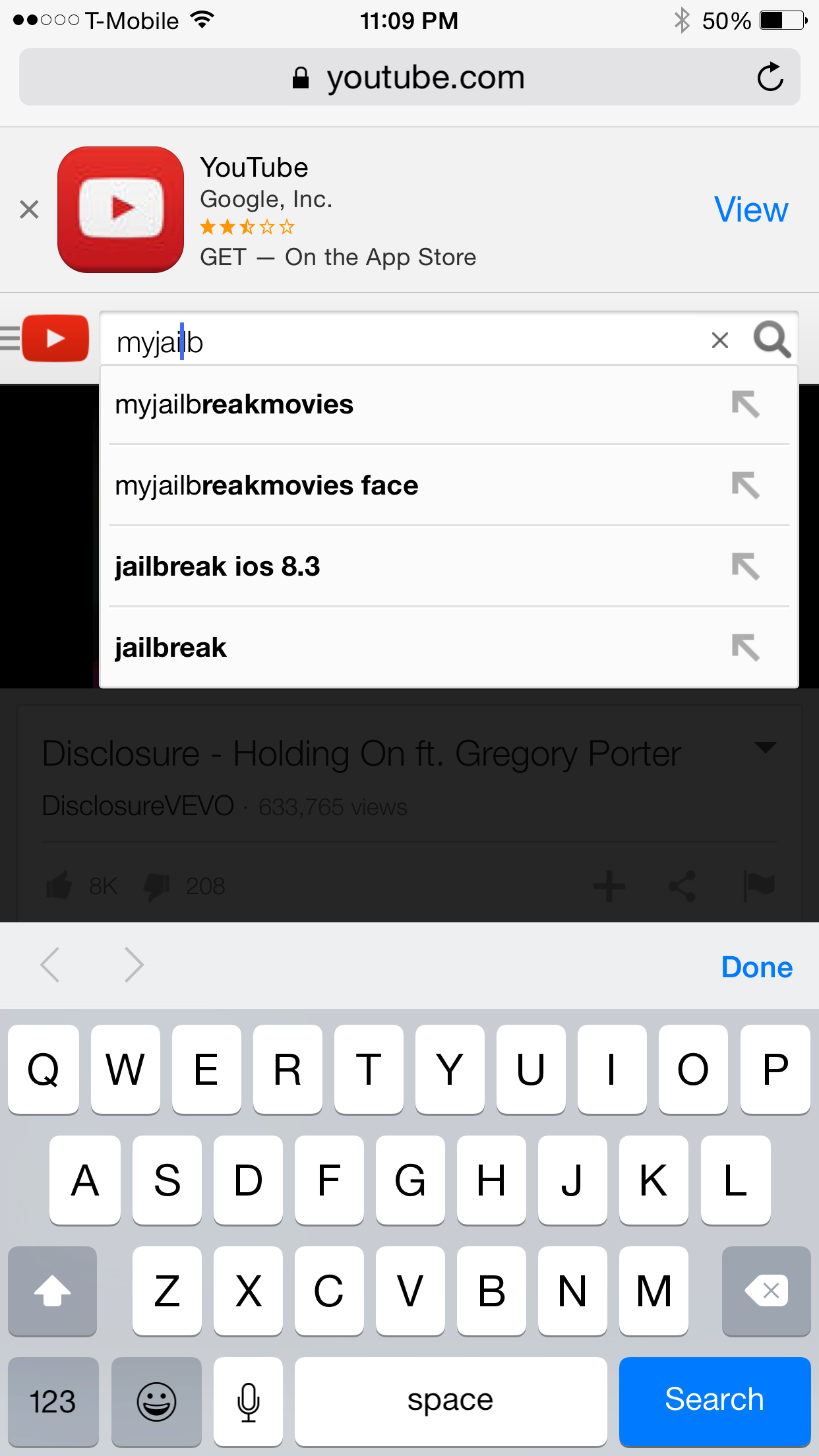
Praise aside, users and fans of SwipeSelection have always known that the tweak has one glaring flaw: its inability to play nice with text boxes in Safari. Try swiping in a search box with SwipeSelection installed, and you'll see what I mean.
One developer (@pw5a29) has apparently had enough, and has modified the open source project and created his own Safari-compatible version of SwipeSelection. Does it work?
Like pinned tabs, tab muting isn't a new idea, as it's been implemented in other web browsers in the past. But starting with OS X 10.11, Apple has brought native tab muting to the Safari browser.
The ability to mute tabs at will brings more control to the user. It's especially beneficial when encountering those annoying auto-playing advertisements.
In this video walkthrough, I'll show you how to use Safari tab muting, and explain its ins and outs.
Apple this afternoon released Safari updates for Yosemite (8.0.6), Mavericks (7.1.6), and Mountain Lion (6.2.6). The new versions include fixes for multiple memory corruption issues in WebKit, which Apple says could lead to arbitrary code execution or unexpected application termination when visiting a maliciously-crafted website.
Do you want to see what’s under the hood of the webpages you visit? Check out how to view a page’s source code on iPhone, iPad, and Mac.
Things could get ugly for Google as the Internet giant lost a UK appeal in the Safari cookie tracking case, potentially opening the door to litigation from the millions of British users, BBC News reported Friday.
The case revolves around Google's practice to continue tracking users of Apple's Safari browser via cookies even after they had changed their browser settings to block cookies, in order to target them with advertising.