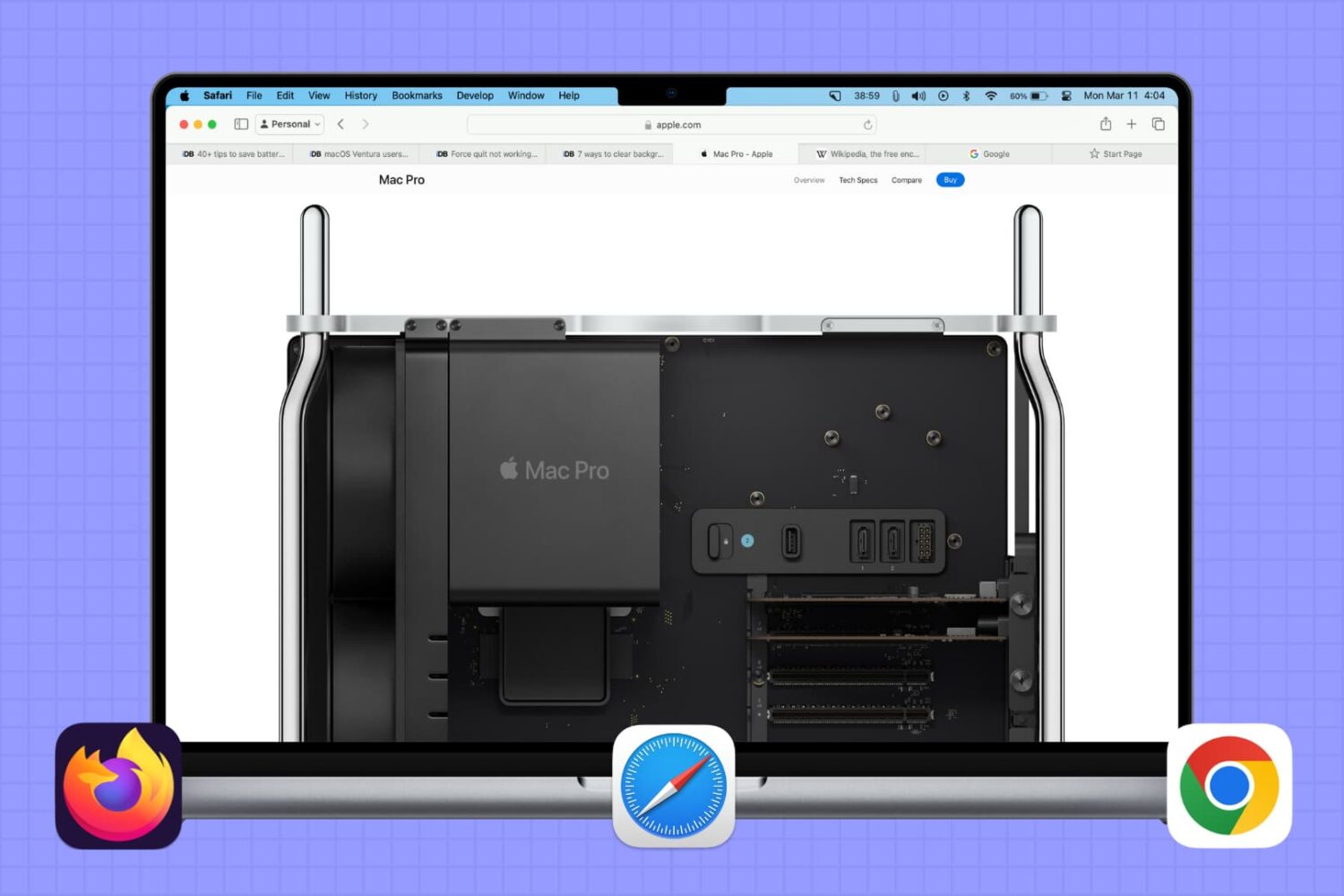
In this brief tutorial, we will share a quick browser tip that lets you select multiple tabs in Safari, Google Chrome, or Firefox and move them to a separate window.
Safari
SafariUnleashed PRO lets you utilize useful internal settings for Safari
Safari is the flagship web browser that comes pre-installed on every one of Apple’s devices, and as it would seem, iOS' flavor of Safari supports a bevy of useful internal features that aren’t accessible to the end user.
A new jailbreak tweak dubbed SafariUnleashed PRO by iOS developer Rishanan unlocks these features, enabling every jailbreaker to access web browsing features that augment the experience on Apple’s iOS devices.
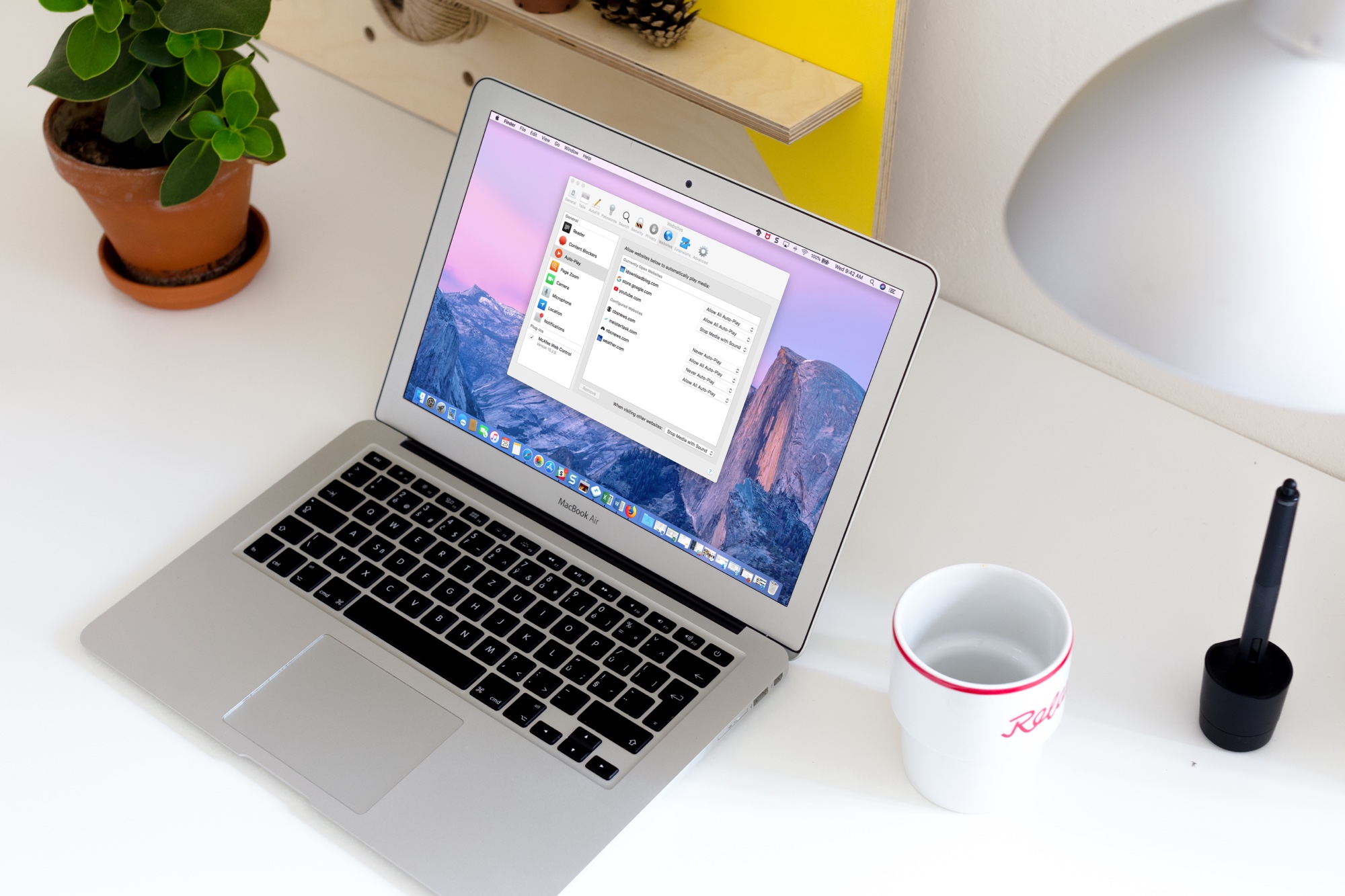
How to disable media auto-play for websites in Safari on Mac
Learn how to disable autoplay in Safari for Mac to stop websites from playing video and audio automatically, creating a calmer, less distracting browsing experience.
What Progressive Web Apps are and how to install and use them on iPhone and iPad
Thanks to modern web technologies like HTML5, Progressive Web Apps (PWA) run in a browser, don't require separate distribution, combine features of native apps with the benefits of a mobile experience and let you keep them on the Home Screen without the hassle of an app store.
In this tutorial, we'll help you install Progressive Web App to your iPhone or iPad Home Screen.
How to enable favicons in Safari so you can identify websites in tabs graphically
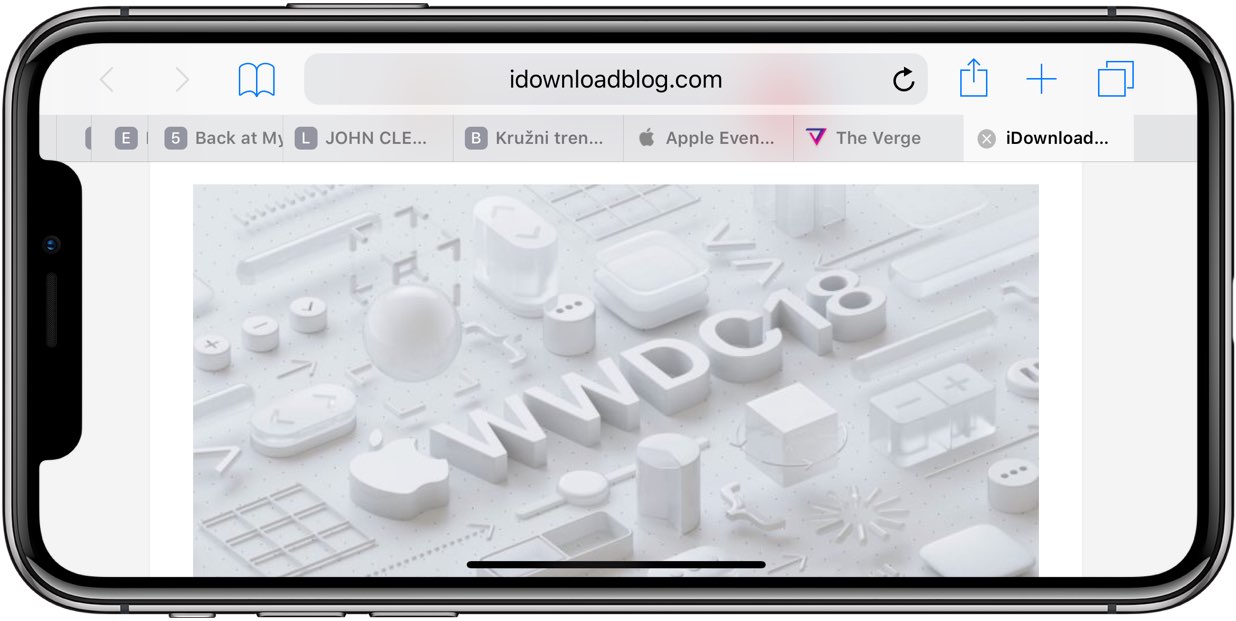
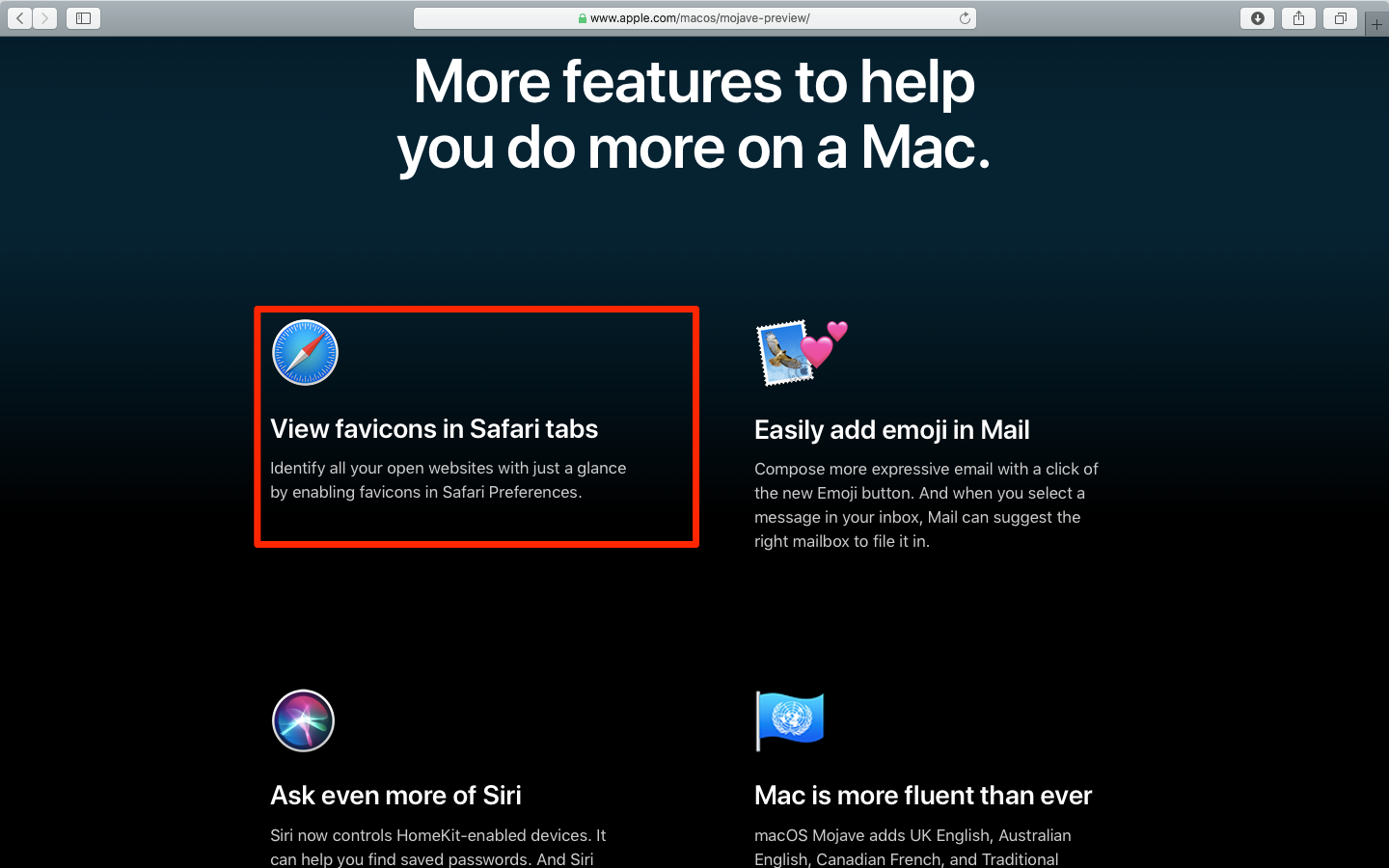
Apple's Safari browser that ships with macOS Mojave revives support for favicons. And thanks to iOS 12, favicons in open tabs are available on iPhone and iPad for the first time ever.
Long-awaited favicons in Safari tabs are finally back, thanks to iOS 12 and macOS Mojave
The latest version of Apple's Safari browser that ships with macOS 10.14 Mojave brings back the long-awaited favicons to help visually distinguish between multiple open tabs. What's more, favicons are available for the first time on iPhone and iPad thanks to iOS 12.
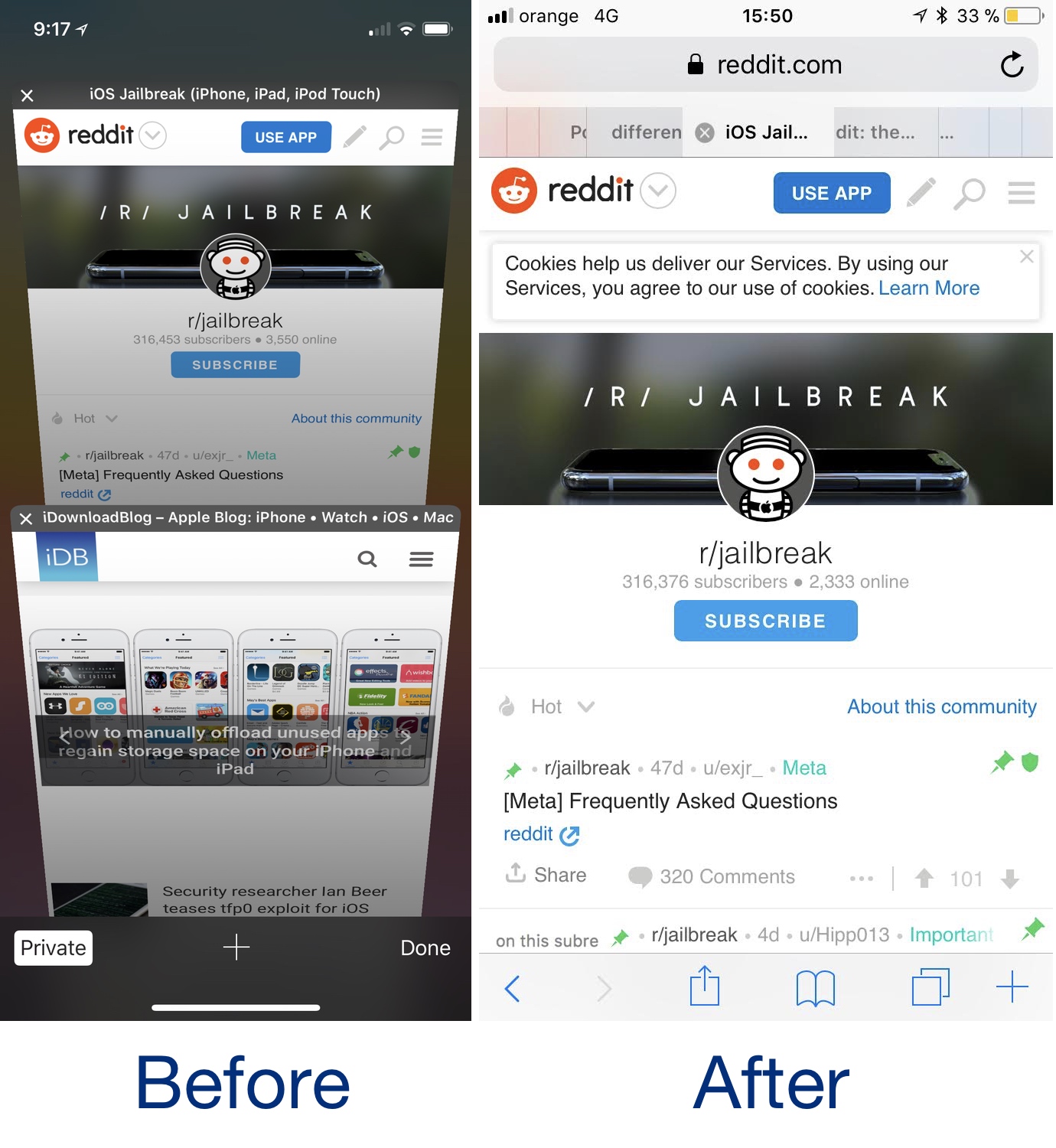
SafariPad brings iPad-like tabbed web browsing to the iPhone
Safari offers a great web browsing experience on both the iPhone or iPad, but truthfully speaking, the smartphone and tablet versions of this stock web browser aren't created equally.
A new free jailbreak tweak called SafariPad by iOS developer LonestarX takes note of this caveat and brings one of the best iPad-centric Safari features to smaller handsets like the iPhone and iPod touch: browsing tabs.
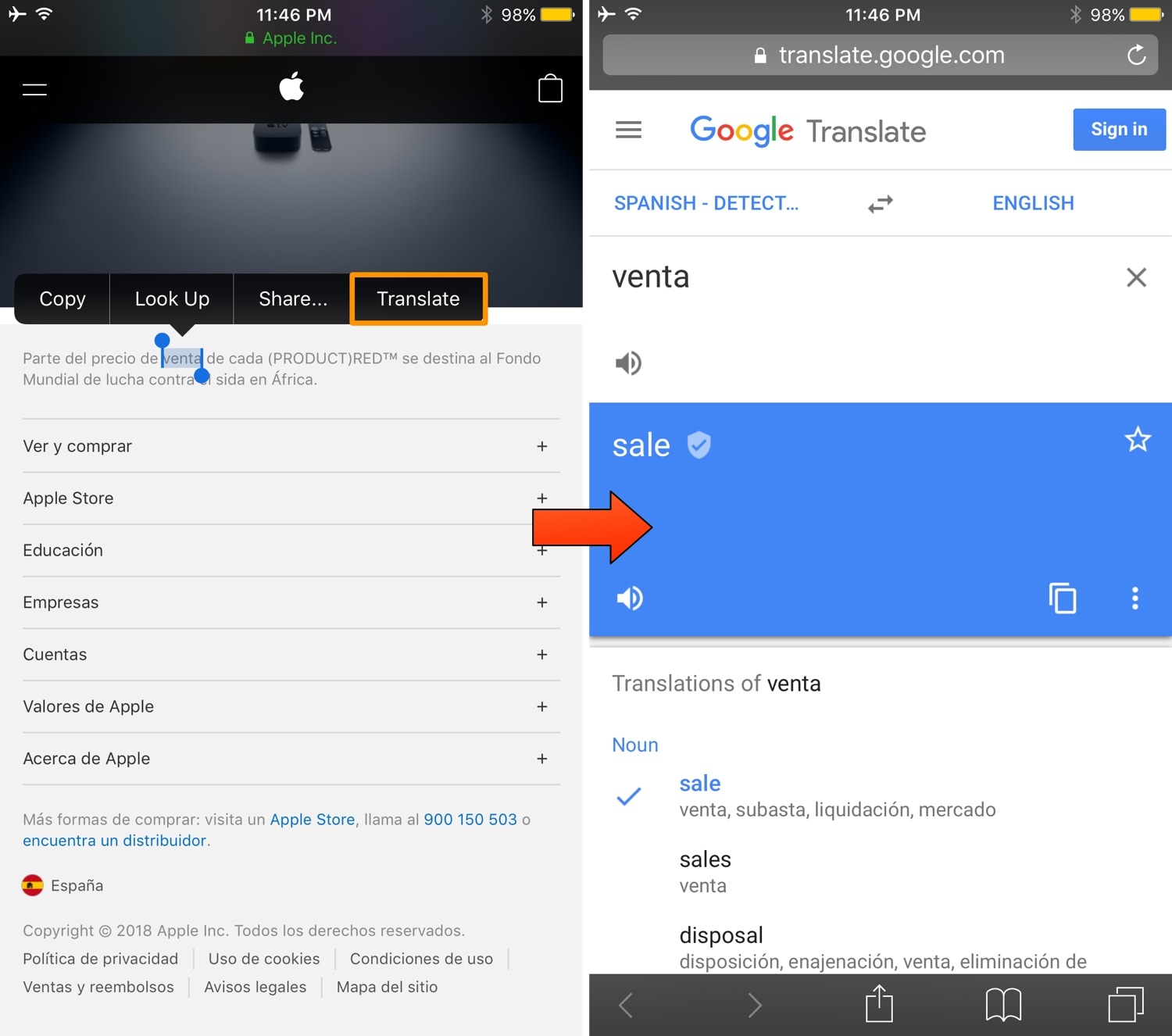
iTranslate makes translating text in Safari an effortless task
I can’t even keep count of how many times I’ve landed on a non-English web page and needed to use Google Translate to understand what I was looking at. But it now seems that there’s a more straightforward way.
A new free jailbreak tweak called iTranslate by iOS developer Teun Strik builds a translation feature directly into the Safari web browser itself, allowing you to translate words, sentences, or entire web pages in what feels like an instant.
Like iOS 11, iOS 12 will support iPhone 5s
iOS 12 is not expected to phase out older hardware such as iPhone 5s.
How to easily cycle through your open tabs in Safari on iPhone, iPad, and Mac
Learn how to cycle through open tabs in Apple's Safari browser on the iPhone, iPad, and Mac using a familiar gesture, an on-screen button, or a keyboard shortcut.
Safari tip: quickly jump to the rightmost tab
If you’re going to make the most of Safari as your desktop browser, it might make sense to memorize some of the best keyboard shortcuts to supercharge your browsing workflow.
This is especially true for folks who have dozens of open tabs at any given time. Safari for Mac provides you with many productivity-infused keyboard shortcuts that save time, including a trio of essential keyboard combinations for quickly switching between your open tabs.
TUTORIAL: 11 must-know Safari keyboard shortcuts for Mac
The macOS High Sierra 10.13.4 software update brought out yet another powerful shortcut for quickly getting to the rightmost tab. This is a handy productivity feature for those times when you have more tabs than fit Safari's tab bar.
It's only available on Macs that run macOS High Sierra 10.13.4 or higher so be sure to update your copy of macOS to the latest version available by choosing App Store from the Apple menu, then click the Updates tab.
How to jump to rightmost Safari tabTo get to the rightmost open tab in Safari for Mac, press Command (⌘)-9 on the keyboard.
Again, this particular shortcut requires that macOS High Sierra 10.13.4 or later be installed on your Mac. If you have an older macOS edition, pressing the same shortcut will select your ninth tab from the left. In case you didn't know, you can jump quickly to any of your first eight tabs by pressing Command (⌘)-1 to Command (⌘)-8.
macOS High Sierra 10.13.4 and up allows jumping to the rightmost open tab using Command-9
You can cycle through your open tabs even faster with a trackpad gesture: when there are more tabs than fit in Safari's tab area, use your trackpad to swipe left or right over the tab bar to scroll through your open tabs like a pro.
TUTORIAL: 3 ways to reopen recently closed tabs in Safari for Mac
And if your Mac has the Touch Bar feature, you can touch an icon displayed on the Touch Bar to jump directly to the corresponding tab or scroll through all of your open tabs by swiping left or right over the Touch Bar area.
Need help? Ask iDB!If you like this how-to, pass it along to your support folks and leave a comment below.
Got stuck? Not sure how to do certain things on your Apple device? Let us know via help@iDownloadBlog.com and a future tutorial might provide a solution.
Submit your how-to suggestions via tips@iDownloadBlog.com.
4 ways to close all Safari tabs except for the current one
Learn how to efficiently manage your Safari tabs with these four different techniques to close all tabs except the one you’re currently browsing.