Find out how to add a bookmark to Google Chrome right from Safari on your iPhone or iPad if you use both browsers and want to save links efficiently.
How to add a bookmark to Chrome directly from Safari on iOS
Find out how to add a bookmark to Google Chrome right from Safari on your iPhone or iPad if you use both browsers and want to save links efficiently.
Despite the absurd amounts of time and money that Apple pours into security efforts to make iOS one of the most secure mobile operating systems available today, it seems that even iOS 12.1, the latest publicly-available firmware version on the iPhone and iPad, isn’t entirely hack-proof.
At the recent Pwn2Own contest in Tokyo, Richard Zhu and Amat Cama, a duo of white hat hackers, reportedly harnessed the power of a powerful Safari-based 0-day exploit to recover a photograph that was recently deleted from an iPhone X’s native Photos app.
Learn how to merge all windows in Safari for Mac if you'd like to use tabbed browsing in a single window instead and instantly declutter your desktop.
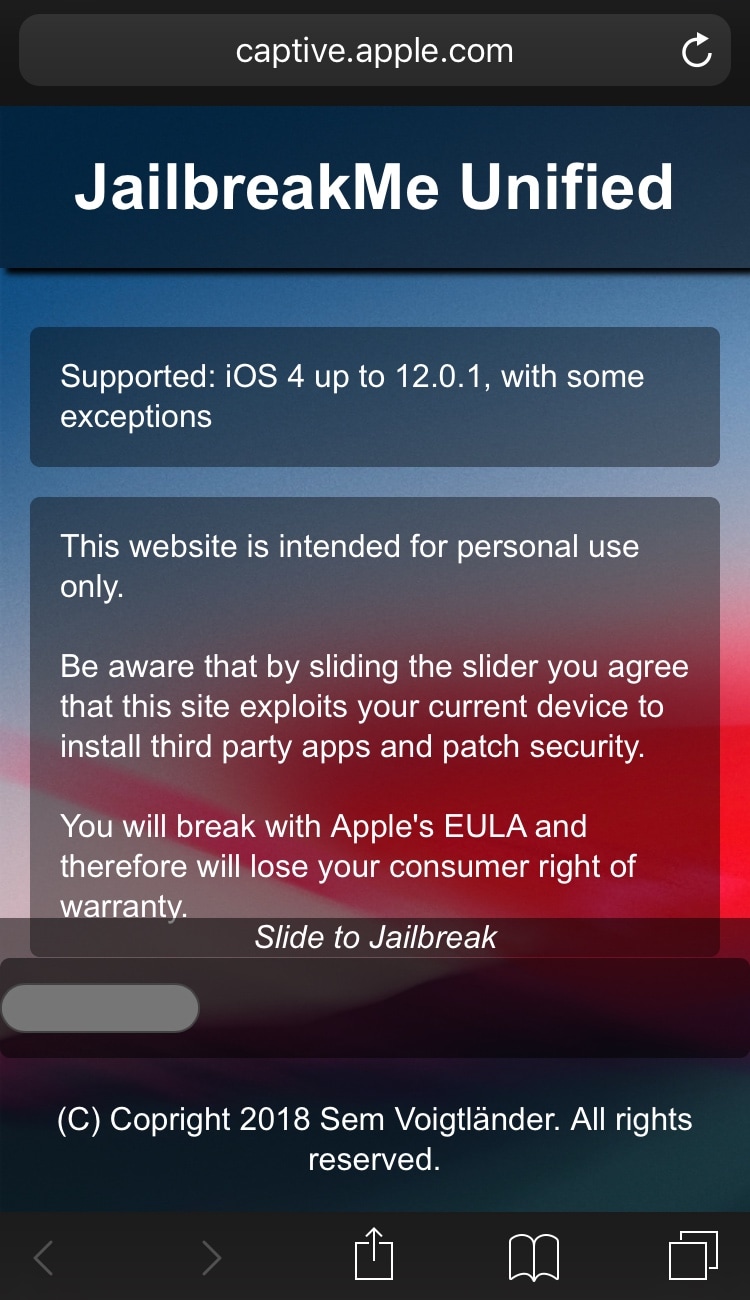
If you remember the good old days when you could visit a web page in mobile Safari and swipe your finger over a virtual slider to achieve a jailbreak (yes, I’m pointing at you JailbreakMe), then we’ve got some good news for you.
iOS hacker and developer Sem Voigtländer (@UKERN Software) appears to be working on a JailbreakMe-styled tool that you can visit in mobile Safari that theoretically supports iOS firmware versions from 4.0 to 12.0.1 (*with some exceptions*).
One of the first things I looked for when I started using a MacBook Pro for work was how to navigate web pages faster. Being able to move to the top, to the bottom, or both in small increments and without lifting my fingers from the keyboard was essential.
If you’re like me and want to navigate sites you visit quicker, this list is for you. Here are several keyboard shortcuts to move up, down, and sideways on web pages on Mac.
Learn how to save all images from any web page on your iPhone or iPad without manually downloading them one at a time.
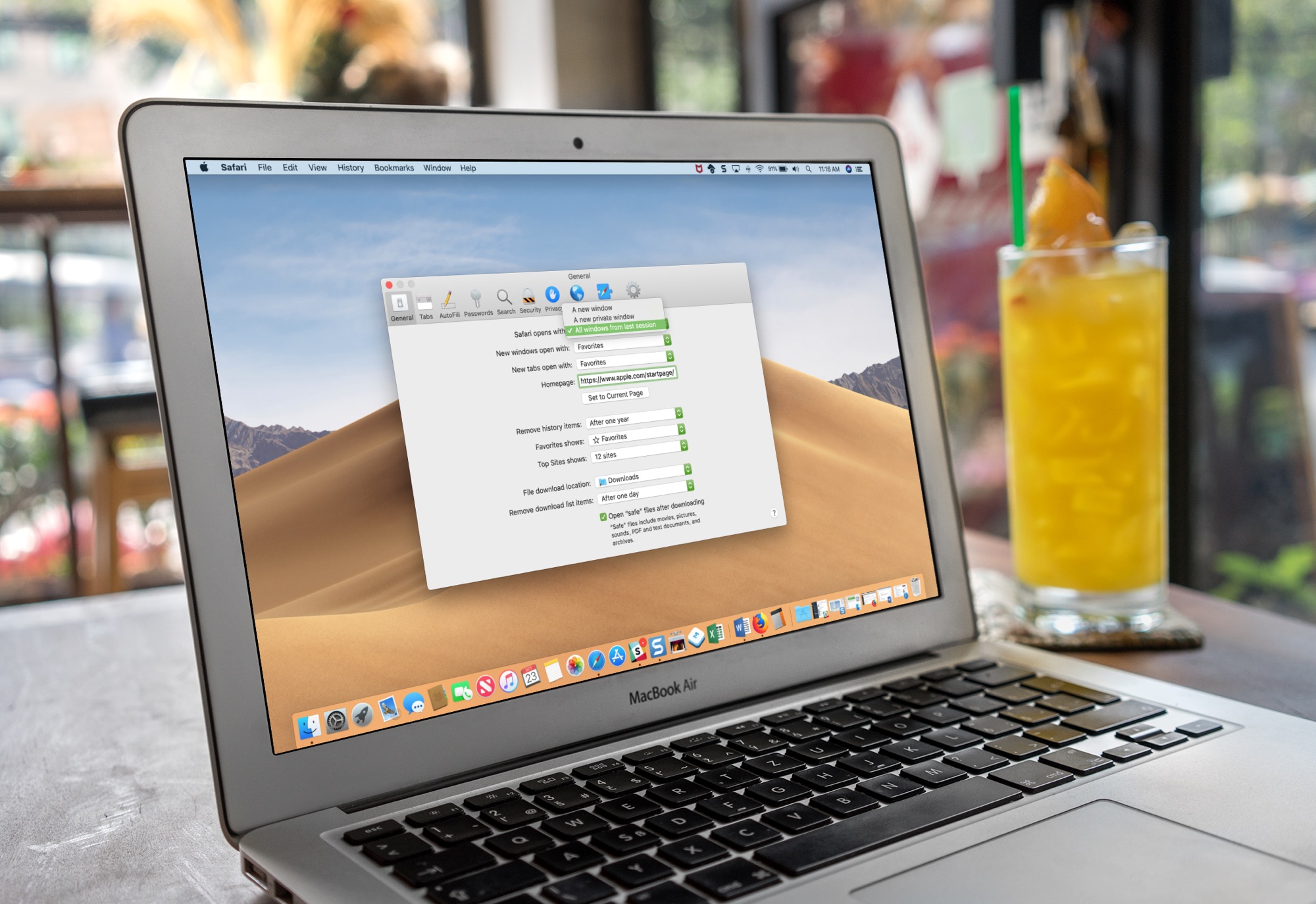
Learn how to set Safari on your Mac to automatically reopen all windows from the last session so you can continue browsing where you left off without skipping a beat.
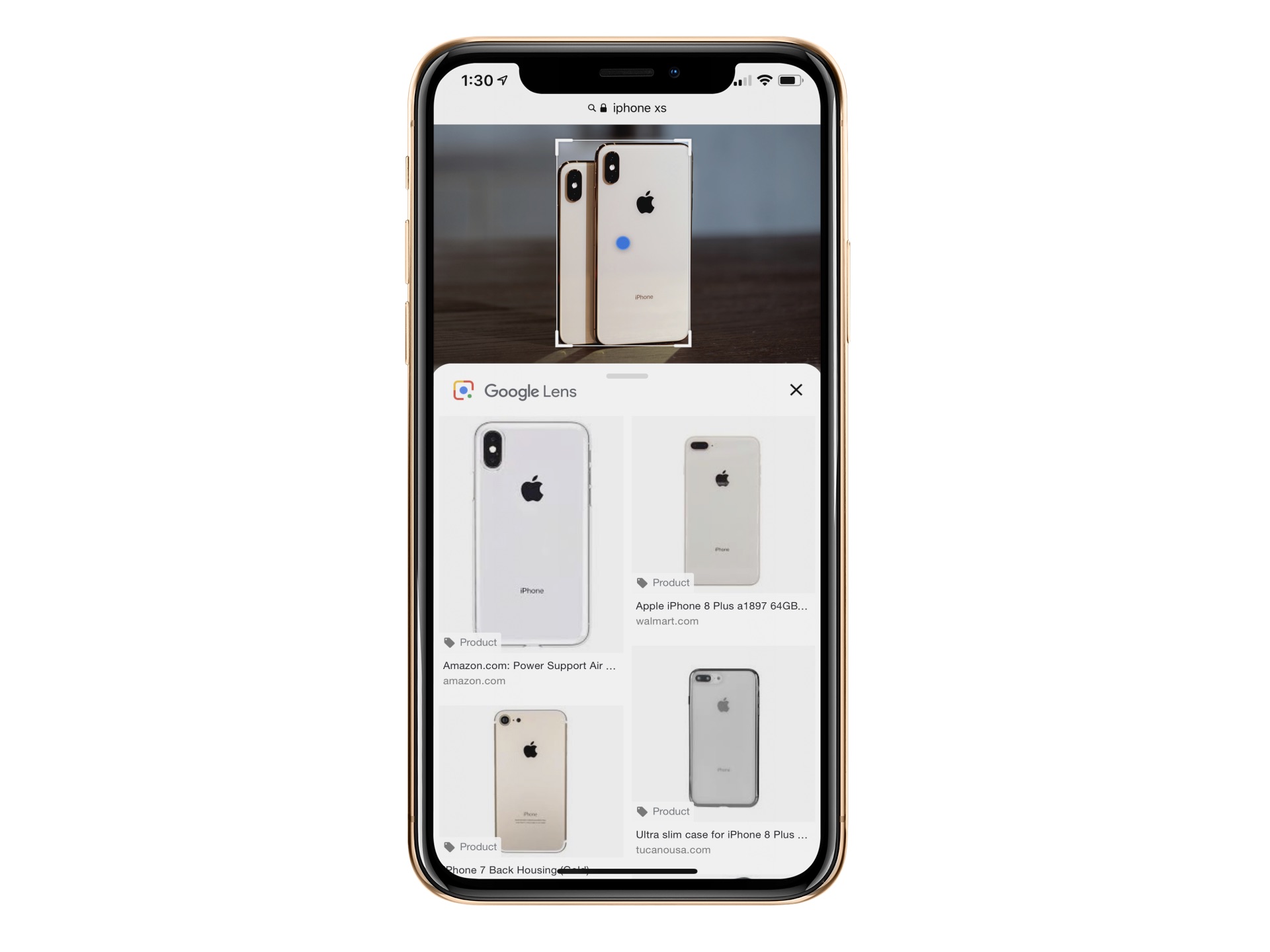
Google Lens is already available in Google Photos and Google Assistant. The object recognition technology is now baked into Google Images for mobile. In doing so, you can now identify an object in an image such as a chair or table and learn more about it, including buying options, when applicable.
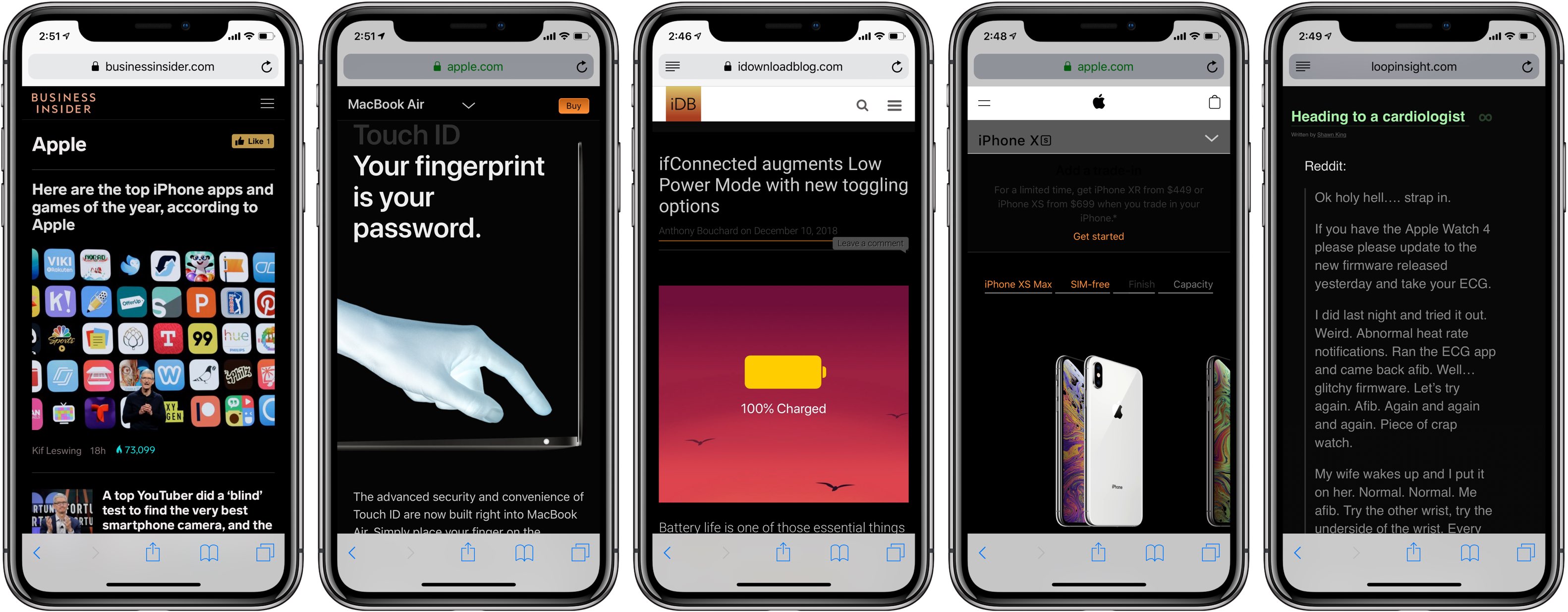
Dark Mode is fast becoming one of the most popular features of macOS Mojave. Now that feature is being introduced on Safari. In the latest Safari Technology Preview update, there's code that lets site developers know whether a reader is using a Mac with Dark Mode. In doing so, they can have the site match the darker color scheme automatically.
Pwn20wnd’s unc0ver jailbreak tool has been receiving lots of updates lately, and if you’re like me, then you’re not always at a computer to download them. Fortunately, a handy online tool called Ignition can help you sidestep Cydia Impactor when you’re nowhere near your computer.
In this tutorial, we’ll walk you through how to use the online Ignition utility to install the unc0ver jailbreak on your iOS 11.0-12.4.1 iPhone or iPad [up to A12(X)] without a computer.
As soon as you start typing into Safari’s Smart Search field, the browser pulls up suggestions for the terms you type. It's unclear if Apple previously applied some kind of a quality filter, but they are certainly doing it now following a report Wednesday on BuzzFeed News.
Dark Mode-based jailbreak tweaks have become severely cliché in the modern jailbreak community, but a pair of new tweaks dubbed Deluminator by iOS developer FoxfortMobile and Nebula by iOS developers Squ1dd13 and Muirey03 finally offer something unique in the Dark Mode space.
While the majority available Dark Mode-based jailbreak tweaks concentrate on transforming the aesthetic of app user interfaces, Deluminator and Nebula instead focus on the web pages you load in your iPhone or iPad’s mobile web browser.