Review

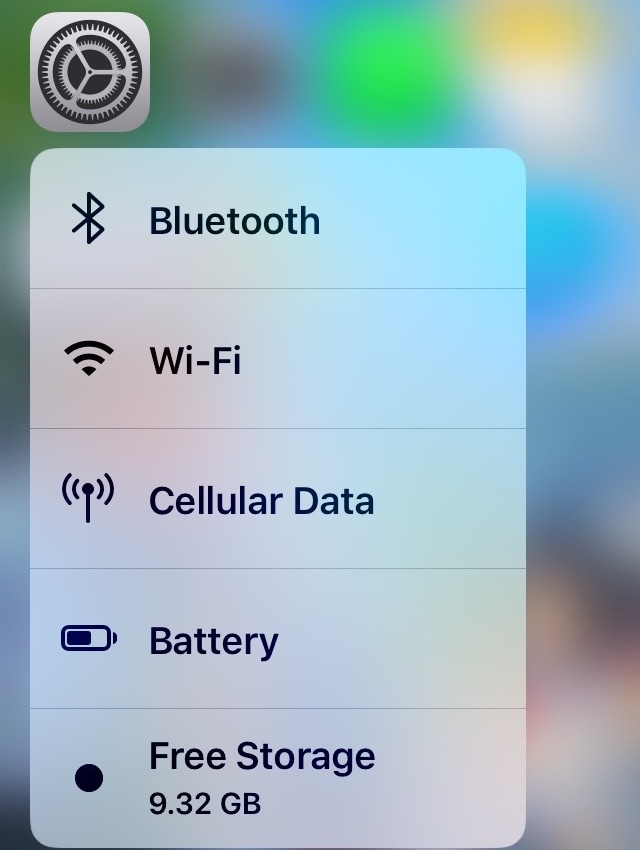
Storage3D: View your iPhone’s remaining storage space with a 3D Touch gesture

Every so often, I happen upon new jailbreak tweak releases that incorporate ‘no-brainer’ functionality into iOS, and this prompts me to wonder why the software design team at Apple hasn’t implemented similar features into their platform out of the box.

Storage3D by iOS developer Wh0ba is one such release, and as you can discern for yourself in the screenshot example above, this tweak lets you view your handset’s remaining storage space in the 3D Touch menu that appears when you use a 3D or Haptic Touch gesture on the Settings app icon via the Home screen.
Retro review: Badland

Badland might not be the oldest game on the App Store, but it sure is one of the best. This game was originally released in 2013 for Android and iOS platforms. Its success led Badland to become Apple's iPad game of the year in 2013, and since then has been released on other platforms, like consoles and PC.

This game was amazing back then. Now, it may even be overlooked because of its own sequel and a Brawl game that doesn't share many similarities with the original title. So, if you haven't played this game and you are thinking if it's still worth buying it, I'm here to help as we retro review Badland for iPhone and iPad.

This tweak removes the Dock’s background to make your wallpaper more visible

While there are slight variances in the Dock's background appearance between iPhone models, such as the iPad-style rounded corners on the iPhone X, XR, XS, and XS Max when compared to the rectangular appearance on every other handset, the fact remains that all iOS devices have a Dock background of some sort.

If you’re in the market to do away with the Dock’s transparent background to maximize your Home screen wallpaper’s visibility, then we think you’ll take a liking to a newly released jailbreak tweak called ClearDock12 by iOS developer NoisyFlake.

Jailbreak tweaks of the week: AOD, Carabiner, SwitchShades, and more

It’s a great time to be an active participant in the jailbreak community – not only because you can jailbreak iOS 12.4, Apple’s latest non-beta public mobile operating system, but also because A12(X) support with Cydia is just around the corner.

That said, if you’re jailbroken and you’re looking for ways to trick out your handset, then you’ll definitely want to check out this roundup. Below, we’ll discuss our favorite jailbreak tweak releases this weak and then outline the rest afterward.

Retro review: Shadowgun

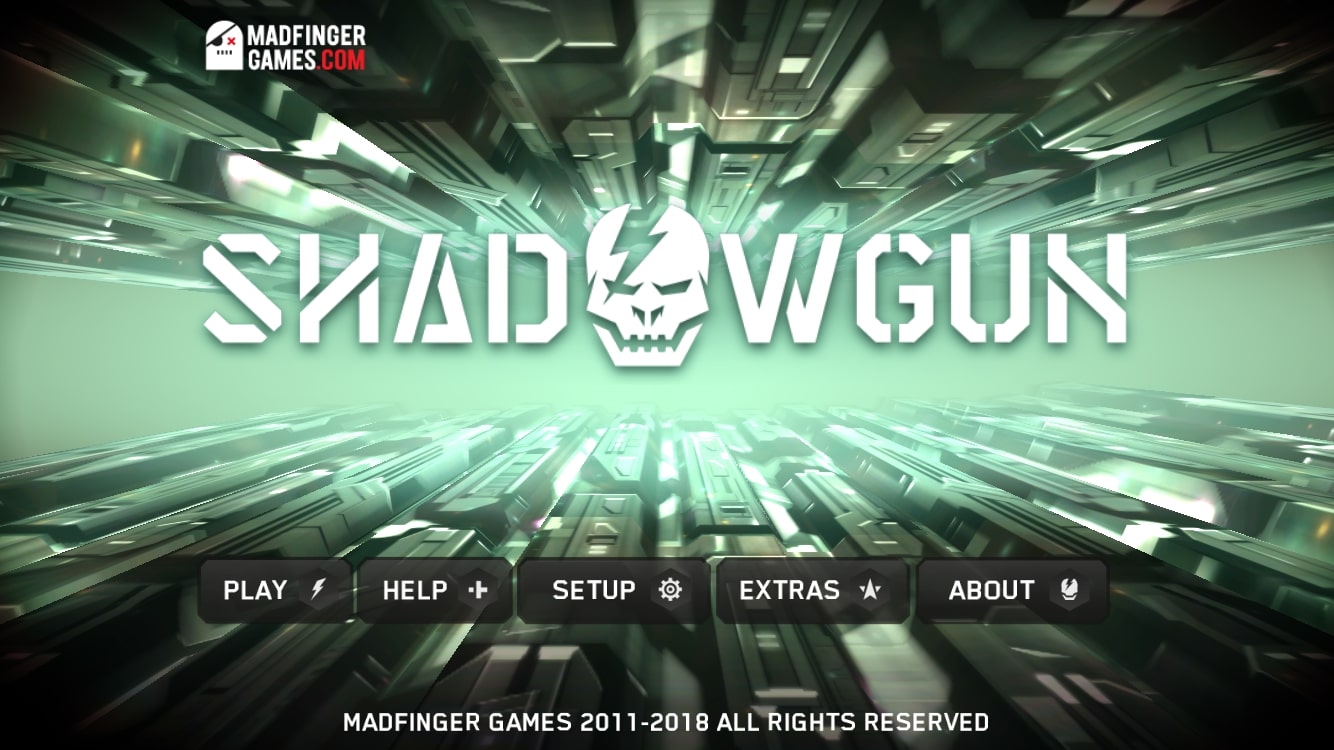
I remember Shadowgun as one of the first games on the iPhone that used 3D models. For me, it was ground-breaking at the time and it made me think of the possibilities for mobile gaming in the future. It was one of my favorite games back in the day, and I wasn't the only one. When the game was released in 2011, it got so many positive reviews it was featured in the App Store Essentials Hall of Fame.

Currently, the game has created its own universe, with sequels like Shadowgun Deadzone, Shadowgun Legends and an upcoming game titled Shadowgun War Games.

Shadowgun was great back then, but is it great now? Should you spend $4.99 for it, or you're better off with the more recent, free-to-play sequel? That's what we'll cover in today's retro review.

Carabiner gives your iPhone’s Home screen a more unified user experience

Apart from a few refreshed application icons and a nice new wallpaper here and there, Apple hasn’t done much to improve the Home screen experience since the original iPhone. With that in mind, it should come as no surprise to anyone that it’s a point of interest when it comes to customization on jailbroken handsets.

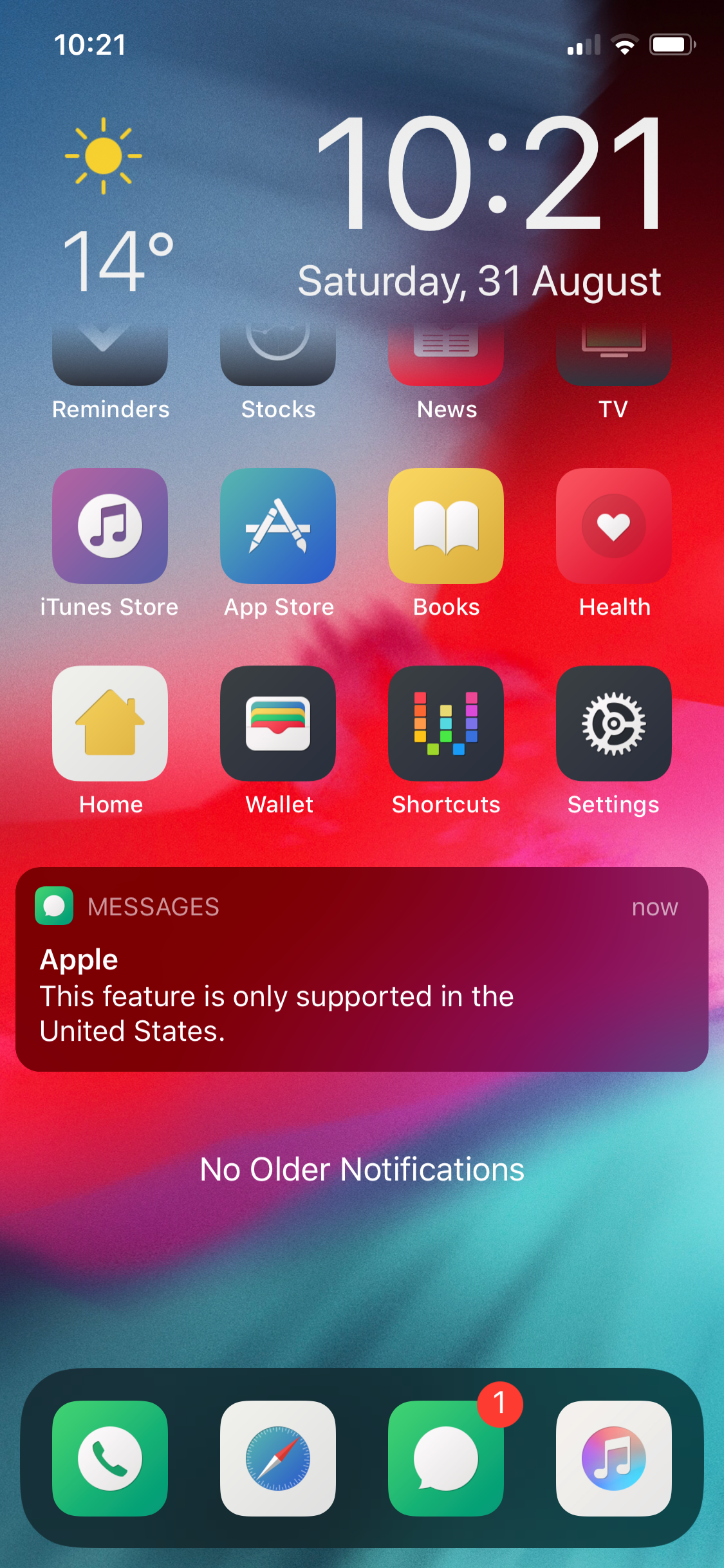
One such example is a brand-new jailbreak tweak release dubbed Carabiner by iOS developer LaughingQuoll. As shown in the screenshot example above, Carabiner crams several interfaces into the Home screen, providing a gorgeous all-in-one experience that provides more information at a glance.

Add new features to your App Switcher with XSwitcher

If you’re in search of a way to make your jailbroken iPhone’s App Switcher more useful, then you may want to turn your attention to the likes of a new and free jailbreak tweak dubbed XSwitcher by iOS developer CUNSTUCK.

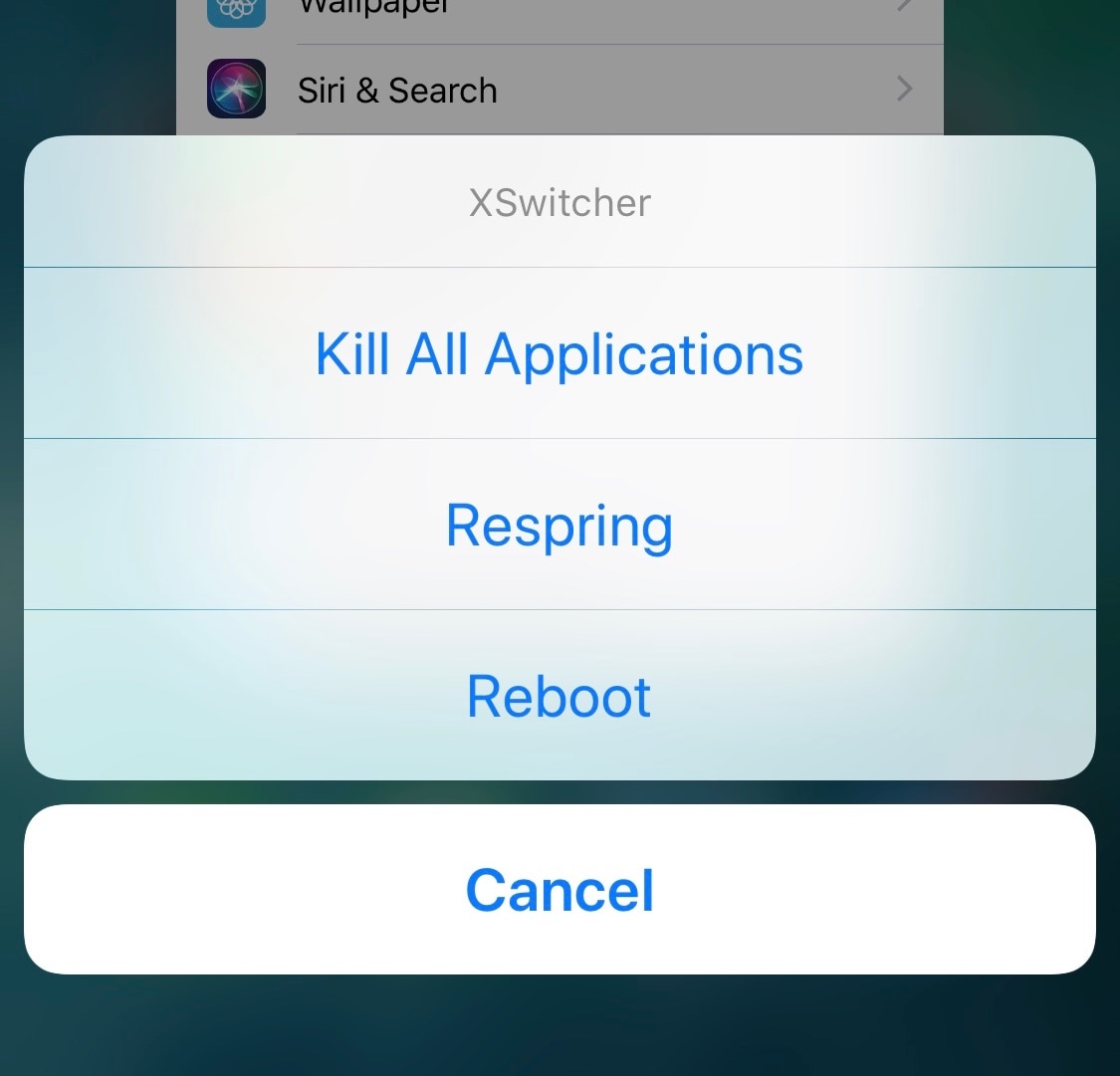
As shown in the screenshot example above, XSwitcher lets you access various useful shortcuts in the App Switcher by just swiping down on any of your available application preview cards in the App Switcher interface.

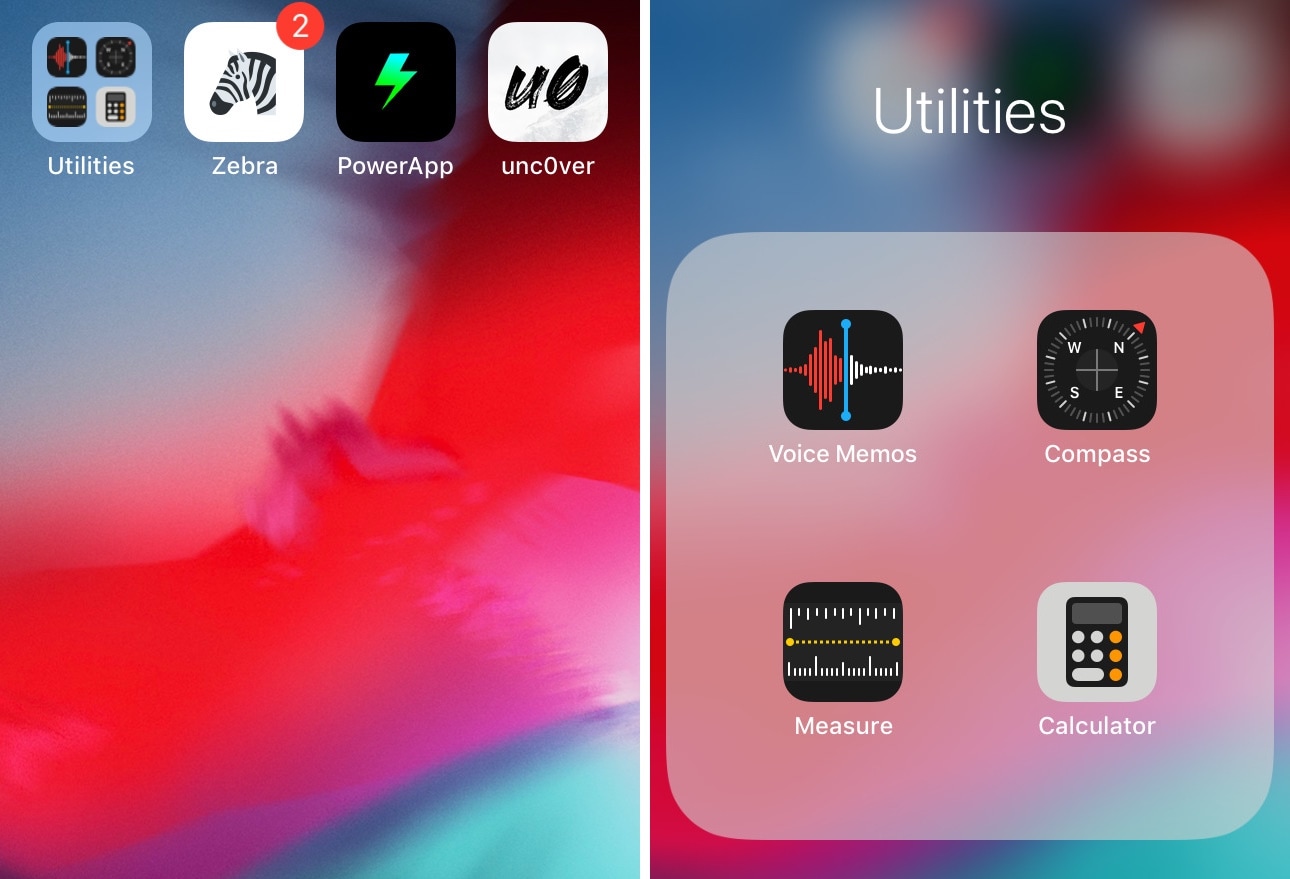
This tweak gives your Home screen folders a 2×2 grid layout

Home screen folders on an iPhone can hold up to nine apps per page at a time, but in certain cases involving extreme Home screen-centric UI customization often necessitate delicate icon balance, and the native look and feel can sometimes appear unsightly or asymmetrical.

If you’d appreciate a nicer-looking folder icon on your Home screen, then chances are that you might take an interest in a newly released and free jailbreak tweak called 2x2 by iOS developer Nepeta.

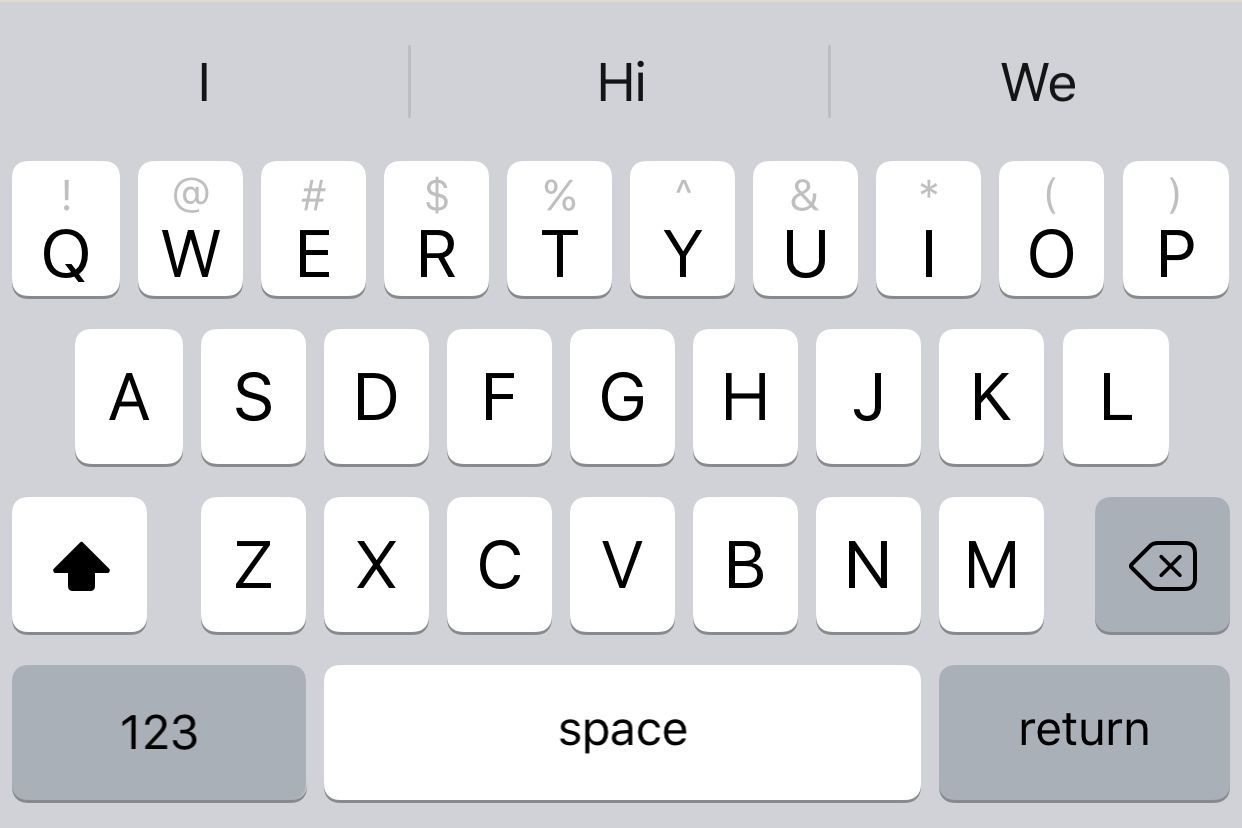
Augment the typing experience on your jailbroken iPhone with iKeywi 4

I’ve always been a proponent of keyboard-enhancing jailbreak tweaks for the iOS platform, and with that in mind, I’m particularly excited to share the news of a recent release dubbed iKeywi 4 (iOS 11~12) by iOS developer hiraku.

As you might’ve inferred already from the name, this isn’t the first iteration of the iKeywi tweak; it’s the fourth. Each new iteration has brought with it support for newer versions of iOS and introduced new features for users to enjoy, and this release is no different.

The best jailbreak tweaks for iOS 12

With the public release of iOS 13 right around the corner, the iOS 12 jailbreak is set to climax very soon as security researchers shift their efforts toward the newer firmware. With that in mind, we thought we’d take this wonderful opportunity to reflect on the past year with a roundup of some of the best jailbreak tweaks ever released for pwned iOS 12 devices.

If you’re jailbroken on iOS 12 with Chimera by the Electra Team or unc0ver by Pwn20wnd, then this roundup is for you. For ease of reading, we’ll sort the following jailbreak tweaks by alphabetical order.

SwitchShades gives the iOS App Switcher a fresh coat of paint

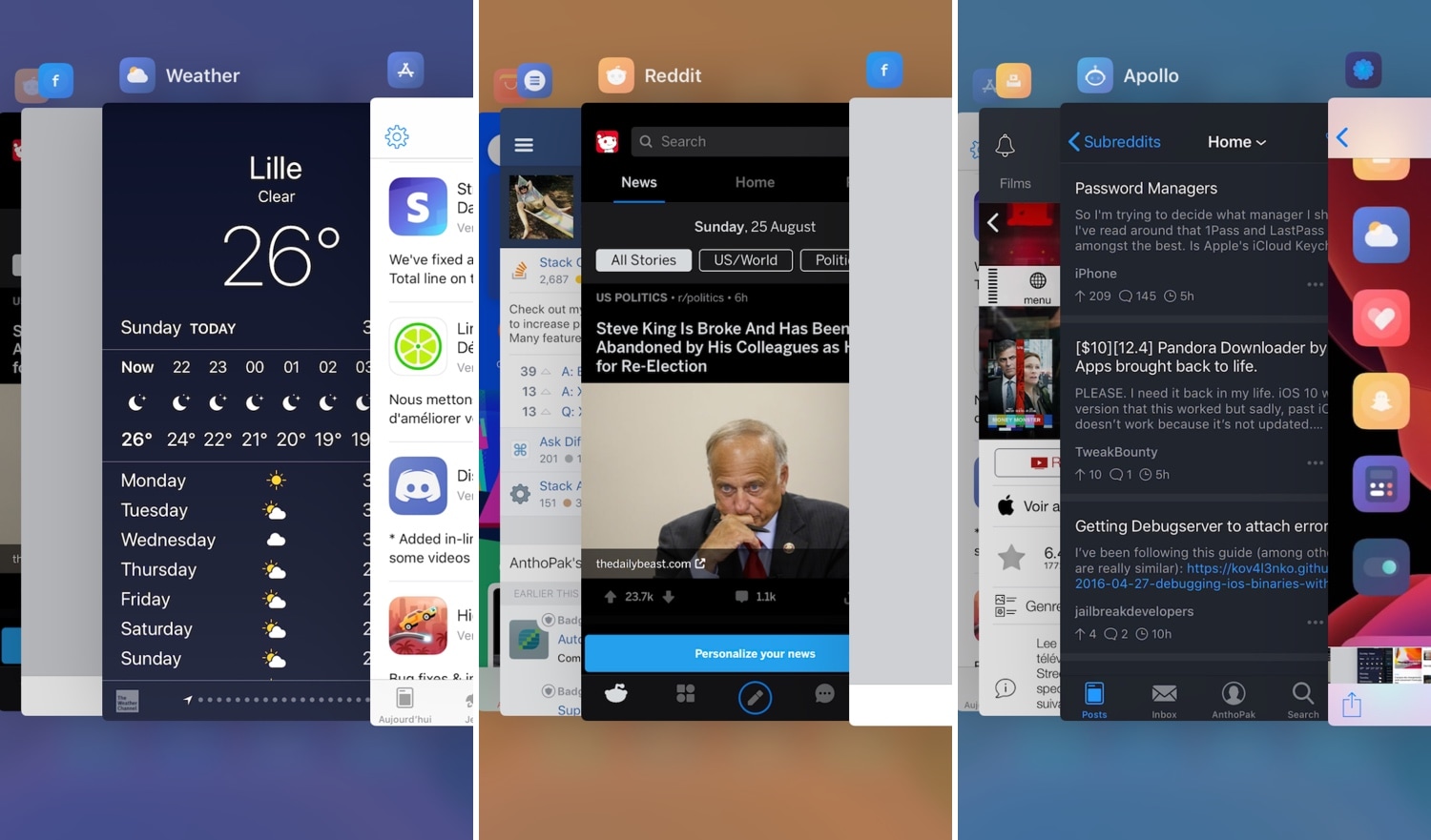
The iOS App Switcher is somewhat bland out of the box, but it doesn’t have to be. A newly released jailbreak tweak dubbed SwitchShades by iOS developer AnthoPak promises to add a splash of color to the App Switcher background based on the application preview card that appears front-and-center at any given time.

As you can see in the screenshot examples above, the background color changes to match the dominant color of the app icon above the application preview cards themselves. This can be changed to colorize based on the application snapshot itself if you wanted to, or you could configure a custom color to display at all times.