Review

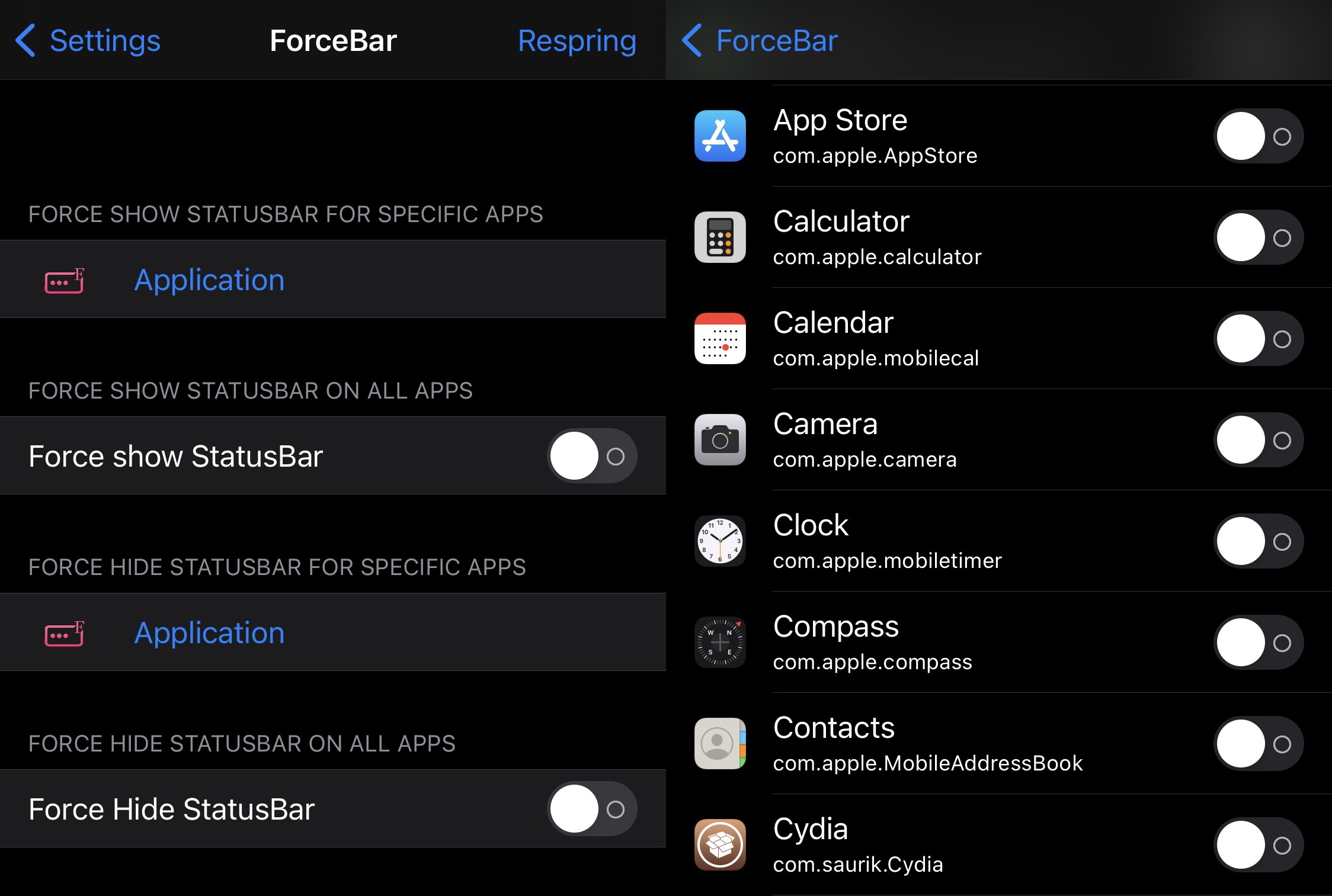
This new jailbreak tweak can forcibly hide or show the Status Bar for specific apps

The Status Bar is something I like to keep in view at all times since it displays pertinent information about my device including the time, my current battery level, and my current wireless signal strength — be it cellular or Wi-Fi.

Unfortunately, many apps hide the Status Bar from view when you might want to see it, especially when they’re designed to operate in full screen. Some apps even display the Status Bar when you might want to hide it. Sadly, Apple offers no configurations to alleviate these concerns.
Upgrade the file type information in the Files app on pwned handsets with RealFileInfo

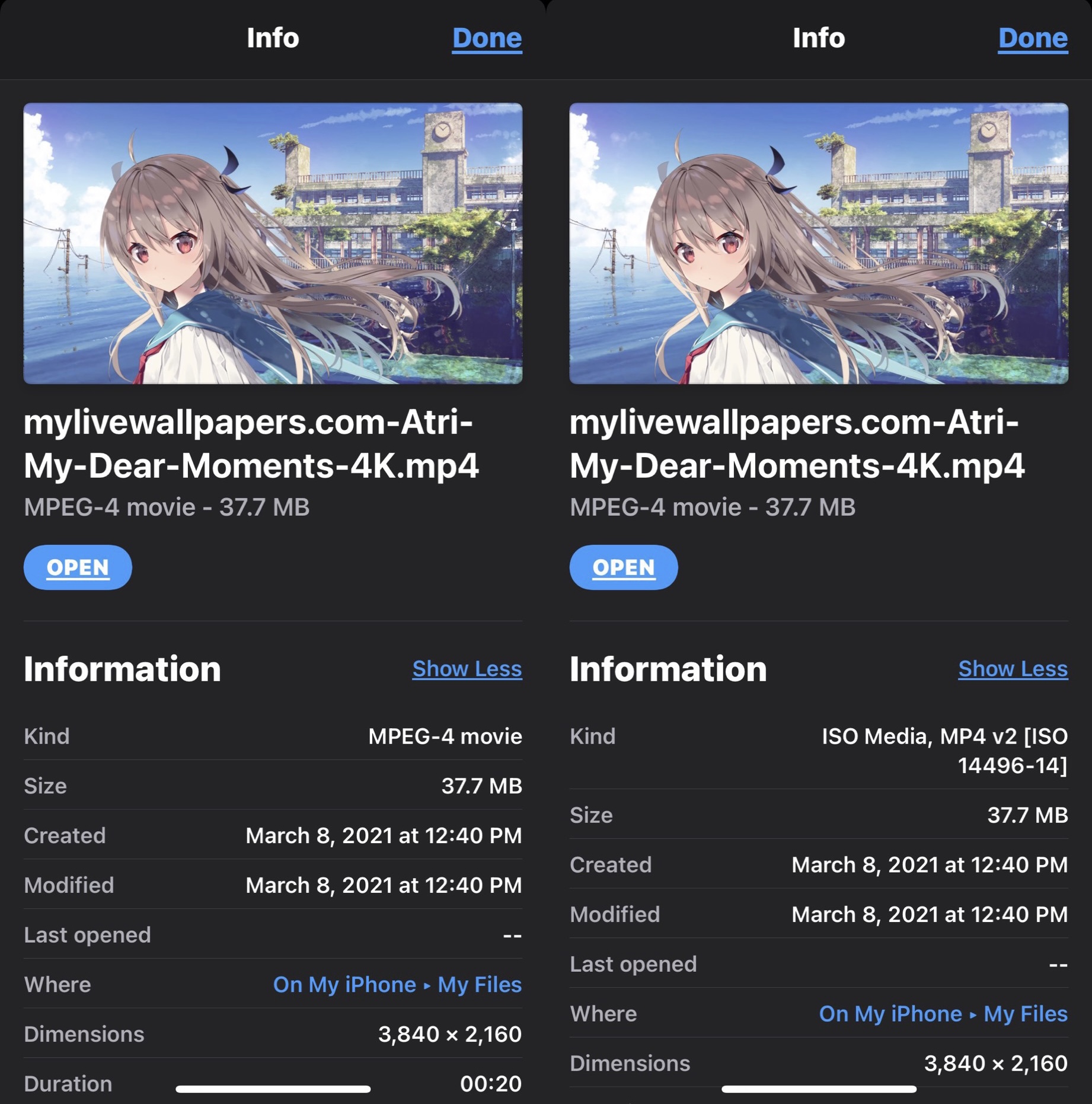
Apple’s Files app expands upon the capabilities of any iPhone or iPad by hosting a convenient hub where users can download and store files either on the device itself or in the cloud. But despite how useful the Files app can be at times, it’s not without its apparent pitfalls.

One such example would be that the Files app displays simplified or non-descriptive file types for certain kinds of files as they’re defined by Apple and its operating systems. Unknown file types are designated vaguely, such as using the word “Document” to describe what the file actually is or what it’s used for.

WidgetRadius brings more consistent corner radiuses to legacy Today widgets on iOS 14

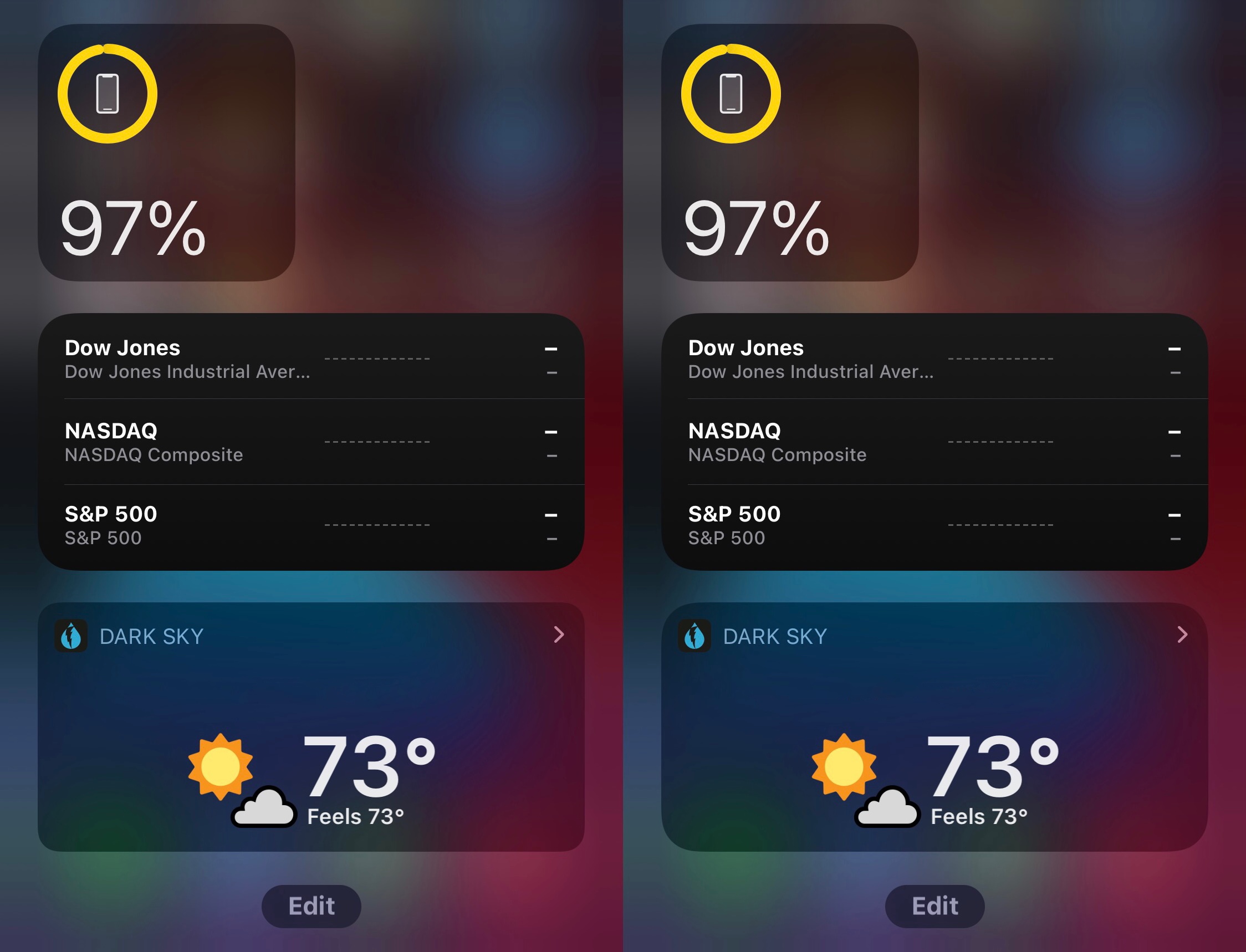
We graciously applaud Apple for introducing a worthwhile widget experience in iOS 14. It’s leaps and bounds better than what shipped with iOS 13 and earlier, and thanks to strong-willed app developers, these new widgets are exponentially more versatile than their predecessors.

Kind words aside, one thing that really bugs me about the iOS 14 widget experience is that Apple appears to have made no effort to help legacy widgets conform to the newer design standard. More specifically, when compared side-by-side, newer widgets have a rounder corner radius than legacy ones.

Hestia brings jailbreak detection bypass capabilities to pwned iOS 11-14 devices

Whether you’re new to jailbreaking or you’ve been jailbreaking for a long time, one thing we all have in common is that we’ve come across an app that doesn’t want to work on our pwned device. In most cases an error message materializes when launching certain types of apps, such as banking, media streaming, or the gaming variety that bar usage on jailbroken devices.

This is a common quandary known as jailbreak detection, and it’s where the app developer tries to prevent jailbroken devices from accessing their app to prevent unauthorized changes, cheats, or even security breaches. As common as jailbreak detection might be, it’s not fool-proof. We often see workarounds in the form of jailbreak detection bypasses, which can prevent certain apps from discerning that you’re jailbroken, and this prevents such frustrating messages from appearing in the first place.

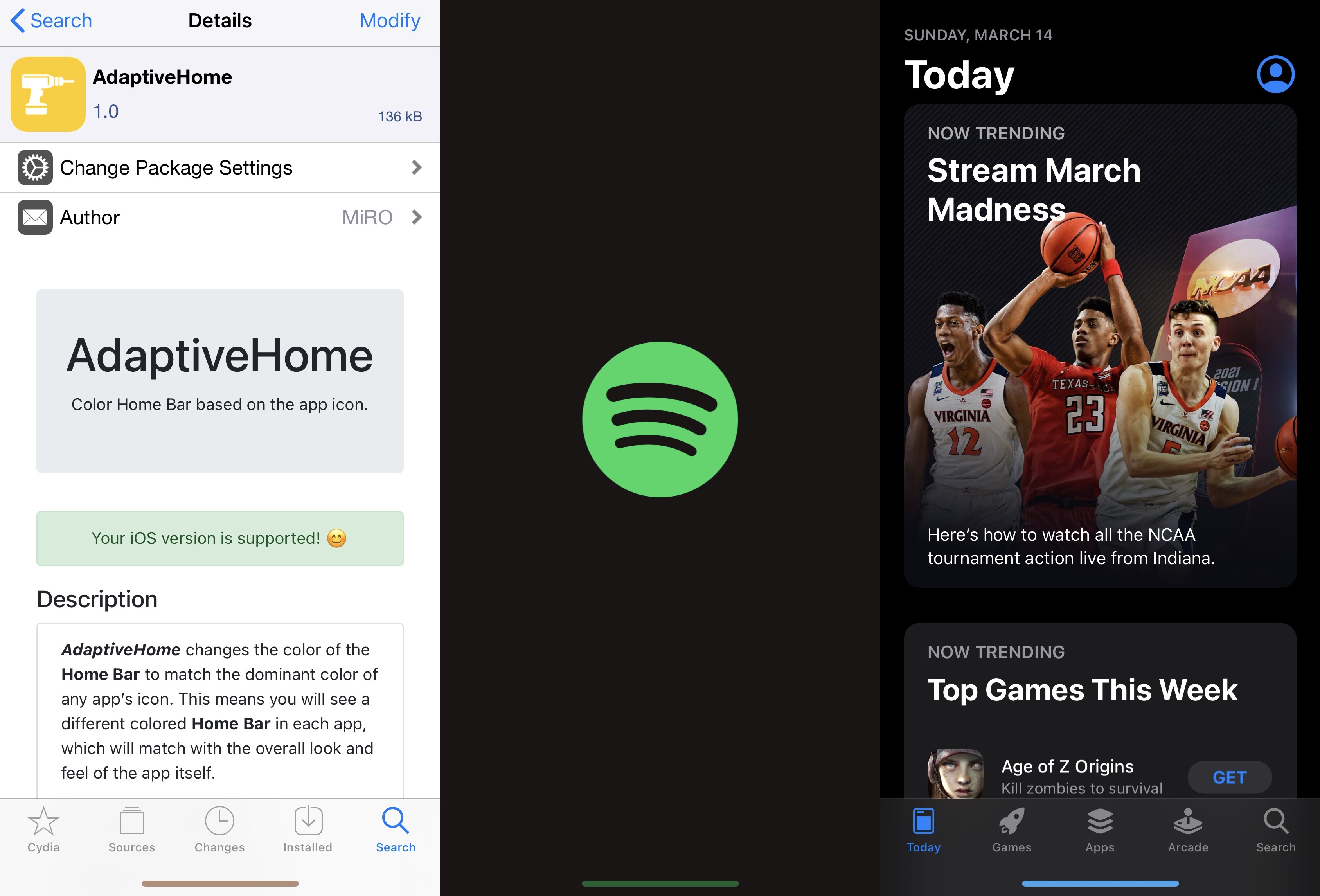
AdaptiveHome colors the Home Bar based on the icon of the app you’re using

One thing I like to do with a jailbroken iPhone or iPad is give it some personality. It doesn’t have to be anything extravagant, but I thoroughly enjoy subtle modifications that maintain Apple’s native design aesthetic to a certain degree while still offering something a bit more custom than what you’d experience on a device fresh out of the box.

If you’re anything like me with regard to the above sentiment, then I think you might enjoy a newly released and free jailbreak tweak dubbed AdaptiveHome by iOS developer MiRO.

This tweak fixes SMS-based one time password auto-fill after jailbreaking with unc0ver or checkra1n

If you just recently jailbroke your iPhone or iPad with the unc0ver or checkra1n jailbreaks, and you noticed that certain native features of your handset’s keyboard have stopped working as expected, then we’ve got some good news for you!

iOS developer Baw Apple has just released a new and free jailbreak tweak called u0SMSCompleteFix that apparently resolves these issues after jailbreaking these particular versions of iOS or iPadOS.

Jailbreak tweaks of the week: BatteryBuddy, Libellum, MediaBar14, & more…

The jailbreak community has been electrified ever since the unc0ver jailbreak picked up support for iOS & iPadOS 14.0-14.3, and with CoolStar's Odyssey14 jailbreak right around the corner, the community still has a lot more to look forward to.

In this roundup, we'll showcase all the latest jailbreak tweak releases and jailbreak-centric news from this past week, covering Monday, March 8th to Sunday, Match 14th. As always, we'll kick things off by discussing our favorite releases first, and then we'll wrap things up with an outline of everything else afterward.

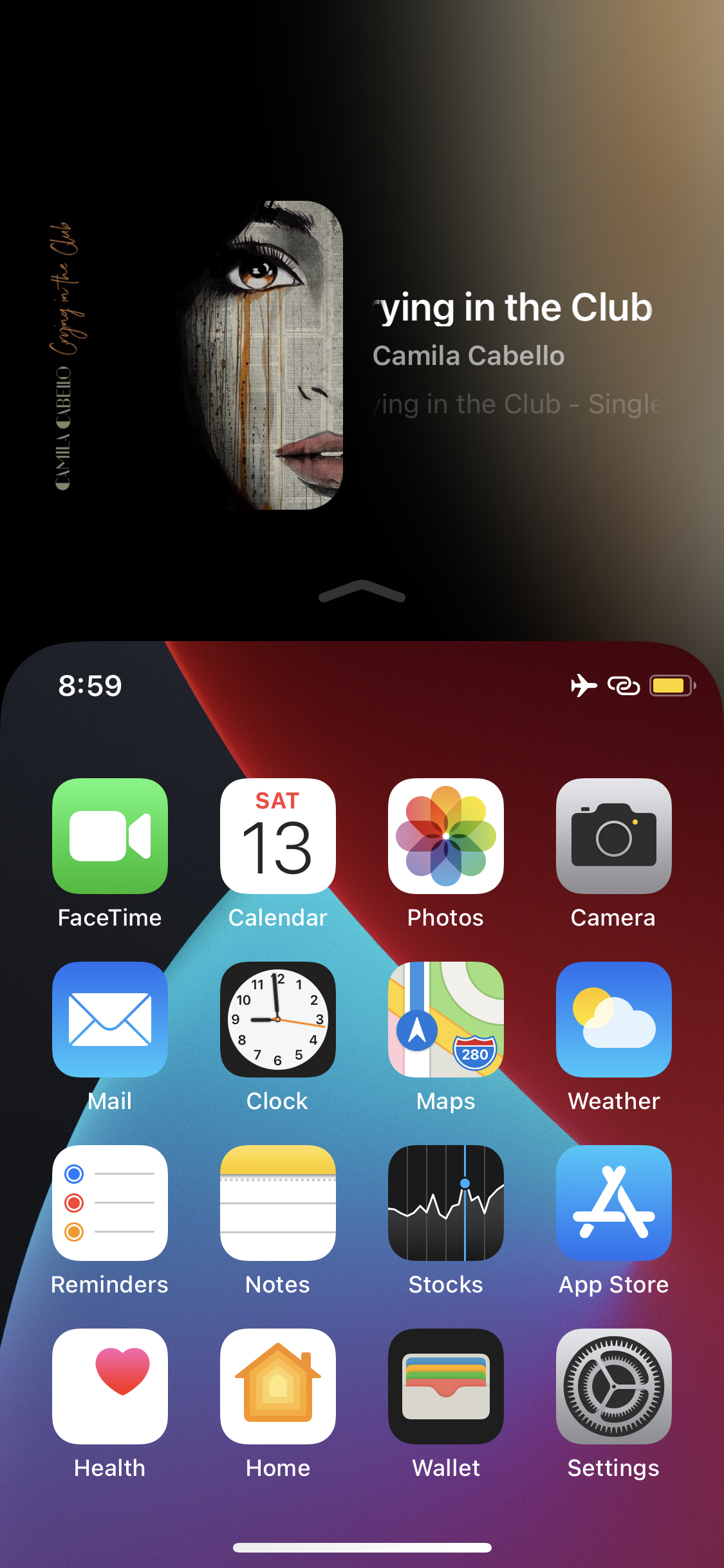
ReachPlayer fills the Reachability interface’s void with Now Playing info

Apple knows that its largest handsets can be unwieldy for one-handed usage, and that’s the primary reason why all modern iPhones come equipped with an accessibility feature dubbed Reachability.

I take advantage of Reachability somewhat frequently on my massive 6.7-inch iPhone 12 Pro Max, and while doing so, I often think to myself about just how much potential screen real estate is being wasted at the top of the display. After all, Apple could at least show device information of some sort in the unused Reachability space so that it isn’t occupied by a whole lot of nothing.

The Shy dims iPhone Home Screen icons after moments of inactivity

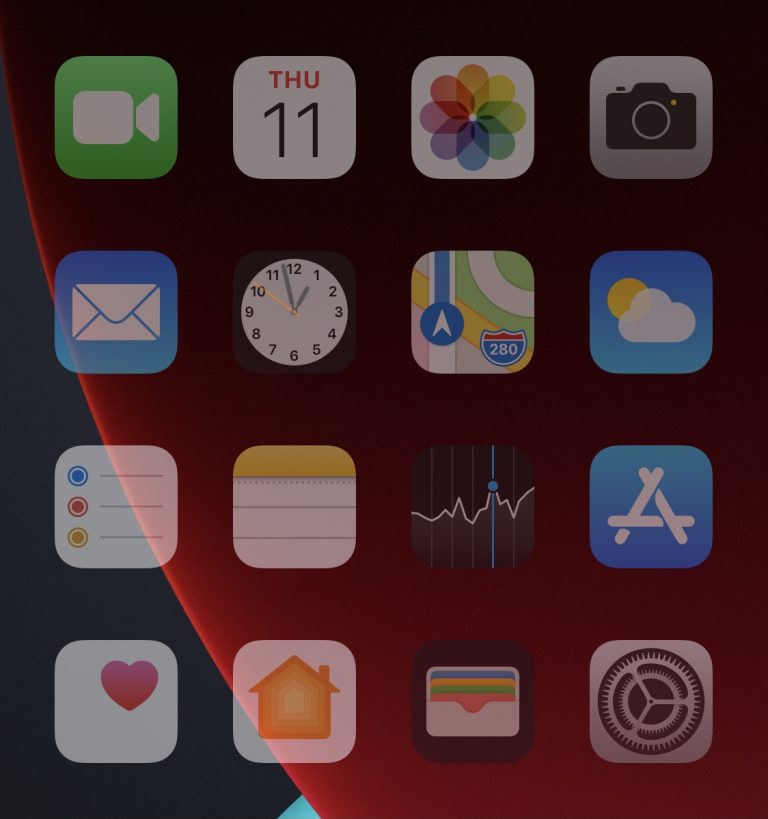
As a jailbreak hobbyist, I’m always in the market for quirky jailbreak tweaks that make my iPhone do interesting things. I not only enjoy being taking advantage of these small hacks and add-ons for myself, but I also enjoy showing others what they do and watching the expression of surprise that comes across their face before they eventually ask, “how’d you do that?”

One of such tweaks is a new and free release called The Shy by iOS developer haoict, which simply dims your Home Screen’s app icons after a user-determined amount of inactivity. In other words, when you go idle for a few seconds, you get a cool Home Screen effect to complement your inattentiveness.

Set any image as your Dock’s background with PhotoDock

If after jailbreaking your iPhone, you’ve started looking for a fun and quirky way to customize the Home Screen’s aesthetics, then we’ve got a treat for you.

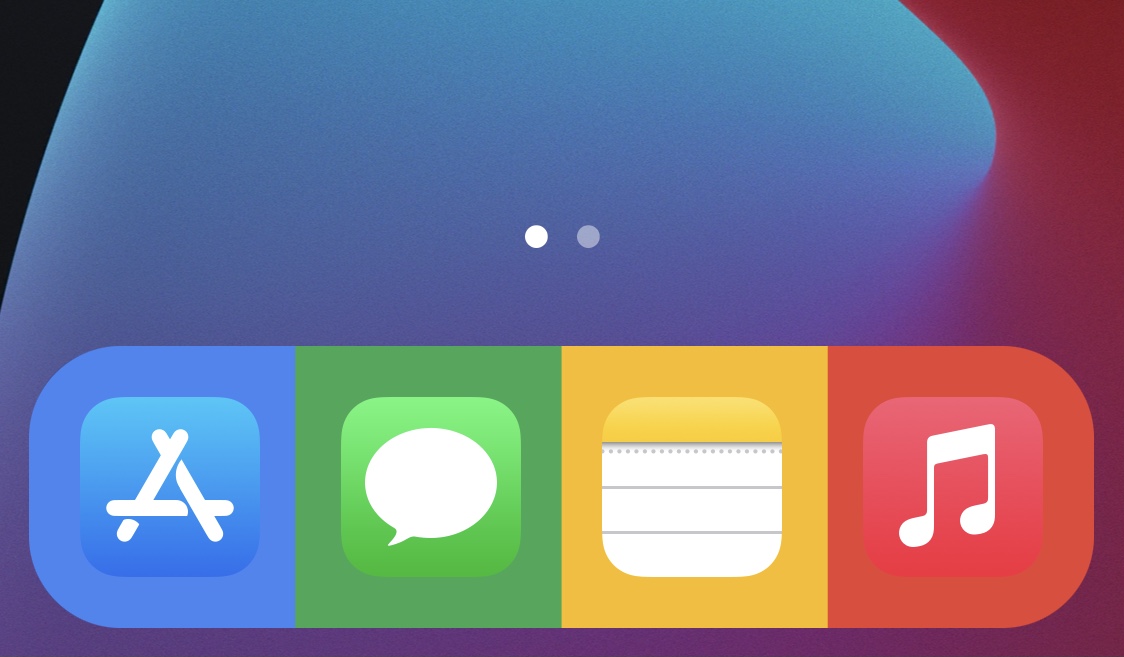
PhotoDock is a newly released and free jailbreak tweak developed by PopsicleTreehouse that lets users set a custom background image for the Home Screen’s Dock.

BatteryBuddy is a cute Status Bar battery icon extension for pwned iPhones

Many different forms of device customization exist for jailbroken iPhones and iPads. Whether you’re trying to make the device behave differently than it does out of the box or you’re looking to personalize the user interface with themes, there’s a little bit of something out there for everyone.

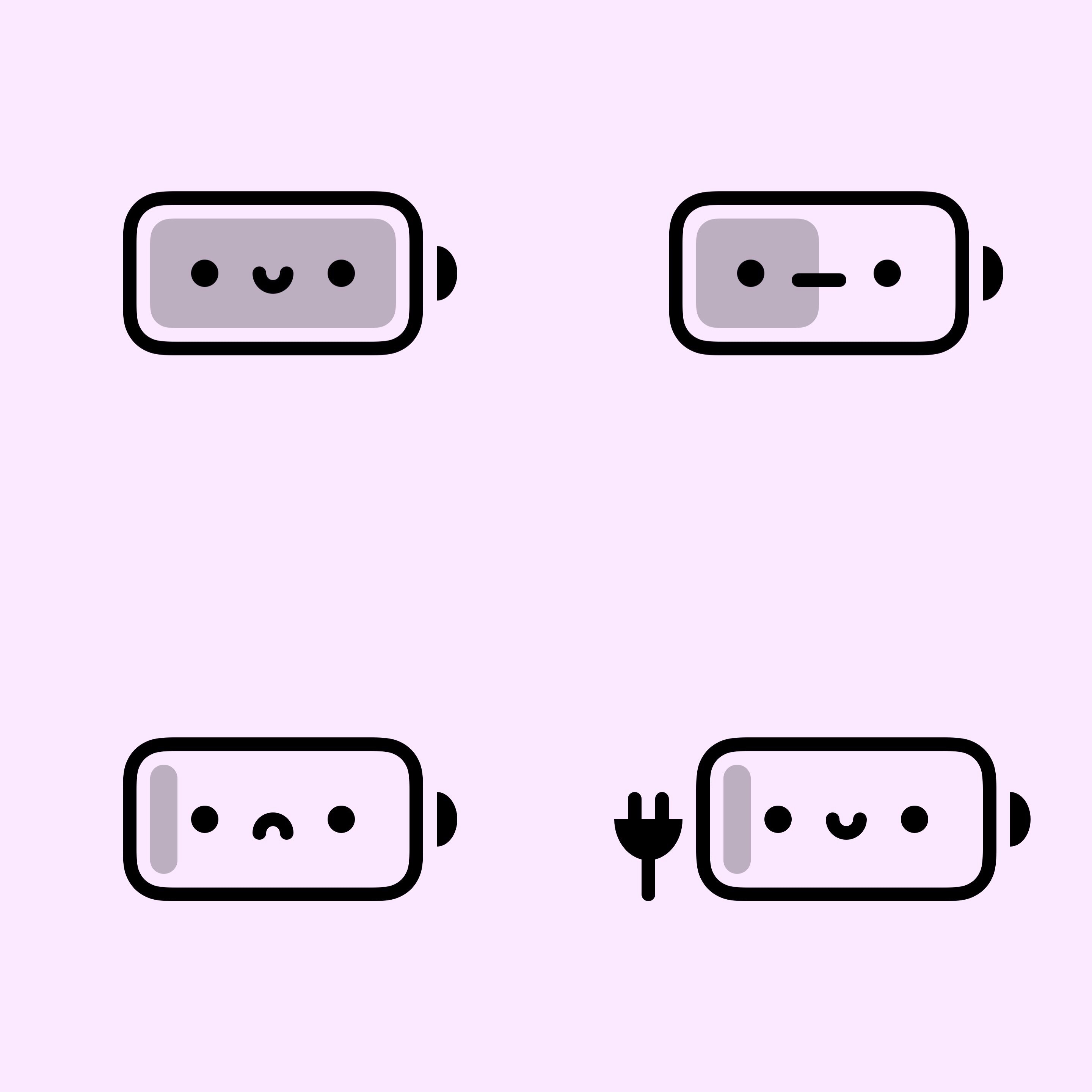
One great example would be a newly released and free jailbreak tweak dubbed BatteryBuddy by iOS developer Litten, which provides the end user with a much cuter battery indicator in the Status Bar.

Libellum lets jailbreakers jot notes down directly on the Lock Screen

Note-taking is an incredibly useful way to ensure you don’t forget something later on, and while Apple’s Notes app is a great tool for jotting down a note here and there, it can be a nuisance trying to get to the app in a pinch when I need it.

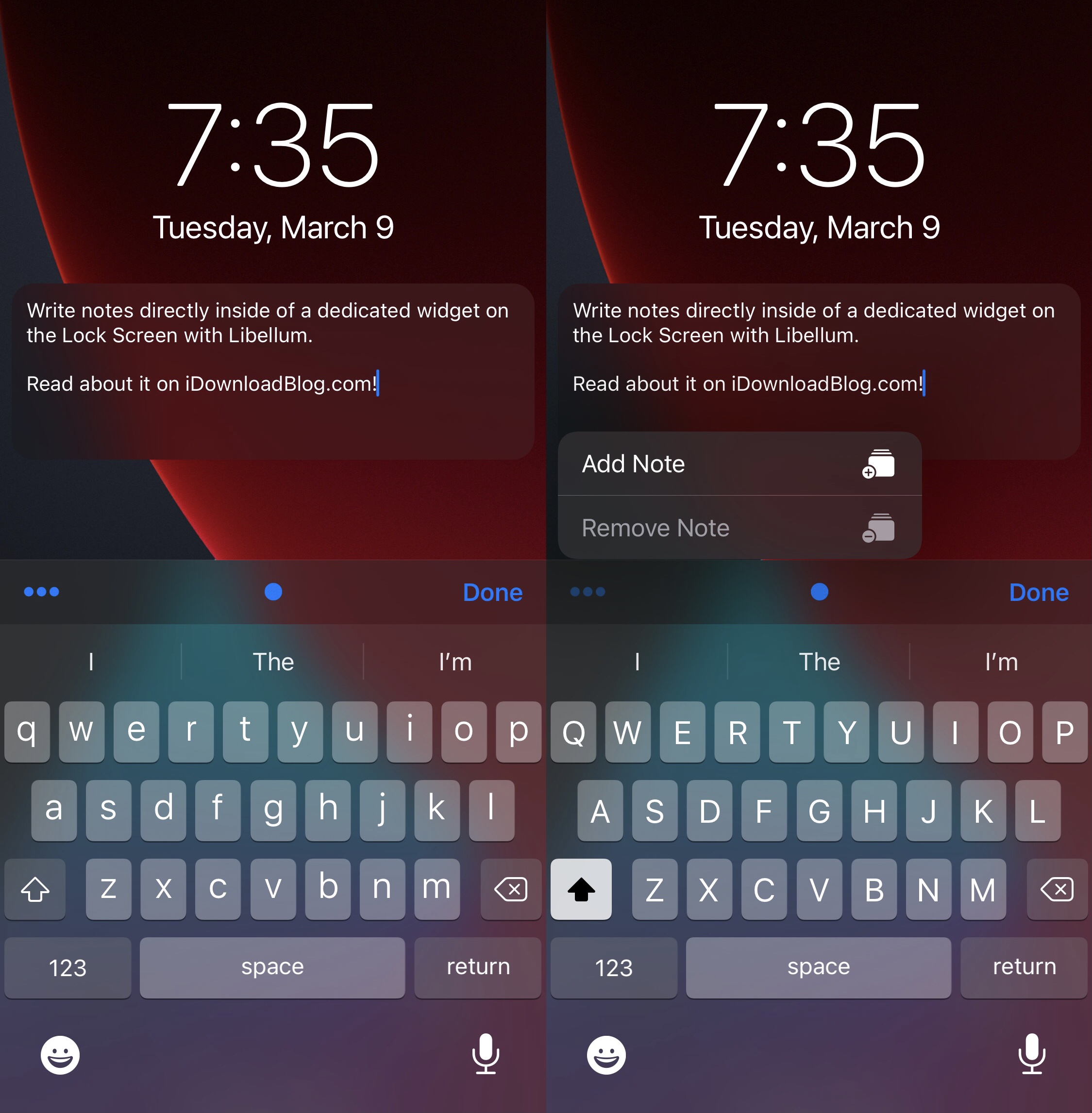
Libellum is a newly released and free jailbreak tweak by iOS developer LacertosusDeus that offers refuge from the aforementioned qualm, and it does so by putting a convenient note-taking widget directly on your Lock Screen that you can interact with without any delay of any kind.