Learn how to remove unwanted books, PDFs, and audiobooks from the Books app on your iPhone or iPad to free local space and clean up your library.
How to remove books and PDF from iOS Books app to make space
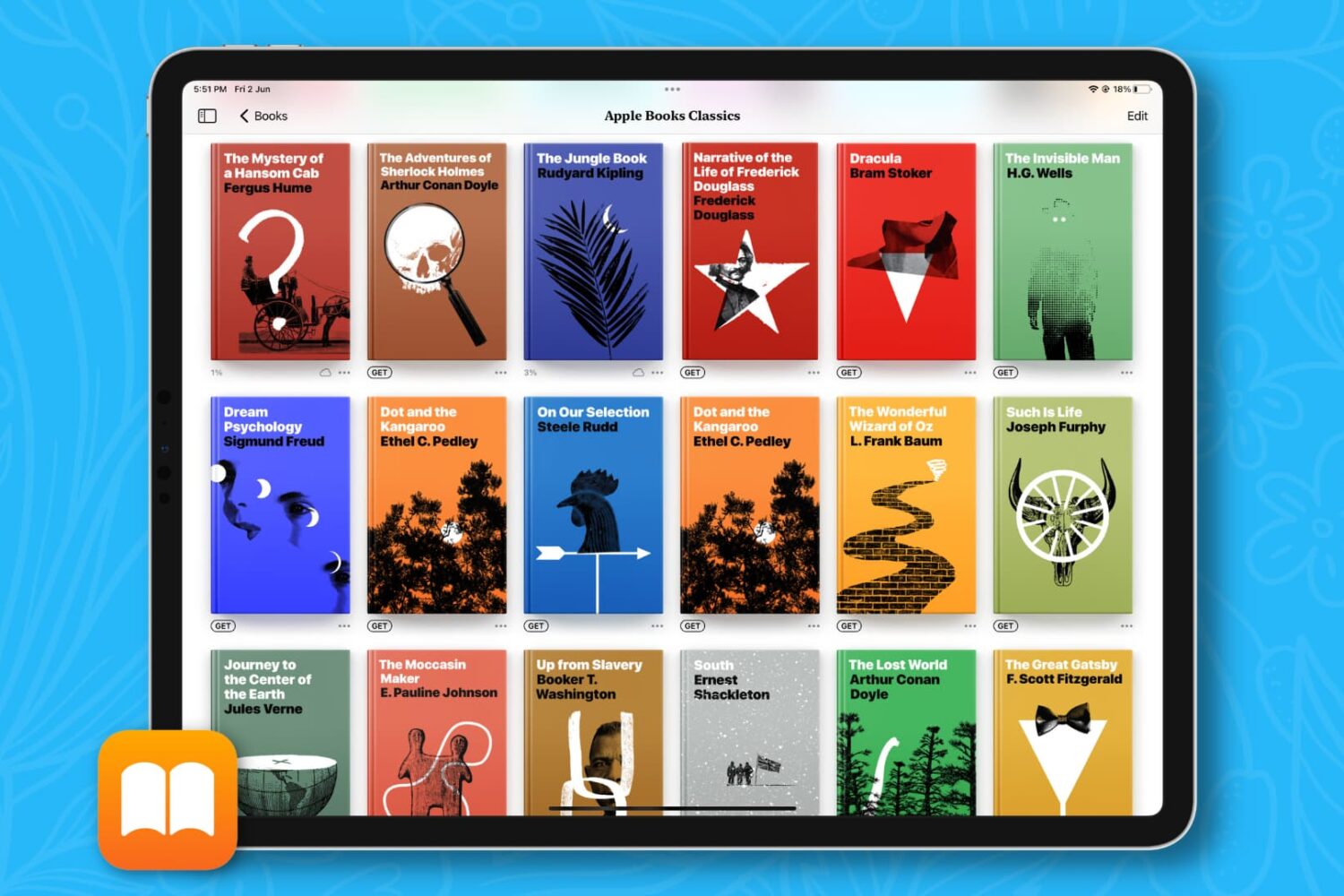
Learn how to remove unwanted books, PDFs, and audiobooks from the Books app on your iPhone or iPad to free local space and clean up your library.
Ukrainian developer Readdle today added a new flagship application to its stable of productivity software for the iPad, PDF Office. The all-in-one mobile solution is suited for demanding users who need to produce PDF files on the go, from scratch, or edit existing documents using a bunch of powerful editing and annotation tools.
With PDF Office, you can create new PDFs, jot down notes, scan documents using your iPad's camera, create and fill out forms, convert any file, picture or even a website into a PDF document, annotate and sign PDFs, collaborate on documents and more — all in the name of going completely paperless.
Based on a subscription model, PDF Office is available free of charge with subscriptions starting at $5 per month (annual subscription will cost you $40).
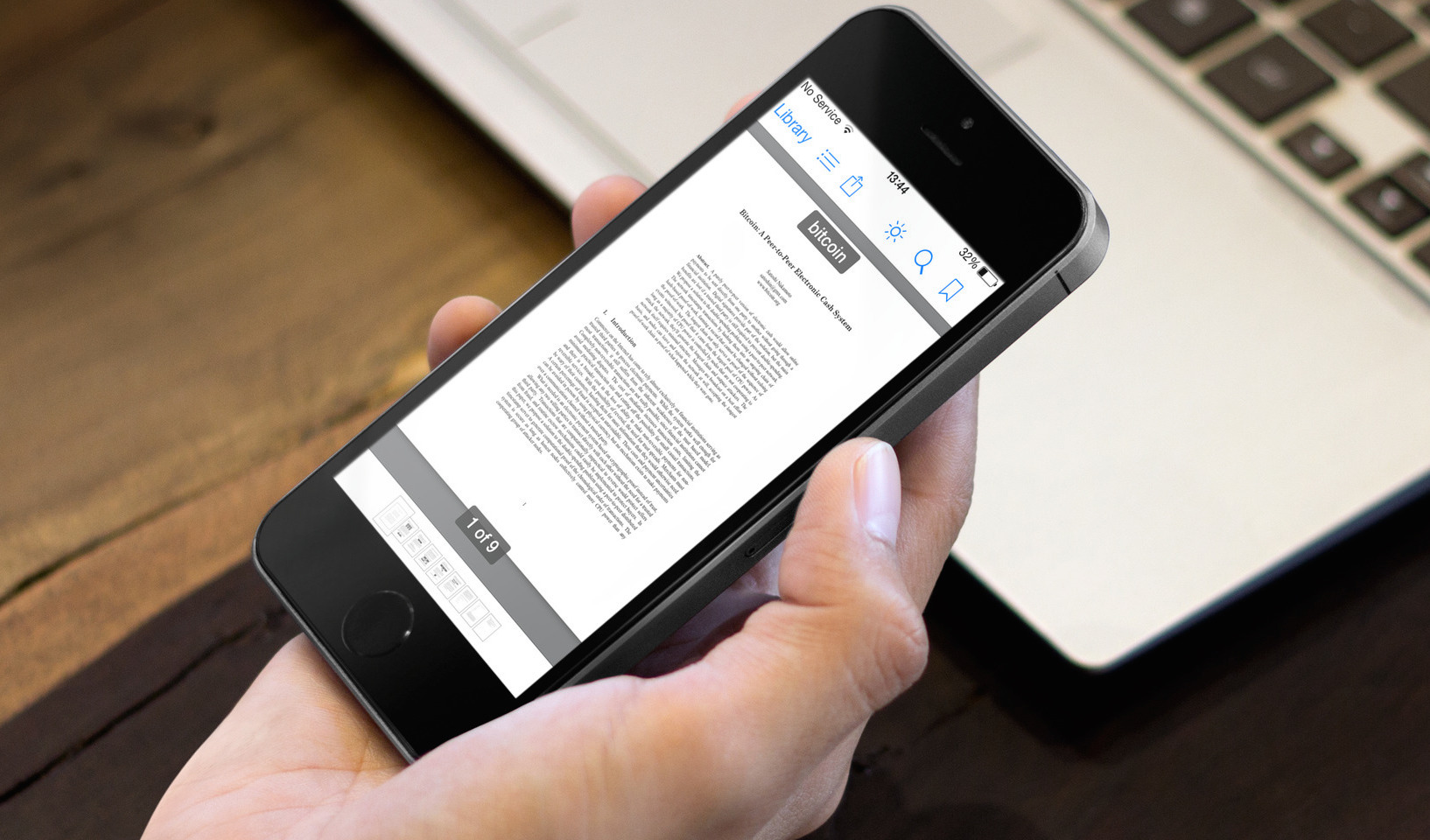
Thanks to technological advancements like the iPhone and iPad, we no longer have to cut down as many trees in order to keep productivity going. With the features that many PDF readers have, you can download a document, sign it, and return it to the sender without having to print out a single piece of paper.
If your list of PDF files is growing by the minute, you might need a dedicated app for keeping them organized, while still allowing you the ability to annotate and edit. We’ve got a list of what we think are the best PDF management apps for iPhone and iPad that will let you edit, annotate, or even sign PDF documents.
Yesterday, Ukrainian developer Readdle released a pretty big update to its PDF Expert 5 and Documents 5, apps that let you edit, annotate and manage PDFs and other documents on your iPhone and iPad.
I wanted to share a few key improvements with you quickly because the app's now a showcase example of how iOS 8 enables a whole new level of inter-app integration.
A free update to existing owners, PDF Expert 5.2 features a number of enhancements, including a few iOS 8 exclusives such as support for iCloud Drive document storage and Touch ID authentication to unlock the app instead of a regular passcode.
Scanbot is an awesome PDF scanning utility that allows you to create high-quality PDF or JPEG scans with 200 dpi and higher. You can then upload the images to a number of cloud storage services, share them online and what not.
It's an indispensable productivity tool for paperless office aficionados and good for just about anyone who needs to scan those receipts, contracts, print outs and other document types. Plus, it's now available on the iPad.
The new Scanbot 2.0, available as a free update for those who've purchased it, is now a universal binary whose UI has been specifically tailored for both the tiny iPhone screen and the iPad's larger canvas.
Filed as Germany-based Doo GmbH's biggest release yet, the refreshed software also brings out a smart QR code scanner (more on that later), an improved grayscale filter and a host of other improvements and bug fixes...
Good.iWare's popular document and file management iOS app, GoodReader, is one of the best applications to help solve the lack of a dedicated file management system on your iPhone, iPod touch and iPad devices.
GoodReader can synchronize your documents and files with a number of sources, be it your computer, another iOS device or a host of frequently used cloud-storage solutions.
It has a robust PDF management and editing capabilities that have been vastly enhanced in the latest version 4.0 update. Having decided to release GoodReader 4 as a brand new paid app, Good.iWare is now offering a time-limited 60 percent discount with an introductory price of $2.99...
Good news for Dropbox users this afternoon. The cloud storage company has posted an update for its iOS client, bringing the app to version 3.0.2. The update includes a number of bug fixes, as well as the ability to view PDF annotations.
For those unfamiliar with the term, PDF annotations are things like notes, highlights and other edits made to a PDF document. And until now, users were not able to see these edits in Dropbox without using a 3rd party app or workaround...
The Ukraine-based app maker Readdle today released a big update to its PDF management app, PDF Expert for iPad. The software makes reading, annotating or editing PDF documents on your iPad a snap, with advanced capabilities like highlighting and handwriting support, the ability to sign your PDFs digitally (useful for contracts and other legal documents), insert text and stamps and more.
PDF Expert can even merge multiple PDF documents into one so it's much like the OS X Preview app feature-wise.
The fifth major iteration offers such enhancements as the new shared-folder capability, AirDrop sharing, a revamped file manager, iCloud storage and sync for your PDFs and lots more. The full breakdown is after the break...
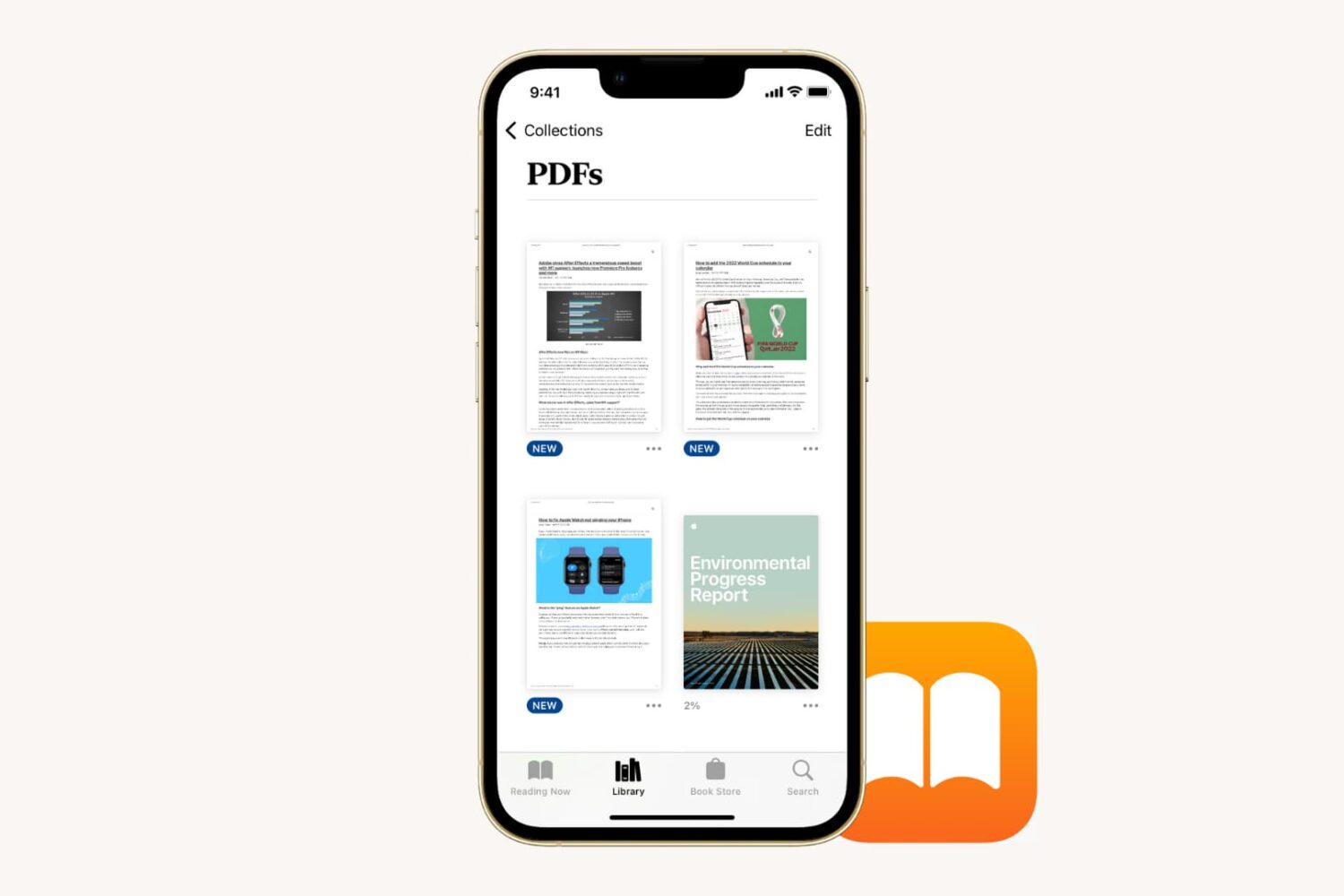
Learn how to save a PDF document to the Books app on your iPhone or iPad for safekeeping and easy access across your devices.

The Firefox browser by Mozilla, the non-profit organization, was once hailed as the biggest threat to Internet Explorer's dominance, but boy do times change fast.
In just a few short years following its release, Google's Chrome has become the most popular browser out there. And while Firefox certainly doesn't lack a punch, it does fall behind Google's baby in several aspects.
I've always loved Chrome's built-in Adobe Flash player (because it doesn't pollute the entire system with Adobe's buggy plug-in). Another Chrome feature I love: a nice PDF viewer, also built-in. Starting today, a new major release of Firefox for Mac, Windows and Linux is available for download and it comes with a built-in HTML5-based PDF viewer, just like Chrome...
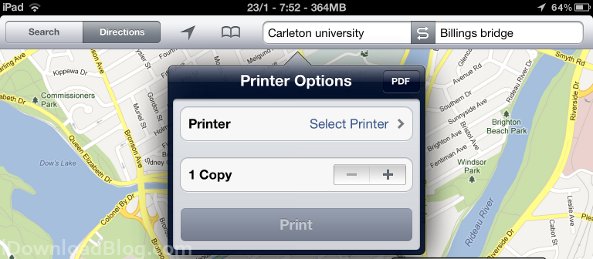
PDF Printer for Safari was a jailbreak tweak originally designed to allow users to 'print' from safari to PDF documents in order to neatly archive websites, but it seems the tweak has grown beyond its name.
The latest version of PDF Printer for Safari adds PrintKit integration, which is the native printing library on iOS. This library means 'printed' documents will save faster, users can now delete pages from the PDF on the fly, and the PDF Printer now works with the stock Maps app in iOS 5...

While mobile Safari is more than adequate for casual web surfing, it's also very limited when it comes to performing more advanced functions.
For instance, if you were interested in viewing the source code behind one of your favorite websites, it's impossible to do out of the box.
Even something as simple as viewing all of the images contained on a given page is out of reach. This is a function that's easily accomplished with stock versions of desktop browsers.
Thankfully we have jailbreaking, and with it the tools to accomplish such simple, yet otherwise impossible tasks. Take Image Grabber for example — a jailbreak tweak that allows you to view all of the images on a given web site or PDF, and save, copy, or share them...