Got no internet connection, but need to edit a shared document? Here’s how offline editing works in Pages, Numbers, and Keynote on iPhone, iPad, and Mac.
How offline editing works in Pages, Numbers, and Keynote
Got no internet connection, but need to edit a shared document? Here’s how offline editing works in Pages, Numbers, and Keynote on iPhone, iPad, and Mac.
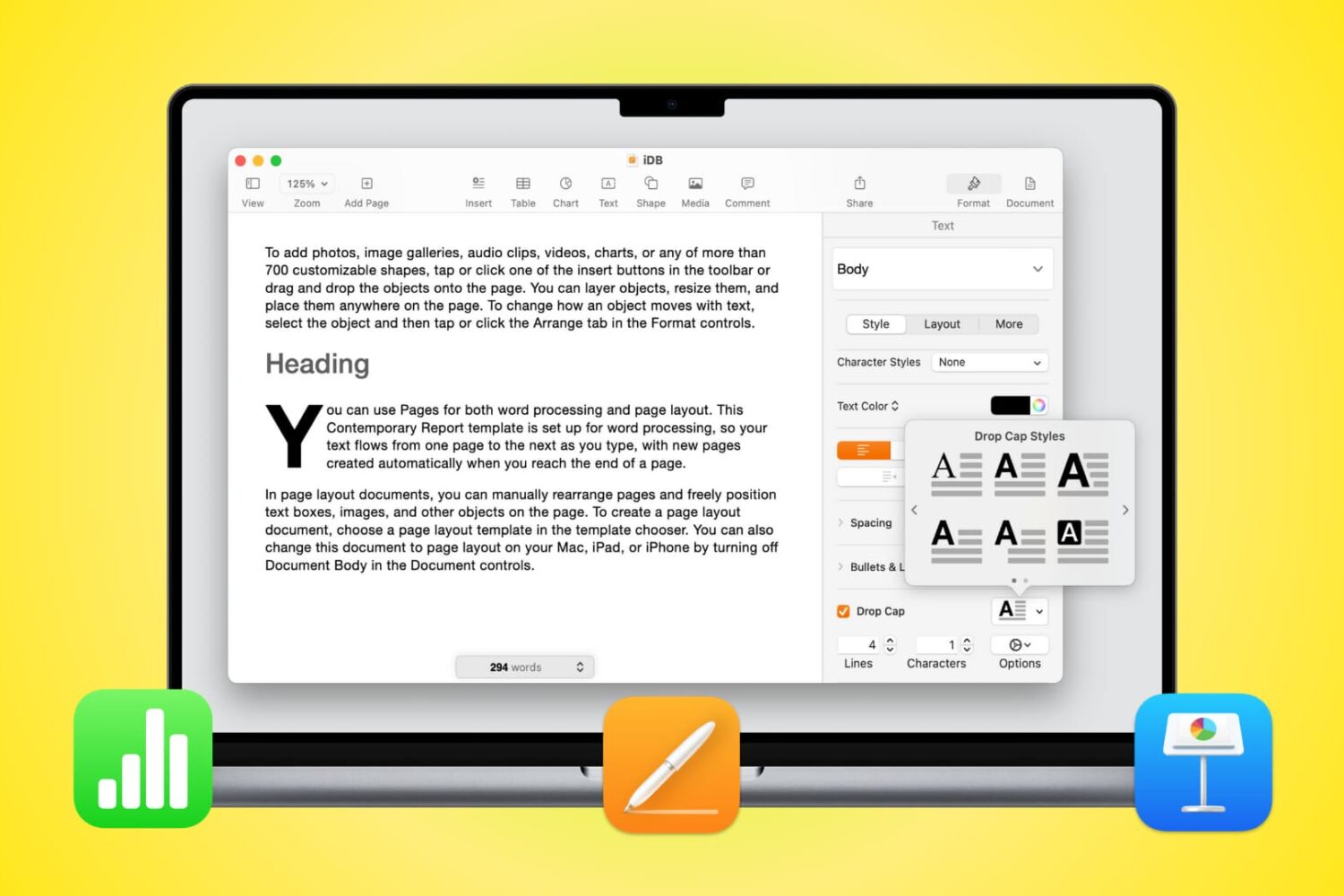
Learn how to use Drop Cap in Pages, Numbers, and Keynote on Mac to increase the size of the first letter (like newspapers do) and enhance the appearance of your documents.
This tutorial will show you how to include comments when printing a document in Pages, Numbers, or Keynote on Mac.
Not too long ago Apple released macOS Catalina 10.15.4 to the public, along with iOS 13.4 and iPadOs 13.4, which brought the long-awaited iCloud Drive Folder Sharing feature to the public.
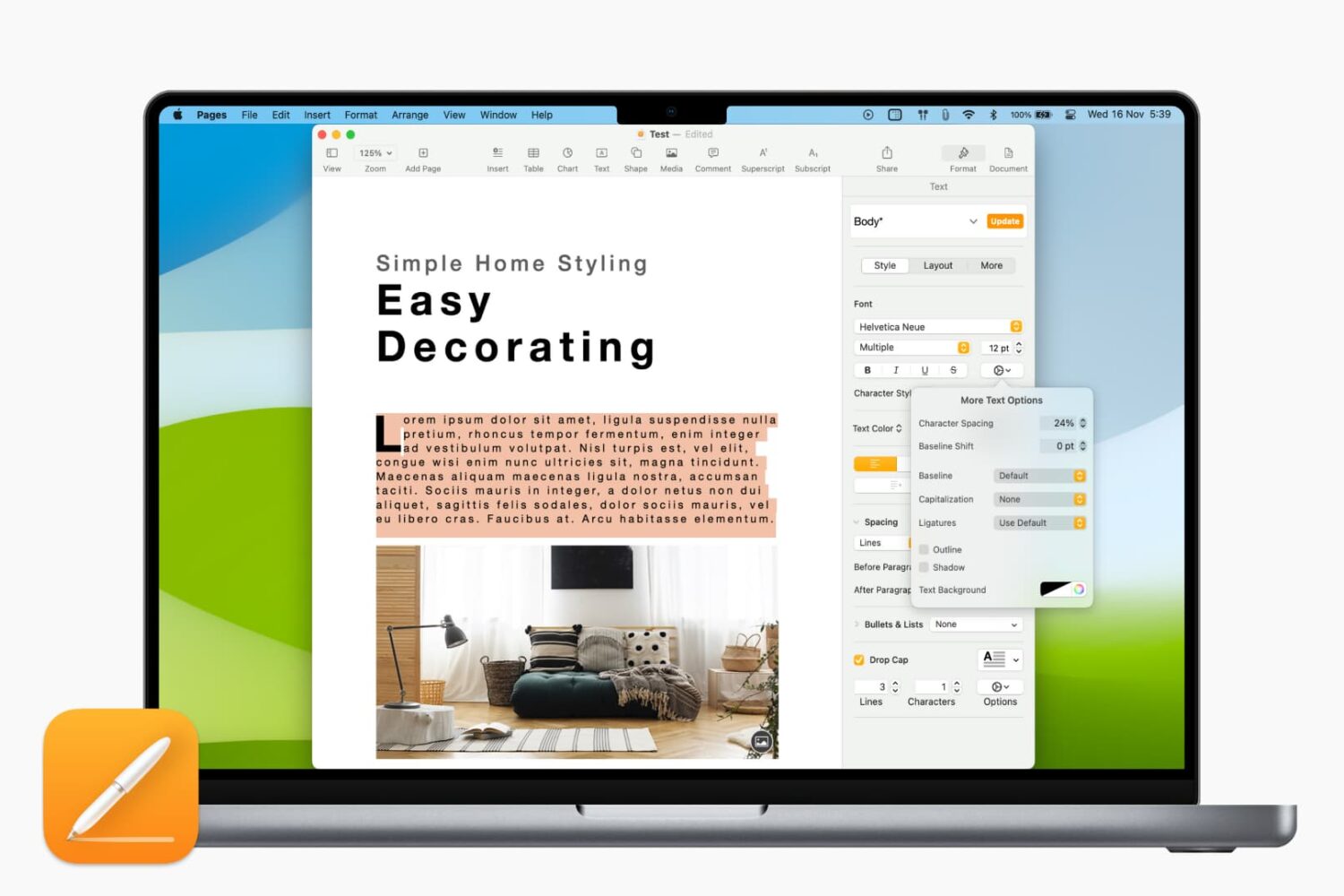
Learn how to adjust the character spacing to make text stand out in a Pages document on your Mac.
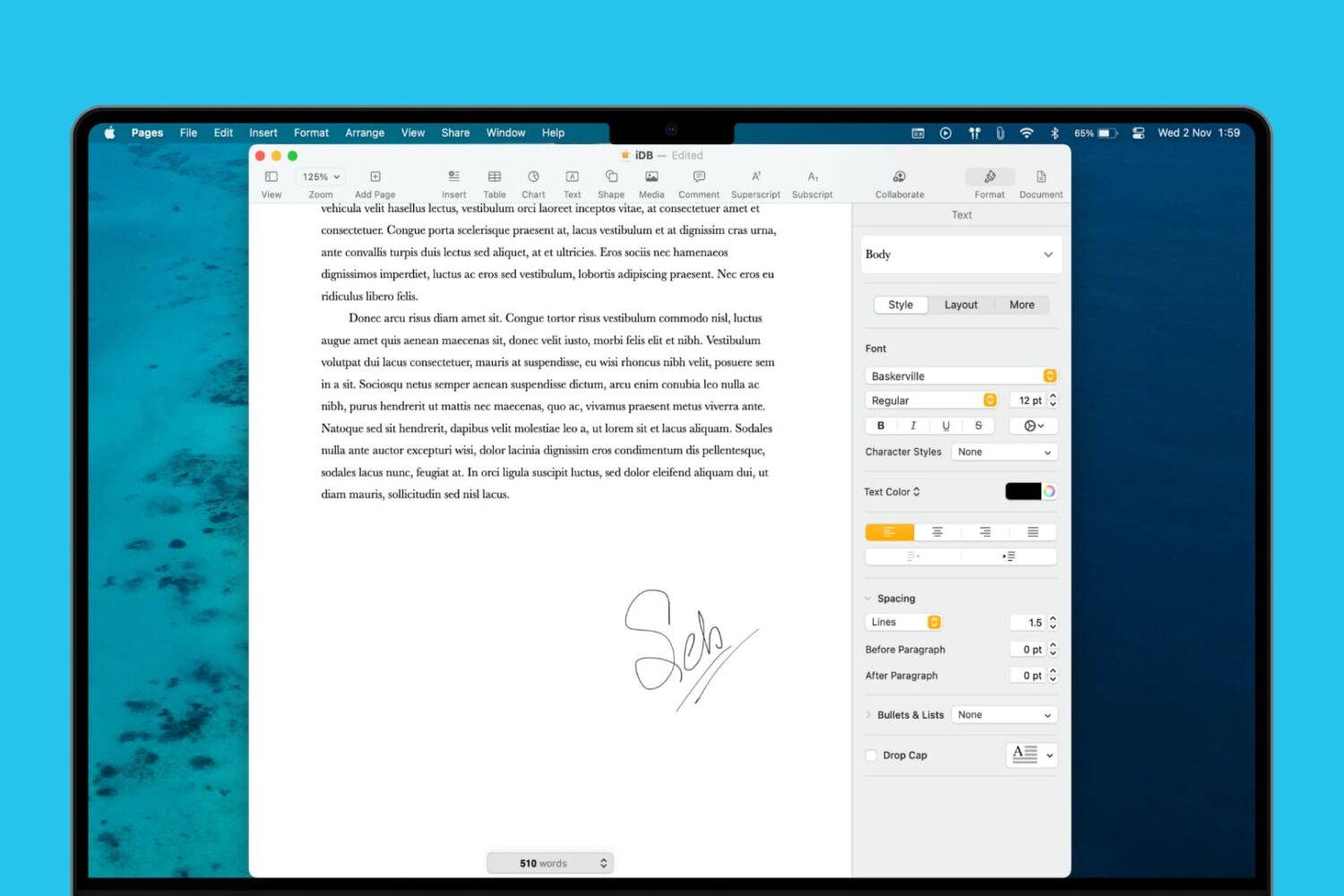
Learn how to add a signature to your document in the Apple Pages app on Mac, iPad, and iPhone to sign it digitally and provide approval, authorization, or legal validation.
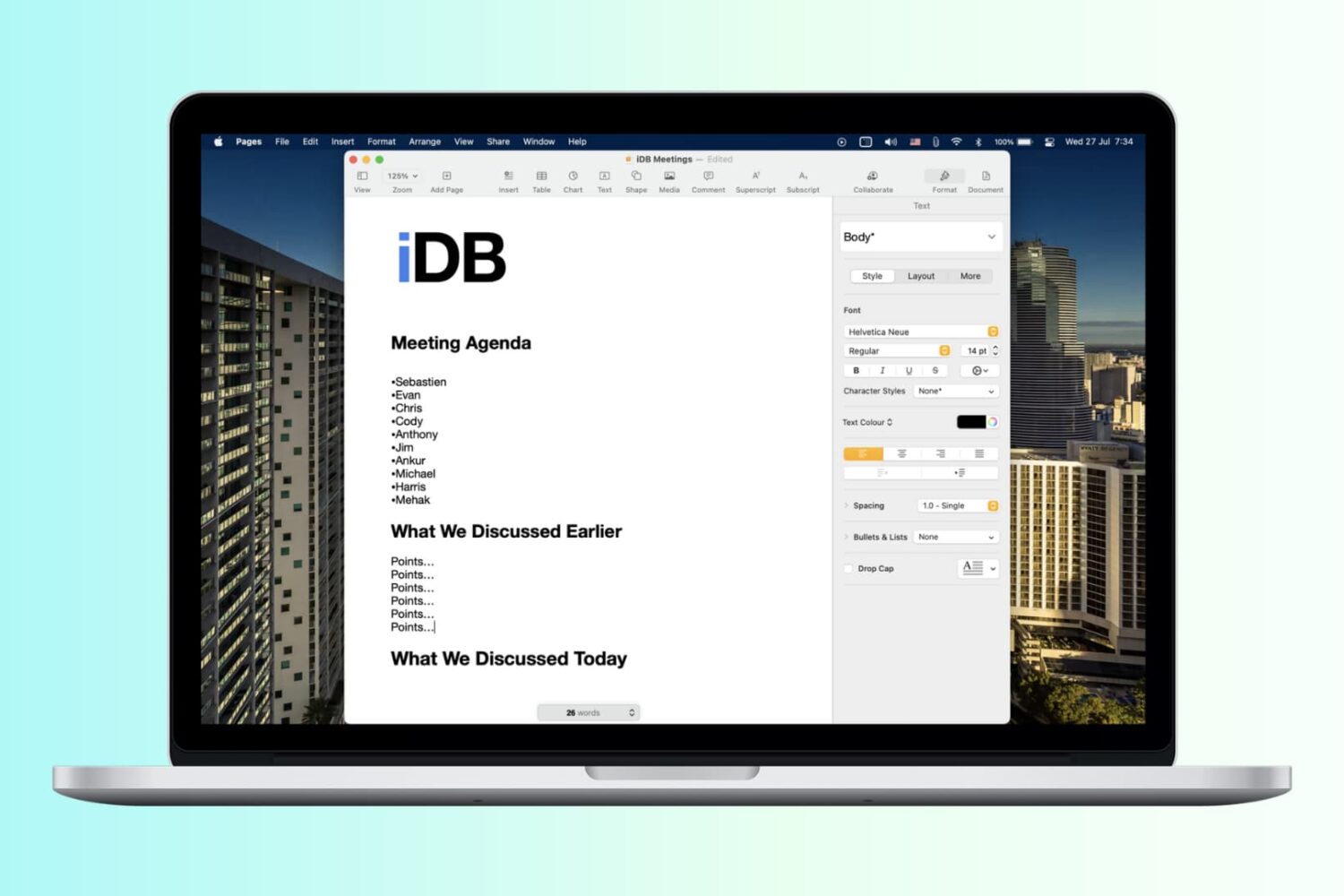
Save yourself a little time when creating documents in the Apple Pages app by making a custom template to streamline your workflow and maintain a consistent document style.
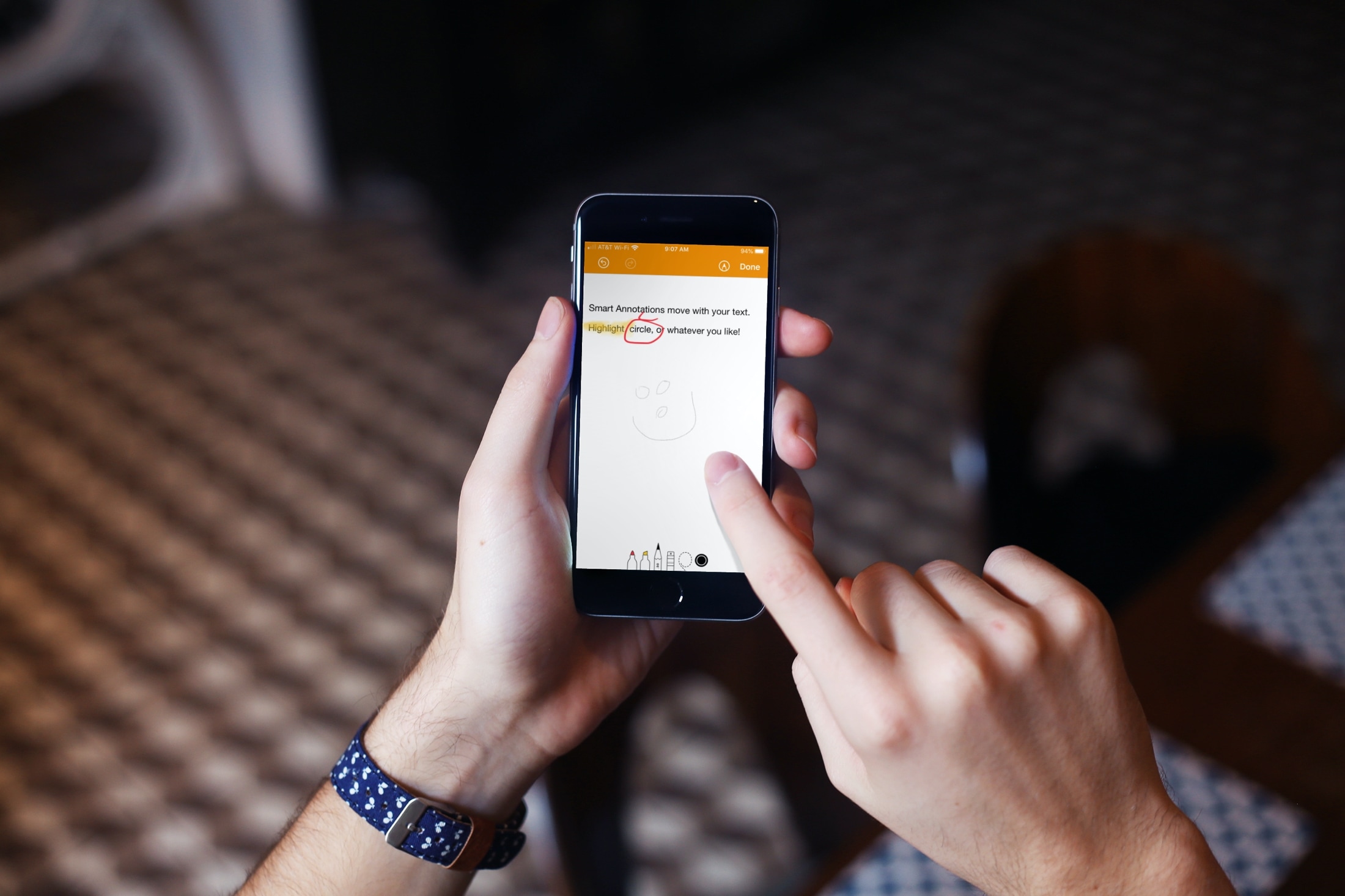
Learn how to use the Smart Annotations feature in the Pages app on your iPhone or iPad to easily mark up your documents. The annotations you make will stay in the document along with the main text.

Learn how to export your document from Pages, Numbers, and Keynote apps as password-protected PDFs on your iPhone, iPad, and Mac to prevent unauthorized use.
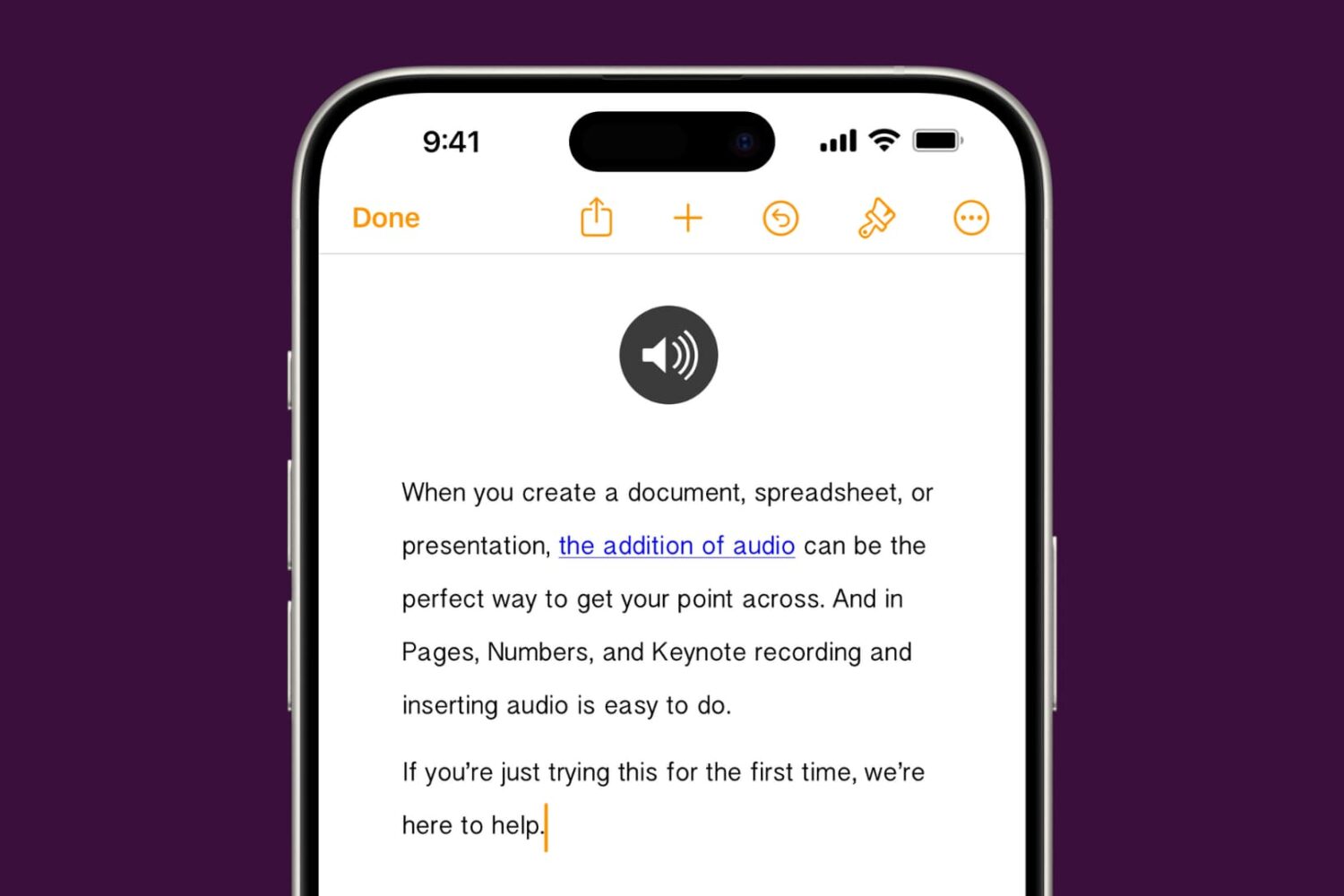
Learn how to add audio to your documents, spreadsheets, and presentations in Apple Pages, Numbers, and Keynote apps on your iPhone, iPad, or Mac to provide a more immersive experience and boost engagement.
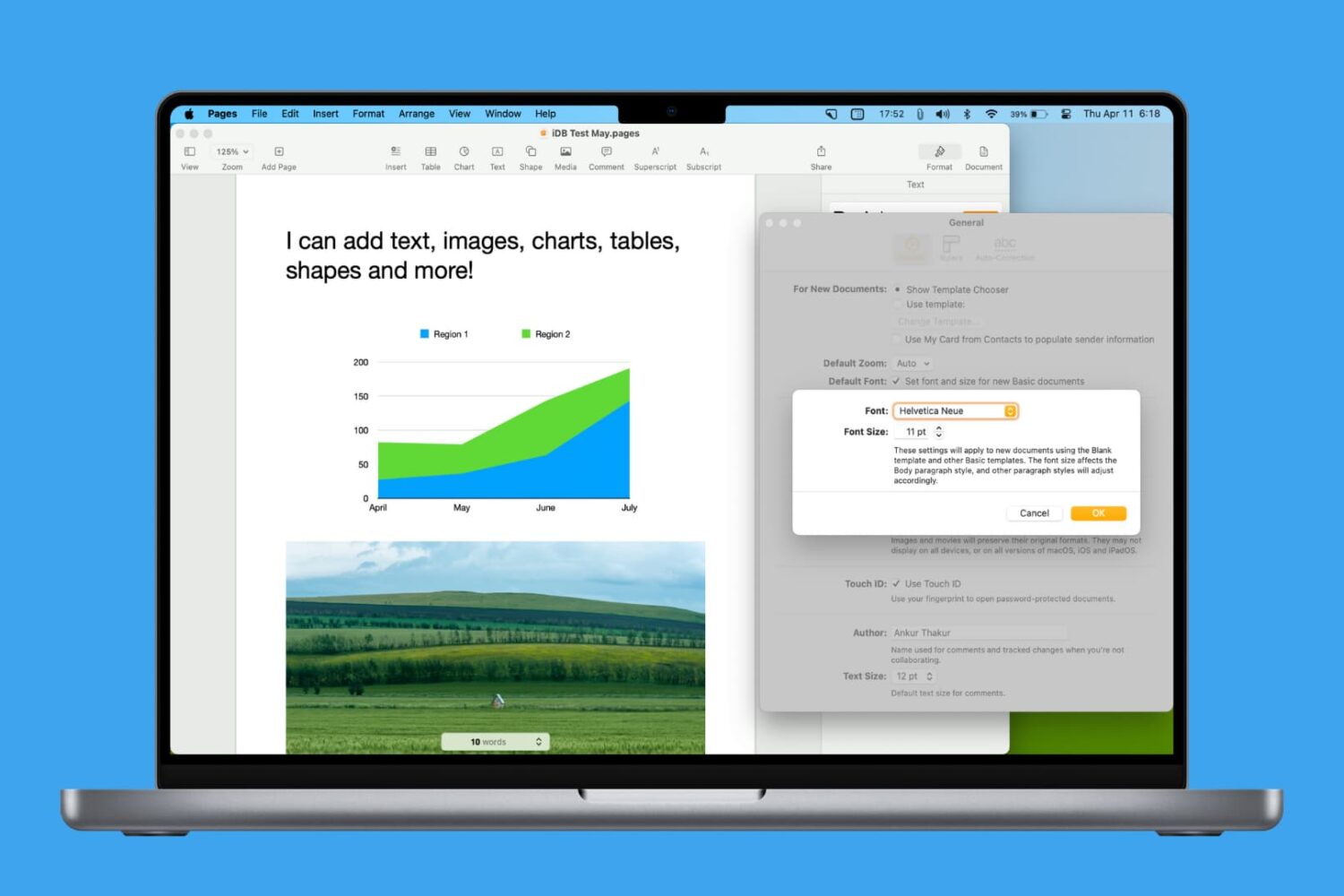
Learn how to personalize your Pages documents by setting another default font on your Mac.
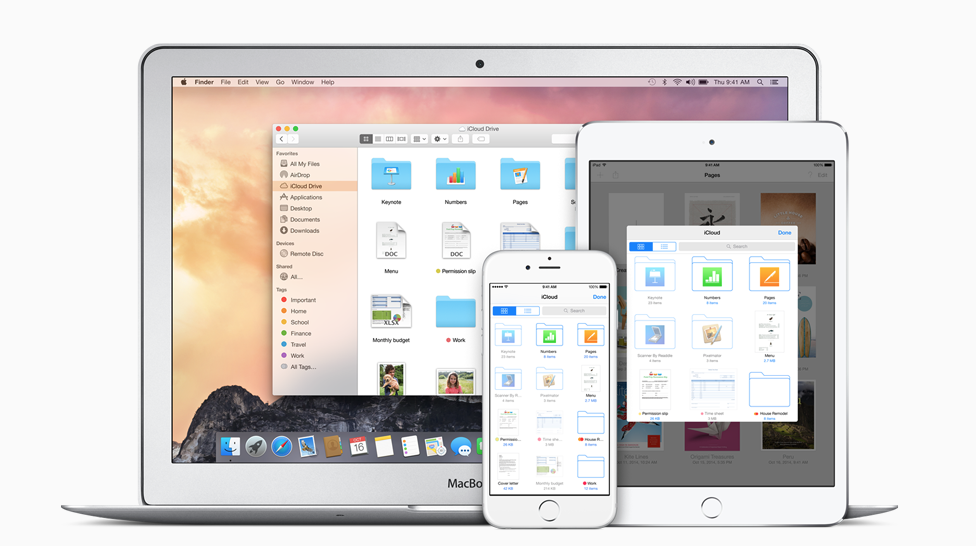
Apple has updated its suite of productivity apps to support the company's newest mobile operating system version.