Learn how to set certain app notifications to be delivered quietly without making a sound or waking up the Lock Screen on your iPhone and iPad.
How to set app notifications to deliver quietly on iPhone
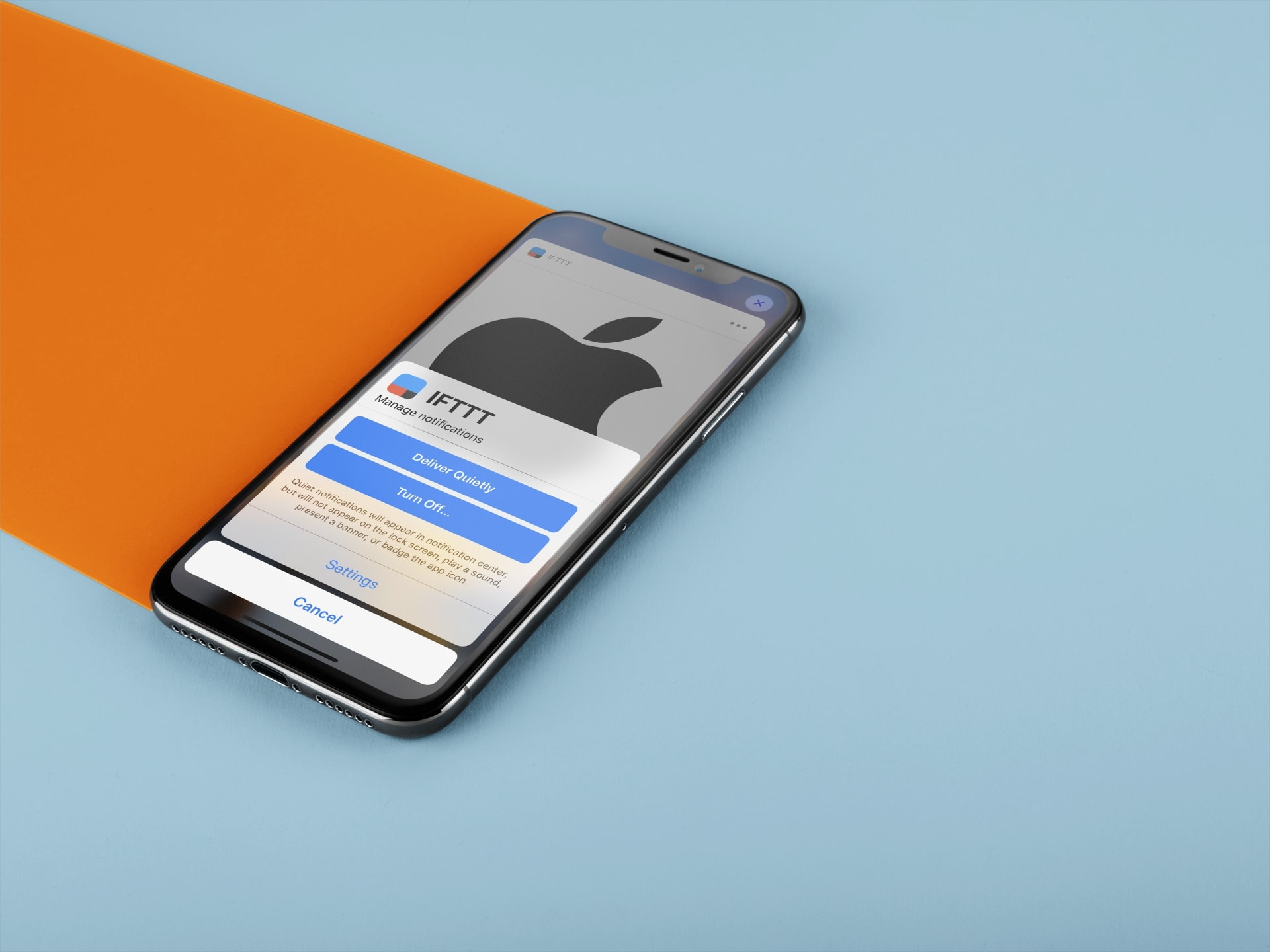
Learn how to set certain app notifications to be delivered quietly without making a sound or waking up the Lock Screen on your iPhone and iPad.
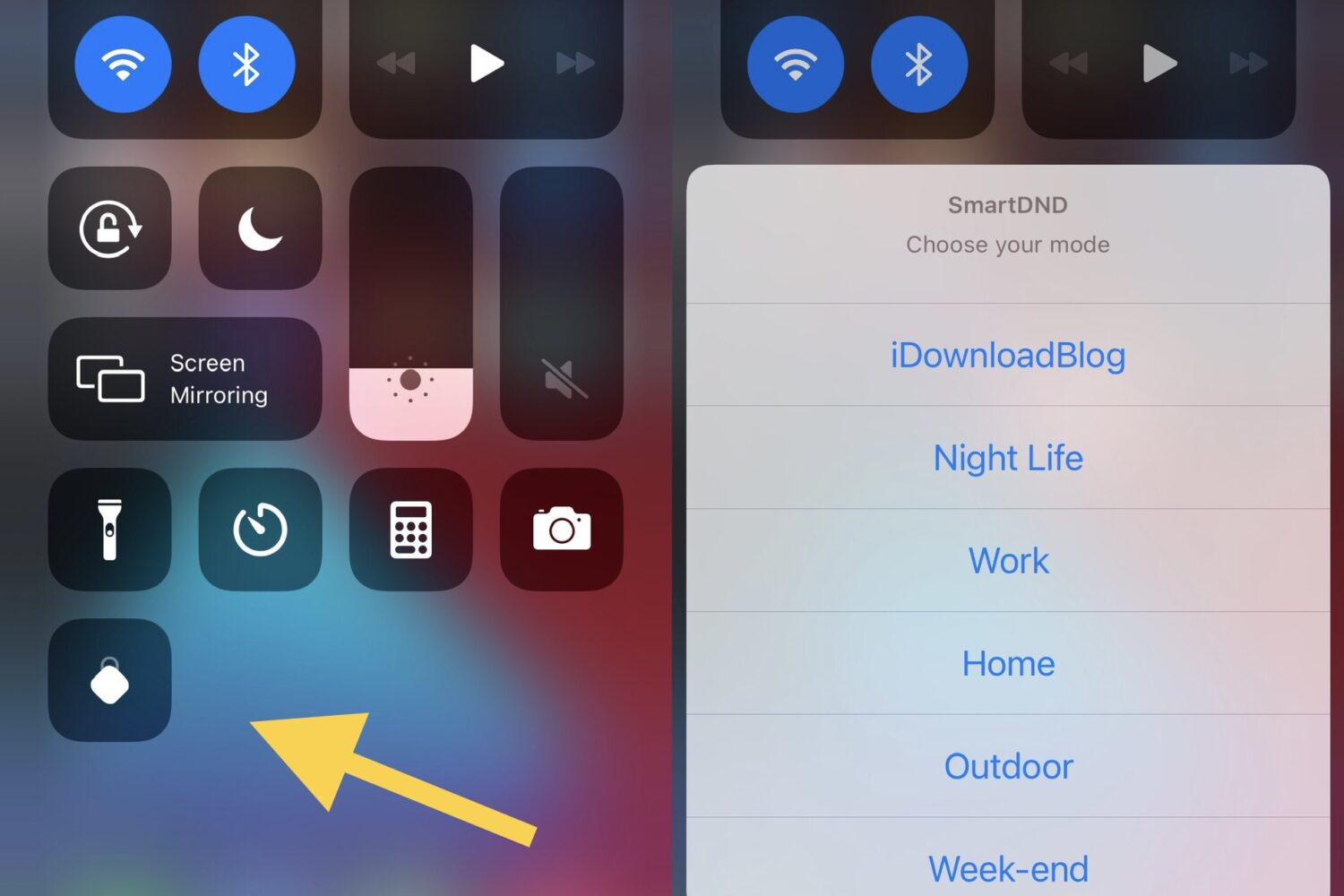
One of the significant upgrades we see in iOS & iPadOS 15 is Focus, which is essentially an upgraded version of the handy Do Not Disturb feature with powerful settings so that users can filter incoming notifications to just those that suit their current activities.
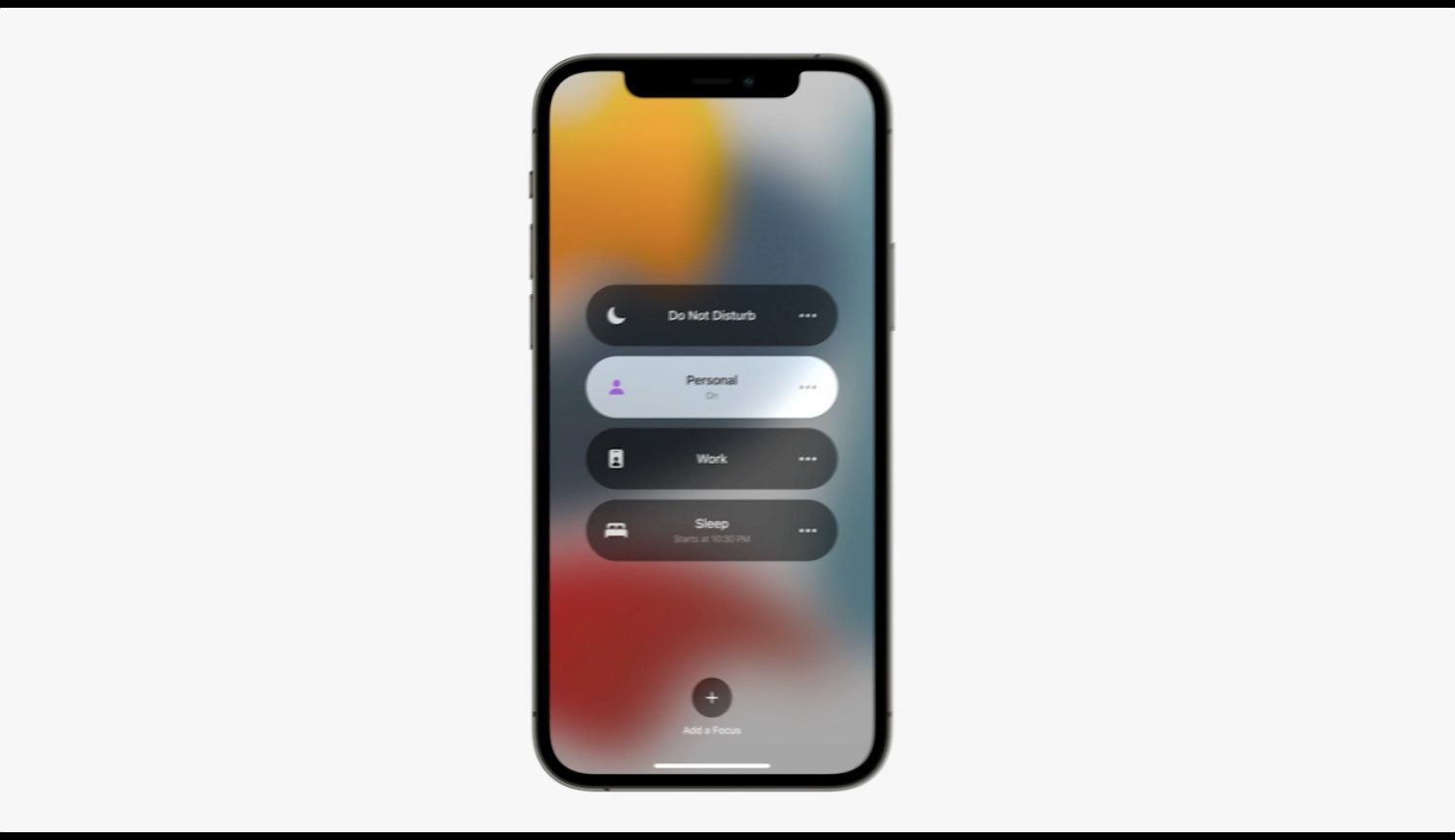
Focus Mode, one of iOS 15's headline new features, is Do Not Disturb (DND) on steroids. Too bad iOS 15 lacks the old setting to only permit notifications when iPhone is unlocked.

In 2014, a jailbreak tweak called Priority Hub made waves when it brought Blackberry 10-inspired Lock Screen notification grouping to pwned iPhones. The concept was so popular that releases like Atmos and Axon sought to do the same on newer versions of iOS several years later.
Now that iOS 14 is the latest jailbreakable firmware, it’s unsurprising to see another developer coming out with a modern-day Priority Hub. Xyaman just this week launched a brand-new tweak dubbed Tako that does exactly that.
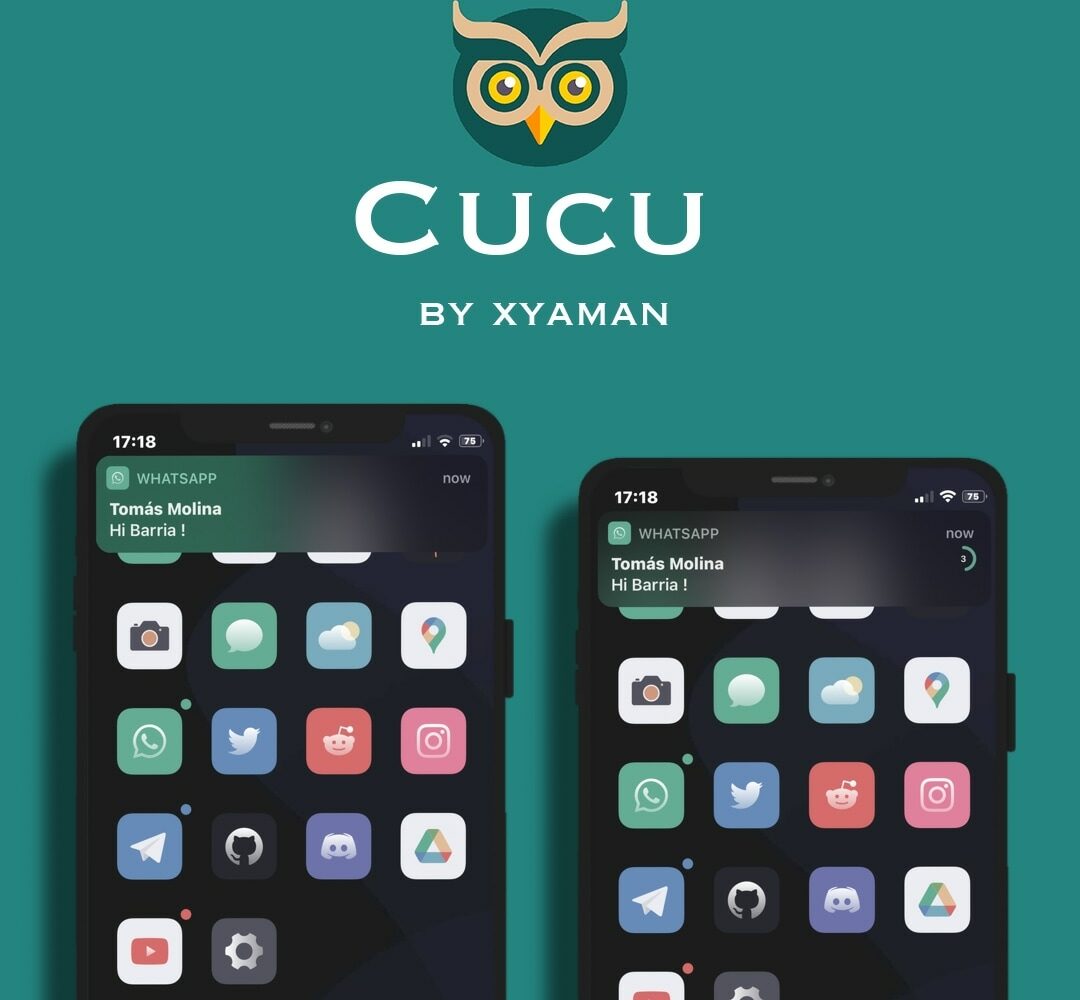
If you’re jailbroken and in the market for an exciting new way to customize your handset’s notification banner experience, then we have just the right jailbreak tweak for you!
Cucu is a new and free release by iOS developer Xyaman that offers a handful of intriguing new features for incoming notification banners, and like most high-quality jailbreak tweaks, it’s fully configurable by the end user.
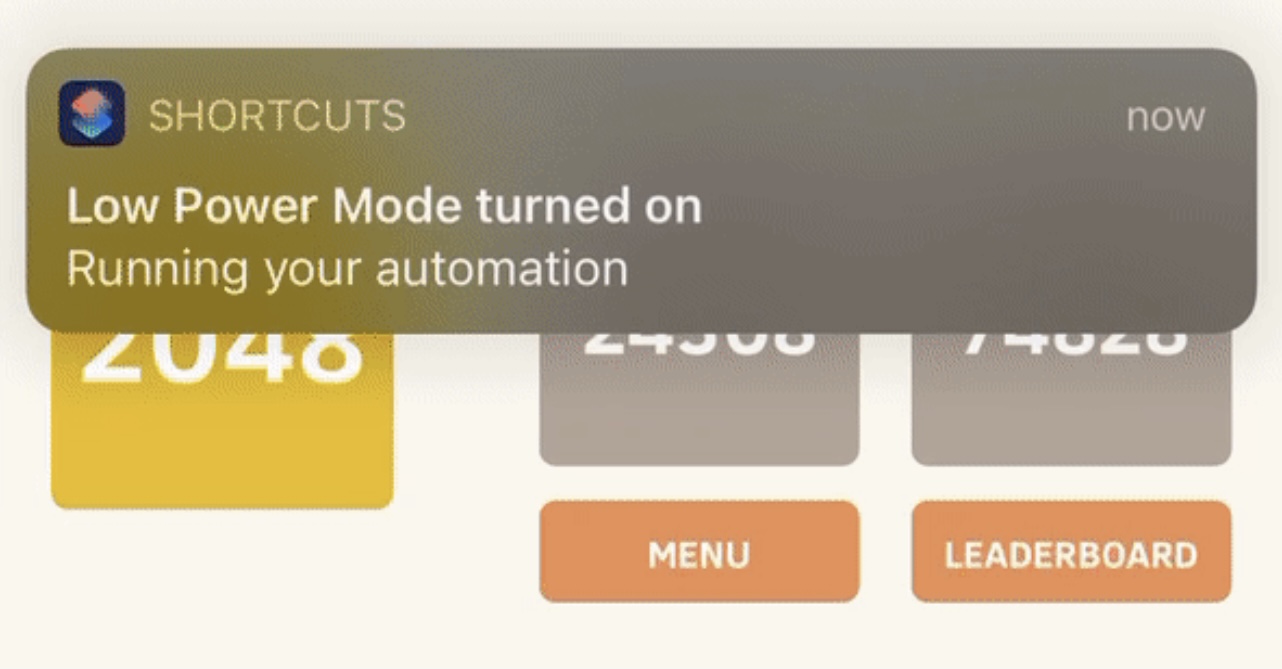
Anyone who takes advantage of the Shortcuts app to perform automations would be familiar with the notification banner that manliest itself after the automation completes.
Apple intended for this notification to let the user know when the automation finishes running, but if you’re already familiar with what your automation is supposed to do, then sometimes it can come off as redundant information.

Learn how to use the Scheduled Summary or Notification Summary features on your iPhone and iPad to eliminate distractions from apps that send you non-urgent notifications throughout the day.
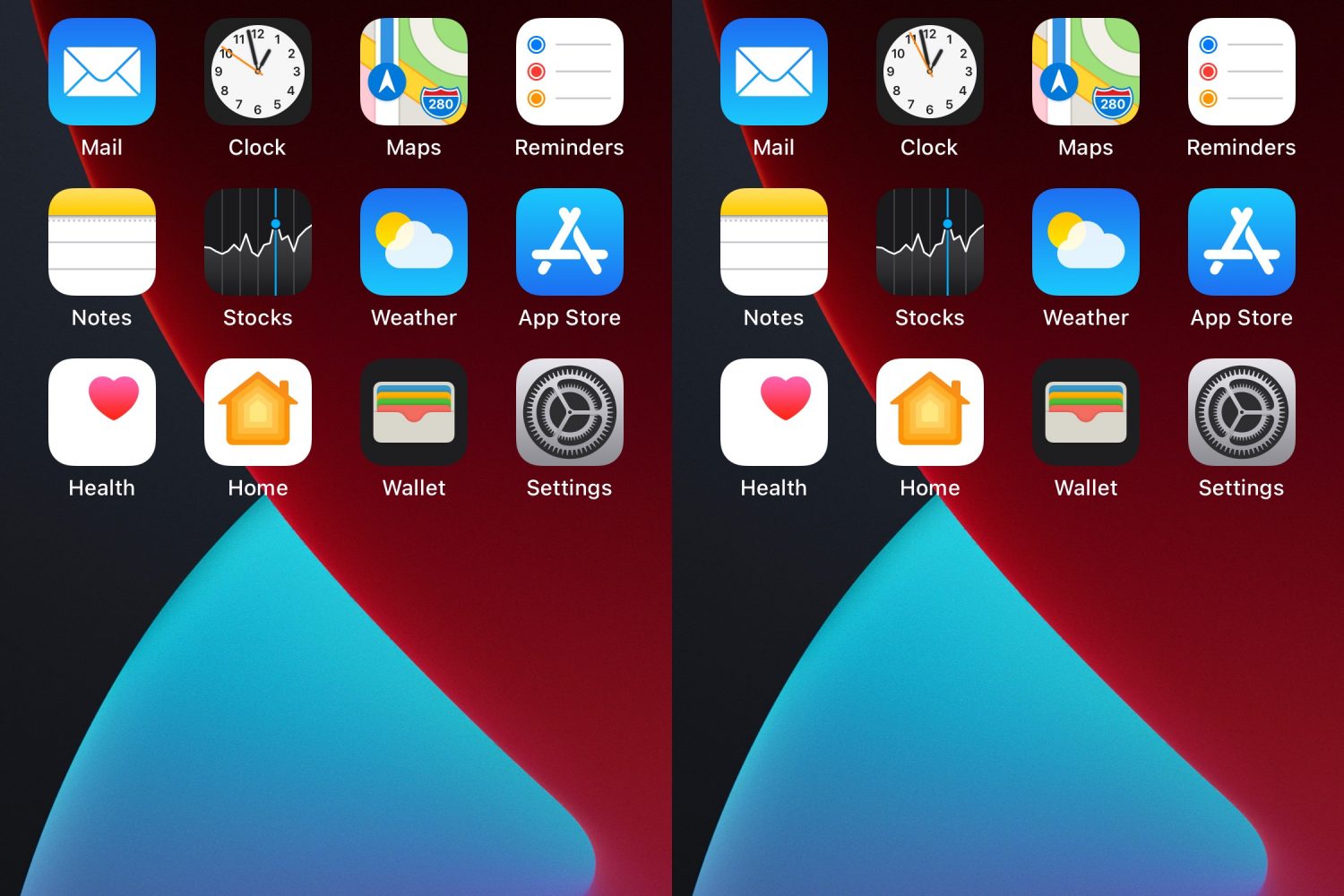
When your iPhone is locked, iOS will try to mask the contents of your Lock Screen’s incoming notification banners until you authenticate yourself so that onlookers who shouldn’t be snooping on your notifications won’t be able to in the first place.
This is a brilliant privacy feature on Apple’s part, and such a feature may also have uses when your iPhone is unlocked, such as when showing a friend or co-worker your iPhone’s screen to look at a photo or video and an unexpected notification banner pops up.
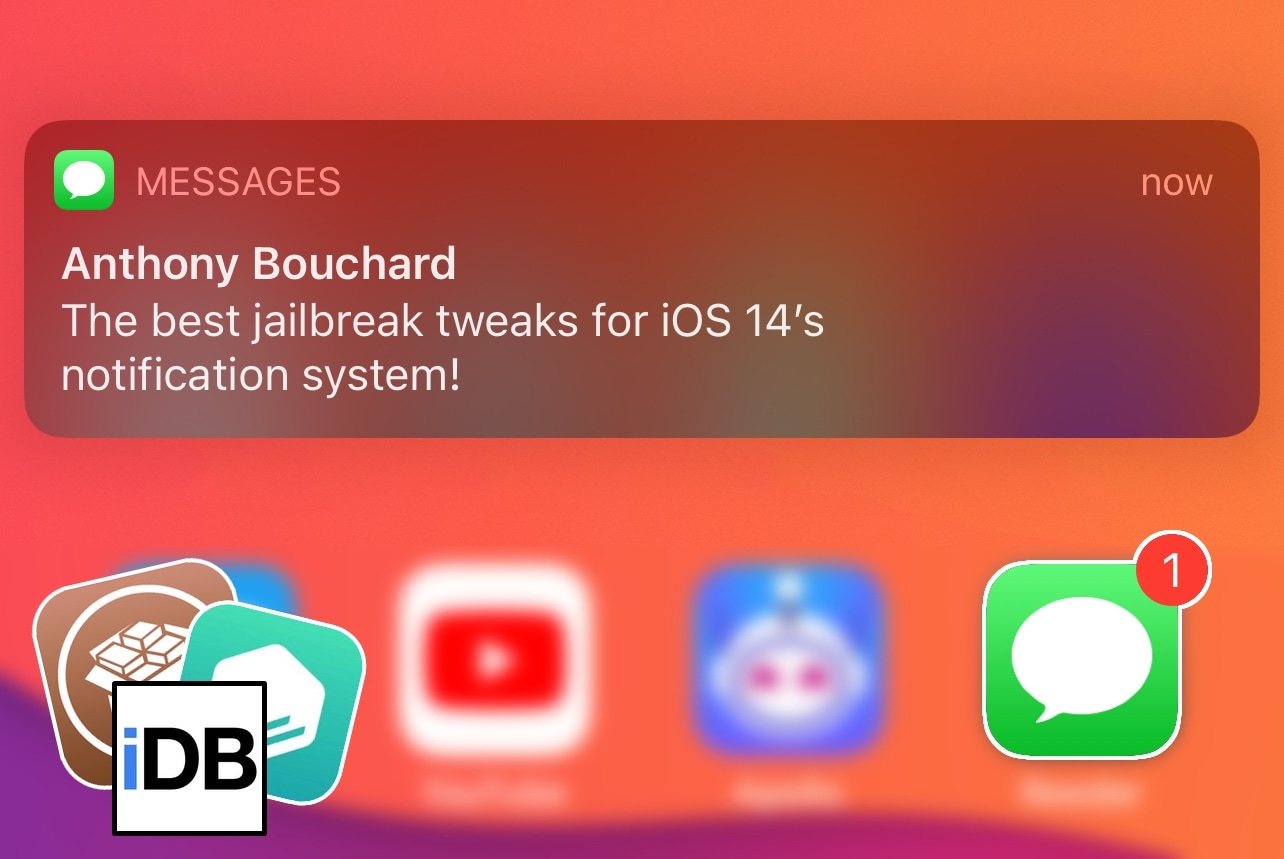
It’s been our mission these past several weeks to provide visibility for some of the best jailbreak tweaks for various elements of iOS 14. But our work is never done, and the show must go on!
Having already covered some of the best add-ons and extensions for iOS 14’s Control Center, Home Screen, Keyboard, Messages app, and Now Playing interface, we figured that this week would be a better time than ever to focus more on iOS 14’s notification experience.
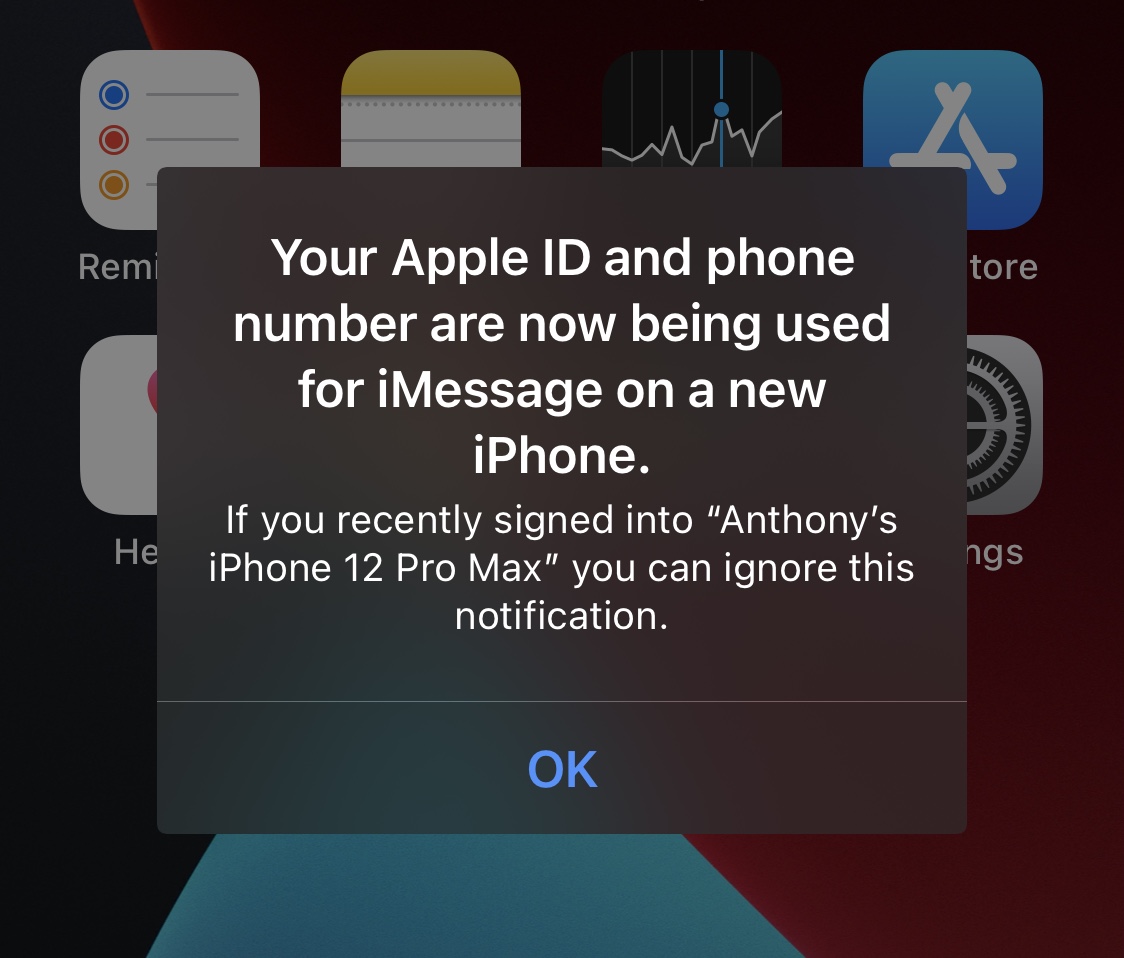
iOS tends to receive minor aesthetic changes, albeit not always, with Apple’s annual iteration releases every Fall.
One of the things that saw a facelift post-iOS 8 was the appearance of alert notifications, which adopted rounded corners upon dropping the previously squarer aesthetic.
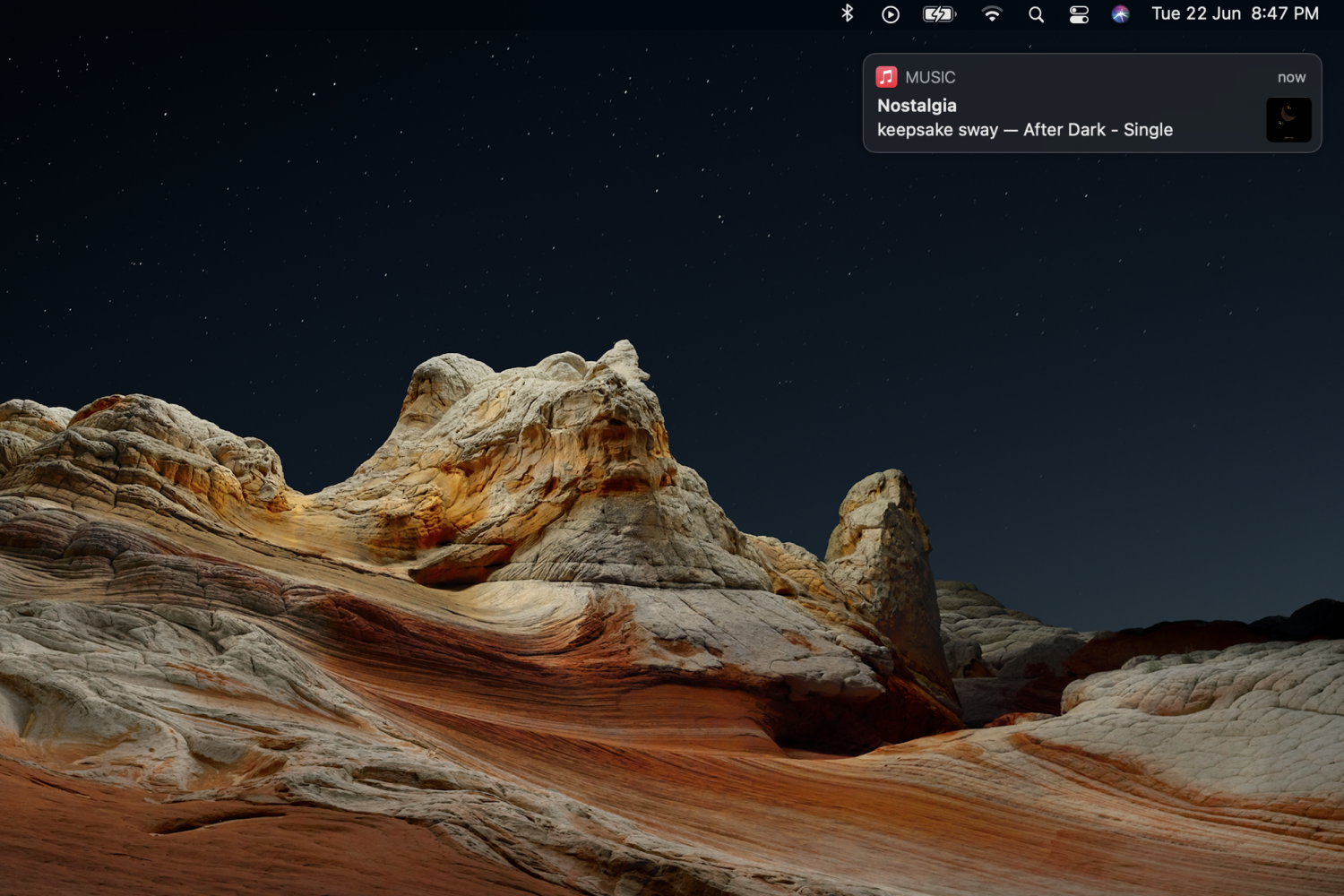
While notifications and alerts on macOS can be useful, they can easily become distracting if they aren't important. A notification that slides in and slides out while you're working, can make you lose your focus. Apple did make some changes to Notifications in the latest macOS Big Sur update, but they can still be annoying at times. Some notifications will slide in and stay on the screen, and will only go away if you click on the close button.
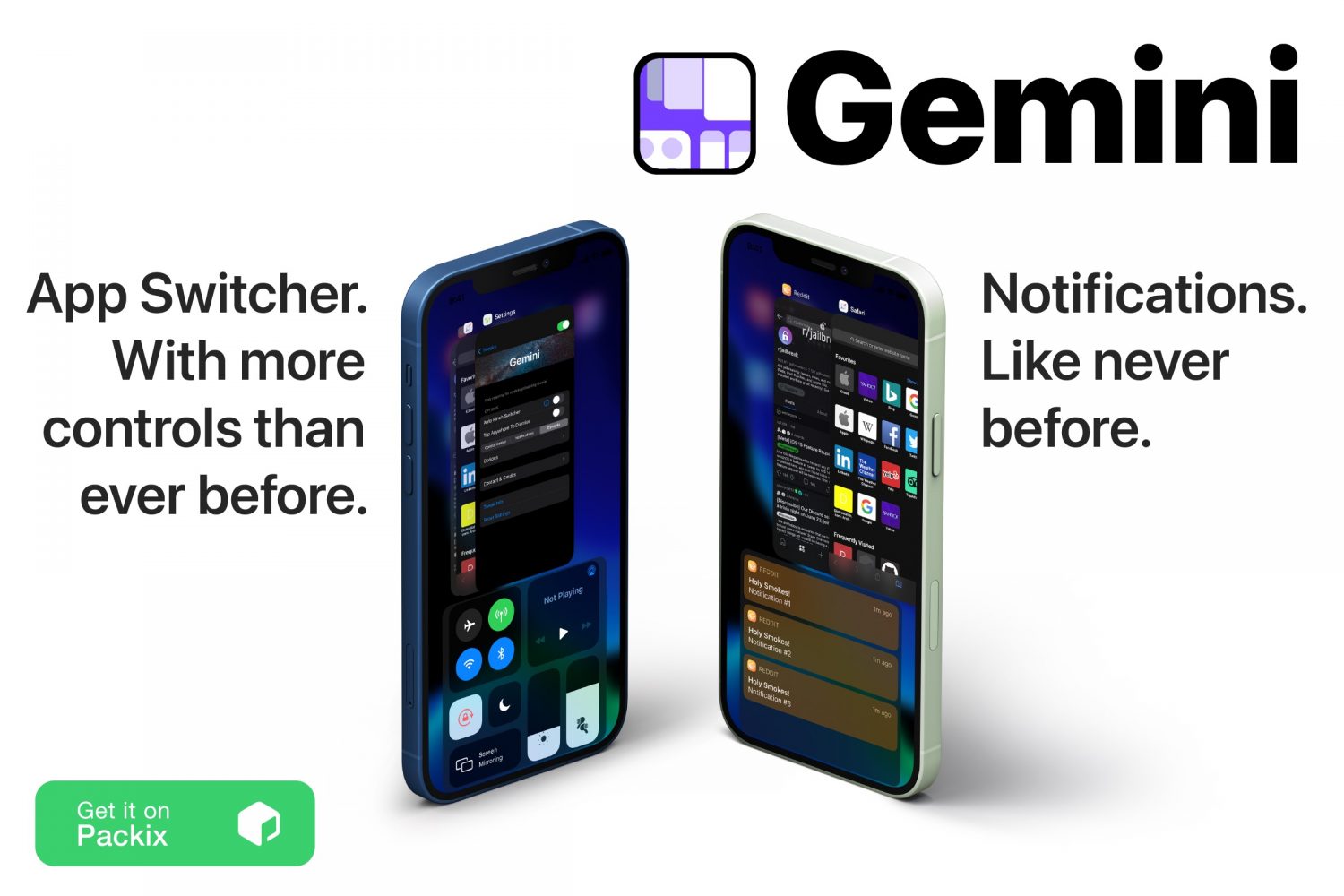
If there’s anything that jailbreaking my iPhone has taught me over the past several years, it’s that I should always come to expect more from iOS than Apple provides for it out of the box.
The aforementioned rule of thumb holds true in so many different respects, but one particular element of iOS that I find to be lacking features and intuitive integration is the App Switcher. It’s just… boring.