Learn how to search for images and scans in the Notes app on iPhone and iPad to quickly find a photo or a document you’ve attached to a note.
How to quickly search for images, attachments, and scans in Apple Notes

Learn how to search for images and scans in the Notes app on iPhone and iPad to quickly find a photo or a document you’ve attached to a note.
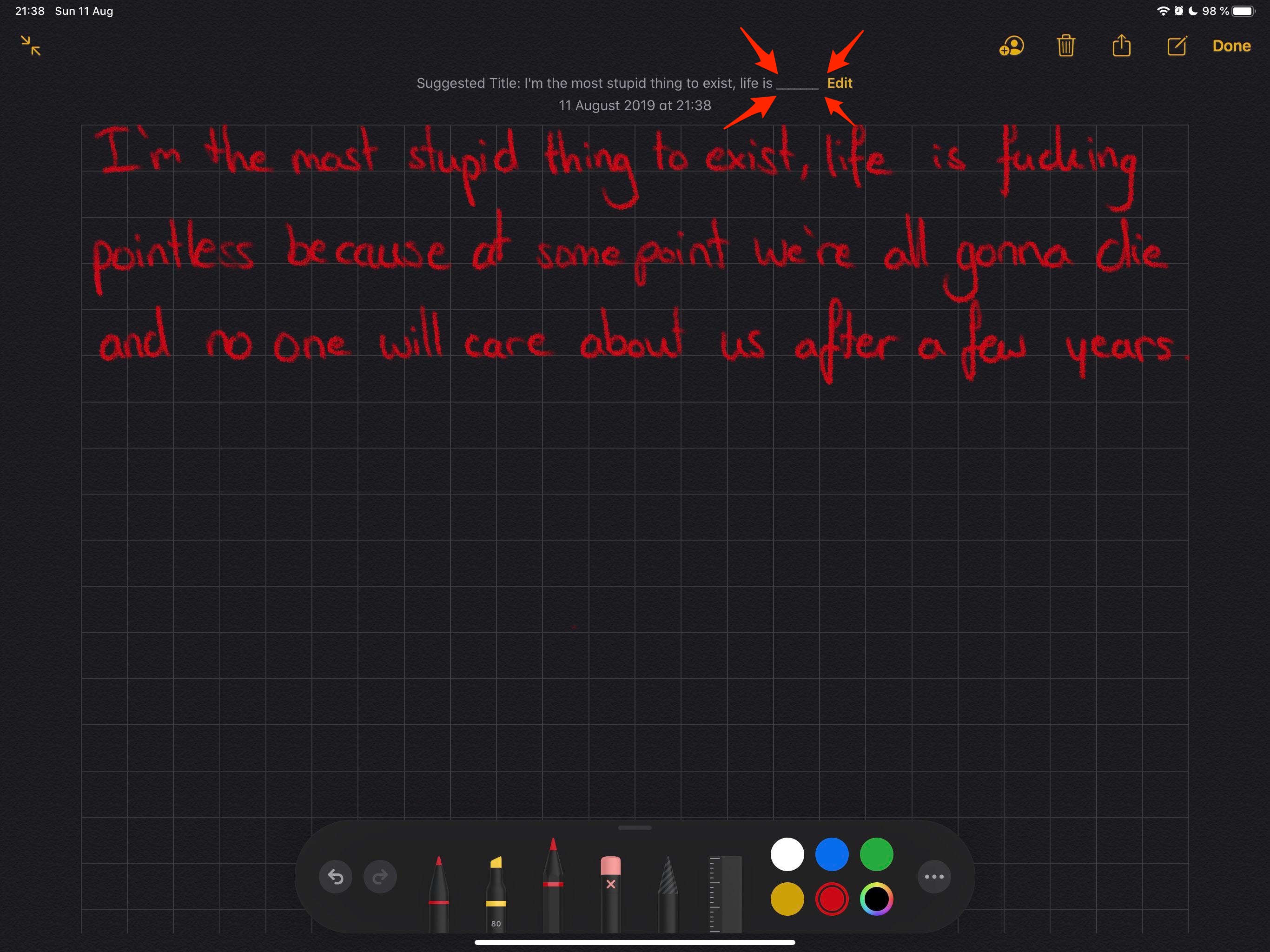
The improved Notes app in iOS 13 apparently features automatic curse word censoring.
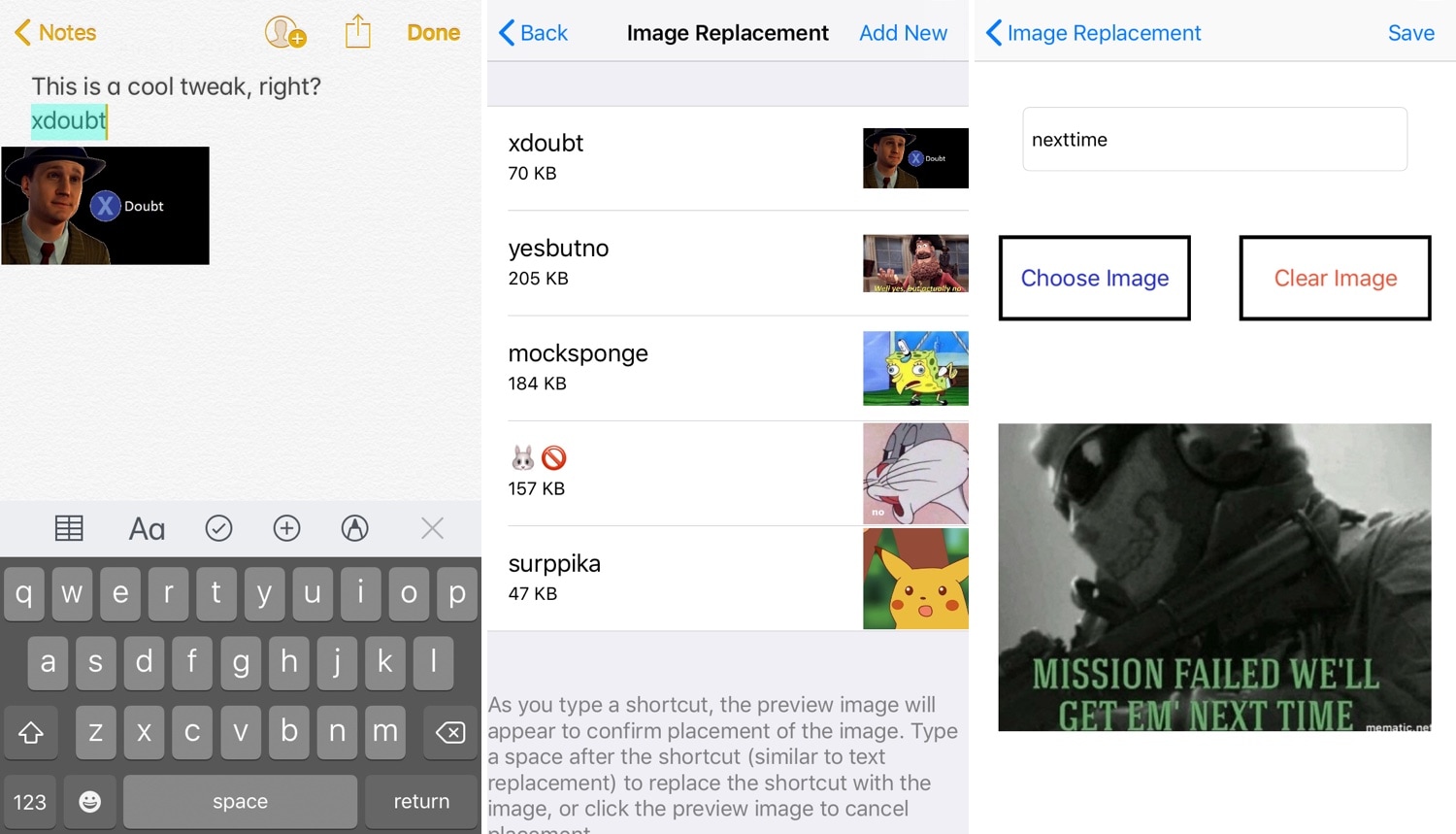
iOS comes with a native text replacement feature that lets users set shortcuts that will automatically expand to full words or phrases when typed. But wouldn’t it be neat if the same concept applied for images?
I’ve long wondered about this myself, and so I’m excited to share that a newly-released and free jailbreak tweak dubbed ImageCorrect by iOS developer Satvik Borra brings this feature to pwned handsets.
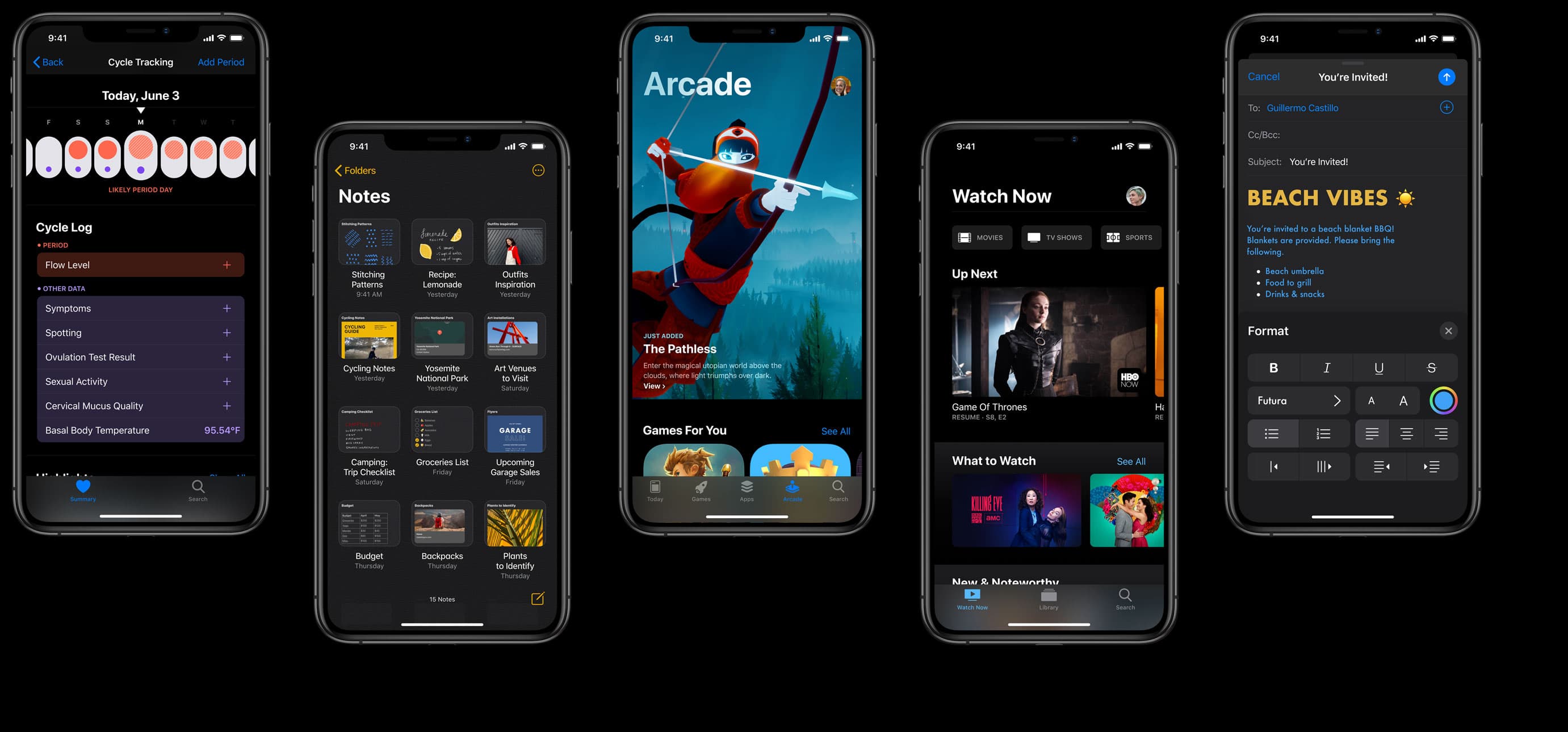
Apple tasked itself with bringing new features to the stock Notes app, and with iOS 13 the company has achieved that goal.
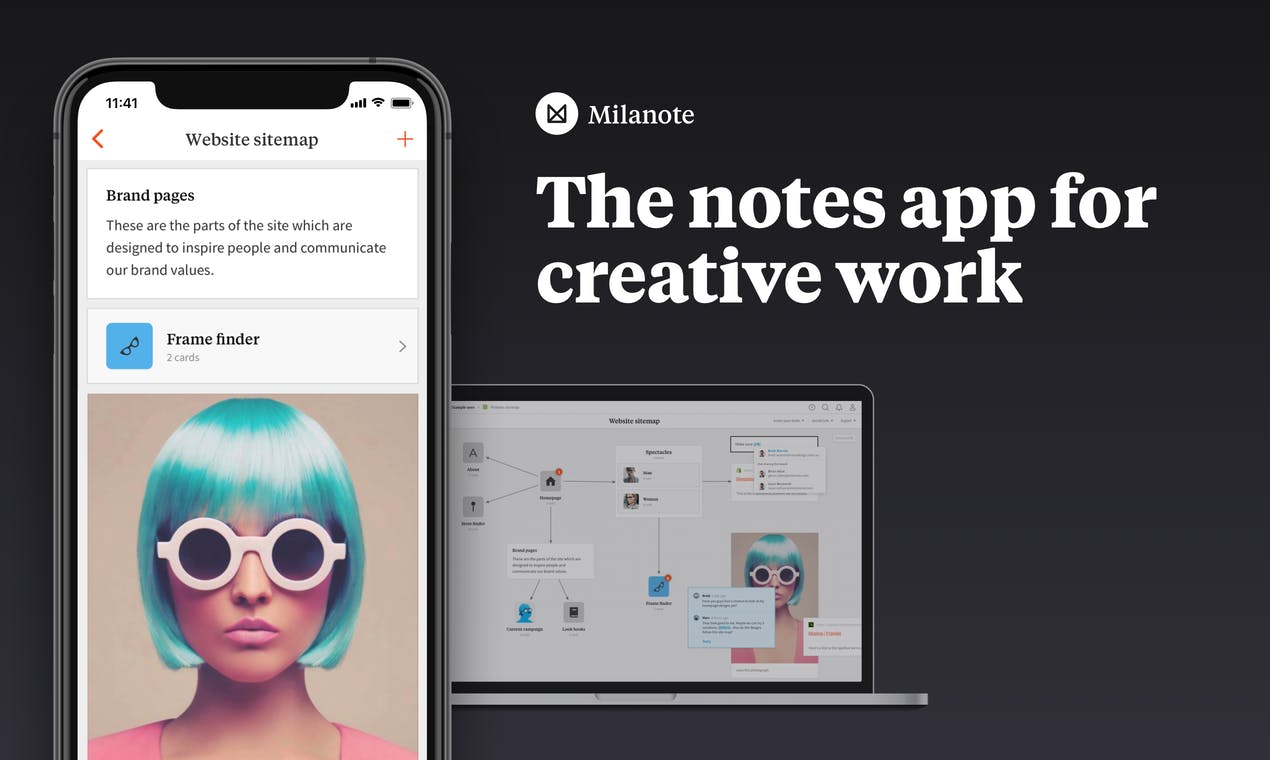
There are a lot of note-taking apps available for iOS users. But one of the best has been available for desktop for quite some time and is finally getting its iOS counterpart this week. Billed for creatives, this app can even help you look at your visual boards.
Learn how to save a note as a PDF on your iPhone, iPad, or Mac without having to use a third-party app.

Just like using folders on your Mac can keep your files organized, you can use folders in the Notes app to keep everything nice and neat. Rather than just having lists of notes, you can create folders and subfolders to keep related notes together. This makes finding the notes you need much easier.
Here’s how to organize your Apple Notes with folders on Mac.
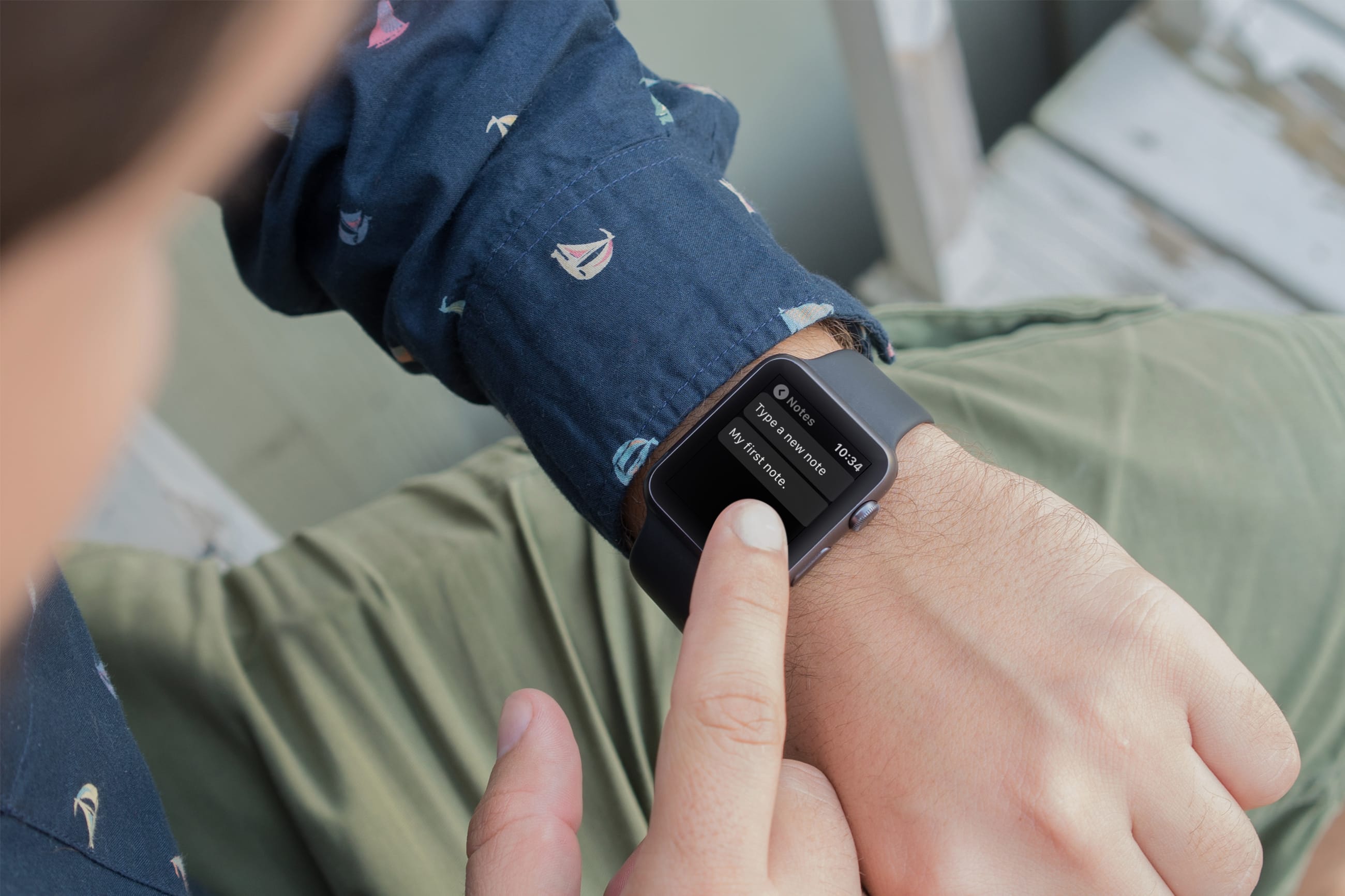
Using your Apple Watch to take notes makes perfect sense because it’s right on your wrist. You might jot down something you need when you get to the office or just want to capture an idea on the go.
For those who want to create and view notes anytime, anywhere, right from their wrist, this list is for you. Here are the six best free note-taking apps for Apple Watch.

Learn how to create a new note or resume working on the last note from your iPhone or iPad Lock Screen, so you never miss jotting down a passing thought or an important address.
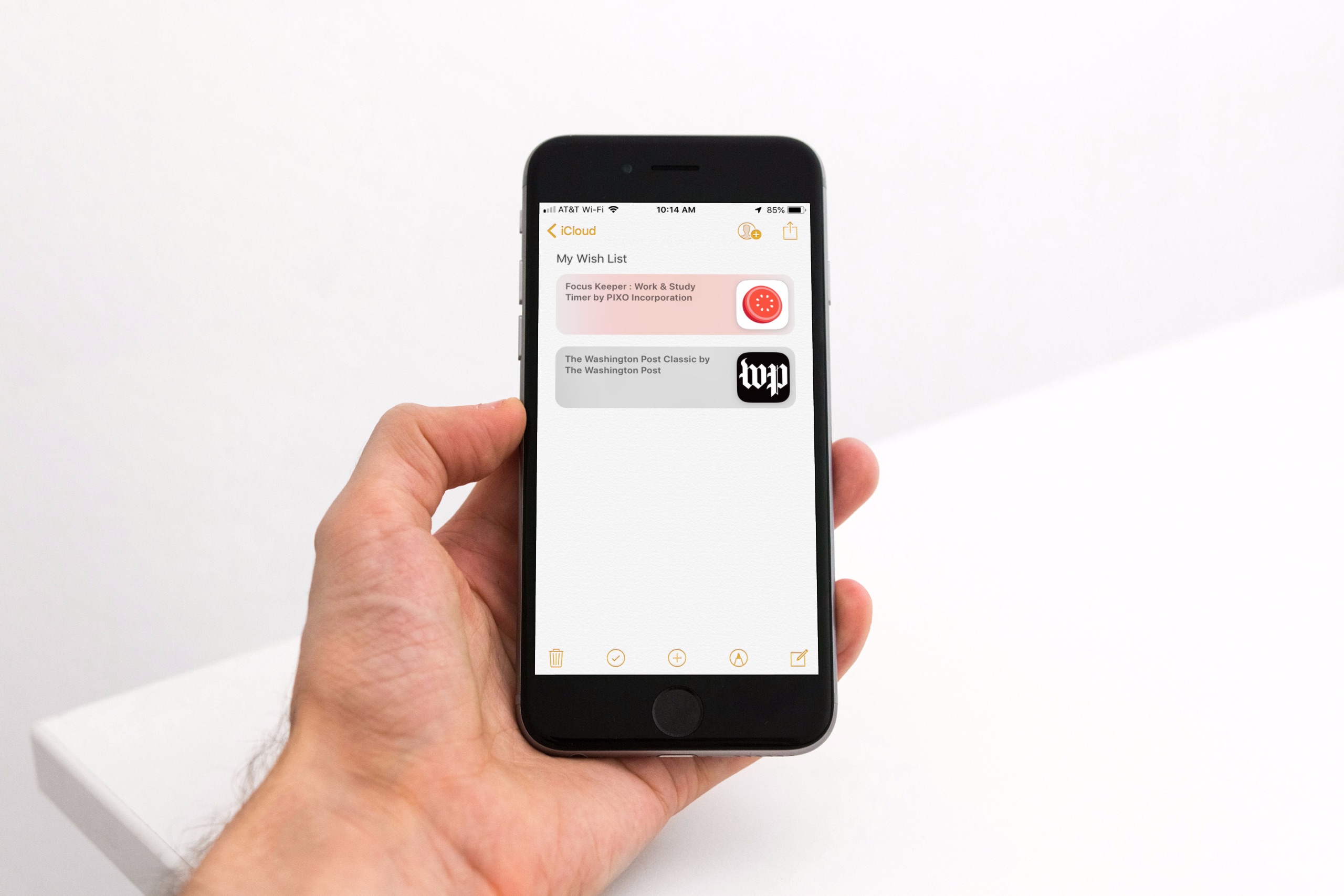
Maybe you’ve noticed, or perhaps you haven’t, but with the release of iOS 11 came the disappearance of the App Store Wish List feature. It didn’t make its way back in iOS 12, so if you’re still hoping for that wish list to keep track of apps you want, you do have other options.
Here’s how to create an App Store wish list with Notes as well as a third-party app called Lookmark.
Are you switching from Evernote to the Notes app, or just want to move a note or two? You can easily import notes from Evernote to Notes.
Start by checking out our tutorial on how to export notes from Evernote. Then, once you have the files you need, follow this tutorial to import those notes into your Notes app.
