There’s a possibility that Apple will overhaul some of the stock apps preinstalled on iPhone with iOS 18, including Photos, Mail, Notes and Fitness.
iOS 18 rumored to overhaul stock iPhone apps like Photos, Mail, Notes and Fitness
There’s a possibility that Apple will overhaul some of the stock apps preinstalled on iPhone with iOS 18, including Photos, Mail, Notes and Fitness.
Apple's Notes app on iOS 18, iPadOS 18 and macOS 15 allegedly lets you record audio and capture voice notes on the go, much like the built-in Voice Memos app.
iOS 18 might bring math-related functions to Apple's Notes app, with the new feature said to integrate with a redesigned Calculator app.
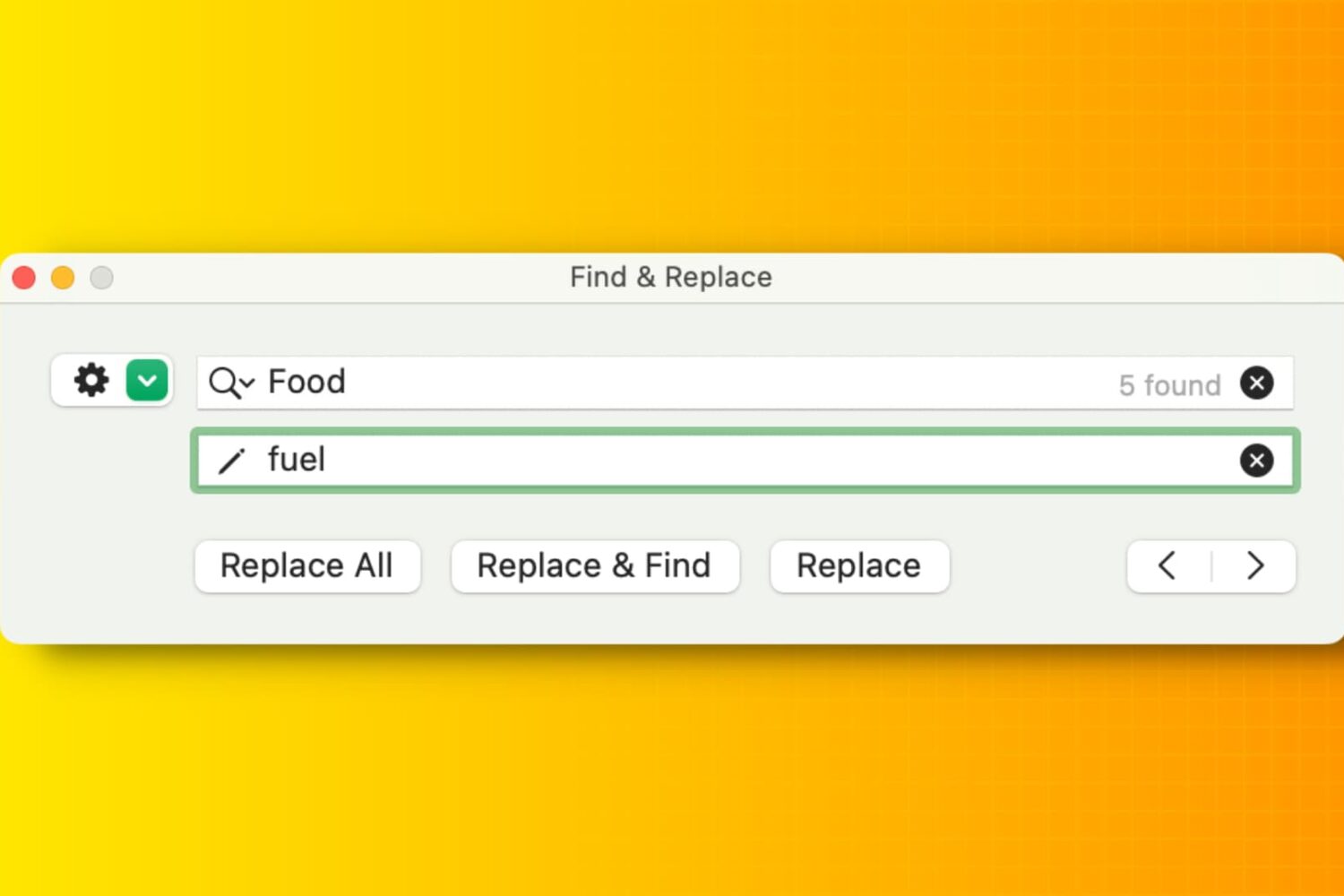
Learn how to efficiently manipulate text on your Mac using Find and Replace, simplifying tasks and boosting productivity in popular apps like Notes, Pages, Numbers, Google Docs, etc.
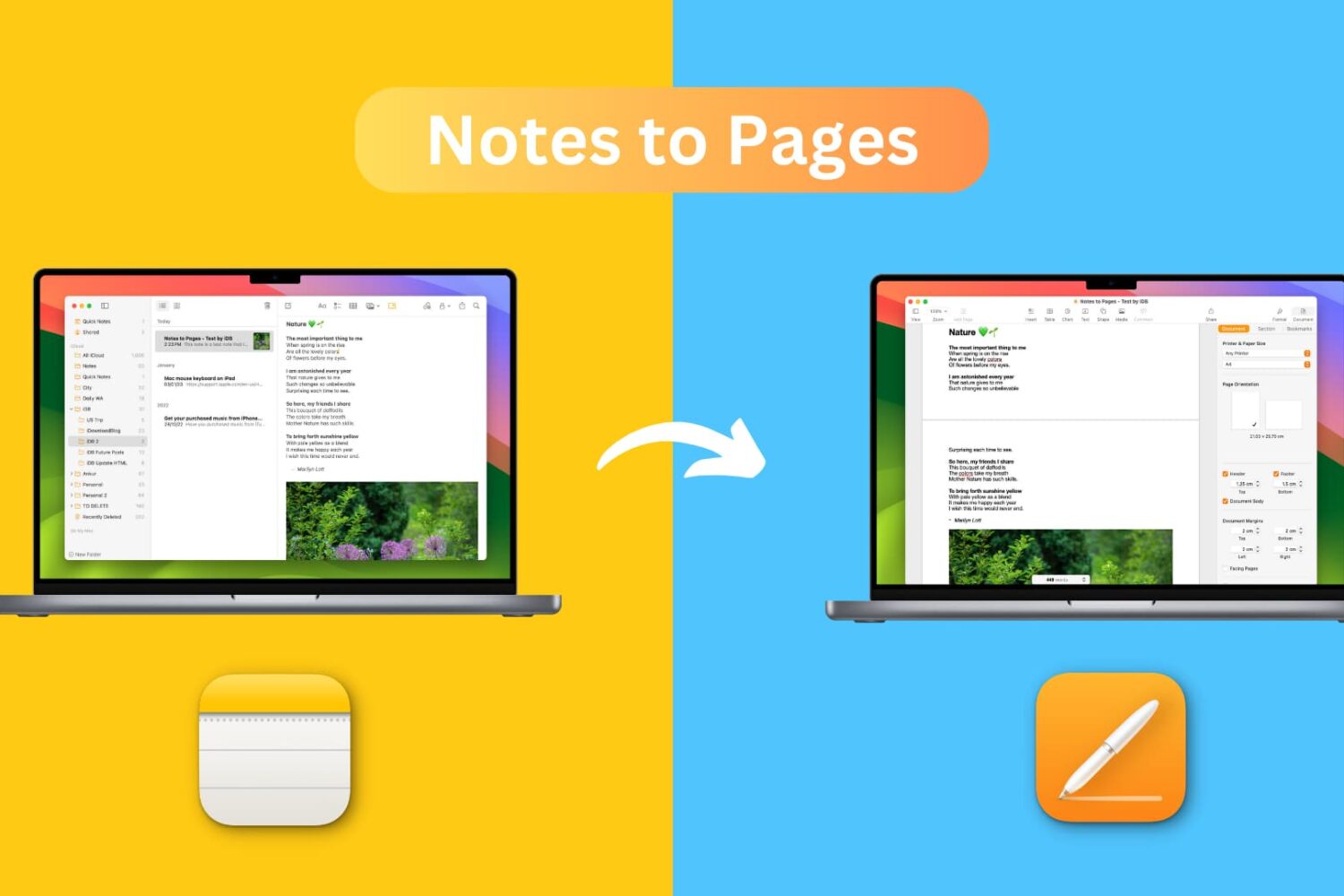
Learn how to transfer a note from the Notes app to the Pages app on your iPhone, iPad, or Mac while retaining most text formatting and attachments like images, drawings, etc.
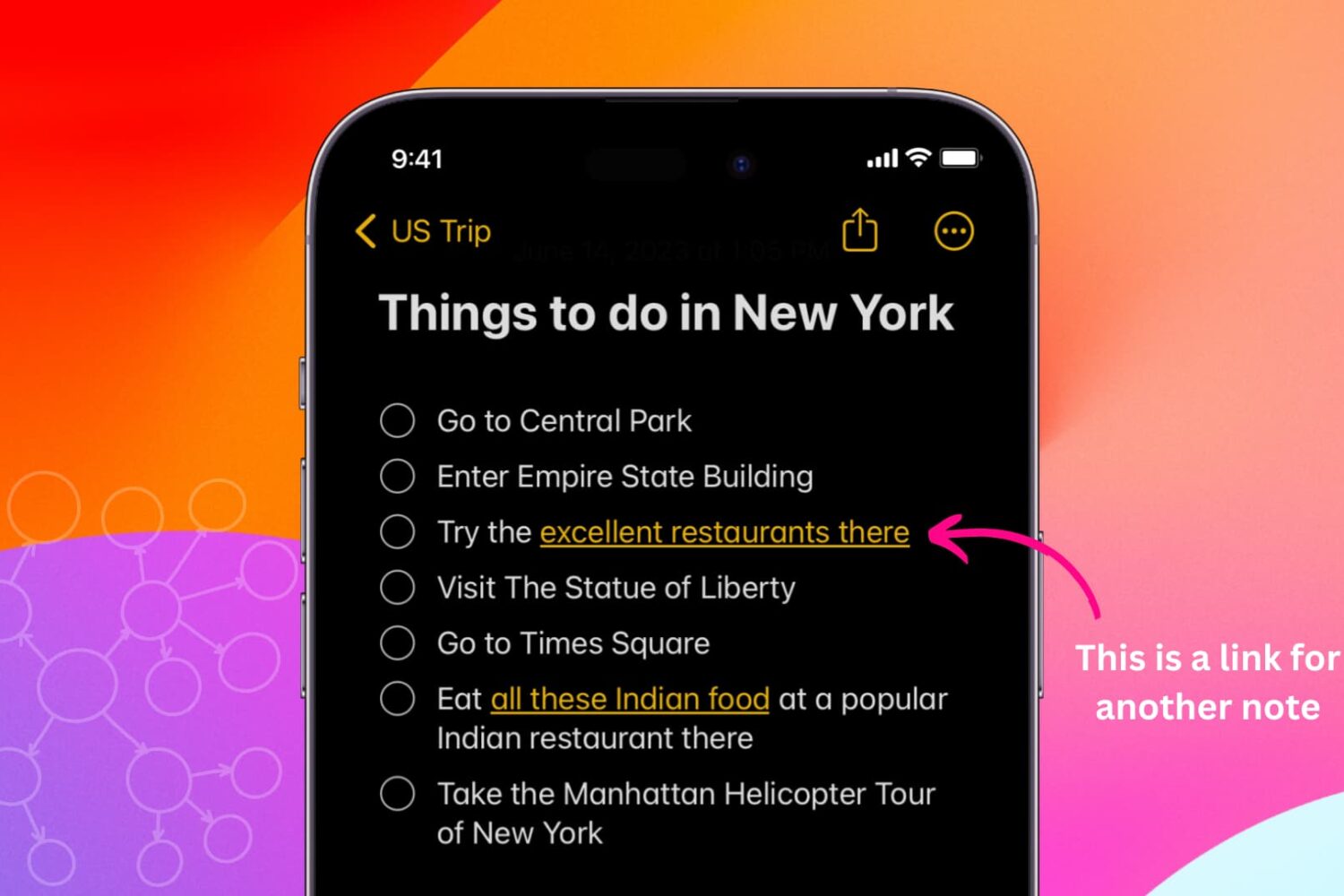
Learn how to link related notes in the Notes app on iPhone, iPad, and Mac for better organization and easier navigation.
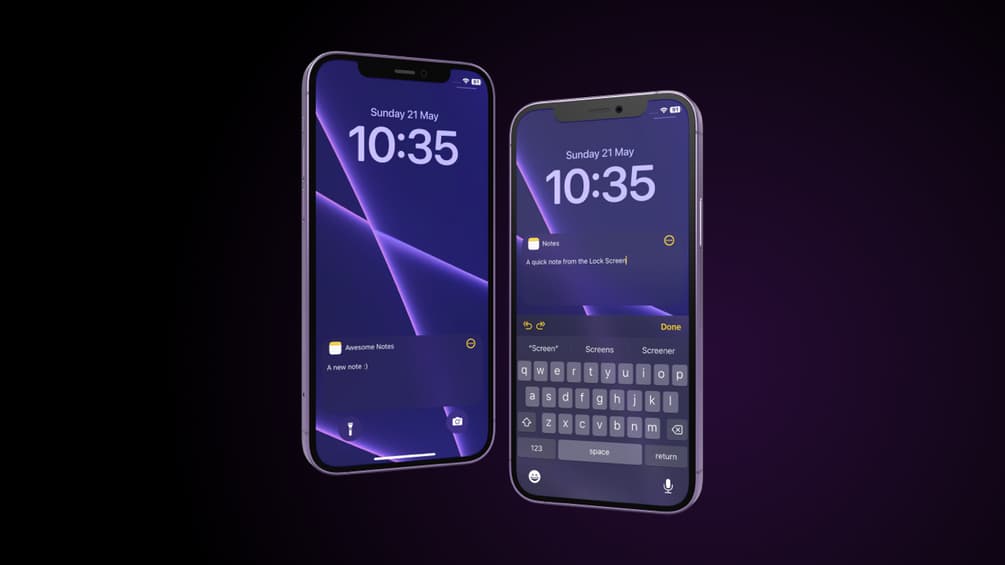
We’ve all been in one of those situations where it would have been so helpful if we could have just jotted something down in a jiffy, but when it comes to making a note, life comes at us fast and often doesn’t wait for us to authenticate ourselves via biometrics or passcode, find the Notes app on our Home Screen, launch it, and then compose a new note.
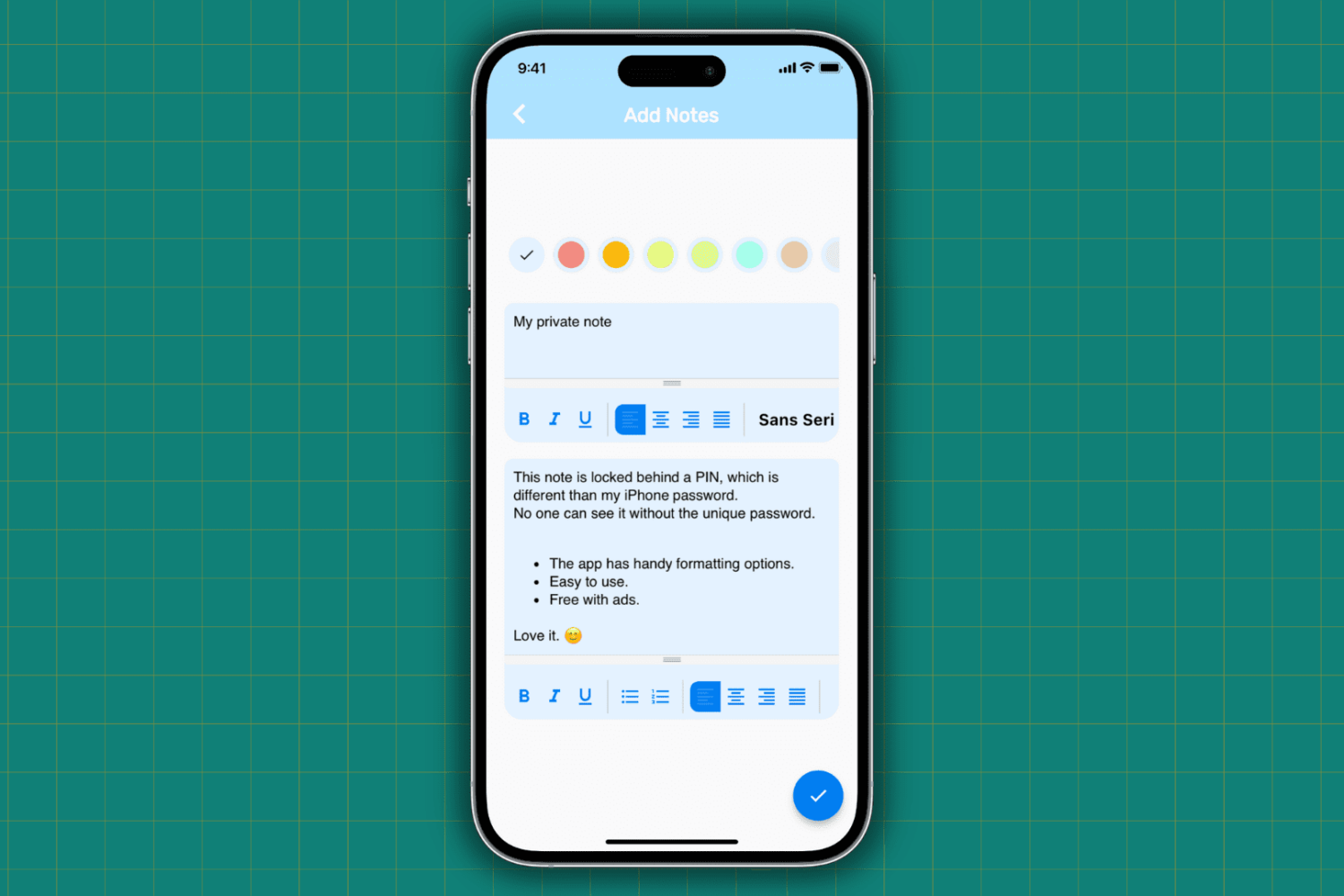
Learn how to protect your important, sensitive, and private notes on your iPhone and iPad by locking them behind a password and hiding them from plain sight.
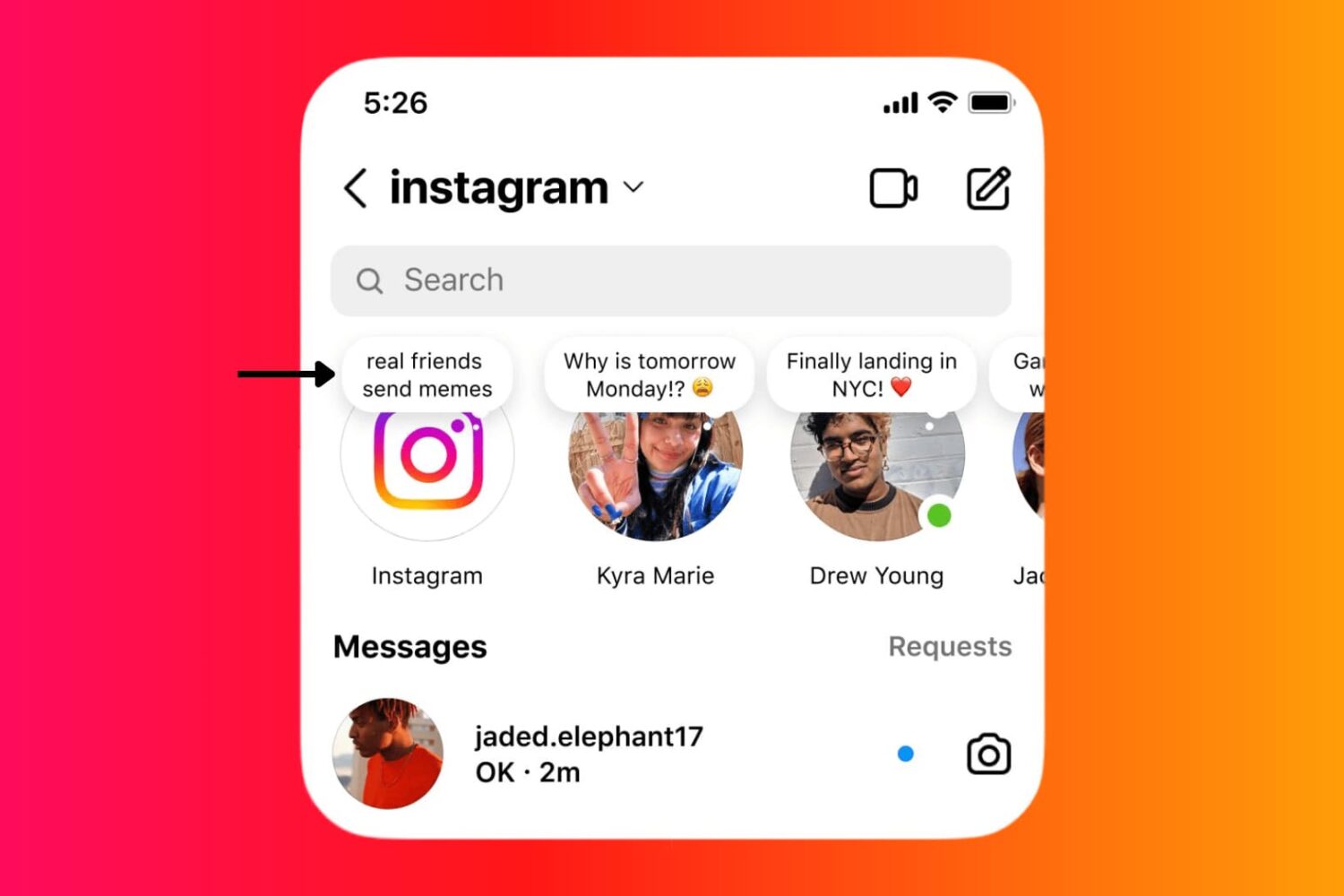
Learn how to use the Instagram Notes feature on your iPhone or Android phone to share 60-character text/emojis, song, and 2-second video that show up at the top of your friend's Instagram inbox.
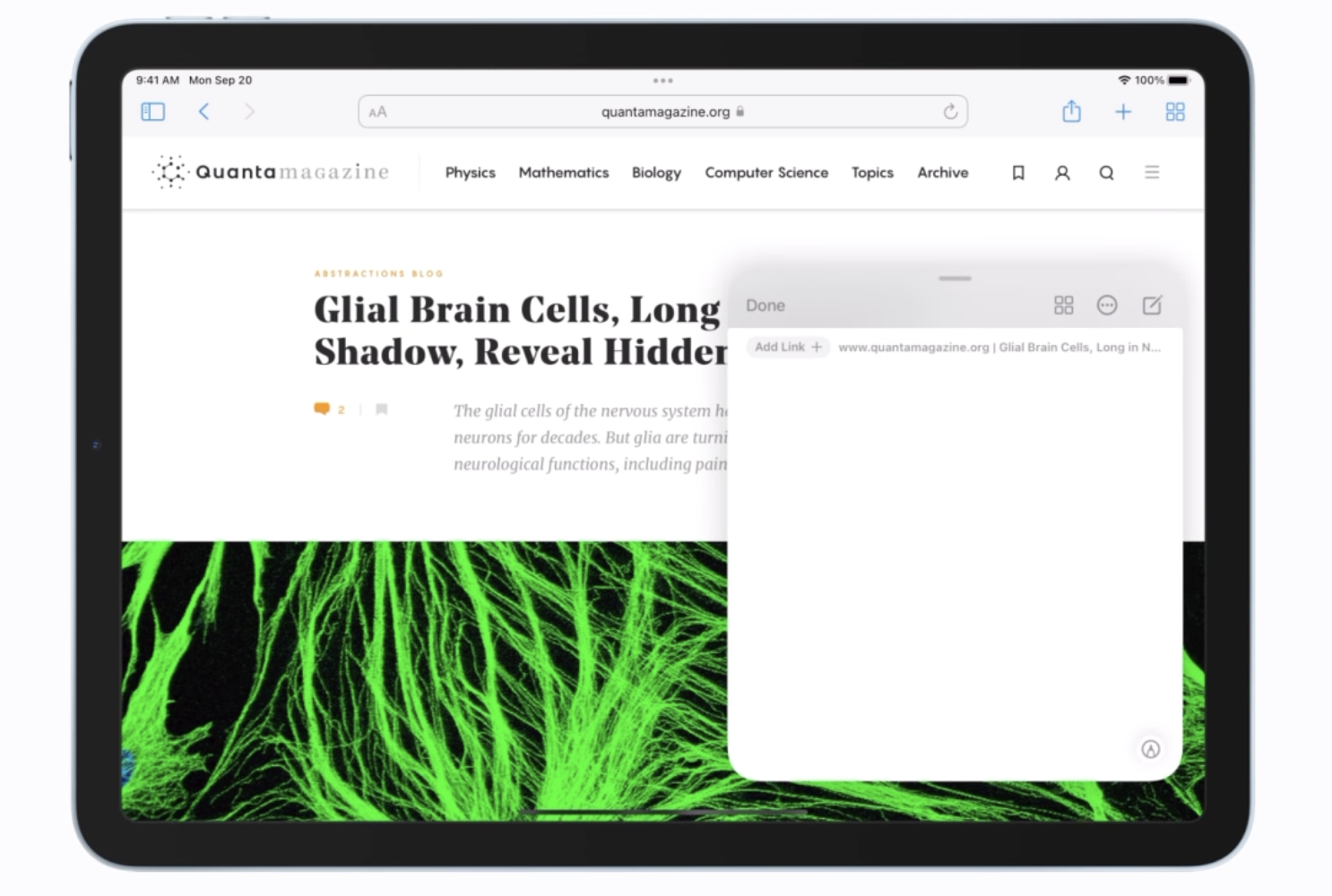
iOS developer PoomSmart is at it once again, showing us just how easy it would have been for Apple to give older device users access to iOS & iPadOS 15’s latest features, but instead limiting them to newer devices to enhance their appeal.
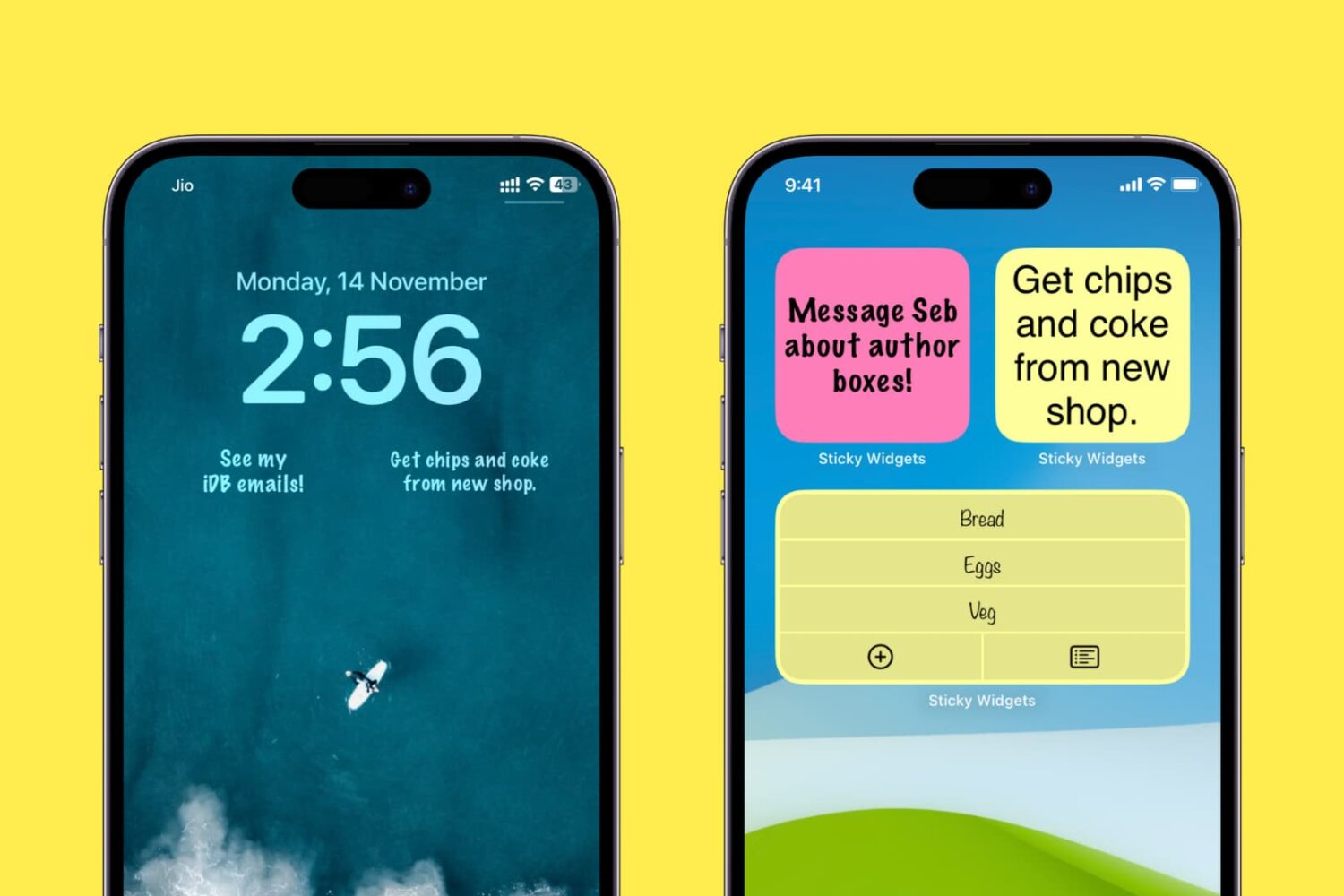
Stickies are great for quickly jotting down a short sentence or to-do item. I like having a few sticky notes on my iPhone Home Screen as it makes them always visible and forces my attention. I don't have to go inside any app to see them, which surprisingly often results in finishing the job mentioned in those sticky notes on time.
If you feel the same or want to try it out, here's how to add, edit, and use sticky notes on your iPhone or iPad Home Screen and Lock Screen.
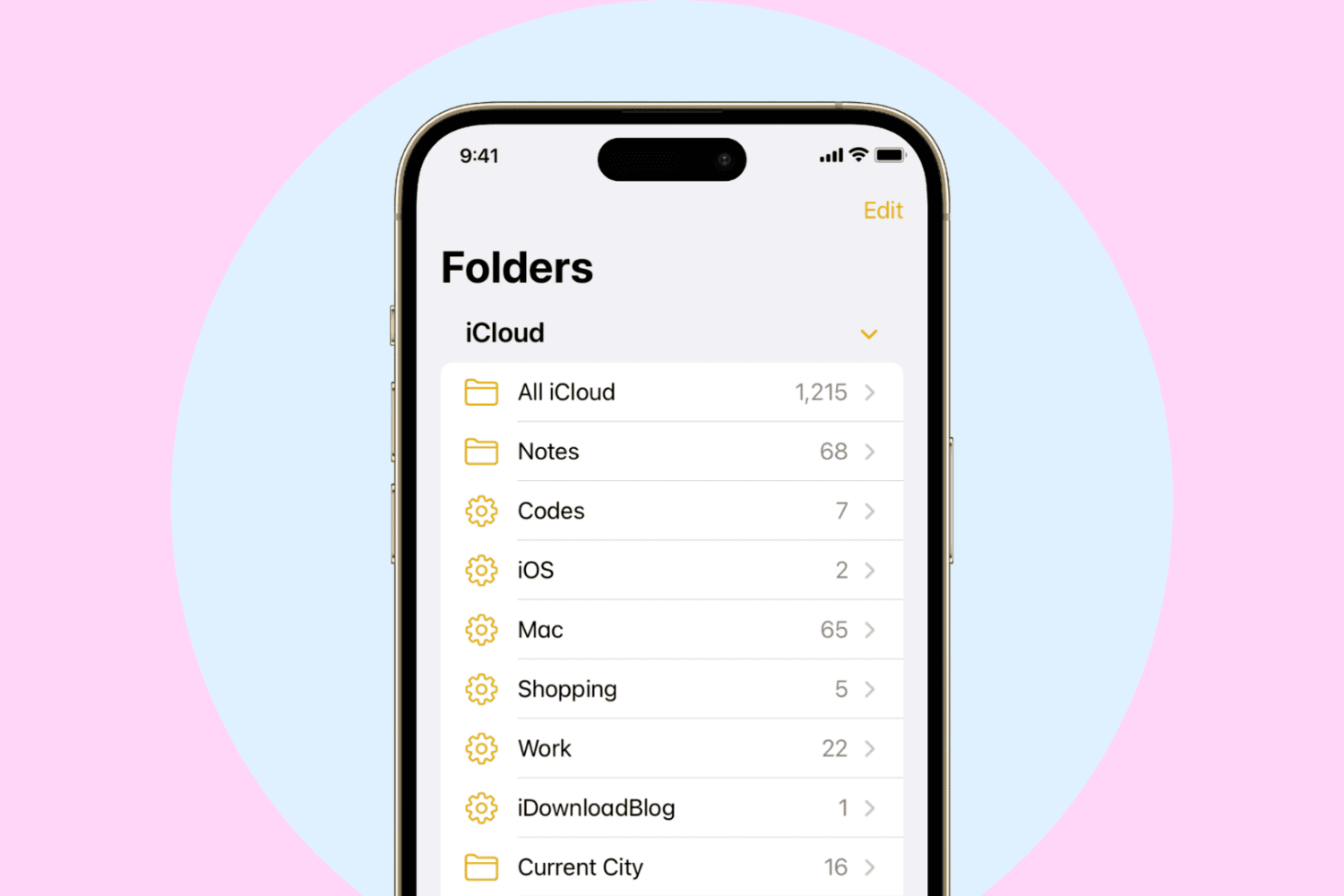
Learn how to create, use, and manage smart folders in Apple Notes on iPhone, iPad, and Mac to automatically organize your thoughts.