News

How to add Wander to the Shortcuts app to install & update the Odyssey jailbreak

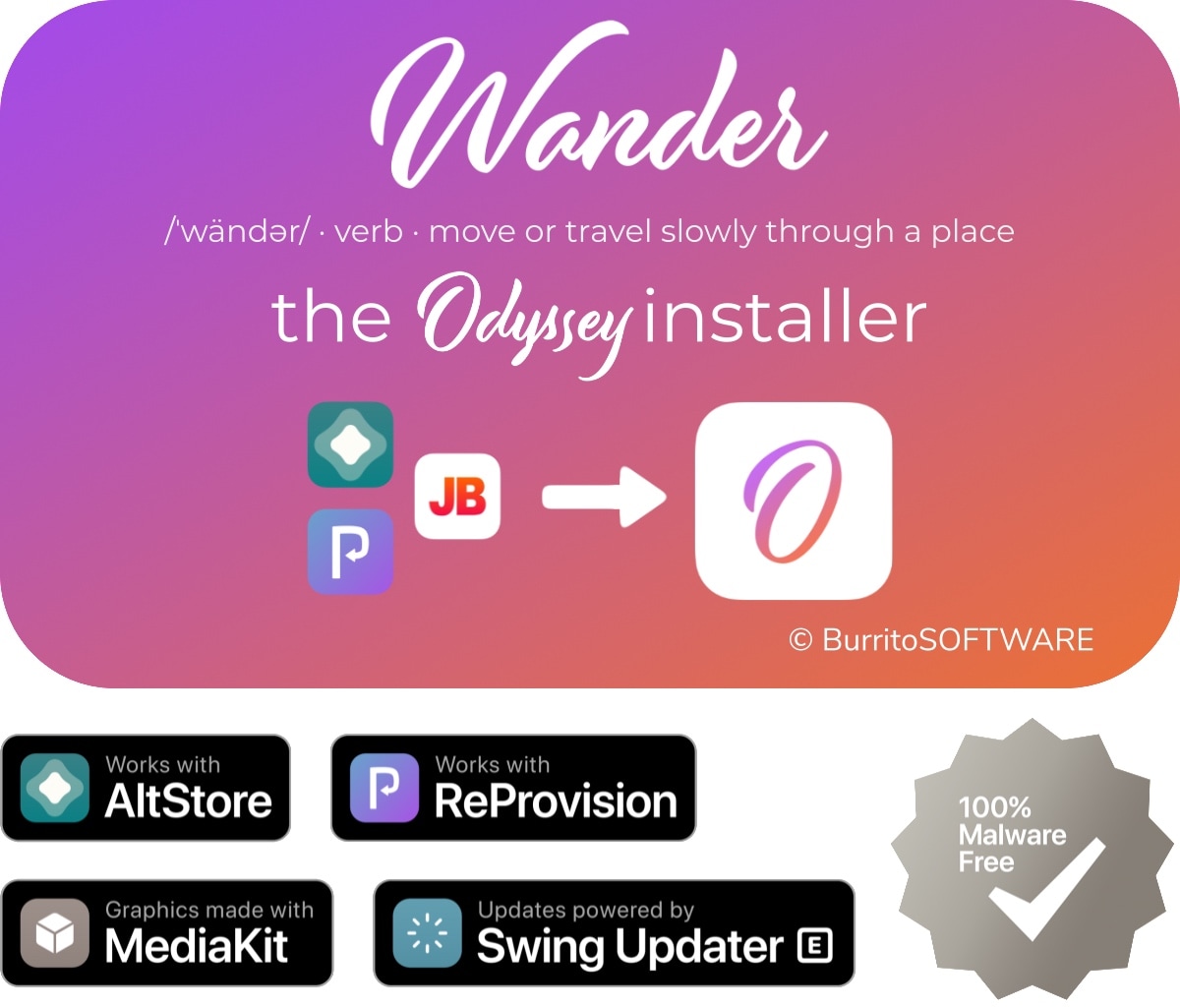
Just like unc0ver, the Odyssey jailbreak app is intended to be side loaded into a compatible iPhone or iPad. To help make the process of side-loading the Odyssey jailbreak app easier, the Odyssey Team officially endorsed the brand-new Wander add-on for Apple’s Shortcuts app shortly after the tool came out of public beta.

The Wander add-on doesn’t replace side loading utilities like AltStore and ReProvision or signing services like Jailbreaks.app, but rather synergizes with them to make the process of installing Odyssey and updating to newer versions faster and less cumbersome while providing a more native user experience through Apple’s Shortcuts app in the process. In this tutorial, we’ll show you how to set up the Wander add-on with your Shortcuts app.

Melody brings Now Playing album art to more parts of iOS

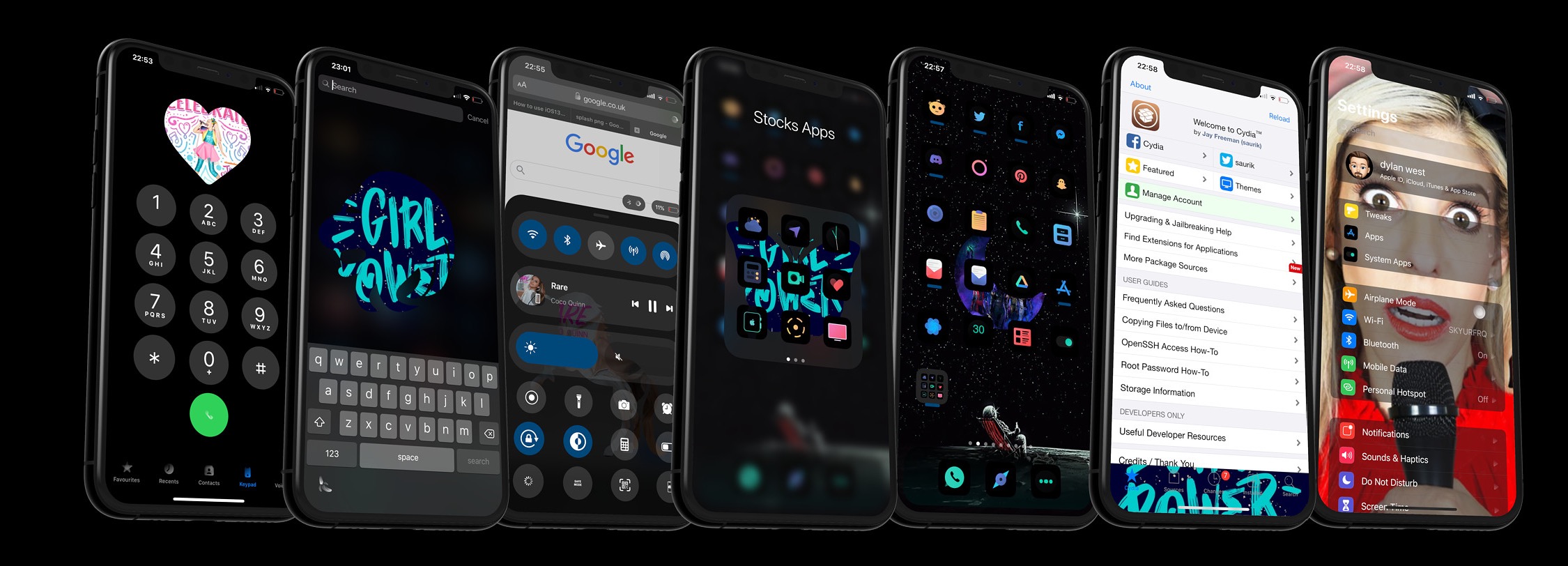
Those who use their iPhones to listen to their favorite music day in and day out are more likely to recognize the finer details of the music consumption experience than those who just listen to a song here and there. With that in mind, iOS developer Dylan West (iOSthemem0d) has released a new jailbreak tweak called Melody that tries to make the user experience even more enjoyable for hardcore music consumers.

Melody works by bringing the Now Playing track’s album artwork to more places in iOS. As depicted in the screenshot examples above, “more places” refers to quite a few different areas, including but not limited to:

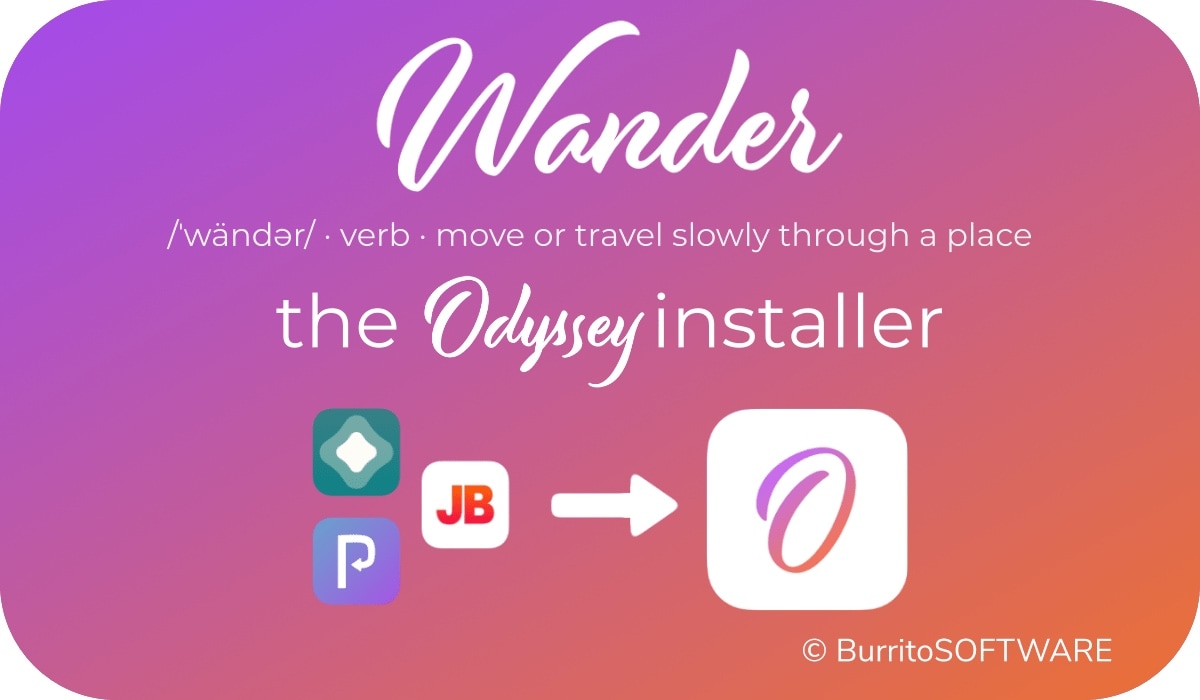
Wander: An add-on for Apple’s Shortcuts app to install the Odyssey jailbreak

The Odyssey Team officially released the Odyssey jailbreak to the general public last week following a limited public beta testing period. While the Odyssey jailbreak can be installed with the AltStore utility for both Mac and Windows, some users might be excited to learn about a new on-device option dubbed Wander by BurritoSoftware, which can be used to deploy an installation shortcut via Apple’s own free Shortcuts app.

Wander is especially made for iOS 13 devices, which makes it an ideal match for the iOS 13-centric Odyssey jailbreak. The new shortcut installs the Odyssey jailbreak with just a tap, and more importantly, is fully compatible with other side-loading utilities including AltStore, ReProvision, and signing services like Jailbreaks.app. The announcement that it would be used by the Odyssey Team was made via Twitter:
Enlighten improves the low light camera performance of jailbroken iPhones

Every year when Apple announces a new flagship iPhone, you can bet that the company has poured tons of money into research and development to improve the photo quality of the rear-facing camera. While it doesn’t always come by way of more megapixels, the company’s software-centric photo processing can be top notch – except when it’s not.

iOS developer XCXiao recognized that something needed to be done about the iPhone’s somewhat dismal low-light photography performance, and consequently created a new jailbreak tweak called Enlighten to improve this particular aspect of iPhone photography. Examples of the tweak at work, compared against Apple’s existing Night Mode feature, are depicted below.

How to run the checkra1n jailbreak on a Windows PC with bootra1n

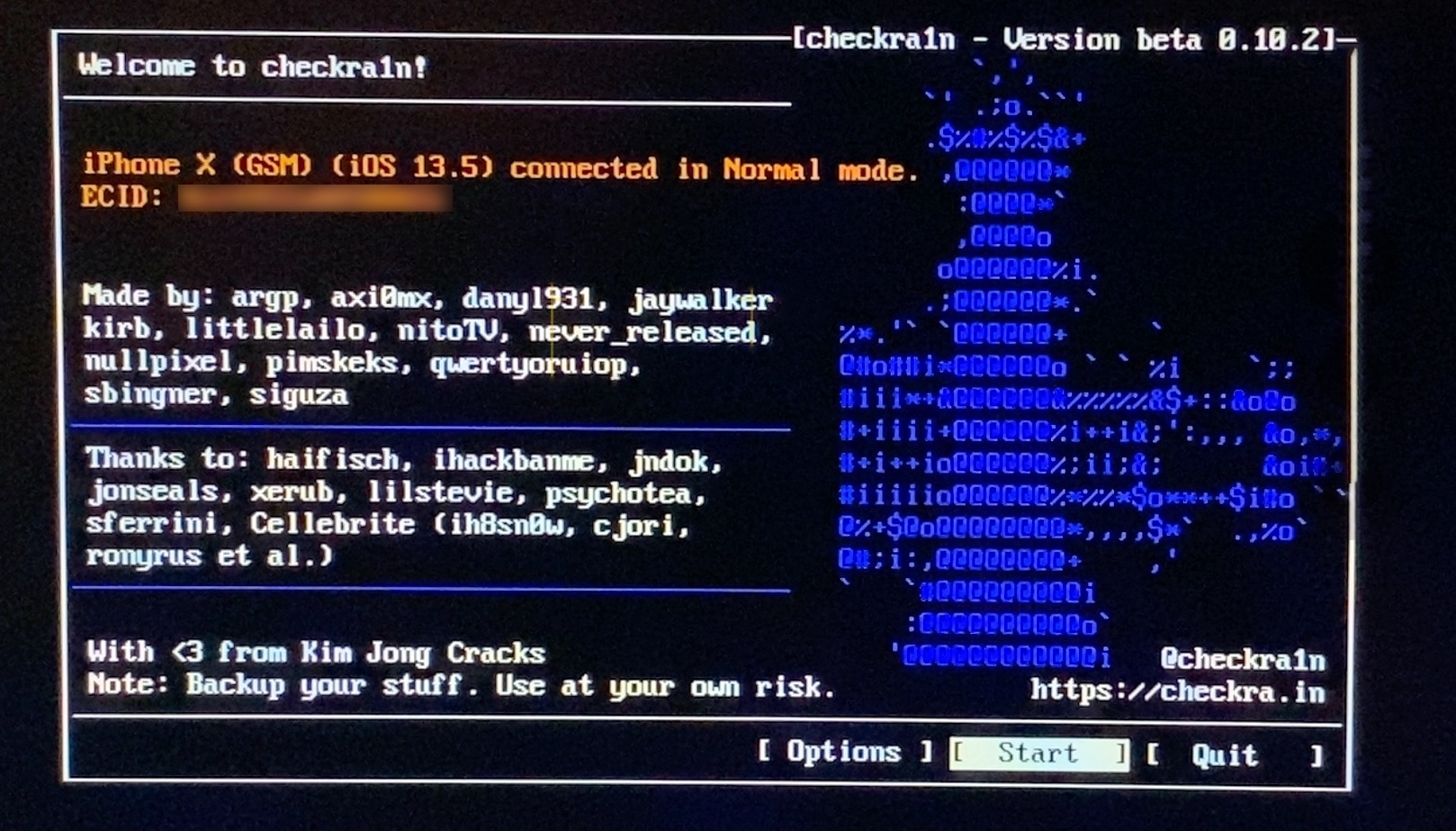
If you follow the checkra1n team closely on Twitter and you pay attention to the our news pieces as the team releases updates to the tool, then you’d probably come to assume that you can’t run the checkra1n jailbreak unless you have a Mac or a computer running Linux. While the aforementioned state is still technically true, you can use a helpful utility called bootra1n to run the checkra1n jailbreak on your Windows PC.

While it takes a little more finesse than simply running the checkra1n application on a Mac or a Linux box, using bootra1n is a great way to get jailbroken if you don’t have access to either of the above. In this tutorial, we’ll be showing you how to go about it, step by step.