Music

List of AirPlay 2 Siri voice commands for controlling multiple speakers

HomePod

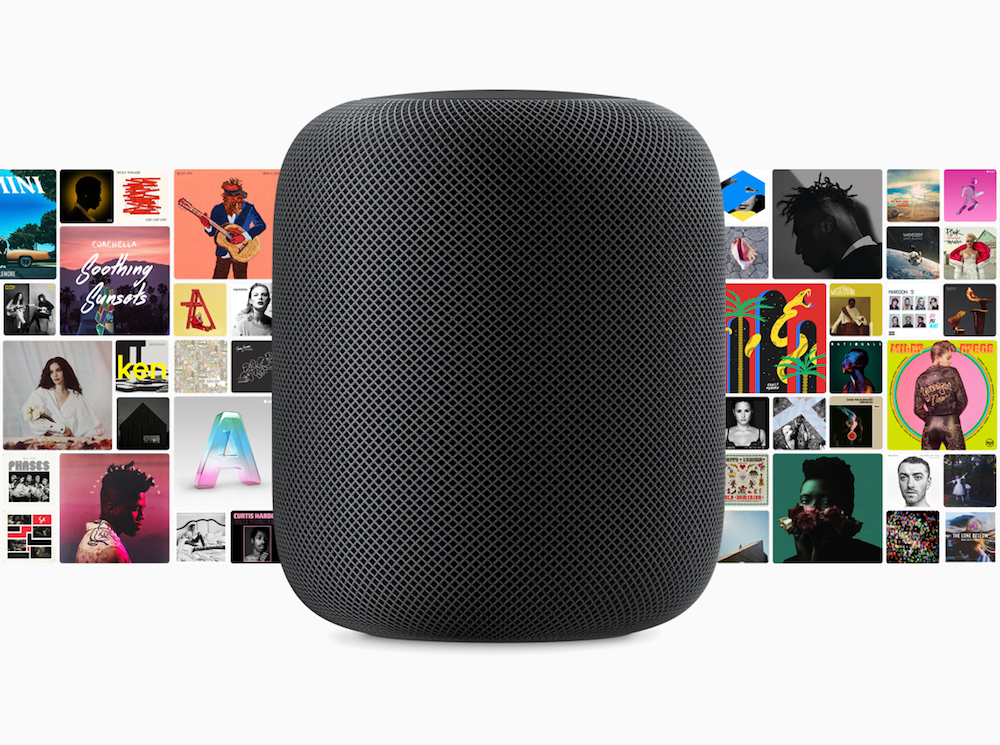
AirPlay 2 brings the ability to control audio across multiple speakers from your HomePod, iPhone, iPad or Apple TV. You can use voice commands to do things like play music in a particular room, play different songs on different speakers, enjoy a playlist on all or just specific speakers, continue playing a track on another speaker and more. Here's our list of the best AirPlay 2 Siri voice commands that are specific to multi-room audio support.

Victrola gives the Lock screen’s Now Playing music interface a makeover

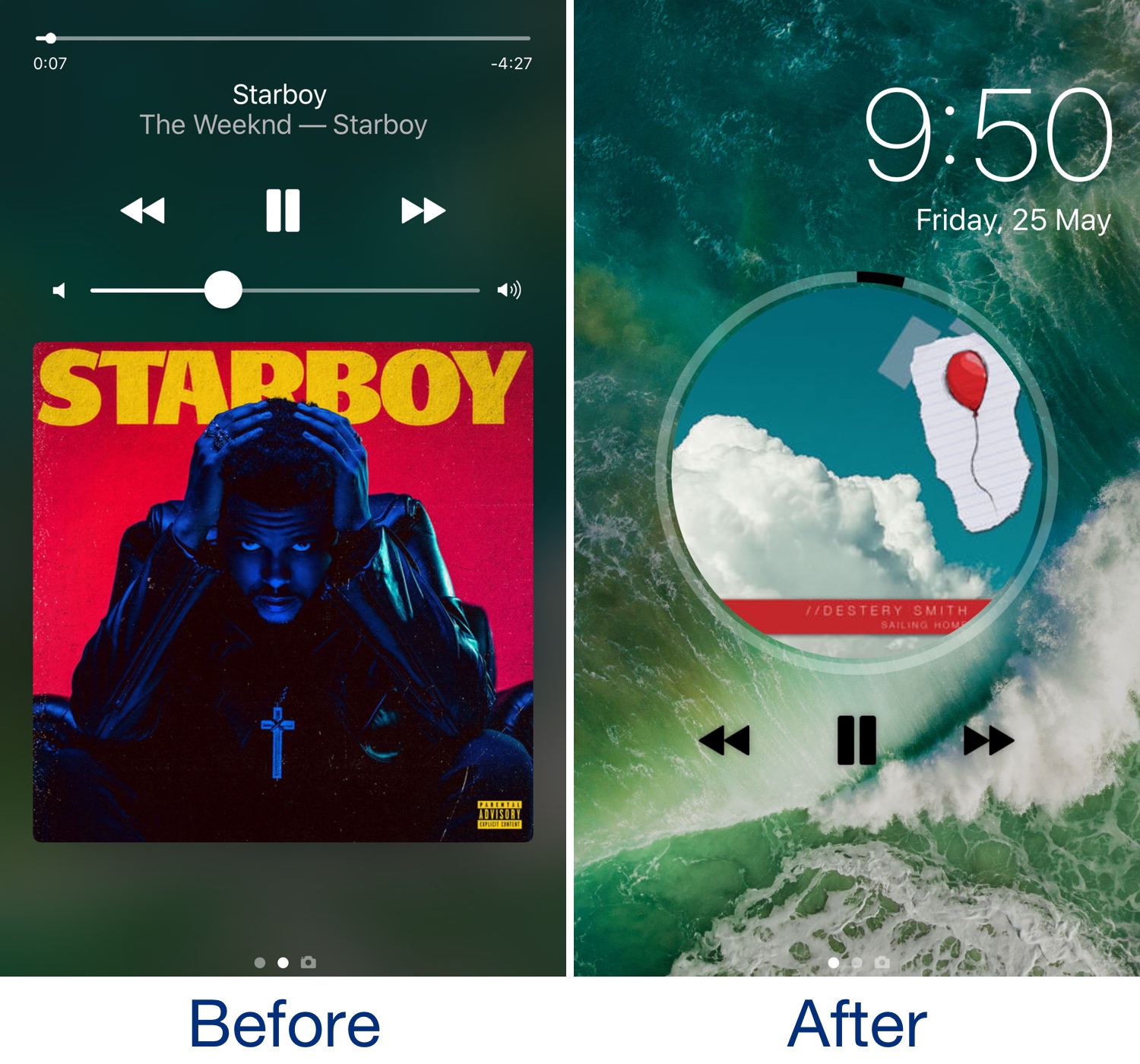
Whenever play music on your handset, the Lock screen becomes immersed with Now Playing music controls and information relevant to whatever might be playing. The controls work exactly how we’d expect them to, but they sport a standardized appearance and lack character.

For those who agree, it may be worth trying a new jailbreak tweak release dubbed Victrola by iOS developer Antique. If effectively provides a polarizing new look and feel for the Lock screen’s Now Playing music controls.

Give the Spotify app some color with this tweak

The Spotify Music app usually adopts a black and green color scheme, but that doesn’t mean you have to settle if you’d prefer to change things up. A new free jailbreak tweak called Colorify by iOS developer chloeeisoaky lets you change the app’s color scheme to your liking.

Shown above, you can gaze upon some examples of how the Spotify Music app looks after modifying its core colors. These include the background, the tabs at the bottom of the app, and even the text that describes the music you’re looking at.