Learn how to listen to Spotify using Alexa on your Amazon smart speaker. We'll also show you how to make it the default music service so you don't have to say "on Spotify" in every voice command.
How to set up and play Spotify on Alexa
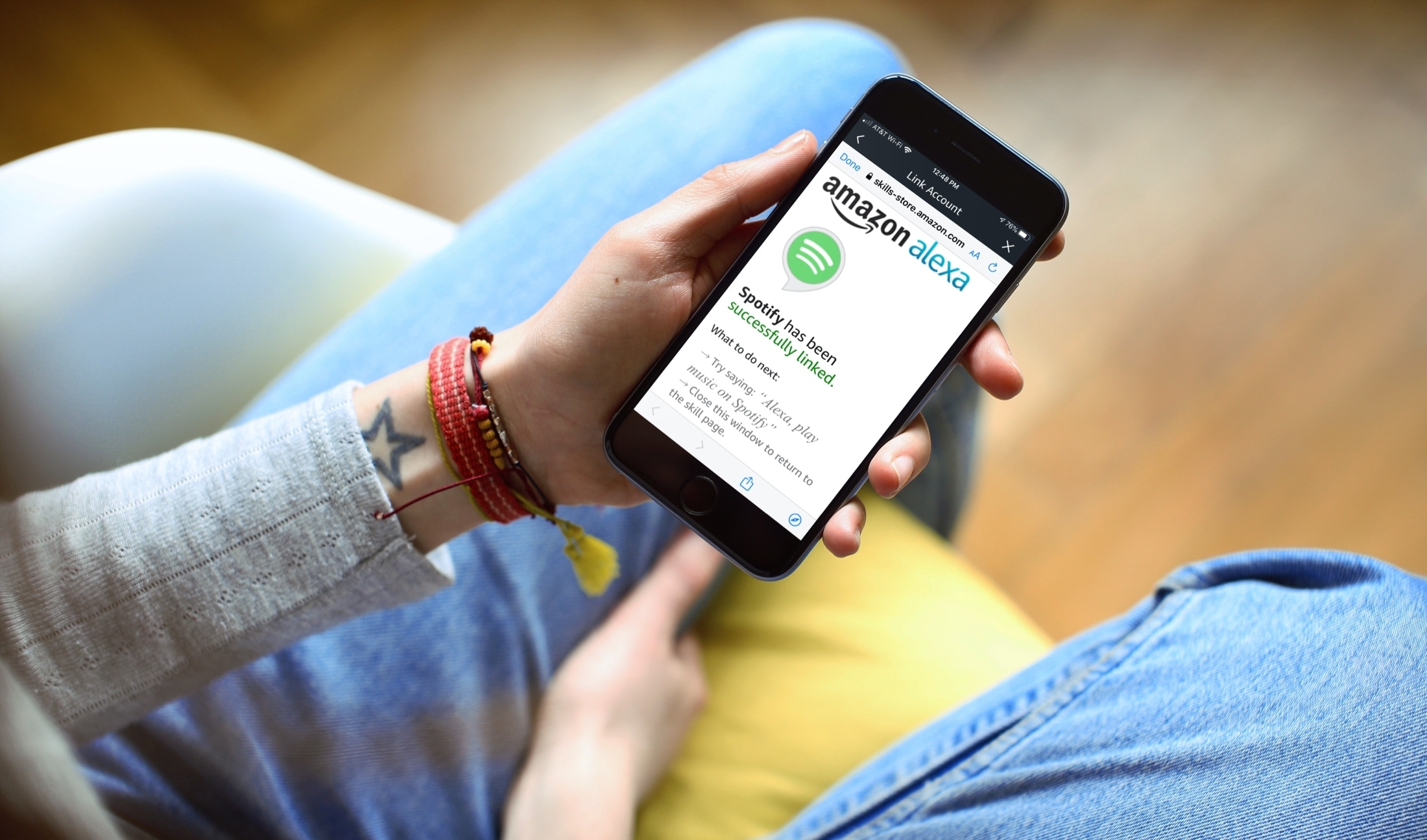
Learn how to listen to Spotify using Alexa on your Amazon smart speaker. We'll also show you how to make it the default music service so you don't have to say "on Spotify" in every voice command.
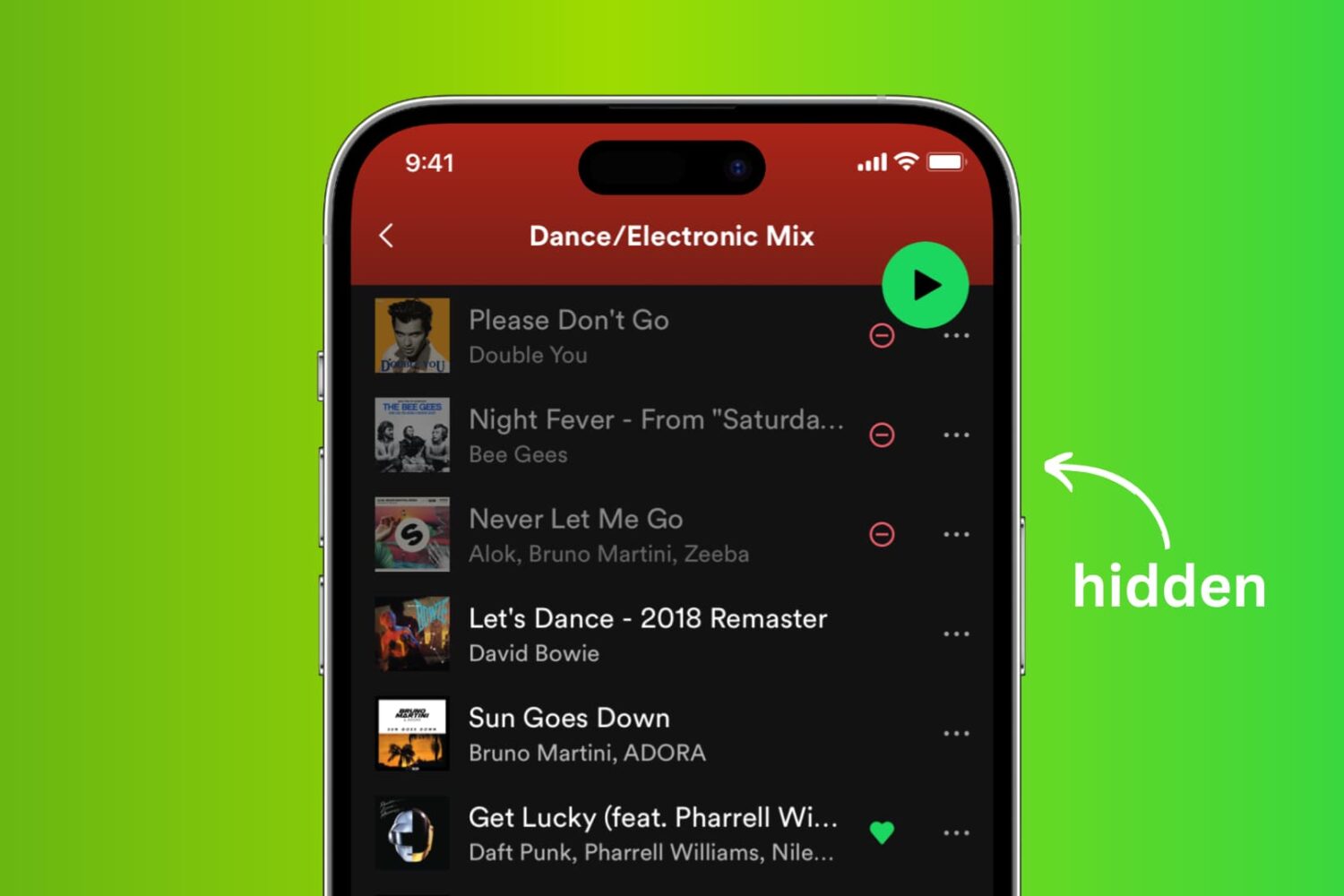
You can hide Spotify songs within an album or playlist that you don't want to hear. When listening to your music, Spotify will automatically skip any hidden tracks. Temporarily hiding a song is much better than removing it completely. Follow along with us to learn how to hide Spotify songs and unhide them if you change your mind.
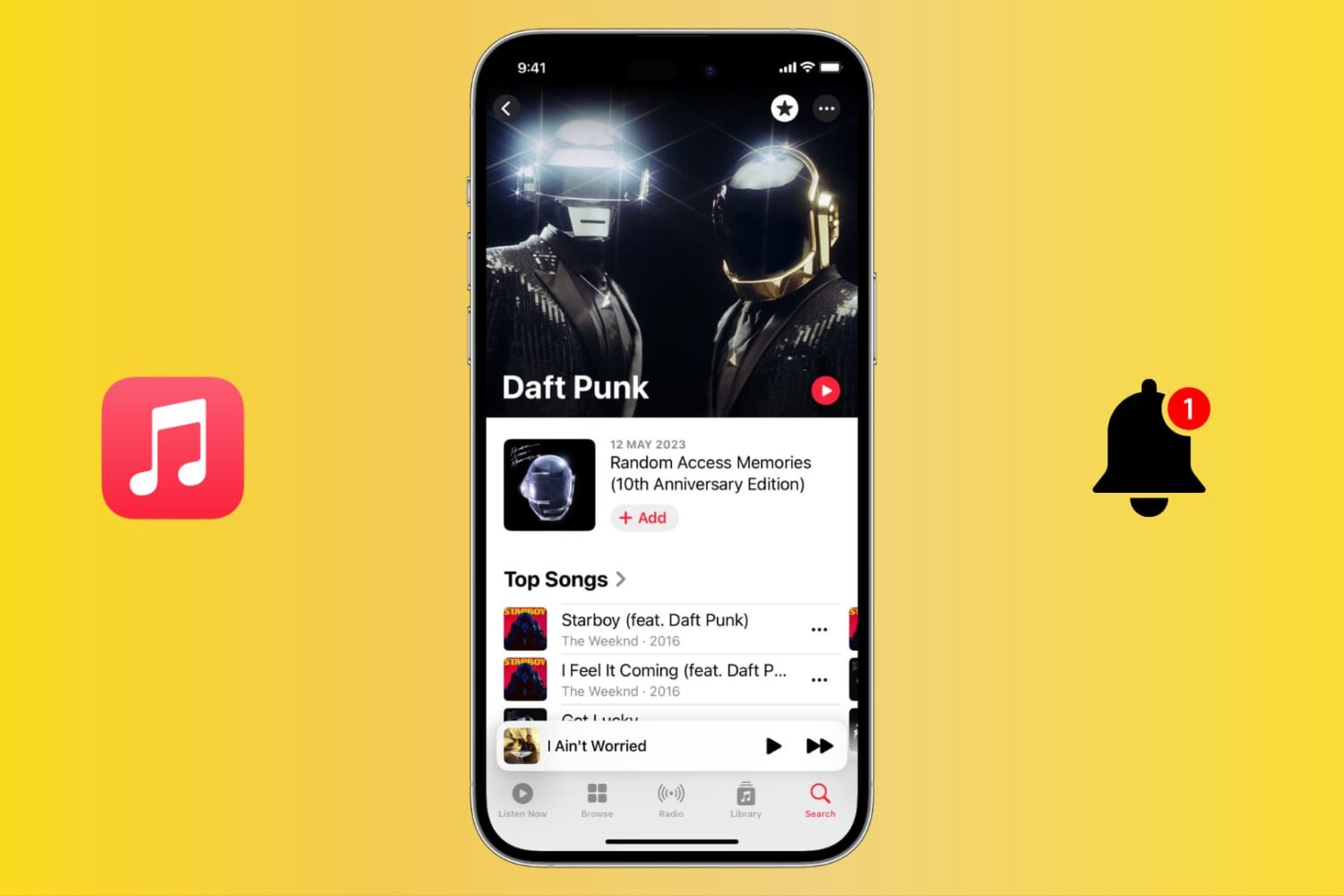
Stay up to date with your favorite artists’ latest releases on Apple Music and never miss a beat by receiving notifications for their new songs and albums.
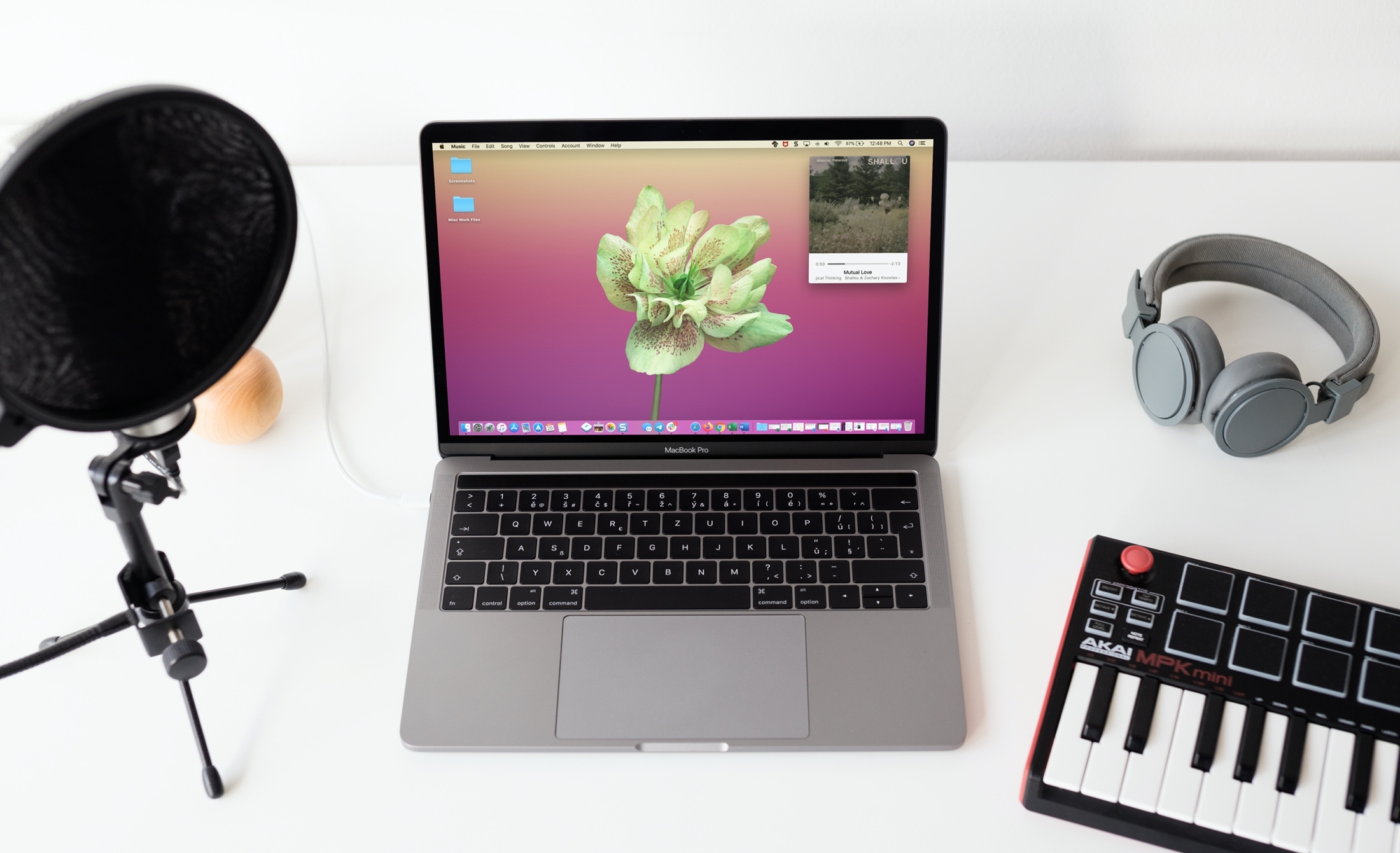
Learn how to use the Mini Player feature to turn the full Music app window into a tiny one that can even stay floating above all other app windows.
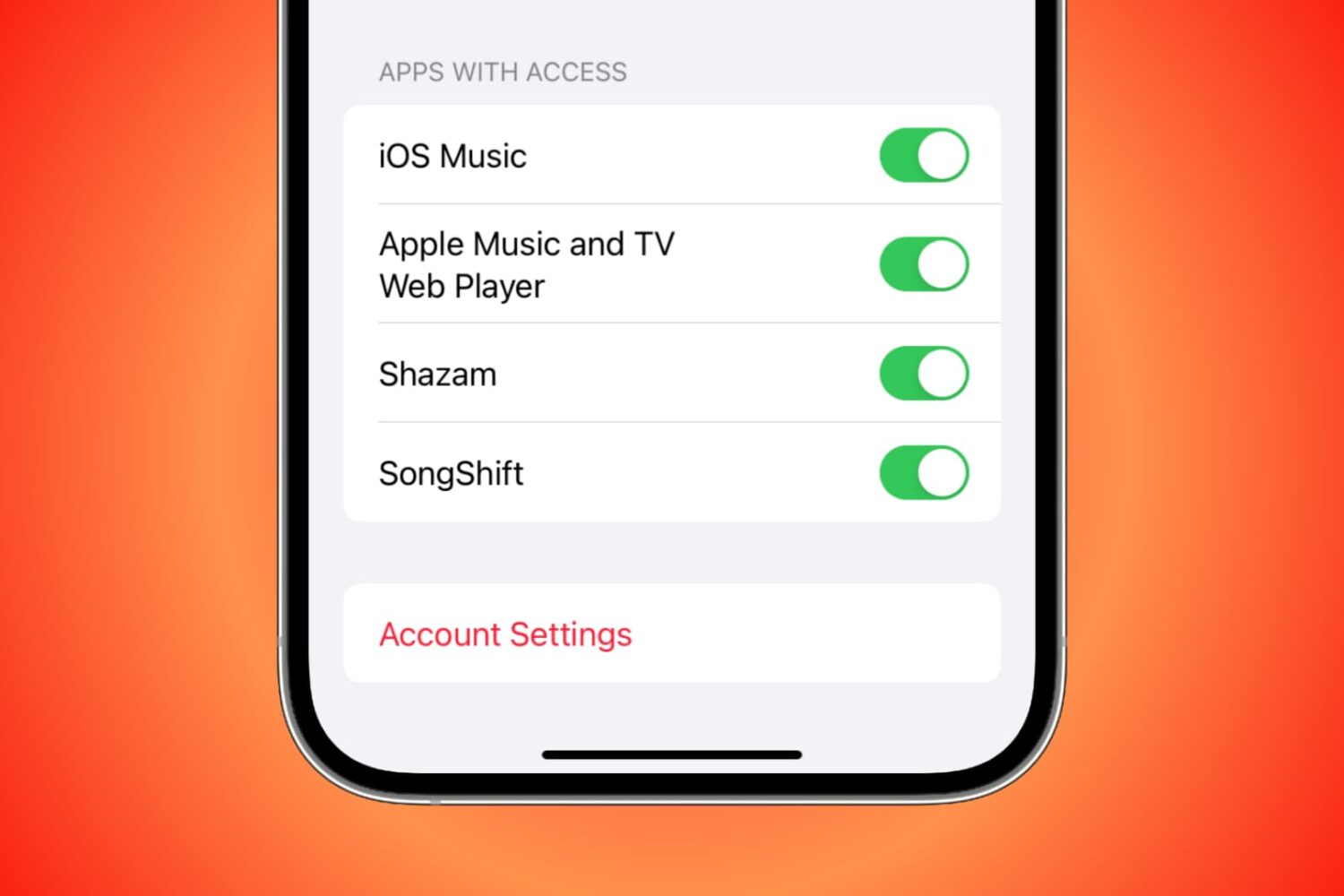
You can grant third-party apps and services access to your Apple Music for various reasons. For instance, you might allow Alexa access so you can play Apple Music on your Amazon smart speaker. But if there comes a time when you want to revoke access to an app or service for privacy or security reasons, you can do that easily by following the steps here.

Those who’ve been with the jailbreak community for a while may remember the times when it was easy to download a third-party app from Cydia to import locally-stored media to iOS’ native Music player, etc. Years later, finding such utilities isn’t so common.
The aforementioned circumstances make the release of a new utility called Audicy by iOS developer Jalal Ouraigua rather significant, as it enables users to easily import media stored on the device itself to iOS’ native Music library from the native user interface(s).

If you’re done working on your Mac for the day or simply taking a break but still have your favorite tunes playing, why not add a little pizzazz to the screen? The Music app on Mac offers a cool tool called Visualizer.
Visualizer is a light show that plays along with your music. You can adjust it to your liking and then just sit back and watch the colors and lights bounce off your screen. Never used the Music app Visualizer before? That’s why we’re here, to show you how to enjoy a light show with your songs!
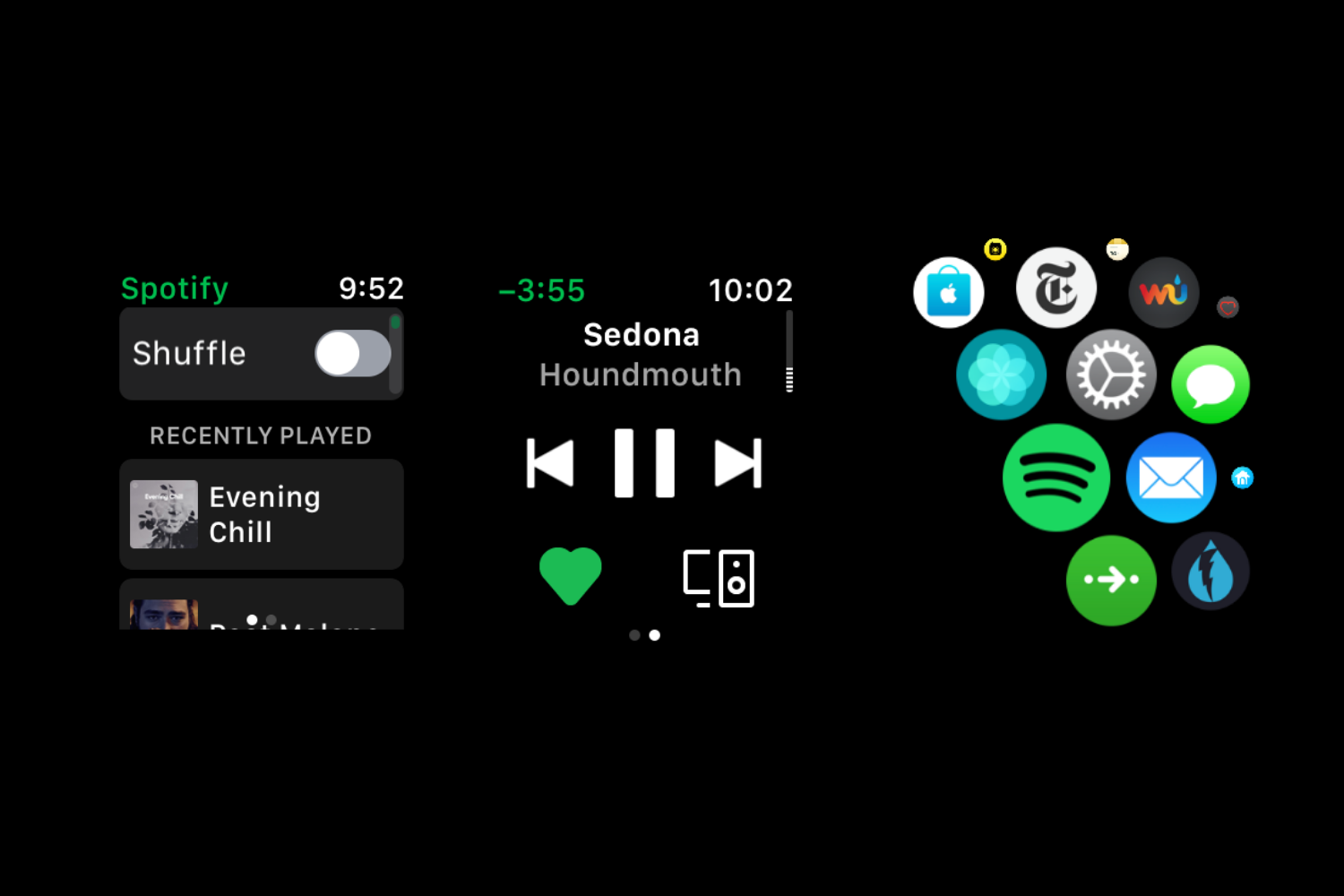
Spotify's Apple Watch software was updated on the App Store earlier this morning with Siri integration that launched on the iPhone, iPad, iPod touch, HomePad, CarPlay and AirPods in October of last year, following the initial release of the iOS 13.0 software update.

Apple Music's Beats 1 station hosts like DJs Zane Lowe, Ebro Darden and Julie Adenuga today began broadcasting from their homes, using FaceTime to interview musicians.
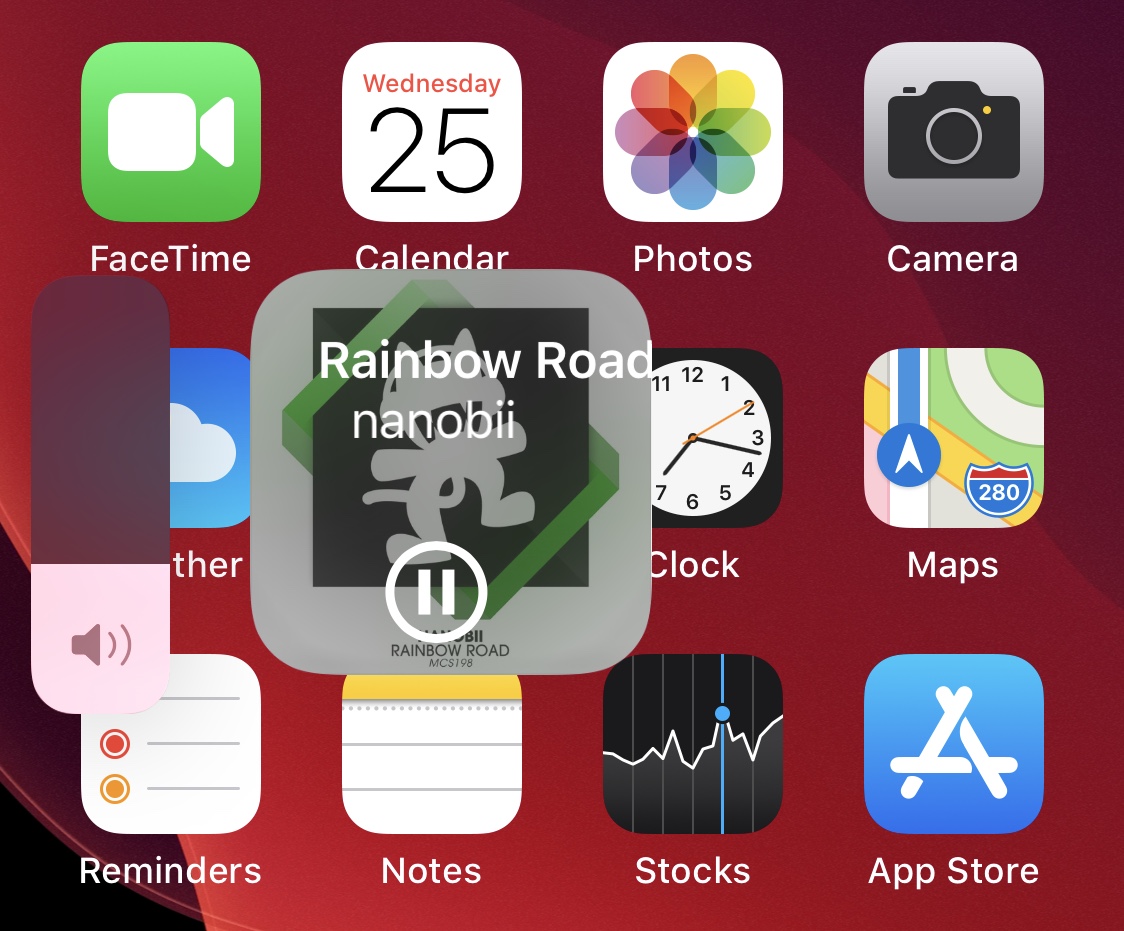
The iPhone features a market-leading music consumption experience, but that doesn’t mean it can’t be improved. The jailbreak community knows this all too well, and that’s why many jailbreak tweaks focus on iOS’ music-centric interfaces.
A newly released and free jailbreak tweak dubbed Fluide by iOS developer maximehip is just one example of such an augmentation, and as depicted in the screenshot example above, this tweak integrates music controls directly into iOS 13’s native volume HUD interface.
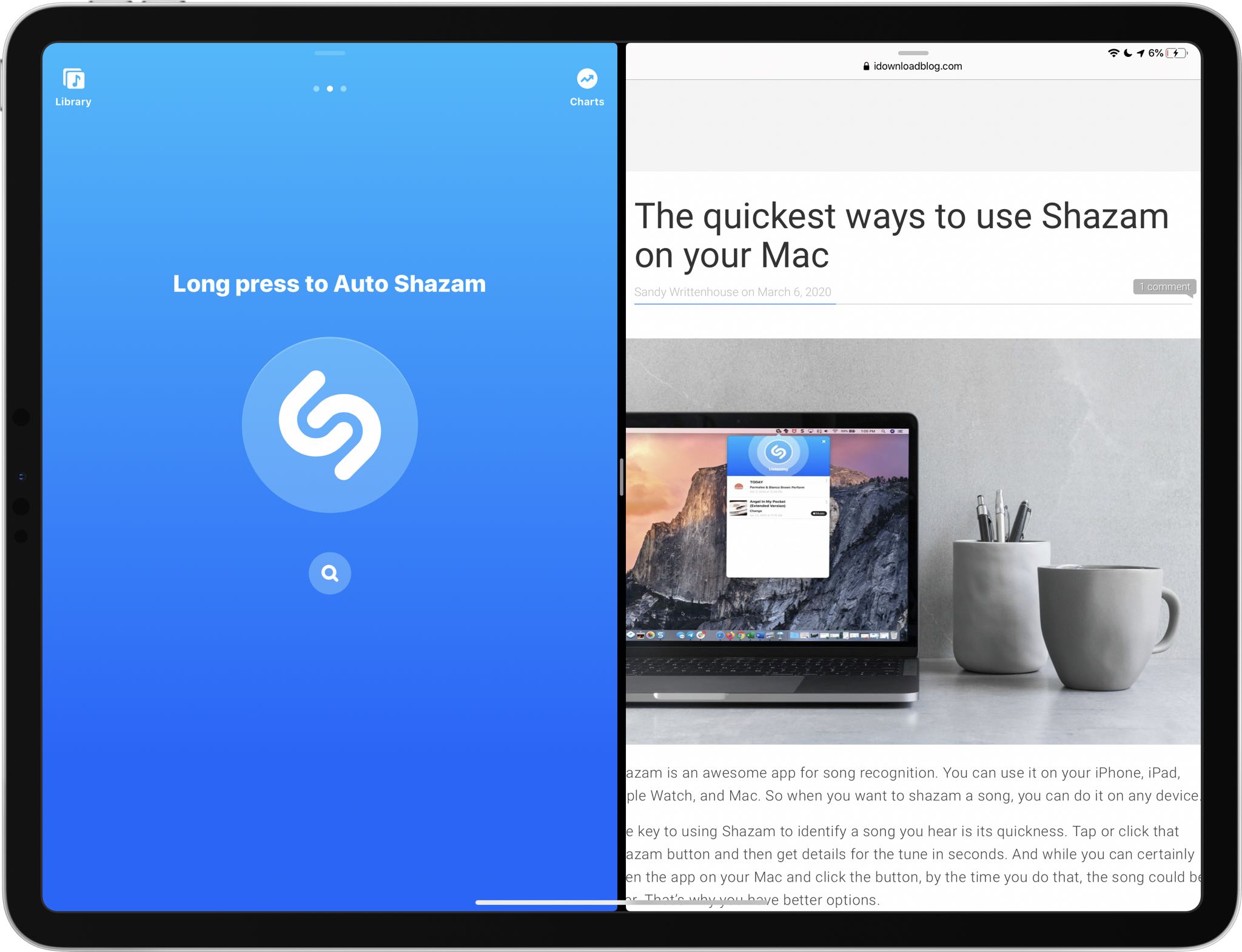
Shazam, the Apple-owned song identification service that's built into Siri, today pushed an update to its App Store app bringing support for side-by-side multitasking.
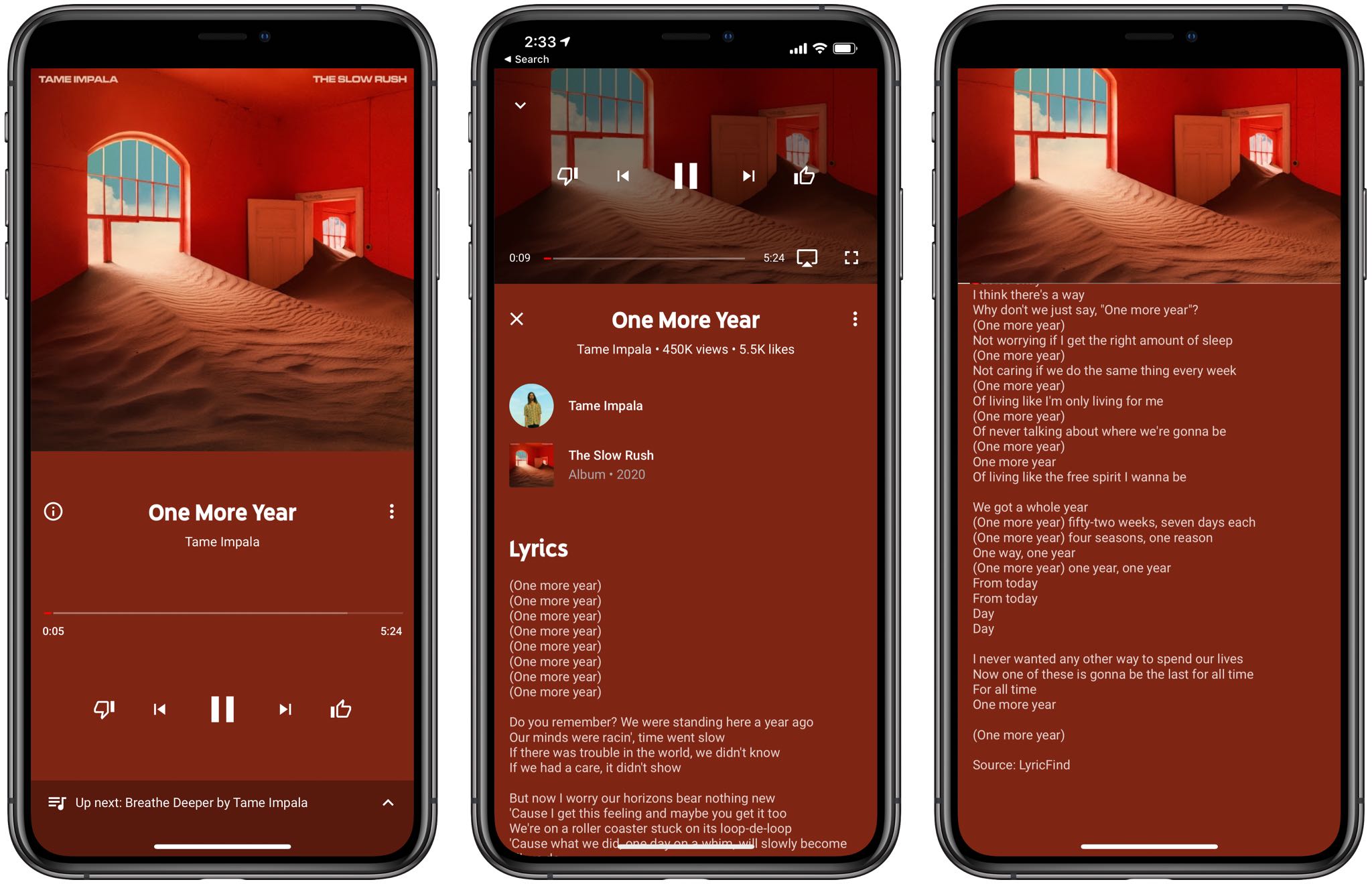
Just a day after Apple brought the real-time Apple Music lyrics feature from iOS to macOS via the macOS Catalina 10.15.4 update, which released yesterday, Google has now added a similar lyrics feature of its own to its official YouTube Music app for iPhone and iPad.