Spotify for Mac has gained the ability to stream music to Google's Chromecast devices.
Spotify for Mac gains direct Chromecast streaming, no workarounds required
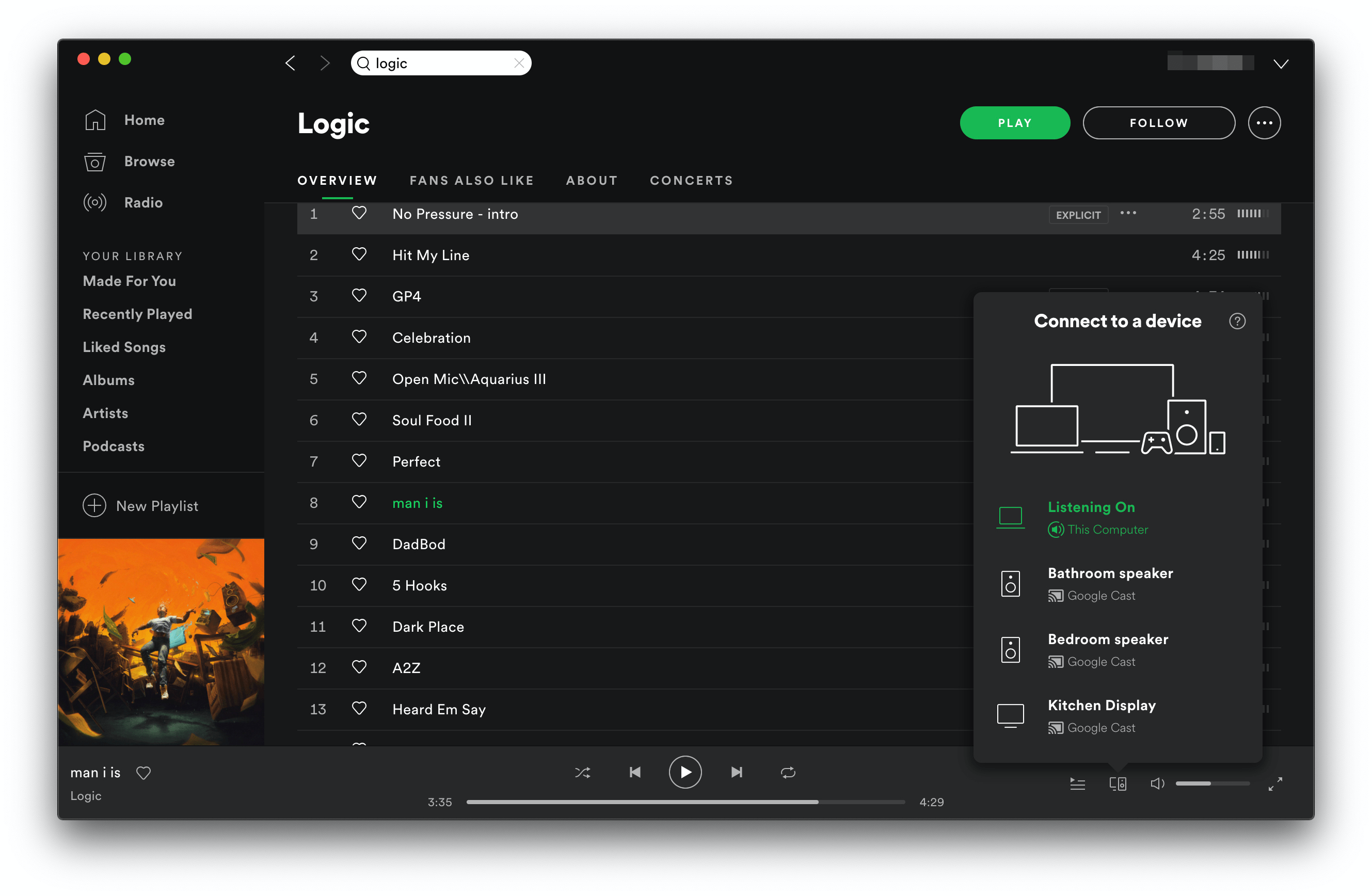
Spotify for Mac has gained the ability to stream music to Google's Chromecast devices.
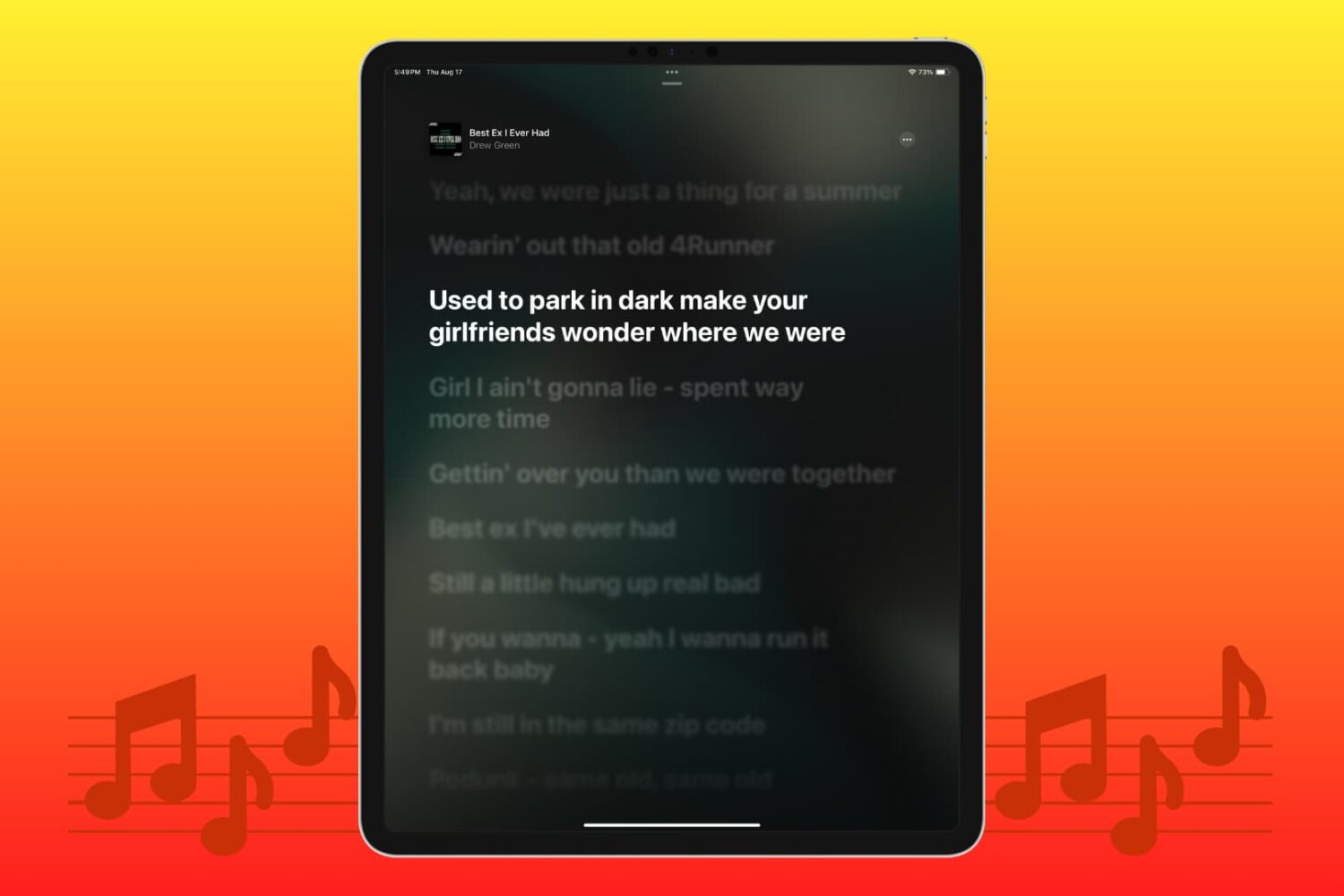
Struggling to view the words to sing along? Learn how to see the song lyrics on the full screen inside the Apple Music app on your iPhone, iPad, Mac, and Android phone.
Lots of folks rely on their iOS devices as their primary music consumption devices, and so it’s sort of a head-scratcher as to why Apple doesn’t provide more of an interactive listening experience. In the jailbreak community, we’ve seen a plethora of workarounds for this, including the introduction of music visualizers for the Now Playing interface and more.
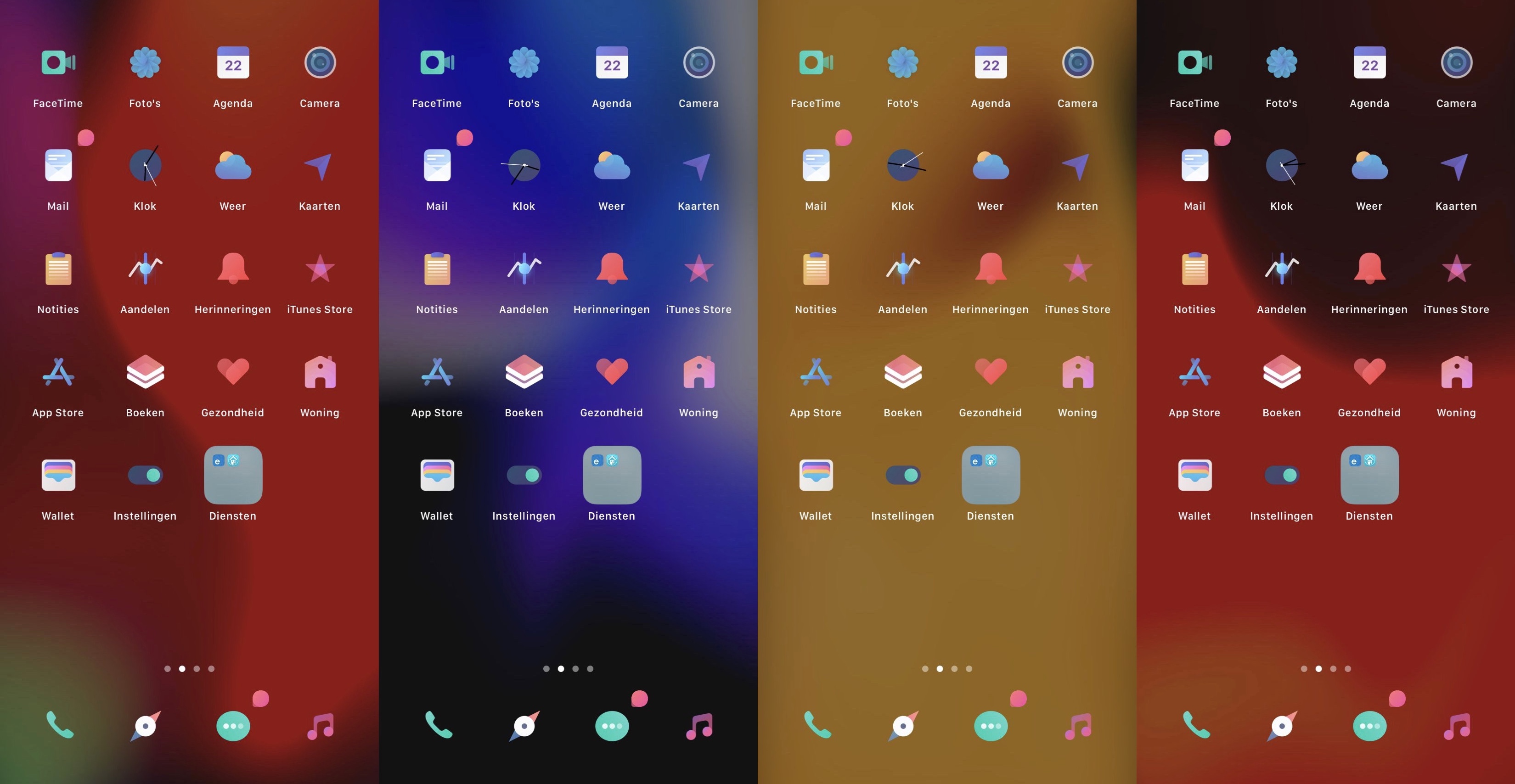
A newly released and free jailbreak tweak dubbed MusicGround by iOS developer Tr1fecta, on the other hand, takes a slightly different approach. Instead of giving users an animated Now Playing interface, this tweak provides users with an animated Metal Lyrics-inspired wallpaper that comes alive whenever music is playing.
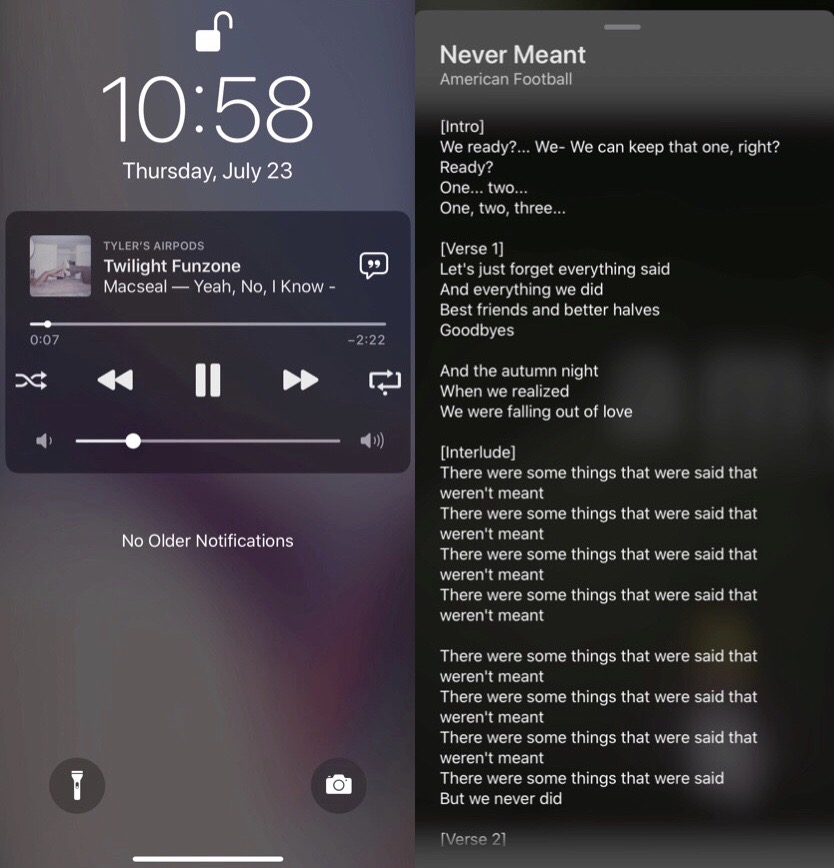
If you’re the type of person who likes to follow along with song lyrics while listening to music, then you might find that the iOS platform isn’t quite as supportive of your needs out of the box as it could be.
Luckily, that’s what we have the jailbreak community for, and there’s a newly released and free jailbreak tweak in town dubbed Lyricize by iOS developer level3tjg that puts song lyrics directly on the Lock Screen to make following along with your favorite music easier.
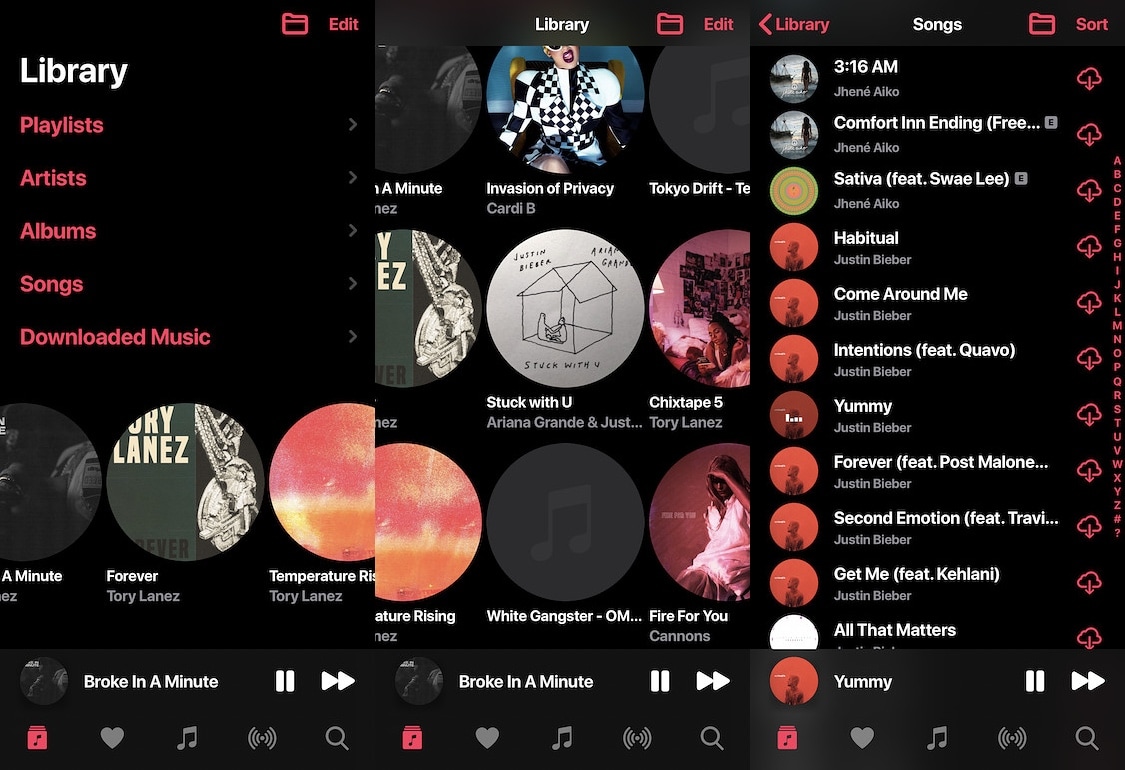
Apple Music users have a lot to brag about. Not only is it one of the best music streaming experiences on the iOS platform, but it also brings a native user interface with full Siri integration and a ton of other perks. But pleasantries aside, it does have a few shortcomings – namely in the user interface department.
MusicAlbumScroll is a newly released and free jailbreak tweak by iOS developer Ethan Whited that improves upon the native Apple Music interface with some much-needed scrolling capabilities. With it, you can scroll horizontally between recently added albums, adjust spacing values, and even give your Apple Music app a rounded artwork aesthetic.
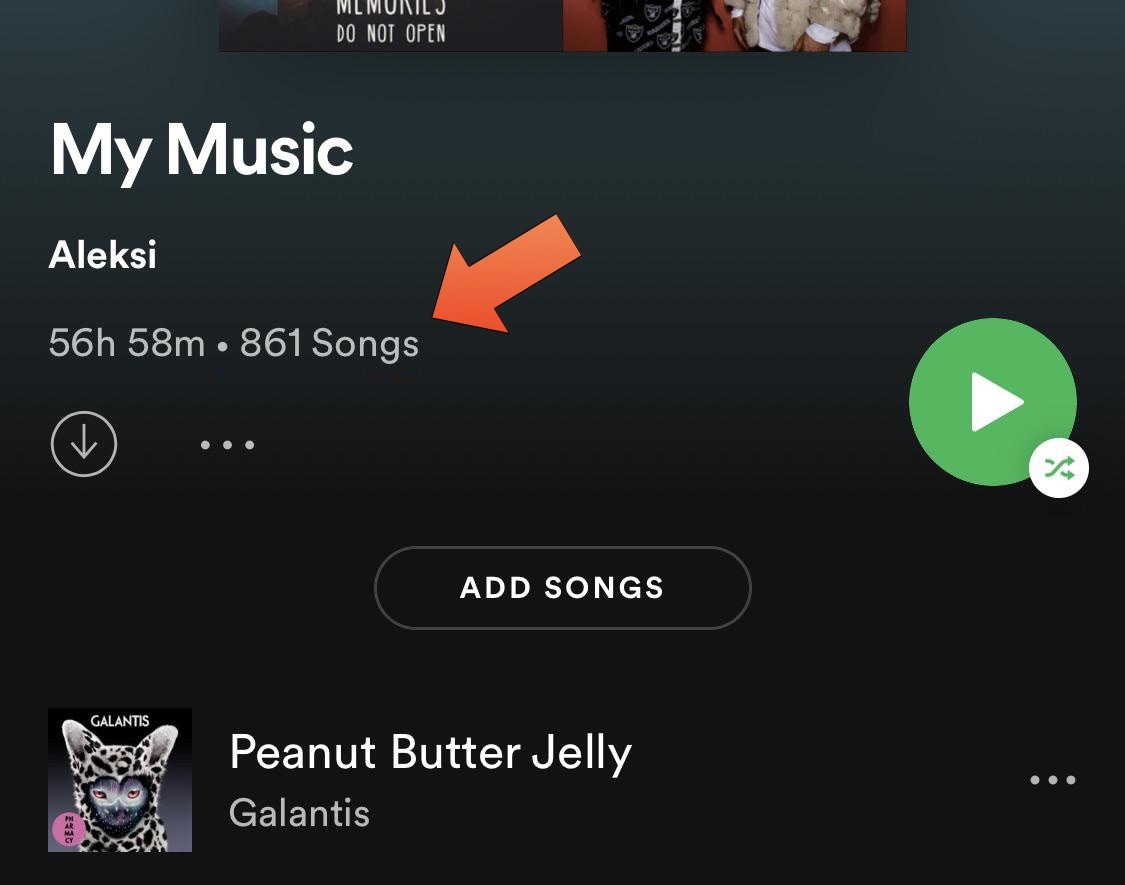
Spotify has long been one of my favorite media streaming apps – perhaps even more so than Apple’s native Apple Music platform. But one thing that has always managed to grind my gears is how the playlist interface doesn’t even so much as display the number of songs you’ve added to it.
Fortunately, a solution for this problem now exists in the form of a newly released and free jailbreak tweak subbed SpotifyPlaylistNumberOfSongs by iOS developer Aleksilassila.
37-year-old Apple fanboy Jonathan Mann had no idea that a song he wrote to defend his beloved Cupertino company would end up getting picked up by its leadership to be played at the hastily organized iPhone 4 Antennagate press conference back in 2010.
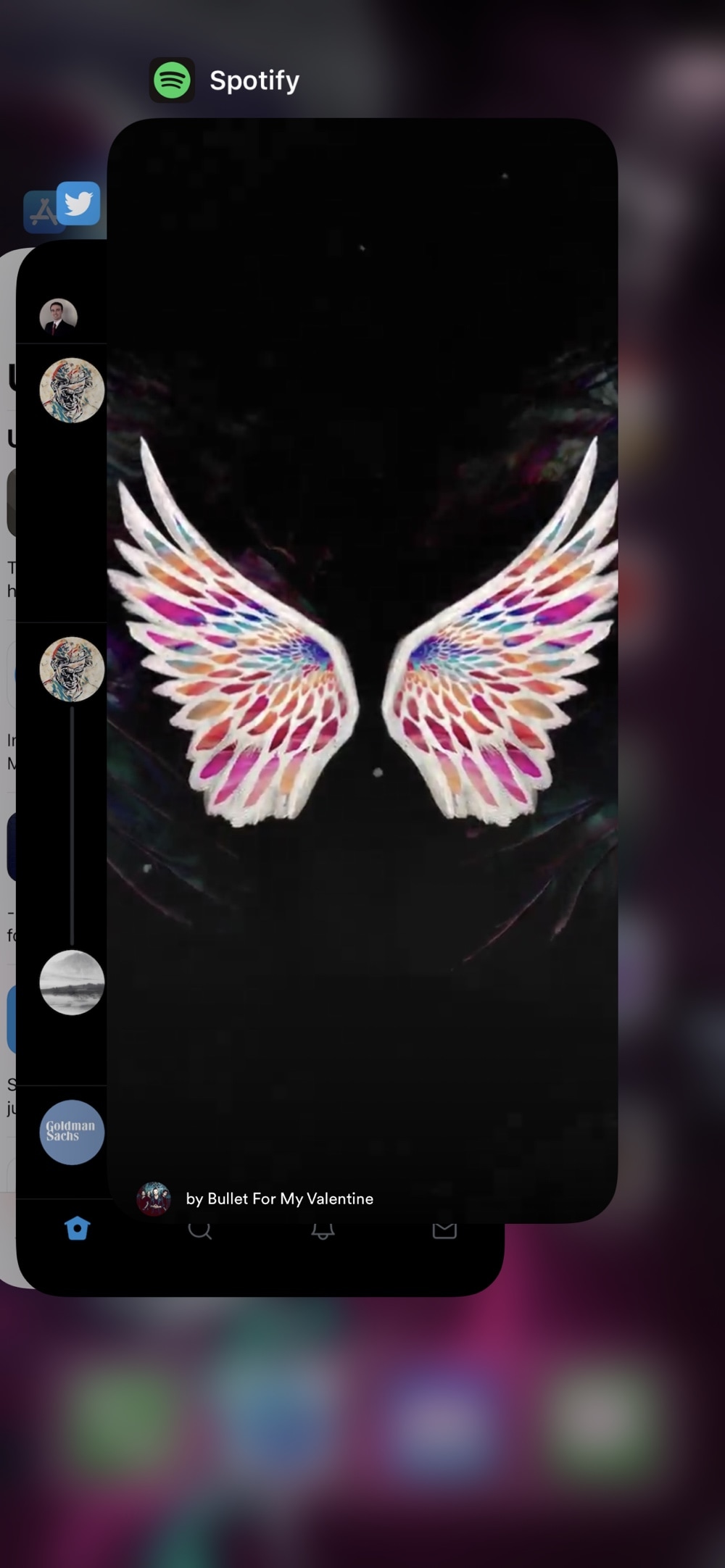
One of my biggest pet peeves is when I’m playing music in the background and I begin force-closing apps from the App Switcher only to learn that I’ve accidentally killed the Now Playing app. This frustrating experience often results in the cumbersome process of re-launching the Now Playing app and finding the track I was playing just to try and scrub back to the point where I was before prematurely killing the music.
If you’ve ever been in the same boat and understand just how irritating this experience is, then you might turn to a newly released and free jailbreak tweak called ImTrynaVibe by iOS developer PopsicleTreehouse for help, as it effectively prevents users from accidentally force-quitting the Now Playing app via the App Switcher.
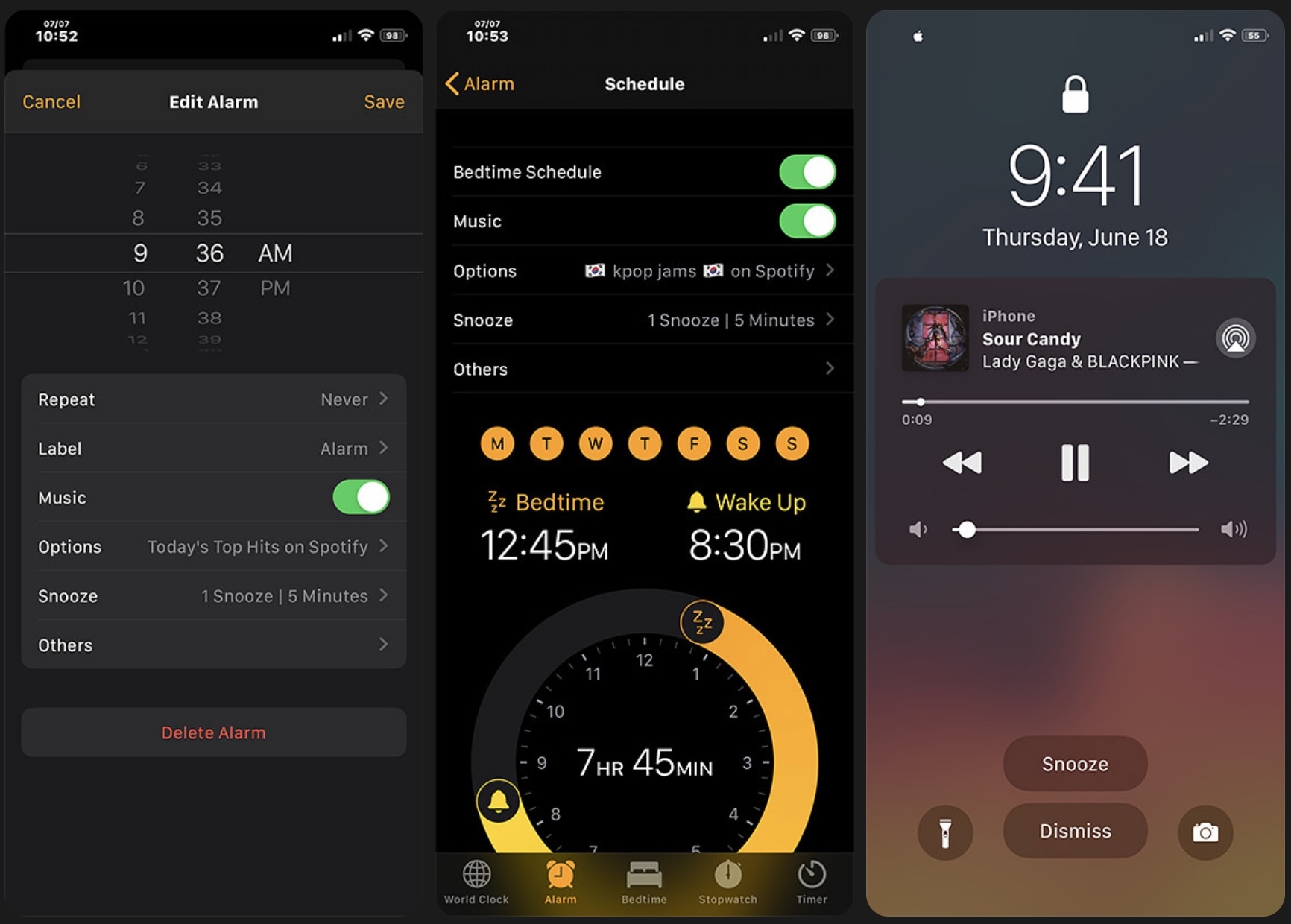
I don’t know anybody that still uses a physical alarm clock. Most people I know are using the alarm feature built right into their smartphone because it’s both free and convenient. Sadly, iOS’ alarm functionality leaves a lot to be desired in many areas, and that’s one reason why there are so many jailbreak tweaks in the wild that offer improvements for iOS’ alarm department.
Adding to that list, a newly released jailbreak tweak dubbed Aurore by iOS developer Micheal Wu (zhenguwu) tries to supercharge the iOS alarm experience with a bevy of new features and options. But is it worth it? That’s what we intend to show you in this piece.
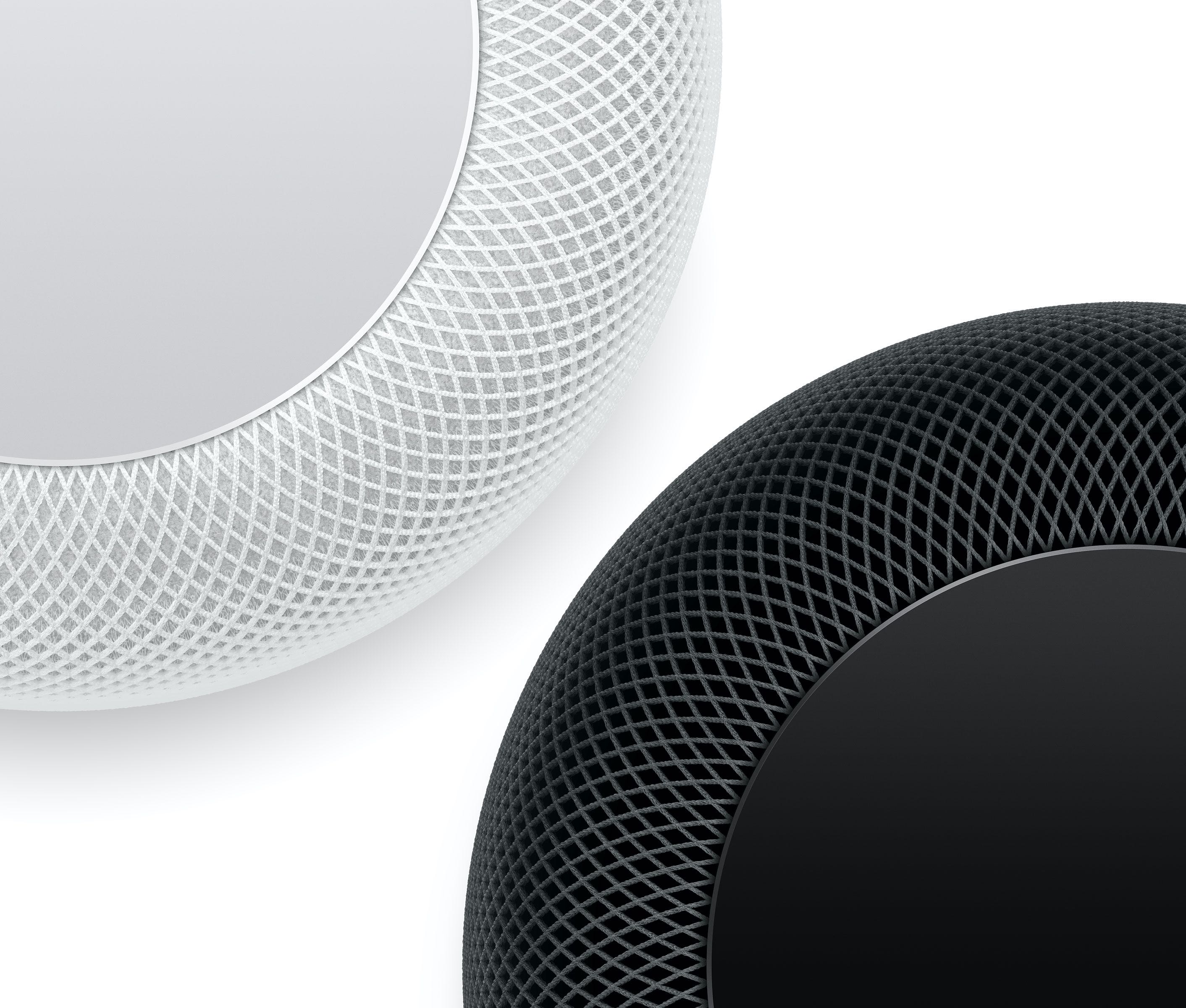
Alongside second betas of iOS 14 and other operating systems that were seeded to developers yesterday, Apple also introduced a second beta of the upcoming HomePod software update which is being available on an invite-only basis to a selection of AppleSeed beta testers.
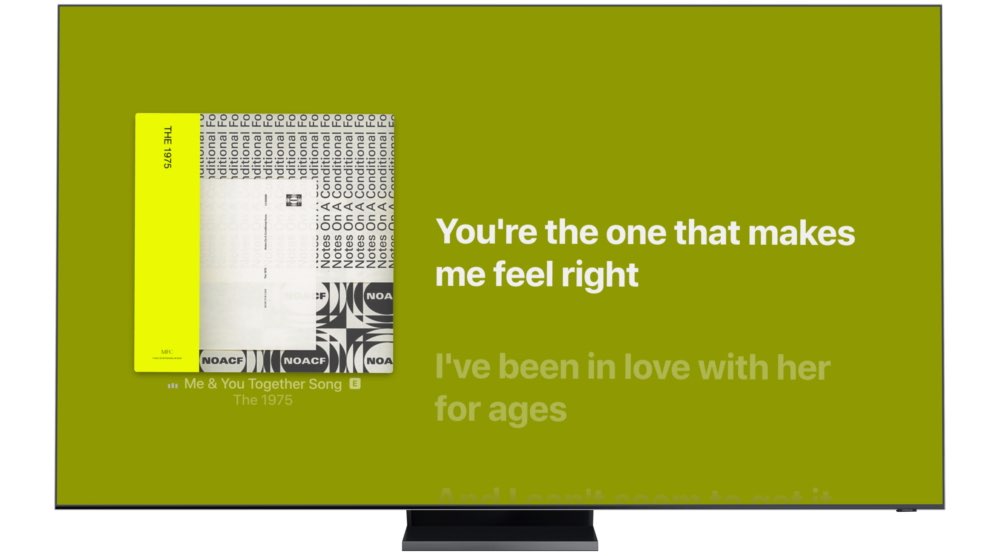
Owners of select smart TV sets from Samsung dating back to 2018 can now enjoy synchronized Apple Music lyrics that are also available across iPhone, iPad, Mac and Apple TV.

One of the cooler enhancements in the improved Music app in the iOS and iPadOS 14 updates that wasn't mentioned before brings animated artwork for some Apple Music playlists.