In this tutorial, we will show you how to find and watch Apple Music TV for free on your iPhone, iPad, Mac, TV, and other supported devices.
How to watch Apple Music TV on all your devices
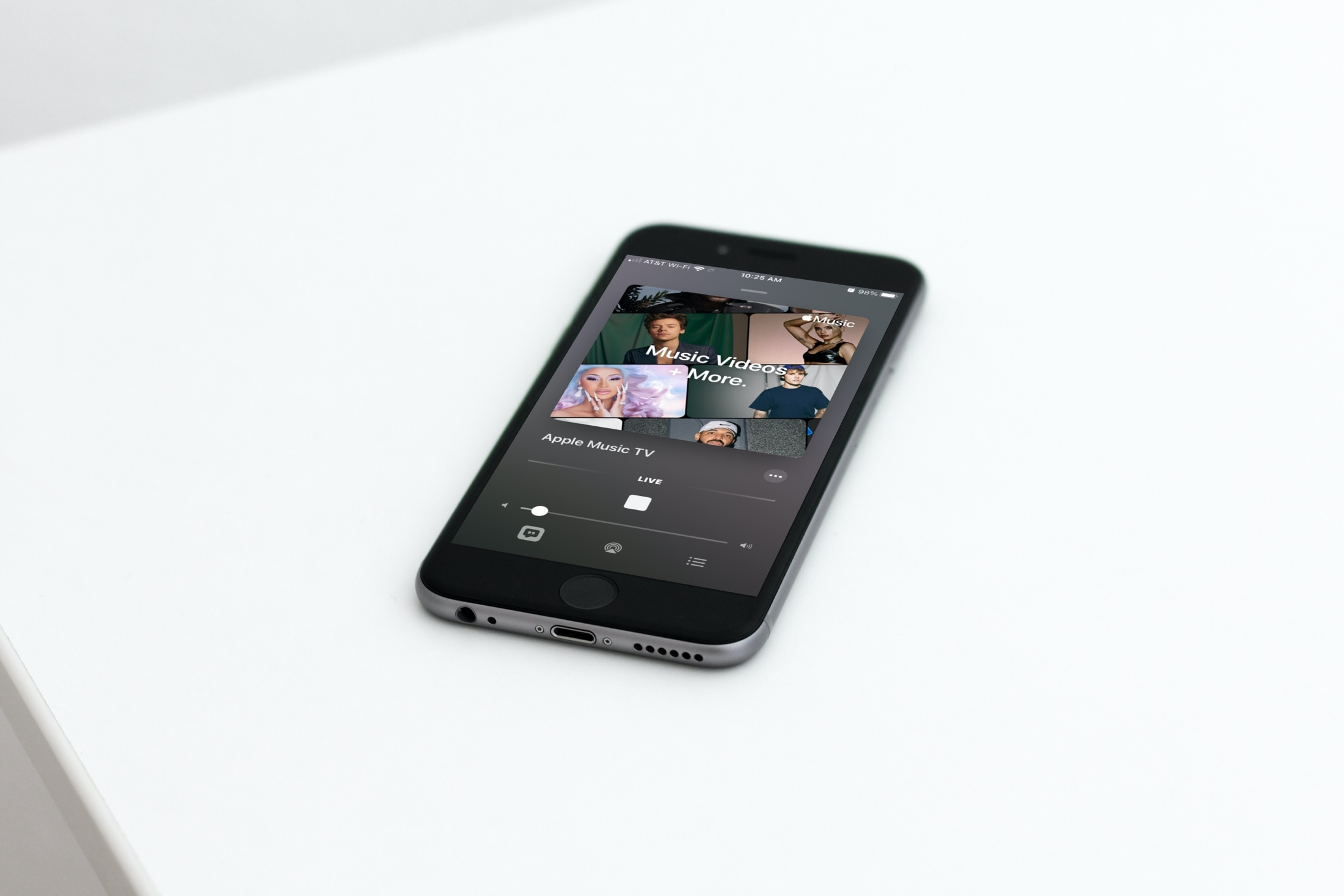
In this tutorial, we will show you how to find and watch Apple Music TV for free on your iPhone, iPad, Mac, TV, and other supported devices.
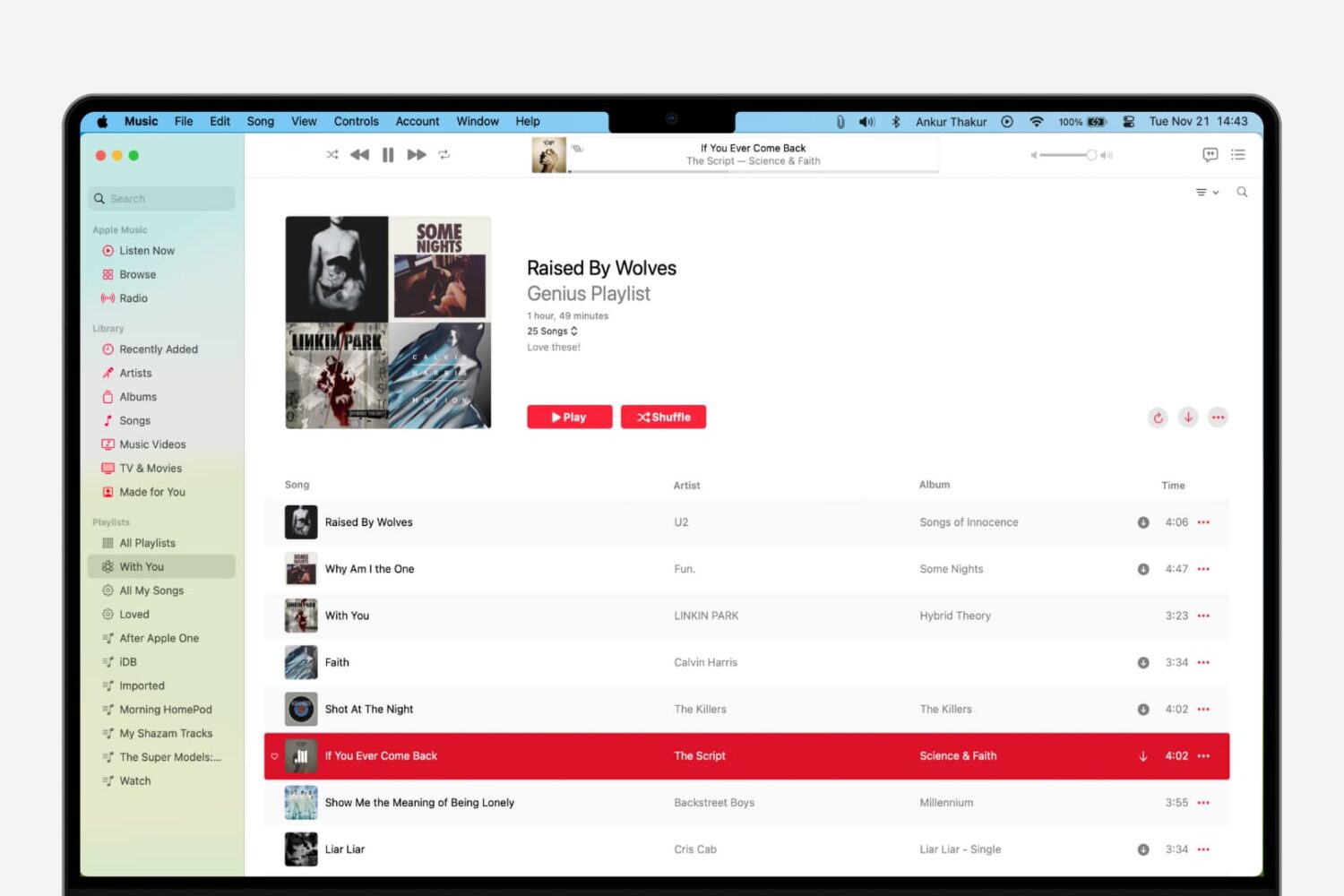
Learn how to use the Genius Playlist and Shuffle features in the Music app on Mac for a nice and easy mix of tunes that sound great together.
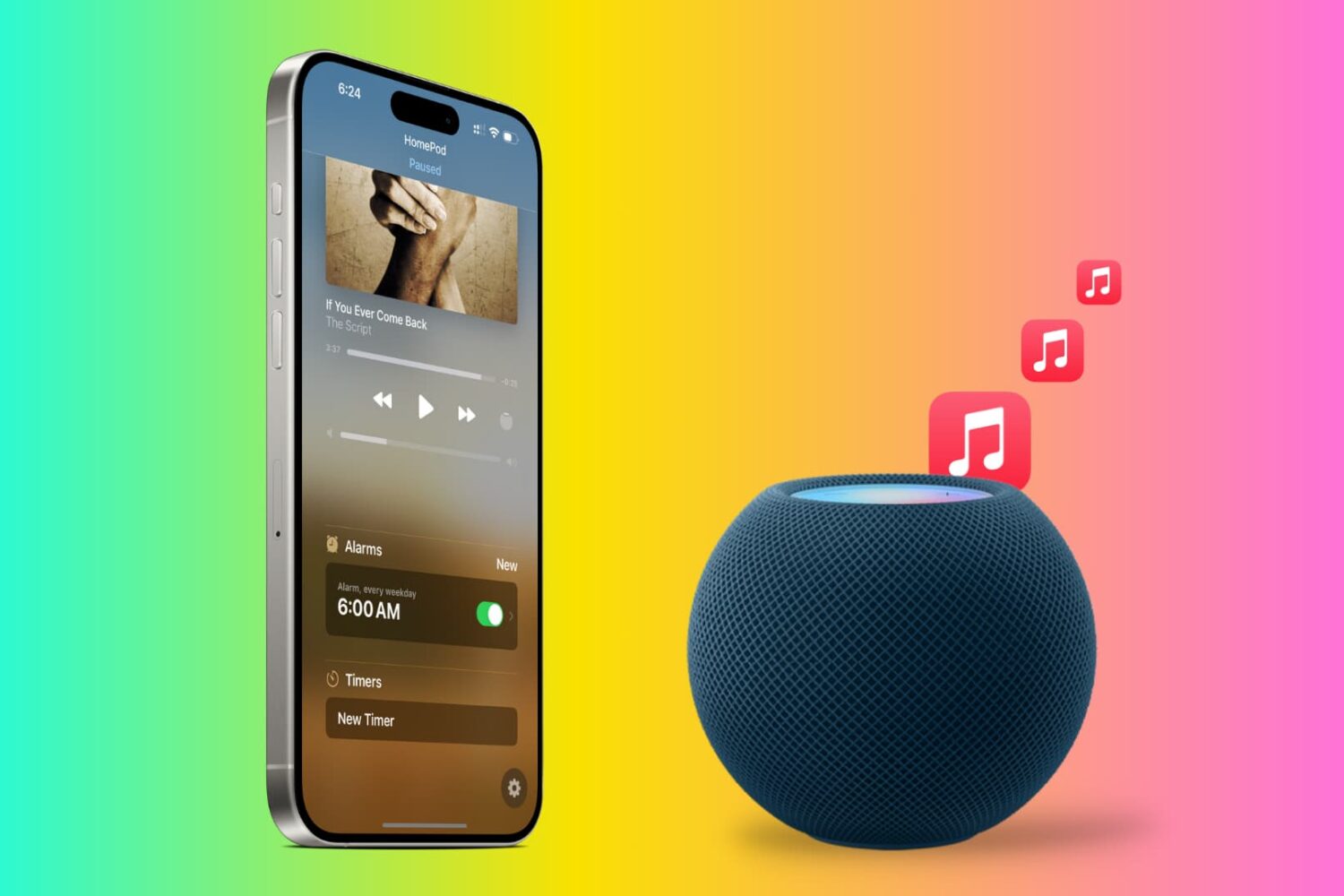
Tired of the default HomePod alarm tone? In this tutorial, we will show you how to use songs from Apple Music as an alarm sound on your HomePod so you can wake up to your favorite track and start the morning gleefully.
Apple today updated its Apple Music for Android client with new capabilities like a crossfade feature which Apple supports in the Music app for macOS but not in its iOS counterpart.
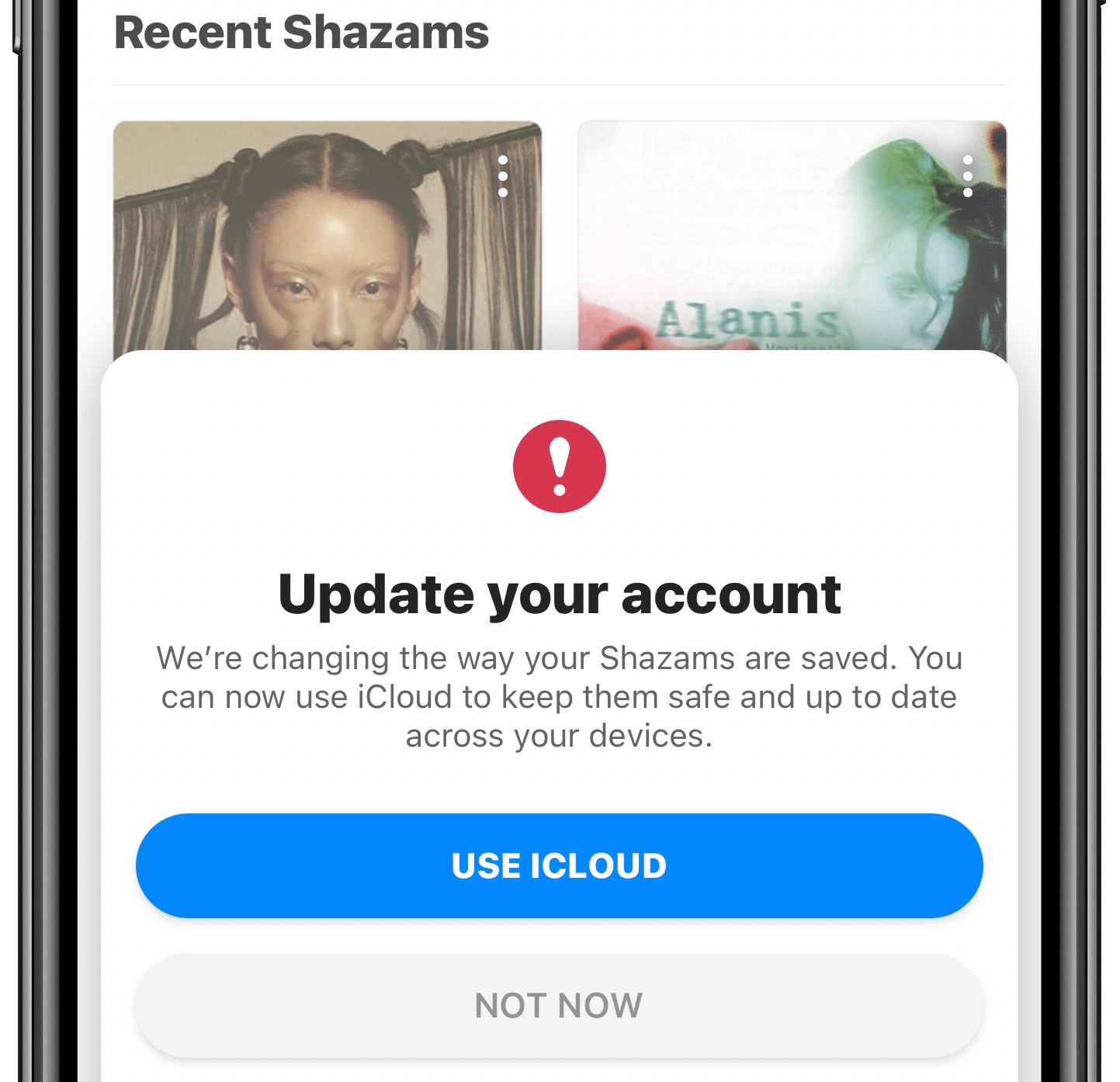
The Apple-owned Shazam music identification app has been refreshed on the App Store with a new iCloud sync feature. Instead of the user name and password, you can now simply enable the option to have your identified songs synchronized via iCloud across your other Apple devices using the same Apple ID.

Apple today launched a new Apple Music TV feature in the United States, which delivers a steady stream of the currently trending music videos, live performances and events.
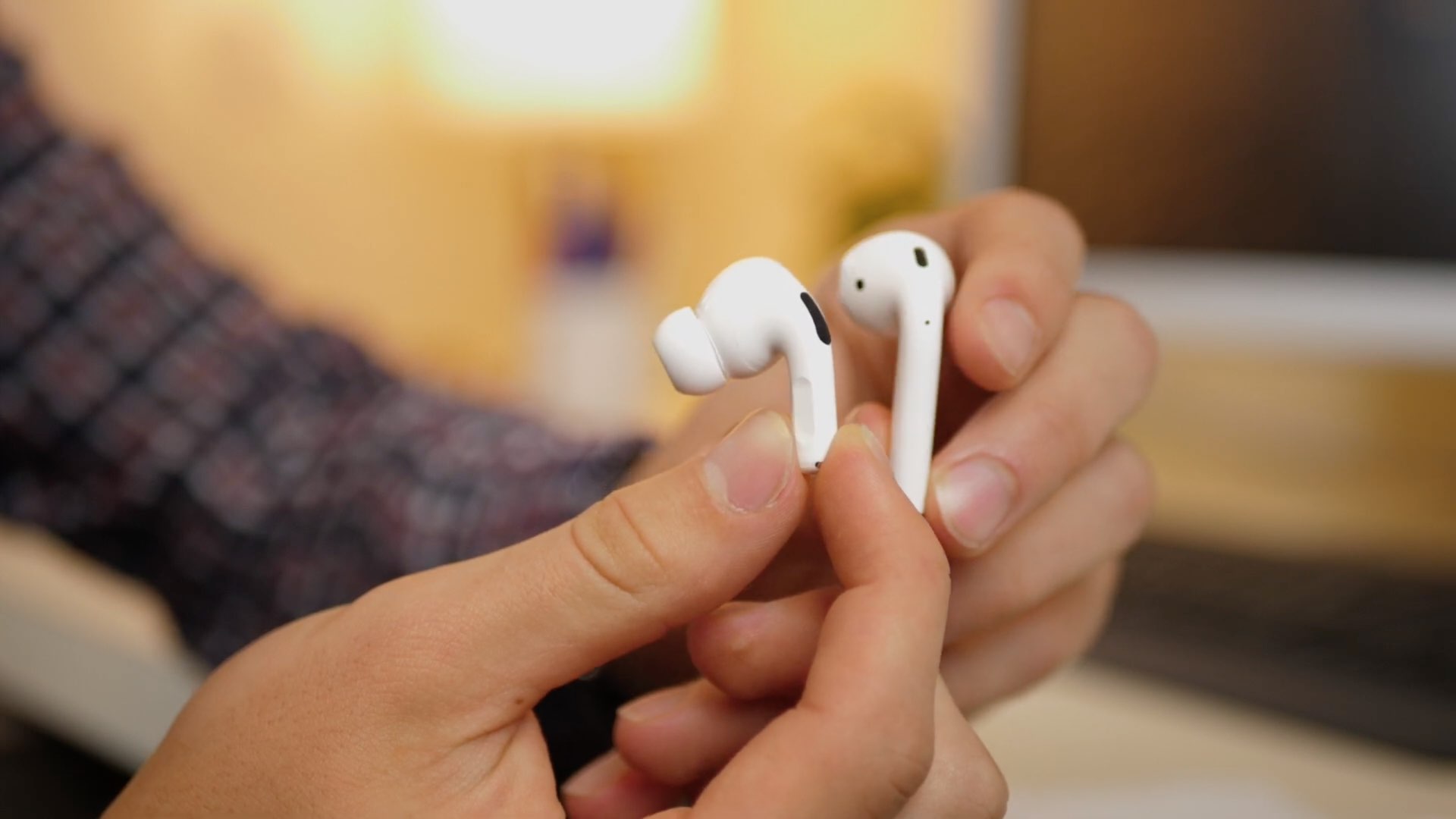
Apple’s AirPods Pro quickly rose to become one of the market’s most popular active noise cancellation-equipped wireless earbuds. Out of the box, they isolate users’ ears from their surroundings via active noise cancellation; and in the event that you need to hear somebody, they support transparency mode, which allows a person’s voice to pass through the AirPods Pro’s microphone and into the user’s ear canal as audio.
One thing worth noting is that when using the AirPods Pro, the user must manually switch between active noise cancelation mode and transparency mode with a gesture when either feature is desired. With that in mind, iOS developer Litten devised a way to make this behavior more autonomous based on the user’s circumstances, and as such, a newly released and free jailbreak tweak called Crystal was born.

It’s fairly common for drivers to listen to music as they cruise around, and with CarPlay and Bluetooth accessories becoming more popular in modern cars, it becomes more and more likely that drivers will stream their music from their smartphone as opposed to the radio. Another thing drivers often use is their handset’s built-in navigation feature, and unfortunately, directions from the Maps app have a tendency to announce directions at all the worst times…
Enter SilentMaps13, a newly released jailbreak tweak by iOS developer Greg0109 that helps prevent the Maps app from announcing directions right as the beat of your favorite song drops. The tweak offers user-configurable alternatives to having Siri’s voice interrupt your track, and it’s sure to offer an augmented user experience when used in a navigation-esque setting while listening to music in the car.
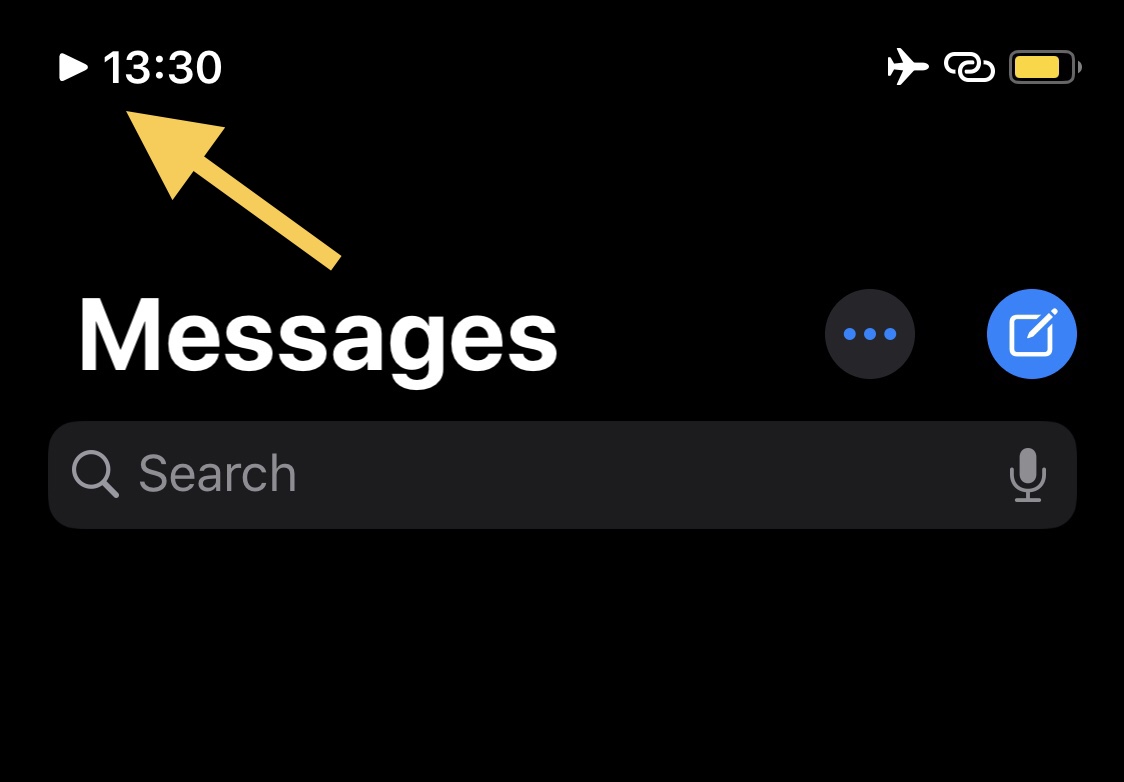
If you’re one to listen to a ton of music via your jailbroken iPhone or iPad, then chances are you could benefit from the likes of a newly released and free jailbreak tweak dubbed NowPlayingIndicator by iOS developer iCraze.
This tweak’s name is particularly telling in terms of what it does. Once installed, NowPlayingIndicator adds a play button-shaped icon to the Status Bar, just to the left of the time, whenever you have music playing. The illustration above depicts how the tweak looks in action.
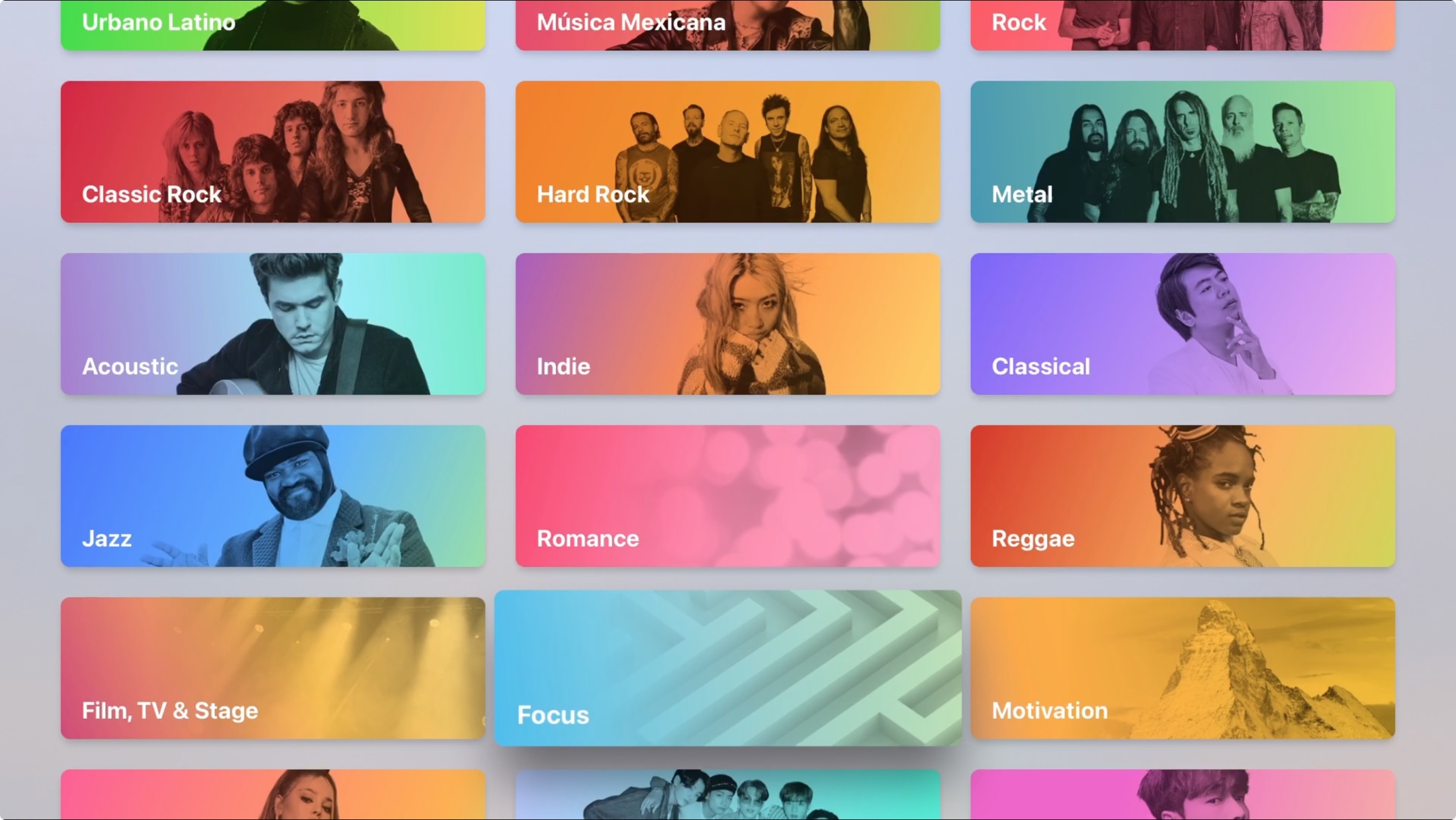
Maybe you just bought your first Apple TV or perhaps you’ve only used it for shows and games. The Music app on Apple TV works very much like it does on your other devices. You can discover something new, manage your library, and search for a particular song, album, or artist.
Don’t take the Apple Music app on your Apple TV for granted. Use it for background music as you work or pump up the volume for a get-together with this guide to using Music on Apple TV.
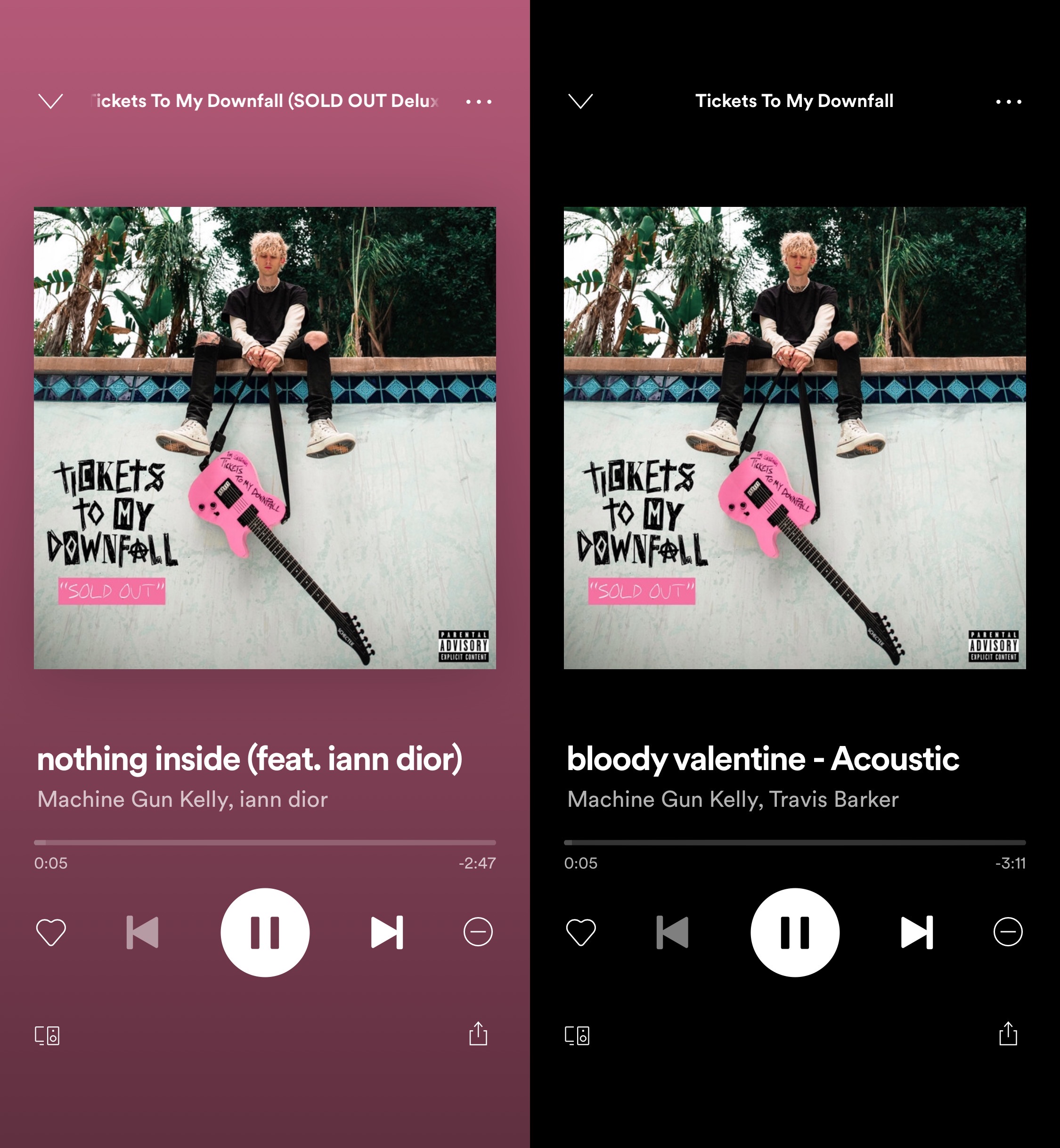
The Spotify Music app is one of the best alternatives to Apple Music in terms of online music streaming for the iPhone or iPad, and while the application itself already sports a somewhat ‘dark’ aesthetic, there are certainly some areas where it could do with improvement for those who like using dark mode or who use an OLED display-equipped handset.
Blackout is a newly released and free jailbreak tweak by iOS developer atebitsy that brings improved dark mode and OLED display support to the Spotify Music app, and it does so by providing users with an always-blacked out Now Playing interface background, as depicted by the before and after screenshot examples above.
Disney Music Group today announced that fans of Pixar, Marvel, Star Wars and its other properties can now enjoy themed collections of music, playlists and more on Apple Music.