Messages

You can finally send messages completely hands free with watchOS 2

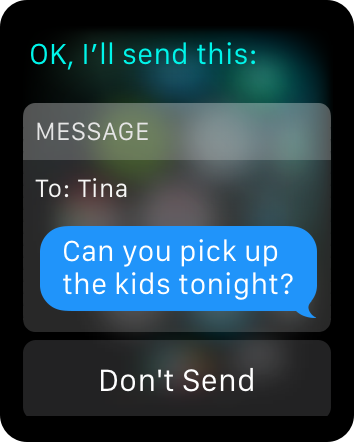
A new feature of watchOS 2 finally allows users to send messages completely hands free, and even though there is a catch, it's a much welcome improvement to communicate via text message without having to physically touch the device.

The catch is that this new feature only applies to messages you create from the Home or Watchface screen using Siri. It does not work for replies to messages you receive, and doesn't work if you go straight to the Messages app and tap Reply. Still, if used right, it can make the process of sending messages completely frictionless.

iOS 9 allows access to photos and contacts on a passcode locked iPhone – here’s how to prevent it

If you have an iPhone running iOS 9, you should be aware that it may be possible to access your photos and contacts on a locked device, even with a passcode and/or Touch ID enabled. I've always ignored reports on this sort of security flaw, because they always seem to pop up with every iOS iteration, and almost always require a user to jump through what seems like a million hoops.

But for some reason—call it boredom, or call it poor judgement—I got curious, and decided to try this out for myself. As it turns out, it's not that hard to do, and it certainly seems like a security flaw in iOS to me.

I debated on whether to post this, because obviously it's going to bring attention to a security flaw that might let people access information that they shouldn't be accessing.

For starters, please don't get bent out of shape over this. This does not expose any other contents of your iPhone outside of Contacts and Photos. People still can't unlock your device, read your messages, watch videos, etc. This only allows users to view your contacts, and look at your photos (not videos) through a limited interface. Photos cannot be forwarded or shared from your iPhone.

My hope is that a). this informs users that a passcode or Touch ID security isn't necessarily enough to keep unwanted eyes off your photos and contacts, and b). Apple will see this and provide a fix. c). show you how to prevent the issue.

The thing is, this information is already out there, and the people who will use it for the bad probably already know about it. Consider this post an attempt to educate those who do not know about this iOS 9 security hiccup. Hopefully, it'll allow users to make smarter decisions about their iPhone's security.
New ‘Typecast’ tweak brings “now typing” and read receipt indicators to the fore

Typecast is a new jailbreak tweak that makes the "now typing" indicator and read receipt indicators associated with message conversations more prominent. Typecast is especially good when juggling multiple conversations at the same time, because it places the now typing indicators right on the conversation inside of the message list view.

If you've ever used TypeStatus, a similar tweak from which Typecast draws inspiration from, then you pretty much know what to expect here from a technical standpoint. But it's the way that Typecast presents itself, and the fact that it works with additional apps, that makes it warrant a look— even if you already use TypeStatus.

BIM: a new jailbreak tweak that lets you view links without leaving the Messages app

I've always lived by the idea that simple jailbreak tweaks make the best jailbreak tweaks, and BIM is the perfect example of that. BIM is a tweak that lends a convenient web browsing experience directly inside of the stock Messages app.

When someone sends you a link, tapping on it will open a web browser directly inside the Messages app. This means that you can check out the links sent to you quickly without needing to leave the Messages app for Safari.

How to fix issues connecting to the server during Apple Watch setup

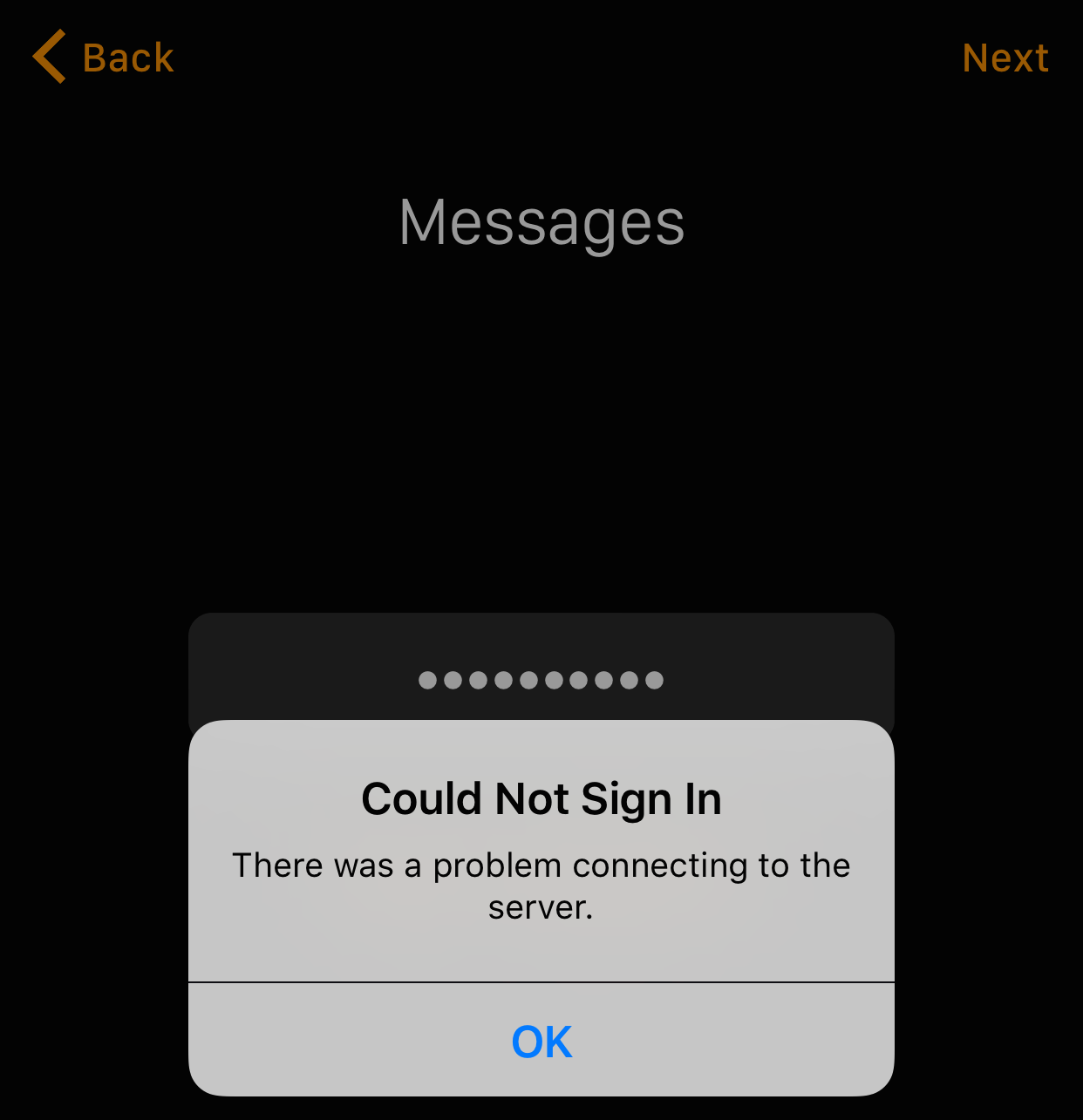
Have you ever received the error message "there was a problem connecting to the server" during the Apple Watch setup process? This error may occur when you try to log in to Messages.

The problem with this error is that there's no way to bypass it from the Apple Watch app. Thankfully, however, there is a way to get past this error so that you can complete the Apple Watch initial setup process.

Couria: the best biteSMS alternative for iOS 8.4

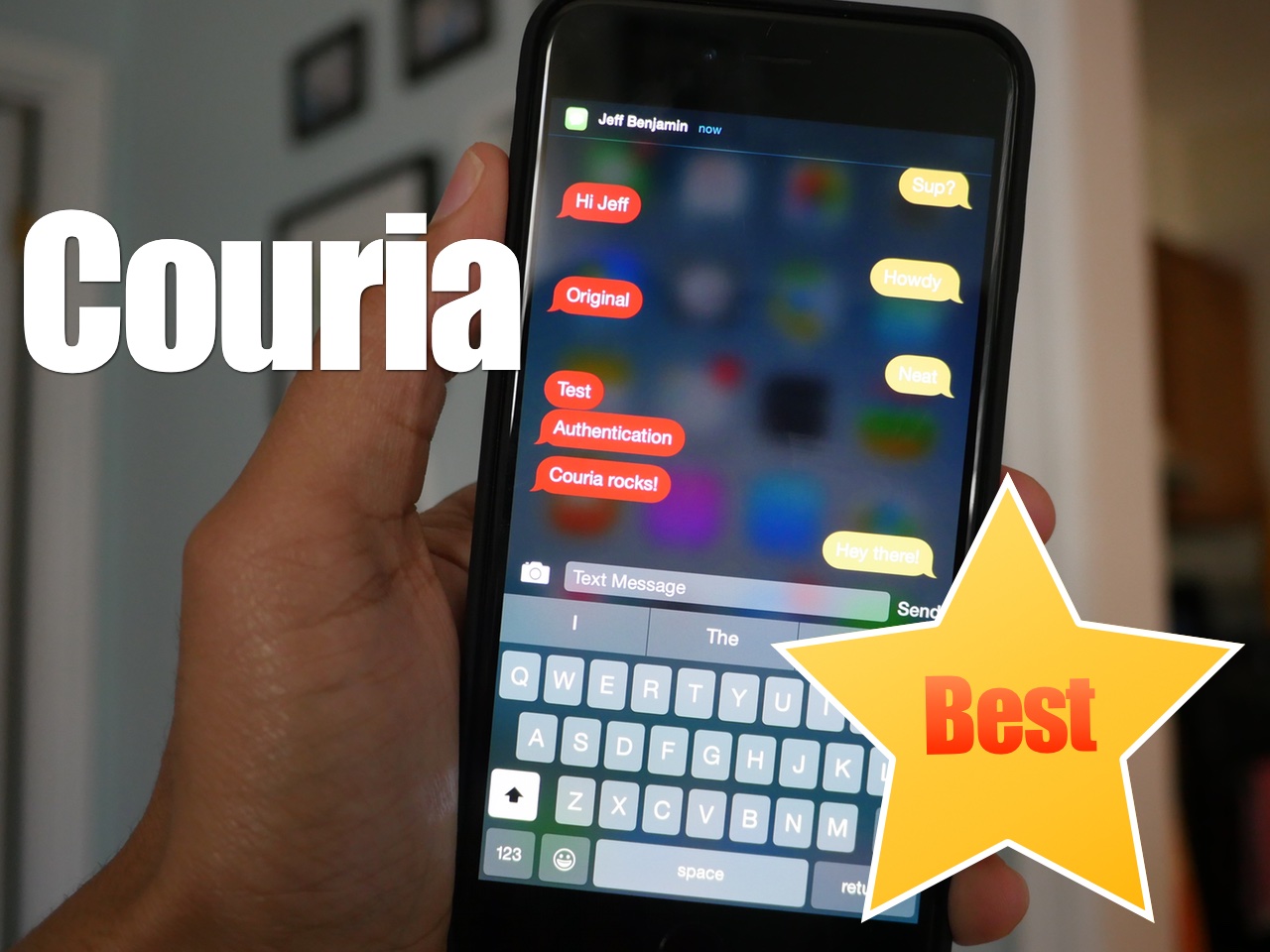
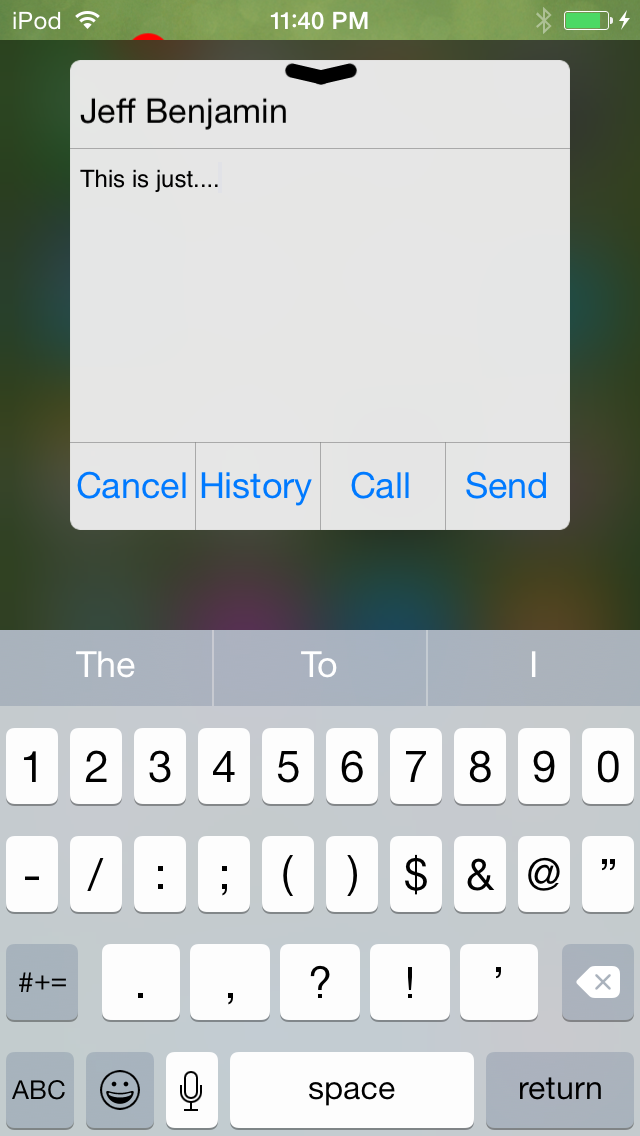
In the absence of biteSMS, Couria has historically stepped in to help fill the large void left by the once venerable quick reply and quick compose tweak for jailbroken iPhones. Thankfully, Couria is really good at what it does, and arguably better than biteSMS in some respects.

I really like Couria's lightweight footprint. It's fast, easy to use, and fits the stock Messages app like a glove. For these reasons, it's hands-down the best way to use quick reply and quick compose with the stock Messages app.

Columba is a new quick reply and quick compose tweak for iOS

biteSMS is long gone, and as such, jailbreakers have been clamoring for an adequate replacement. Well, I've got good news and bad news.

The good news is there's another potential biteSMS replacement available for jailbroken iPhones. The bad news is it's nowhere near as polished as biteSMS and it's simply not ready for prime time.

Columba, as the tweak is called, is available for $2.99 on the BigBoss repo. Not only does it bring quick reply and quick compose to the table, but it also promises scheduled messaging and messaging templates. Have a look at our impressions to read our thoughts on the release.

iMessage crashing bug fixed in iOS 8.4 beta 4

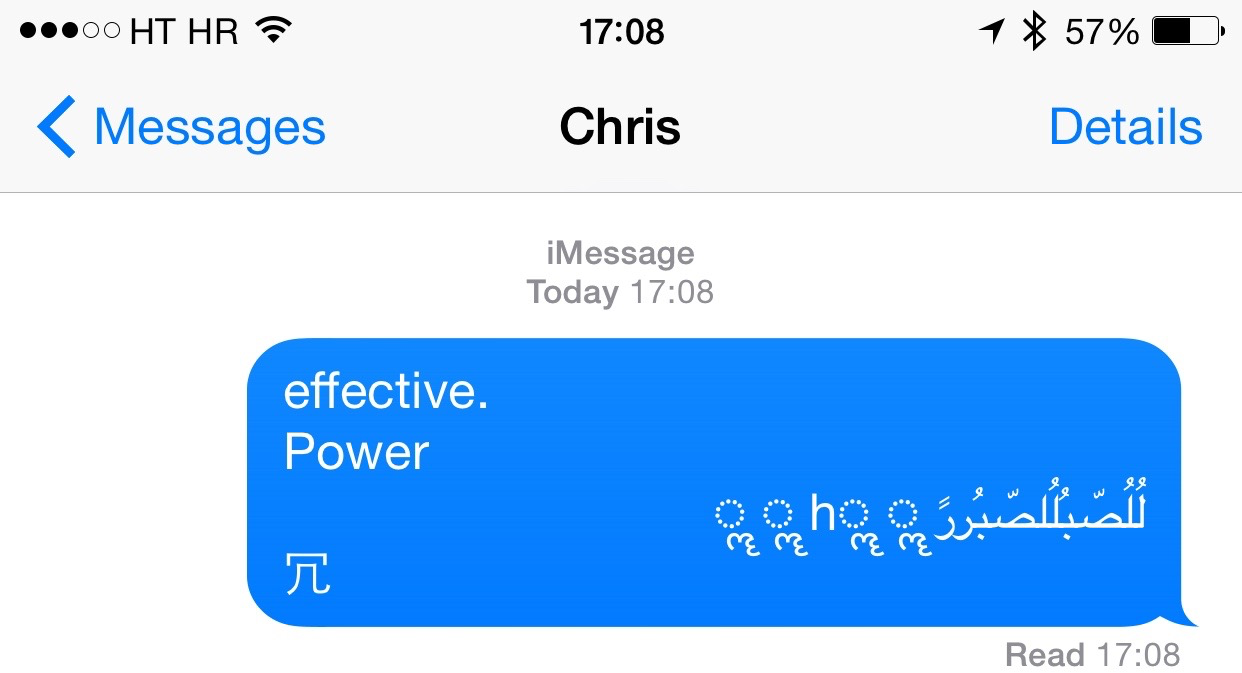
An annoying bug that crashes your iPhone after a specific string of symbols and Arabic characters is received through iMessage or SMS from another party has been fixed in iOS 8.4 beta 4, as first reported by Italian blog HDBlog.it. The beta software was seeded to registered Apple developers two days ago. The iMessage crashing bug is tied to how iOS banner notifications process Unicode text.

Apple has offered a temporary bandaid solution of sorts until a proper fix is delivered. iDownloadBlog has posted a few potential fixes of its own, too. That being said, the iOS 8.4 software update will squash this pesky bug for everyone when it arrives on June 30.

Unsurprisingly, iPhone Messages bug crashes iPad, Mac, Apple Watch, WhatsApp, Twitter and Snapchat

An odd software bug which causes the iPhone's Messages application to crash and sends the handset into a respring after a certain text is received affects the iPad, Mac, and Apple Watch, too. In addition, the text bug apparently affects third-party social and messaging apps that deal with text, including WhatsApp, Twitter and Snapchat, The Guardian newspaper learned today.

That's hardly surprising. The issue can be traced back to a specific series of Unicode characters, suggesting a bug in the text engine framework called CoreText that exists in iOS and OS X.

That would explain why third-party apps that deal with messages, like Twitter and Snapchat, were affected as they tap into Apple's CoreText engine to manage strings of text and layouts.

IneffectivePower and Unicode Suppressor will protect jailbroken devices from the “effective power” Messages bug

There is a new bug in iOS that resprings most peoples phones due to a low memory crash. It is caused by iOS's inability to render certain strings of Arabic characters which overloads the memory, causing resprings and reboots or safe mode on a jailbroken device. Simply explained, when someone messages you those characters and you get a banner notification, your phone starts kicking the bucket.

A few developers have stepped in and saved the day for jailbreakers. This isn't the first or second time the jailbreak community receives a security fix quicker than Apple is able to push one to stock devices. It's a great example of the argument that jailbroken iOS, in the right hands, can be more secure than stock.