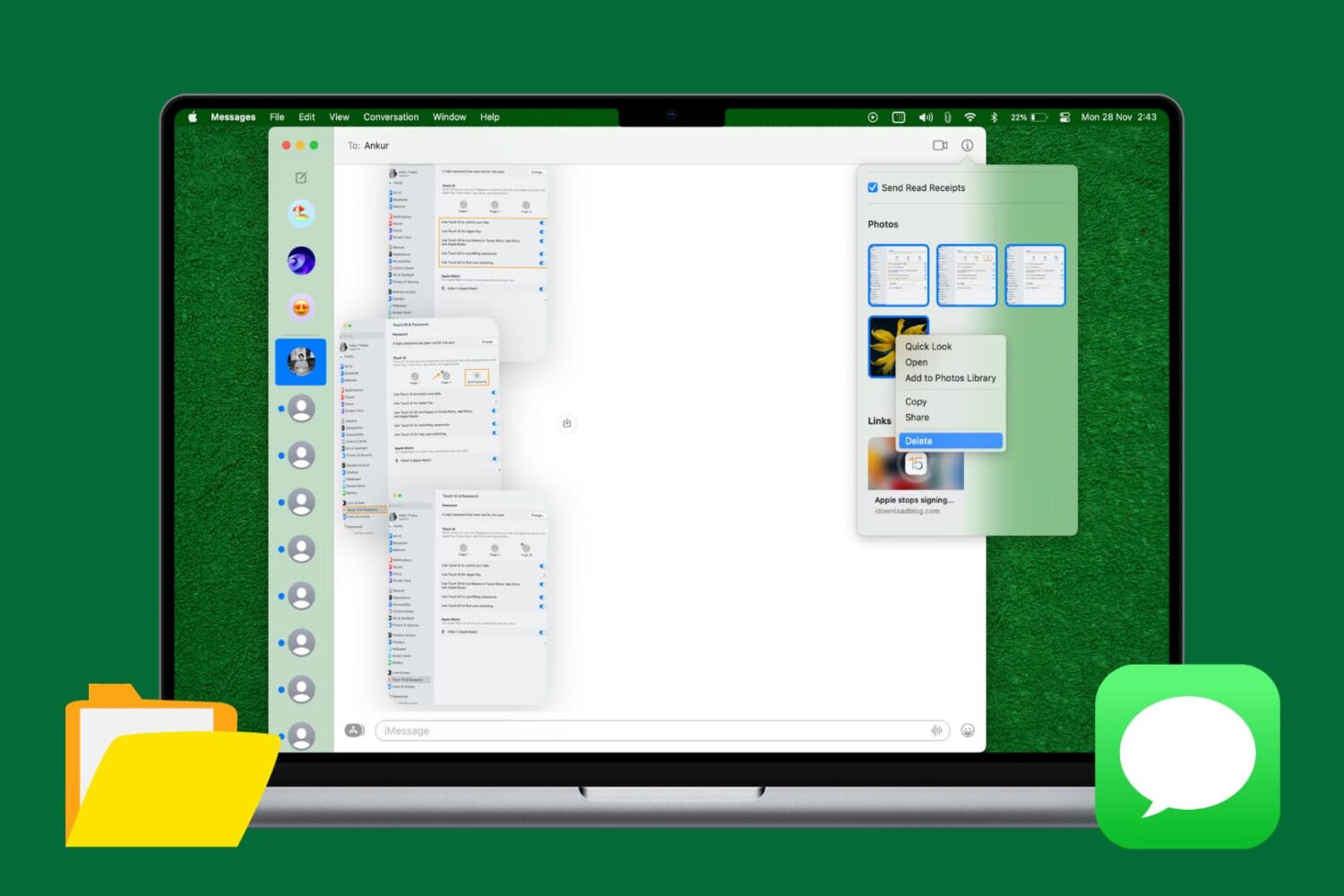
Learn how to quickly delete multiple attachments like photos and videos in Apple's built-in Messages app on the Mac to free up storage space and keep things organized.
How to bulk delete attachments from the Messages app on Mac
Learn how to quickly delete multiple attachments like photos and videos in Apple's built-in Messages app on the Mac to free up storage space and keep things organized.
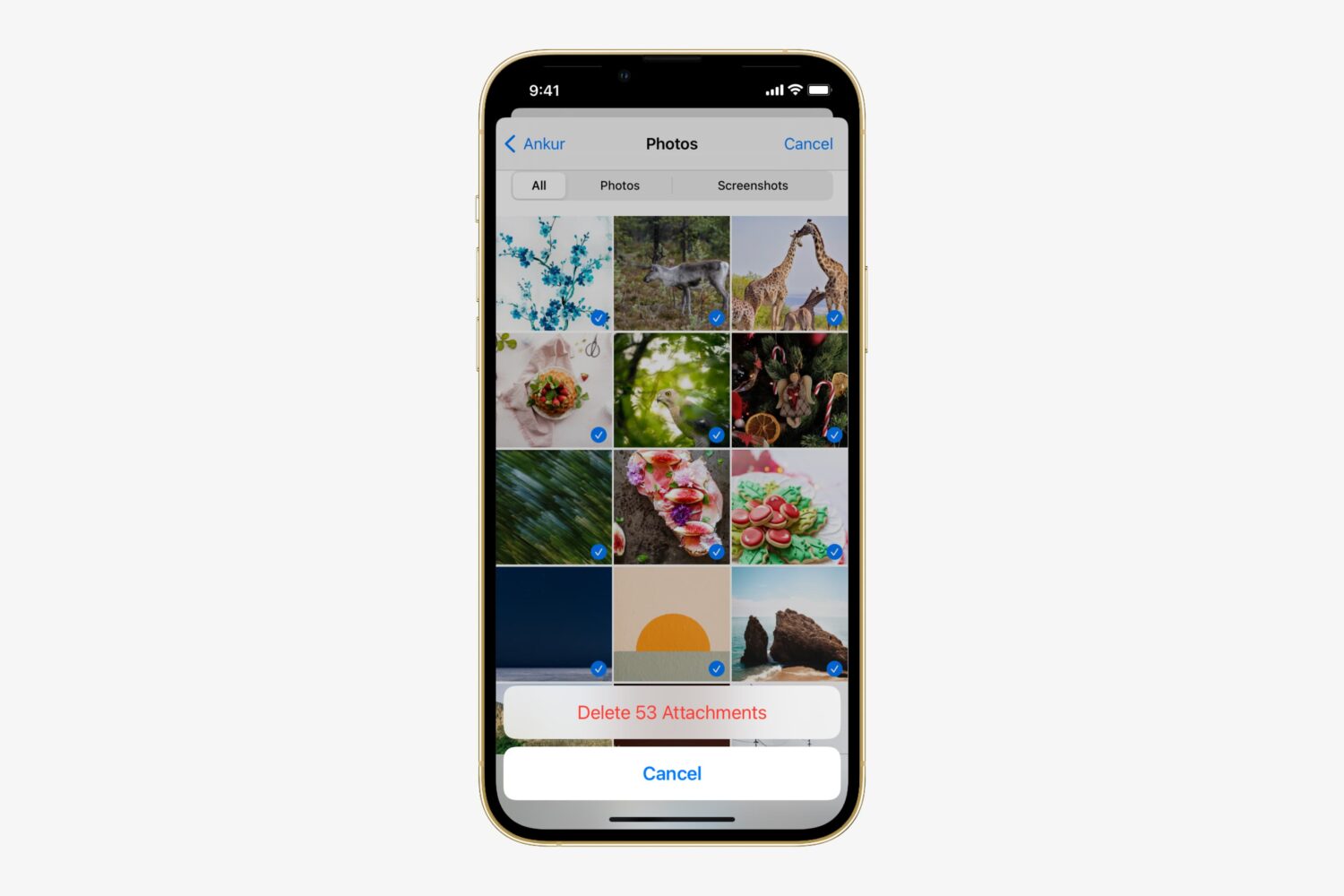
Apple's Messages app for iOS is capable of not only sending and receiving texts in the form of iMessages or SMS, but it can also send and receive files, which are known as attachments. Over time, attachments add up. This takes up valuable storage space on your device and keeps a paper trail of everything you've sent and received to one another.
Here, we'll show you how you can easily bulk delete attachments from a conversation in the Messages app without deleting the entire conversation.
Learn how to turn off notification previews from the iPhone Lock Screen for selected apps (like Messages, Mail, WhatsApp) or all apps to strengthen your privacy.
Sometimes you miss notifications on your iOS device. Perhaps you were incredibly busy when someone was in the middle of texting or calling you. In some cases, you were so preoccupied that you couldn't even feel the vibrations. In other situations, perhaps you were just away from your device, and never got the memo until hours later, when it was too late.
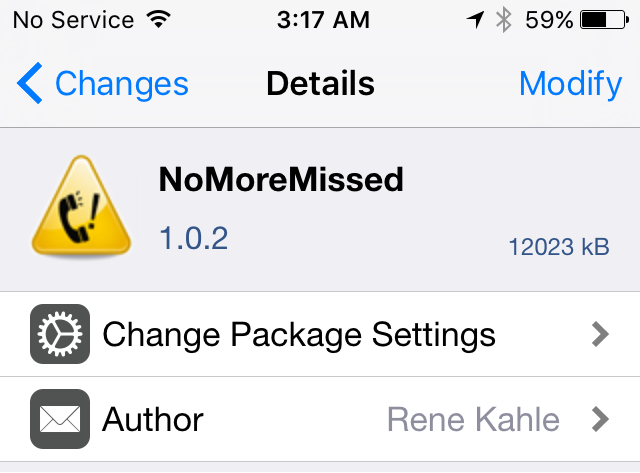
NoMoreMissed is a new jailbreak tweak available in Cydia's BigBoss repository that ensures you'll never miss a notification for text messages, phone calls, or instant messages ever again.
Learn how to set your iPhone or iPad to automatically delete old texts and attachments to declutter the Messages inbox and free up some storage space.
When I'm in a hurry, I prefer to send my friends short audio recordings by tapping the microphone icon in the Messages app than pecking away on my iPhone's keyboard. Apple calls this Tap to Talk, and it's even better with Messages' walkie-talkie-like Raise to Listen function, which lets me listen to or respond to an audio message by lifting the phone to my ear.
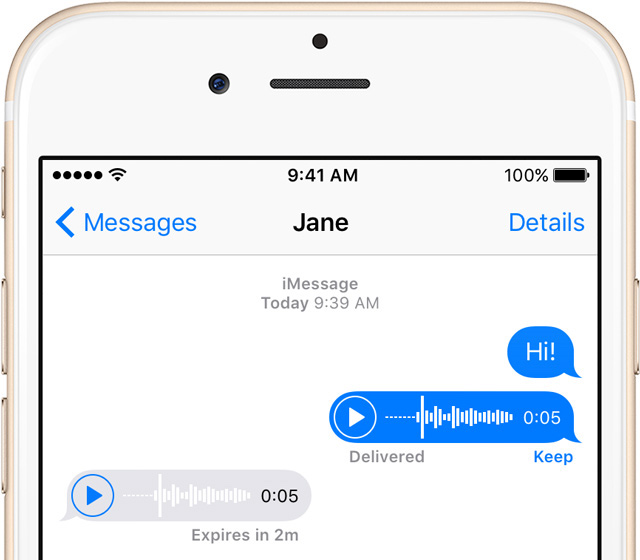
On the downside, audio messages pile up and can waste precious storage space over time. Therefore, in this post, we're going to tell you about a handy switch to prevent the Messages app from automatically keeping every audio message you receive.
Apple's Messages app and iMessage service form one of the most versatile messaging platforms available on mobile devices. With Messages, you can send texts, iMessages, photos and audio/video messages on your iPhone, iPad or iPod touch.
By using a combination of a twisting motion and the proximity sensor, Messages lets you respond to an audio message by lifting the device to your ear, as if you were talking on the phone.
This even works on the Lock screen. Upon playing a soft chime, Messages starts recording your audio response. It's very convenient but sometimes doesn't work as intended. As a result, Messages may randomly start recording audio in certain situations.
Thankfully, you can prevent this from happening by flipping a switch. In this post, you will learn how to disable this feature, which Apple refers to as Raise to Listen.
Learn how to stop an outgoing iMessage from being delivered after hitting the send button in case you text the wrong person or have second thoughts.
If you're rocking a jailbroken iPhone and you like Mario, then a newly released jailbreak tweak is sure to be right up your alley. 1UP is a brand new tweak that alters the sound of Message notifications to that of the classic Mario coin sound found in Nintendo's storied gaming franchise.
The real treat of the tweak, and the inspiration behind the name, comes from when you reach a preset threshold of notifications. By default, once you receive 10 notifications for the Messages app, you'll hear the special "1UP" sound instead of the typical coin notification.
1UP is a great tweak to have if your heart strings are easily pulled by video game nostalgia. Best of all, it's available free of charge on Cydia' ModMyi repo.
Learn how to customize canned responses for the built-in Messages, Mail, and Phone apps on your Apple Watch for quick replies without typing.
A new feature of watchOS 2 finally allows users to send messages completely hands free, and even though there is a catch, it's a much welcome improvement to communicate via text message without having to physically touch the device.
The catch is that this new feature only applies to messages you create from the Home or Watchface screen using Siri. It does not work for replies to messages you receive, and doesn't work if you go straight to the Messages app and tap Reply. Still, if used right, it can make the process of sending messages completely frictionless.
If you have an iPhone running iOS 9, you should be aware that it may be possible to access your photos and contacts on a locked device, even with a passcode and/or Touch ID enabled. I've always ignored reports on this sort of security flaw, because they always seem to pop up with every iOS iteration, and almost always require a user to jump through what seems like a million hoops.
But for some reason—call it boredom, or call it poor judgement—I got curious, and decided to try this out for myself. As it turns out, it's not that hard to do, and it certainly seems like a security flaw in iOS to me.
I debated on whether to post this, because obviously it's going to bring attention to a security flaw that might let people access information that they shouldn't be accessing.
For starters, please don't get bent out of shape over this. This does not expose any other contents of your iPhone outside of Contacts and Photos. People still can't unlock your device, read your messages, watch videos, etc. This only allows users to view your contacts, and look at your photos (not videos) through a limited interface. Photos cannot be forwarded or shared from your iPhone.
My hope is that a). this informs users that a passcode or Touch ID security isn't necessarily enough to keep unwanted eyes off your photos and contacts, and b). Apple will see this and provide a fix. c). show you how to prevent the issue.
The thing is, this information is already out there, and the people who will use it for the bad probably already know about it. Consider this post an attempt to educate those who do not know about this iOS 9 security hiccup. Hopefully, it'll allow users to make smarter decisions about their iPhone's security.