Learn about a few great apps that show clocks from different time zones in your Mac’s top menu bar, so you can track time in cities around the world.
How to display clocks for other time zones in Mac menu bar
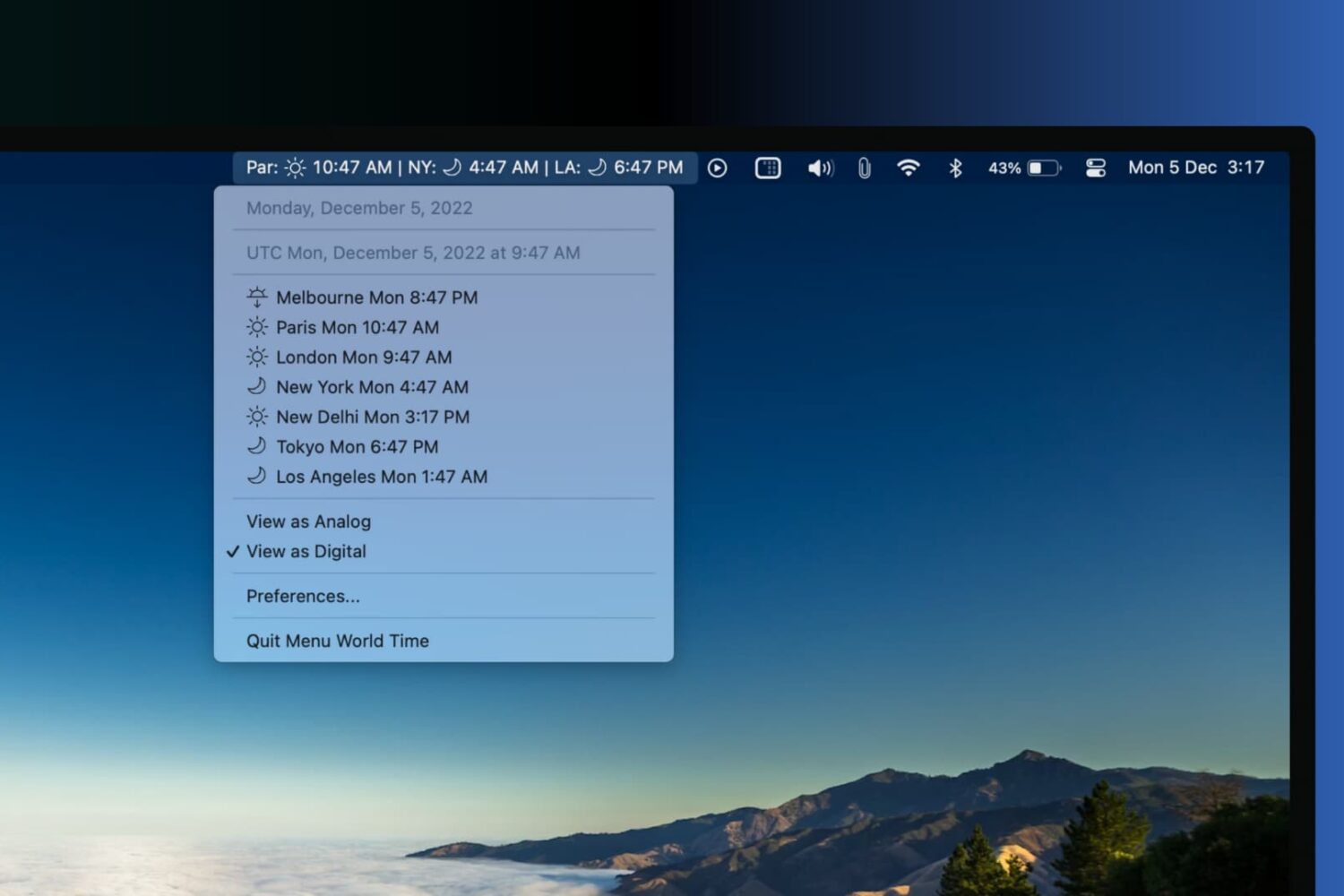
Learn about a few great apps that show clocks from different time zones in your Mac’s top menu bar, so you can track time in cities around the world.
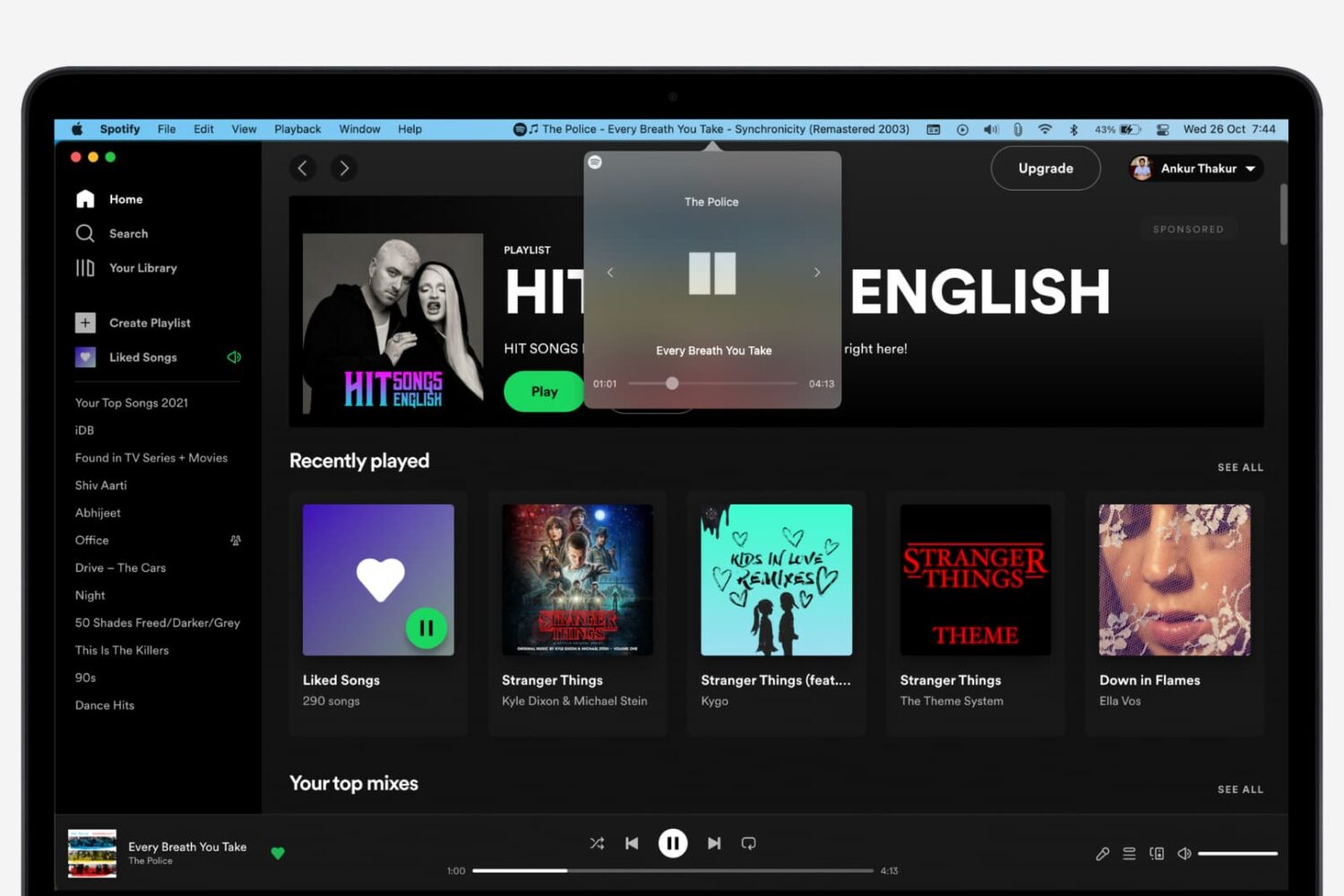
Do you want to control your Spotify music playback from Mac's top menu bar? If yes, let me show you two easy ways to do that.
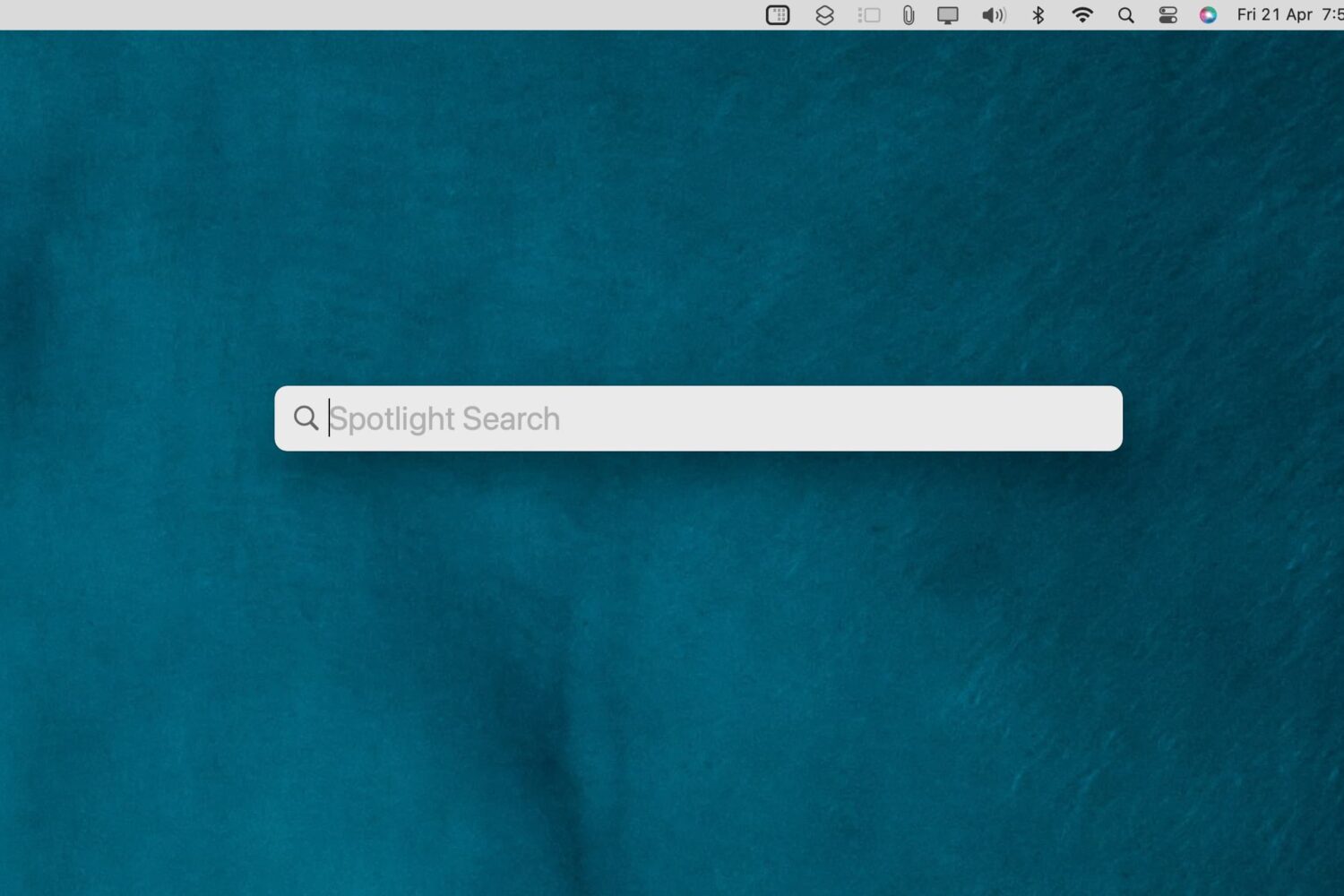
Check out these 3 ways to remove the Spotlight Search icon from the top menu bar on your Mac and keep your desktop clutter-free.
Learn how to add the Siri icon to your Mac’s Dock and top menu bar for quick access or remove it from these places if you want to declutter that space.

Apple's newly-announced macOS Sierra is set to release to the public this Fall as the company revealed at WWDC 2016 this week, and it includes a variety of improvements that will make using your Mac even better than ever.
One of those improvements is Universal Clipboard, which is a Continuity feature that lets you share your clipboard between your iOS device(s) and your Mac.
But what if we told you that you didn't have to wait until the public release of macOS Sierra to enjoy a similar feature on your Mac?
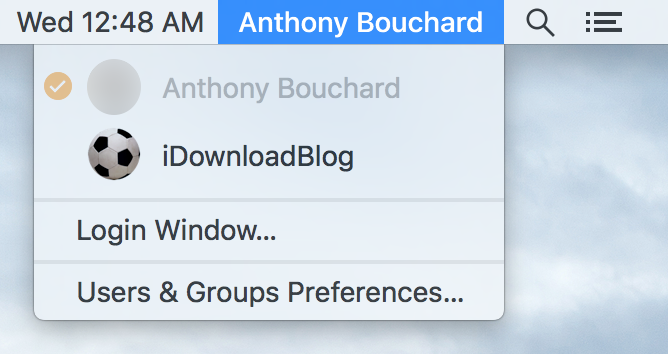
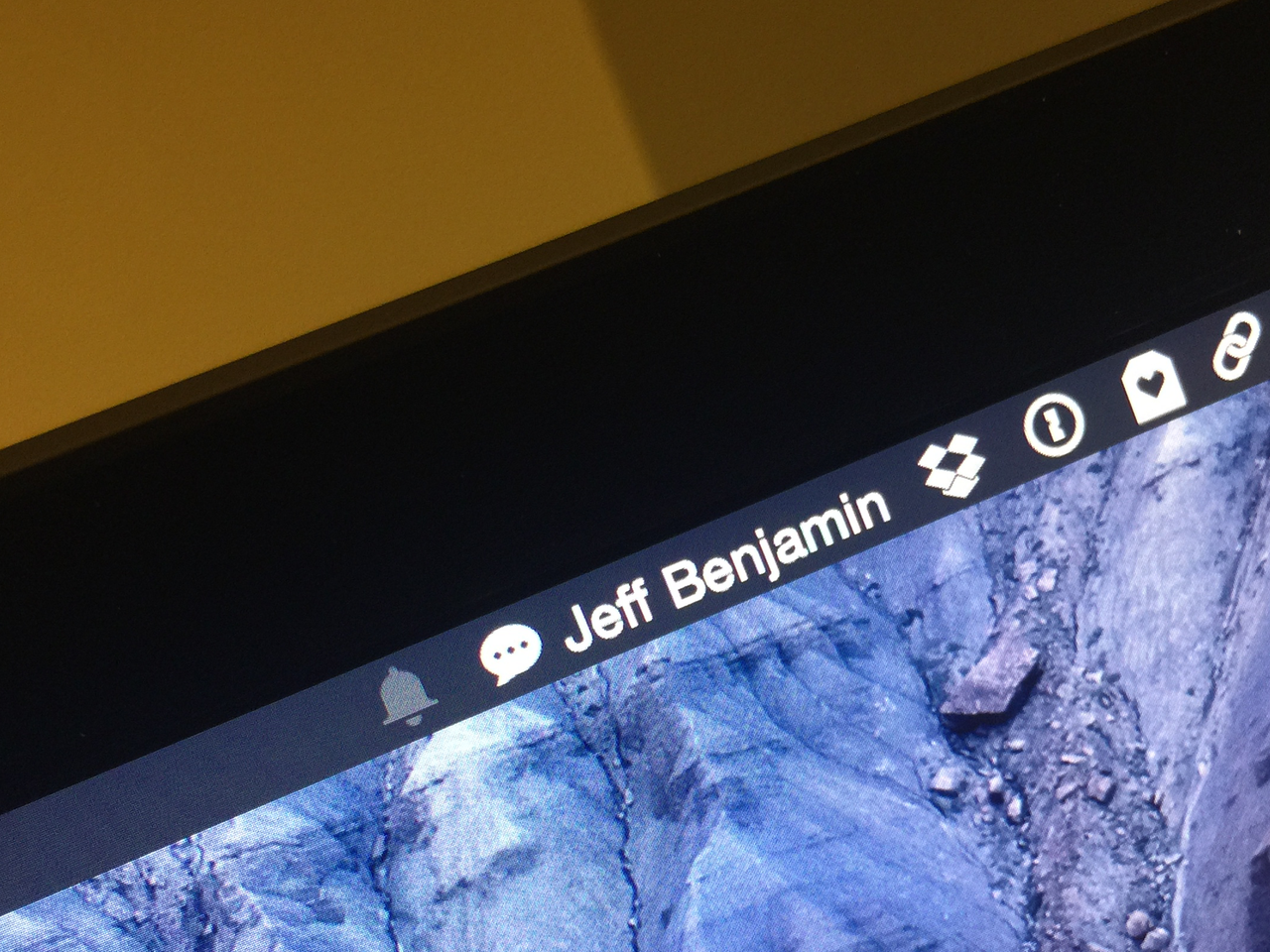
Any time you set up a new Mac, or make a new user account, macOS will automatically display your account name in the Menu Bar so you know what account you're logged into.
But for some people, you probably already know what account you're logged into because you only have one account, or perhaps that text is just cluttering up your Menu Bar and you want it gone.
No matter what the scenario may be, there's an easy way to remove your macOS account name from the Menu Bar and we'll show you how it's done in this simple tutorial.

A lot of us use our Macs not only for our daily lives, but also for our work. The problem is, with all of the internet at our fingertips, it can be hard to stay focused when the allure of social networking, like Facebook and Twitter, as well as other things you can do to slack off, are no more than just a click away.
That's the idea behind the creation of an awesome free app for your Mac called Escape by FocusList, which tracks how much you slack off each day and provides you with a daily report for your viewing pleasure.
In this piece, we'll give you a look at the software and how it works; you might even find interest in trying it out for yourself!
Apple's portable Mac notebooks like the MacBook, MacBook Air, and MacBook Pro are all powered by Lithium-Ion batteries, and these batteries don't last forever. They go through cycles as they're charged up and used over and over. After a number of cycles, batteries tend to lose their effectiveness at storing power, and will eventually need to be replaced.
If you have ever wondered just how close you are to needing a battery replacement in your Mac, then you'll be happy to know that macOS is actively monitoring your Mac's battery and can tell you with a quick keyboard shortcut, which we'll be discussing in this short information piece.

If you're like me, then you probably have a hard time focusing on what needs to be done and you often multitask with fun activities when you should be focusing on homework or work. For example, instead of writing those essays due for your next class or finishing work, you might be playing around on Facebook with your friends or watching YouTube videos.
If you're the unproductive or procrastinating type, then a useful OS X app called Focus could be just what you need to stop getting distracted by social media and other fun websites.
Focus will help ensure that you only stick to the task at hand when you need to work or complete homework, and in this piece, we'll show you how it works.
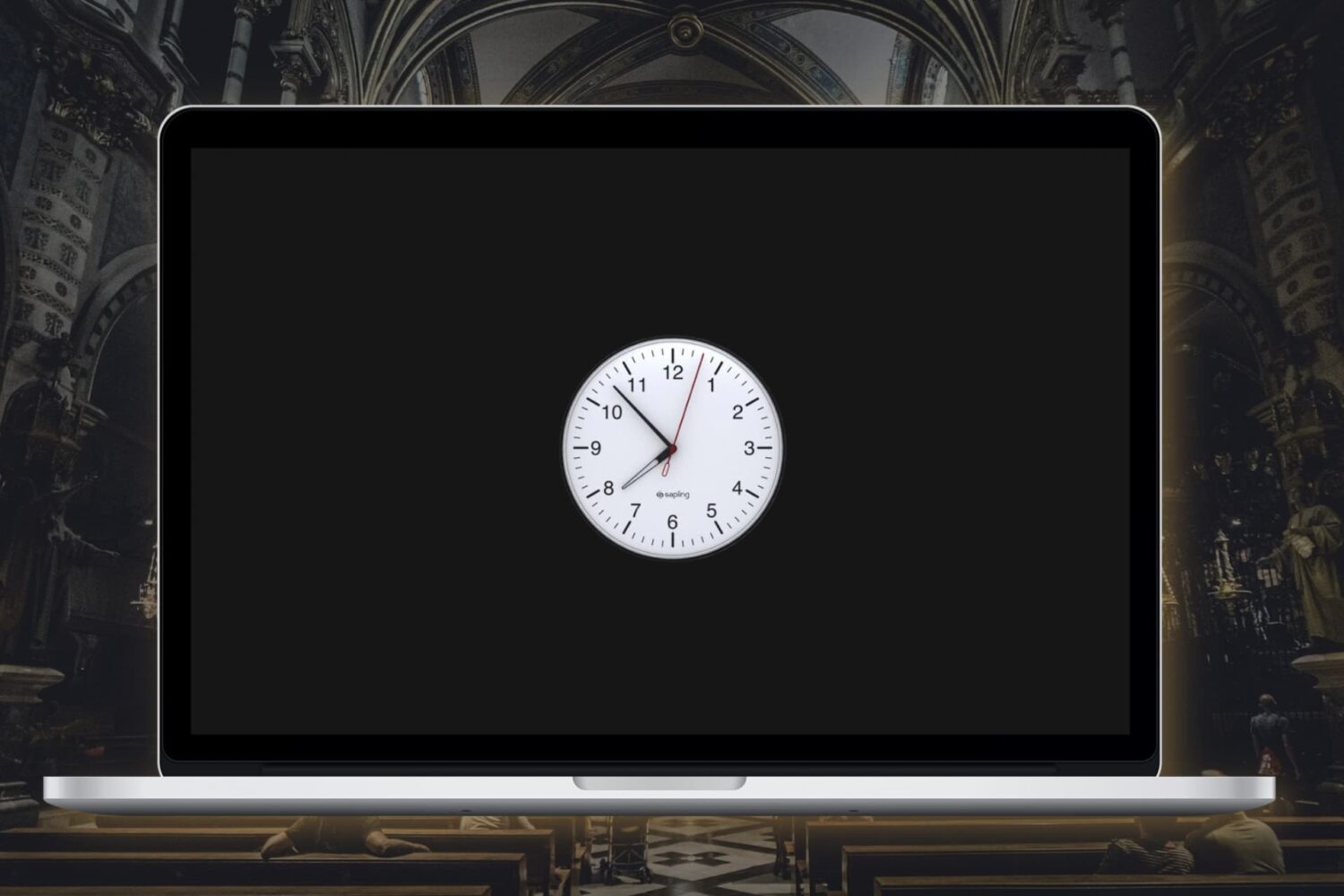
In this tutorial, we’ll show you how to enable the analog clock in the menu bar on your Mac, replacing the digital clock.
There never seems to be a shortage of apps that promote focusing on a single task, especially writing apps. And then you have hardware like the iPad, which forces you to focus on a single app at a time.
With the Mac, focusing has never been that easy, because multitasking is at its core.
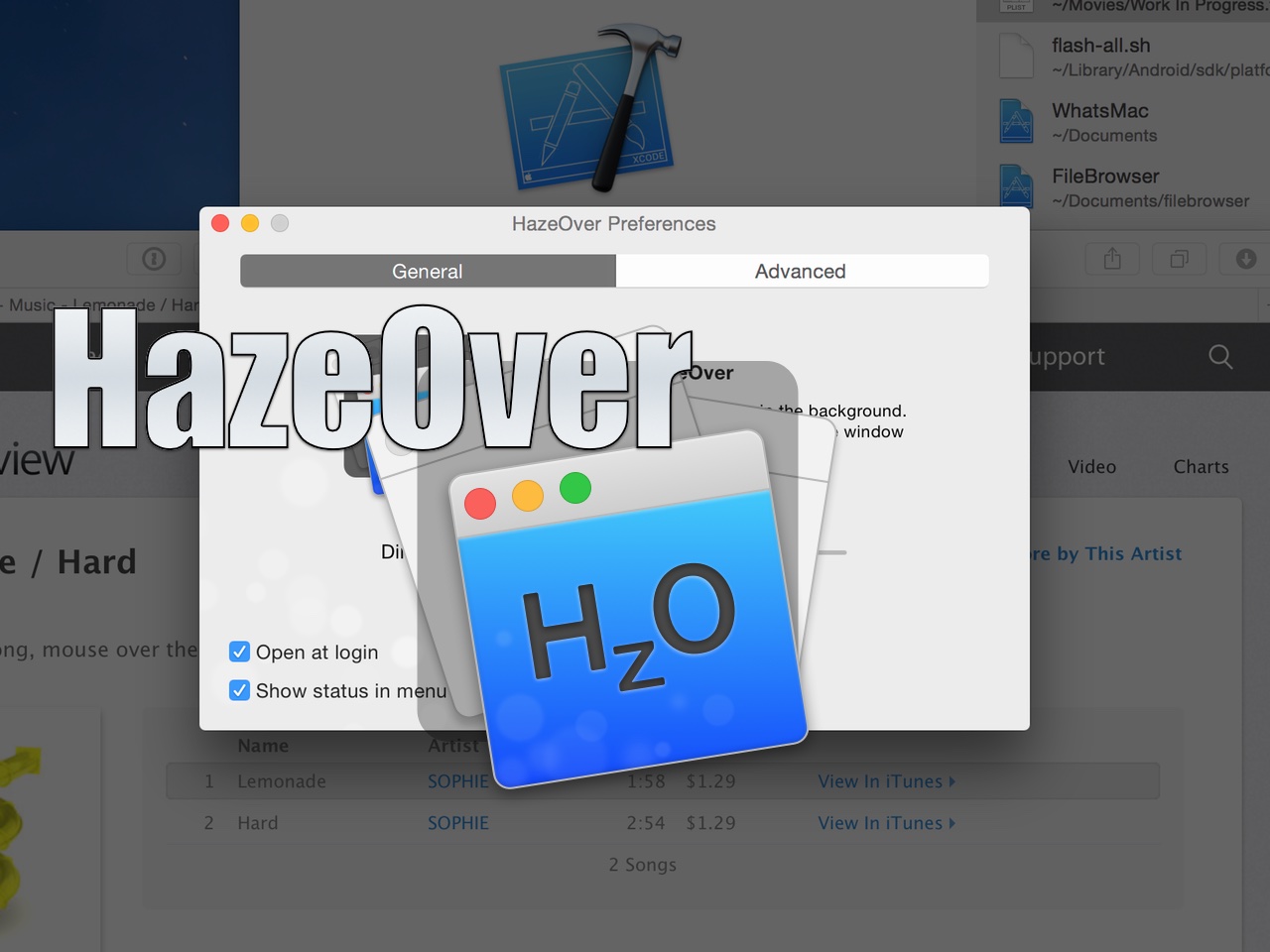
HazeOver is a new Mac App Store utility that seeks to change the way we work on the Mac. By dimming background apps, it aims to help users focus on one app at a time by reducing distractions from surrounding apps. You can still have other apps open, they’ll just be dimmed in such a way that they’re less noticeable.
Does the idea work? Check out our video walkthrough for all of the details.