Menu Bar

How to quickly toggle dark mode using a keyboard shortcut on Mac
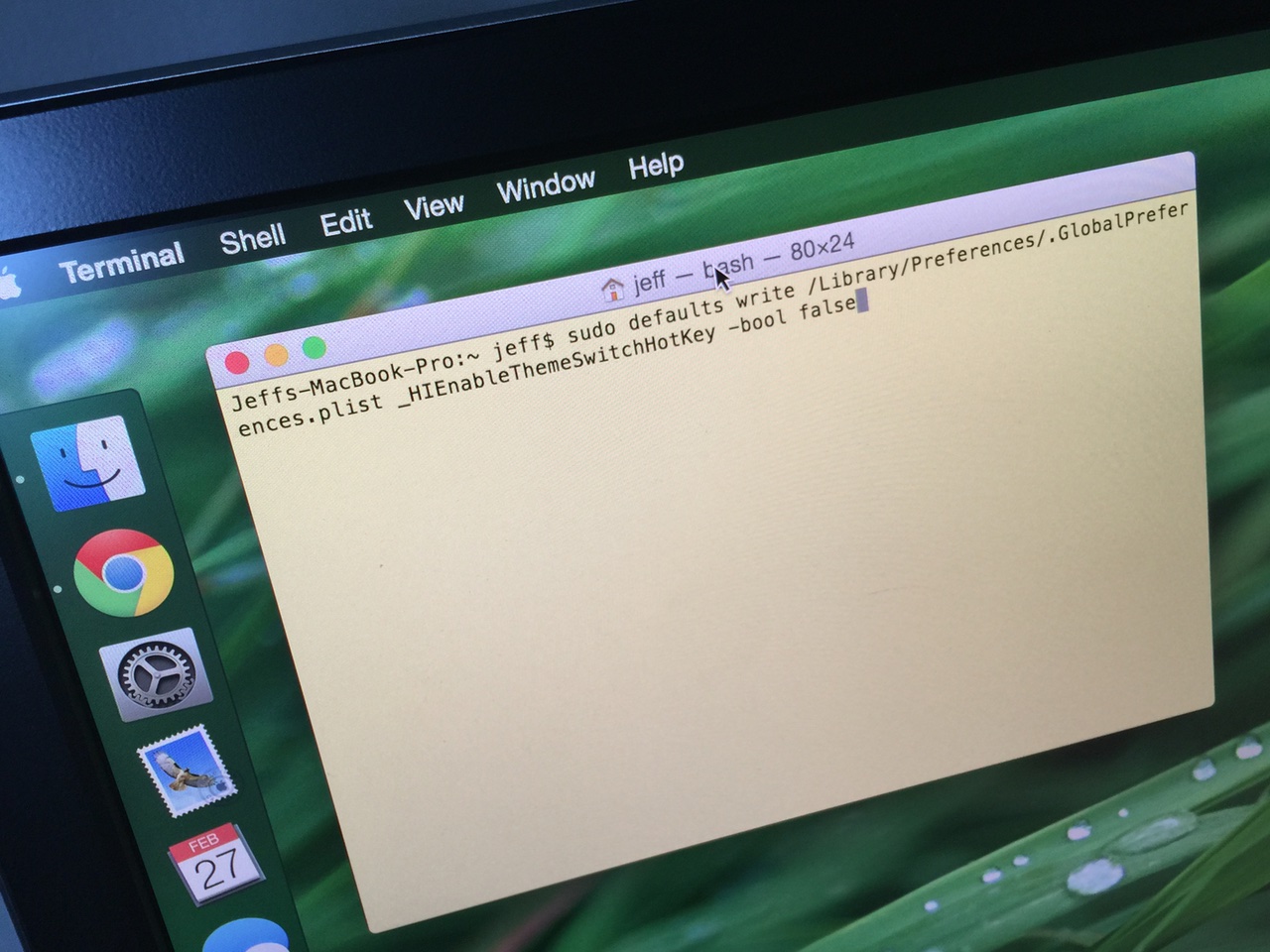
Dark mode is one of the more popular features of OS X Yosemite, because it allows you to add a dark tint to both the dock and the menu bar on Mac. The standard way to enable dark mode involves venturing to System Preferences, opening the General section, and clicking on the enable dark mode option. But wouldn't it be cool if you could toggle dark mode using a simple keyboard shortcut?

How to make third-party menu bar icons look better with dark mode on Mac

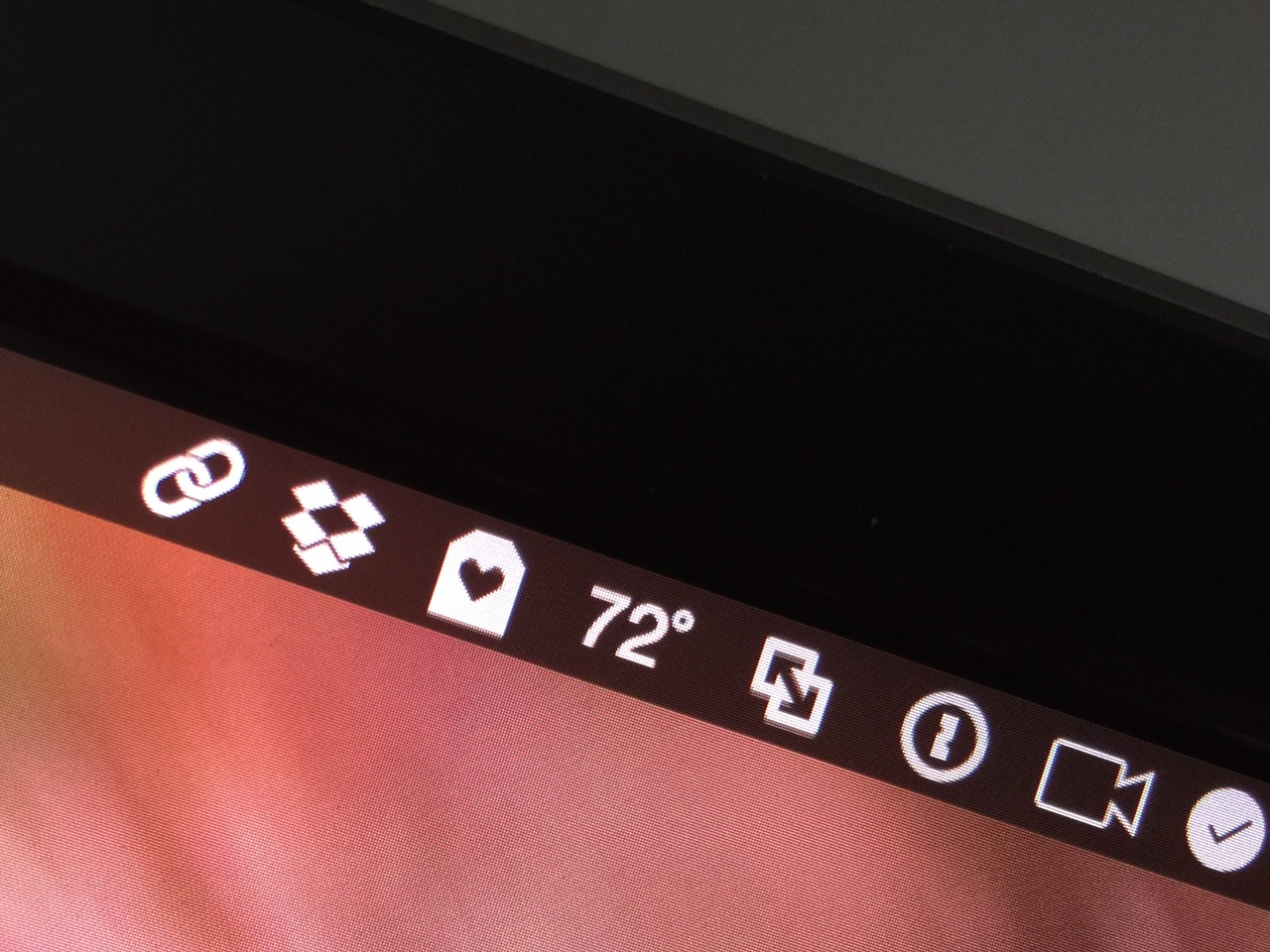
OS X Yosemite introduced a new dark mode option to change the tint color of both the menu bar and the dock in OS X. While I'm a big fan of dark mode, some of the third-party apps that I use have not been updated to play nice with dark mode. This results in menu bar icons that look weird with dark mode enabled, because they don't invert after toggling dark mode on.

If you're someone who always uses dark mode and never switches to regular mode, there is a way to force these menu bar icons to look better with dark mode enabled...