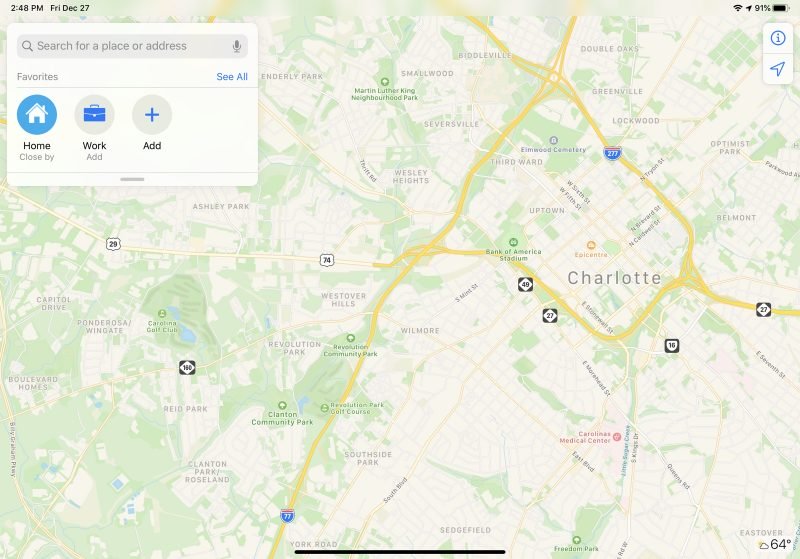
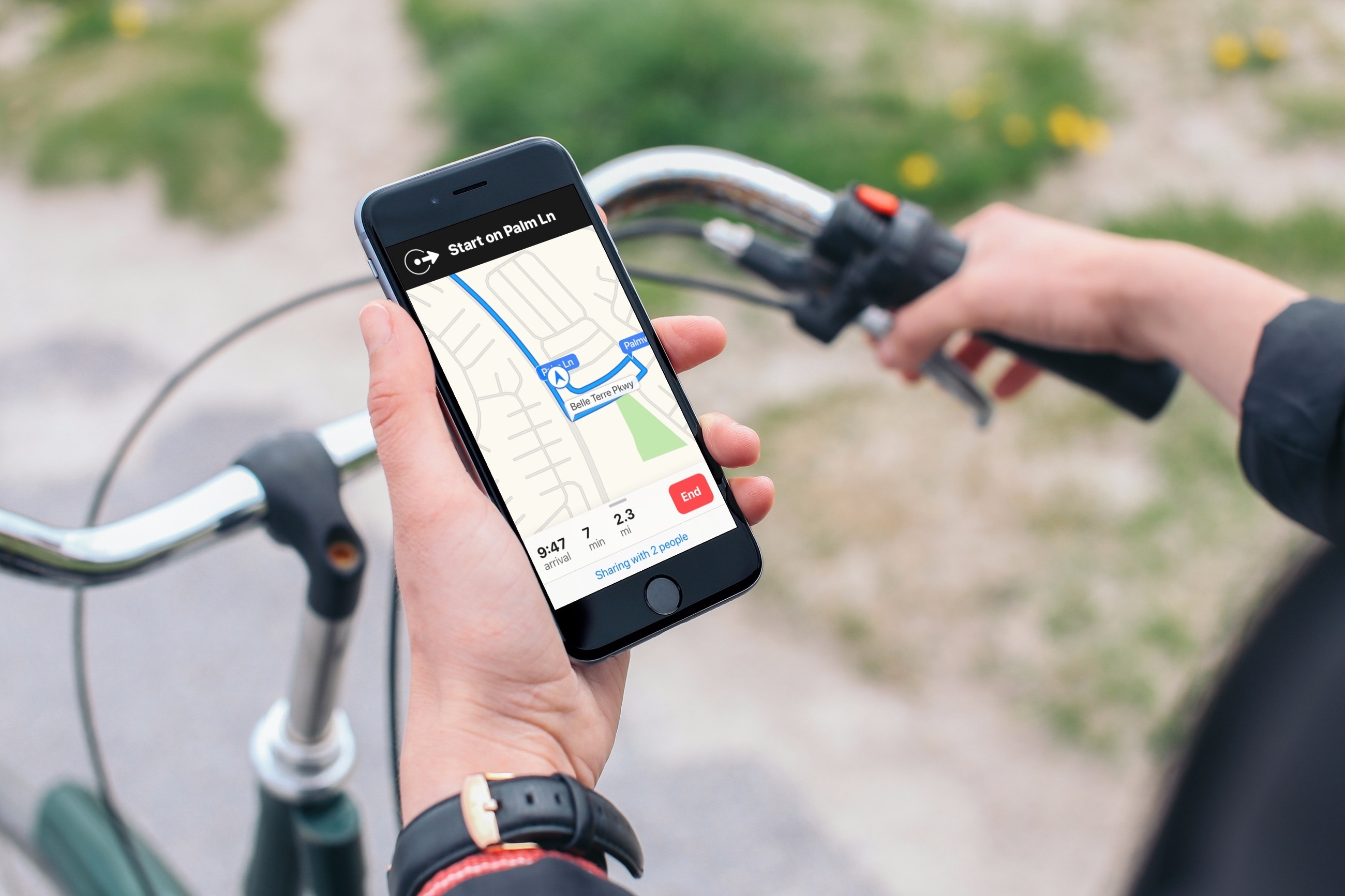
Want to know the distance between two places? Learn how to measure distance to see how far one location is from another using the Apple Maps app on iPhone, iPad, or Mac.
How to measure the distance between two locations in Apple Maps
Want to know the distance between two places? Learn how to measure distance to see how far one location is from another using the Apple Maps app on iPhone, iPad, or Mac.
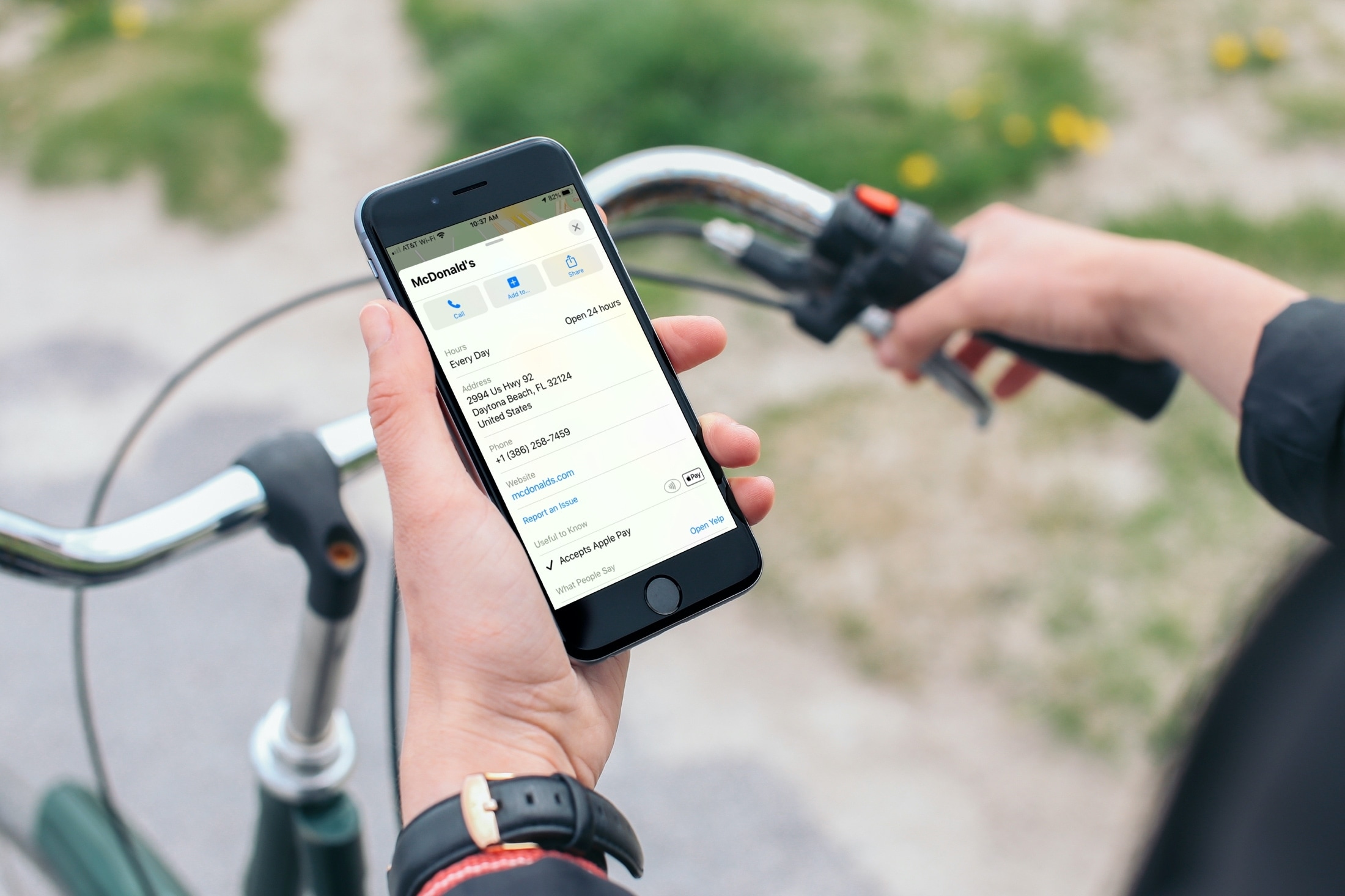
Learn how to find out if a location you see in the Apple Maps app on your iPhone, iPad, or Mac accepts Apple Pay or not.
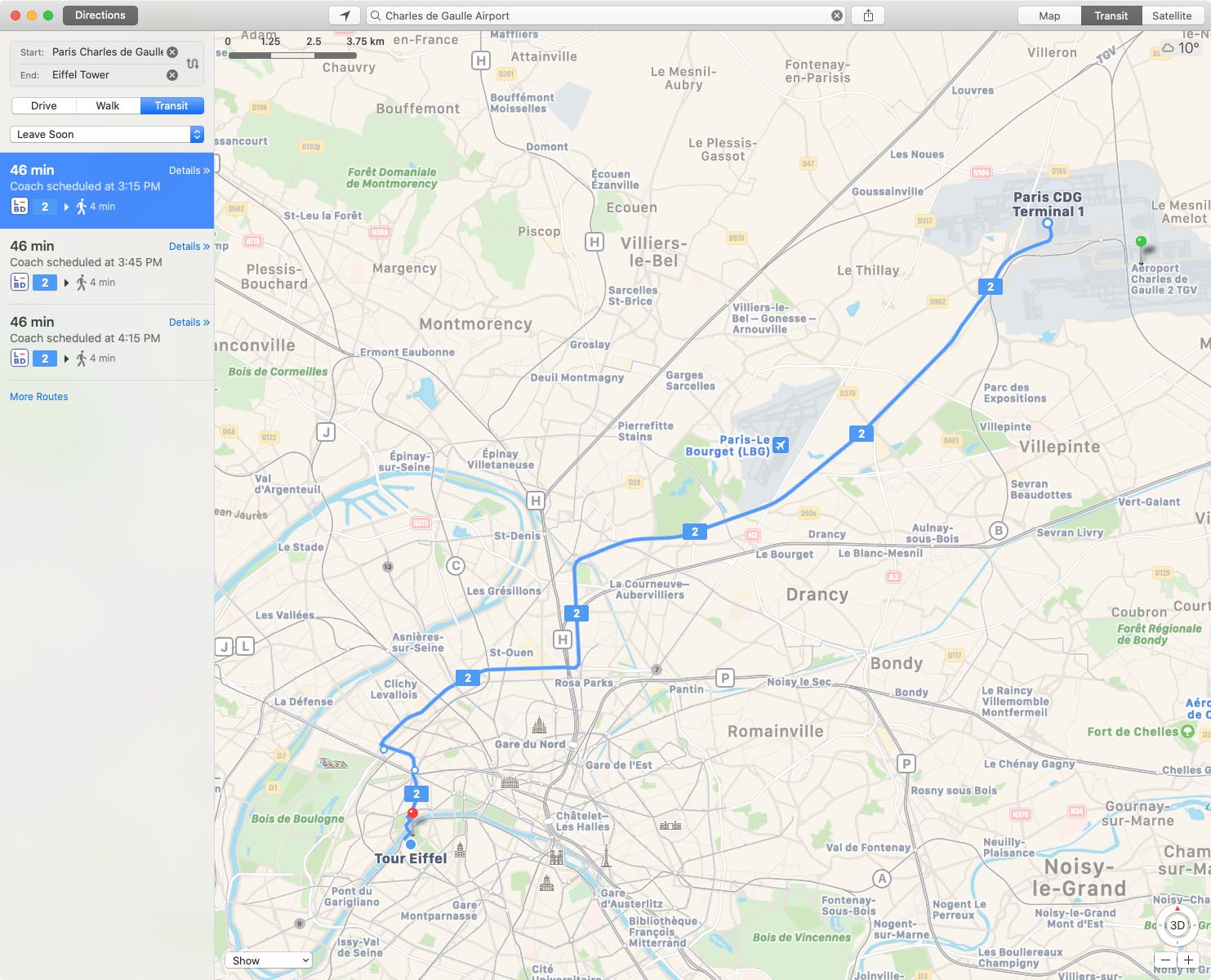
Apple Maps now offers transit directions in major cities across France, Spain, Germany and possibly a few other European countries.
In this tutorial, we’ll show you how to add stops for other cities and places, coffee shops, gas stations, etc., when you’re navigating to a destination in Apple Maps on your iPhone or iPad.
Learn how to share the route and directions you plan in the Apple Maps app on your Mac directly to your iPhone, iPad, or to others using Messages, AirDrop, email, and more.
Apple continues to improve its Apple Maps service, with the company completing its rollout of the enhanced data in the United States.
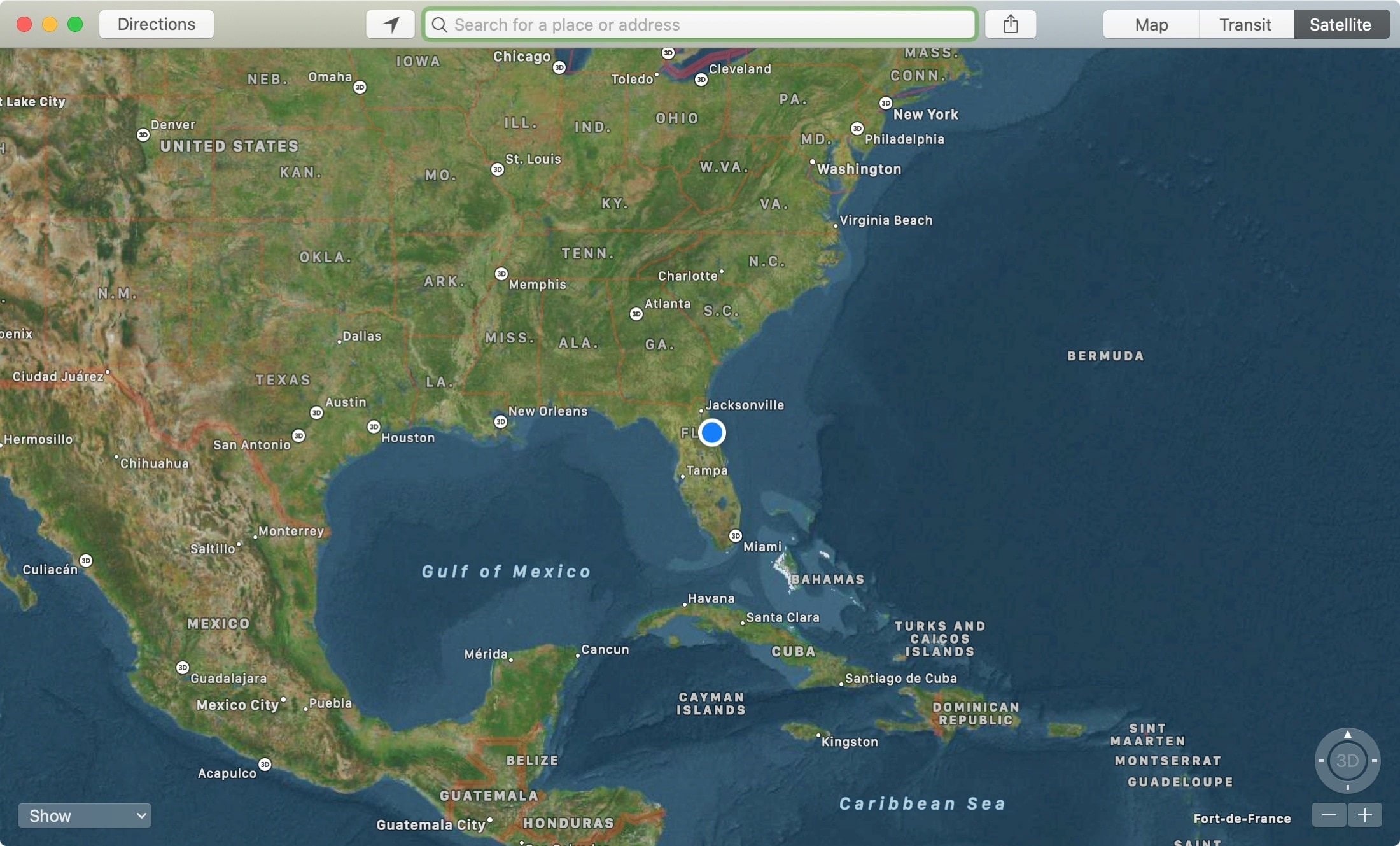
The Apple Maps app is a super handy tool that you likely use on your iPhone more than anywhere else. For getting directions, it makes perfect sense. But, the Maps app on Mac offers some great features as well, like one to send directions straight to your iPhone.
If you’re new to Mac, we’ll show you how to use that feature along with a host of the others you might not know about. Here’s how to make the most of the Apple Maps app on your Mac.
Learn how to use the incredibly useful Look Up tool on your Mac to find the definition and get more information about any word or phrase across all apps.
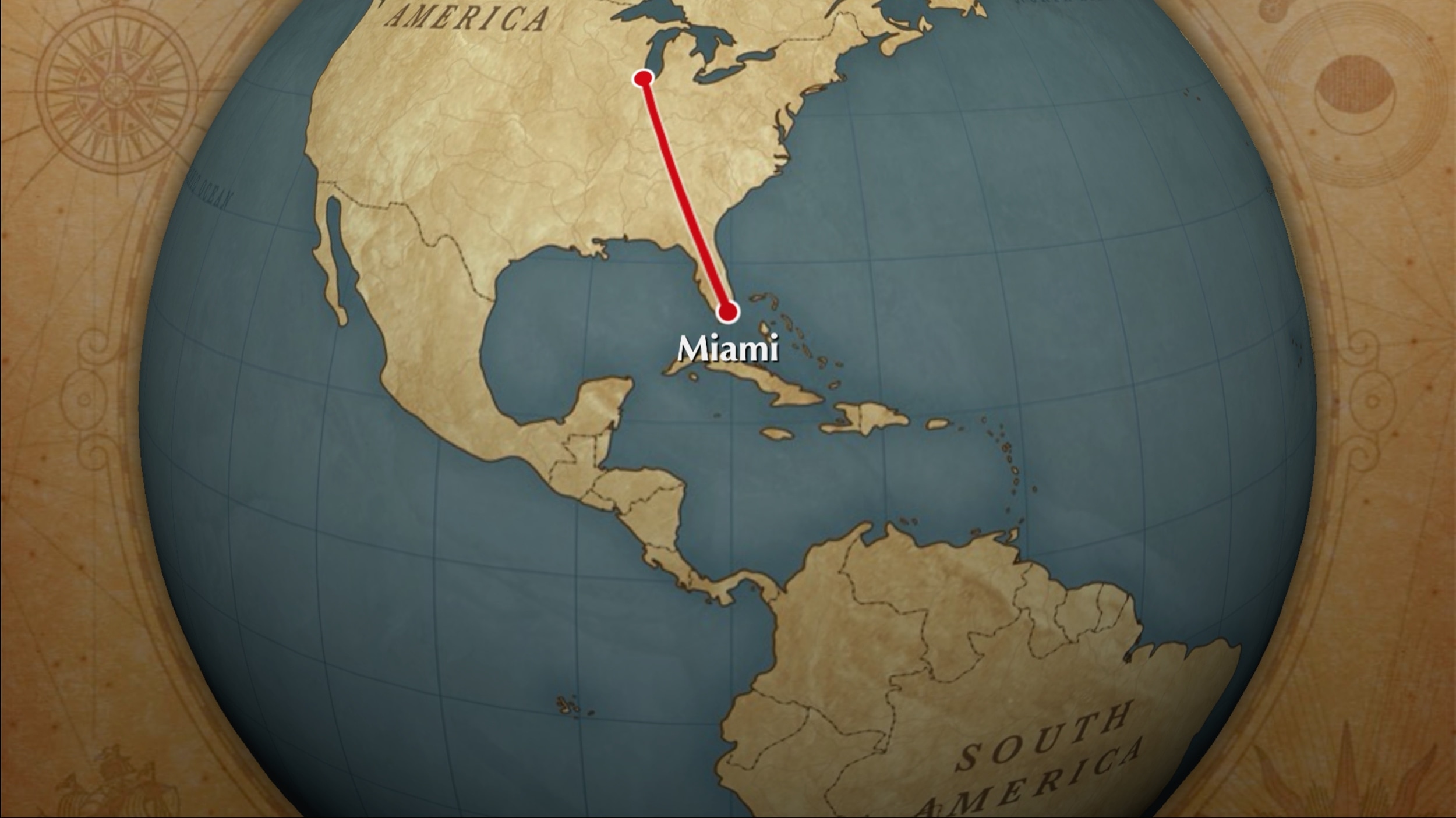
One cool movie idea that you can create in iMovie is for your travels. You can include photos or videos from a vacation, honeymoon, or road trip adventure. And to go along with this nifty project, iMovie offers animated map backgrounds.
With these backgrounds, you can show the moving route for your trip on a map in your movie. This can add something a little extra to your already memorable trip and movie.
Here’s how to add and adjust the animated travel map backgrounds in iMovie on Mac.
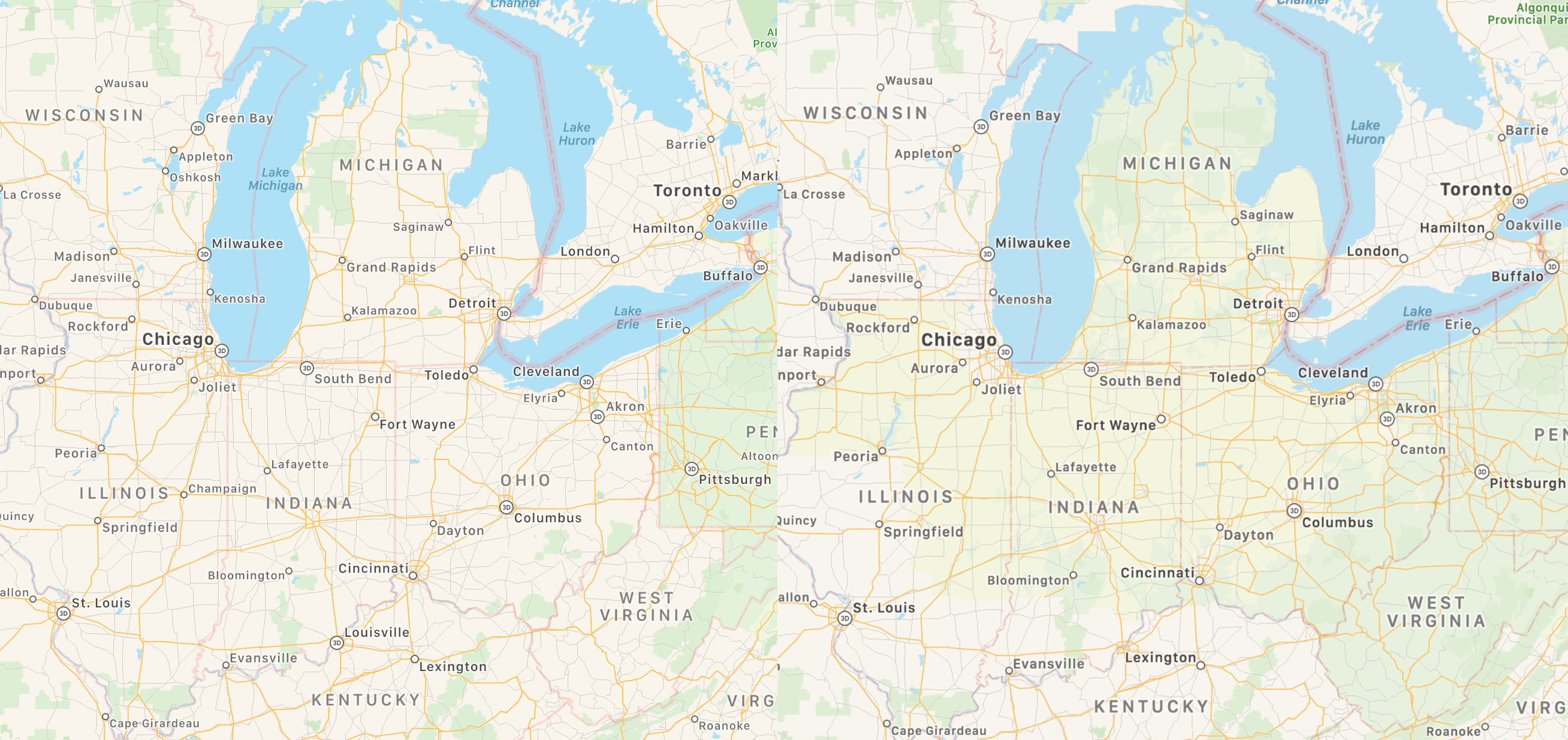
Apple continues to expand enhanced Maps across the United States, with more detailed mapping data now live in West Virginia, Ohio, Michigan, Indiana and North Illinois.
Learn how to share your estimated time of arrival when getting directions in Apple Maps, and let your friends and family know exactly when to expect you.