In this tutorial, we will show you how to narrow down the places you’re looking for using built-in filters in Google Maps in a web browser, or in the iPhone and iPad app.
How to use filters in Google Maps on iPhone, iPad, and web
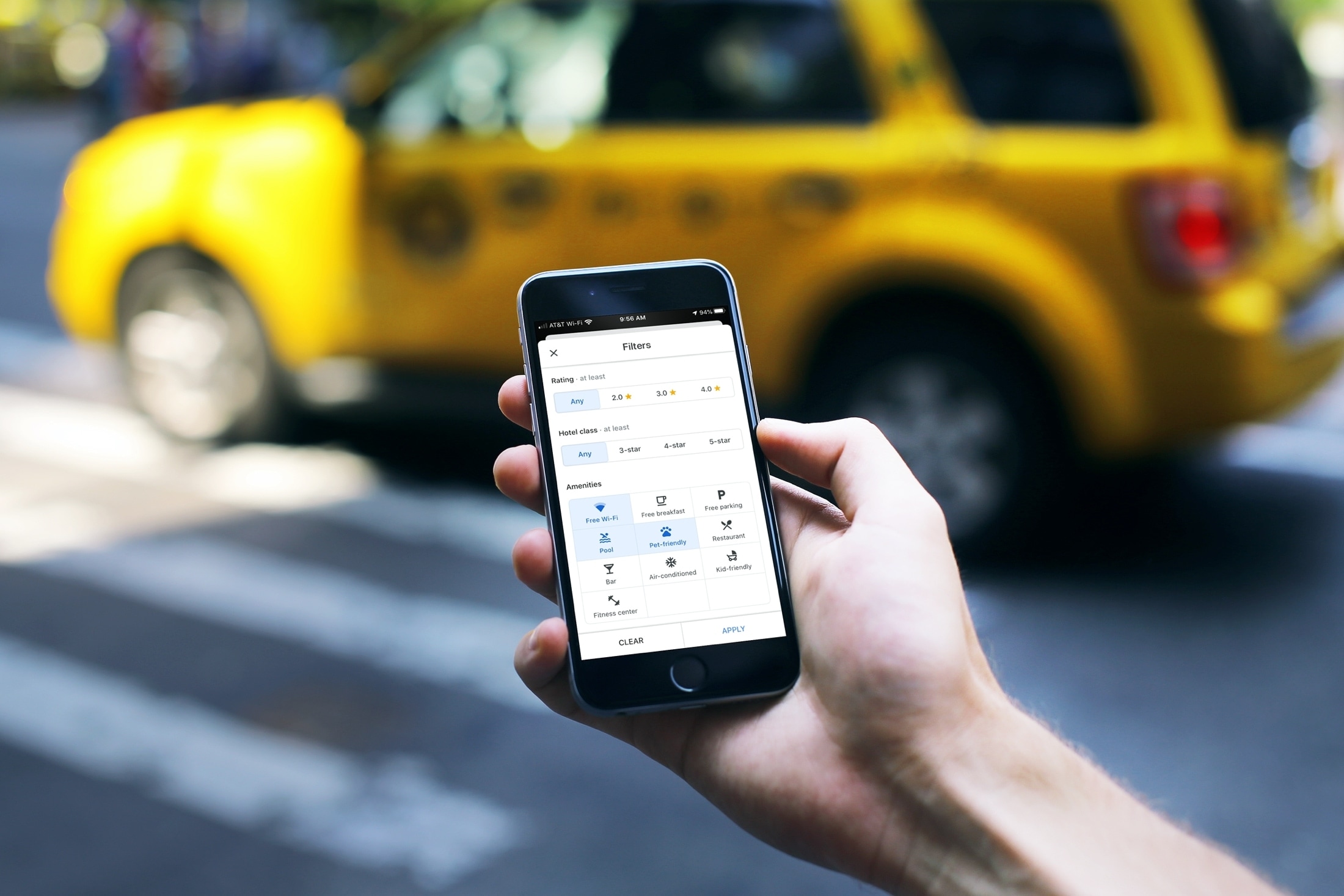
In this tutorial, we will show you how to narrow down the places you’re looking for using built-in filters in Google Maps in a web browser, or in the iPhone and iPad app.
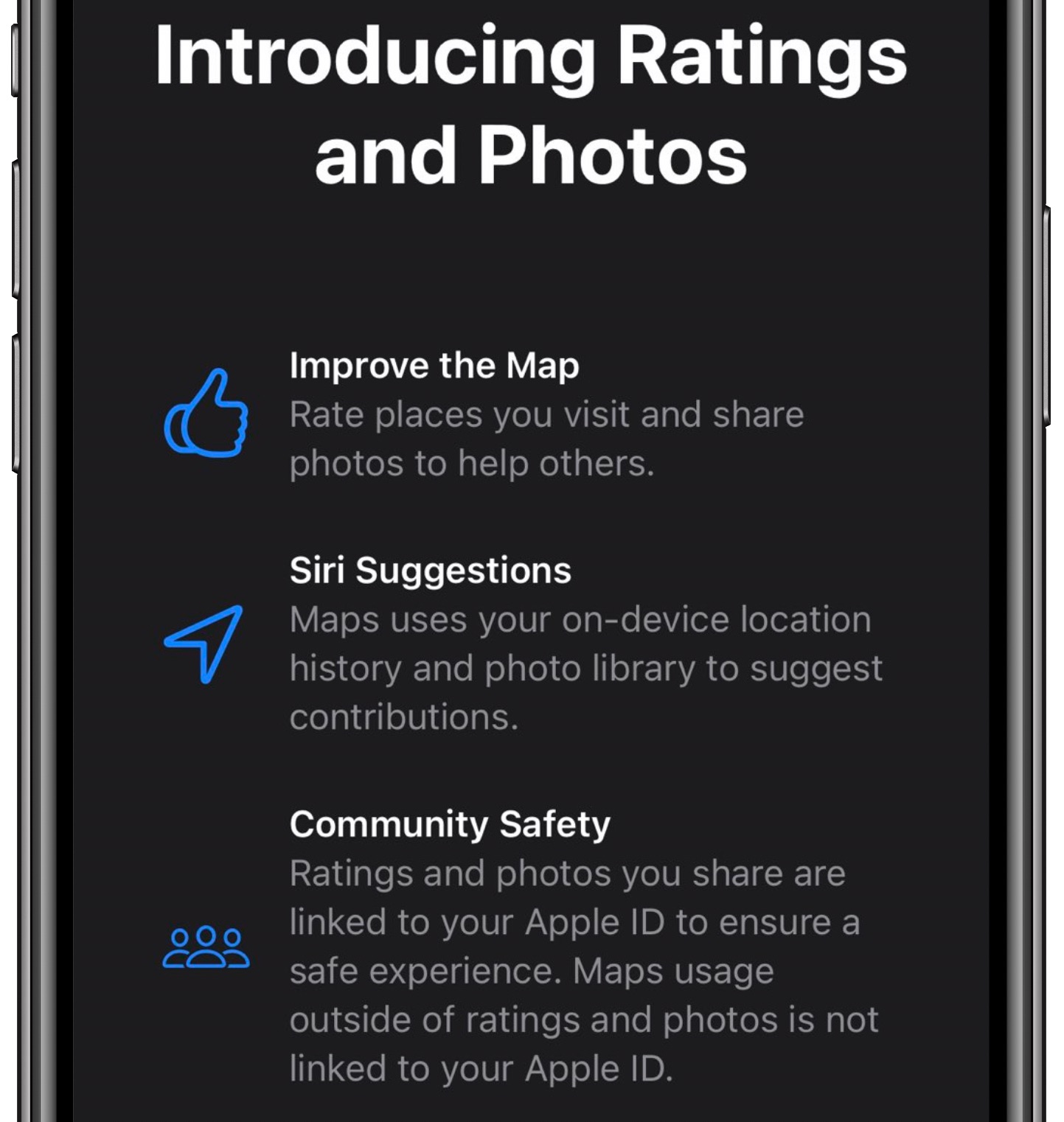
The sixth beta of iOS 14 and iPadOS 14 that released for testing yesterday brings a new feature that permits users to rate their places and upload photos of their favorite points of interest.
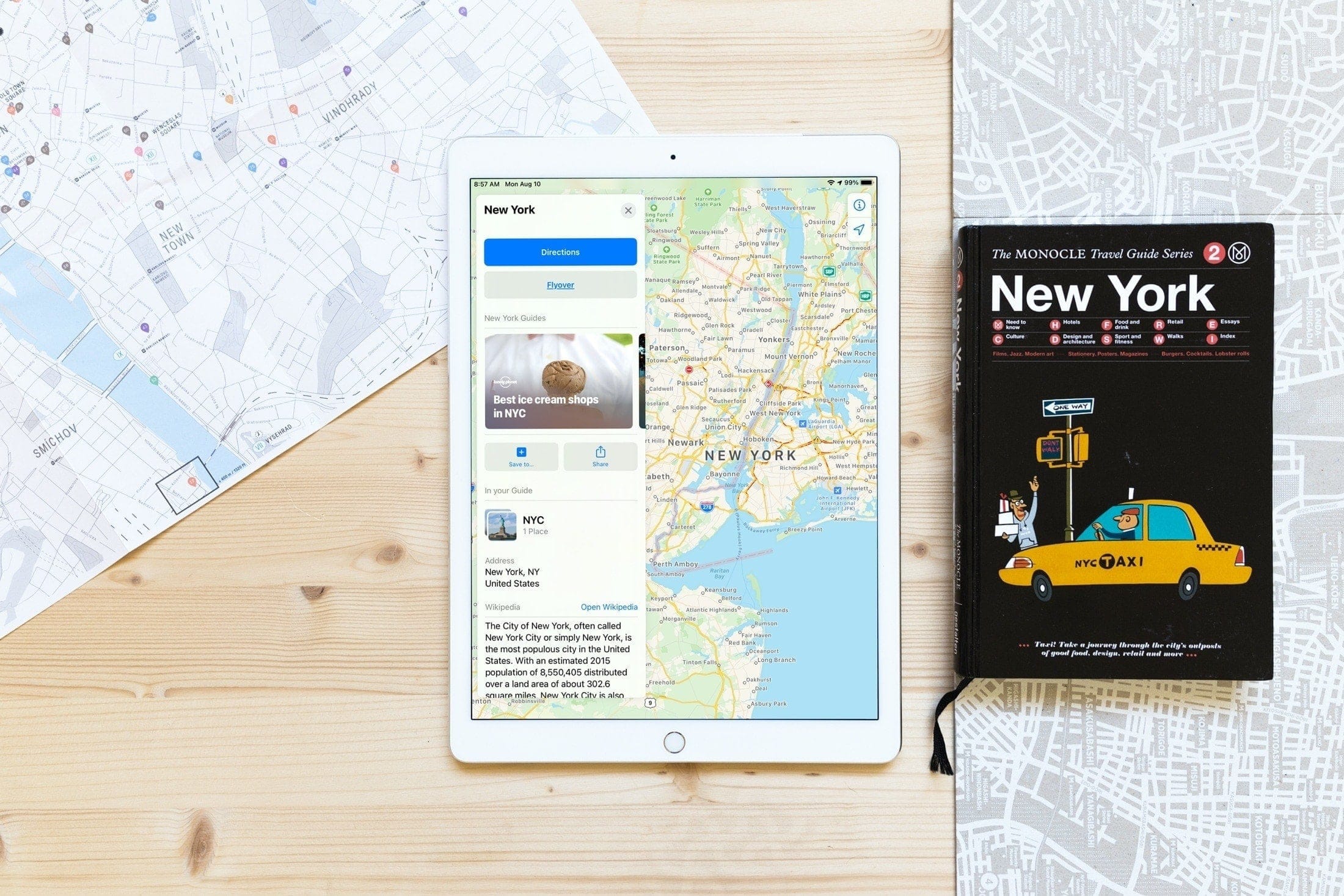
Learn how to use curated city guides (a part of Detailed City Experience) in Apple Maps on your iPhone, iPad, and Mac to explore places of interest when you're traveling to a new major city.
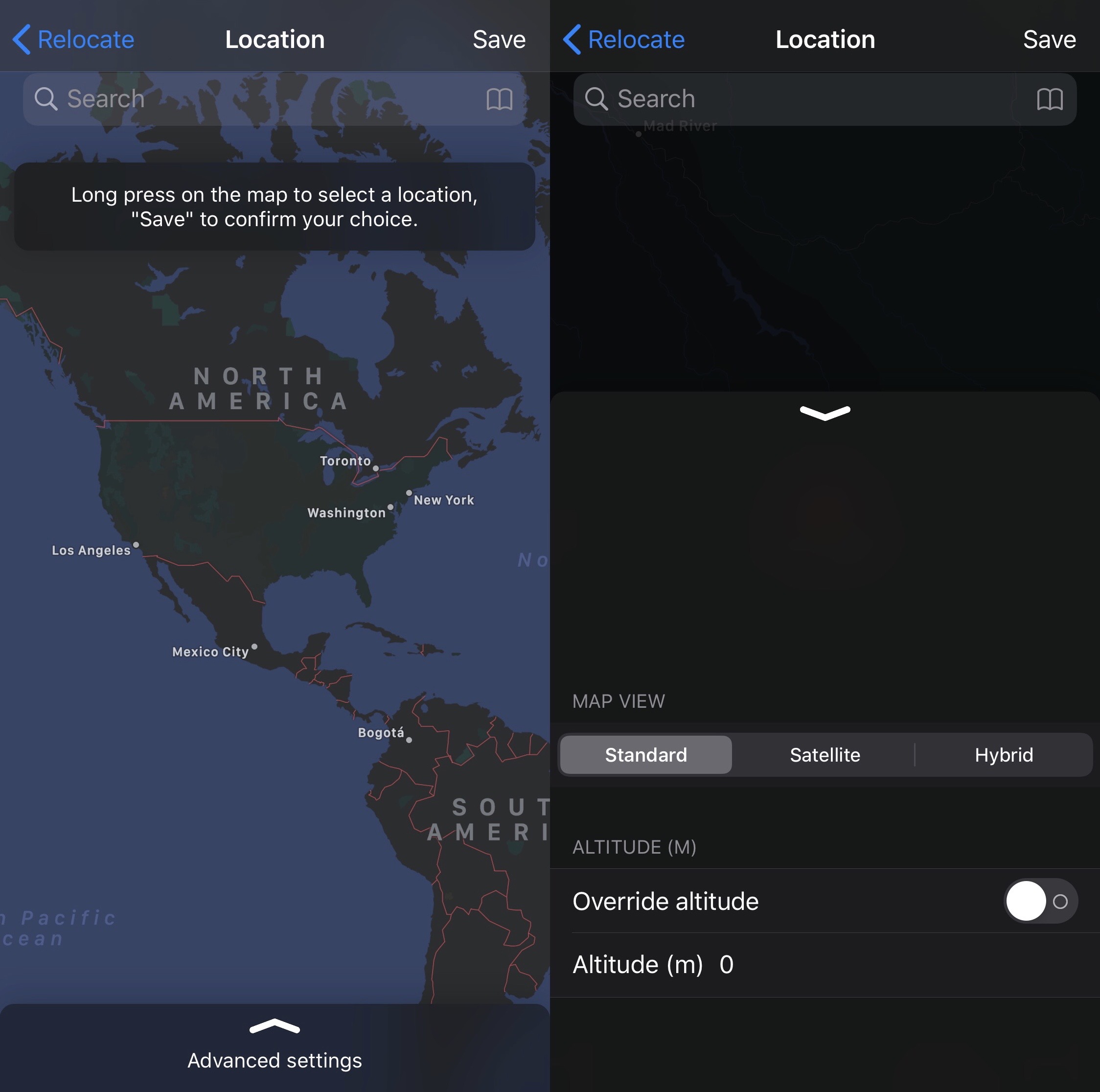
One of the most popular things you can do with a jailbroken iPhone or iPad is spoof your location. A number of jailbreak tweaks let you do this, but perhaps one of the most simplistic of those releases launched last Summer and was called Relocate by iOS developer Nepeta.
After being on an extended jailbreak tweak development hiatus, Nepeta is now back with the community and has launched an updated version of the aforementioned tweak dubbed Relocate Reborn with full support for iOS 13. As you might come to expect, Relocate Reborn is just as easy to use as the original Relocate tweak, but it comes with a number of additional features that you may find extraordinarily useful.
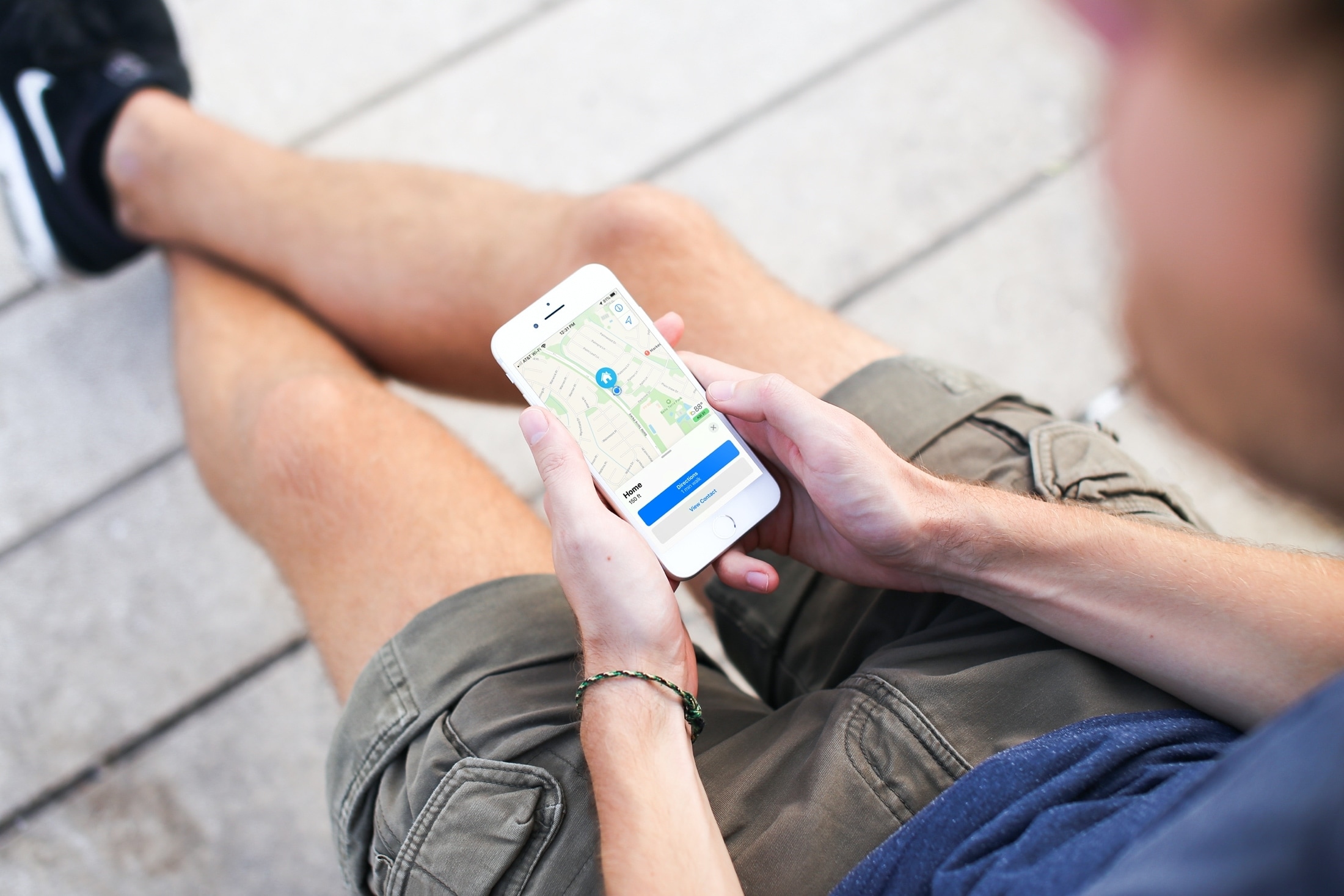
Need to change your home address in Apple Maps? This tutorial shows you how to do it on iPhone, iPad, and Mac.

Location spoofing is one of the hallmark reasons that someone might be willing to jailbreak their device. In fact, it was one of the arguments we mentioned in the top ten reasons to jailbreak your iPhone in 2020. But finding reliable location spoofing tweak can be a challenge, and that’s why we’re particularly excited to share with you a new and free jailbreak tweak release called Location Faker by iOS developer Jonathan Seals.
As shown in the screenshot examples above, Location Faker is powerful enough to trick most of your system’s location-based services into thinking you’re somewhere you’re not. In this example, we’ve pinned our location somewhere in Japan and both the Maps and Weather apps appear to believe that this is our true location even though it isn’t.

Learn how to clear Apple Maps location history on your iPhone, iPad, and Mac to safeguard your privacy and enhance your security.
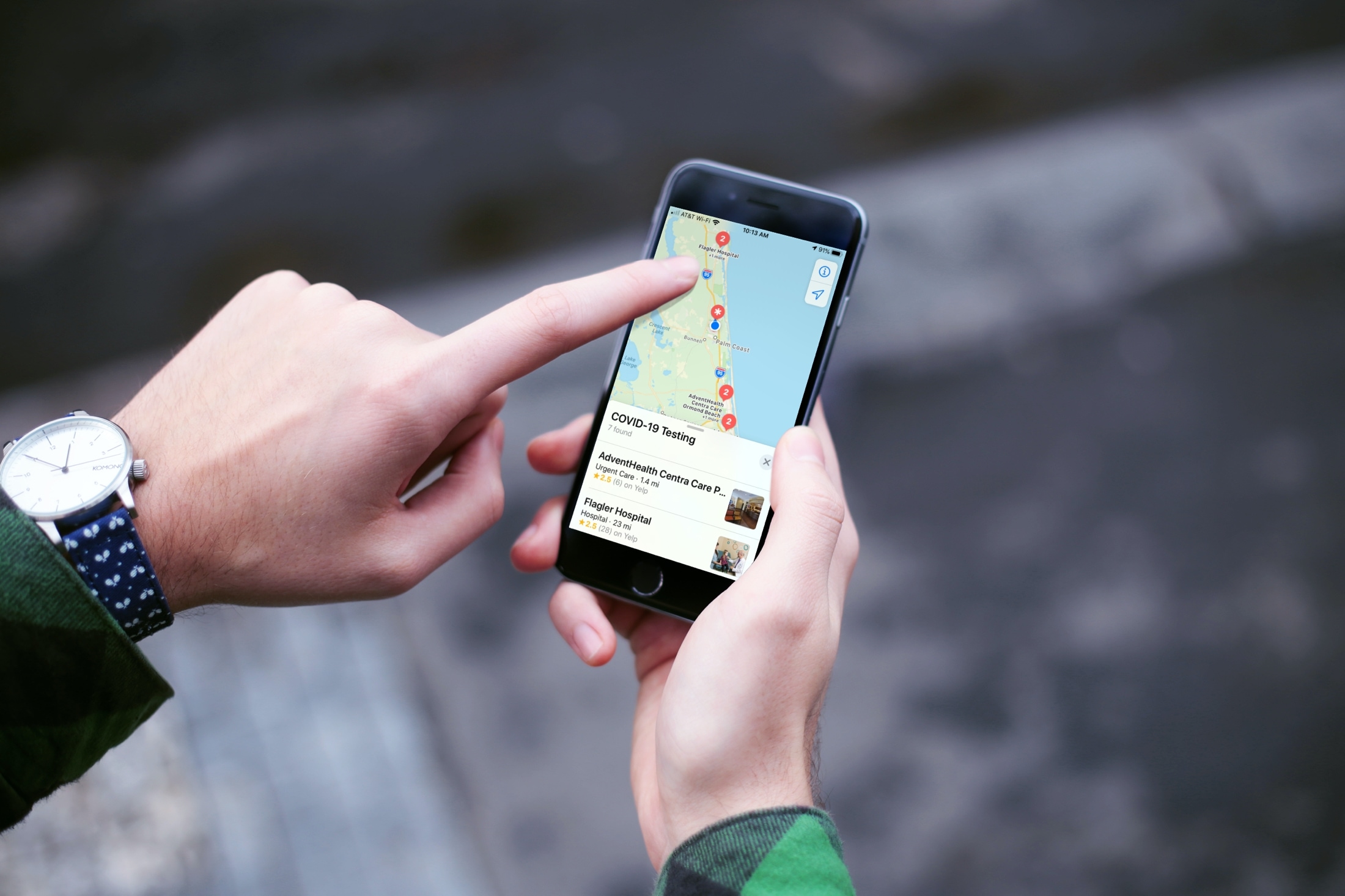
If you or someone you know is showing symptoms of coronavirus and feel a test is needed, there is a super handy way to find COVID-19 testing locations.
Using the Apple Maps app, you can find COVID-19 testing spots quickly and easily, here’s how.
Wondering how to quickly rotate, switch views, or drop a pin in the Maps app? Here is a list of keyboard shortcuts that will help you do things quicker in the Maps app on Mac.
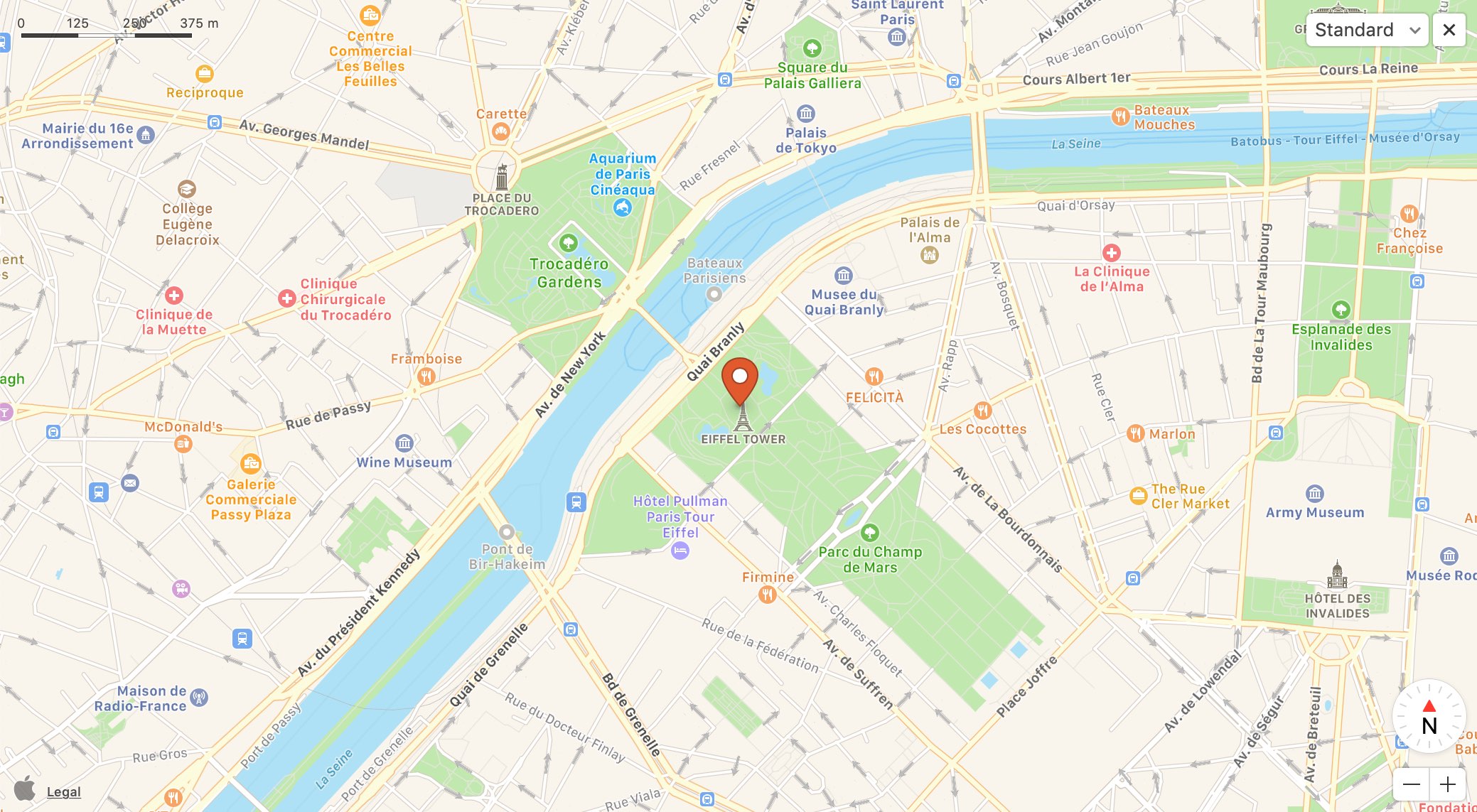
If you’re trying to describe a location to someone who isn’t familiar with the area, it can be difficult. You can’t just say, "It’s next to Walmart" if they don’t even know where Walmart is. But with the Maps app and Markup tool on Mac, you can easily use shapes and text to show exactly where you’re describing. And it can even be a little fun.
Here’s how to create and mark up a PDF from Maps on your Mac.

Apple is apparently working on much deeper integration of relevant Apple Store information for its Apple Maps services in the upcoming iOS 14 update.