Check out these six easy ways to sync and transfer contacts from your iPhone to your Mac, ensuring seamless communication from all your devices.
How to sync or transfer contacts from iPhone to Mac

Stay up-to-date on the latest Mac news, and tutorials. Get expert tips and tricks to optimize your Mac’s performance and learn about the latest Apple products and software updates. Discover the best Mac apps and accessories to enhance your user experience.
Check out these six easy ways to sync and transfer contacts from your iPhone to your Mac, ensuring seamless communication from all your devices.

Learn how to archive a backup of your iPhone or iPad on a Mac to keep it intact, rather than have it overwritten by future backups.
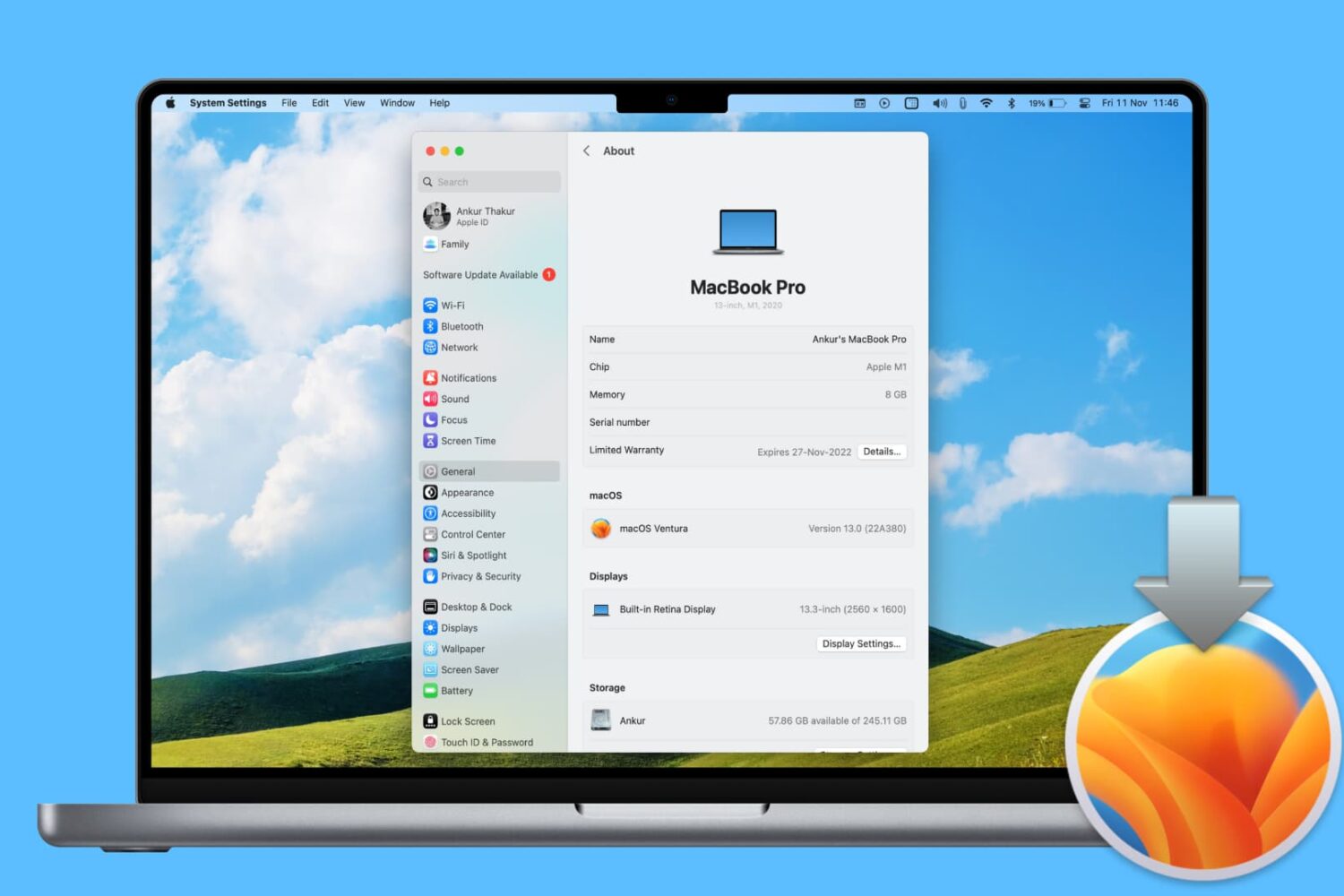
In this step-by-step tutorial, we’ll show you how to reinstall macOS on your Mac desktop or MacBook without losing your files, documents, or data in the process.
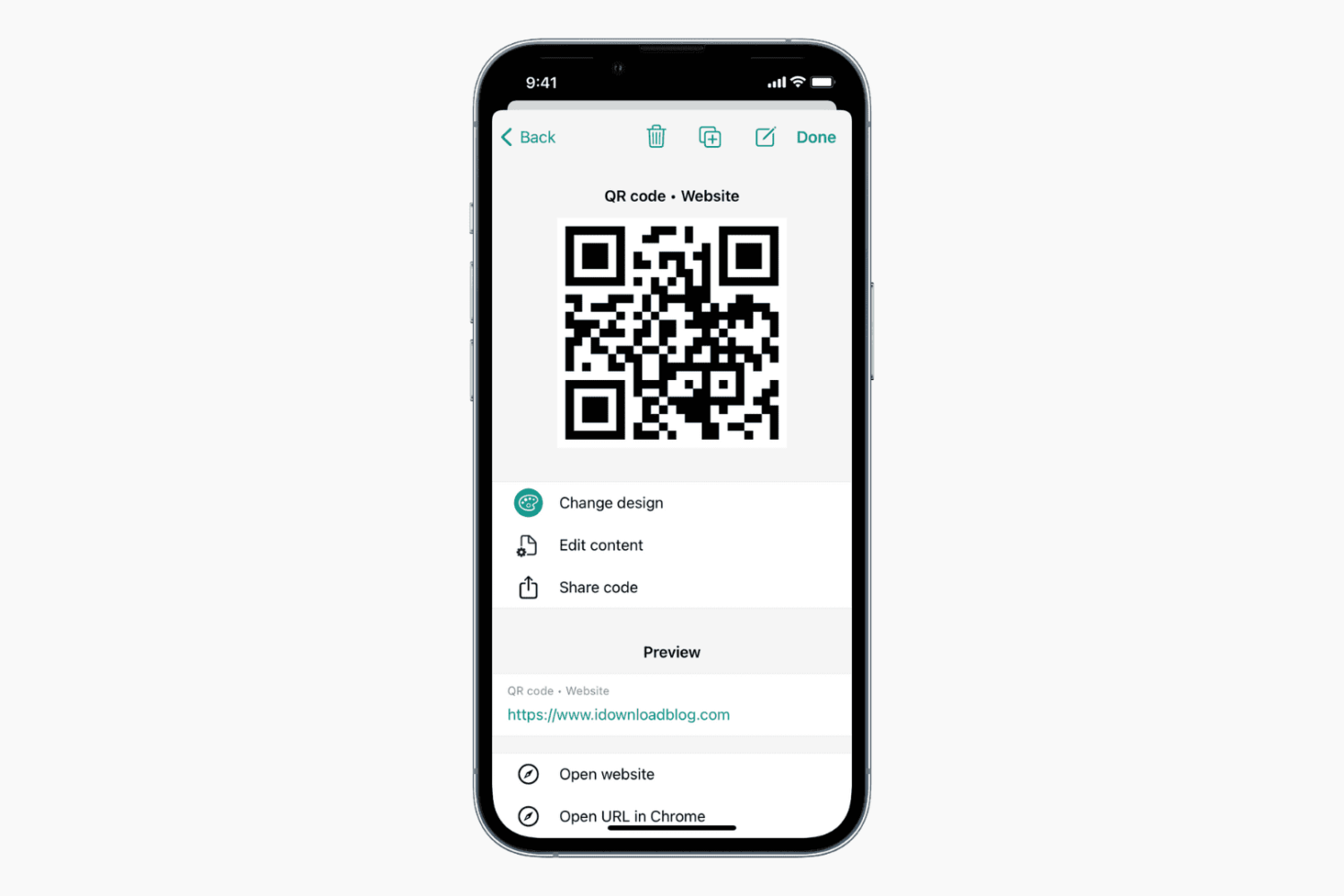
Learn how to create a QR code to easily share various pieces of information with others.
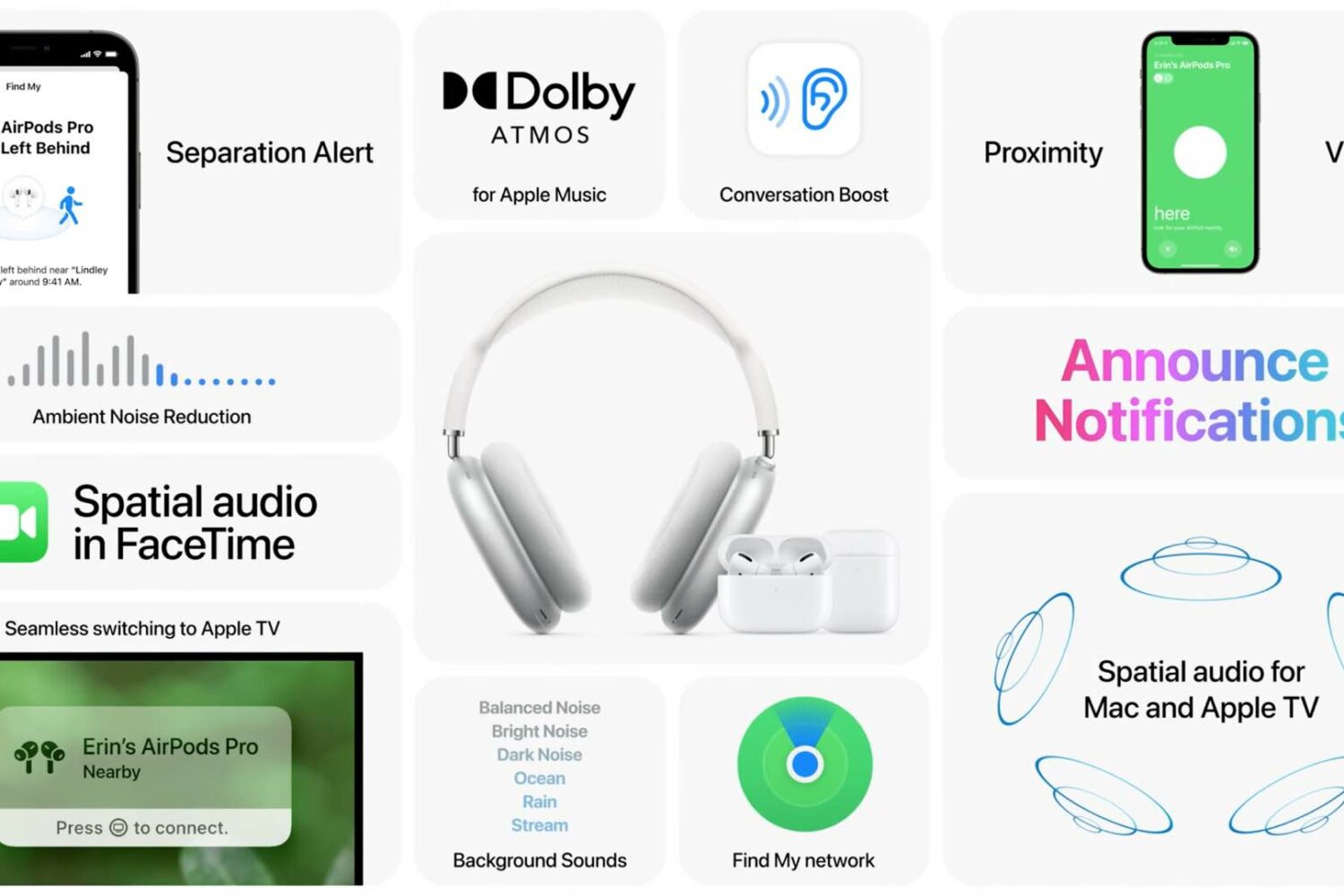
Apple has plenty of new AirPods features ready for your enjoyment, all you need to do is install iOS 15 and other software updates on your Apple devices. Here are all of them in one place.

Learn how to schedule a message in Slack for iPhone or Mac and for timely communication without disturbing your colleagues at odd hours.

The 2020 Olympics games officially commenced on July 23rd in Tokyo, Japan. As this is an international event, watching the game live isn't as easy as you may think. Due to the Covid restrictions, Japan has banned tourists from travelling to watch the games live. Hence, the only way to enjoy the Olympics is from the comfort of your homes. You can watch the games on your TV as several channels are broadcasting the games, but what if you want to watch it on your iPhone, iPad, or Mac.
Learn how to use the Quick Note feature on iPhone, iPad, and Mac to quickly write down notes from anywhere.

Learn how to create and use Tab Groups in Safari on iPhone, iPad, and Mac to organize your open tabs from an improved browser experience.
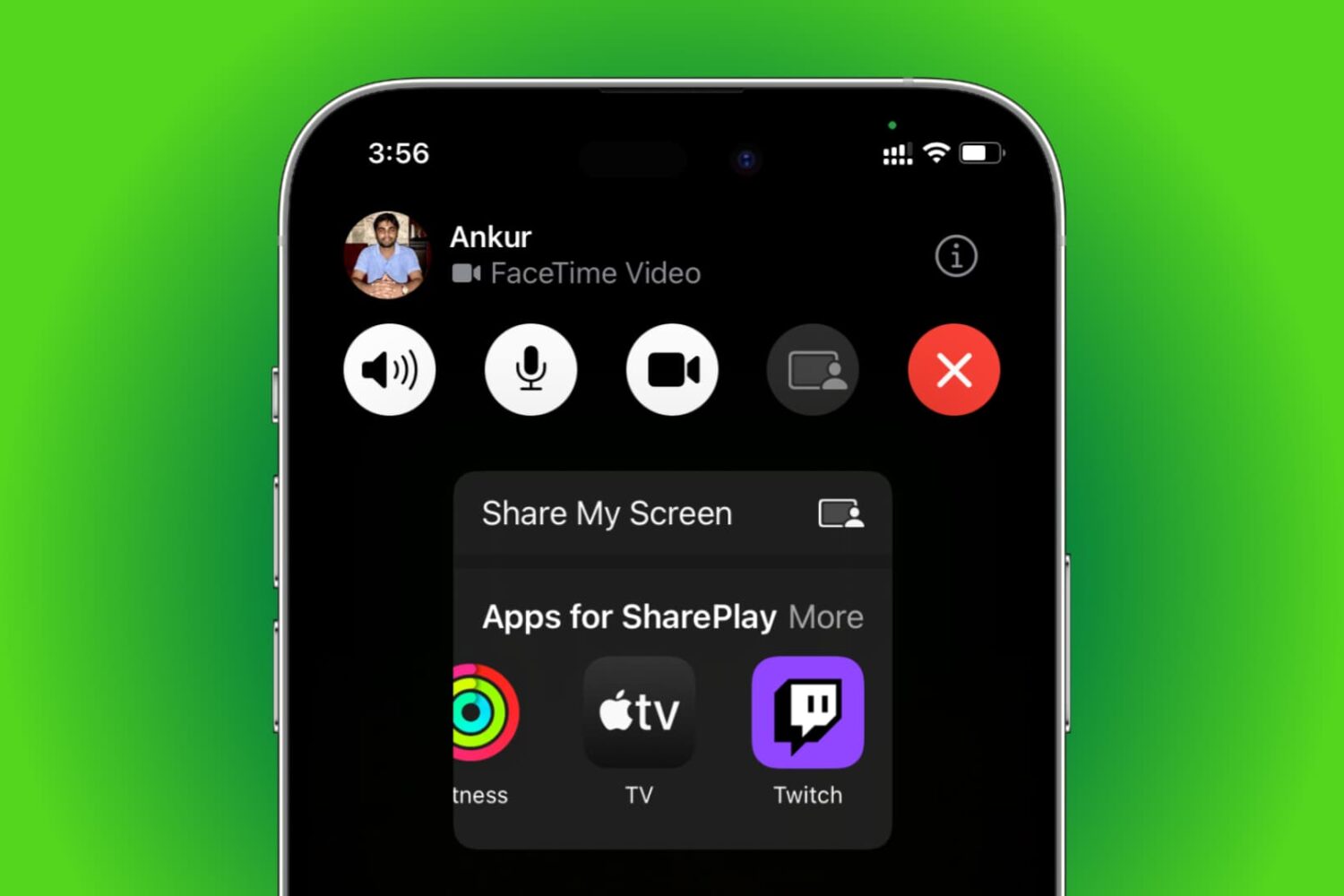
Learn how to use SharePlay to listen to music or watch movies & TV shows together with your friends over FaceTime on your iPhone, iPad, Apple TV, or Mac.

Apple released the first public beta of macOS 12 Monterey last week, which means that anyone can now test out the latest macOS. The latest macOS 12 Monterey comes with several new features and improvements. If you've been wanting to try out the new software, then you can now install the macOS 12 public beta.

Learn how to set up, activate, and use the Focus feature on your iPhone, iPad, Apple Watch, and Mac to cut down on distractions and set communication boundaries so you can work, sleep, game, or do other activities without interruptions.