Learn how to turn any website in Safari into a proper web app that you can open on your Mac straight from the Dock or Launchpad.
How to turn a website into a web app on Mac
Stay up-to-date on the latest Mac news, and tutorials. Get expert tips and tricks to optimize your Mac’s performance and learn about the latest Apple products and software updates. Discover the best Mac apps and accessories to enhance your user experience.
Learn how to turn any website in Safari into a proper web app that you can open on your Mac straight from the Dock or Launchpad.
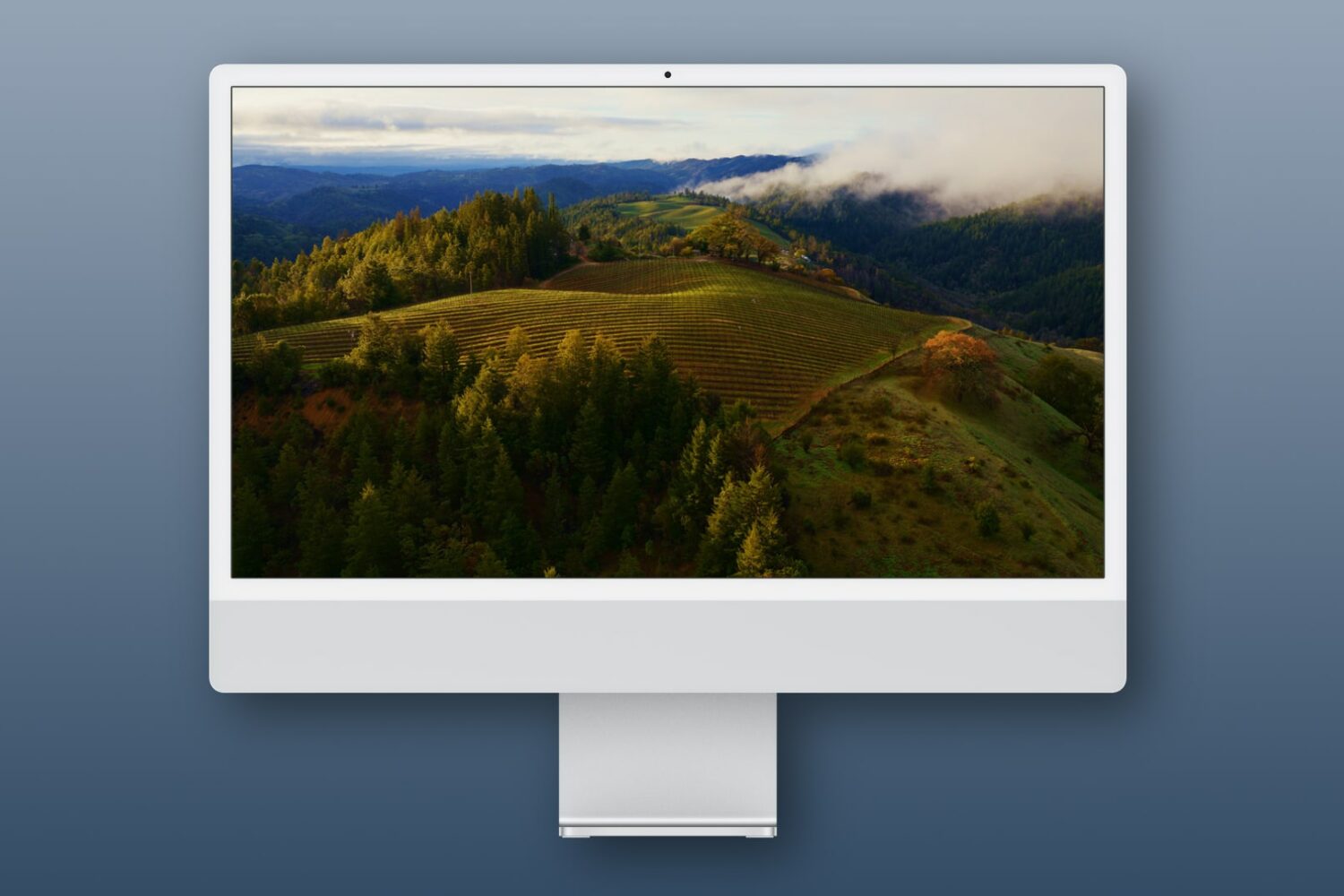
Learn how to use Apple's breathtaking Aerial screen savers and moving wallpapers on your Mac's Lock Screen and desktop in macOS Sonoma.
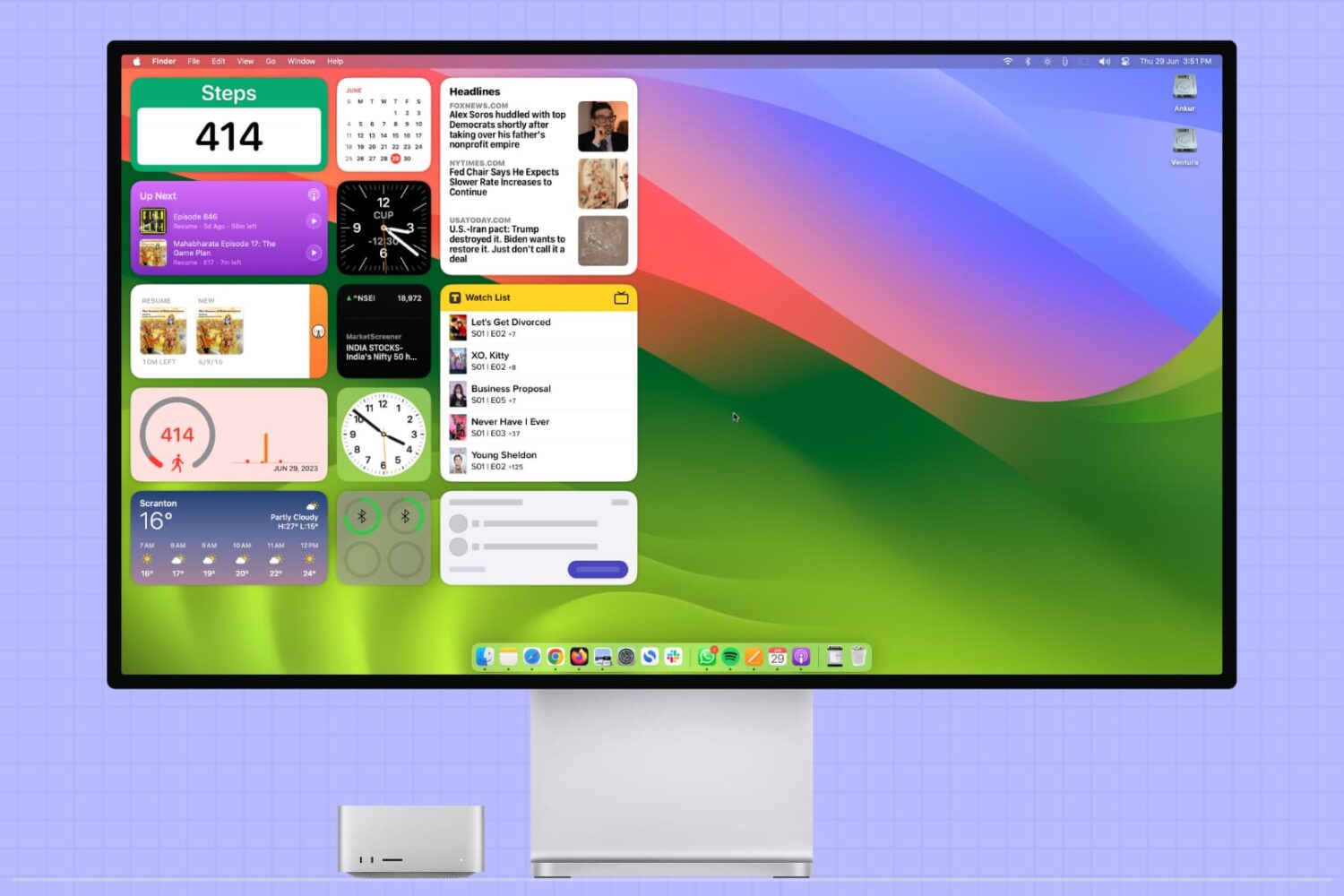
This tutorial covers how to add, use, and manage app widgets on your Mac’s desktop, including adding widgets from your iPhone apps to your Mac.
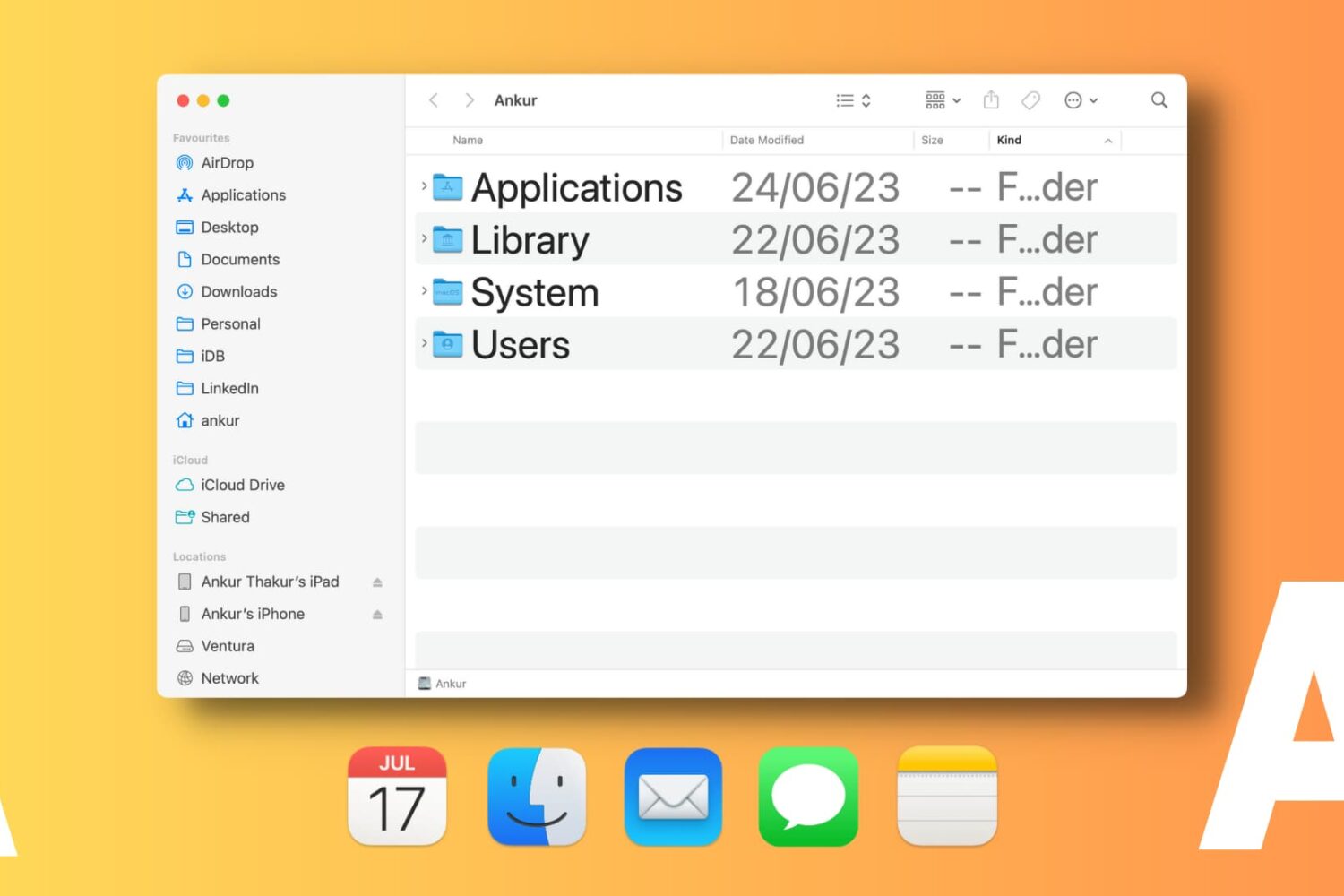
Learn how to change font sizes of specific Mac apps to create a comfortable reading experience without affecting the overall size of system text.

Learn how to configure Apple’s Safari browser on your Phone, iPad, and Mac to pause animated GIFs on webpages and render them as static images instead.
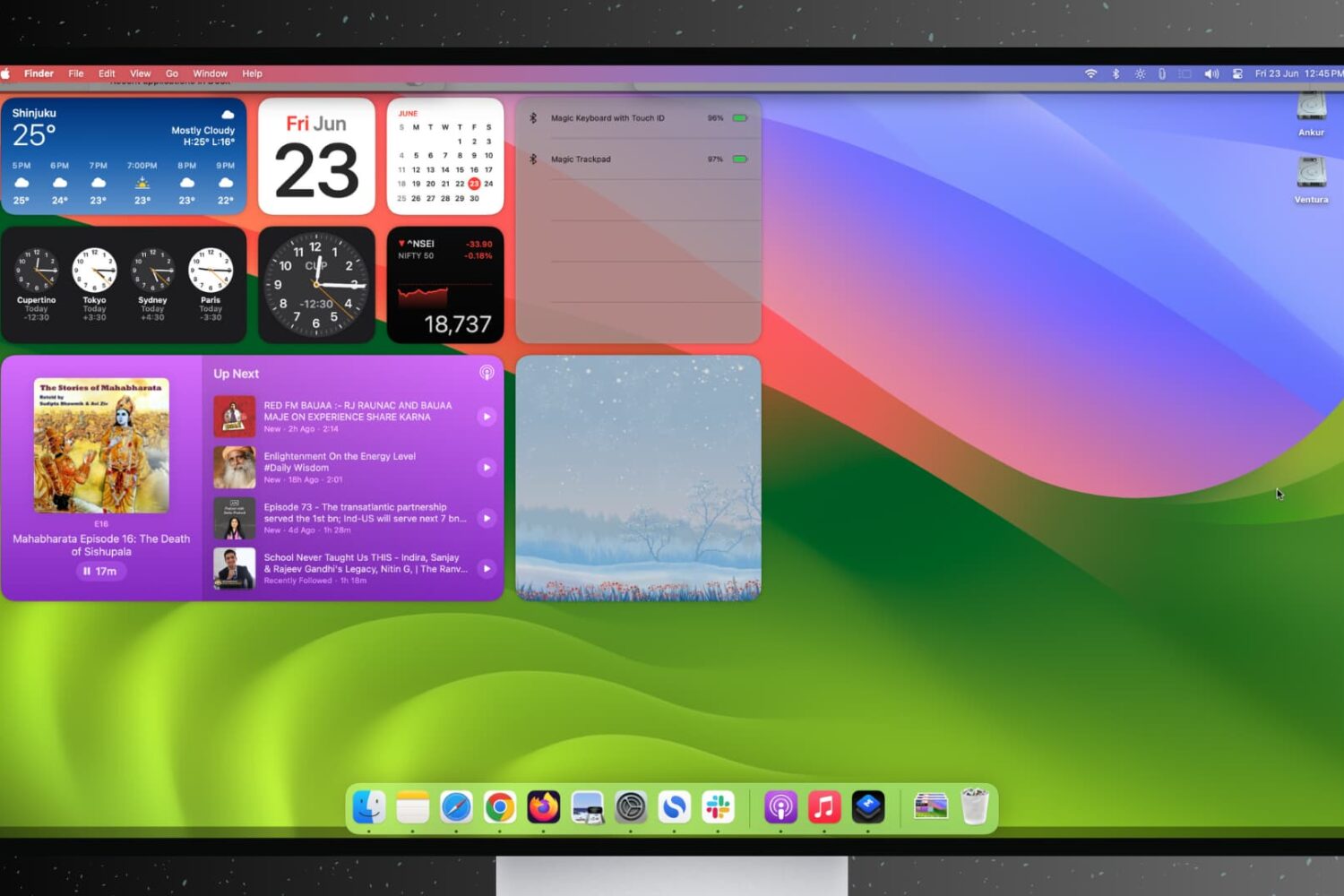
Find out how to stop open apps and windows on your Mac from hiding automatically when you click the desktop wallpaper.
Learn how to convert PDF files into the Apple Pages format on your Mac to seamlessly edit and work with your existing documents.
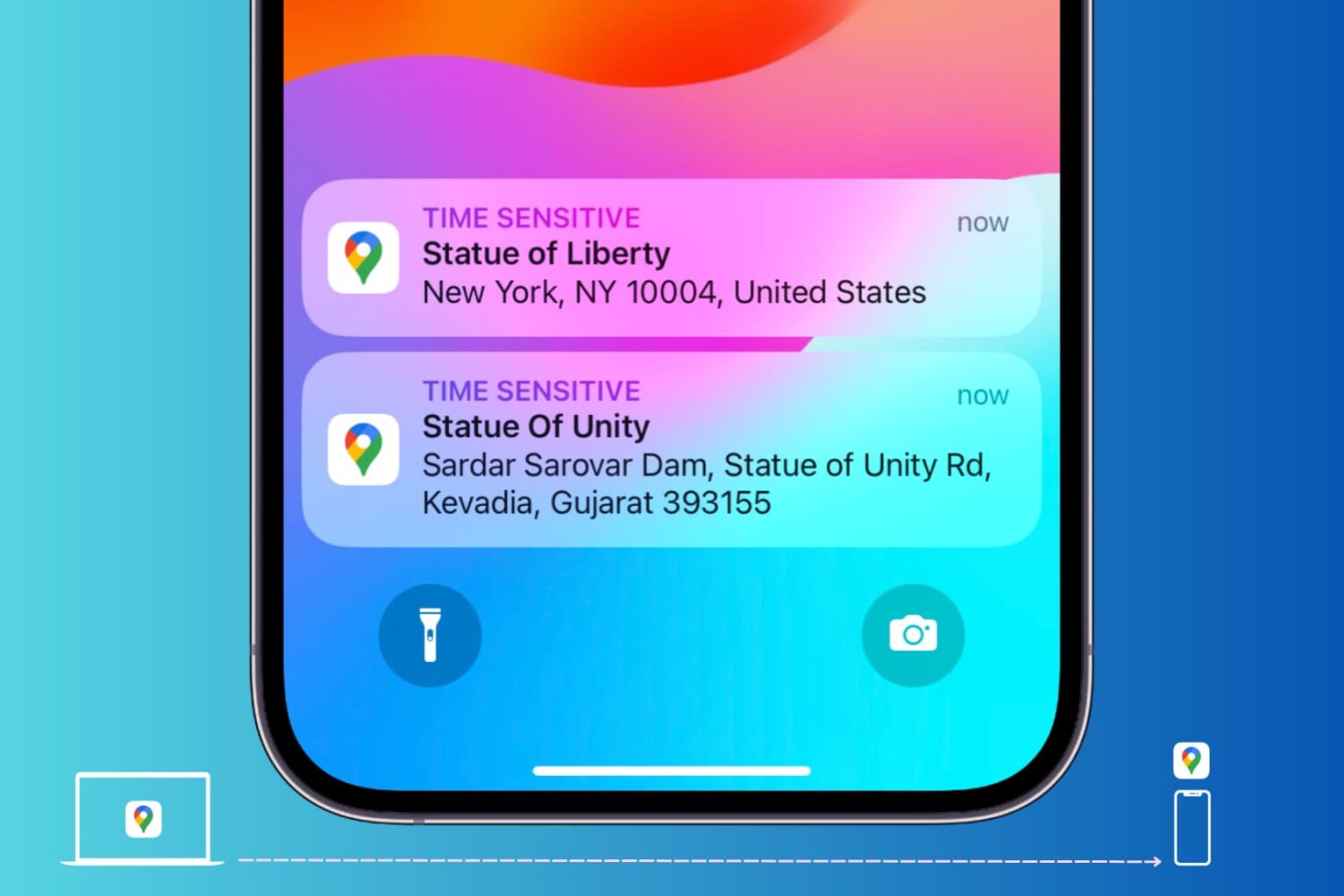
Learn how to send locations of your favorite restaurants, stores, and other places of interest from Google Maps on your computer to your iPhone or Android phone.

Learn how to save battery life and lower memory usage when running Google Chrome on your Mac so you can browse longer on a single charge.
Learn how to use multiple profiles in Safari on your iPhone, iPad, or Mac to keep your personal and work browsing separate.
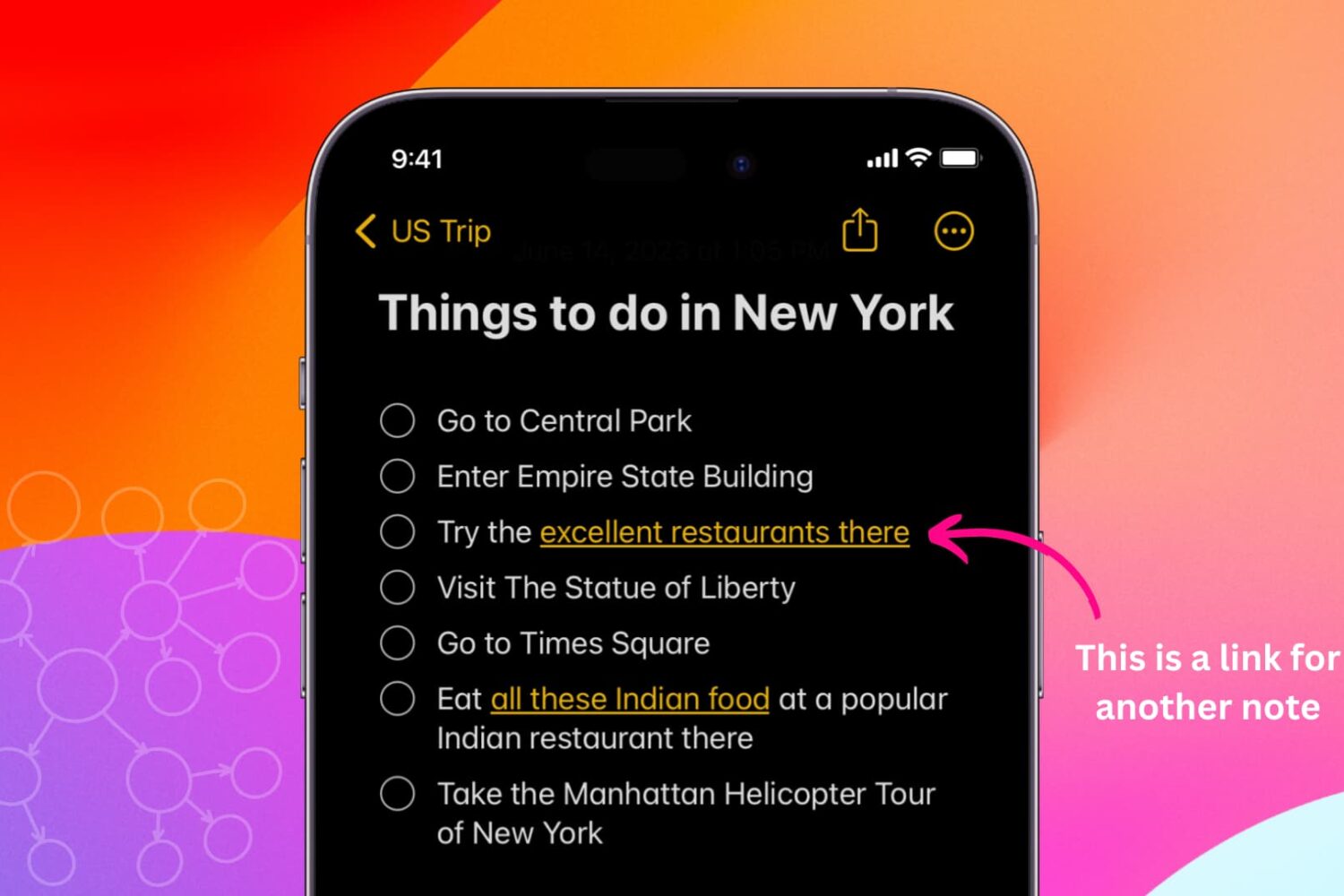
Learn how to link related notes in the Notes app on iPhone, iPad, and Mac for better organization and easier navigation.